
Anvsoft
A multimedia AI toolkit for editing and enhancing photos, videos, and PDF documents.
Overview
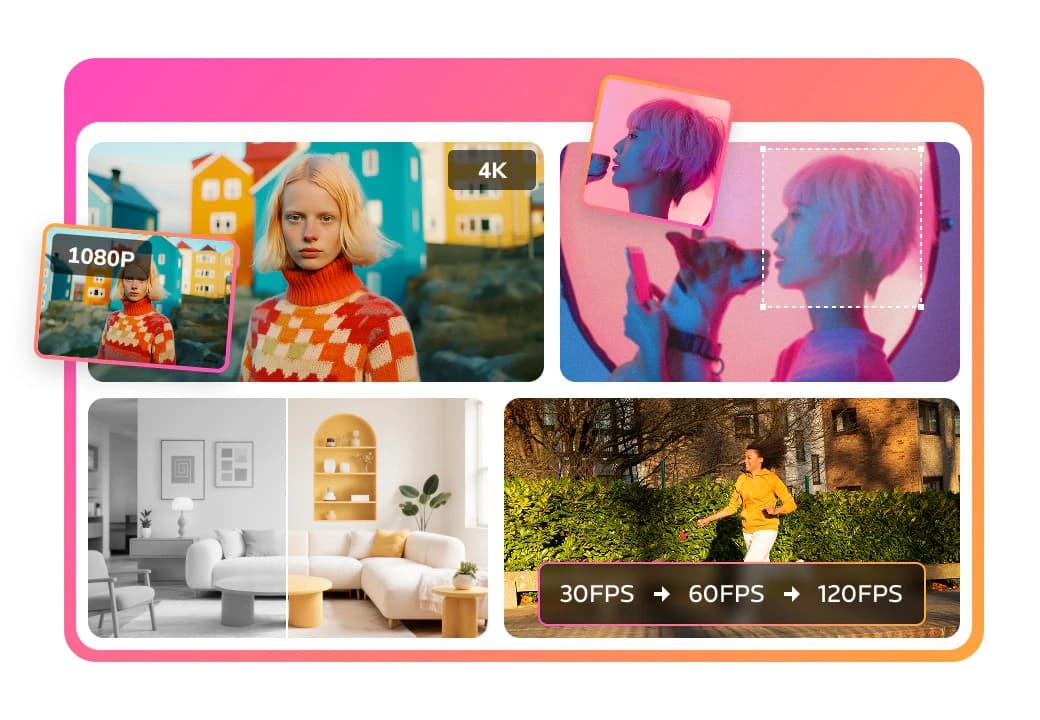
Anvsoft is a suite of multimedia software that leverages artificial intelligence technologies. The service's main focus is simplifying everyday video editing and photo retouching tasks for regular users. The ecosystem includes several applications: some handle improving the quality of videos and images, while others are responsible for downloading content from the internet, screen recording, and PDF processing.
Anvsoft products are positioned as intuitive solutions that don't require professional skills. Flagship features include automatic blur correction, noise reduction, sharpness enhancement, and privacy protection tools — such as blurring faces or objects in videos. The availability of programs for desktop computers and mobile devices makes the suite versatile for working anywhere.
The distribution model is freemium: basic features are available for free, while extended functionality is unlocked through paid plans.
Anvsoft Characteristics
| Characteristic | Value |
|---|---|
| Product Type | Suite of multimedia utilities |
| Distribution Model | Freemium |
| Main Platforms | Desktop (Windows/macOS), mobile devices |
| Key Technologies | AI quality enhancement, noise reduction, sharpness improvement |
| Application Areas | Photos, videos, PDF documents |
| Target Audience | Users without technical knowledge |
| Additional Features | Video downloading, screen recording, area blurring |
| Interface Language | Multilingual (configurable) |
| Offline Mode | Supported in desktop versions |
Who is Anvsoft suitable for?
Creative enthusiasts and bloggers
People running social media accounts or YouTube channels will find quick ways to improve the visual quality of their content in Anvsoft — removing noise from nighttime videos, sharpening old family recordings, or enhancing phone footage. The absence of complex editing logic allows files to be processed in just a couple of clicks.
Office workers and students
PDF tools and screen recording features will come in handy for those preparing presentations, documentation, or educational materials. The blur function for confidential data protects personal information when publishing screenshots or sharing your screen.
Users who value simplicity
Anvsoft products are designed for those intimidated by professional software with its many panels and settings. Here, interfaces are minimalist, and automated AI algorithms handle the bulk of the routine work — from color correction to stabilization.
How to use Anvsoft?
Installation and launch
Choose the appropriate application from the suite, download it from the official website for your operating system (Windows, macOS, iOS, Android), or install the mobile version from the app store. Installation is standard — just follow the wizard's prompts.
Uploading and processing a file
Open the required tool (video, photo, or PDF editor), click "Import," and select a file from your device's storage. For most operations, a single click on the "Enhance" button is enough — the AI will automatically identify problem areas like noise, blur, or darkening.
Saving and exporting
After processing, choose your export settings: resolution, format, and quality. The finished result is saved locally or published directly through built-in sharing features. For batch processing of multiple images, use the corresponding option in the interface.
Key Features of Anvsoft
- Video quality enhancement: resolution upscaling, shake stabilization, FPS boosting for smoothness.
- AI photo enhancement: restoring old photos, removing digital noise, emphasizing details.
- Object blurring: automatic or manual blurring of faces, license plates, and text for privacy.
- Screen recording: capturing your monitor with or without a webcam, adding commentary.
- Video downloading: saving videos from popular video hosting sites and social networks in various formats.
- PDF processing: converting documents to other formats, merging pages, editing content.
- Batch processing: applying the same settings to a group of files to save time.
Advantages of Anvsoft
Low entry barrier. The programs in the suite don't require studying tutorial courses: typical tasks are performed automatically.
Cross-platform support. You can work on a project on your home computer and finish it on a tablet or smartphone.
Data security. Local processing in desktop versions reduces the risk of materials leaking to the cloud without your knowledge.
Flexible pricing. The free model lets you evaluate the functionality before purchasing the full version.
Disadvantages of Anvsoft
Tool fragmentation. Each task corresponds to a separate application — this can be inconvenient for those accustomed to comprehensive all-in-one solutions.
System requirements. AI algorithms are demanding on PC performance; weak devices may lag during processing.
Watermarks. Some free features leave a logo on the output file, which limits usage.
Learning curve for advanced features. Although the basic logic is simple, fine-tuning options (blur masks, selecting a neural network model) can confuse beginners.
What tasks does Anvsoft solve?
The main goal is high-quality file enhancement without deep technical knowledge. Specifically, Anvsoft helps with the following scenarios:
- Restoring old materials: turning family VHS recordings or scanned photos into modern digital format.
- Preparing content for publication: bringing amateur video quality up to an acceptable level for social media.
- Privacy protection: quickly anonymizing data in screenshots and frames before sending them to colleagues.
- Automating routine tasks: converting PDF files and batch-correcting photos instead of manually repeating actions in a graphics editor.
- Creating educational materials: recording screencasts for lectures, tutorials, and webinars.
Anvsoft Pricing
Exact pricing details for specific plans are not disclosed. It is known that a freemium model is used: some features are available for free, but a fee is charged for the full set of capabilities — watermark removal, priority processing speed, and access to advanced AI models. Current prices should be checked on the official Anvsoft website, as they depend on the region and the chosen license (annual or lifetime).
Terms of Use for Anvsoft
Terms depend on the specific application in the suite. They typically include standard clauses: a prohibition on using the tools for illegal purposes (e.g., downloading copyright-protected content using the built-in video downloader), compliance with software license restrictions, and copyright on processed materials. For desktop versions, users must agree to a privacy policy regarding local data storage. Mobile apps may request access to the gallery and camera to perform their functions.
Anvsoft Availability
Anvsoft programs are available for download from the company's official website. Windows and macOS are supported for desktop computers, as well as iOS and Android for mobile devices. Versions for different platforms may vary in feature sets — for example, some PDF tools are only available on desktop. It is recommended to check compatibility with your device before purchasing.
How Anvsoft differs from alternatives
Unlike large multi-tool suites like Adobe CC, Anvsoft doesn't stand out for the sheer number of settings but focuses on speed and automation through AI. It differs from simple online editors by offering full-fledged desktop programs that work offline and don't limit the size of uploaded files. Compared to free solutions, Anvsoft wins with its built-in neural network algorithms for quality enhancement — in open-source options, such features require manual model configuration. The main positioning difference is its narrow focus on non-specialists who don't want to learn professional editing.
Conclusion
Anvsoft is a suite of utilities for simple work with photos, videos, and PDFs, aimed at the mass user. The core value of the lineup is the automation of complex functions (noise reduction, sharpness restoration) through AI, as well as a low entry barrier. The freemium model allows you to start using the software for free, but a subscription is required for full functionality. The suite is not without drawbacks: application fragmentation and possible watermarks in the free tier. Anvsoft is worth choosing if your priority is speed in handling routine tasks and avoiding deep dives into the technical details of editing or retouching.
Pricing
Frequently asked questions
See also
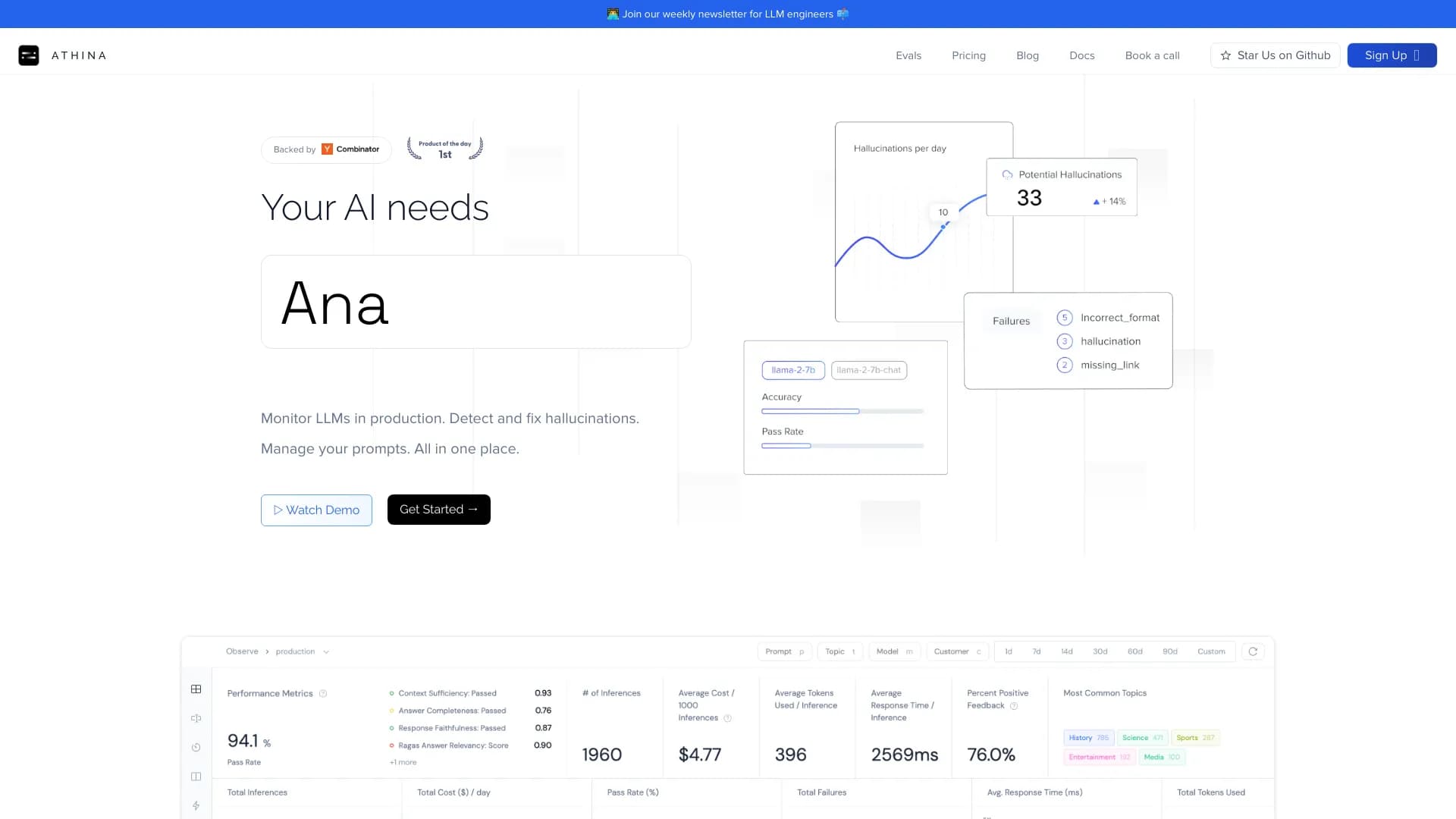

Platform for developing, monitoring, and evaluating AI applications based on large language models.


Online Image Editor AI-based preservation of character style and processing Text commands.
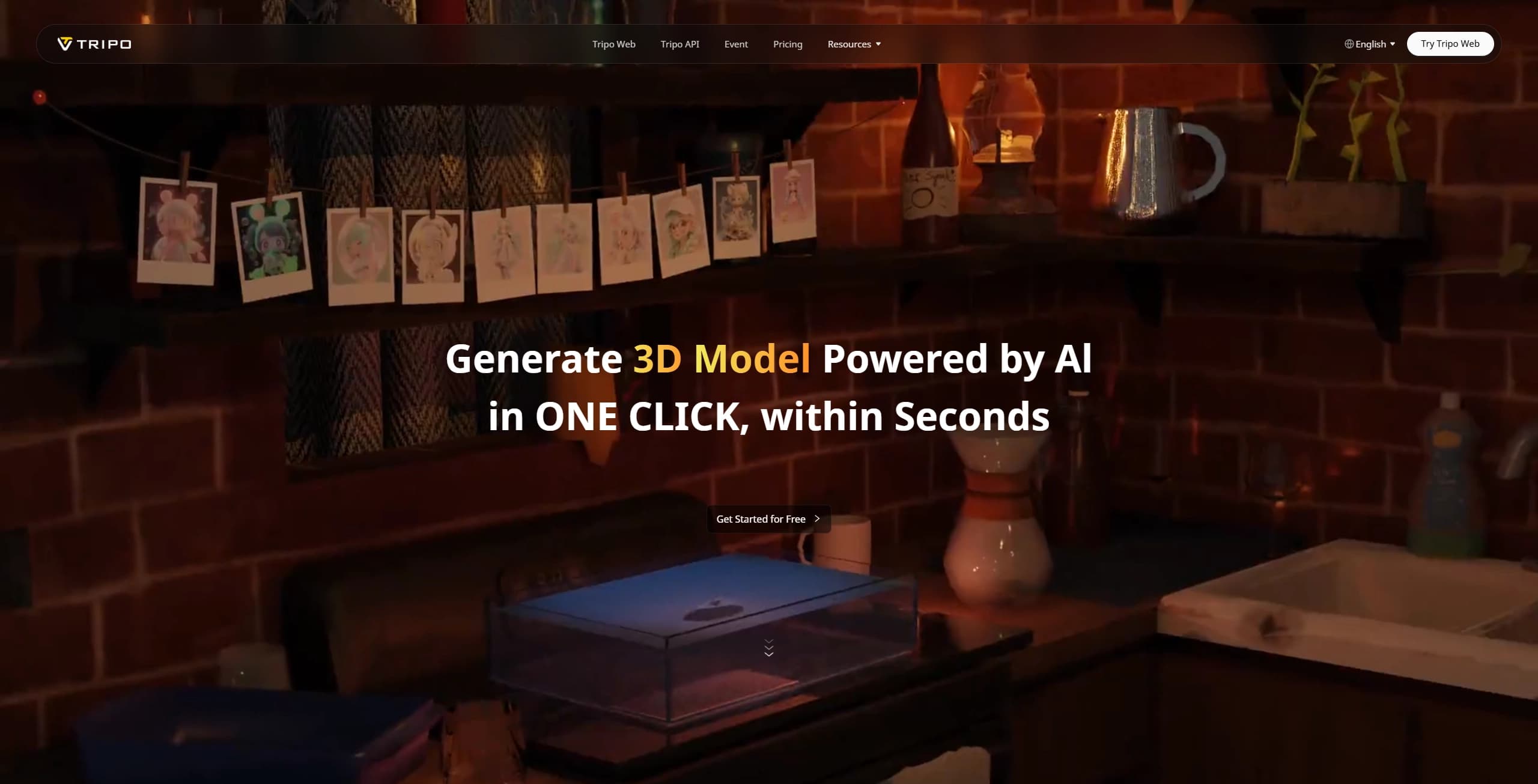

A tool for generating 3D models based on text descriptions, images, or sketches.
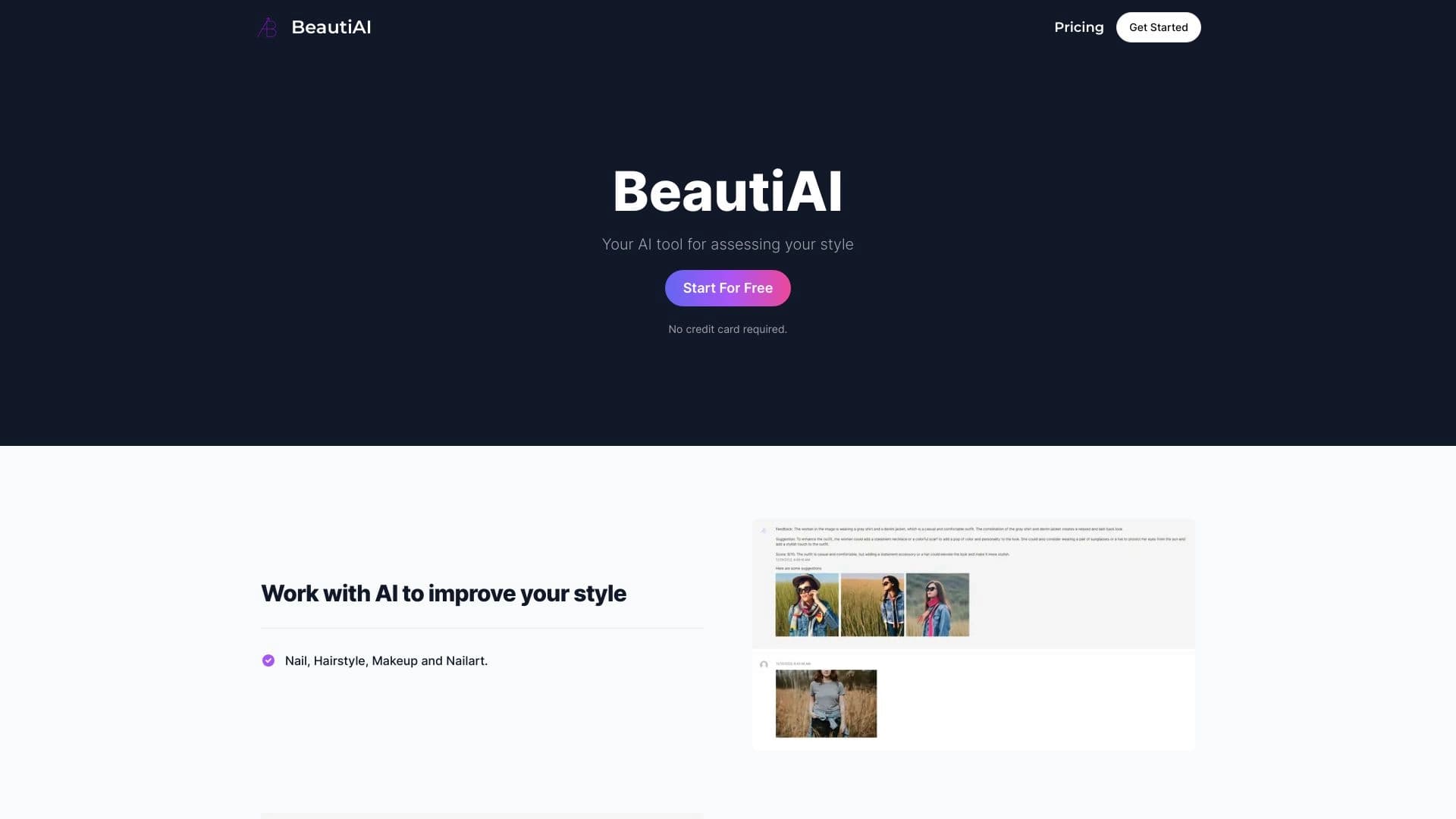
Service analyzes photos of your appearance and clothing, providing personalized style advice.
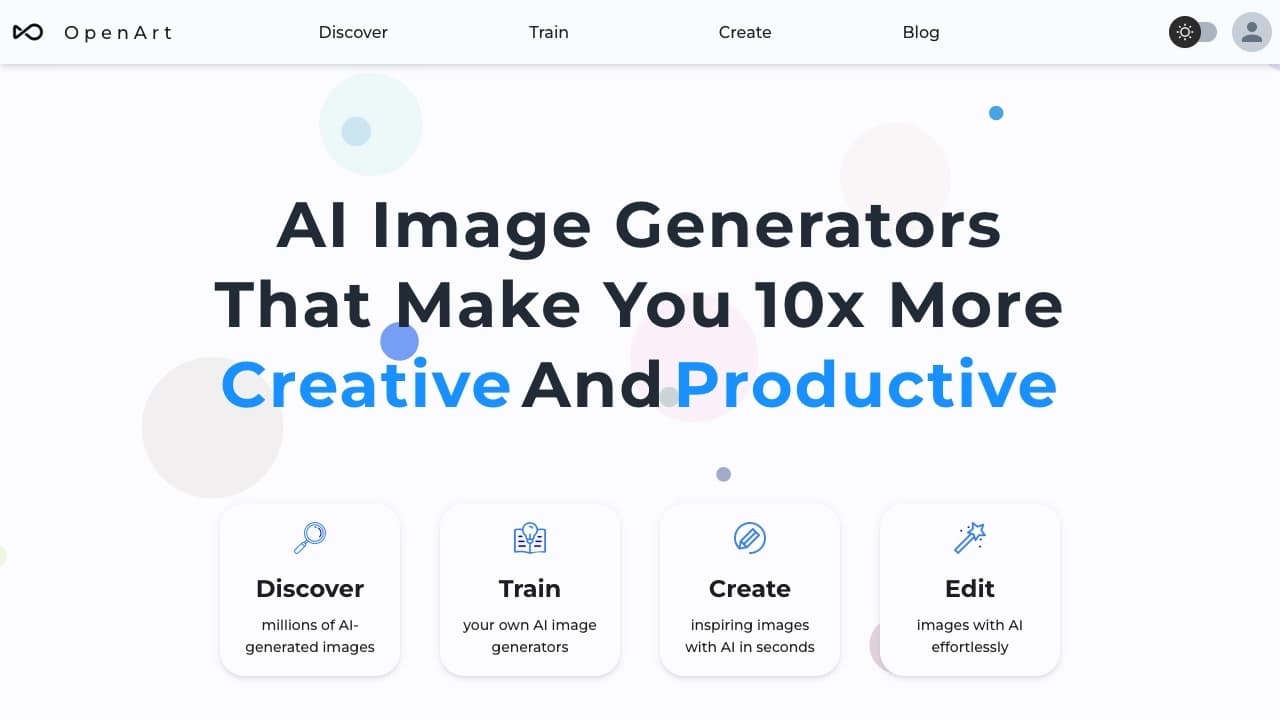

AI-powered platform for generating and editing images and videos.
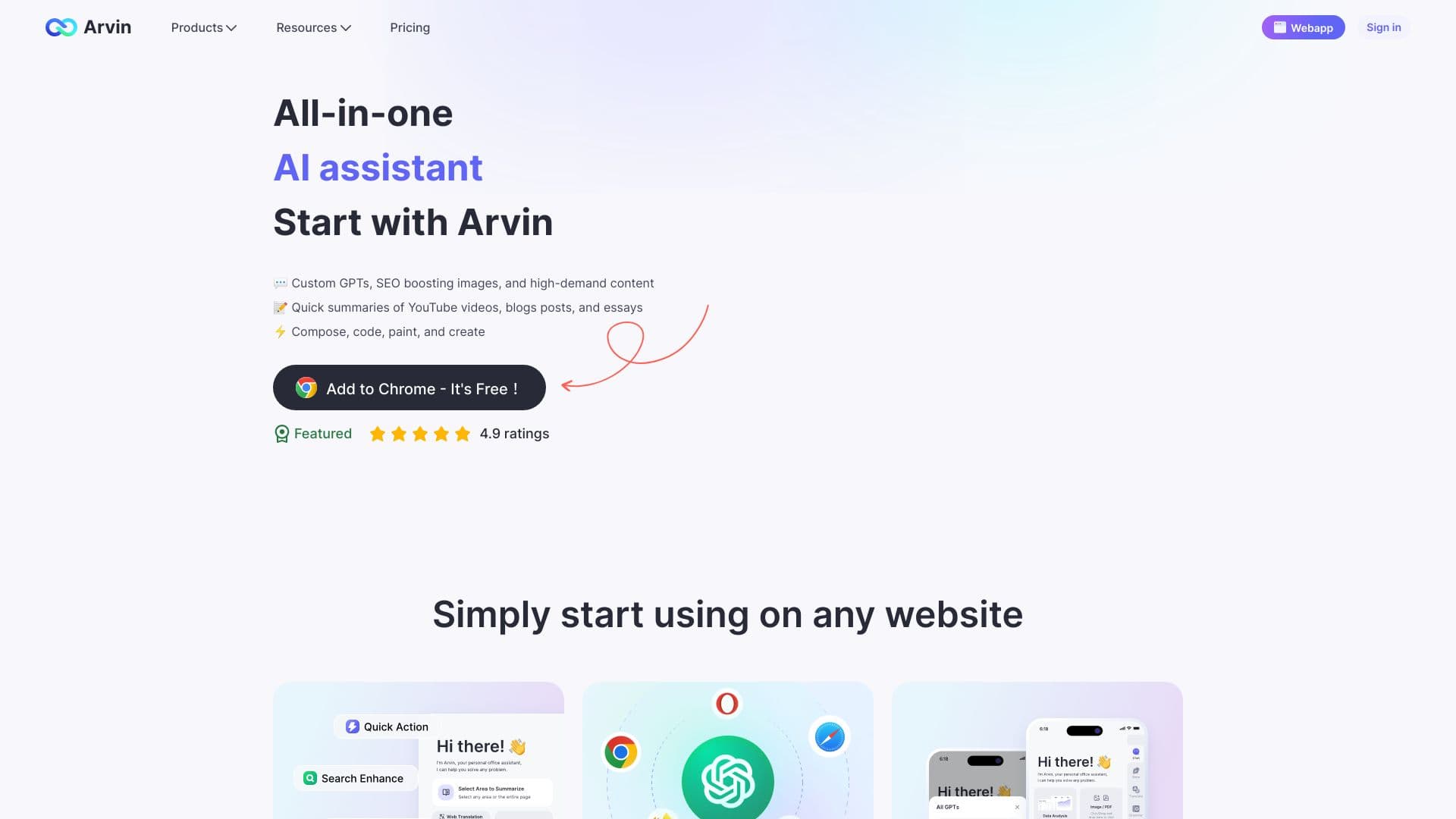
Browser extension and web service with AI assistant features: answering queries, summarizing videos and documents, and translating text.
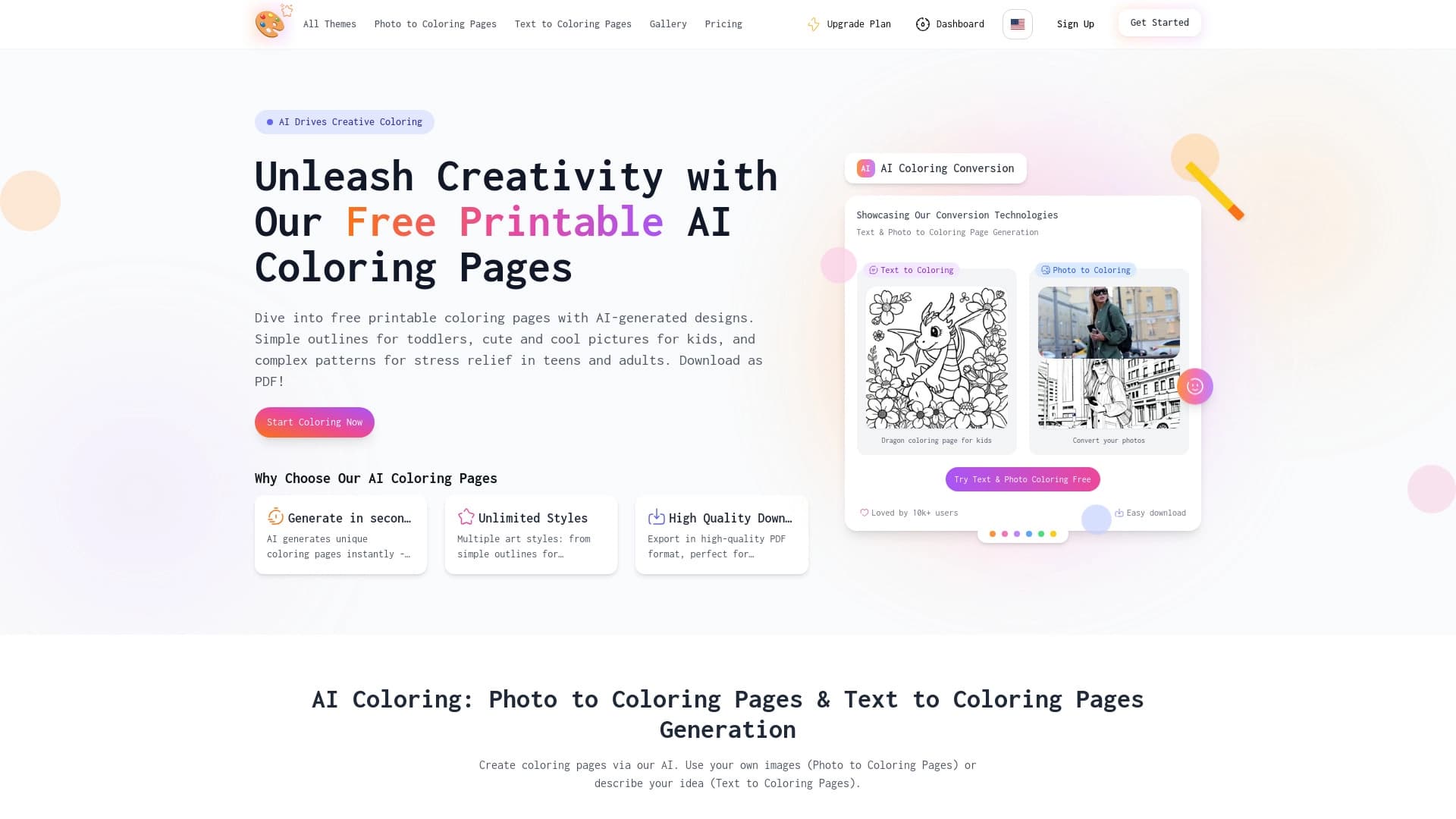

AI-powered coloring book generator that creates pages from text descriptions or uploaded images.

AI agent for integrating data from various sources and managing knowledge within organizations.