
Crush AI
AI assistant for business that helps manage tasks and automate routine through dialogue.
Overview
Crush AI is an artificial intelligence that functions as a personal assistant for business. Instead of juggling multiple applications and manually switching between services, users simply communicate with the AI in natural language, and it handles routine operations on their behalf.
The tool is designed as a bridge between people and their workflows. Through conversation with the assistant, users can schedule meetings, track and manage tasks, and connect third-party services already in use at their company. The main goal is to reduce time spent on repetitive actions and allow employees to focus on priority work areas.
Crush AI Features
| Feature | Value |
|---|---|
| Tool type | AI assistant for business |
| Primary purpose | Task management and routine automation through conversation |
| Key functions | Meeting scheduling, task management, service integrations |
| Distribution model | Not specified |
| Target audience | Business users, teams, busy professionals |
| Interaction interface | Conversational (text-based communication with the assistant) |
Who is Crush AI suitable for?
Managers and team leads
Managers have to juggle many responsibilities: project oversight, meetings, resource allocation. Crush AI handles meeting scheduling and reminders, freeing up time for strategic decisions. The assistant helps keep all commitments and deadlines in view without requiring manual data entry across multiple calendars.
High-workload employees
Professionals who constantly work with tasks and documents spend a significant portion of their day switching between tools. For them, Crush AI acts as an intermediary: the employee formulates a request, and the assistant performs the operation in the relevant service, saving time and reducing cognitive load.
Growing teams
As teams expand, coordination becomes more complex. Crush AI helps establish a single entry point for managing tasks and events, which is especially useful for small and medium-sized groups that want to maintain flexibility without losing control over processes.
How to use Crush AI?
Getting started
To start using Crush AI, you'll need to define which tasks and services you want to connect to the assistant. The system is configured around the work tools already in use at your company. At the outset, it's important to determine which operations should be automated first: meeting scheduling, task management, or both.
Daily interaction
In day-to-day work, interaction happens through natural conversation. An employee tells the assistant what needs to be done, and it performs the action: creating an event, changing a task status, or forwarding information to a connected service. This approach eliminates the need to memorize commands or navigate the interfaces of each individual application.
Core features of Crush AI
Meeting scheduling
The assistant can schedule meetings by finding times that work across participants' calendars. Instead of back-and-forth emails to coordinate dates, users simply ask the AI to organize a meeting, and it handles all the logistical details.
Task management
Crush AI lets users create, modify, and close tasks through conversation. An employee can ask about the status of current work, add a new task, or reschedule deadlines — all through a simple text request.
Integration with existing services
A key feature is the ability to connect to tools the company already uses. This means adopting the assistant doesn't require a full migration to a new platform: it works with the systems the team already relies on daily.
Advantages of Crush AI
Time savings on routine work
The key benefit is reduced time spent on repetitive operations. Automating scheduling and task management frees up resources for more important work, removing the need to manually perform routine actions.
Natural conversational interface
Interacting through conversation is intuitively simple. There's no need to learn new interfaces or memorize menu structures — just describe the desired action in plain words, and the assistant handles it.
Seamless integration with the existing ecosystem
The ability to connect to tools the company already uses lowers the barrier to entry and speeds up adoption. Teams get an improved workflow without abandoning their familiar systems.
Drawbacks of Crush AI
Information about clear drawbacks of the tool is not available in public sources. It's worth noting that the assistant's full effectiveness depends on proper integration setup and the team's readiness to adopt a conversational management format. Tools of this class typically also need to be adapted to a specific company's needs, and details about pricing plans and limitations can only be clarified with the product's official representatives.
What problems does Crush AI solve?
Reducing operational load
The tool addresses the problem of employees "drowning" in routine. By automating meeting scheduling and task reminders, it lets teams avoid getting distracted by organizational details and focus on substantive work.
Optimizing team coordination
With task management through a single conversational interface, the risk of information loss and desynchronization is reduced. All actions are recorded by the assistant, which simplifies oversight and increases transparency in workflows.
Speeding up daily operations
Handling typical requests through the assistant is faster than through traditional interfaces. This directly boosts the productivity of individual employees and the team as a whole.
Crush AI Pricing
Pricing information is not available in public sources. The cost of usage, the availability of a free tier, and accessible subscription plans are unknown. For up-to-date pricing information, it's recommended to visit the product's official website or contact support.
Crush AI Terms of Use
Specific terms of use, including age requirements, limits on the number of tasks or integrations, and the privacy policy, are not disclosed in public sources. It's recommended to carefully review the official documentation and user agreement before starting to use the service.
Crush AI Availability
The product's availability status and geographic reach are not specified. It's unknown whether the tool is available on the international market, which countries it operates in, and what languages it supports. To clarify service availability, check the official website.
How Crush AI differs from alternatives
An assistant as a full-fledged work tool
Many assistants are limited to short commands or informational queries. Crush AI is positioned as a tool that doesn't just answer questions but actively manages tasks and calendars through a conversational interface, bringing it closer to a fully automated assistant.
Connection to existing systems
The difference shows in its approach to integrations: instead of building its own closed ecosystem, Crush AI focuses on working with services already in use. This makes it a more flexible solution for companies that don't want to change their familiar set of tools.
Conversational interaction model
Instead of dashboards and complex settings, users get a natural way to interact with their work environment. This approach is aimed at lowering the entry barrier and making daily use convenient, which matters for busy professionals.
Conclusion
Crush AI is a conversational assistant that handles meeting scheduling, task management, and interaction with a company's work tools. Its strengths are time savings through routine automation, a simple natural interface, and the ability to integrate with existing systems. The tool will be useful for managers, busy specialists, and teams that want to boost productivity without radically changing their workflows. At the same time, details on pricing, distribution terms, and technical limitations remain outside public information, so before adoption it's worth contacting the product's official representatives to get the full picture.
Frequently asked questions
See also
Yandex's multimodal voice assistant powered by the YandexGPT neural network that answers questions, generates texts and images, analyzes files, and controls the smart home.
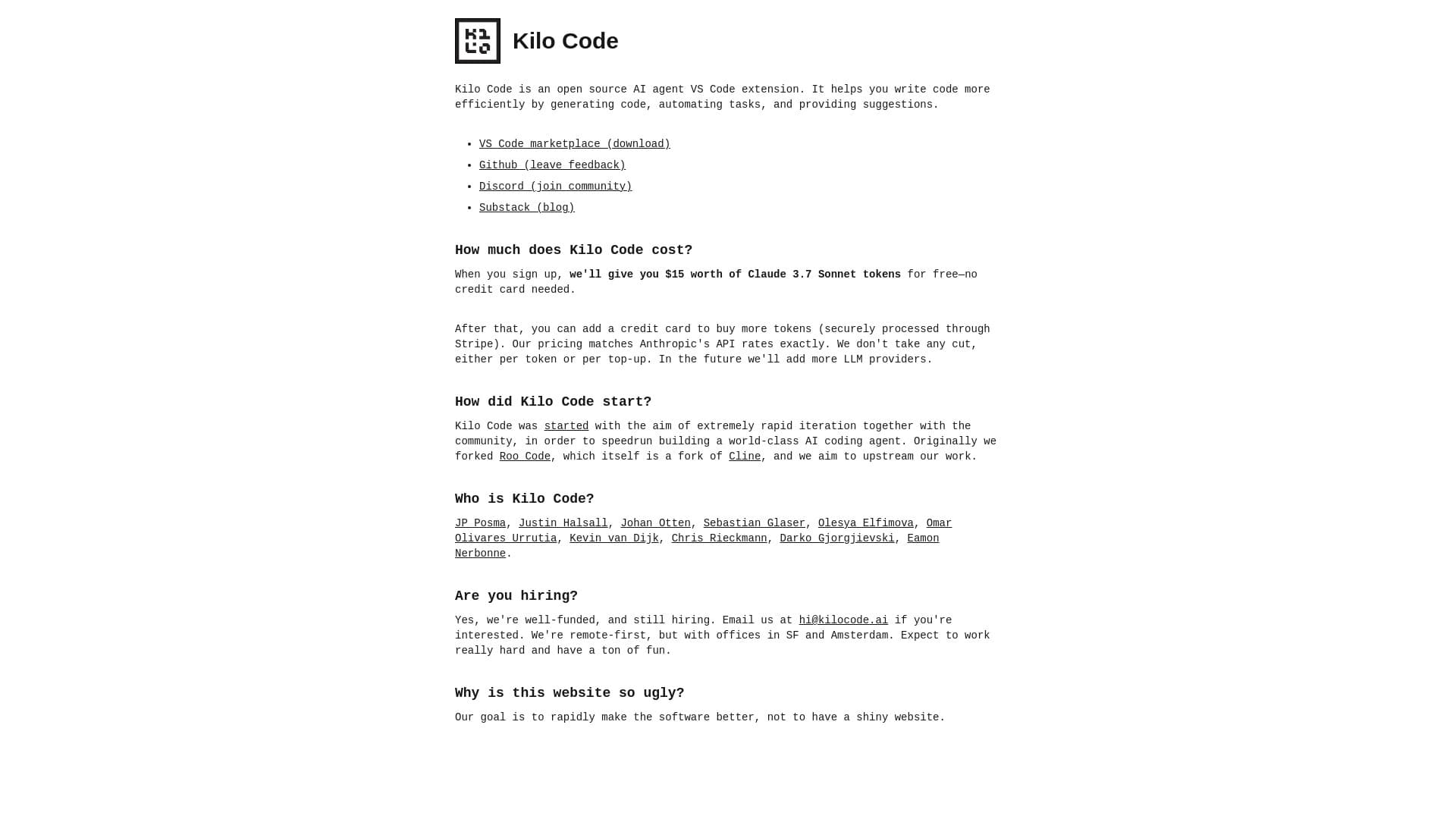

An open-source AI development agent that helps generate, refine, and debug code directly in the IDE.


AI service for meal planning, recipe generation, and automatic grocery list creation.
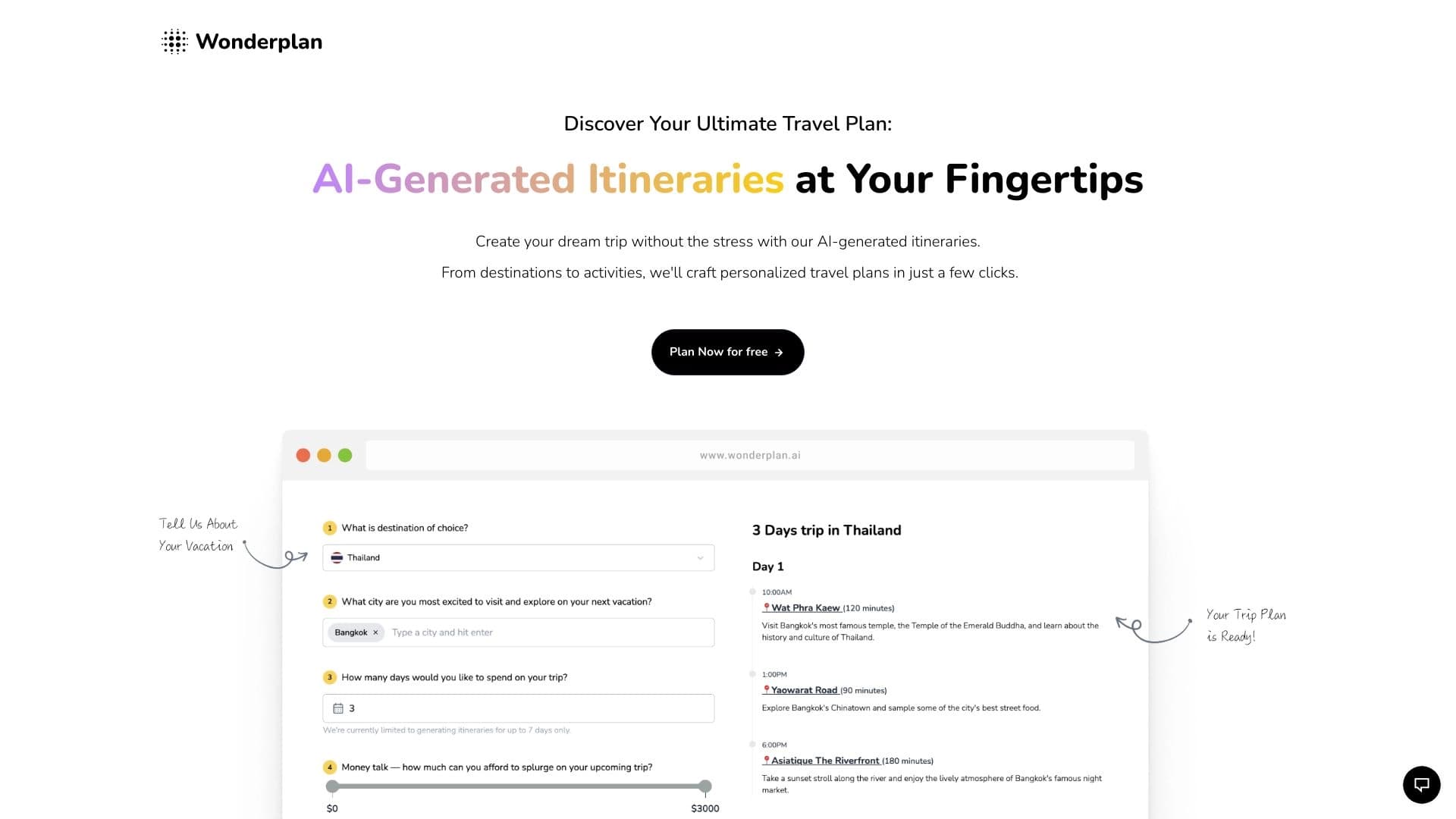

An AI travel planning assistant that creates detailed itineraries based on preferences, budget, and trip duration.

AI-powered platform for generating legal documents, contract analysis, and obtaining legal information.
A tool for creating diagrams and mind maps from text descriptions in natural language.
AI service Automatically create presentations and slideshows on a topic or brief description.
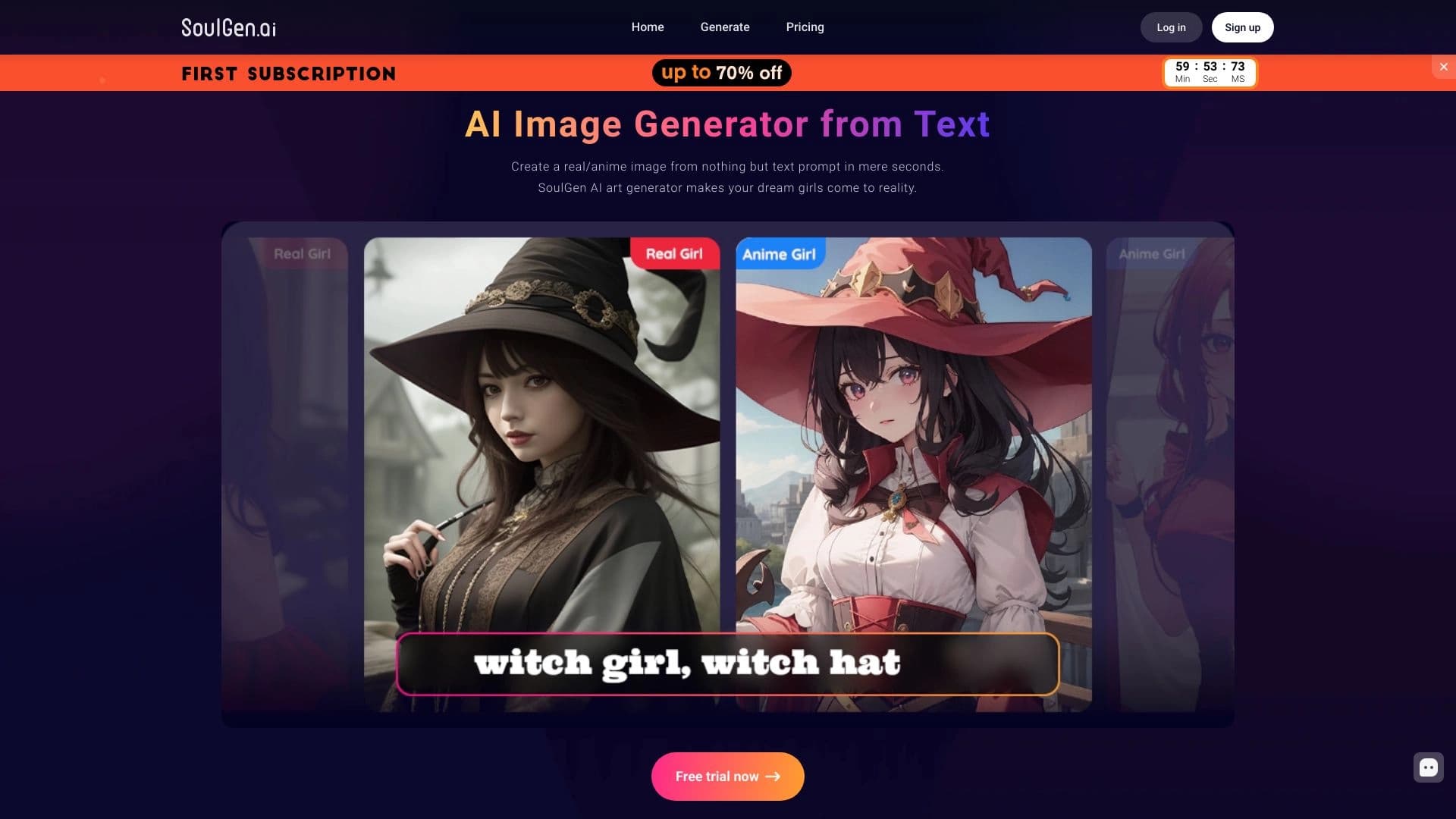

Web service for generating images from text descriptions and communicating with virtual characters.