
Color Fuse AI
Chat assistant for generating color palettes that helps you pick harmonious schemes through conversation.
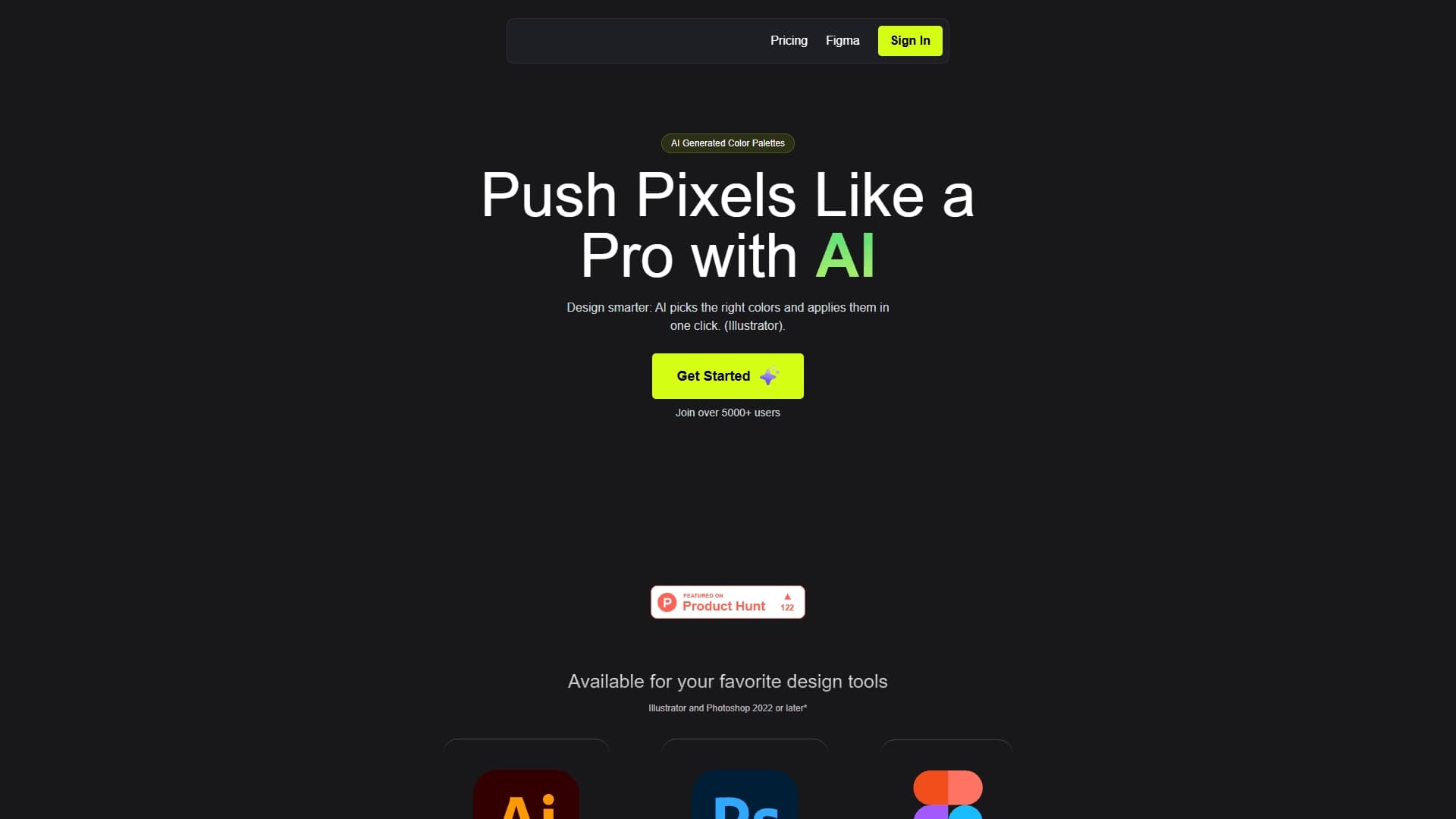
Overview
Color Fuse AI is a chat assistant that automates the process of creating color palettes. Instead of manually sorting through shades in a graphic editor, the user simply describes the desired mood, style, or task in words, and the neural network suggests ready-made harmonious combinations.
The conversational format allows achieving the desired result through iterations: you can ask to change brightness, add contrast, make the palette warmer or cooler, and adapt it to a specific brand. A key feature is direct integrations with popular design tools, which eliminates the manual step of transferring color codes from the service to a layout.
How does it work?
The user formulates a request in natural language in the web interface. The neural network analyzes the description of style, mood, or target audience and generates a set of colors matching the request. The palette can then be adjusted in a dialogue and applied to the layout with one click.
Why is this tool needed?
The service solves the problem of speeding up routine work. Color selection often takes a significant amount of time, especially when brand book requirements must be met. Color Fuse AI handles the initial stage of finding combinations, leaving the designer the role of controller and editor. This allows focusing on the creative part of the work rather than on picking HEX code values.
Color Fuse AI Features
| Feature | Value |
|---|---|
| Type | Chat assistant for generating color palettes |
| Category | Design assistants and layouts, color palettes |
| Platforms | Web browser |
| Integrations | Adobe Illustrator, Adobe Photoshop (2022 and newer), Figma |
| Interface language | Not specified |
| Free plan | Not specified |
Who is Color Fuse AI suitable for?
UI/UX designers
Interface specialists can quickly generate schemes for dark and light themes, pick accent colors for buttons and links, and create palettes that match service guidelines. The Figma integration makes the process seamless.
Web designers and illustrators
Creating landing pages and websites often requires a series of harmonious shades. Illustrators need color for atmosphere, shadows, and light. Both types of specialists will save a lot of time at the initial stage of work by generating a palette foundation in a dialogue.
Marketers and brand managers
The tool is useful for quickly checking combinations in ad creatives, presentations, or social media. The ability to adapt the palette to a corporate style and brand color helps maintain visual consistency in communications.
How to use Color Fuse AI?
Dialogue principle
Instead of complex settings, a regular chat is used. You need to write what the color is for: a bank landing page, a children's illustration, or a coffee shop logo. The more accurately the context is described, the more relevant the suggestions will be. You can also specify the desired mood or color temperature.
Refinement and editing
After receiving a ready-made palette, you don't have to accept it as is. The chat assistant allows adjusting the result: you can ask to lighten the scheme, increase contrast between colors, add more neutral shades, or replace one color with another. You can also request several alternative options to compare them.
Transfer to layout
The main highlight is integration with Adobe Illustrator, Photoshop (2022 and newer), and Figma. Once the palette is formed and approved, it is applied to the project with one click. This eliminates errors when copying codes and saves time on routine actions.
Key features of Color Fuse AI
- Generation of color palettes from text descriptions. The user describes the goal and mood, and the AI creates suitable combinations.
- Integration with Figma, Adobe Illustrator, and Photoshop. Palettes are applied to layouts in one click, without manual entry of HEX codes.
- Ability to refine and edit palettes in a dialogue. The system understands requests to change tone, brightness, saturation, and can offer alternatives.
- Adaptation of palettes to a specific brand. You can enter brand colors or describe its style so that generated schemes fit organically into the corporate identity.
Advantages of Color Fuse AI
- High selection speed. Routine color sorting is replaced by a text request, saving hours of project work.
- Convenient work with layouts. The ability to apply a palette in one click in popular editors eliminates the need to copy numeric values and do it manually.
- Flexible customization through dialogue. Live interaction with AI allows fine-tuning the result, unlike static palette generators where you have to sort through parameters.
Disadvantages of Color Fuse AI
No information about the service's disadvantages is available. Based on the source data, it can be assumed that the main limitation may be the dependence of the result on the quality of the text description of the task. The availability of a free plan is also unclear — this information is not disclosed, which should be considered when assessing the tool's accessibility.
What tasks does Color Fuse AI solve?
- Selecting harmonious schemes. The service can create combinations for web design, interfaces, illustrations, and brand identity.
- Reducing routine work. Instead of lengthy manual color sorting, the user gets a ready-made foundation for further work.
- Brand adaptation. The tool allows aligning the color scheme with the corporate style of a product or company, speeding up material preparation.
Color Fuse AI Pricing
No data on Color Fuse AI's pricing policy is available in open sources. At the time of writing, it is impossible to accurately state the subscription cost, the availability of a free plan, or a trial period. For up-to-date information on plans, it is recommended to refer to the service's official website.
Color Fuse AI Terms of Use
Specific terms of use, including license agreements and rules for processing user data, have not been published in the source materials. It is known that the service is designed to work through a web browser and requires installed Adobe Illustrator, Photoshop, or Figma programs to apply palettes. More detailed terms may be outlined in the user agreement on the product's website.
Color Fuse AI Availability
The service works in a web browser, providing access from any device with an internet connection — no separate app installation is required. A key requirement for full use is having one of the supported design programs on the user's computer: Figma or Adobe Creative Cloud (versions 2022 and newer).
How Color Fuse AI differs from alternatives
The main difference between Color Fuse AI and classic palette generators (e.g., static picker services) is the conversational interaction format. The user does not adjust parameters with sliders but communicates with the neural network in natural language.
The key advantage is built-in integrations with professional design tools. The ability to apply colors in Figma or Photoshop in one click is a significant difference from simple online pickers that only show color codes, leaving manual transfer to the designer. This approach allows the service to be embedded into the real workflow of professionals.
Conclusion
Color Fuse AI is a specialized chat assistant that addresses the need for fast and flexible color palette selection for designers and creative teams. The service combines the simplicity of communicating with AI and the power of professional graphic editors through direct integration with them. The tool is designed to speed up routine color work in web design, interfaces, and branding, allowing designers to maintain high-quality visual solutions without extra time costs.
Frequently asked questions
See also


Chrome extension that helps manage tabs, history, and bookmarks with an AI assistant.


Online editor for removing unwanted objects, text, and defects from photos using a neural network.


Desktop AI assistant for macOS, Windows, and Linux that launches via hotkey above all windows and combines multiple language models in one interface.


AI platform for fast website creation and small business process management.

Service for creating personalized avatars and photo shoots using AI based on uploaded selfies.

AI agent for automating customer communications and support.

AI assistant for business that helps manage tasks and automate routine through dialogue.

AI keyboard for Apple devices that speeds up typing with corrections, translation, and response generation.