
Auri Ai
AI keyboard for Apple devices that speeds up typing with corrections, translation, and response generation.
Overview
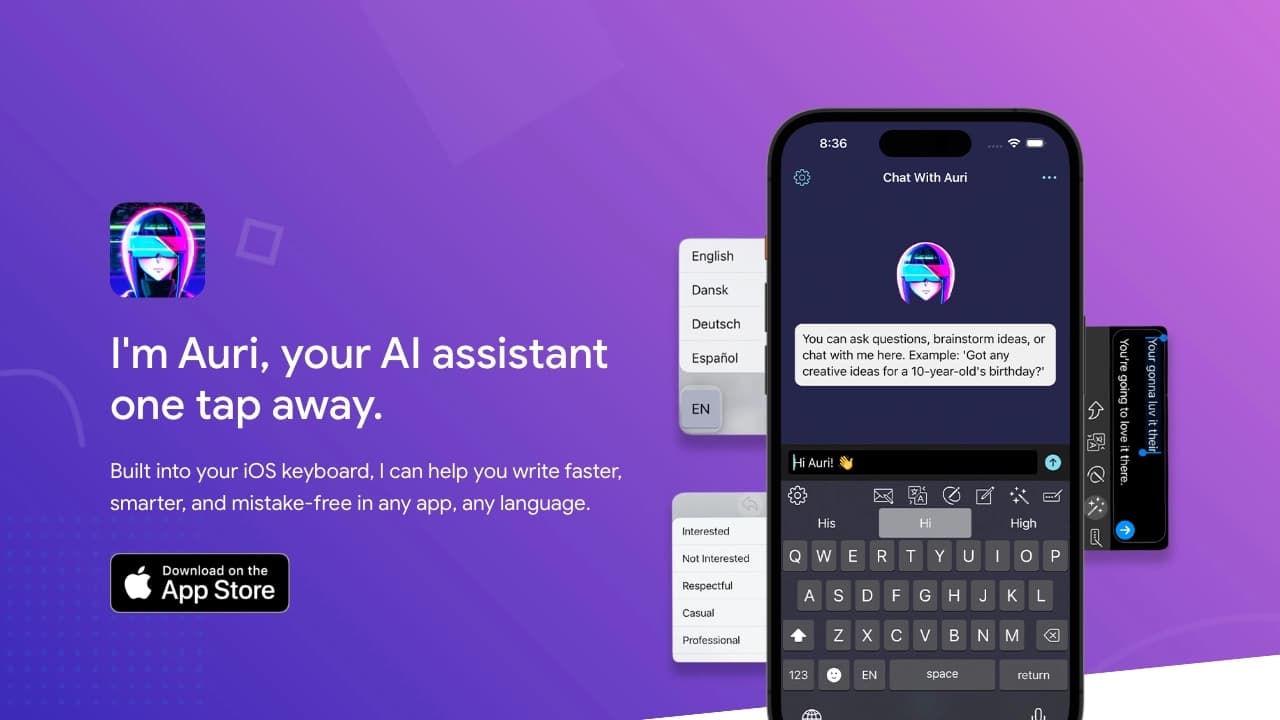
Auri Ai is an AI-powered mobile keyboard designed for the Apple ecosystem. It fully replaces standard input on iPhone, iPad, Mac, and Apple Watch, making typing faster and more meaningful. Instead of simple autocomplete, the keyboard uses language models for comprehensive text handling: from grammar correction to generating full responses.
The tool's key feature is the integration of an AI assistant directly into the input field. Users can translate phrases, change the style of what they've written, dictate by voice with instant transcription, or invoke a chatbot to generate ideas. The keyboard integrates into most popular apps, from iMessage and WhatsApp to social networks, making the AI assistant available at any moment of communication.
Auri Ai Features
| Feature | Value |
|---|---|
| Type | AI keyboard, chat assistant, smart notes, transcription |
| Categories | Content generation, productivity, meeting management, grammar checking, email writing, chatbots, email assistants |
| Platforms | iPhone, iPad, Mac, Apple Watch |
| Interface languages | 26 languages |
| Keyboard language support | 42 languages |
| Developer | Upstate Media Inc. |
| Distribution model | Freemium (free tier with limits) |
| Monthly visits | 388.9K |
| Free tier available | Yes |
| Network requirements | Constant internet connection |
Who is Auri Ai for?
Active smartphone users
The tool is designed for those who type large amounts of text on mobile devices daily. Journalists, copywriters, students, and managers who maintain active correspondence will be able to reduce the time spent formulating thoughts and automatically fix errors on the fly.
Professionals in international companies
Auri Ai will be useful for employees working in a multilingual environment. The ability to instantly translate into 42 languages and switch between them without leaving the app solves the problem of language barriers when communicating with foreign partners or clients.
People who like to capture information
Users who record meetings, take notes, or capture voice ideas will appreciate the automatic transcription feature. The app turns any voice recording into structured text and saves it in a convenient format.
How to use Auri Ai?
Installation
To get started, download the Auri AI app from the App Store on one of the compatible devices — iPhone, iPad, Mac, or Apple Watch. After installation, open the app and complete the simple registration process.
Keyboard activation
Next, you need to add the keyboard in your device's system settings and select it as the primary one. To do this, press and hold the globe icon on the standard keyboard and choose Auri AI from the list. If it doesn't appear, add it manually through your phone's settings — the process takes no more than a couple of minutes.
Using the features
After activation, all capabilities become available right in the input field of any app. You can switch languages, invoke the chat, dictate by voice, or use AI suggestions while typing. To configure the set of languages and choose the assistant's "persona," go to the Auri app's own settings.
Key features of Auri Ai
Smart AI keyboard
The keyboard supports multilingual input and automatic text correction. It can fix grammar errors, punctuation, and even stylistic inaccuracies right as you write. A set of 42 languages allows you to switch between them instantly.
Built-in AI chat
The keyboard includes an assistant for generating responses, ideas, and notes. You can ask a question, ask to rewrite a phrase, or generate text from scratch without leaving the app you're writing in. You can configure the assistant's "persona" (15 options) and choose the engine (2 options).
Transcription and smart notes
The built-in speech recognition module turns voice messages into text. Each transcription is saved in the app and structured into notes. The automatic transcription feature is suitable for recording meetings and capturing thoughts.
Translation and paraphrasing
The keyboard lets you translate text on the fly between 42 languages. The paraphrasing feature helps change the style of what you've written: make the text formal, friendly, or concise.
Auri Ai advantages
Instant multilingualism
Support for 40+ languages and instant switching between them without leaving the app is one of the key advantages. This eliminates the need to use third-party translators and copy text between apps.
Routine automation
Voice notes are automatically converted to text, and note storage is organized within the app itself. This reduces time spent on routine operations and allows you to quickly capture information without manual input.
Broad integration
The keyboard works in most popular apps: Twitter, Telegram, Facebook, Apple Mail, iMessage, GMail, WhatsApp, Instagram, and others. The tool requires no context switching — all features are available anywhere there's a text input field.
User customization
You can choose the assistant's "persona" and the AI engine. According to the developers, the free version is sufficient for 97% of users thanks to daily limits.
Auri Ai drawbacks
Internet dependency
Most features require a stable internet connection. AI-assisted typing, translation, and transcription are unavailable offline, which limits the tool's use while traveling or with poor connectivity.
Privacy concerns
Texts, voice notes, and correspondence are sent to servers for neural network processing. For users who work with sensitive information or simply don't want to share their data with third parties, this could be a serious barrier.
Free version limits
The free version has restrictions on the number of characters, requests, and transcriptions. With heavy use, the limits run out fairly quickly, requiring a switch to a paid plan.
What tasks does Auri Ai solve?
Auri Ai covers a wide range of everyday tasks related to text and communication. Key use cases include:
- Content writing: creating blogs, essays, business correspondence, and personal messages.
- Text correction: automatic fixing of grammar and spelling errors.
- Language support: translating phrases and sentences on the fly across dozens of languages.
- Style work: paraphrasing thoughts to change tone or manner of expression.
- Transcription: converting voice recordings and dictation into structured text.
- Note organization: maintaining a smart notebook with in-app storage.
- Idea generation: using the chatbot for brainstorming and creating quick responses.
Auri Ai pricing
Free tier
The tool offers a free version with daily limits on the number of requests and characters. According to the developer, this basic functionality is sufficient for most users without needing to pay.
Paid subscriptions
Paid plans are available to remove limits and are billed monthly. The subscription cost varies depending on the feature set:
- Standard plan — pricing is available on the developer's website.
- Premium plan — pricing is available on the developer's website.
A full description of the plans and included features is available on the developer's official website.
Auri Ai terms of use
To get started with the tool, you must complete registration in the app. A key requirement is a constant internet connection, as text and voice data processing is carried out on remote servers. Without a connection, most AI features become unavailable.
The free version has limits on feature usage. Once the daily limit is exhausted, you'll either have to wait until the next day or purchase a paid subscription. It's also worth noting that sending data to the company's servers places responsibility on the user to maintain confidentiality when working with private information.
Auri Ai availability
The tool is developed exclusively for the Apple ecosystem. The app is available for installation on iPhone, iPad, Mac, and Apple Watch. The keyboard supports 26 interface languages and 42 input languages for translation and typing. No official information about VPN requirements or regional restrictions is provided on the developer's website. Given the distribution model, downloading the app may require an App Store account registered in a supported region.
How Auri Ai differs from alternatives
The key difference between Auri Ai and its competitors is the concentration of all AI features within the system keyboard rather than in a separate app. Competing solutions are often bots (Botmother, Aimylogic) or automation platforms (Botpress, Botsify) that solve narrow business tasks.
Auri AI bets on versatility: it combines text input, dictation, translation, grammar, transcription, and a chatbot in a single tool. Another differentiator is broad integration — the keyboard adapts to any app with an input field, including niche platforms like Roblox and Twitch. The system of "personas" and configurable engines also sets Auri apart from standard keyboards, though similar solutions are gradually being adopted by competitors as well.
Conclusion
Auri.AI is a versatile multilingual AI keyboard for Apple devices that combines text input, instant translation, grammar checking, voice transcription, and a built-in chatbot. The product will be useful for users looking to speed up written communication and automate routine tasks while working in an international environment or maintaining active correspondence. However, internet dependency, potential privacy concerns, and the need for a subscription to remove limits may be deciding factors when choosing this tool.
Pricing
Frequently asked questions
See also

Multifunctional AI platform for content creation, combining speech synthesis, text generation, avatar creation, and video editing.
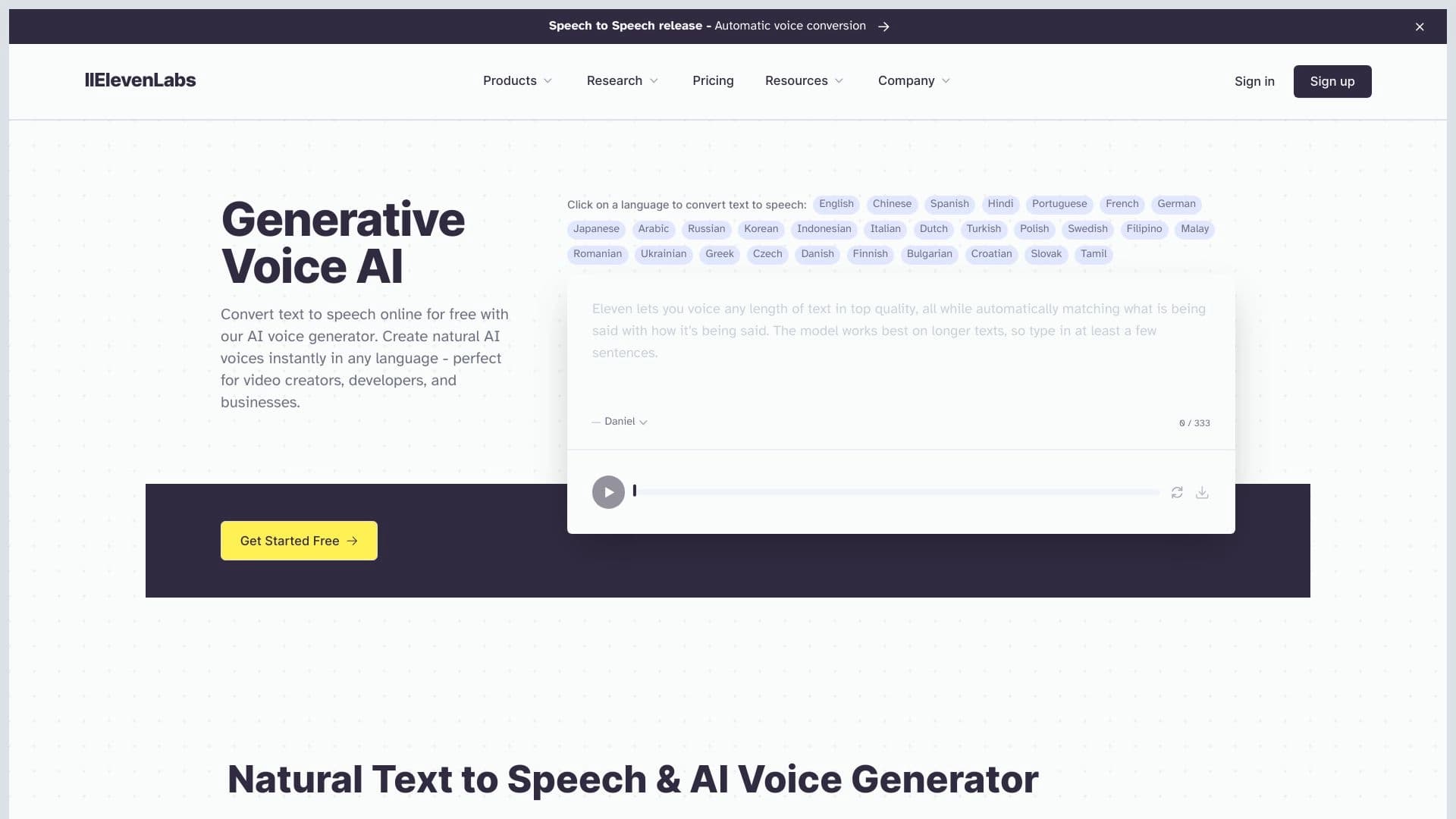
AI platform for voice synthesis and cloning that converts text into realistic speech.
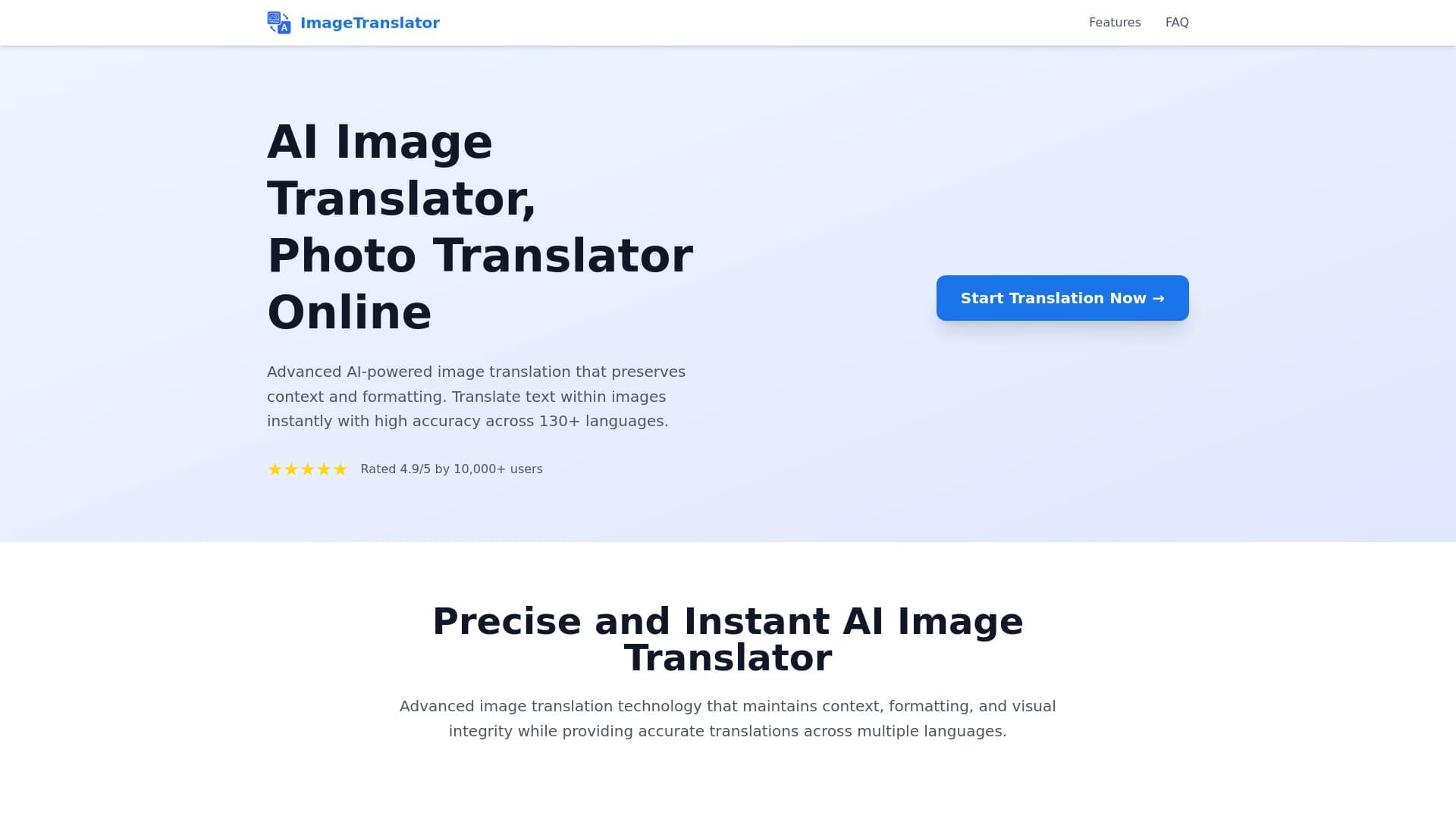
Tool for translating text directly in images while preserving the original design.


A platform for creating and customizing virtual companions with individual appearance and personality.
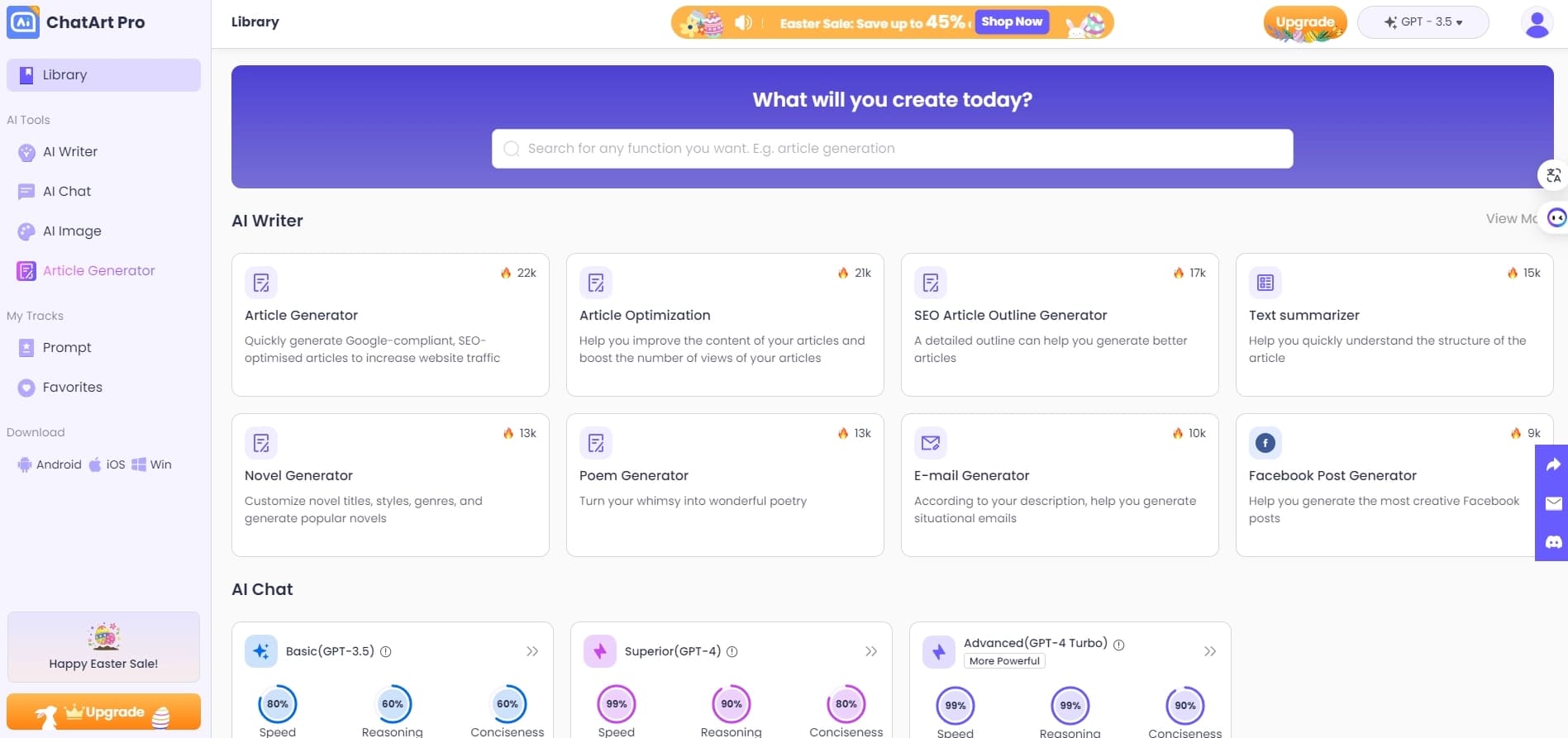

A multifunctional platform for creating and editing media content using artificial intelligence.


Generative platform for creating realistic images and short videos from text or images with control over style and camera movement.
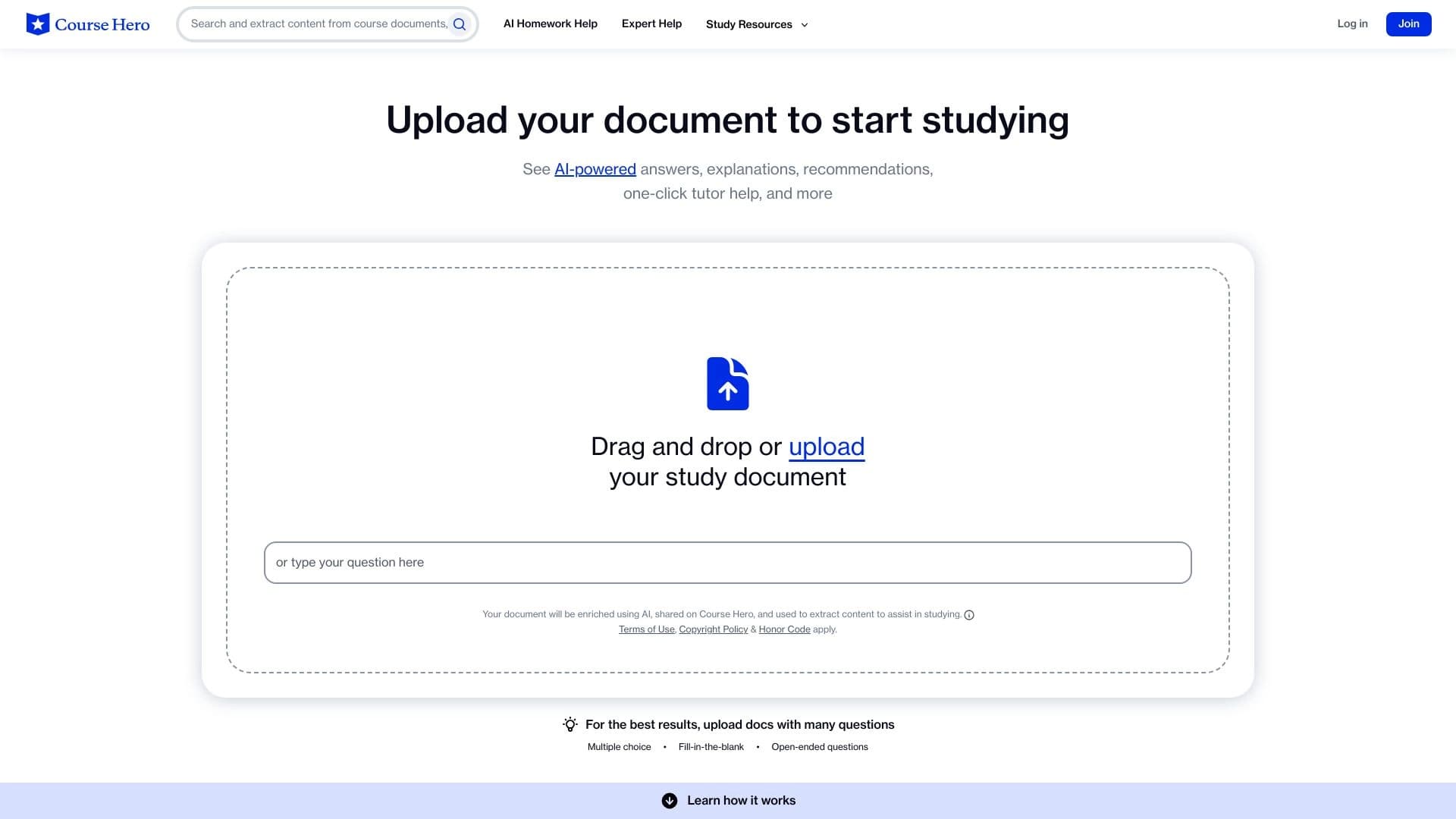
AI assistant that analyzes uploaded study documents, identifies questions, and provides detailed explanations.
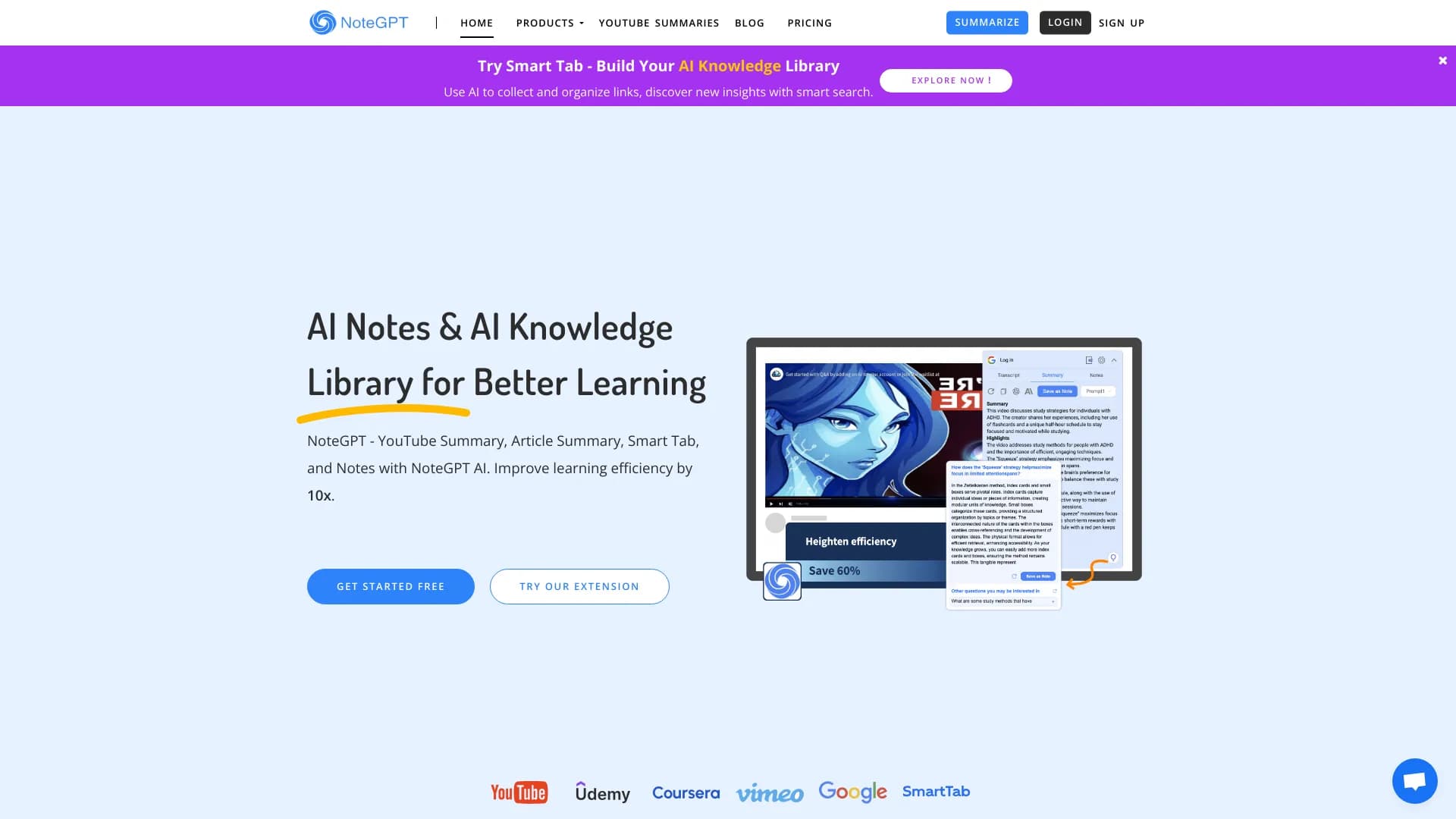

AI assistant for creating short summaries of videos, PDF documents, and web pages.