

Cleanup.pictures
Online editor for removing unwanted objects, text, and defects from photos using a neural network.
Ranked in
Overview
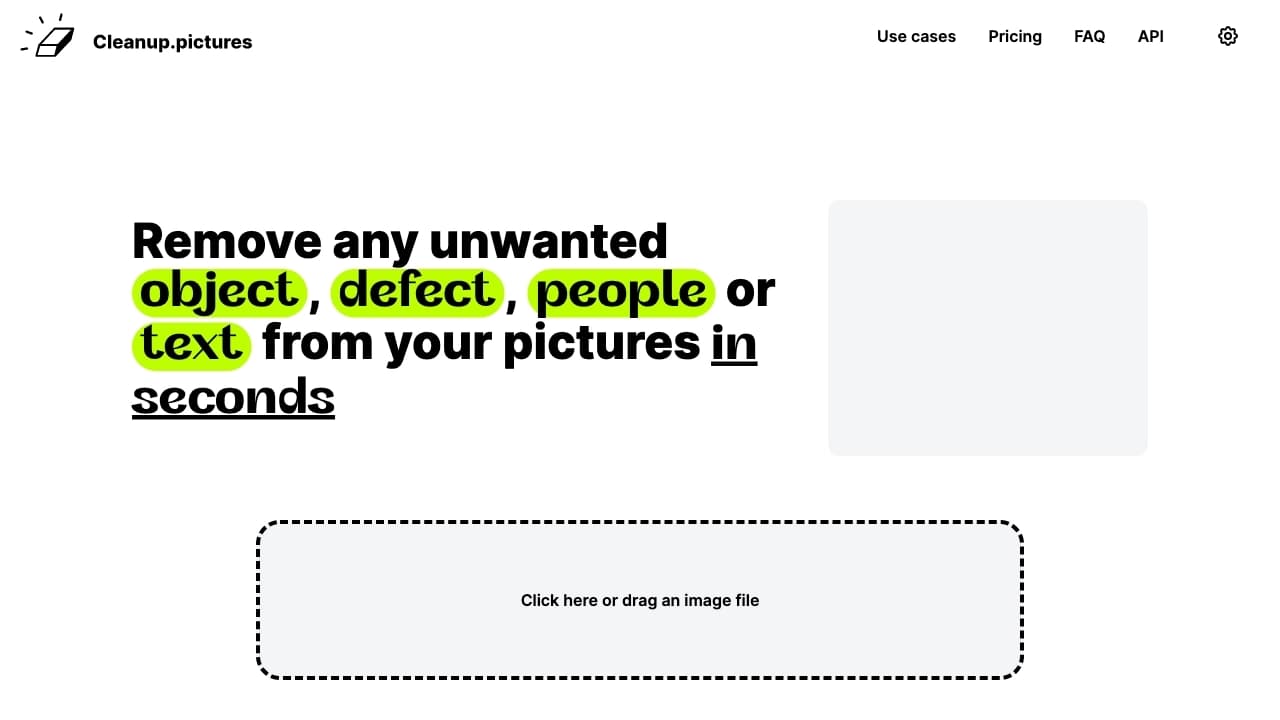
Cleanup.pictures is an online editor designed for quick photo retouching without the need for complex professional software. It allows you to remove people who accidentally appeared in the frame, unwanted objects, text, watermarks, or defects such as cracks in old photos.
The project is built on AI-inpainting technology, a type of generative neural network. When a user selects an unwanted area in a photo, the algorithm doesn't just cut it out — it analyzes the color, texture, and structure of the surrounding background, then redraws that area so it naturally blends into the overall picture. After processing, no traces of removal remain.
The service works entirely in the browser, eliminating the need to download and install heavy software. It suits both owners of modern laptops and desktop computers, as well as mobile device users.
Cleanup.pictures Features
| Feature | Value |
|---|---|
| Type | Image editing |
| Category | Image editing, object and watermark removal, photo processing |
| Business model | Freemium |
| Technology | AI-inpainting (neural networks) |
| Tags | Remove object from photo, remove background |
| Platforms | Web browser on desktop and mobile devices |
| Key features | Object removal, background auto-fill, API for developers |
| Main limitations | Export in the free version is limited to 720p resolution |
Who is Cleanup.pictures for?
Photographers and retouchers
Professionals don't always want to open bulky Photoshop for a single small edit. Cleanup.pictures lets you quickly remove random clutter, wires, or bad highlights right in the browser, saving time on routine tasks.
Real estate professionals
When preparing listings for selling or renting apartments, there's often a need to depersonalize the space: remove family photos, children's toys, or personal items. The neural network helps do this in a few clicks without waiting for a reshoot.
Online store owners
Product catalogs need clean images without extraneous details. The service allows removing unwanted elements from product photos, making shots neater and more commercially appealing, even if the owner has no design skills.
How to use Cleanup.pictures?
Step 1: Upload an image
Go to the service website and upload the photo you want to edit. The editor supports many popular image formats and works on both desktop and mobile devices.
Step 2: Select the unwanted object
Using the simple toolbar, paint over the element you want to remove (e.g., a person, fence, text, or logo). You can adjust the selection to capture the entire element without touching important details of the shot.
Step 3: Get the result and export
Once the selection is complete, the neural network automatically fills the empty area by analyzing the surrounding context. Processing takes just seconds. The finished result can be downloaded immediately with the export button — no additional steps required.
Key features of Cleanup.pictures
Removing unwanted elements
The service can remove random passersby, tourists, cars, wires, litter, and any other unwanted objects from photos. Simply brush over the object, and the algorithm erases it, redrawing the background.
Context-based auto-fill of removed areas
Thanks to AI-inpainting technology, the gap left after removal doesn't remain a blank spot. The neural network analyzes neighboring pixels — the texture of grass, stone, walls, or sky — and realistically reconstructs the missing fragment.
Removing text and watermarks
The tool can eliminate dates on photos, captions, logos, watermarks, and other graphic artifacts. This is handy when processing historical images or reusing pictures.
API for developers
The project offers a programmatic interface for embedding object removal capabilities into third-party applications and web services. Special pricing terms apply for developers.
Advantages of Cleanup.pictures
Ease of use
There's no need to learn masks, layers, or cloning tools — no retouching skills required. The whole process boils down to three steps: upload, select, download.
High processing speed
The neural network processes images in seconds. No waiting in queues or interruptions — results appear almost instantly.
Accessible from any device
The service runs in the browser, so it can be used from a computer, tablet, or smartphone. It's suitable for quickly processing shots straight from a phone camera.
Improved background restoration quality
Recent updates have noticeably improved background restoration quality: removed areas look natural, with no visible artifacts or blurring.
Drawbacks of Cleanup.pictures
Resolution limit in the free version
If you use the free plan, you can only export finished images at 720p resolution. That's enough for most messenger and social media tasks, but insufficient for quality printing or professional work.
Paid subscription required for high resolutions
Access to full-size export and higher resolutions requires a paid Pro subscription. It also unlocks additional features and priority processing.
No team license
Only individual licenses are available for team work. This means each team member has to purchase their own subscription, which can be inconvenient for small studios.
What tasks does Cleanup.pictures solve?
Retouching portrait shots and avatars
The tool helps clean portrait photos of random people in the background, highlights, or camera timestamps. After processing, such shots can be confidently used as avatars on social media.
Restoring old photos
The neural network successfully removes defects, scratches, and cracks that appear over time on old printed photos. After cleaning, the images look significantly neater.
Preparing images for real estate listings
One typical use case is depersonalizing interiors before publishing listings. All personal items, photos, and other recognizable elements are easily removed in a couple of clicks.
Creating perfect product shots
Online store owners can quickly get rid of extra objects in product photos, making the shots cleaner and more attractive to buyers.
Cleaning frames of unwanted details
It's suitable for removing tourist attractions from the frame, fences, poles, and other random elements that spoil the composition of landscape or architectural shots.
Cleanup.pictures Pricing
Free plan (Freemium)
The service offers a free version that allows processing an unlimited number of images. The main limitation is export at no higher than 720p resolution.
Professional version (Pro)
The paid Pro subscription removes the resolution limit and allows processing up to 1000 images per day in high quality. Subscribers also get a priority processing queue and additional features.
Terms for developers
An API with special pricing terms is available for integrating the neural network's capabilities into your own products. Pricing is calculated individually based on usage volume.
Terms of use for Cleanup.pictures
No separate registration is mentioned for using the service: you can upload an image and edit it without creating an account. The free version doesn't limit the number of processed images but does cap the resolution of the final file at 720p. For those who need full-size images, a paid Pro subscription is available. One nuance: the license is individual, so for team collaboration, each employee will need their own account.
Availability of Cleanup.pictures
The service works as a fully online tool and requires no additional software installation. Access is via a browser on any device — whether a desktop computer, laptop, tablet, or smartphone.
How Cleanup.pictures differs from alternatives
Unique differences can be identified by comparing it with existing services specializing in removing objects and watermarks from images. The key advantage of Cleanup.pictures is the combination of a minimalist interface and speed: removing an element takes just one selection, and the result comes in seconds.
Many competitors require more complex steps or additional parameter tuning for similar tasks. The free version also stands out favorably: it allows processing an unlimited number of images, whereas a number of competitors limit users with upload caps even on entry-level plans. At the same time, it's worth noting that free export is limited to 720p resolution, so if you need high-quality files, you'll have to purchase a paid plan.
Conclusion
Cleanup.pictures is a practical online service for quickly removing objects from photos using artificial intelligence. Thanks to AI-inpainting technology and a simple interface, it works equally well for beginners unfamiliar with professional editors and experienced users who value speed in solving routine tasks. The tool covers a wide range of needs: from cleaning tourist shots of random passersby to preparing images for online stores and real estate listings. The only significant limitation of the free version is the low export resolution, but that's quite sufficient for many everyday tasks.
Pricing
Frequently asked questions
See also


BannsAi is an AI-powered service for quickly creating ad banners based on a text description or reference.
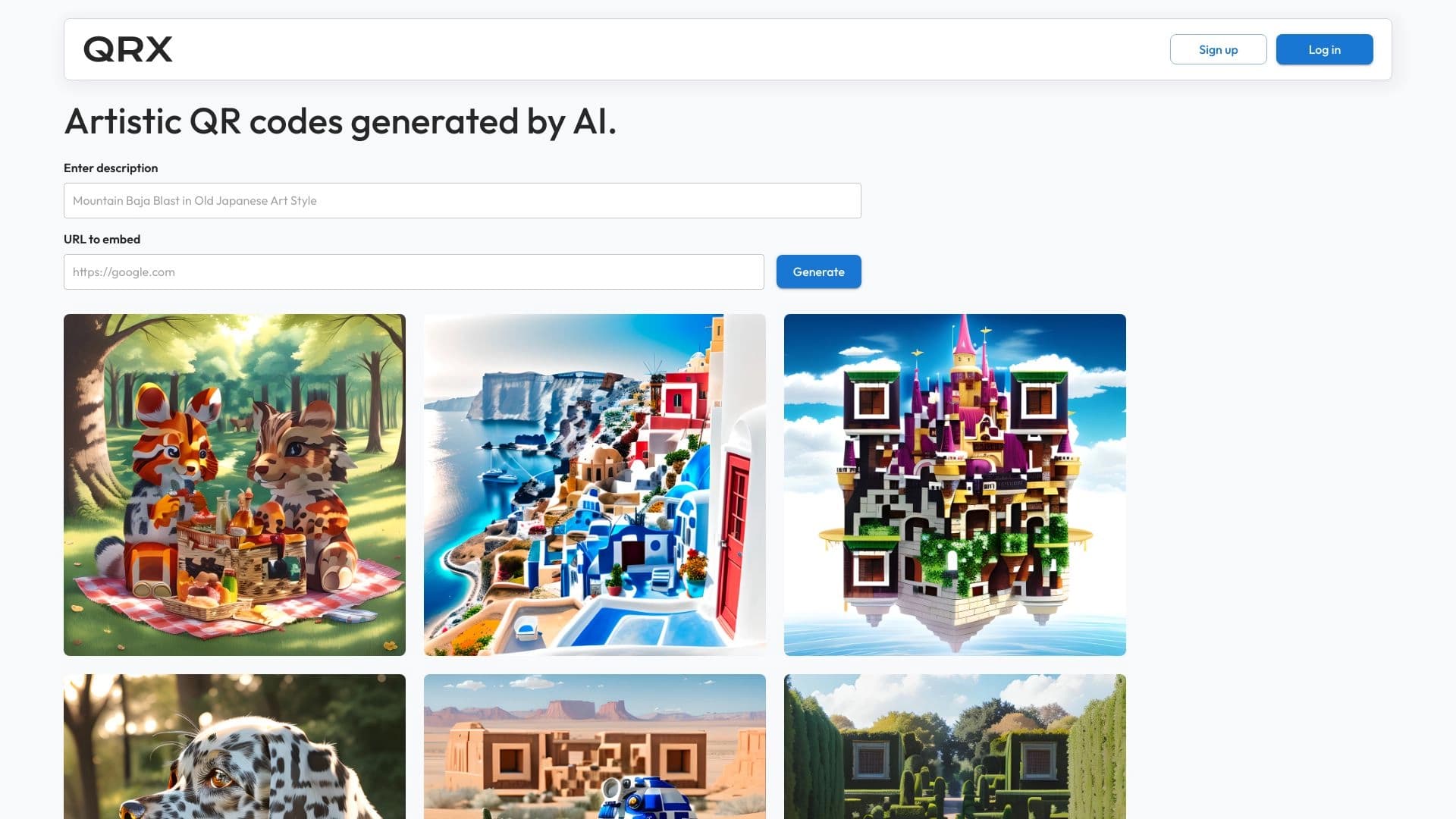
AI platform for Creating Artistic QR Codes who remain fully readable.

AI-powered tool for generating character images and avatars.


AI-powered platform for generating and editing images and videos.


Online Image Editor AI-based preservation of character style and processing Text commands.

A service that automatically generates enhanced photos for dating site profiles.
AI logo generator that creates unique variations in minutes.
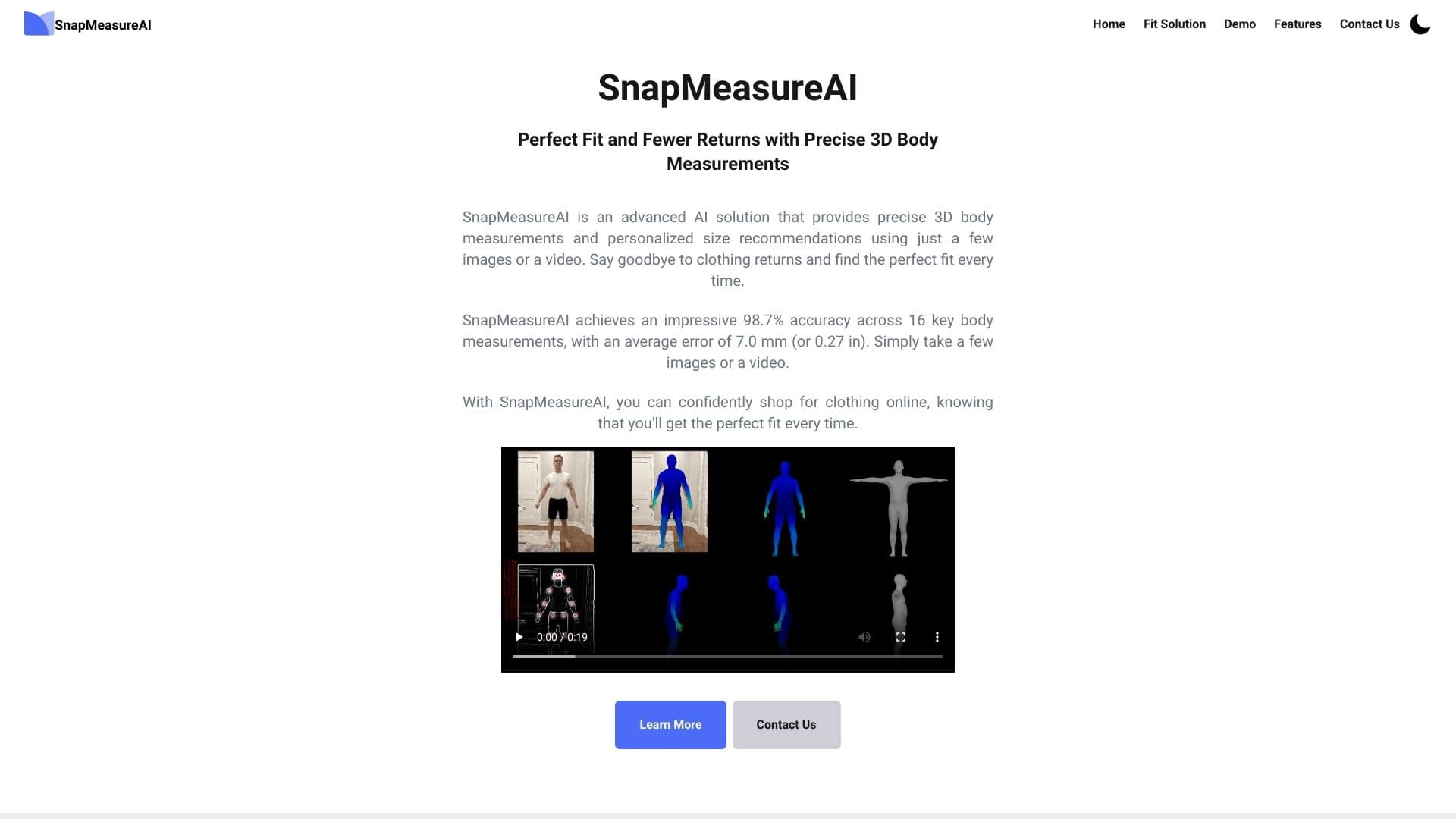

Service for accurate body measurement from photos with using computer vision.