

Bravo Studio
Turns Figma design mockups into interactive mobile app prototypes without writing code.
Overview
Bravo Studio AI Description
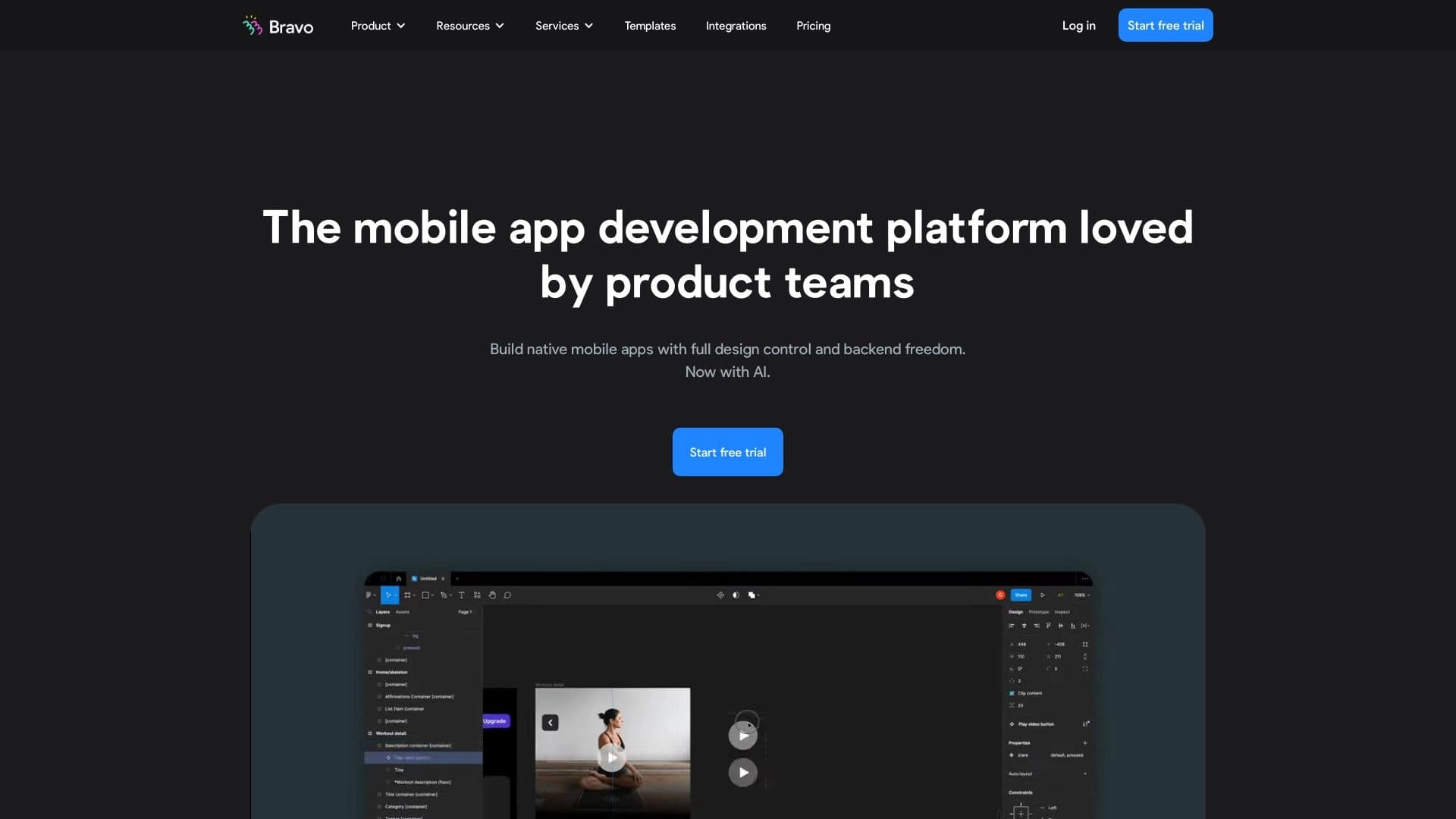
Bravo Studio is a tool that bridges the gap between design and a working application. It takes ready-made layouts from Figma and turns them into interactive mobile app prototypes that are fully clickable and close to the real product. Instead of spending weeks writing code or using complex development environments, you can "bring your design to life" in just minutes.
The service's key feature is deep integration with Figma through its own plugin. Bravo Studio reads the layout structure, layers, and interface elements, and automatically links them into a unified logic of transitions and actions. Additionally, the built-in Bravo Vision editor lets you tweak element behavior without returning to the original design. The platform also supports connecting external APIs, allowing you to test prototypes with real data rather than static placeholders.
How It Works: From Layout to Prototype
The path from a static file in Figma to an interactive prototype in Bravo Studio looks like this: you install the plugin, sync your artboards, and then assign action logic to design elements — screen transitions, modal windows, and other scenarios. The result is a prototype you can share with colleagues or publish for testing on real devices.
Bravo Studio Features
| Feature | Value |
|---|---|
| Type | Prototype generator |
| Category | AI development tools, AI app generators |
| Developer | App Foundry S.L. |
| Monthly visits | 137.2K |
| Free tier available | Yes |
| Starter plan | Starting at a local market rate per month |
| Professional plan | Higher-tier local market rate per month |
Who Is Bravo Studio For?
Bravo Studio is built for those who work with digital products but don't want to dive deep into programming. The service is useful for a wide range of professionals united by the goal of quickly validating ideas.
Product Teams and Managers
Product managers and product owners can use Bravo Studio to quickly test hypotheses. Instead of lengthy technical specification approvals and waiting for development, they can assemble a clickable prototype based on the latest design mockups and run testing with real users or stakeholders. This speeds up decision-making and reduces risks in the early stages.
Interface Designers
For UX/UI designers, the tool becomes a natural extension of working in Figma. It allows them to move from static images to full usage scenarios, demonstrating how elements interact with each other. Designers can independently show clients or developers how the interface should work without involving coding specialists.
Entrepreneurs Without a Technical Background
Startup founders and entrepreneurs who aren't programmers get a powerful tool for visualizing their ideas. They can create a first app prototype for investor presentations or pitches, and run initial user testing without investing in full-scale development.
How to Use Bravo Studio
Getting started with Bravo Studio is fairly simple, but the process requires following a specific sequence of steps. Initial setup takes a little time and then allows for fast iteration on prototypes.
Connecting to Figma
The first and mandatory step is linking Bravo Studio to your Figma account. To do this, you need to install the dedicated Bravo Studio plugin in the Figma editor. After installation, you must log in and grant the plugin access to your project files. From that point on, the service can "see" the selected layouts and use them as the basis for your prototype.
Building and Editing the Prototype
Once the plugin is installed and connected, you select the artboards (screens) in your layout that you want to turn into a prototype. After syncing them with Bravo Studio, you enter the web editor. This is where the "magic" happens: you link individual design elements to transitions to other screens or assign properties to them. For quick edits, the special Bravo Vision tool lets you modify interactivity without editing the original file in Figma.
Testing and Publishing
After setting up the transition logic, you can send the prototype to your team for testing. Bravo Studio makes it easy to share a link to the clickable mockup. If you've connected external APIs, the data in the prototype will be real. After successful testing, the app can be published in a few clicks, turning the prototype into a working, installable product.
Key Features of Bravo Studio
The service's functionality focuses on simplifying the path from design to a working app as much as possible.
Figma Integration for Design
Bravo Studio relies entirely on Figma as its primary design tool. The connection ensures direct transfer of layouts without loss of quality or element structure. This lets designers stay in their familiar environment while Bravo Studio handles the "assembly" of the app. Changes to the source layout can be easily synced with the prototype.
Clickable Mockups and No-Code Prototyping
The service's main task is generating fully interactive prototypes. You create transition logic between screens, making the layout "alive." The process requires writing zero lines of code, making it accessible to designers and product managers. This same capability underpins rapid prototyping when you need a working scenario as quickly as possible.
API Integration and Publishing
Bravo Studio supports connecting to external APIs. This allows you to populate the prototype with real data — for example, product lists, news feeds, or user-generated content. This approach makes the prototype as close to a real app as possible. After finishing the interface and logic, the service provides a simple publishing function, letting you package the prototype into a ready-to-use app.
Bravo Studio Advantages
Using Bravo Studio gives teams several significant advantages in digital product development.
High-Speed Design Transformation
The main plus is the rapid transition from a static layout to a working prototype. What used to take developers days now takes minutes. This greatly accelerates hypothesis testing and lets you move faster through sprints. Designers and managers can see the results of their work in interactive form almost immediately.
Interactivity Without Programming
The service lets you create not just "pictures" but real interactive apps with navigation and logic, completely bypassing code. This opens up opportunities for creating high-quality product demos that can be shown to investors, clients, or used for internal testing. The lack of a barrier to entry into development is a powerful advantage for small teams.
Simplified Integration and Publishing
Built-in mechanisms for API integration and publishing the finished app eliminate many technical complexities. You don't need to understand server configuration or mobile app build processes. Everything is done in a few clicks within the Bravo Studio interface and is accessible even to beginners.
Bravo Studio Limitations
Despite the obvious advantages, the service has limitations worth considering when choosing a tool for your tasks.
Limited Flexibility for Complex Projects
Bravo Studio handles standard interfaces well, but for implementing complex, non-standard behavior scenarios, its settings may not be enough. The tool sets certain boundaries, and trying to go beyond them to implement unique logic may require significant effort or become impossible without writing code.
Complete Dependence on Figma
The service is strictly tied to Figma as its sole design source. For those who don't use Figma or prefer other graphics editors, using Bravo Studio becomes impossible. This ecosystem is a mandatory starting condition, which narrows the tool's potential audience.
Integration Challenges for Beginners
Although API integration is a key advantage, for people without technical experience this process can seem complicated. Understanding API request structures, handling responses, and configuring data mapping to interface elements requires certain technical knowledge that not all designers have.
What Problems Does Bravo Studio Solve?
Bravo Studio's main purpose is accelerating the development and testing of mobile apps in the early stages.
- Rapid mobile app prototyping: Turning Figma layouts into an interactive prototype in minimal time, allowing quick assessment of product viability and navigation structure.
- Creating clickable prototypes for testing: The ability to build a functional mockup that can be sent to users for feedback before development even begins. This helps identify errors in transition logic and usability at the earliest stages, saving team resources.
- Publishing apps without writing code: Turning a validated prototype into an installable app directly from the Bravo Studio interface. This allows small teams and independent developers to ship their products without involving programmers.
Bravo Studio Pricing
The service offers several pricing plans so users can choose one that fits their tasks and budget. Cost and available functionality vary depending on team needs.
Free Plan
Bravo Studio offers a free plan designed for testing the platform's capabilities and creating basic prototypes. It lets you get familiar with the interface and core features to assess whether the tool suits your needs.
Starter Plan
For individual developers and small teams, there's a starter plan. It expands functionality and suits more serious prototype work.
Professional Plan
For professional work and access to advanced features, there's a professional plan. It provides access to the full set of Bravo Studio tools, allowing work on complex projects and unrestricted app publishing.
Bravo Studio Requirements
To start using Bravo Studio, one key condition must be met: syncing the service with Figma. This requires installing a dedicated plugin in the Figma editor and connecting it to your project. Without this step, using the tool is impossible, since Figma layouts serve as the source material for creating prototypes. All subsequent work happens online in the Bravo Studio interface.
Bravo Studio Availability
The service targets the international market and is available to users worldwide. The website receives around 137.2 thousand visits per month, indicating significant popularity among international users. The distribution model is freemium, offering a free tier with the option to upgrade to paid subscriptions for additional capabilities.
How Bravo Studio Differs from Alternatives
There are many development and prototyping tools on the market, but Bravo Studio has its own distinct differences.
Focus on Figma
Unlike universal development environments such as Replit or Cursor AI, which work with code, Bravo Studio targets designers and is an integral part of the Figma ecosystem. It doesn't try to replace a code editor but automates the process of turning a visual layout into a working product, making it understandable for non-programmers. Tools like GitHub Copilot or Tabnine solve code generation problems, while Bravo Studio eliminates the need for that code for a certain class of tasks.
Prototyping as the Core Focus
Services like AskCodi or Qwen AI act as AI assistants for writing and autocompleting code, speeding up a programmer's work. Bravo Studio, on the other hand, targets the stage before development — creating interactive prototypes for idea validation. It provides a visual environment and ready-made interaction logic without requiring technical knowledge from the user. This makes it a unique solution specifically for the design and usability testing phase, unlike tools that accelerate the actual code writing.
Conclusion
Bravo Studio is a practical, modern tool for quickly validating ideas in mobile development. It's ideal for designers, product teams, and entrepreneurs who want to see their product in action without writing code. Tight Figma integration, the ability to connect real data, and simple publishing make it a powerful assistant in the early stages of app creation. Despite certain flexibility limitations for complex projects and its strict tie to Figma, the service remains one of the most convenient solutions for transforming design mockups into interactive prototypes and even full-fledged applications.
Frequently asked questions
See also
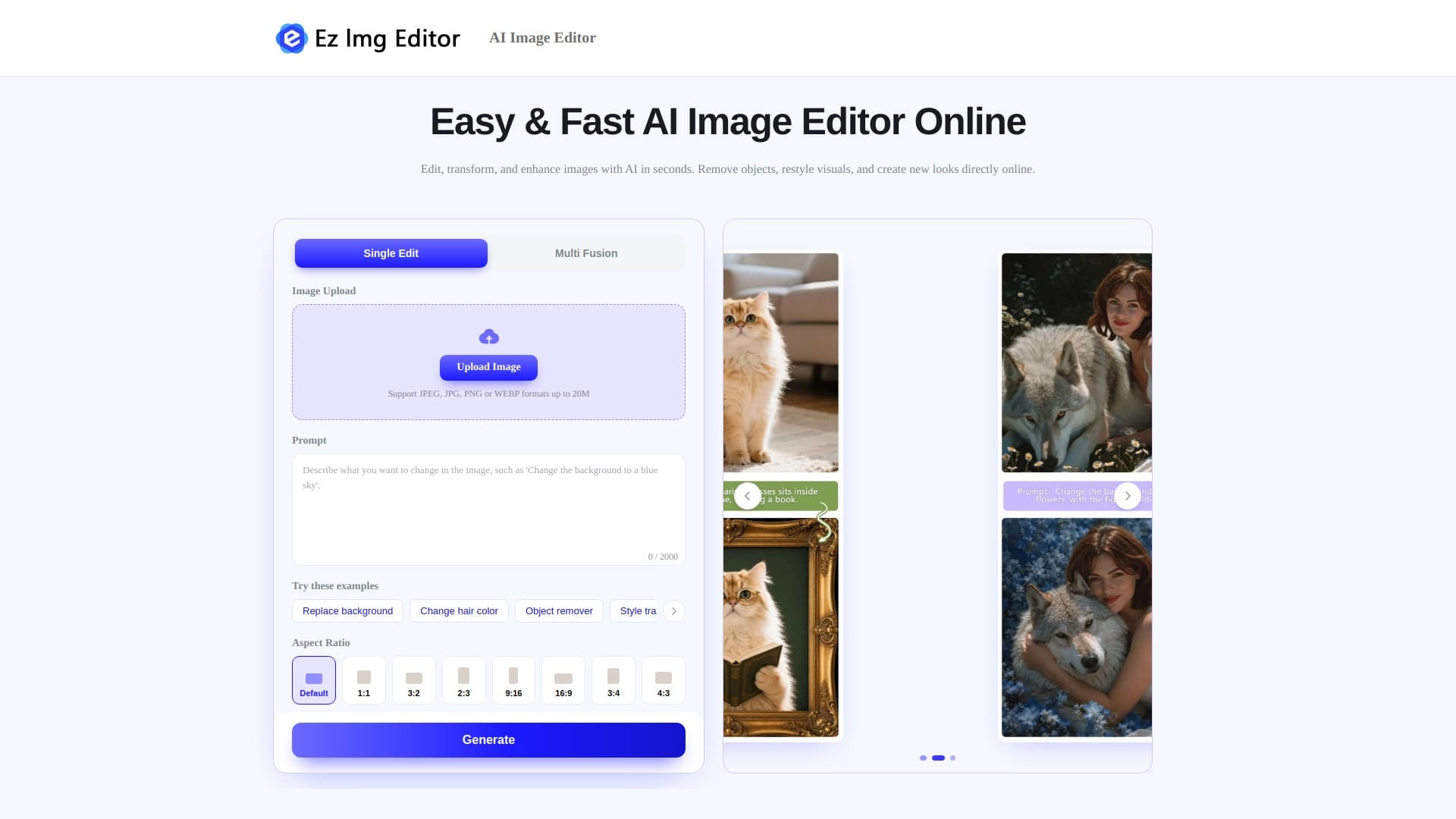

AI-powered online image editor for removing objects, replacing backgrounds, and enhancing photos.


AI-based platform for creating logos and brand identity.
Terminal AI agent for programming that dynamically adapts to developer tasks.


Online editor for removing unwanted objects, text, and defects from photos using a neural network.


Side AI panel that helps answer questions, work with documents, and generate images.


AI agent for assisting with programming and optimizing the development workflow.

Platform for creating custom AI chats trained on your own business data.
Unofficial API access to Suno AI for music generation and integration into applications.