

Ez Img Editor
Editor de imágenes en línea impulsado por AI para eliminar objetos, reemplazar fondos y mejorar fotos.
Examen
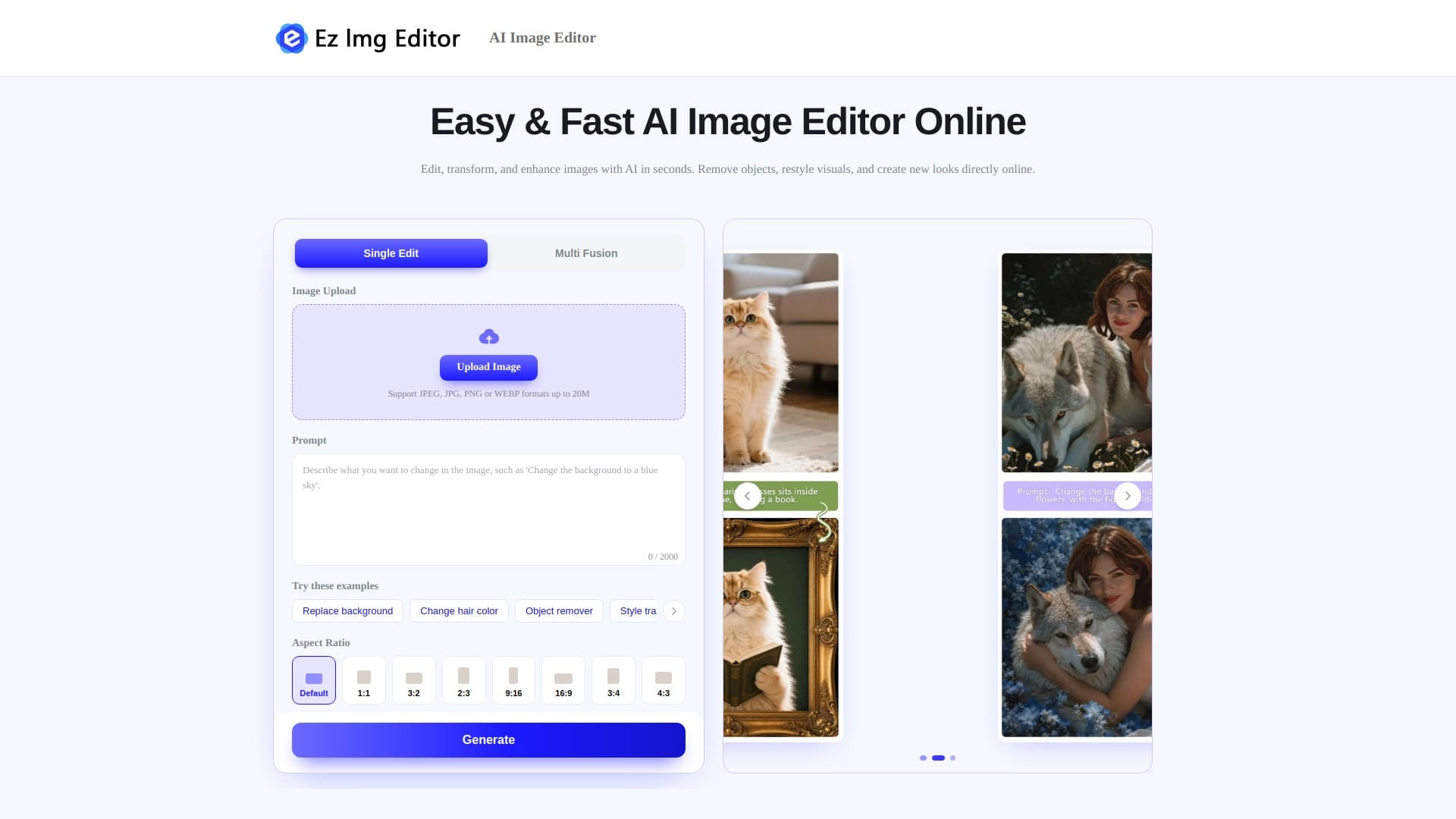
Ez Img Editor es una plataforma web impulsada por AI para la edición de imágenes. La característica clave del servicio es el control a través de comandos de texto. En lugar de herramientas complejas como máscaras, capas o curvas, los usuarios simplemente describen el cambio deseado en el lenguaje llano, y la red neuronal hace la edición en sí.
El servicio se especializa en el procesamiento específico de una sola imagen: eliminación rápida de objetos no deseados, reemplazo de fondo, corrección de iluminación y mejora del retrato. Además, la plataforma puede trabajar con múltiples fotos a la vez, mezclandolas para crear nuevas composiciones o transferir estilo de una imagen a otra.
Todo el proceso se construye como un diálogo con la red neuronal: subir una foto, escribir una solicitud, obtener el resultado final. Según los desarrolladores, esto toma sólo unos segundos. Este enfoque hace que el editor sea accesible incluso a aquellos que nunca han trabajado con software de edición profesional.
Ez Img Editor Características
| Característica | Valor |
|---|---|
| Tipo de herramienta | Editor de imágenes en línea basado en AI |
| Formato de trabajo | Plataforma web, sin instalación de software |
| Método de control primario | Texto comandos (prompts) |
| Operaciones básicas | Eliminación de objetos, sustitución de fondos, ajuste de iluminación, mejora del retrato |
| Capacidades adicionales | Blending múltiples imágenes, transferencia de estilo |
| Casos de uso objetivo | Retratos, fotos de productos, visuales de redes sociales, tomas cinematográficas |
| Velocidad de procesamiento | Unos segundos por edición |
¿Para quién es Ez Img Editor adecuado?
Diseñadores y comercializadores
Para aquellos que regularmente preparan visuales para campañas publicitarias, landing pages o posts, esta herramienta ayuda a manejar tareas rutinarias más rápido. Eliminar un passerby aleatorio de una foto, reemplazar un fondo malo, o equilibrar la luz, todo esto se hace con un solo comando de texto sin lanzar un editor de gráficos pesado.
Empresarios y propietarios de tiendas
Crear fotos de productos no requiere contratar un fotógrafo o dominar software complejo. La plataforma le permite preparar rápidamente una imagen de producto: limpiar el fondo, eliminar defectos, y hacer el listado más atractivo para los mercados.
Bloggers y especialistas SMM
Los visuales de medios sociales necesitan un refresco constante. Ez Img Editor es adecuado para crear cubiertas, procesar fotos personales y experimentar con estilo. Imágenes brillantes y transferencia de estilo abren posibilidades creativas sin conocimiento de diseño profundo.
Fotógrafos de aficionados
Para aquellos que disparan en un teléfono o una cámara de entrada, el servicio ayuda a pulir sus tomas. Mejora del retrato, corrección de iluminación y eliminación de objetos aleatorios en el fondo son tareas que la red neuronal maneja particularmente bien.
¿Cómo utilizar Ez Img Editor?
Subir la imagen fuente
El primer paso es subir una foto a la plataforma. Esto puede ser una imagen única para la edición individual, o varias imágenes si planea mezclarlas o el estilo de transferencia.
Describa los cambios deseados
Después de subir, necesita formular una solicitud en texto. Cuanto más preciso sea la descripción, mayor será la posibilidad de conseguir la resultado esperado. Por ejemplo, puede escribir "remover a la persona en el fondo" o "reemplazar el fondo con una oficina brillante".
Conseguir el resultado final
La red neuronal procesa la imagen según el comando dado y devuelve el archivo modificado en segundos. Si es necesario, el proceso puede repetirse, refinando la solicitud o haciendo nuevas ediciones.
Características clave de Ez Img Editor
Eliminación de objetos
La herramienta le permite limpiar elementos no deseados de fotos. Estas pueden ser personas aleatorias en el marco, coches en un estacionamiento, alambres, basura o defectos en la ropa. La red neuronal analiza el entorno y llena el área removida con contenido plausible.
Sustitución de fondos
Esta característica es útil para crear retratos y fotos de producto. Los usuarios pueden reemplazar un fondo ocupado o desenmascarado con un fondo neutro, oficina, calle o cualquier otro descrito en el aviso.
Retrato y mejora de la iluminación
El servicio puede suavizar la piel, ajustar las características faciales y equilibrar la luz y las sombras. Esto hace posible obtener planos de retratos limpios sin trabajo manual en editores gráficos.
Trabajando con múltiples imágenes
Más allá de ediciones individuales, la plataforma soporta mezclar dos o más fotos. Esto se utiliza para crear collages, composiciones artísticas y transferir estilo de una imagen a otra.
Ventajas de Ez Img Editor
Una de las principales fortalezas de Ez Img Editor es su control intuitivo basado en texto. Esto hace que la edición sea accesible para personas sin formación especializada. La velocidad también funciona a favor de los usuarios: la mayoría de las operaciones tardan segundos, ahorrando tiempo significativo al preparar grandes volúmenes de fotos.
Otra ventaja es su amplia gama de aplicaciones. La herramienta cubre varios escenarios a la vez, desde el retoque rápido de retratos a experimentos creativos con estilo y composición. Todo esto está disponible en el navegador, sin instalar software o comprar hardware potente.
Desventajas de Ez Img Editor
El principal inconveniente es la cantidad limitada de información disponible sobre el servicio. En el momento de escribir, se desconocen los detalles sobre los precios, la disponibilidad de un nivel libre o los límites del número de ediciones. Los usuarios potenciales deben revisar estos parámetros antes de comenzar a trabajar con la plataforma.
Además, cuando se trabaja con comandos de texto, el resultado depende de cuán bien se expresa la solicitud. Las instrucciones vagas o demasiado complejas pueden llevar a ediciones inesperadas, requiriendo que la imagen sea redone. Además, la automatización completa significa menos control manual sobre los detalles en comparación con los editores profesionales.
¿Qué tareas resuelve Ez Img Editor?
La herramienta aborda principalmente la tarea de mejorar rápidamente las fotos sin trabajo manual. Eliminar elementos no deseados, reemplazar fondos y ajustar la luz son operaciones típicas que solían tomar docenas de minutos en Photoshop y ahora se hacen con una simple descripción de texto.
El servicio también resuelve el problema de crear contenido de calidad para el negocio. Preparar retratos profesionales, fotos de productos para tiendas en línea, y visuales de redes sociales pueden ser manejados por una sola persona sin contratar contratistas o diseñadores.
Finalmente, Ez Img Editor es utilizado para experimentos creativos. La capacidad de mezclar imágenes y estilo de transferencia ayuda a crear imágenes inusuales que son difíciles de lograr con métodos de edición estándar.
Ez Img Editor precios
Los datos públicos sobre los planes de precios y suscripción de Ez Img Editor no son suficientes en fuentes abiertas. La información sobre costes de suscripción, acceso gratuito o paquetes de procesamiento prepagados debe ser confirmada directamente en el sitio web oficial de la herramienta. Se aconseja a los usuarios interesados en trabajar con el servicio de forma regular que revisen los términos actuales antes de registrarse.
Ez Img Editor términos de uso
Debido a la falta de datos detallados de páginas oficiales, no se divulgan los términos completos de uso para Ez Img Editor. Se desconocen las restricciones al uso comercial de imágenes procesadas, la política de privacidad relativa a los archivos cargados y las reglas de almacenamiento de datos. Para obtener información precisa, debe consultar la documentación oficial del servicio y el acuerdo de usuario sobre el sitio web del desarrollador.
Ez Img Editor disponibilidad
Ez Img Editor es posicionado como una plataforma web que funciona a través de un navegador. Esto significa que es accesible desde la mayoría de los dispositivos modernos: computadoras de escritorio, computadoras portátiles y tabletas. Sin embargo, la información sobre aplicaciones dedicadas, restricciones de acceso regional y soporte lingüístico está ausente de los datos de origen. Tampoco está claro si se requiere una cuenta para utilizar la herramienta o si las imágenes pueden ser subidas en modo invitado.
Cómo Ez Img Editor difiere de alternativas
La principal diferencia entre Ez Img Editor y los editores gráficos clásicos es la ausencia completa de herramientas manuales. Los usuarios no trabajan con máscaras, capas o pinceles — solo formulan solicitudes en palabras. Esto reduce radicalmente la barrera de entrada pero al mismo tiempo limita el control fino que los profesionales están acostumbrados.
En comparación con muchos editores de AI, el servicio destaca con el apoyo integrado para trabajar con múltiples imágenes simultáneamente. Los disparos y el estilo de transferencia expanden la funcionalidad más allá del simple retoque, permitiendo a los usuarios crear nuevas composiciones en lugar de simplemente mejorar los originales.
También vale la pena destacar el enfoque en las tareas comerciales: un énfasis en la creación de retratos profesionales, fotografía de productos y visuales de redes sociales. Esto no es un editor de fotos diario universal, sino una herramienta especializada para resolver problemas empresariales específicos y experimentos creativos.
Conclusión
Ez Img Editor es un editor web moderno construido alrededor de la interacción basada en texto con una red neuronal. Está dirigida a realizar rápidamente operaciones típicas: eliminación de objetos, reemplazo de fondo, mejora del retrato y ajuste de iluminación. La capacidad adicional para trabajar con múltiples imágenes hace que el servicio sea útil también para tareas creativas, creando composiciones y transfiriendo estilo. La herramienta será valiosa para diseñadores, marketers, propietarios de tiendas y bloggers que necesitan resultados sin estudio profundo de software complejo. Al mismo tiempo, los usuarios deben revisar con antelación la política de precios y los términos de uso en el sitio web oficial, ya que estos datos aún no se revelan en fuentes abiertas.
Preguntas frecuentes
Vea también
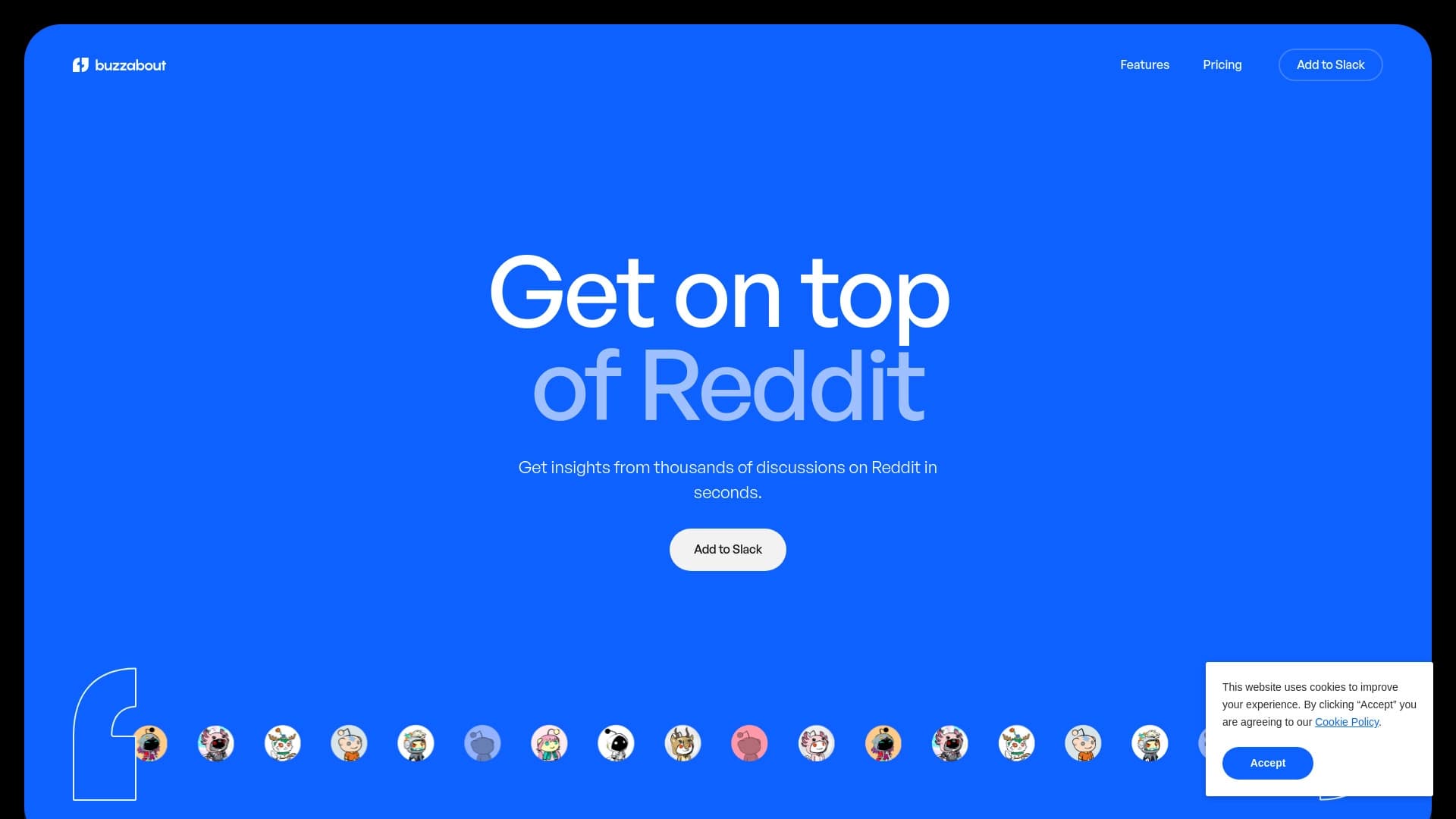

Servicio de análisis de audiencia basado en discusiones sobre Reddit.

Plataforma electrónica Comercio con un asistente de inteligencia personalizada.
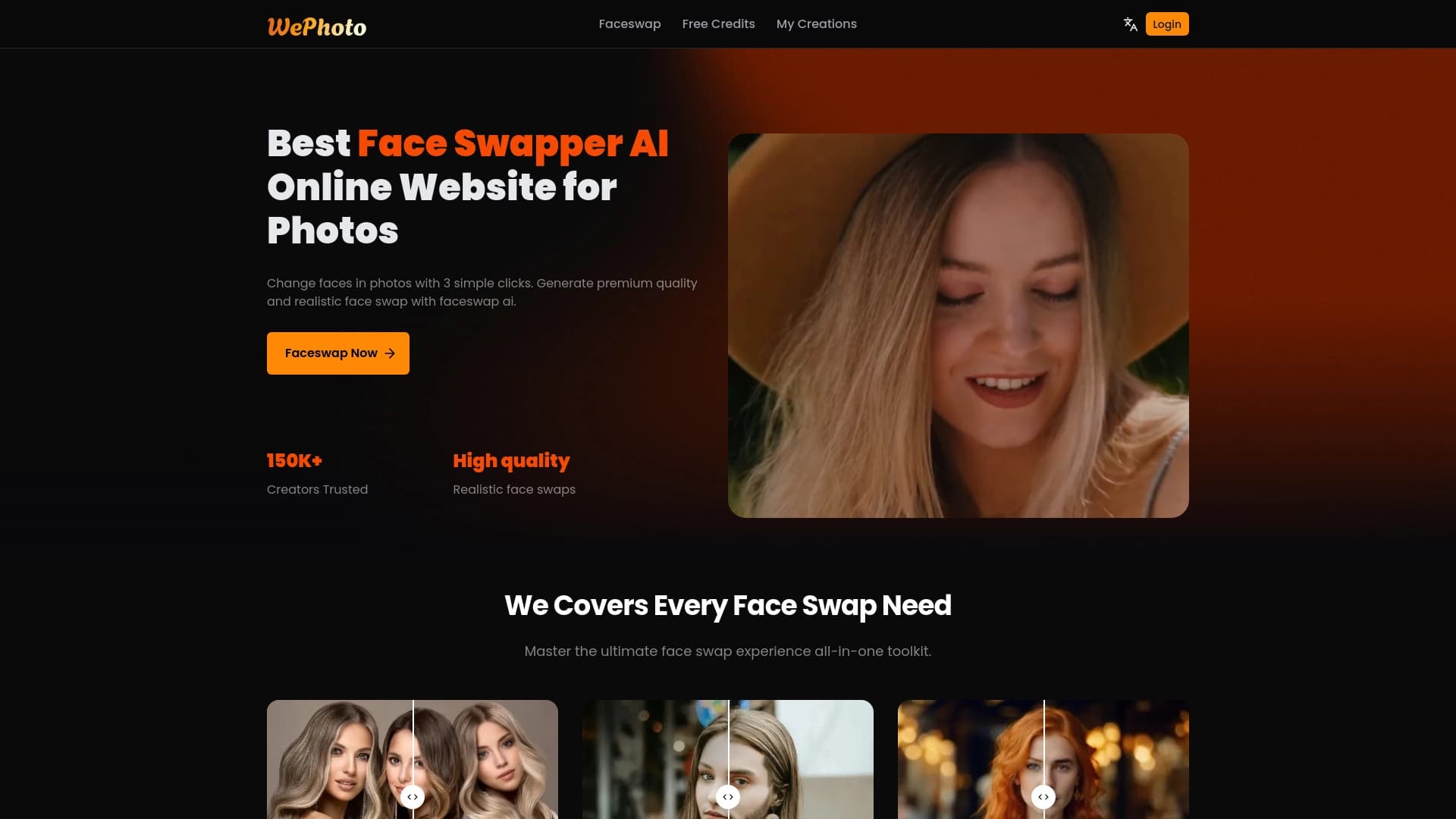
Herramienta en línea para reemplazar caras en fotos con el uso de AI.

Extensión al navegador , que ayuda a crear tweets e hilos para X (Twitter) utilizando inteligencia artificial.
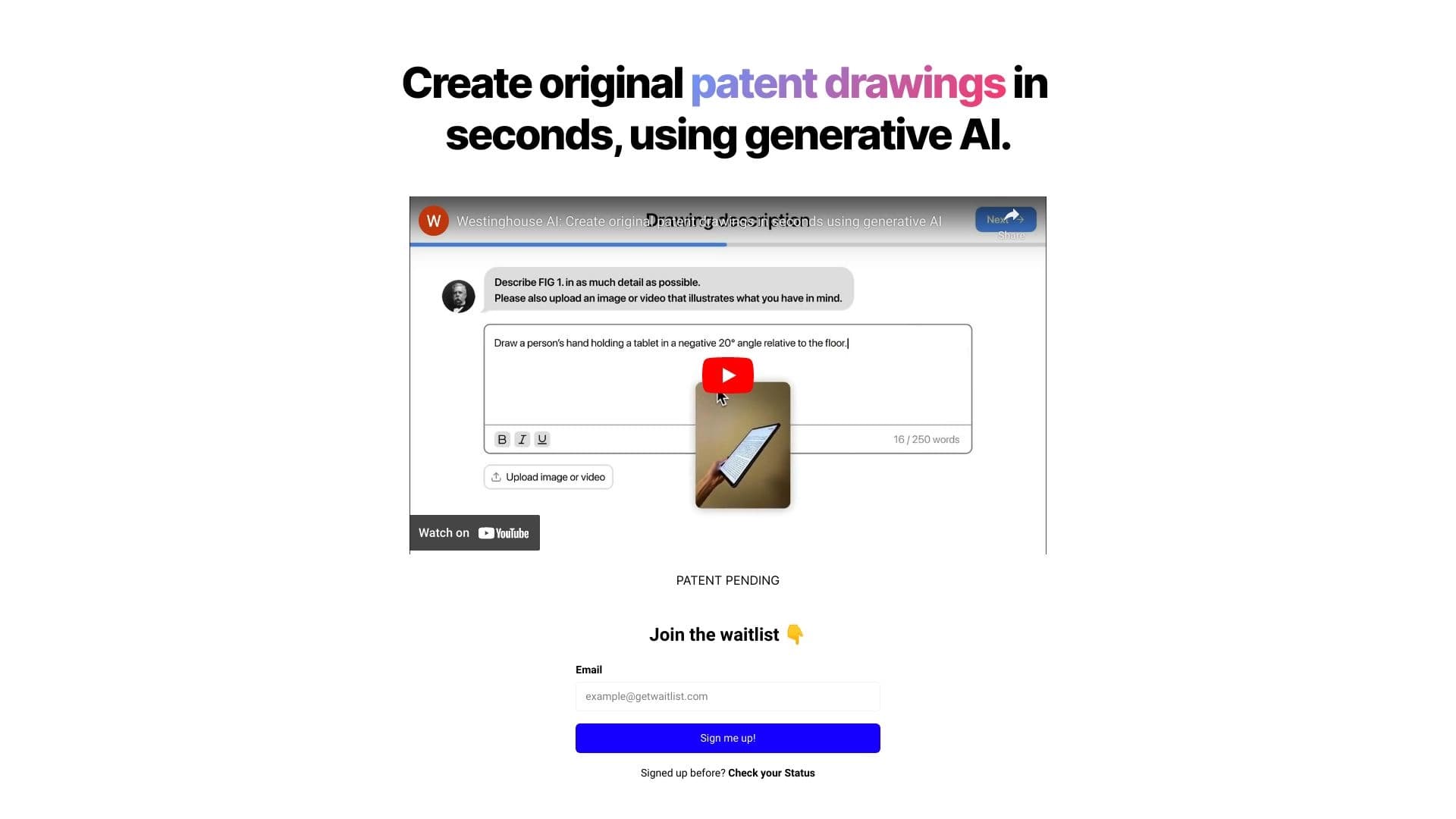
Generation patent textual description behind numbered seconds.
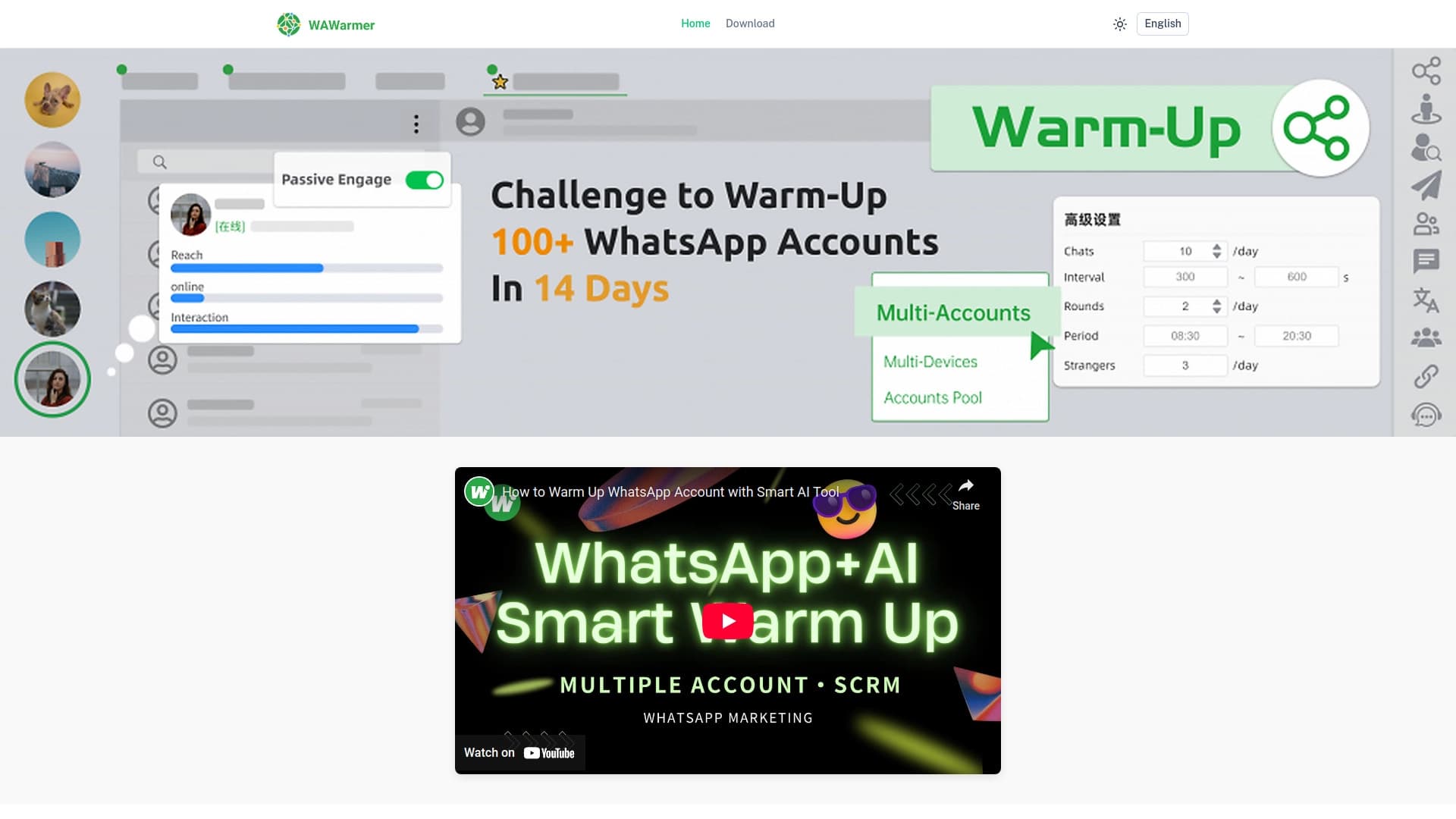
Herramienta AI para Automatizar el calentamiento de cuentas de WhatsApp y prevenir el bloqueo.
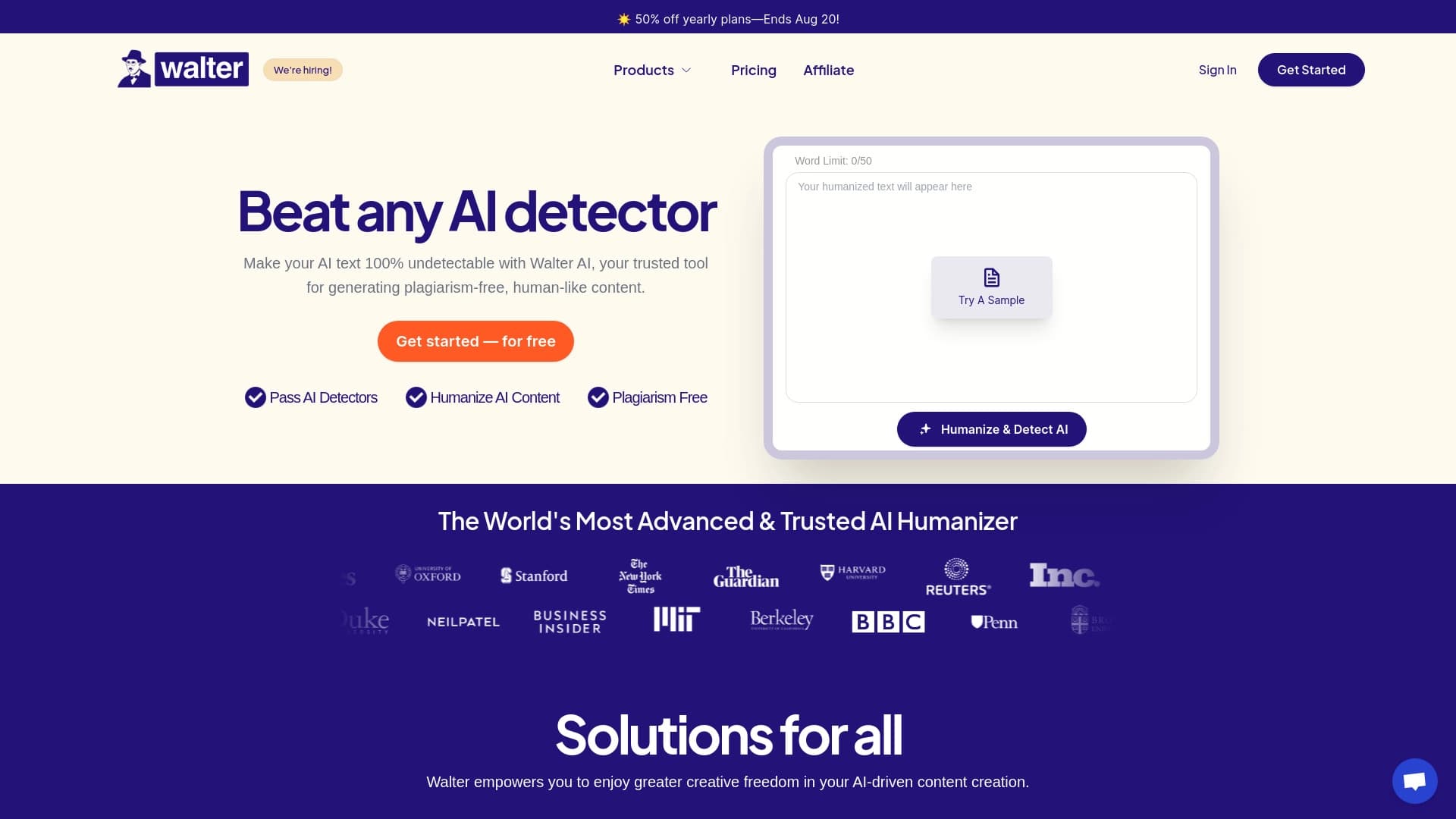

Textura de transformación de servicio, generada por AI, en una redacción más natural y humana.


Asistente de inteligencia para crear y editar textos rápidamente en varios formatos.