

Docky.AI
Side AI panel that helps answer questions, work with documents, and generate images.
Overview
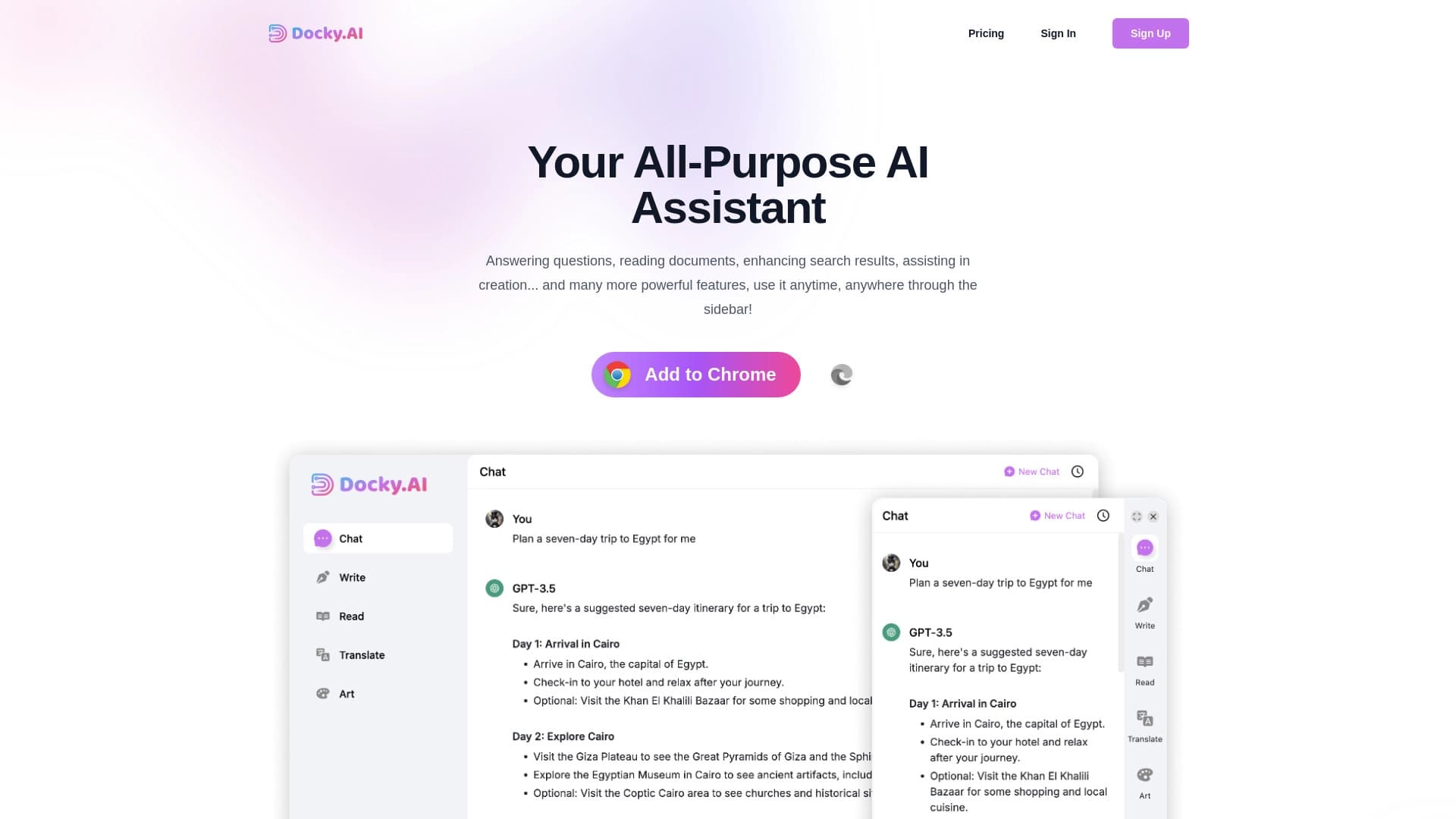
Docky.AI is a browser extension that adds an AI-powered sidebar to your browser interface. The panel works as a universal assistant: you can ask questions, analyze documents, and create images. The tool is built on the integration of models such as ChatGPT and Claude, providing access to modern natural language processing and content generation algorithms.
The core idea of the service is to reduce time spent switching between tabs and applications. Instead of opening separate services for each task, users get a single window for working with text, data, and visual content. This makes Docky.AI a convenient solution for those who regularly work with large volumes of information and want to automate routine operations.
The extension is focused on boosting productivity: it helps make decisions faster, structure information, and generate content drafts. Thanks to integration with multiple neural networks, Docky.AI aims to meet users' needs for a universal AI assistant available right in the browser.
Docky.AI Features
| Feature | Value |
|---|---|
| Tool type | Browser extension (AI sidebar) |
| Core models | ChatGPT, Claude |
| Key functions | Answering questions, reading and analyzing documents, generating images |
| Work format | Sidebar overlay on web pages |
| Target audience | Browser users working with texts and documents |
| Distribution model | Not specified (not stated on the website) |
| Access method | Online, via browser |
| Integrations | AI models ChatGPT and Claude |
Who is Docky.AI for?
Document-focused professionals
Lawyers, analysts, editors, and managers who often need to quickly extract the essence from long files will find Docky.AI a handy assistant. The panel lets you ask questions about the text right in the browser without interrupting your workflow.
Content creators and marketers
Those who write texts, posts, and scripts will benefit from the image and draft generation feature. Docky.AI helps quickly produce ideas and visual materials that can then be refined manually.
All browser users
Anyone who regularly searches for information online can use Docky.AI as a reference window. The tool is suitable for quick clarifying questions, translating text fragments, or fact-checking — without switching between tabs.
How to use Docky.AI
Installation and launch
First, you need to install the extension in your browser. After installation, a chat window will appear in the sidebar, available on any web page. It can be activated via the extension icon or a keyboard shortcut.
Working with documents
Open a document in your browser or paste text into the dedicated field. Then ask a question about the content — the neural network will analyze the material and provide an answer. This is convenient for long articles, contracts, reports, or academic papers.
Image requests
In the panel interface, select the image generation mode, describe the desired result in text, and the neural network will create an image. The generated images can be downloaded or used directly in the browser to illustrate materials.
Key features of Docky.AI
Answering questions
The panel works as a conversational AI assistant: you can ask follow-up questions, get detailed answers, and maintain a dialogue thread. This replaces internet search for typical queries.
Reading and analyzing documents
Docky.AI can process the content of open pages, uploaded files, or copied text. This feature is useful for extracting key points, creating summaries, and finding specific fragments.
Image generation
A built-in capability to create visual content from a text description. This feature is aimed at rapid idea prototyping and preparing illustrations for publications.
Docky.AI advantages
- Versatility: combines work with text, documents, and images in a single window.
- Strong models: access to ChatGPT and Claude ensures high-quality request processing.
- Convenient format: the sidebar eliminates the need to switch between applications.
- Broad applicability: suitable for work tasks, study, and personal use.
- Streamlined workflows: reduces time spent searching for information and preparing materials.
Docky.AI drawbacks
- Lack of detailed information: official materials do not disclose all technical specifications, making it difficult to fully evaluate the tool.
- Browser dependency: the extension only works within the browser where it is installed and is not available as a full desktop application.
- Unclear distribution model: there is no information on how the tool is distributed — free, subscription-based, or in a mixed format.
- Potentially limited functionality: the stated set of tasks may not be sufficient for all professional scenarios.
What tasks does Docky.AI solve
The tool addresses the need for quick access to AI features without creating separate accounts or switching between services. Key scenarios include:
- Quickly finding answers to questions while browsing the web.
- Processing and interpreting document content directly in the browser.
- Generating images to illustrate ideas, posts, or presentations.
- Automating routine intellectual operations related to text.
- Improving decision quality through expert AI support.
Thus, Docky.AI suits a wide range of tasks — from minor clarifications to full-fledged content preparation.
Docky.AI pricing
There is no reliable data on Docky.AI pricing. Based on available materials, it is impossible to determine whether the extension is fully free, offers paid plans with additional features, or operates on a freemium model. It is recommended to check the extension's official page in the browser store for up-to-date pricing information.
Docky.AI terms of use
Detailed terms of use, including the privacy policy, data processing rules, and liability limitations, are currently not published in available sources. It is unknown how the service handles user data transmitted through requests and uploaded documents. Before active use, it is advisable to contact the developers or review official materials on the website and in the extension's documentation.
Docky.AI availability
Docky.AI is distributed as a browser extension. However, the specific list of supported browsers (Chrome, Firefox, Edge, Safari, and others) is not specified in the source data. There is also no information about a web version or mobile applications. For accurate compatibility details, you need to visit the tool's official website or the extension page in the relevant directory.
How Docky.AI differs from alternatives
The main difference of Docky.AI is the combination of multiple AI models with the sidebar format. Unlike standalone services that require opening a separate tab or navigating to a website, Docky.AI remains accessible right on top of the page you are viewing. This shortens the path from question to answer.
Another important difference is the combination of features: a classic AI chat is complemented by document processing and image generation. Many competitors focus on only one of these areas, while Docky.AI brings them together in a single interface. This makes the tool more versatile for complex work tasks.
Conclusion
Docky.AI is a browser extension with an AI sidebar that combines chat with ChatGPT and Claude, document analysis, and image generation. The tool is aimed at boosting productivity and simplifying information operations. The sidebar format is convenient for everyday use. However, potential users should consider the limited public data on pricing, terms of use, and technical support. For an informed decision, it is recommended to review the developers' official information before integrating it into your workflow.
Frequently asked questions
See also

Browser extension for generating images via CloudflareAI from the context menu.


No-code platform for creating and configuring neural networks without writing code.
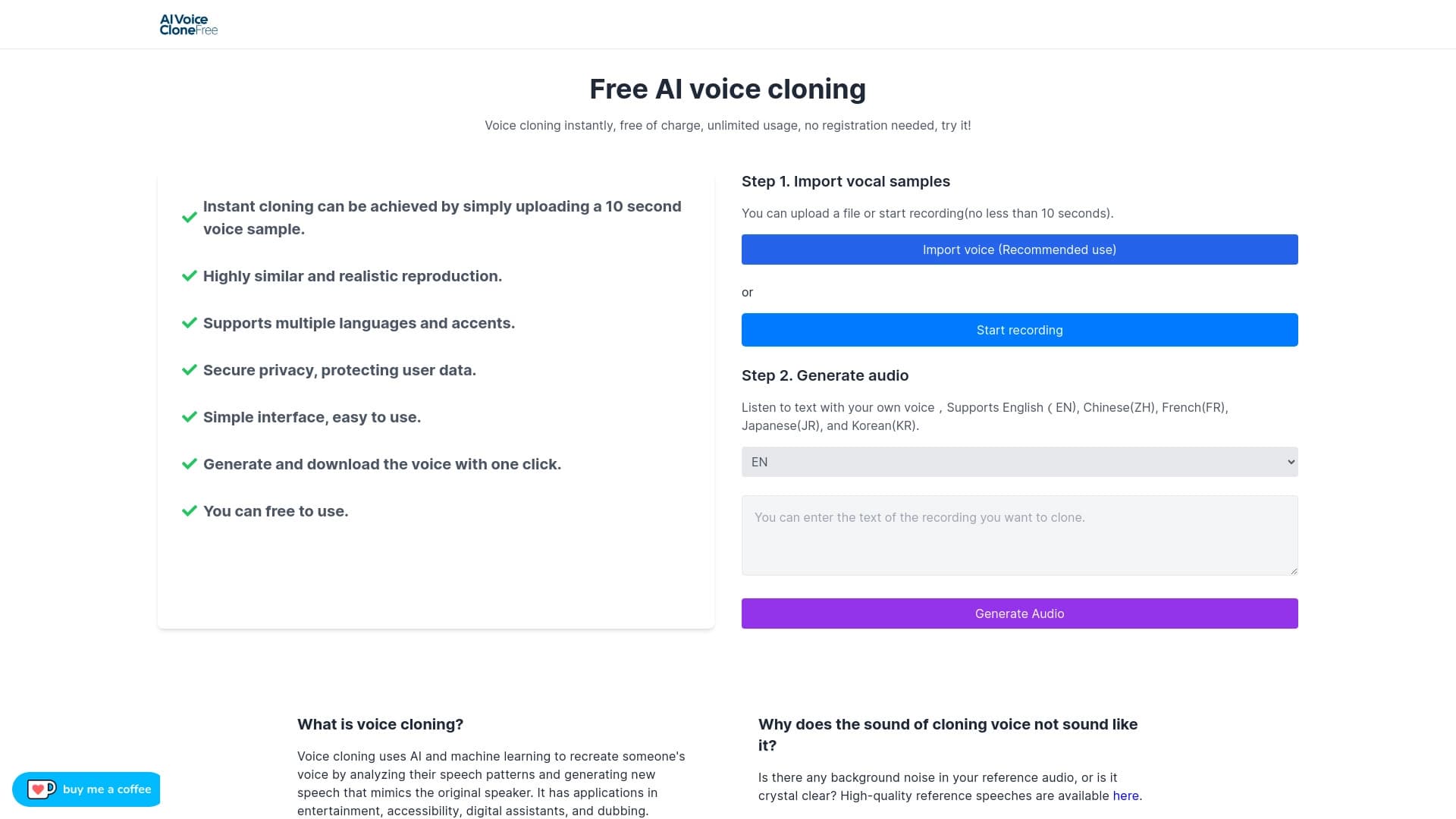
Online service for creating a realistic voice clone from a short audio recording and text-to-speech.
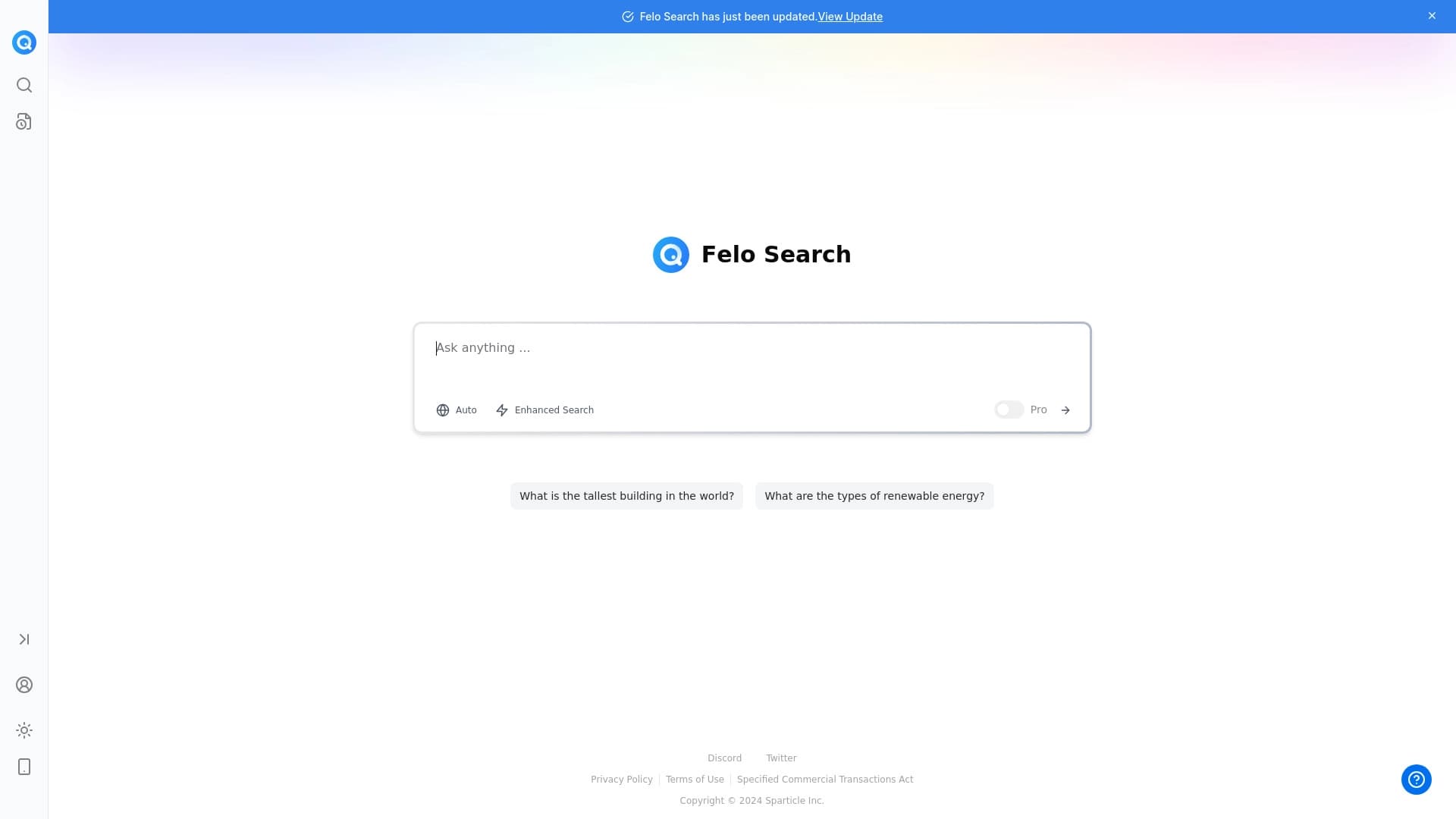
A presentation creation service that uses multiple AI agents for information gathering, design, and data analysis.

Online service for quickly generating images from text descriptions using AI.

Online platform for generating images from text descriptions with face transfer and mood adjustment features.
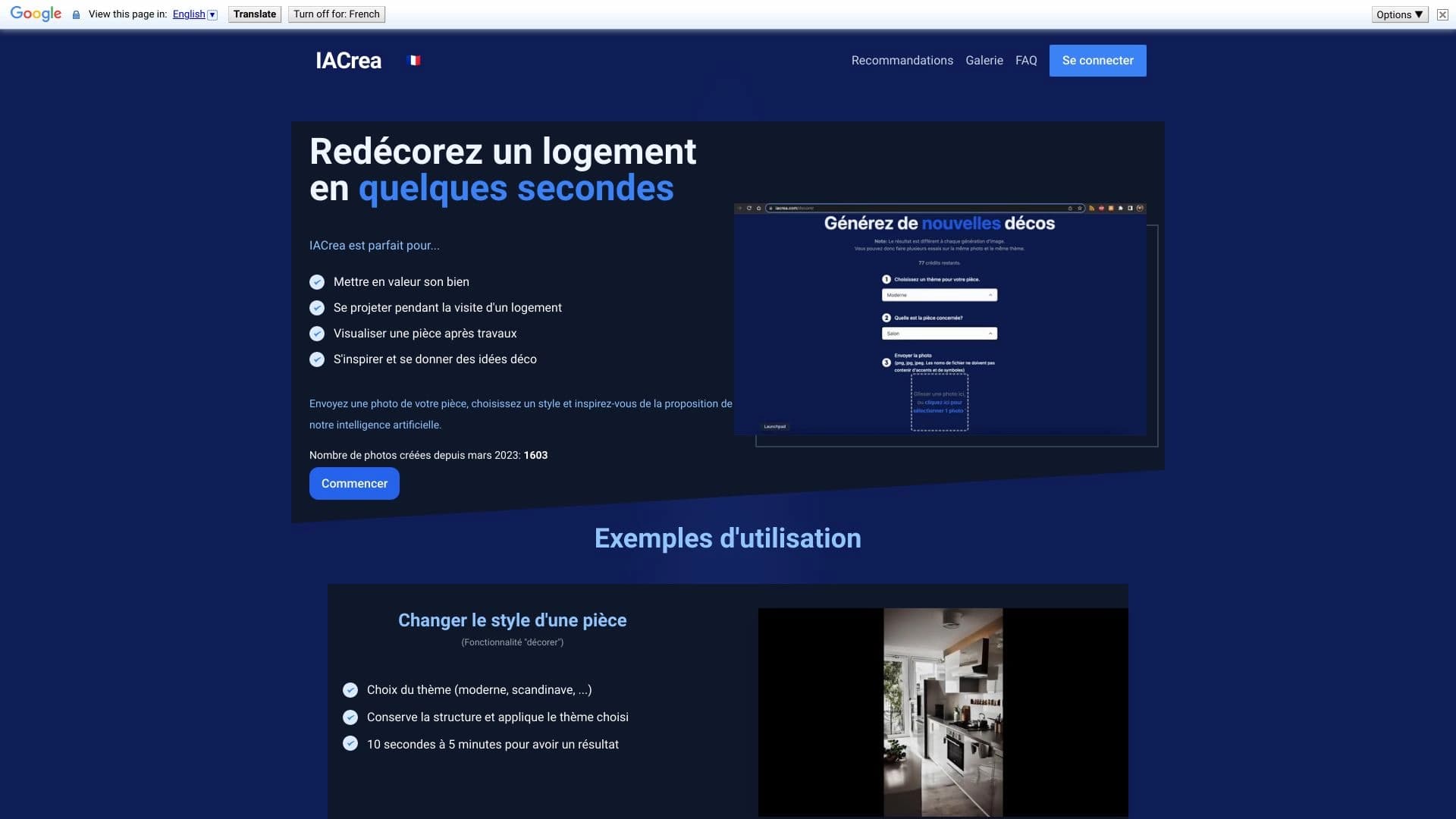

IACrea is an AI service for virtual home staging and real estate visualization, allowing you to quickly enhance interior and exterior photos.
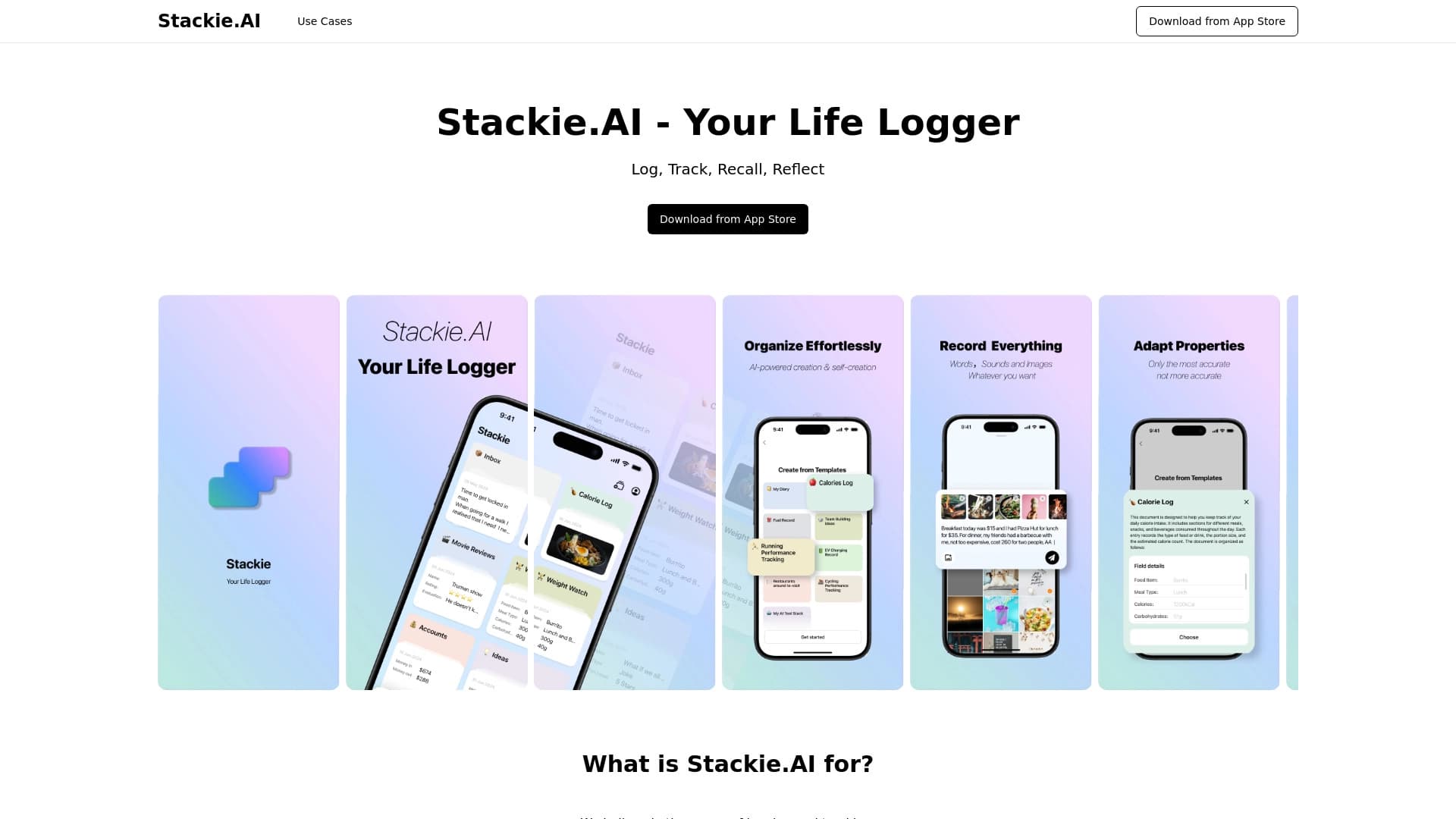
A life logging tool that allows you to record, track and analyze everyday activities and habits.