
Better Posture - Chrome Extensi...
Chrome extension that analyzes posture via webcam and reminds you to sit up straight.
Overview
Better Posture is a Chrome browser extension that uses a neural network to analyze posture through a webcam in real time. The tool tracks the user's body position and, when it detects slouching, instantly sends a notification with a recommendation to straighten up or do a short exercise.
At the core of the service is a built-in AI coach that not only detects posture issues but also keeps a progress log, reminds about stretching breaks, and provides personalized recommendations. The system adapts its advice to the habits of each individual user, helping to gradually build a lasting habit of keeping the back straight. The extension offers three pricing plans, starting with a free one, making it accessible to a wide range of users.
| Characteristic | Value |
|---|---|
| Type | Chrome browser extension |
| Categories | Fitness tools, coaching tools, customer support tools |
| Developer | Skyward |
| Monthly visits | 19.1K |
| Publication date | November 7, 2025 |
| Base plan | Free |
| Premium plan | Paid monthly subscription |
| Professional plan | Paid monthly subscription |
Office workers and remote employees
The extension is designed primarily for people who spend many hours a day at the computer. Prolonged sitting in one position inevitably leads to slouching, and Better Posture takes on the role of constant monitoring, which is difficult to do on your own.
People with back pain
For those who already experience discomfort in the back or neck, the tool helps reduce the strain on the spine. Regular reminders and exercises help decrease pain during long hours of desk work.
Anyone who wants to look more confident
Proper posture affects not only health but also how others perceive you. Users who want to improve their image and learn to carry themselves well will find this extension a useful digital assistant. The tool is also suitable for those who are aware of the problem but are not ready to monitor themselves manually.
Installation and setup
To get started, you need to install the extension in the Chrome browser and enable it. Once activated, the AI begins analyzing posture through the webcam — this requires granting camera access and ensuring a stable internet connection.
Setting up a practice schedule
The practice schedule is fully customizable to fit your individual lifestyle. Users can choose the time and duration of sessions on their own: you can practice every day or just once a week. The system adapts to your convenient routine and provides prompts exactly when needed.
Real-time posture analysis
The neural network continuously tracks body position through the webcam. When it detects slouching or poor posture, the system instantly flags the issue and provides a recommendation to correct your position.
Reminders and recommendations
The tool sends personalized prompts about the need to straighten up or do an exercise. The assistant evaluates your posture through the camera and tailors advice to the habits of the specific user, rather than relying on a generic template.
Exercises and coaching sessions
The extension includes individual exercises for posture correction, selected based on the user's specific needs. Online AI coaching sessions via the camera are also available, where the assistant provides detailed recommendations for posture correction.
Progress tracking
A detailed progress log is maintained, allowing users to track posture changes from week to week. Users can see the dynamics of their improvements, which provides additional motivation to continue training.
Personalized approach of the AI assistant
Unlike static apps, Better Posture adapts its recommendations to the habits and characteristics of each user. The AI evaluates posture through the camera and selects exercises individually, which increases the effectiveness of training.
Instant response to issues
The neural network detects posture errors within seconds and immediately provides recommendations. This allows you to correct your posture at the moment it breaks, rather than remembering to sit up straight after the fact.
Visible progress over time
The progress log allows you to observe real changes from week to week. Seeing tangible results motivates you to continue and not give up training halfway.
Dependence on the internet
The extension does not work without a network connection — all service functions rely on online data processing. This limits the tool's use while traveling or with an unstable connection.
Webcam limitations
The AI only evaluates what is visible in the camera frame. Proper camera positioning and adequate lighting are required for accurate operation — otherwise, analysis accuracy may decrease.
Template-based recommendations
The neural network operates on general algorithms and may not always account for individual posture characteristics. For non-standard back issues, the advice may not be a perfect fit.
Relief from back pain
The tool helps reduce the discomfort that arises from prolonged sedentary work. Regular posture correction and exercises reduce the strain on the spine.
Building a healthy habit
Better Posture takes over the monitoring function, allowing users not to track their posture manually throughout the workday. Over time, the system helps develop a lasting habit of sitting up straight without external reminders.
Increased confidence
Proper posture changes a person's appearance, making them look more confident and composed. The extension promotes a healthy body position, which positively affects the overall impression you make.
The service operates on a freemium model and offers three pricing plans:
- Base plan — free, includes access to the extension's core features. Suitable for getting familiar with the tool and basic posture correction.
- Premium plan — paid monthly subscription, unlocks advanced features and a personalized training plan adapted to the specific user.
- Professional plan — paid monthly subscription, includes personal expert consultations and detailed progress analytics.
To use the extension, three key components are required: the installed Chrome browser extension, access to a webcam, and a stable internet connection. Without any of these elements, the service cannot function fully. It is also important to ensure proper camera positioning and adequate lighting for accurate posture analysis.
The extension is available exclusively for the Chrome browser. Installation is done through the extensions store, after which the user gains access to the functionality provided they have internet and a webcam. The service does not require installing any additional software.
Better Posture stands out from other tools due to its narrow specialization in posture analysis through a webcam. Unlike universal AI platforms such as Perplexity AI or Kampus.ai, this extension solves a specific task — real-time body position monitoring. Among similar tools like GenAPI or NeuroTexter, Better Posture is the only one focused on the user's physical health rather than working with texts or data.
The main difference from most fitness apps is full automation of monitoring. Users do not need to manually log workouts or launch analysis on their own: the system runs continuously in the background and only intervenes when it detects a problem. This makes the extension closer to customer support and coaching tools than to classic fitness trackers.
Better Posture is a specialized Chrome extension that uses a neural network to analyze posture through a webcam and helps the user improve their body position. The tool offers real-time prompts, individual exercises, and progress tracking, which helps reduce back pain and build the habit of sitting up straight. The service is available on a freemium model with a free base plan and two paid tiers, but it requires a constant internet connection, and the quality of operation depends on camera positioning and lighting.
Frequently asked questions
See also

Browser extension and web service with AI assistant features: answering queries, summarizing videos and documents, and translating text.
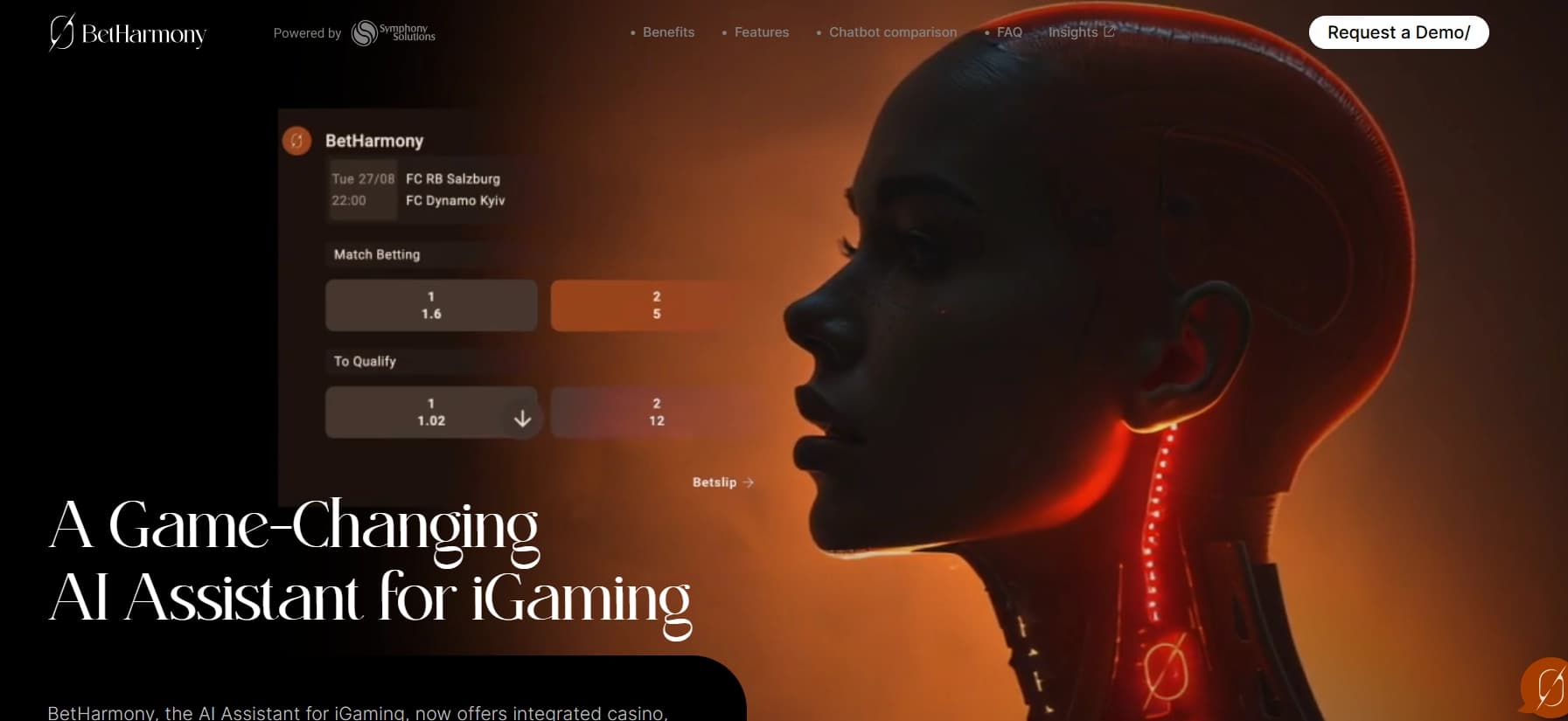

AI assistant for sports betting and casino, analyzing the user's past actions to provide personalized advice.

AI agent for automating routine browser actions, such as filling out forms and collecting data.

A tool for creating diagrams and mind maps from text descriptions in natural language.


AI assistant for checking grammar, spelling, and style of English text, available as a browser extension and web editor.


Chrome extension that helps manage tabs, history, and bookmarks with an AI assistant.


Side AI panel that helps answer questions, work with documents, and generate images.


AI language teacher in the form of a browser extension and web service for practice, translation, and explanation of language materials.