
Arvin - AI Assistant
Browser extension and web service with AI assistant features: answering queries, summarizing videos and documents, and translating text.
Overview
Arvin - AI Assistant Neural Network Description
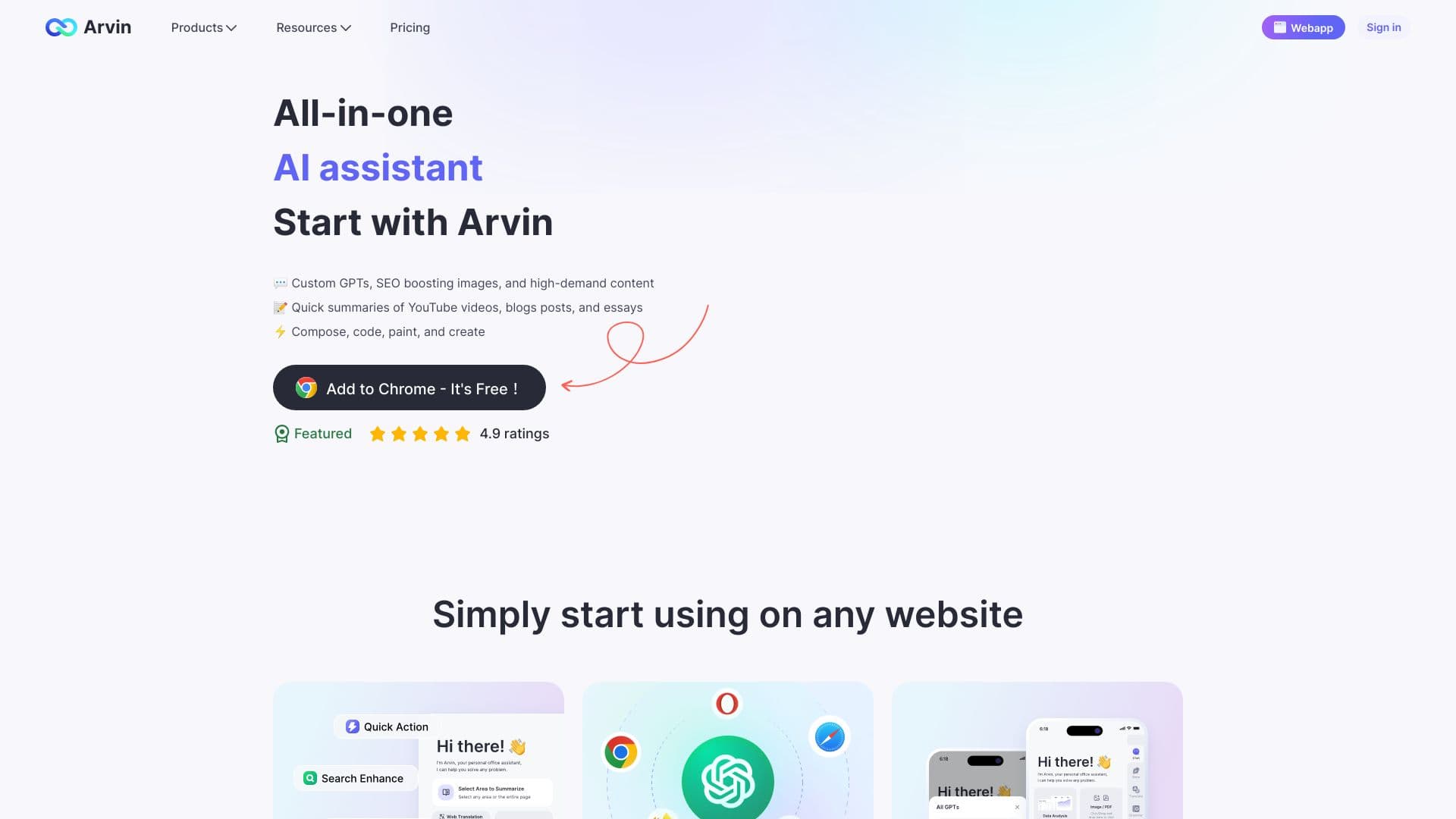
Arvin is a multifunctional AI assistant available as a Chrome browser extension and a web service. The tool is built on ChatGPT and is designed to save time on routine tasks: searching for information, processing content, and managing correspondence. Instead of switching between a dozen tabs and services, users get a single window for interacting with the neural network right on the browser page.
Arvin's main feature is deep integration with popular platforms: Google, Gmail, LinkedIn, and Twitter. This allows users not just to ask the neural network questions, but to use it in the context of a specific page: composing email replies, commenting on social media posts, and creating summaries of long materials. Support for translation into 25+ languages makes it useful for working with foreign sources and international communication.
New users get a free plan with daily credits, allowing them to test all the main usage scenarios without any upfront payment.
Arvin - AI Assistant Specifications
| Specification | Value |
|---|---|
| Type | AI assistant based on ChatGPT |
| Platforms | Web, Chrome extension |
| Pricing model | Free / Freemium (free plan with daily credits) |
| Categories | AI Art Generator, AI Illustration Generator, AI Avatar Generator, AI Vector Graphics |
| Date added to catalog | July 1, 2024 |
| Target audience | Professionals, students, content creators, SMM managers, researchers |
| Core functionality | Chat, summarization, translation, email and social media management |
| Supported models | GPT-3.5, GPT-4o, Gemini 1.5 |
| Free plan | Yes, 30 credits per day |
| Credit card required to start | No |
Who is the Arvin - AI Assistant neural network for?
Professionals and office workers
People whose work involves constant correspondence and document processing will appreciate the ability to quickly formulate replies in Gmail and get concise summaries of long reports and articles. Translation into 25+ languages is useful for those working with international partners.
Students and researchers
Arvin helps with studies: it allows creating structured article summaries, summarizing YouTube video lectures, and translating scientific materials. This speeds up preparation for seminars and writing coursework.
Content creators and SMM managers
Built-in templates for LinkedIn and Twitter save time on coming up with post wording. The assistant helps generate ideas, image captions, and even visual elements like logos and business cards.
How to use the Arvin - AI Assistant neural network?
Getting started and installation
The first step is to register on the Arvin service website. After creating an account, you need to install the Chrome browser extension and pin it to the browser toolbar — the icon should always be at hand for quick access.
Main usage scenarios
The workflow is based on the "select and get results" principle. A user selects a piece of text on any website — and Arvin instantly offers to generate a summary or perform a translation. In Gmail, the extension helps compose email replies and manage the inbox. For LinkedIn and Twitter, ready-made posting templates can be applied to speed up content publication.
Main features of Arvin - AI Assistant
Text and content processing
The tool answers user questions directly in Google search results, can create summaries of blogs and PDF documents, and summarize YouTube video content. Translation is available in more than 25 languages.
Integration with communication platforms
Arvin integrates into Gmail for quick email composition, and also integrates with LinkedIn and Twitter. This allows maintaining social media activity and business correspondence without leaving the browser page.
Visual content generation
In addition to text tasks, the assistant offers image generation, avatar creation, vector graphics, and illustration features. Additionally, tools for creating logos, captions, and business cards in one click are available.
Advantages of Arvin - AI Assistant
Comprehensive approach
Arvin combines a chat interface, content creation, image generation, and document conversion — users don't need to purchase several separate services. Support for current models like GPT-4o and Gemini 1.5 ensures high-quality responses.
Ease of use
The Chrome extension is always at hand and works on popular websites and platforms without the need to switch windows. The interface is intuitive, and tasks like creating a logo or business card are done in one click.
Affordable pricing policy
The free plan with daily credits allows getting started without any financial investment. For those who need more capabilities, an affordable subscription plan with annual payment is available.
Disadvantages of Arvin - AI Assistant
Platform and code limitations
The tool only works as a web service and Chrome extension — a mobile app is not yet available. There is no information about open source code, which limits customization options and community security auditing.
Functional limitations
There is no public data on real-time collaboration features — the tool is designed for individual use. It's also worth paying attention to the refund terms for paid plans, which may not suit some users.
What tasks does Arvin - AI Assistant solve?
- Composing and managing email in Gmail.
- Creating concise summaries of long YouTube videos.
- Processing articles, blogs, and PDF documents for quick review.
- Supporting communication on LinkedIn and Twitter through ready-made templates.
- Quick translation of texts into more than 25 languages.
The tool also helps with grammar checking and improving text style, which is useful for both business and personal correspondence.
Arvin - AI Assistant Pricing
The distribution model is freemium. A free plan is available at $0, which includes 30 daily credits for access to GPT-3.5, GPT-4o, the YouTube summarizer, PDF summarizer, and other basic features. No credit card is required to activate the free plan.
The paid plan is only available with annual billing. No lifetime license is provided, nor is a monthly payment model available.
Terms of use for Arvin - AI Assistant
Registration through the official website is required to use the service. The free plan provides 30 credits per day, which is enough to get familiar with the functionality and complete basic tasks. Paid plans operate on a subscription basis with annual billing.
When switching to paid plans, you should carefully review the refund policy and terms of use — as noted in reviews, restrictions in this area can be an unpleasant surprise. The refund policy is not officially disclosed.
Arvin - AI Assistant Availability
The service is available globally, and users from various countries can use the tool without restrictions. It works on two platforms — through the Chrome browser extension and through the web interface. Translation functionality supports more than 25 languages.
The lack of a mobile version limits Arvin's use on smartphones and tablets — users will have to make do with the web version through their device's browser.
How Arvin - AI Assistant differs from alternatives
The main difference between Arvin and universal chatbots like ChatGPT or specialized copywriting services (Copy.ai, Jasper AI) is the combination of several functions in a single interface. Traditional tools usually focus on one task: text generation, SEO optimization, or social media management. Arvin, on the other hand, combines chat, summarization, translation, email management, and image generation.
Unlike Surfer SEO, which focuses on technical content optimization, Arvin emphasizes versatility and ease of use in everyday scenarios. Support for GPT-4o and Gemini 1.5 in the free plan is an advantage over services that only provide access to advanced models for an additional fee.
Conclusion
Arvin - AI Assistant is a practical solution for those who want to speed up routine browser operations: from quick translations and article summarization to managing business correspondence and social media. The tool stands out from competitors due to its integration with several popular platforms at once and support for current language models. The free plan with daily credits makes the service accessible to a wide audience, including students and freelancers with limited budgets. At the same time, the lack of a mobile version and limited refund terms for paid subscriptions may be deciding factors for some users. Overall, Arvin is a well-thought-out multifunctional assistant useful in the daily work of professionals, researchers, and content creators.
Pricing
Frequently asked questions
See also

A platform for communicating with virtual AI characters that supports text, voice and multimedia interactions.
A neural network for document analysis that extracts key information, creates summaries, and answers questions about the contents of uploaded files.
AI assistant for academic writing that helps create essays and research papers with proper citations.

Platform for creating and communicating with customizable AI characters in real time.
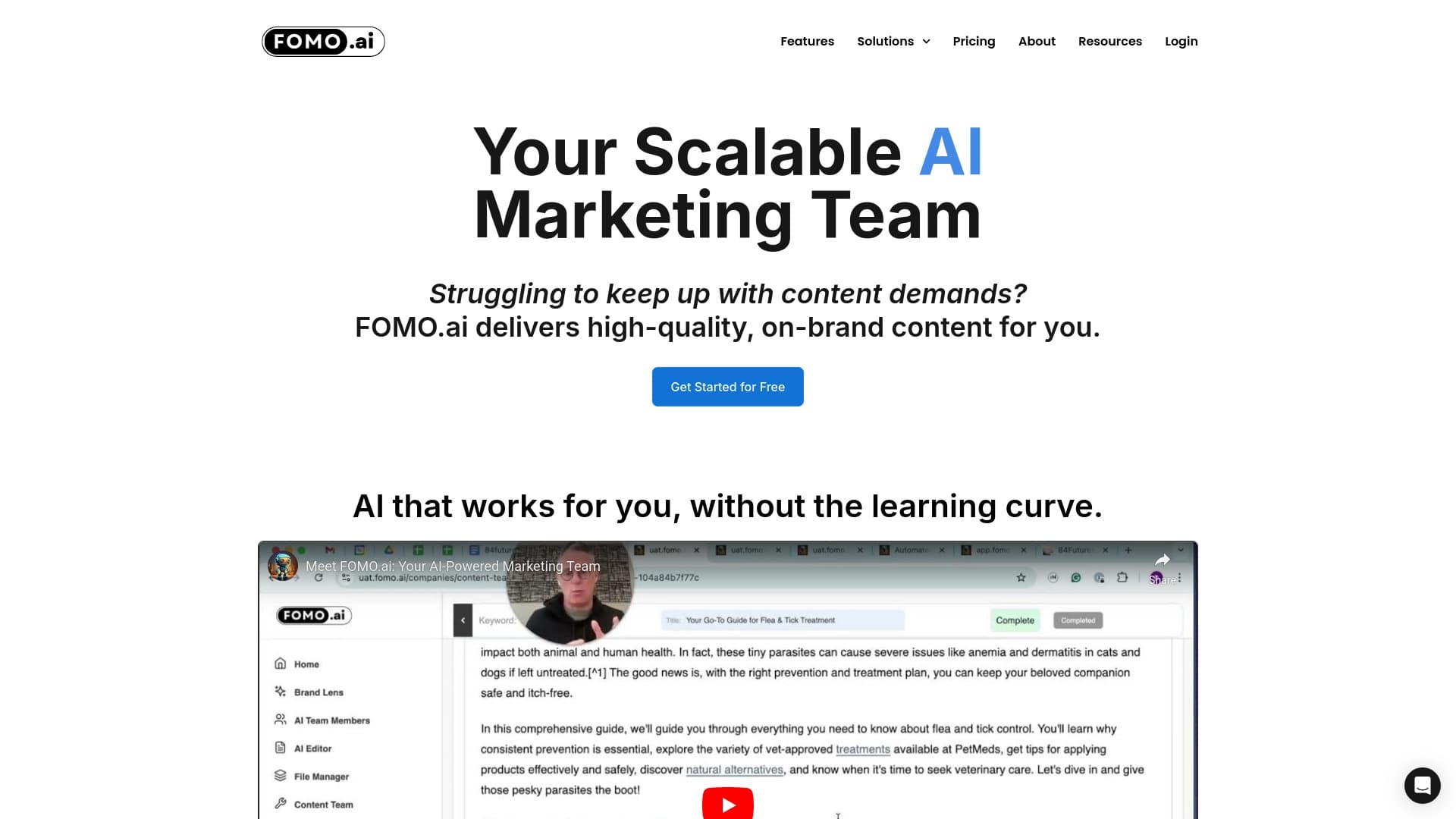

Platform for increasing organic traffic and creating content with the help of AI and expert participation.

AI agent specializing in natural language processing and providing relevant answers to user queries.
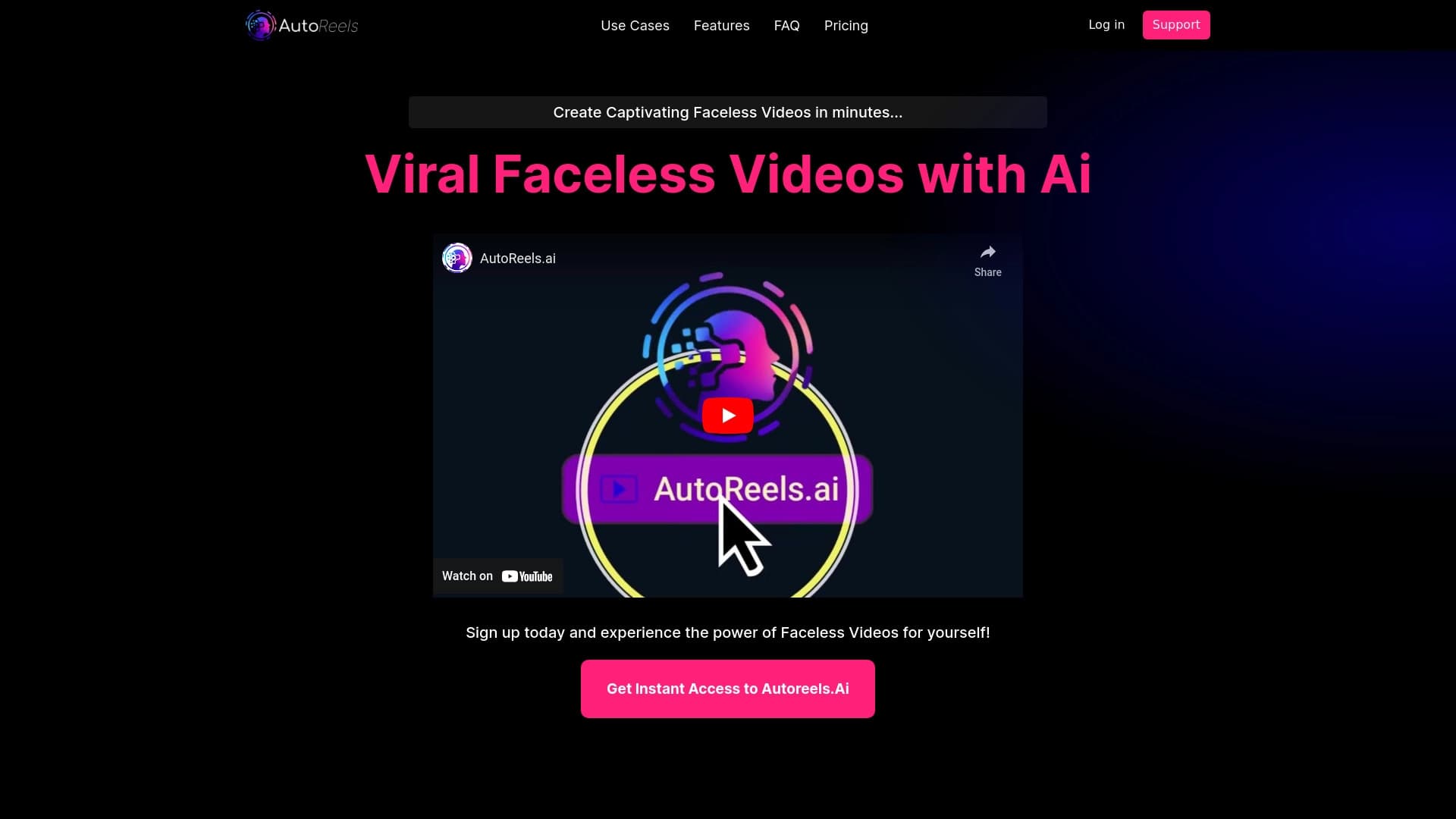

AI-powered service for automatically creating “faceless” short videos for TikTok, YouTube Shorts, and other platforms.
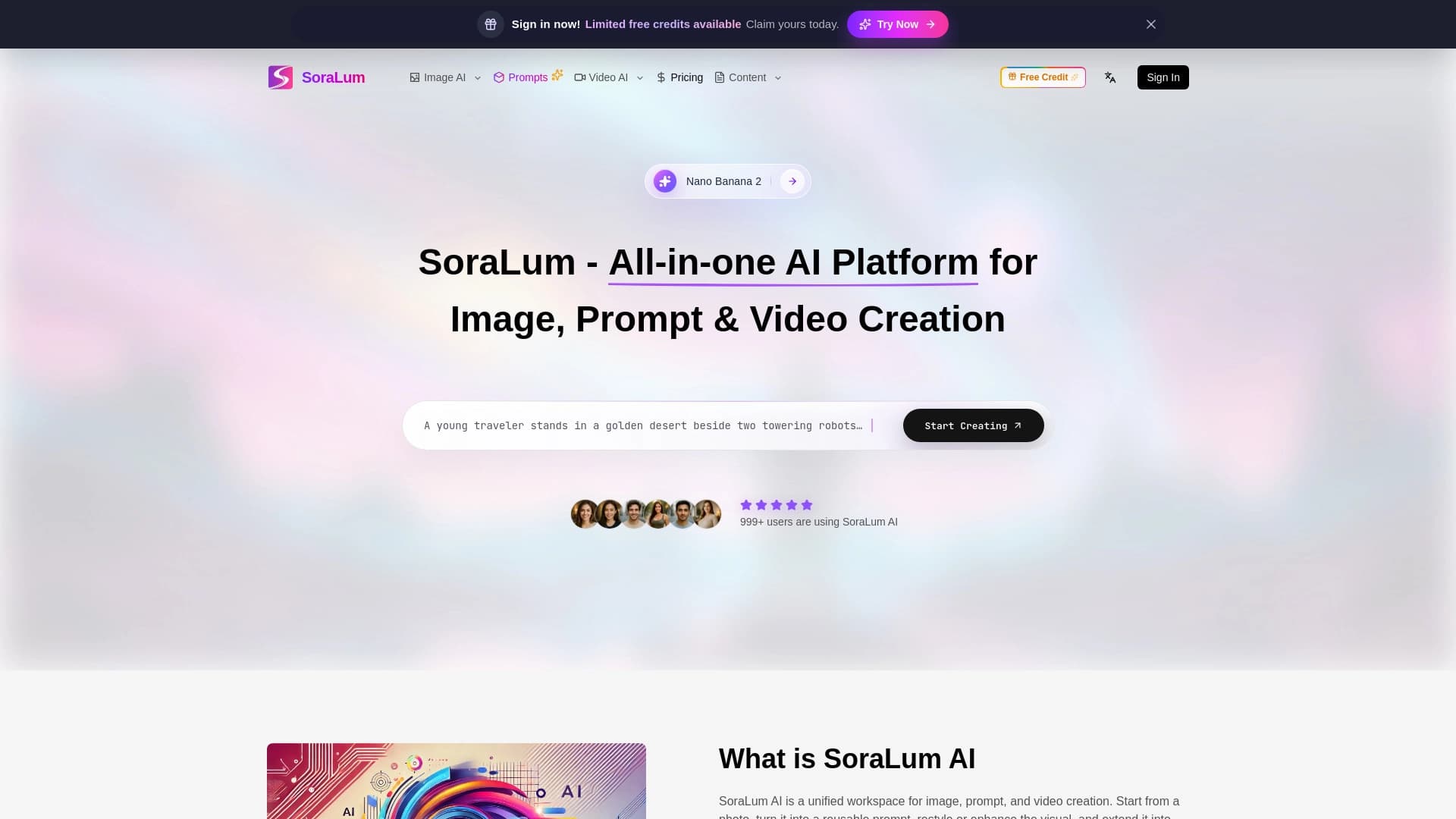

A universal AI platform for creation editing and animations of images and videos.