

Airweb
AI agent for automating routine browser actions, such as filling out forms and collecting data.
Overview
Airweb Neural Network Description
Airweb is a browser-based AI agent designed to automate routine online tasks. Instead of manually filling out dozens of similar forms, gathering information from multiple pages, or clicking through links, users can delegate these tasks to the neural network. Airweb acts as a virtual assistant that works directly in the browser and performs repetitive operations under the owner's supervision.
The tool's core value is time savings. Instead of spending hours on monotonous work with forms and web pages, users spend a few minutes setting up a task and monitoring its execution.
Airweb Features
| Feature | Value |
|---|---|
| Type | AI agent for web browsing |
| Categories | AI Platforms & Frameworks, Web Tools, Digital Workers, Workflow Automation |
| Platforms | Web, Chrome (extension) |
| Date added to catalog | May 02, 2025 |
| Social media and Email | Not specified |
| User rating | 0 reviews, rating 5/5 |
| Source code | Not publicly available |
| Integrations with other platforms | Limited information |
| Pricing | Not specified |
| VPN | Not required |
| Registration | Required |
Who is Airweb suitable for?
Researchers and analysts
People who regularly need to collect data from open sources, extract information from web pages, and structure it will find an automated assistant in Airweb. Instead of manually copying data from dozens of websites, you can configure the agent once.
Marketers and advertising specialists
Professionals working with online campaigns often need to track positions, gather information about competitors, or fill out similar forms in advertising dashboards. Airweb can handle these operations.
E-commerce professionals
For those running online stores, automating routine tasks helps process orders faster, update product listings, and monitor competitor prices.
Students and regular users
Even without specialized technical skills, students can use Airweb to fill out applications, registration forms, and gather information for academic work.
How to use Airweb?
Step 1: Registration and installation
To get started, visit the Airweb website and create an account. After registration, install the Chrome browser extension or the application itself.
Step 2: Setting up a task
After logging in, the user describes the task to be completed: for example, "fill out a form on website X" or "collect data from pages Y." Airweb analyzes the request and begins execution.
Step 3: Monitoring execution
The user observes the agent's work in real time. If an error occurs or the task requires clarification, there is an option to intervene in the process.
Key Airweb Features
Form autofill
The neural network can recognize fields in web forms and fill them out correctly. This can be useful for website registrations, submitting applications, or placing orders.
Data extraction
The tool can collect information from pages: names, prices, contacts, texts — and save it in a convenient format for further use.
Automated website navigation
Airweb can independently follow links and move between pages according to a specified scenario.
Task scheduling
Users can set up certain actions to run on a schedule, which is convenient for regular monitoring or periodic data collection.
Airweb Advantages
- Time savings: automating repetitive actions frees up hours for more important tasks.
- Useful insights for marketers: by collecting and structuring data from web pages, the tool helps identify patterns and make informed decisions.
- Convenient task management platform: the interface allows configuring work scenarios and monitoring their execution.
- Suitable for beginners: no programming skills are required to use it.
Airweb Disadvantages
- Closed source code: users have no way to study or modify the tool's code.
- Limited information about integrations: it is unclear how easily Airweb connects to other services and platforms.
- No public pricing: the cost of use is not disclosed on the website, making budget assessment difficult.
- Few reviews: the tool currently has no published user reviews, making it impossible to evaluate its performance in practice.
What tasks does Airweb solve?
Data collection (scraping) for research
If you need to regularly monitor information from several websites, Airweb can automate the process of extraction and initial data processing.
Automated assistance with online shopping
The tool can track product availability, compare prices, and fill out order forms, saving the buyer time.
Filling out online application forms
Submitting applications, registering for events, signing up for subscriptions — all of this can be delegated to the AI agent.
Airweb Pricing
As of publication, no information about Airweb's usage costs is available on the website. It is impossible to determine whether the service offers a free tier, a trial period, or only paid plans. Potential users are advised to contact the developers directly for up-to-date pricing information.
Airweb Terms of Use
Account registration is mandatory to use the tool. No other terms of use are disclosed on the website. Additional details about the privacy policy, data storage, and user agreement are currently unavailable.
Airweb Availability
Airweb is available in two formats: a web version and a Chrome browser extension. No VPN is required to use the service.
How Airweb differs from alternatives
There are several categories of tools on the market that overlap with Airweb's functionality.
Process automation platforms
Services like Zapier and UiPath automate workflows but often require configuring integrations and understanding process logic. Airweb is positioned as a simpler tool that works directly in the browser without complex configuration.
Web scraping tools
Specialized browser automation tools, such as Browserbase, target technical specialists and developers. Airweb appears more accessible to non-technical users since it does not require writing code.
AI support platforms
CoSupport AI and Askflow AI solve different tasks — they focus on communication and conversational interfaces. Airweb focuses specifically on performing actions in the browser rather than interacting with users.
Airweb's key difference
Airweb's main advantage over alternatives is combining ease of use with a broad set of browser functions in a single tool. The user does not need to understand APIs, write scripts, or configure complex integrations: simply describe the task and give the agent permission to execute it.
Conclusion
Airweb is a promising AI agent for automating routine browser tasks. It addresses the need for fast form filling, data collection, and website navigation, which is especially relevant for researchers, marketers, and e-commerce professionals. The tool currently has limited public information: pricing, integrations, and user reviews are not disclosed. Nevertheless, the concept itself — a simple browser agent without the need for programming — makes Airweb an attractive option for a broad audience. If the developers provide transparent pricing and confirm reliable performance, the service has a good chance of carving out its niche among web task automation tools.
Frequently asked questions
See also


Service for turning photos into animated GIF memes and short videos using AI.


AI platform for automating voice interviews in hiring.

Automation. call-in Distributing them to departments and maintaining a dialogue several languages.


AI agent for e-commerce that creates marketing materials and analytics from a single product photo.
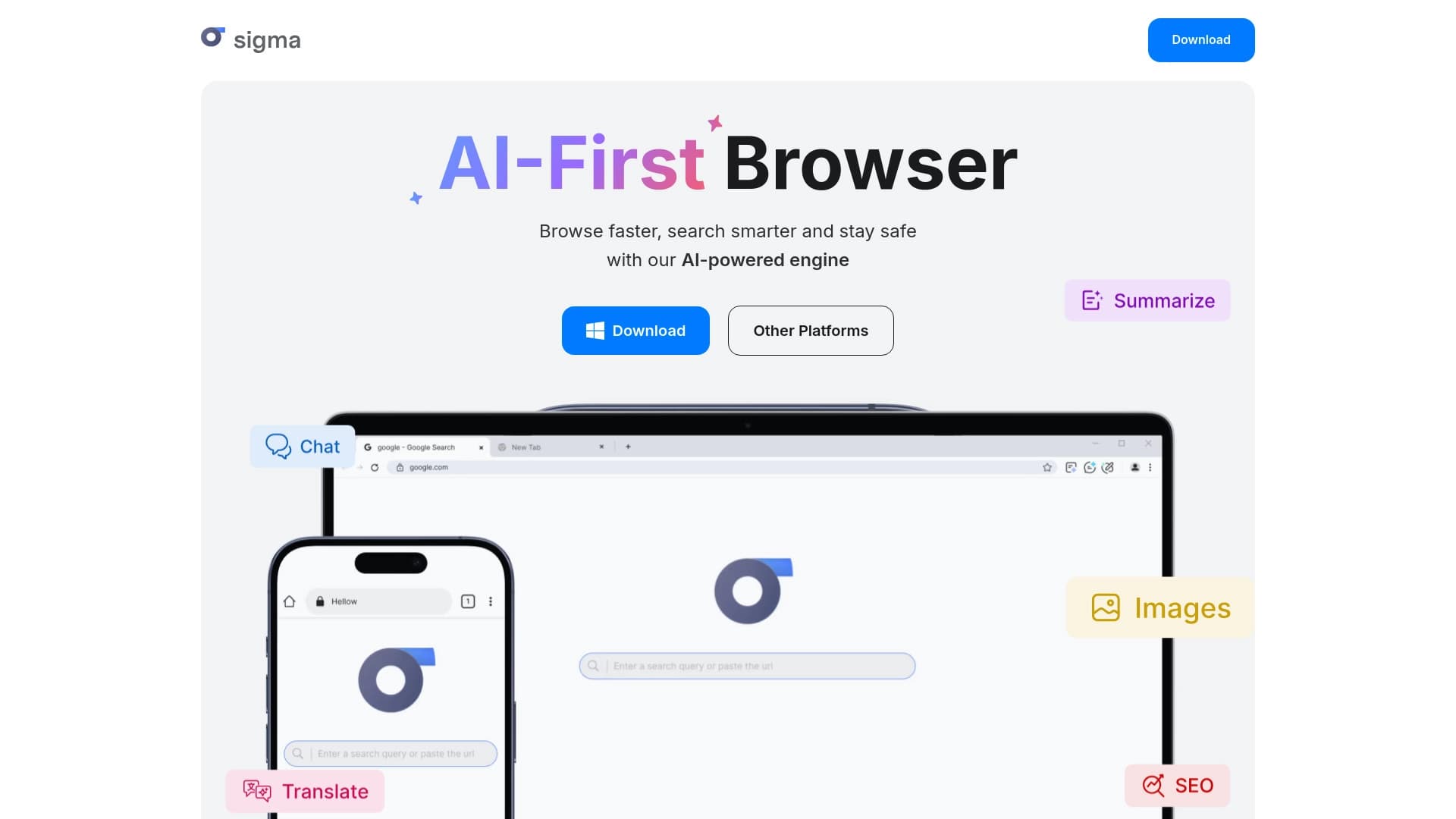

A browser with built-in AI tools for chatting with neural networks, generating texts and images, translating and summarizing pages.

Browser-based video editor with automatic subtitles in 50+ languages and content translation.


Web platform for communication and role-playing with AI characters.

Corporate AI assistant for data analysis and business task automation, trainable on a company's own data.