
Diagram AI
A tool for creating diagrams and mind maps from text descriptions in natural language.
Overview
Description of the neural network Diagram AI
Diagram AI is a tool based on artificial intelligence It takes on the routine task of creating diagrams and diagrams. Instead of manually build blocks and connections in In a graphics editor, the user simply describes the what He wants to see, Neural network converts this text into structured visualization . The main purpose of the service is to make complex information accessible to perception. from introduced description algorithm generates flowcharts Intelligent maps and other types of visual scheme which are easy to use in work or study.
The essence of working with text
Instead of manipulation with figures and arrows user language-work . It allows you to focus. the logic and content of the future scheme, and not technically . Tool analyzes introduced text Identify key concepts and relationships, and later line them up into graphic structure.
Targeted appointment
Diagram AI positioned fast-paced visualization of ideas. He's good for situations. when It is necessary to quickly transform the description of the process , plan or concept in a clear scheme without long training to work with profile software. For the user, this is a way to reduce the time between the appearance of an idea and its ready-made. visual representation.
Characteristics of Diagram AI
| Characteristics | Value |
|---|---|
| Type | Browser Extension (Chrome) |
| Category | AI Charting , AI Diagram Generator |
| Platforms | Web , Chrome Extension |
| Date of addition | May 04 2024 |
| Rating | 5/5 ( based on 3 reviews) |
| Distribution model | Free ( free) |
For whom is the Diagram AI neural network suitable?
The tool is designed for a wide range of users whose activities connected presentation into structured. Due to the low entry threshold The service is equally useful as beginner well skilled specialists.
Students and teachers
First Diagram AI helps to structure notes and prepare materials for exams pattern . The second is to quickly create visual aids for lectures and seminars. explaining complex themes through visual images.
##Professionals and Project Managers
For office rooms. Employees and managers become the tool quick-wire fixation processes and plans . It can be used to visualize the stages of the project. Distribution of tasks and logic of decision-making without reference to the design department.
Software developers
Charts are an integral part of design software architecture . The tool allows developers to quickly sketch database schemas data flows interactions of system components so align team.
How to use the Diagram AI neural network?
The process of working with the service is built as simple as possible and does not require special skill . The entire cycle - from installation to obtaining the finished result - takes several minutes.
Installation and launch
To start, you need to install the Diagram AI extension from the Chrome Web Store. . After addition In the browser the tool opens right in it, that eliminates the need to switch between tabs and programs.
Creating a chart
The user enters a text description of the desired scheme in a special field. Then you need to press the “Generate” button, after which the neural network will begin processing the request and build a diagram based on the entered text. . The finished scheme can be further configured eh It is then retained or exported.
Basic Diagram AI functions
The tool provides a set of key possibility closing basic requirements for data visualization.
##Convert text to diagrams
Mainstream The function of the service is the analysis of text in natural language and its translation into graphic format. The user does not need to understand. syntax It is enough to formulate a thought in words.
####Support for various chart
Service allows you to Not just to create classic flowcharts but Intelligent maps (mind maps). This allows you to choose the right format for different Problems: Linear processes are best shown in A block diagram and a hierarchy of ideas in mentality maps.
Comfortable Interface and Fast Generation
Expansion interface designed so Do not overload the user with unnecessary settings . The speed of the algorithm allows you to get the result almost instantly. This is especially important when working with a lot of ideas.
Advantages of Diagram AI
Using the tool gives the user a number of practical benefit related on economy time and facilitate communication.
Saving time and increasing productivity
Manual diagram creation in graphic editorial staff process. Diagram AI automates this work allowing you to concentrate on content . This reduces time and improves overall productivity by quickly moving from idea to finished visual material.
Universality for users with any skill level
No need to work with complex tools makes the service available for beginners . At the same time, experienced Users are no longer required to routinely what speed them up work.
##Improving communication
Transfer of complex visualization The scheme promotes a clearer understanding team-wise . Visual presentation of information reduces the risk of misinterpretation and simplifies discussion of workers questions.
Disadvantages of Diagram AI
Data. plainly defects tool springs unrepresented. It is worth considering what functionality is limited by the extension format for the browser and for complex professional Service opportunities may not be enough. Lack of information on restrictions by the number of diagrams collaboration does not allow us to conclude that fullness functions.
What tasks Diagram AI solves
The tool is focused on solving a wide range of tasks related on logical structuring information.
Visualization labourer processes
One of the key Applications - displaying the sequence of actions into business processes . Created flowcharts help to visually show the stages of work Identify bottlenecks and optimize operations.
###Planning project
Mental. map created With Diagram AI, it is convenient to use brainy assault and planning . They allow you to decompose a major task into components, set priorities and visualize the structure of the future project.
Educational objectives and software design
In education, the tool is used to facilitate the presentation of material, and into To visualize the architecture of systems. In both cases principal Benefits – quickly creating a comprehensible scheme to explain fixation complicated information.
Diagram AI prices
The tool spreads. free-style that is free user . At the same time, on the extension page in the FAQ there is a question “Is Diagram AI free to use?” (Is Diagram AI free?), but the official question is “Is Diagram AI free to use?”. answerable data Not listed. There is also no information on the availability of paid tariffs or domestic shopping.
Terms of use of Diagram AI
No need to work with the service registration . The main condition of use is the presence of Google Chrome browser well tool supplied extendable . The user must be installed Diagram AI extension from Chrome Web Store After which it becomes available in the browser for creating and exporting diagrams.
Availability of Diagram AI
The service is available in two related platform how web application ( Web) and how Extension for Chrome (Chrome Extension) Given the nature of proliferation The current version of the tool is aimed at users of the Google Chrome browser. Credible. data availability of a mobile version or other support browsers Not given.
What distinguishes Diagram AI from analogues
There are several popular markets diagram including Diagrams.net Lucidchart. , Whimsical and Mindomo. The key difference Diagram AI from these Approach to creating circuits through generation based on artificial intelligence.
Traditional service such Like Lucidchart or Diagram.net The user manually drags the elements onto the canvas. setting them up location and connections. Diagram AI automates this process allowing you to create diagrams by text description what significantly speed up the work . At the same time in difference service Like Whimsical or Mindomo With advanced collaboration capabilities and fine-tuning designs, Diagram AI bets on speed and ease of generation. sacrifice depth manual customization . The tool is more suitable for quick creation rough scheme demanding minimal effort.
Conclusion
Diagram AI is a convenient solution for those Who wants to quickly turn a text description into a visual diagram or an intelligence map. The tool handles effectively on principal The task is to visualize ideas without the need to master complex graphic editors. Ease of use availability into A free extension for Chrome and support for basic schema types make it a useful assistant for students. teachers managers developer . However, choosing this tool worth considering what It focuses on speed and basic scenarios. eh More detailed and detailed work may be required More powerful professional platforms.
Frequently asked questions
See also


A platform for chatting with virtual AI characters with image generation during the conversation.

AI assistant for business that helps manage tasks and automate routine through dialogue.

A browser with built-in AI tools for chatting with neural networks, generating texts and images, translating and summarizing pages.

Open. platform for creating and interacting with AI characters in role-playing roles play-chat uncensored.
AI assistant to paraphrase Verification of grammar and summarization of the text.
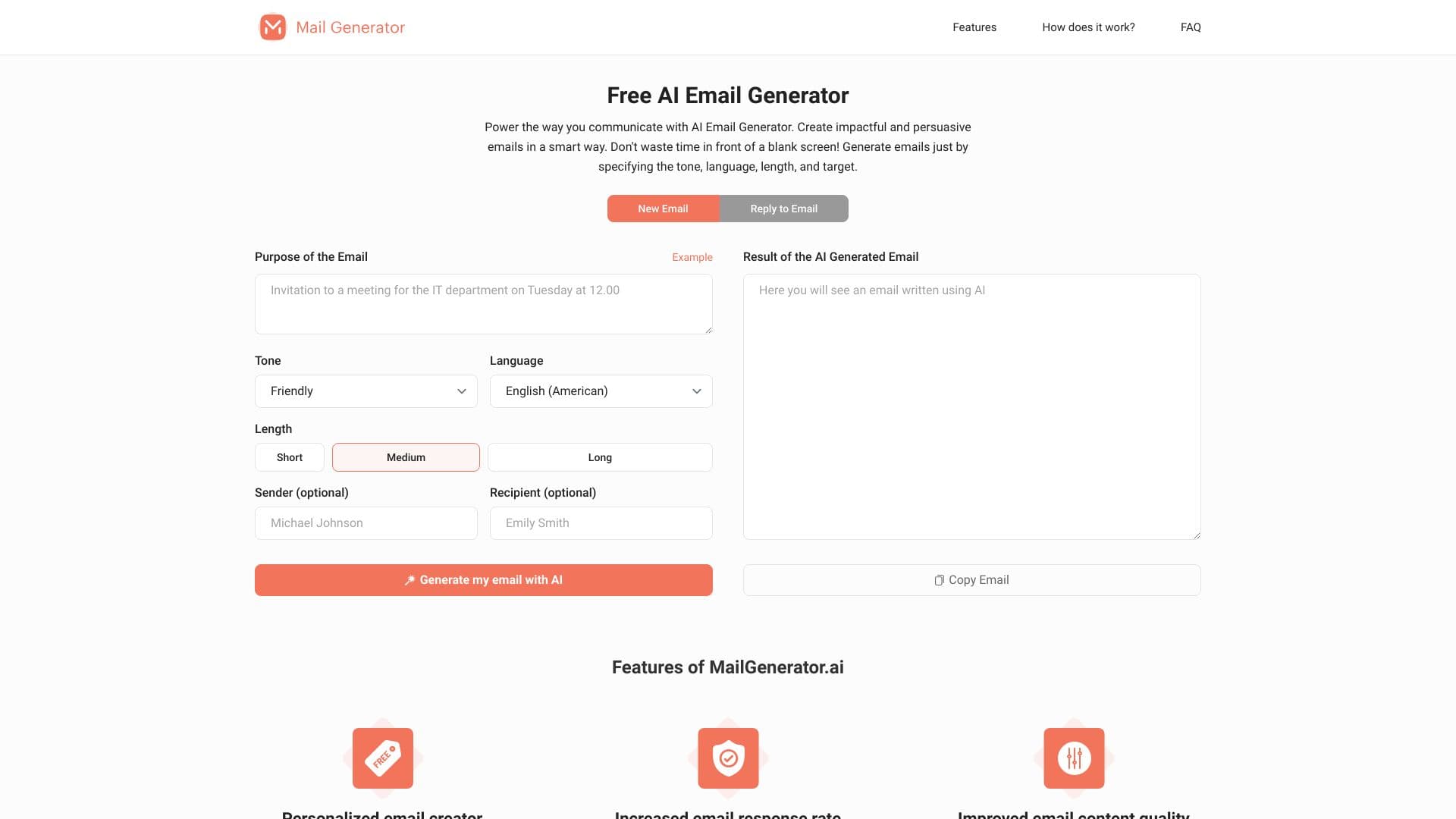

AI-powered online service for generating personalized letters for various purposes and tones.

AI-powered cloud platform for quickly creating presentations, infographics, and interactive content.


Online service with artificial intelligence that automatically creates presentations on a given topic.