

Algochat.io
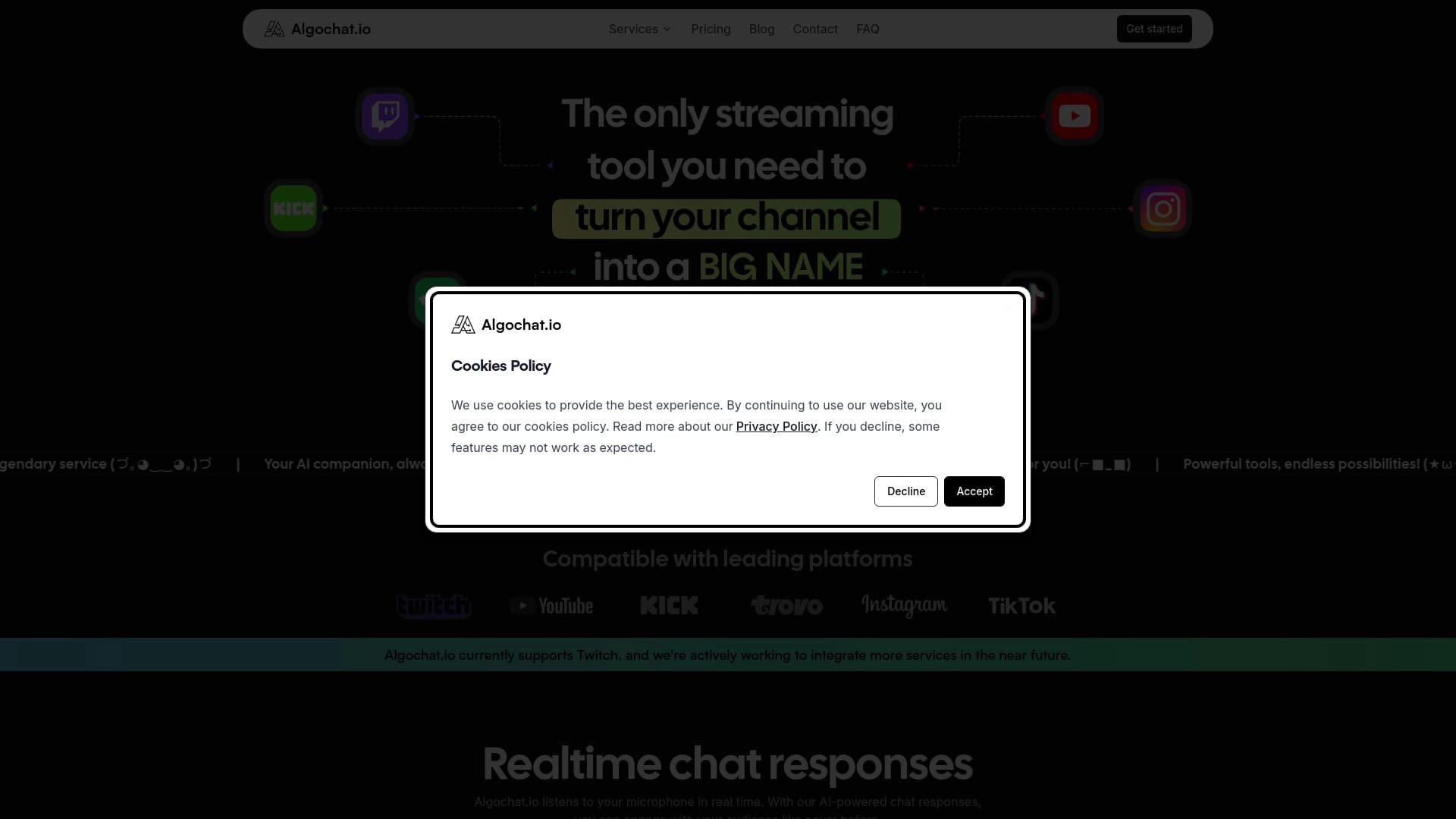
Service for creating AI chatbots that respond to viewers live on streaming platforms.
Overview
What is Algochat.io?
Algochat.io is a web service designed for streamers who want to automate communication with their audience during live broadcasts. The platform allows you to create and configure AI chat bots capable of responding to viewer messages in real time, maintaining dialogue, and reacting to chat events. The main goal of the service is to make broadcasts more lively and interactive without requiring the streamer to constantly moderate manually.
How does it work?
Viewers write messages in the chat on a streaming platform (e.g., Twitch). The Algochat.io neural network analyzes the incoming text, generates a response in a specified style, and sends it back to the chat. The streamer can pre-configure bot behavior scenarios, specify trigger commands, and set the overall tone of communication — from strict to meme-filled. All of this is done through an intuitive interface without the need to write code.
Algochat.io Features
| Feature | Value |
|---|---|
| Type | AI chat bot for streams |
| Categories | Prompt, Chat bot builders, Auto-reply tools, AI response generators |
| Platform | Website (web service) |
| Developer | Algochat.io |
| Free plan | Yes (30 minutes of daily usage, 2 trigger messages, emoji and command customization) |
| Monthly visits | 38.7K |
| Catalog publication date | September 23, 2025 |
Who is Algochat.io for?
Streamers on Twitch and other platforms
The tool is primarily aimed at streamers broadcasting on Twitch and similar services. If you regularly host streams and want to keep chat activity going, Algochat.io lets you do this automatically. The bot handles routine responses to common questions and greetings, freeing up the streamer for more important tasks.
Users without programming skills
The core audience of the service is those unfamiliar with development and APIs. To launch the bot, you just need to register, choose behavior parameters, and connect it to your streaming account. All settings are done through a visual interface.
How to use Algochat.io
Step 1: Registration and setup
To get started, you need to create an account on the Algochat.io website. After registration, a control panel opens where you can set parameters for your future chat bot: choose a communication style, set up trigger messages, and configure reactions to commands and emojis.
Step 2: Connecting to a streaming service
After configuring the bot, you need to connect it to your streaming service. The service supports integration with popular platforms such as Twitch. Connection is done through standard authorization mechanisms, after which the bot starts working in the chat during the broadcast.
Key Features of Algochat.io
Real-time automatic responses
AI bots can respond to viewer messages right during the broadcast. This creates the effect of live communication and keeps the audience engaged even when the streamer is busy with gameplay or discussing with other viewers.
Flexible bot behavior customization
Users can fine-tune the bot's reactions and behavior to suit their channel. You can create custom triggers, commands, and communication styles. You can define how the bot should react to specific keywords, jokes, or questions.
Advantages of Algochat.io
Increased audience engagement
Thanks to an active bot, the chat comes alive: viewers write messages more often, discuss content, and interact with each other. This positively impacts channel metrics and keeps the audience on the broadcast longer.
Instant response and ease of setup
Bot responses appear almost without delay, making communication feel natural. At the same time, no programming is required for setup — all actions are performed through a simple interface. You can define your own reactions, commands, and communication style, from strict to meme-filled.
Disadvantages of Algochat.io
Limited context understanding
The AI sometimes struggles with complex jokes, sarcasm, or double meanings, leading to unexpected or strange responses. This can confuse viewers and require manual adjustment of settings.
Limited personalization and technical glitches
Bot personalization is limited: some templates cannot be edited, which can make responses repetitive. Additionally, bugs and lags are possible — the bot may stop responding due to internet connection issues or during service updates.
What problems does Algochat.io solve?
Chat communication automation
The service fully automates the process of responding to viewer messages in real time, allowing the streamer to focus on content rather than constantly reading chat and answering common questions.
Creating an interactive atmosphere
Algochat.io helps create a lively and interactive environment during broadcasts without manual moderation. The bot maintains dialogue, asks questions, and reacts to events, making viewing more engaging.
Algochat.io Pricing
Free plan
A free plan is available for new users, which includes 30 minutes of daily usage, 2 trigger messages, and the ability to customize emojis and commands. This is enough to test the functionality on short streams.
Paid plans
For more intensive use, two paid plans are offered:
- Basic — includes 6 hours of bot operation per day and 10 trigger messages.
- Premium — provides unlimited usage and an unlimited number of trigger messages.
Terms of Use for Algochat.io
Registration on the website is required to use the service. After creating an account, the user gains access to the control panel and can configure the bot. The service operates over secure protocols, and streamer and viewer data is stored securely.
Algochat.io Availability
Algochat.io is a web service accessible through the website on any modern browser. Full functionality requires a streaming service, such as Twitch, to which the bot will be connected. No additional software installation is required.
How Algochat.io Differs from Alternatives
The main difference between Algochat.io and tools like FlowGPT, AIPRM, or PromptPerfect lies in its narrow specialization. Most alternatives are universal prompt generators or platforms for working with language models. Algochat.io, however, is specifically designed for streamers and offers a ready-made solution for integrating AI into broadcast chat without needing to understand APIs.
Unlike universal chatbot builders (e.g., SaleBot), Algochat.io does not require configuring complex dialogue logic or integrating with CRM systems. It works with streaming platforms out of the box and offers pricing plans tailored to a streamer's schedule, not business tasks.
Conclusion
Algochat.io is a specialized AI tool for streamers that helps automate chat communication, making broadcasts more lively and interactive. The service offers flexible bot behavior settings, an accessible free plan, and an intuitive interface without the need for programming. However, you should consider the limitations in understanding complex context and the possibility of technical glitches. For streamers looking to increase audience engagement without manual moderation, this is an effective and affordable solution.
Pricing
Frequently asked questions
See also

AI keyboard for Apple devices that speeds up typing with corrections, translation, and response generation.


AI platform for fast website creation and small business process management.


Chrome extension that helps manage tabs, history, and bookmarks with an AI assistant.

AI-powered toolkit for optimizing workflows and boosting productivity.

AI agent for automating customer communications and support.


Desktop AI assistant for macOS, Windows, and Linux that launches via hotkey above all windows and combines multiple language models in one interface.

AI assistant for business that helps manage tasks and automate routine through dialogue.

AllChat is a universal platform that combines several popular language models in a single interface for communication, image generation, file analysis, and code execution.