
AIOAI
Web service for automating office tasks and document processing.
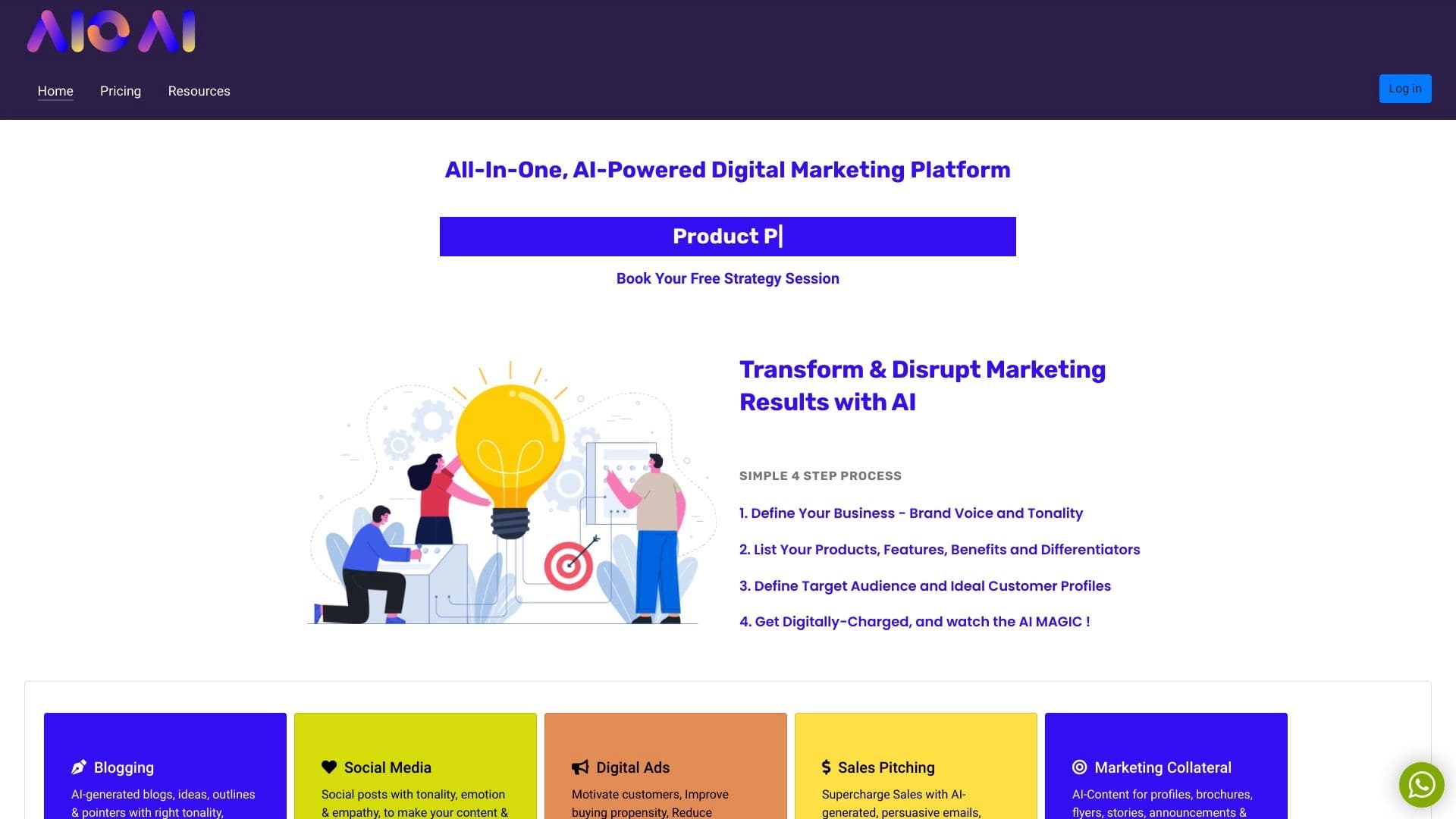
Overview
AIOAI Neural Network Description
AIOAI is a web service designed to automate everyday office operations. The main focus is on simplifying document workflows and processing incoming data, which helps reduce time spent on routine tasks. The platform operates through a browser, eliminating the need to install additional software. Depending on the user's geographic location, access to the service may require the use of a VPN.
A Bit About Positioning
The tool is positioned as a universal solution for document-related tasks. An interesting feature is its integration with the Sedo platform, making the service useful for users involved in selling domain names. Built-in tools allow creating landing pages for listings, expanding functionality beyond classic office software.
AIOAI Characteristics
Below are the main technical and user parameters of the service, based on catalog data.
| Characteristic | Value |
|---|---|
| Rating | 4.3 / 5.0 |
| Editorial Score | 8.2 out of 10 |
| Platforms | Web (browser-based) |
| Access | Requires VPN in some regions |
| Categories | Automation, Document Management, Universal Tools |
Who Is AIOAI Neural Network For?
Office Workers and Administrators
The service will be useful for professionals who deal with processing large volumes of documents on a daily basis. The tool helps standardize processes and reduce the likelihood of errors associated with human factors.
Webmasters and Domain Investors
Thanks to integration with Sedo parking, the product is of interest to those involved in buying and selling digital assets. The ability to quickly create sales pages directly from the service interface saves time and simplifies listing.
How to Use AIOAI Neural Network?
Getting Started
To use the functionality, you will need to visit the service's official website. Since the platform is web-based, the entire workflow takes place in a browser window. A stable internet connection is required for uninterrupted access to the interface.
Usage Scenarios
After logging in, users can upload documents for processing or configure automation for routine tasks. The interface is intuitive at a basic level; however, a deeper exploration of capabilities will require time to familiarize yourself with integration settings.
Key Features of AIOAI
Office Task Automation
The main goal of the neural network is to offload repetitive operations to algorithms. This frees up employee time for more important strategic tasks.
Data Processing and Document Workflow
The service can work with incoming data, converting it into a convenient format and simplifying document workflows within an organization.
Sedo Integration
A specific feature that allows creating landing pages for selling domains. Integration with Sedo parking sets the service apart from classic office tools.
AIOAI Advantages
- Versatility: Combining an office tool and a webmaster assistant in one package.
- Convenient Access: No need to install desktop applications — a browser is sufficient.
- Strong User Ratings: The service receives positive reviews (4.3 points) from both users and editors (8.2 points), indicating stable performance.
AIOAI Disadvantages
- Geographic Restrictions: Full access may require the use of a VPN in certain regions, which creates additional inconveniences and barriers to entry.
- Unclear Pricing: Based on available data, it is impossible to assess the service's pricing policy. Information about subscription costs or one-time payments is absent.
What Tasks Does AIOAI Solve?
The service focuses on solving two key groups of tasks. The first is classic office process automation and document management. The second, more niche, is assisting with domain sales through Sedo integration. Thus, the tool addresses the needs of both the corporate sector and individual professionals working with digital assets.
AIOAI Pricing
Currently, information about the cost of using the service is not available in open sources or catalogs. It is unknown whether a free tier, trial period, or only paid subscriptions are offered. For accurate pricing details, it is recommended to contact the developer's official website directly.
AIOAI Terms of Use
AIOAI is distributed under a model that can be described as "unknown." This means the license type and terms of service are not clearly defined in available data. Support services and privacy policy are also not described in the source. Users should carefully review the user agreement on the official portal before starting to avoid misunderstandings.
AIOAI Availability
Technical Availability
The service fully operates on a web platform, ensuring cross-platform compatibility — it can be used from any device with a browser.
Regional Restrictions
Access may be restricted in certain regions without the use of a VPN. This is a critical aspect to consider before starting work. For other regions, access is presumably available directly, though exact data for other countries is not present in the sources.
How AIOAI Differs from Alternatives
The main difference between AIOAI and competitors (such as CyberYozh App, Wordybot, Savvi, or Nlogic) lies in combining two directions. Most alternatives on the market focus exclusively on text processing or automation alone. AIOAI adds a specific function for creating domain sales pages with Sedo integration to the standard office assistant toolkit. This makes it a niche solution that will be especially valuable for users who combine office work with web investments.
Conclusion
AIOAI is a functional web service that addresses document workflow automation needs and offers an unusual additional option for selling domains. The service has received solid ratings from users and editors, confirming its practical value. The main barrier to use is regional restrictions that may require a VPN connection. Despite the lack of pricing information, the product looks interesting for office workers and webmasters seeking a universal tool in one window.
Frequently asked questions
See also


Chrome extension that helps manage tabs, history, and bookmarks with an AI assistant.


AI platform for fast website creation and small business process management.


Desktop AI assistant for macOS, Windows, and Linux that launches via hotkey above all windows and combines multiple language models in one interface.

A neural network for document analysis that extracts key information, creates summaries, and answers questions about the contents of uploaded files.

A multimedia AI toolkit for editing and enhancing photos, videos, and PDF documents.

AI assistant for business that helps manage tasks and automate routine through dialogue.

AI agent for automating customer communications and support.


AI-powered toolkit for optimizing workflows and boosting productivity.