

2K
Financial assistant for analyzing expenses and budget control.
Overview
Field: content Target language: English (en) Cleanup note: Prices are in rubles (499 and 999 rubles per month), tied to the Russian market. When translating for other locales, adapt the currency or remove specific amounts.
2K Neural Network Description
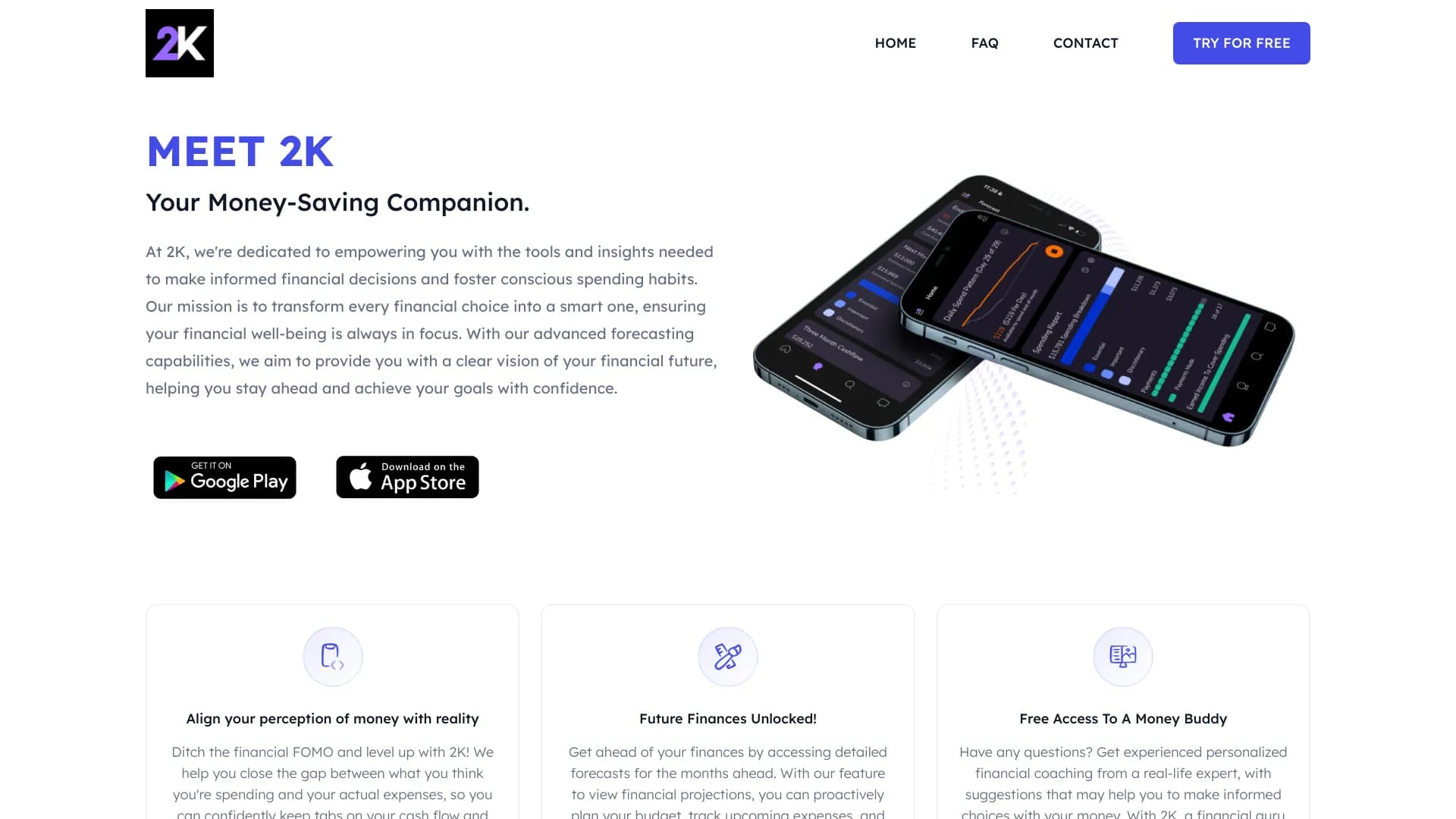
2K is a financial assistant app designed for automatic analysis of personal expenses and budget control. The service takes over the routine work of financial tracking: it connects to the user's bank accounts, recognizes and categorizes each transaction, and then presents the data in the form of clear reports and forecasts.
The main feature of 2K is that it is a purely analytical tool. It does not support payments, money transfers, or any other operations with accounts. All functionality is focused on observation, planning, and recommendations. The app acts as a personal financial "coach" that helps you understand your spending structure, identify inefficient expenses, and adjust habits to achieve savings goals.
2K Features
| Feature | Value |
|---|---|
| Type | Financial assistant |
| Category | Miscellaneous |
| Access type | App |
| Developer | Consciously.AI LAB INC |
| Monthly visits | 171.7K |
| Free plan | Yes (Free) |
| Standard plan | 499 rubles per month |
| Premium plan | 999 rubles per month |
| Publication date on site | September 10, 2025 |
Who is 2K neural network suitable for?
For those who want to control expenses
The tool will be useful for people who spend money impulsively and find it difficult to answer where a significant portion of their income goes. 2K eliminates the need to manually track and remember every purchase, automatically forming a complete picture of spending.
For those saving for goals
The app is suitable for those who are saving money for specific goals — a vacation, a car, or a large purchase. The system builds forecasts and shows realistic timelines for achieving goals, which helps you follow your savings plan with discipline.
For those who want to make informed financial decisions
The service is aimed at users who strive to improve their financial situation and move toward more rational money management. Analytics and personal recommendations allow you to look at your budget from the outside and adjust your financial habits.
How to use the 2K neural network?
Installation and registration
To get started, you need to download the 2K app to your smartphone or tablet from the official app store. After installation, you should complete a quick registration process and log in to your profile.
Connecting accounts
The next step is connecting bank accounts to the app. This is necessary to gain access to transaction data that the system will automatically analyze. The connection process is performed within the app and requires following the interface prompts.
Using analytics
After data synchronization, information about expenses will appear in your personal account. The user only needs to periodically open the app to view reports and forecasts, as well as study personal tips for budget optimization. No manual financial actions are required.
Key features of 2K
Expense analysis
The app automatically processes all transactions on connected accounts and clearly shows which categories consume the most money. This allows you to quickly identify major spending items and spot potential budget problems.
Forecasting and recommendations
Based on collected data, 2K builds forecasts for savings toward specified goals, whether it's a vacation or a large purchase. The system also generates personal spending tips based on the user's habits and financial goals, acting as a financial "coach."
Reports and security
The service generates detailed reports with charts that simplify information perception. At the same time, all data is reliably protected: military-grade encryption and cloud services based on Amazon technologies are used, meeting the security requirements of leading banks.
Advantages of 2K
Time savings and accuracy
The main advantage of the neural network is automated tracking. The user does not need to manually analyze every purchase or maintain spreadsheets: the system itself collects and structures information. At the same time, the AI is capable of detecting suspicious spending and financial risks, ensuring high analysis accuracy.
Personalized approach
2K adapts to the user's individual habits and goals. Recommendations are formed based on current behavior and financial situation, making them practical and applicable in real life.
Disadvantages of 2K
Limited functionality
The service is focused exclusively on analytics and advice. Through the app, it is not possible to directly manage accounts — make transfers or pay for services, which may not suit users expecting a wider range of banking operations.
Data dependency and privacy
The quality of recommendations directly depends on the completeness and relevance of connected banking data. If the information is incomplete, analytics may be inaccurate. Additionally, synchronization with some banks may experience issues. It is also worth considering that all financial data is stored in the cloud, which carries certain privacy risks.
What tasks does 2K solve?
Control and savings
The main task of the service is to help the user take control of their expenses and start saving money. Regular spending analysis instills discipline and helps reduce unnecessary purchases.
Budget planning and forecasts
2K promotes conscious budget planning by showing the real picture of monthly expenses over time. The app builds long-term financial forecasts that help assess savings prospects and adjust financial behavior to achieve goals.
2K Pricing
The service offers three pricing plans. The free plan provides access to basic expense tracking features. The standard plan costs 499 rubles per month and unlocks expanded financial management capabilities. The premium plan at 999 rubles per month includes personal financial recommendations and advanced forecasts. It is worth noting that at the time of data publication, the service was operating for free, but users are promised to be notified in advance if conditions change.
Terms of use for 2K
To get started, you need to install the proprietary 2K app on your phone or tablet and complete the registration process by creating a profile. After that, you will need to connect bank accounts for data synchronization. The terms of use are standard for such services: consent to the processing of financial data is required for conducting analysis and generating recommendations.
Availability of 2K
2K is available as a mobile application for smartphones and tablets. This means that a device that supports app installation is required to use it. A web version is not mentioned in the source data, so the mobile platform is the primary entry point.
How 2K differs from alternatives
The main difference between 2K and most financial tracking tools is its complete rejection of payment and transfer functions. The service deliberately focuses only on analytics, planning, and recommendations. This approach allows it to be viewed not as a banking app, but as a personal financial analyst.
Unlike many other services that charge for usage, 2K has a full-featured free plan, as well as a flexible subscription system with two paid tiers, expanding accessibility for different categories of users. Data security also stands out: military-grade encryption and Amazon cloud infrastructure are claimed to be used, meeting the protection standards of leading banks.
Conclusion
2K is a well-designed financial assistant that automates expense analysis and helps users approach budget planning more consciously. The service takes on the work of collecting transaction data, categorizing spending, and building forecasts, freeing the user from routine tasks. The app is suitable for those who want to control their finances and save for goals, but its functionality is limited to analytics and advice — direct account operations such as transfers and payments are not available in 2K.
Frequently asked questions
See also

AI keyboard for Apple devices that speeds up typing with corrections, translation, and response generation.

AllChat is a universal platform that combines several popular language models in a single interface for communication, image generation, file analysis, and code execution.


Chrome extension that helps manage tabs, history, and bookmarks with an AI assistant.

AI agent for automating customer communications and support.


Desktop AI assistant for macOS, Windows, and Linux that launches via hotkey above all windows and combines multiple language models in one interface.

AI assistant for business that helps manage tasks and automate routine through dialogue.


AI platform for fast website creation and small business process management.


Side AI panel that helps answer questions, work with documents, and generate images.