

Windsurf
AI development environment (IDE) based on VS Code that automates writing and editing code.
Overview
Windsurf
Windsurf AI Description
Windsurf is an integrated development environment (IDE) based on VS Code, equipped with built-in artificial intelligence to automate code writing, editing, and refactoring. The solution was created by the Codeium team and later acquired by Cognition AI. The key feature of Windsurf is Cascade, an agentic artificial intelligence capable of autonomously executing multi-step tasks, working with multiple files simultaneously, and generating code with awareness of the entire project context. The tool supports various programming languages and integrates with most extensions available for VS Code.
Windsurf Specifications
| Characteristic | Value |
|---|---|
| Type | AI development environment (IDE) |
| Categories | AI Platforms & Frameworks, Coding Assistance, Development Environment |
| Base | VS Code |
| Developer | Codeium (acquired by Cognition AI) |
| Release date | November 13, 2024 |
| Key feature | Cascade — agentic AI for multi-step tasks |
| Proprietary models | SWE-1 / SWE-1.5 (950 tokens/sec) |
| Supported models | Claude, GPT-4o, Gemini 2.5 Pro |
| Platforms | Mac, Windows, Linux |
| Pricing model | Freemium |
| Free plan | Yes (unlimited autocomplete + limited Cascade) |
| Pro trial period | 2 weeks |
| Price from | $15/month (Pro), $20/month (Pro) |
| Teams price | $30–$40/month per user |
| Enterprise price | $60/month per user |
| Credit card required | No |
| Lifetime plan | No |
| VPN required | No |
Who is Windsurf AI for?
Experienced Developers
Windsurf is designed primarily for programmers working on large projects. The agentic Cascade automates routine refactoring tasks, bug fixes, and feature additions, which is especially valuable under heavy workloads and tight deadlines.
Programming Beginners
Thanks to built-in hints, autocomplete, and the ability to generate code from text descriptions, the tool is also suitable for those just starting to learn development. The AI helps newcomers understand the codebase faster and learn from practical examples.
Development Teams
Windsurf's enterprise plans include an admin panel and priority support, making the solution convenient for organizing team work. The feature that indexes millions of lines of code provides all team members with a deep understanding of the entire project context.
How to Use Windsurf AI?
Installation and Setup
To get started, download the editor from the official website windsurf.com. During installation, you can import settings from VS Code, Cursor, or JetBrains — this lets you keep your familiar workspace configuration. Account registration is not required for basic use.
Using the Free Plan
The free plan includes unlimited code autocomplete and limited access to Cascade. This allows you to test the tool's core capabilities without any financial investment. To get full access to all Cascade features and premium models, you need to subscribe to Pro.
Using Cascade
Cascade is Windsurf's main agentic AI. It is activated to handle multi-step tasks: editing multiple files, generating new modules, and answering questions about code. Cascade is used through the built-in chat or via direct commands in the editor.
Key Features of Windsurf
Unlimited Code Autocomplete
Unlimited code autocomplete is available on all plans, including the free one. The feature works like an "autopilot": the AI predicts the next lines of code based on the current context and project history. Generation speed reaches 950 tokens per second thanks to the proprietary SWE-1 and SWE-1.5 models.
Agentic Cascade
Cascade is an AI agent capable of autonomously performing complex tasks within the codebase: refactoring, bug fixing, adding new features, and editing multiple files simultaneously. Unlike simple autocomplete, Cascade works with the entire project, understanding the relationships between modules.
Support for Multiple AI Models
Windsurf integrates not only with its proprietary SWE-1/SWE-1.5 models but also with popular third-party solutions: Claude Sonnet, GPT-4o, Gemini 2.5 Pro, and others. The user can choose the model for a specific task.
Project Indexing and Context
The tool indexes millions of lines of code to deeply understand the structure and logic of a project. This allows the AI to provide more accurate contextual hints and correctly perform tasks that require analyzing the entire codebase.
Compatibility with VS Code Extensions
Since Windsurf is built on VS Code, it is fully compatible with the vast majority of extensions for that development environment. This simplifies migration and lets users keep their usual set of tools.
Windsurf Advantages
Free Unlimited Autocomplete
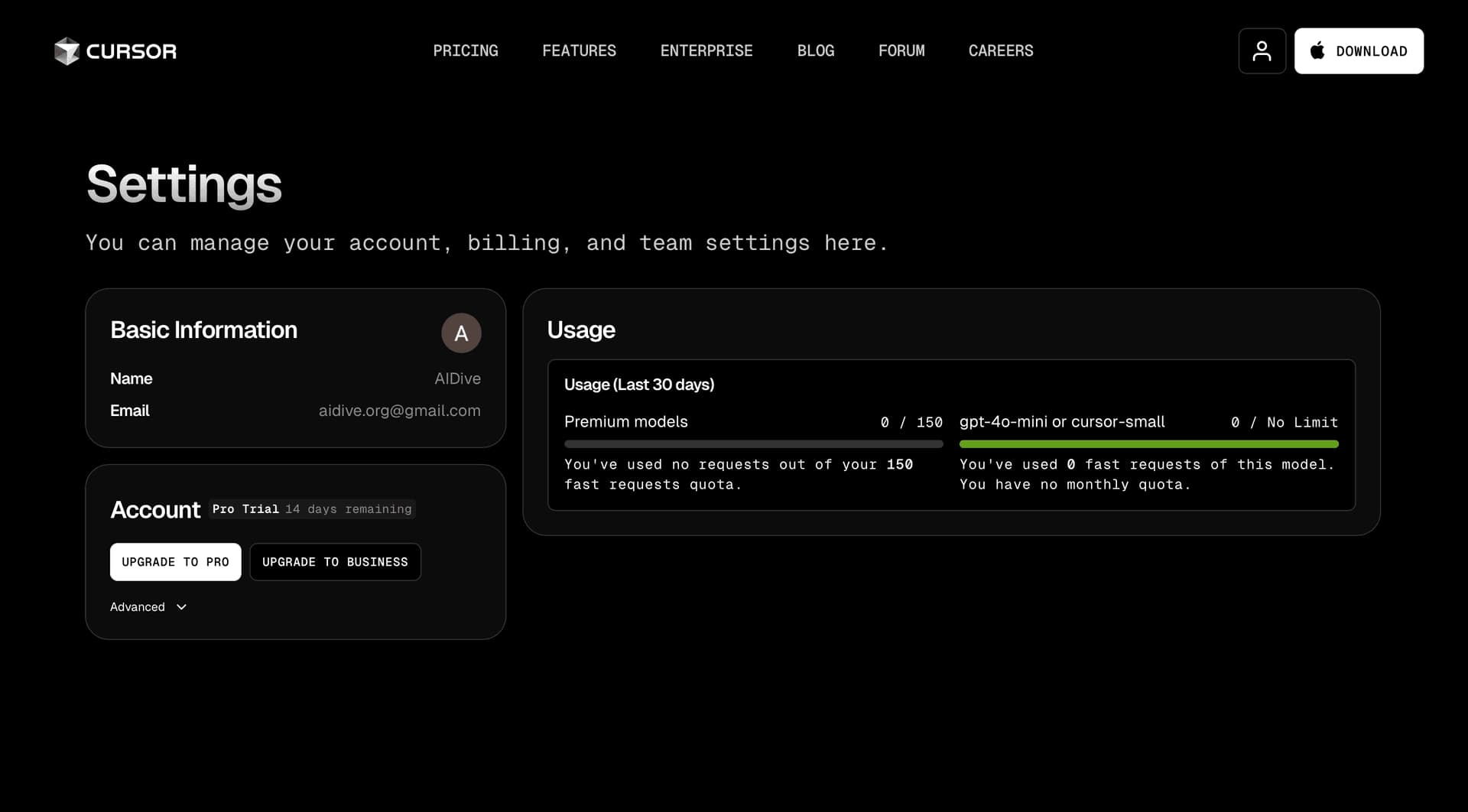
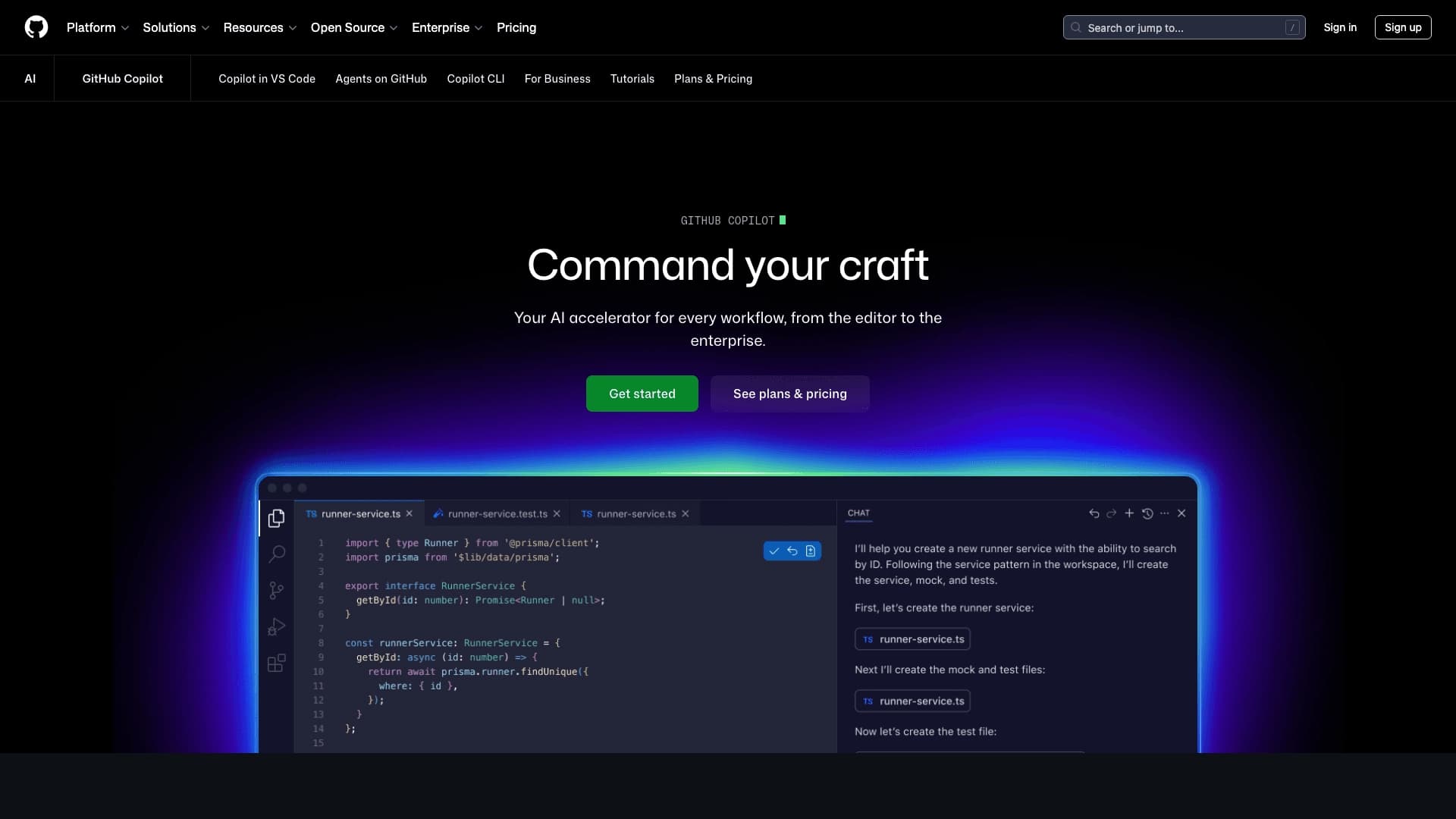
Unlike many competitors (Cursor, GitHub Copilot), Windsurf provides unlimited code autocomplete even on the free plan. This significantly lowers the entry barrier for developers who want to evaluate the capabilities of an AI assistant.
Agentic Approach to Tasks
Cascade can not only suggest code fragments but also independently execute multi-step tasks, including working with multiple files. This brings Windsurf closer to the role of a full-fledged assistant rather than just an autocomplete tool.
High Speed of Proprietary Models
The SWE-1.5 models demonstrate generation speeds of up to 950 tokens per second, which is about 13 times faster than Claude Sonnet 4.5 on code-writing tasks. This ensures minimal latency in operation.
Data Privacy
The editor does not use user data to train its models without obtaining consent. Data is encrypted during transmission, and full deletion of user data after use is available.
Windsurf Disadvantages
No Open Source
Windsurf's source code is not open. This can be critical for developers who prefer fully transparent tools or need customization at the source level.
No Russian Language Support
The Windsurf interface does not support Russian. This can be inconvenient for Russian-speaking users, especially when working with documentation and AI hints.
Limited Free Cascade
Although autocomplete is unlimited on the free plan, access to the full functionality of Cascade is limited. Full agentic work requires a Pro subscription, the price of which has risen to $20 per month.
No API Outside the IDE
Currently, Windsurf does not provide an API for using its models outside the development environment. This limits integration possibilities with external tools and services.
What Tasks Does Windsurf Solve?
Autonomous Execution of Multi-Step Tasks
Cascade can independently refactor code, add new features, and fix bugs — all within the entire project, taking into account the relationships between files. The developer only needs to describe the task, and the AI does the rest.
Faster Code Writing
Unlimited autocomplete and code generation from text descriptions significantly reduce the time spent on routine constructs, templates, and repetitive code fragments.
Working with Large Projects
Indexing millions of lines of code and deep context understanding allow Windsurf to work effectively even with large codebases where many relationships between modules must be taken into account.
Rapid Prototyping and Learning
Code generation based on images (converting design into code) and a built-in chat for code questions make the tool useful for quickly creating prototypes and learning new technologies.
Windsurf Pricing
Free Plan
Includes unlimited code autocomplete and limited access to Cascade. The Pro trial period is 2 weeks. The free plan provides 25 prompt credits per month.
Pro
Subscription cost is $15–$20 per month. Includes expanded Cascade, access to premium models, and 500 prompt credits. A promotion is available: 0 credits per prompt for the SWE-1 model.
Teams
Price — $30–$40 per month per user. Includes an admin panel, priority support, and 500 prompt credits for each team member.
Enterprise
Cost — $60 per month per user. Provides 1,000 prompt credits per user, advanced administration capabilities, and individual support terms.
Windsurf Terms of Use
Registration and Access
Account registration is not required for the free plan — you only need to download the editor from the official website. Paid subscriptions require creating an account.
Privacy and Security
The developer guarantees that user data is not used to train models without explicit consent. Data is encrypted during transmission. Users can request full deletion of their data after they stop using the service.
Free Plan Limitations
Free access to Cascade is limited in the number of requests and functionality. Full agentic functionality and premium models are available only with paid subscriptions.
Windsurf Availability
Platforms
Windsurf is available for Mac, Windows, and Linux operating systems. The editor can be downloaded directly from the official website windsurf.com. Russian language support in the interface is not available.
Technical Requirements
VPN is not required for operation. A stable internet connection is recommended for full functionality, especially when using cloud AI models.
Compatibility
Since Windsurf is built on VS Code, it supports extensions created for that development environment. This ensures a smooth transition for users who previously worked in VS Code without losing familiar functionality.
How Windsurf Differs from Alternatives
Comparison with Cursor
Windsurf provides unlimited code autocomplete on the free plan, while in Cursor this feature is paid. The Cascade agent in Windsurf works more autonomously and is more deeply integrated into the project. At the same time, Cursor offers features such as Background Agents and BugBot, which Windsurf lacks.
Comparison with GitHub Copilot
Windsurf offers not only autocomplete but also a full-fledged agentic AI (Cascade) capable of autonomously performing complex tasks. GitHub Copilot is more focused on autocomplete and hints, falling short of Windsurf in agentic project work capabilities.
Comparison with Claude Code
Windsurf is a graphical IDE with a full interface, while Claude Code is a CLI tool for working through the command line. The choice between them depends on developer preferences: Windsurf's graphical interface is more convenient for visual work; Claude Code is for those accustomed to the terminal.
Comparison with Tabnine
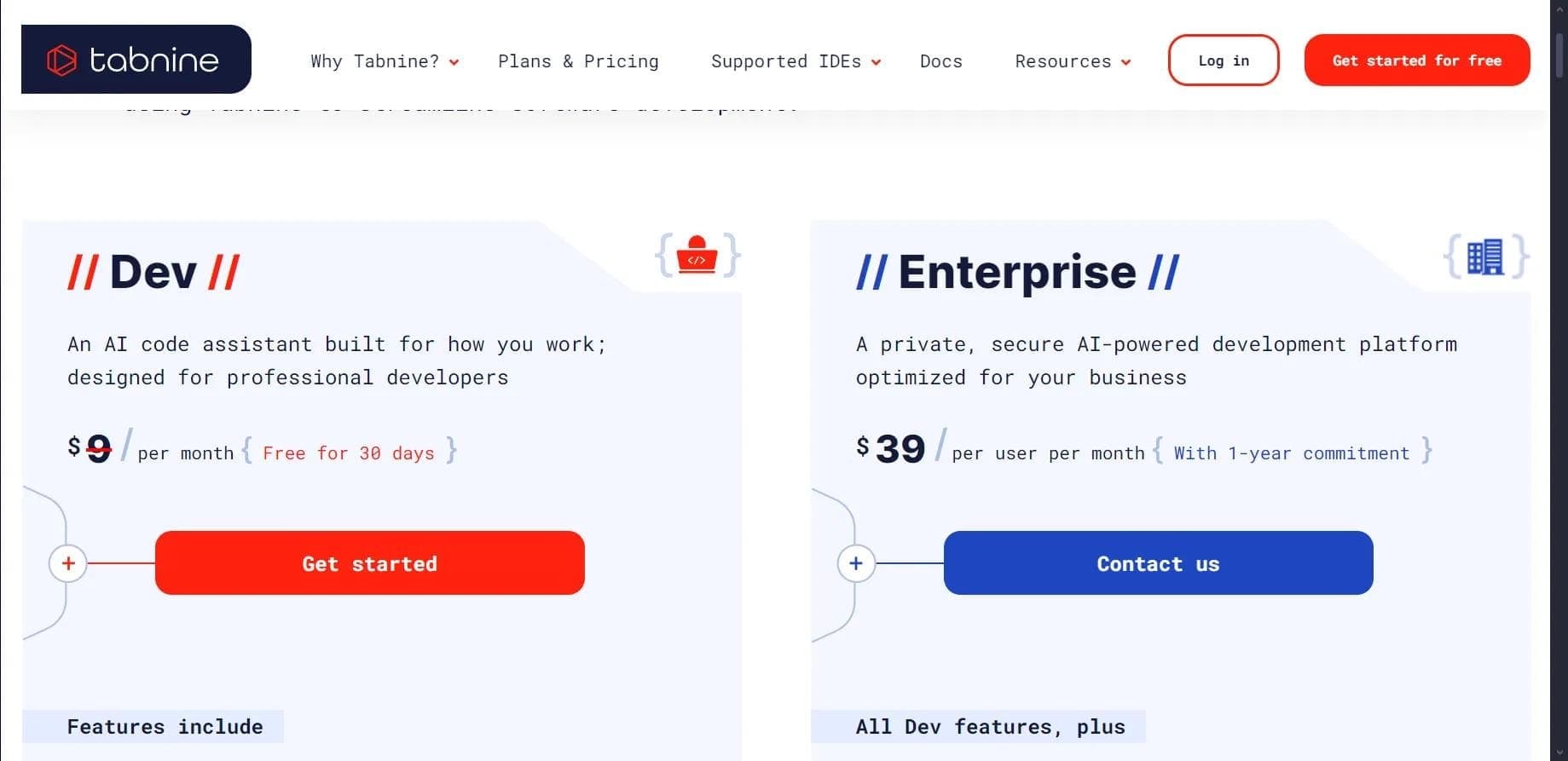
Windsurf supports a larger number of programming languages and provides a broader set of tools, including an AI chat and the agentic Cascade. Tabnine is mainly focused on autocomplete and lags behind Windsurf in comprehensive project work functionality.
Conclusion
Windsurf is a powerful AI development environment based on VS Code that combines unlimited code autocomplete (including on the free plan) and the unique agentic Cascade, capable of autonomously executing complex multi-step tasks across the entire project. The high speed of the proprietary SWE-1.5 models, compatibility with VS Code extensions, and support for several popular AI models make Windsurf a competitive tool for developers of all levels. The main limitations include the lack of open source, no Russian language support in the interface, and paid access to the full functionality of Cascade. Overall, Windsurf is a practical solution for automating routine development tasks, especially for working on large projects where a deep understanding of the codebase context is required.
Pricing
Frequently asked questions
Similar AI tools






See also
AI editor for creating, editing, and publishing content with templates and prompts.

Financial platform with an AI assistant for managing accounting, taxes, and budgets.

Platform for interview preparation with AI mock interviews and real-time support.
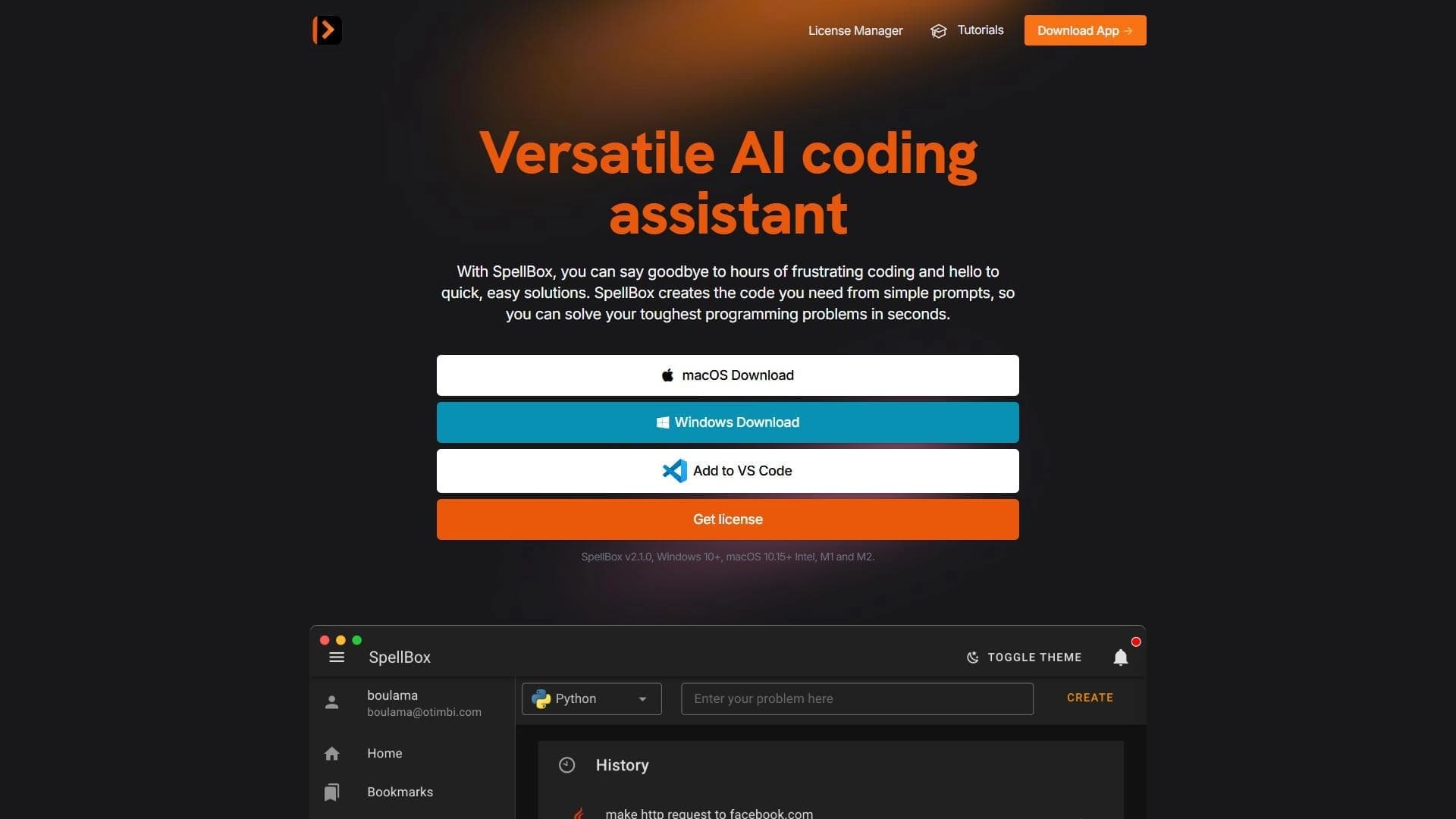

Neural network for generating, explaining, and fixing program code in various programming languages.
Enterprise language model platform focused on privacy and on-premise deployment.


AI assistant for creating short summaries of videos, PDF documents, and web pages.


AI email assistant that helps quickly draft messages, adapting to the user's style.
A sales automation platform that combines customer prospecting, deal management, and AI-powered forecasting.