

Qoder
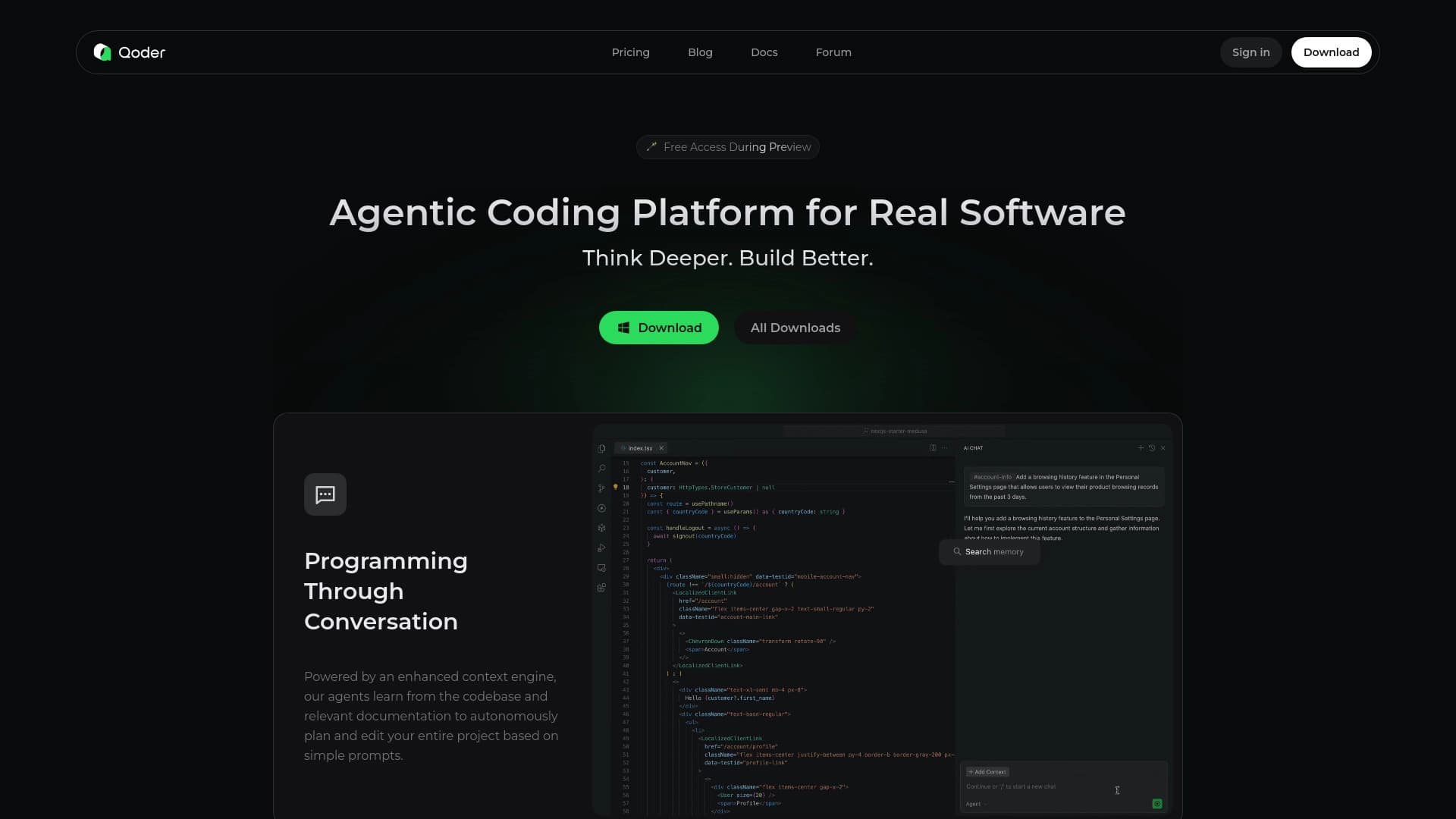
An agentic development platform that analyzes, plans, and autonomously makes code changes across multiple project modules.
Ranked in
Overview
Qoder
Description of Qoder
Qoder is an agentic platform for software development that goes beyond simple code autocompletion. Unlike traditional AI assistants, Qoder can independently analyze a project, plan changes, and make edits that span multiple modules of the codebase. The platform comes in several forms: a desktop application, a terminal assistant (CLI), an enterprise platform for AI agents, and a JetBrains plugin.
Multi-Agent Collaboration Architecture
At the core of Qoder is the principle of multi-agent collaboration: several specialized AI agents work together on tasks from start to finish. Each agent is responsible for its own area — code analysis, testing, documentation — and interacts with others to achieve a common goal.
Context Handling
The platform supports an advanced context engine that takes into account not only code, but also tests, documentation, project architecture, and dependencies. Qoder can analyze images, directories, and file structures, enabling it to better understand the developer's intent.
Operating Modes
Qoder is available in several formats: a standalone desktop application, a command-line utility, and a plugin for the JetBrains IDE. In Quest Mode, agents take over the full task cycle — from planning and writing code to generating tests — and the result is returned asynchronously for review.
Qoder characteristics
| Characteristic | Value |
|---|---|
| Type | Agentic Platform (agentic platform for real-world work) |
| Category | AI Coding, AI Working |
| Platforms | Desktop (macOS), JetBrains Plugin, CLI, Cloud Agents |
| Free plan | Yes (Free plan with automatic downgrade after trial) |
| Free trial period | 2-week Pro Trial |
| Payment models | Credit system (credits) |
| Programming languages | All major languages, deep expertise in JavaScript, TypeScript, Python, Go, C/C++, C#, Java |
| Number of users | 1,000,000+ global users |
| Supported files for analysis | Up to 100,000 files |
| Maximum agent execution time | Up to 26 hours |
| Repo Wiki generated | 400,000+ codebase wikis |
Who is Qoder suitable for?
Qoder is aimed at a wide range of professionals working with code or business tasks that require automation and analysis.
Developers and technical specialists
The primary audience is software developers working on real projects and large codebases. Qoder is also suitable for AI/ML specialists, tech bloggers, and content creators who produce technical content.
Managers and business users
The platform covers not only code writing, but also everyday business tasks. Product managers, consultants, and department heads (legal, finance, marketing, HR) can use Qoder to automate workflows and analyze data.
How to use Qoder?
Getting started with Qoder does not require complex setup — the process consists of a few simple steps.
Registration
Users can register via email, Google, or GitHub. For the Pro Trial, there is a rule: one account per user; additional trial accounts are blocked.
Installation and launch
After registration, you need to download the required product — the desktop app, CLI, or JetBrains plugin. On macOS, installation is done via curl. The tool is ready to use immediately after installation, with no additional configuration.
Interacting with the system
The user interacts with Qoder in a dialogue format, describing the task and requirements. The AI independently plans changes, edits files, and syncs them with the project. In Quest Mode, the task is described once, after which the agents take over all the work and return the result for review.
Key features of Qoder
Multi-Agent Expert Collaboration
Several expert AI agents work together on tasks "from start to finish." Agents independently understand intent, make decisions, use tools, and execute complex workflows.
Memory and Rules
The system remembers the user's work style
Frequently asked questions


See also


BannsAi is an AI-powered service for quickly creating ad banners based on a text description or reference.

AI-based platform for generating music and songs from a text description.

AI tool for product image processing and generating professional photos with virtual models.


AI-based platform for creating and editing product images and videos for e-commerce sellers.


Generative platform for creating realistic images and short videos from text or images with control over style and camera movement.

AI keyboard for Apple devices that speeds up typing with corrections, translation, and response generation.


Russian-language GPT-based AI chatbot for information retrieval and text generation.


A multifunctional AI assistant for chat, text and image generation, translation, and programming help.