

Tripo AI
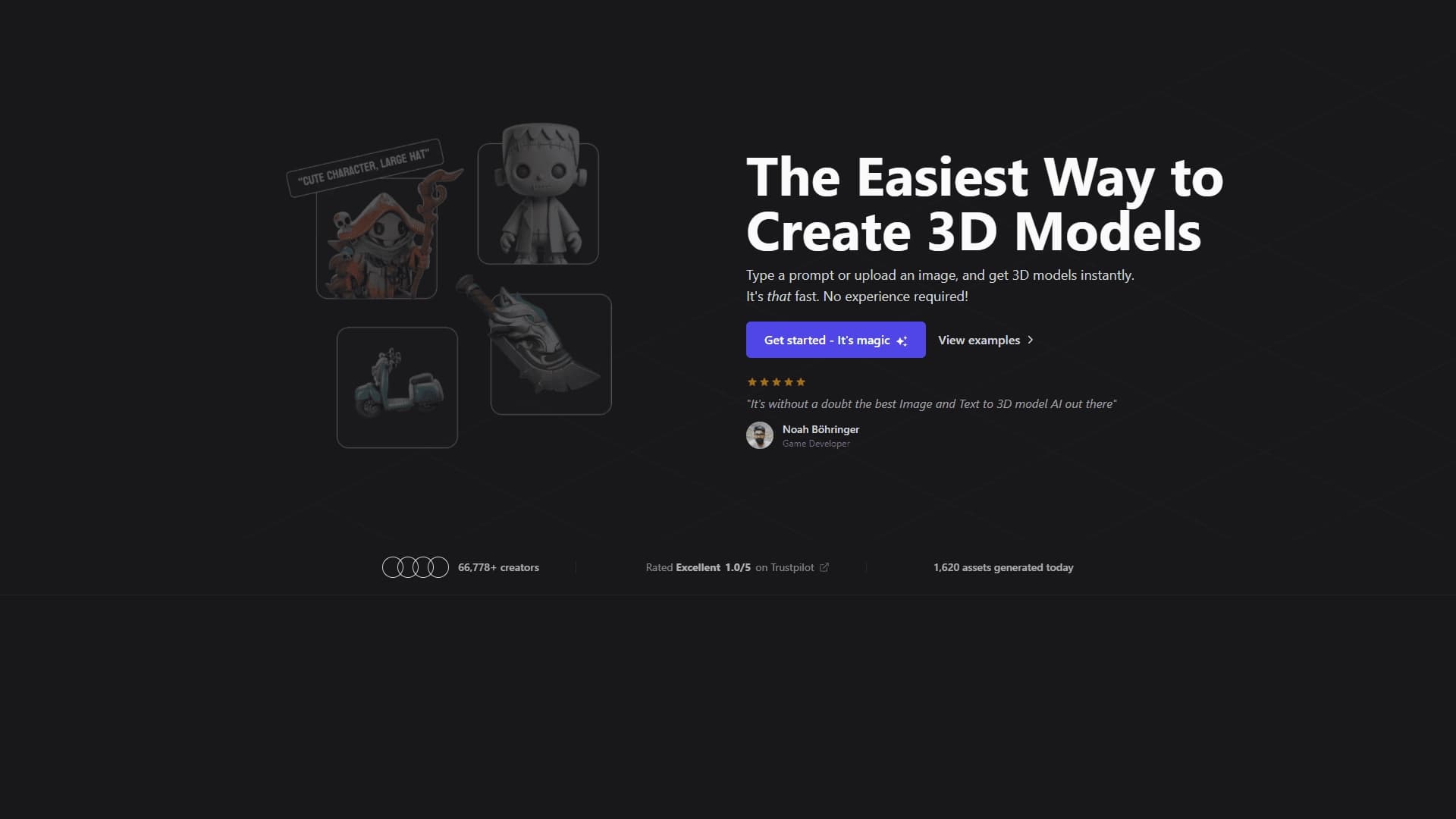
A tool for generating 3D models based on text descriptions, images, or sketches.
Overview
Tripo AI
Description of Tripo AI
Tripo AI is a 3D model generator that creates objects from text descriptions, uploaded images, or sketches. The platform automatically handles geometry and textures and prepares the model for animation, then allows exporting the result in various formats for use in games, commerce, or educational projects. The tool also provides an API for workflow automation and operates on a freemium model with a free tier and paid subscriptions.
The developer is Tripo AI Inc. The neural network uses algorithm version 3.1, based on more than 200 billion parameters, which ensures high quality of generated models. The service has about 22 million monthly visits.
Tripo AI Specifications
| Characteristic | Value |
|---|---|
| Type | 3D model generator |
| Categories | 3D model generation, Image to 3D, API and integrations |
| Platforms | Web, PC, API, Tripo Studio |
| Distribution model | Freemium |
| Free tier | Yes (300 credits per month) |
| VPN required | No |
| Russian language | Yes |
| Russian interface | Yes |
| Developer | Tripo AI Inc. |
| Algorithm version | Algorithm 3.1 (200+ billion parameters) |
| Monthly visits | 22M |
Who is Tripo AI suitable for?
Game designers and developers
The tool is aimed at game development studios and solo game developers who need to quickly create character and environment prototypes. Thanks to auto-rigging and direct bridges to Unity and Unreal Engine, Tripo AI significantly speeds up asset preparation for game projects, including Roblox and Minecraft.
E-commerce and visualization specialists
For online stores and marketplaces, Tripo AI allows creating interactive 3D product cards from ordinary photos. This is useful for product visualization on websites and for creating content for AR/VR applications.
Educators, artists, and content creators
Educational institutions can use the generator to create exhibits and training scenes. Artists and animators can quickly create references and prototypes for their portfolios. The tool is also suitable for content creators working on metaverse and augmented reality applications, including Apple Vision Pro.
How to use Tripo AI?
Registration and mode selection
To get started, you need to register on the Tripo AI web platform — it’s free. After logging in, a control panel opens where you choose the generation mode: from text or from an image. For text-based creation, simply enter an object description; for image-based creation, upload a reference.
Model generation and refinement
After selecting the mode and entering the data, click the “Generate” button. The model is created in 30–120 seconds depending on complexity. For characters, you can run auto-rigging and export them in T-pose. The Smart Part Segmentation feature is available and automatically splits the model into parts for independent editing.
Export and integration
The finished model can be downloaded in various formats: glb, fbx, obj, usd, stl, and others. Through the DCC Bridge, an asset can be sent directly to Unreal Engine or Unity without downloading intermediate files. APIs and Tripo Studio are available to developers as separate products.
Key Features of Tripo AI
Text and image generation
Tripo AI supports creating 3D models from text descriptions, uploaded images, sketches, or multiple frames. The 200+ billion parameter engine provides PBR textures and clean topology. Generation speed ranges from 10 to 120 seconds.
Auto-rigging and animation preparation
The platform automatically creates a skeleton for humanoid characters and prepares them for animation. T-pose export is available, along with Mixamo integration for additional animations. Smart Part Segmentation splits a model into semantic parts — head, torso, arms, and legs — that can be edited independently.
DCC Bridge and API
DCC Bridge lets you export models directly to Unity and Unreal Engine without manually downloading files. The API enables automation of 3D content generation and integration into third-party services. Tripo Studio is a separate set of tools for rapid generation and scene composition.
Additional capabilities
Scenario Generator for automatic 3D scene creation and 3D-Video Generator for animated scenes and rigging are in development. There is also a themed gallery of ready-made templates and built-in image generation via Nano Banana, GPT-4o, and Flux Kontext.
Advantages of Tripo AI
High speed and ease of use
Tripo AI generates models in seconds without requiring deep knowledge of 3D packages. The interface is intuitive, and Russian-language support makes the tool accessible to Russian-speaking audiences. Working with different input types — text, photos, drawings, screenshots — expands the range of use cases.
Model quality and export formats
The platform produces models with correct topology and PBR materials. Export to glb, fbx, obj, usd, stl, and other formats is supported, ensuring compatibility with major 3D software: Blender, Unity, Unreal Engine, and Godot. Auto-rigging is a rare feature among AI generators and saves several hours of manual work.
Open source and community
TripoSR is an open research model co-developed by Tripo AI and Stability AI and is freely available on GitHub. A large community on Discord and social networks brings together an audience from more than 50 countries. The large user base and numerous generated models indicate the service’s reliability.
Disadvantages of Tripo AI
Free tier limitations
On the free tier, models are stored for only one day and are public. Commercial use is prohibited — models are distributed under the CC BY 4.0 license. A paid subscription is required for privacy and commercial rights.
Unfinished features and instability
Some modules — Scenario Generator and 3D-Video Generator — are in development and marked as “Coming soon”. Complex organic shapes produce unstable results: the best results are achieved on technical objects. In addition, Tripo Studio and the API are completely separate products with separate pricing, which can lead to double costs.
Geographic restrictions
Payment may be unavailable in certain regions, as the service uses Stripe as its payment provider. There are also no mobile apps in the Apple App Store or Google Play, which limits availability on mobile platforms.
What tasks does Tripo AI solve?
Rapid creation of 3D models for games
The tool lets you generate rigged characters in T-pose for games, create game level prototypes, and compose and generate game maps for Roblox, Minecraft, and Unity. Automatic generation of hundreds of assets for catalogs through the API speeds up development.
Product visualization for e-commerce
Tripo AI converts product photos into 3D models for interactive product cards on websites. This improves user experience and increases conversion in online stores.
Education and AR/VR
The platform is suitable for creating exhibits and training scenes for museums and educational institutions. It is also used to generate environments for AR/VR and MR applications, including Apple Vision Pro. Prototyping and stylizing models for design and portfolios is another area of application.
Tripo AI Pricing
Free plan
The free tier is offered at $0 per month and includes 300 credits, 1 parallel task, model storage for 1 day, and public access to results. Export is available in limited formats. No credit card is required for registration.
Paid subscriptions
The Pro plan costs $19.9 per month (or $15.9 per month when billed annually), provides 3,000 credits, 10 parallel tasks, and storage for up to 7 days with private access. Advanced at $49.9 ($39.9 with annual billing) includes 8,000 credits, 15 tasks, and 30-day storage. Premium at $139.9 ($111.9 with annual billing) offers 25,000 credits, 20 parallel tasks, and permanent storage. Annual billing gives a 20% discount on all plans.
API and credits
The Tripo API works on the following basis: $1 equals 100 credits, with an average cost of 10–30 credits per model. Advanced and Premium plans can be extended on request for team collaboration and a priority queue.
Tripo AI Terms of Use
Registration and free access
Registration on the web platform is required to use Tripo AI. The free plan is provided without a credit card. However, all generated models become public and are distributed under the CC BY 4.0 license, which prohibits commercial use.
Commercial use and privacy
A paid subscription is required for commercial use and private model storage. On paid plans, models are private and commercial use is allowed. Upgrading to a paid plan increases the number of parallel tasks and the model storage duration.
Technical limitations
Some features are in development and may be unavailable. Smart Part Segmentation and auto-rigging do not work with all model types. Export to STL is possible for 3D printing, but rigged models need to be exported via GLB or FBX and then converted in Blender.
Availability of Tripo AI
Platforms and languages
Tripo AI is available as a web service on PC, as well as through the API and Tripo Studio. The interface supports Russian. No VPN is required. The largest traffic regions are the US (14.72%), India (8.48%), China (5.04%), Brazil (4.25%), and Japan (4.2%).
Geographic and financial restrictions
Payment may be unavailable in certain regions because of the use of Stripe. There are no mobile apps. The service serves a global audience from more than 50 countries, but users in some regions may encounter payment restrictions.
How Tripo AI differs from alternatives
Unlike Meshy, which offers a library of 500+ ready-made animations and a wider range of artistic styles, Tripo focuses on clean topology and direct DCC bridges to game engines. Auto-rigging in Tripo is more accurate for complex characters, and export to Unity and Unreal Engine occurs without intermediate file operations. For large animation libraries, Meshy is the better choice; for a clean character pipeline, Tripo is.
TripoSR is an open research model co-developed by Tripo AI and Stability AI. It works in sub-second mode on powerful GPUs and is freely available on GitHub. Paid Tripo AI is a commercial platform with higher-quality models, auto-rigging, DCC Bridge, and cloud infrastructure. TripoSR suits developers, while paid Tripo suits end users and studios.
Compared with traditional 3D packages like Blender, Autodesk Maya, or SketchUp, Tripo AI requires no modeling skills and works dozens of times faster, but offers less control over the final result. The tool prioritizes speed and automation over manually editing every polygon.
Conclusion
Tripo AI is a powerful 3D model generator focused on clean topology and animation-readiness. It is especially convenient for game development pipelines thanks to auto-rigging, T-pose export, and direct bridges to Unity and Unreal Engine. The tool lets you create high-quality 3D objects from text, image, or sketch in seconds, saves time and budget, and suits games, e-commerce, education, and creative work. Despite some free-tier limitations and unfinished features, Tripo AI makes 3D modeling fast and accessible for both beginners and professionals.
Pricing
Frequently asked questions
Similar AI tools


See also
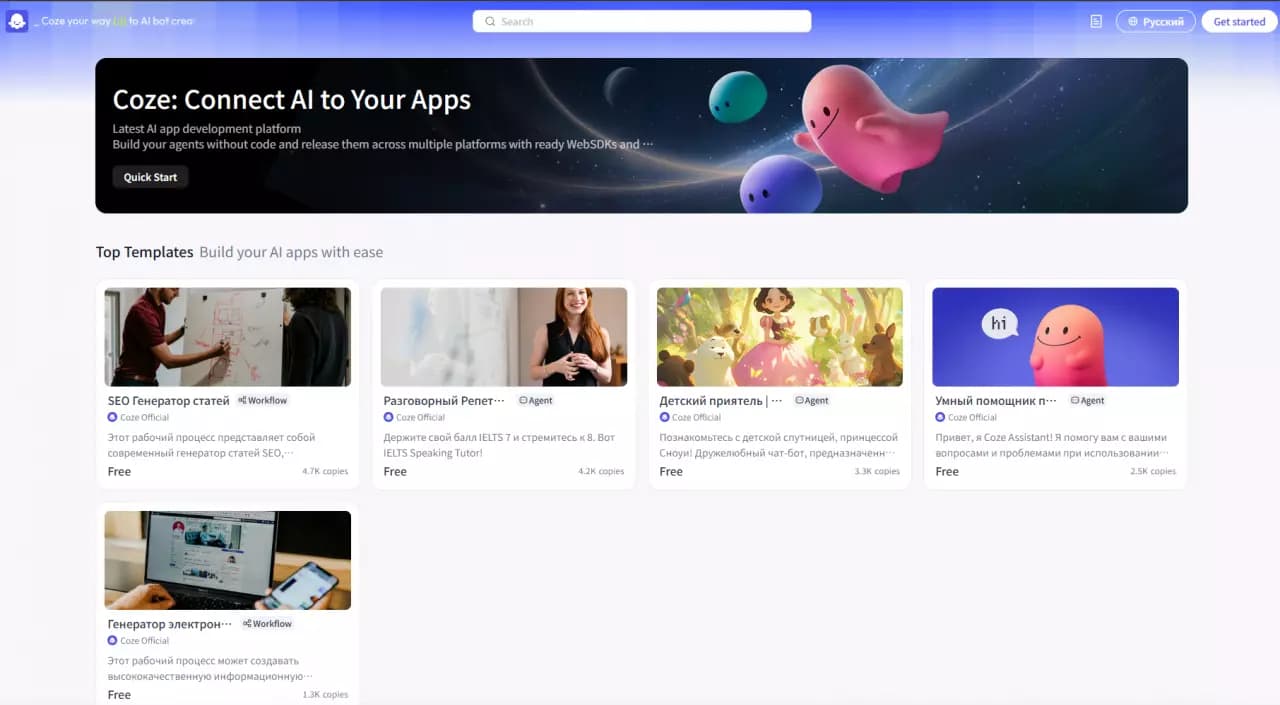

Platform for building AI chatbots with a visual builder that requires no coding skills.

Open-source platform for integrating data from various sources into data warehouses and analytics systems.
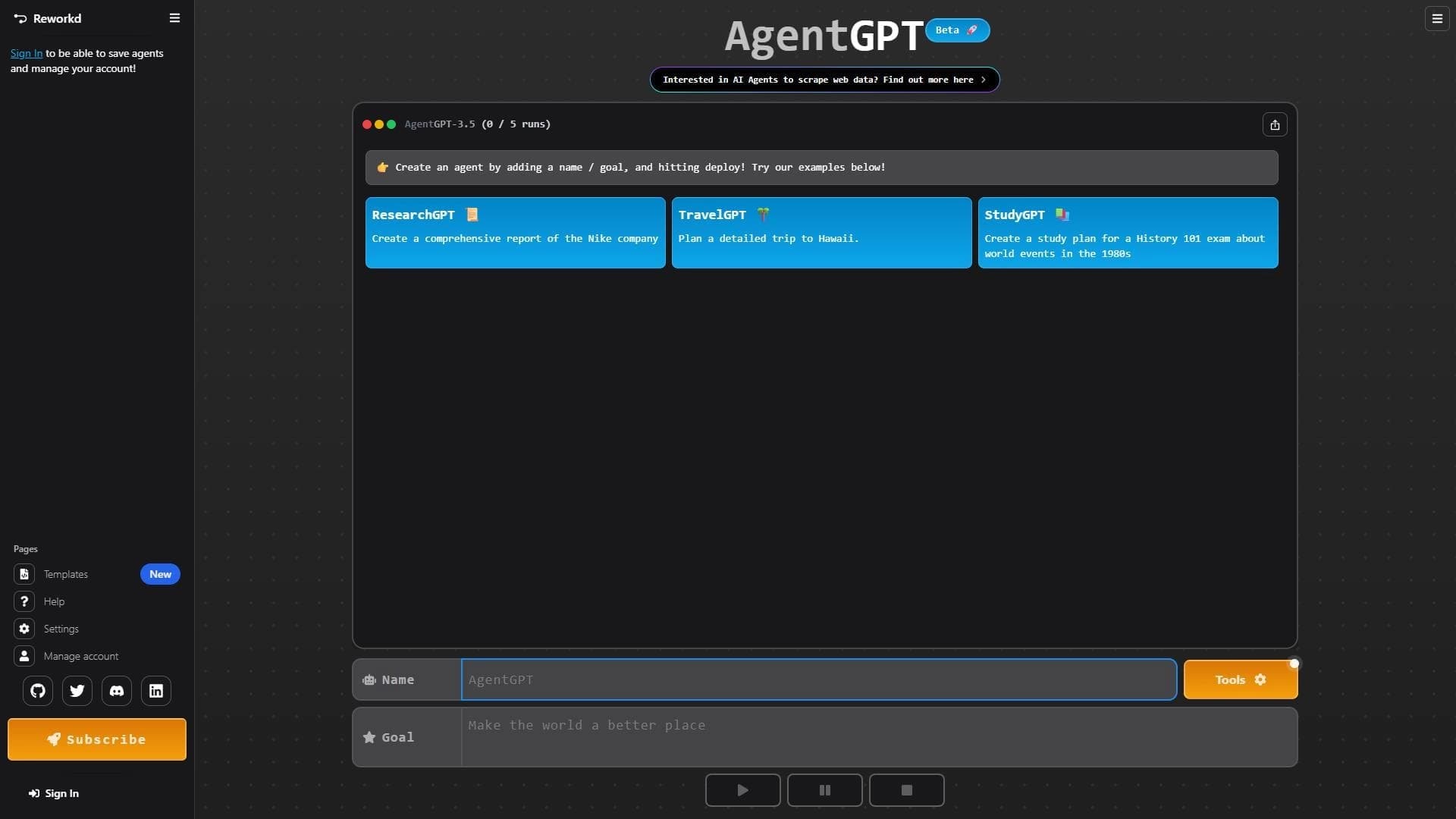

Platform for creating and launching autonomous AI agents that independently complete tasks on the internet.
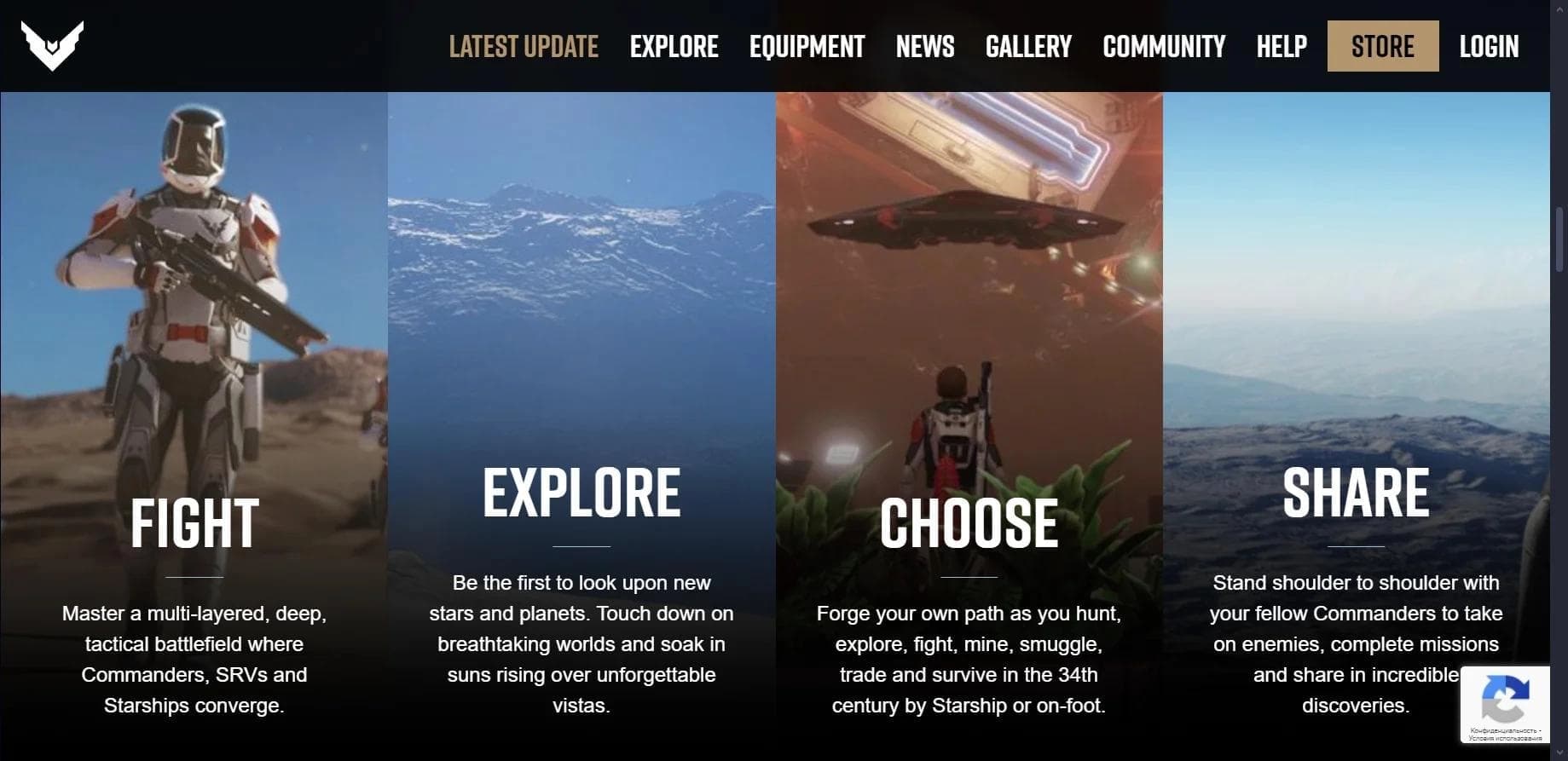

Multiplayer open-world space simulator using AI for NPC control and event generation.

Web interface for testing and prototyping based on Google's artificial intelligence models.
Enterprise language model platform focused on privacy and on-premise deployment.

AI-powered platform for real-time voice changing and cloning.

A workflow automation platform that connects thousands of apps without requiring coding.