

Speechify
A text-to-speech service with support for multiple languages and voices.
Overview
Speechify
Description of the Speechify AI
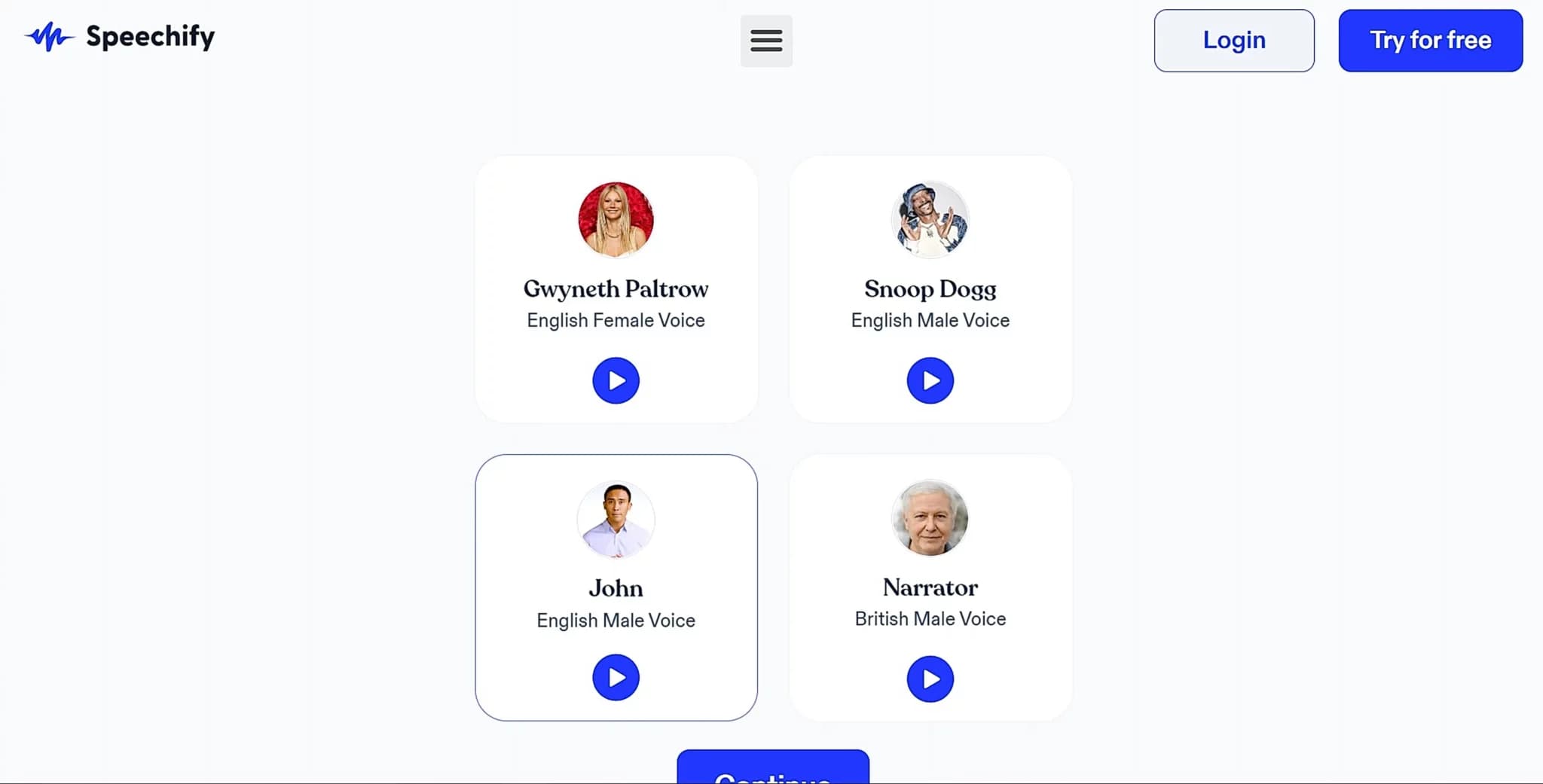
Speechify is a text-to-speech (TTS) service powered by artificial intelligence. The tool lets you turn written content — documents, web pages, PDF files, and e-books — into a natural-sounding audio track. Speechify supports more than 1,000 voice models in 60+ languages, including various accents and dialects, and offers adjustable playback speed, tone, and emotion.
The platform also includes Speechify Studio, a set of tools for voice cloning, video dubbing, and audio content creation. The service is available as a web version, mobile apps for iOS and Android, and a Chrome browser extension. Speechify is aimed at both general users and people with dyslexia or visual impairments.
Speechify Features
| Feature | Value |
|---|---|
| Type | AI-powered text-to-speech (TTS) service |
| Categories | Text-to-speech, Voice cloning, Voice assistants, Education, Productivity |
| Platforms | Website, iOS, Android, Chrome, Mac |
| Number of voice models | More than 1,000 |
| Supported languages | More than 60 (including accents and dialects) |
| Russian language support | Yes |
| File formats | PDF, DOCX, EPUB, Google Docs, web pages |
| Free plan available | Yes |
| Distribution model | Freemium |
| API | Yes |
| Mobile app | Yes |
| Browser extension | Yes (Chrome) |
Who is Speechify suitable for?
Content creators and small businesses
Speechify suits content creators who need to quickly convert written materials into audio format. Small businesses can use the service to voice presentations, instructions, and promotional materials, as well as for video dubbing and localization.
Teachers and students
In education, Speechify is useful as a tool for voicing learning materials — lectures, textbooks, and articles. Listening to text helps with information retention and saves time when working with large volumes of material.
People with dyslexia and visual impairments
The service is specifically designed with the needs of users who struggle with reading in mind. Speechify helps people take in written content by ear, and the word highlighting feature during playback makes it easier to follow along with the text. OCR scanning of physical documents via the phone camera is also available.
Individual users
Regular users use Speechify to listen to news, blogs, books, and documents in situations where reading is inconvenient or impossible — for example, while commuting, exercising, or doing household chores.
How to use Speechify?
In a web browser
To get started, simply register on the official Speechify website. After signing in, you can upload a text document, paste text manually, or provide a link to a web page. Next, choose a voice, set the language and playback speed, and then click the "Start" button. The service requires no complex installation and works right in the browser.
Through mobile apps
Speechify is available as apps for iOS and Android. After installation and registration, users can upload documents from their device, scan physical documents with the camera, or paste text. Voice and speed settings are configured the same way as in the web version.
Through the browser extension
The Chrome extension lets you listen to text directly on web pages. Simply install the extension, open the desired page, and activate reading — Speechify will read the page content aloud with your chosen settings.
Key Speechify features
Text-to-speech conversion
The service's core function is turning any text material into audio. Speechify supports PDF, DOCX, EPUB, Google Docs, web pages, and other formats. Users can upload documents, paste text, provide links, or scan paper documents with the camera.
Voice cloning
Speechify lets you clone a voice based on a short recording of about 20 seconds. This feature is available in Speechify Studio and is used to personalize content, dub videos, and create unique voice models.
Speechify Studio
Studio is a set of tools for working with audio and video. It includes features for dubbing, voice cloning, and creating podcasts, audiobooks, and videos. Users can adjust the tone, pitch, speed, and emotional coloring of the voice.
Word highlighting during playback
While reading text aloud, Speechify highlights the current word, which helps users focus on the material and improves comprehension. This feature is especially useful for people with dyslexia and for those learning foreign languages.
Speechify advantages
Wide selection of voices and languages
Speechify offers more than 1,000 voice models in 60+ languages, including various accents and dialects. This is significantly more than many alternatives (for example, Murf AI and Play.ht offer around 200 voices).
Flexible playback settings
Users can adjust reading speed (up to 2x–3x), change tone, pitch, and emotional coloring of the voice. This makes it possible to adapt the sound to specific tasks and personal preferences.
Versatility
In addition to basic text-to-speech conversion, Speechify includes tools for voice cloning, dubbing, and creating podcasts and video content through Speechify Studio. This makes the service a universal solution for various use cases.
Available on multiple platforms
Speechify works through a web browser, has mobile apps for iOS and Android, a Chrome extension, and a Mac version. Users can listen to text on any device, anywhere.
Free plan available
The free plan lets you test the core features of the service before deciding whether to purchase premium access.
Speechify drawbacks
Free plan limitations
The free version of Speechify has limits on the number of available voices and audio generation time. Full use of most features requires a premium subscription.
Dependence on an internet connection
The service requires a stable internet connection. Offline features, if available, are limited compared with the online mode.
Premium subscription cost
The price of the premium plan can be significant for users who do not need all the service's features. Team plans are provided on request, which may be inconvenient for small organizations.
What tasks does Speechify solve?
Creating audio content from text
Speechify lets you quickly turn written materials into audio files. These can include audiobooks, podcasts, voiceovers for articles, lectures, and presentations.
Voice cloning for content personalization
With the cloning feature, users can create unique voice models based on their own voice or someone else's. This is used to personalize audio content, support branding, and create custom voice assistants.
Video dubbing and localization
Speechify Studio lets you dub videos into different languages while preserving a natural voice sound. This is useful for content creators, businesses, and educators working with multilingual audiences.
Providing content access for people with dyslexia and visual impairments
The tool helps people take in written information by ear, which is critical for those who struggle with reading. OCR scanning of documents through the phone camera expands the ways it can be used.
Speechify pricing
Speechify operates on a freemium model. The free plan provides access to a limited set of voices and limited audio generation time. This lets you test the service before purchasing.
The premium subscription costs from $11.58 per month when billed annually. It includes full access to all voices, voice cloning features, and Speechify AI Studio. Team plans for businesses and educational institutions are provided on request. A trial version is also available to explore the premium features.
Terms of use for Speechify
To get started with the service, simply register on the website or in the mobile app. Registration is not required for some features, such as the browser extension. The free plan lets you test the main capabilities before switching to a paid subscription.
Speechify does not require complex installation or special equipment. The service works through a browser and is also available as apps for iOS, Android, Chrome, and Mac. No regional restrictions are specified.
Speechify availability
Speechify is available on several platforms: as a web service through a browser, and as mobile apps for iOS and Android. A Chrome browser extension and a Mac version are also available. The platform supports Russian — the interface is available in Russian, and Russian text-to-speech conversion is also supported.
For developers, an API is provided for integrating Speechify into third-party applications and services. No regional restrictions are specified — the service is available to users in different countries.
How Speechify differs from alternatives
Number of voices and languages
The main difference between Speechify and its competitors is the number of voice models. The service offers more than 1,000 voices in 60+ languages, while Murf AI and Play.ht have around 200 voices. Speechify also supports a wider variety of accents and dialects.
Voice cloning speed
Speechify can clone a voice based on a recording of about 20 seconds, which is faster than many alternatives. This simplifies and speeds up the process of creating personalized voice models.
Speechify Studio
Unlike Murf AI and Play.ht, Speechify includes Speechify Studio — a set of tools for dubbing, voice cloning, and video editing. Competitors such as Vaani, Fish Audio, Readio, and FlowSpeech do not offer similar capabilities within a single product.
Ease of use
Speechify is easier to learn thanks to its browser accessibility and intuitive interface. Play.ht works faster in real time, but offers fewer voices and accents.
Conclusion
Speechify is a universal text-to-speech tool that stands out with a wide selection of voices (more than 1,000) and support for 60+ languages. The platform suits a broad range of tasks, from voicing documents and creating audiobooks to voice cloning and video dubbing through Speechify Studio. The service is convenient to use thanks to its availability across different platforms (web, iOS, Android, Chrome, Mac) and its free plan for testing. Speechify is especially useful for content creators, educators, small businesses, and people with dyslexia or visual impairments.
Pricing
Frequently asked questions
Similar AI tools




See also


Free online platform with over 150 AI tools for working with PDFs, images, videos, and text.

Platform for interview preparation with AI mock interviews and real-time support.

An app for solving math problems using a smartphone camera and step-by-step explanations.

AI-powered mobile app that helps with studying by analyzing text and photo queries.


AI assistant for creating short summaries of videos, PDF documents, and web pages.


AI email assistant that helps quickly draft messages, adapting to the user's style.

Voice AI English tutor for kids that helps practice speaking in a 1:1 format.
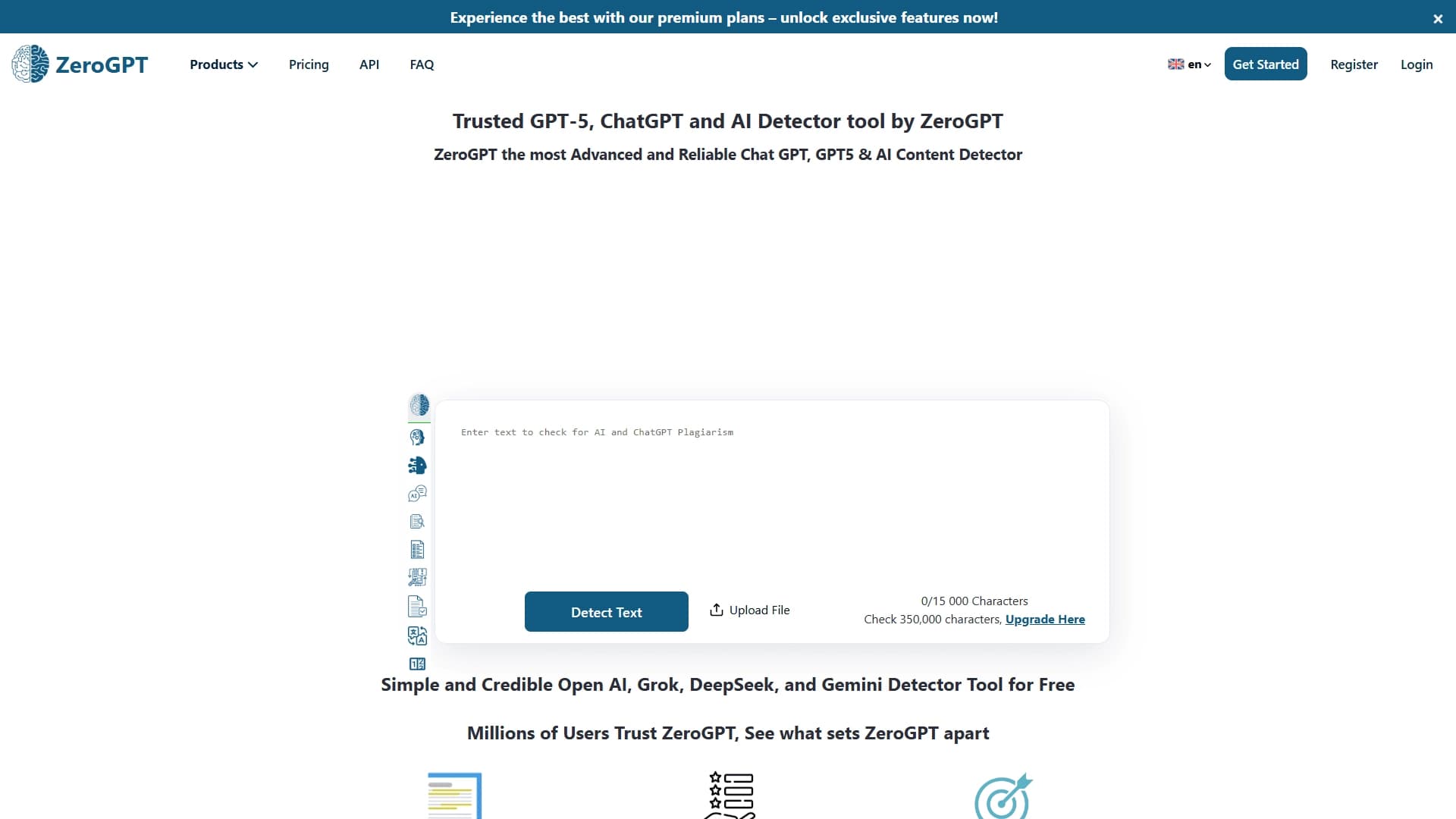

An online detector that determines whether text was created by a human or generated by neural networks.