

Ollama
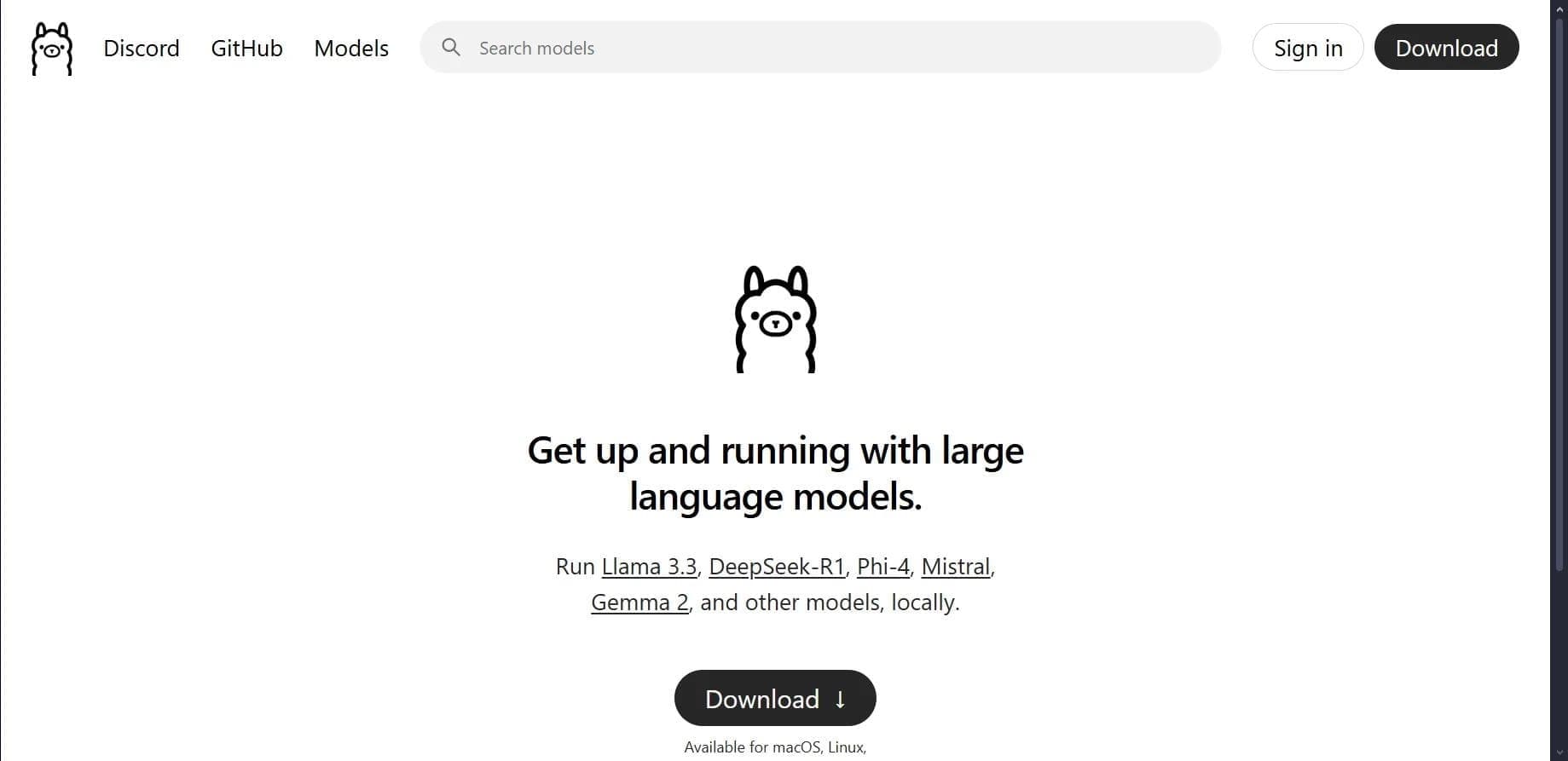
Open platform for local deployment and management of large language models (LLM) on your own computer.
Overview
Ollama
About Ollama
Ollama is an open-source platform designed for running and managing large language models (LLMs) locally on your own computer. The tool lets you download, run, and customize open-source models such as Llama, Mistral, and Qwen without needing a constant internet connection. Models are managed through a command-line interface, and Modelfile configuration files provide flexible customization options. Ollama supports NVIDIA and AMD GPUs and also offers an API for integration into third-party projects, making it a convenient solution for development, testing, and research tasks.
Ollama Features
| Feature | Value |
|---|---|
| Type | AI model management platform |
| Categories | Large Language Models (LLMs), Open Source AI Models, AI Research Tool, AI 3D Model Generator, API and integrations |
| Platforms | macOS, Linux, Windows (preview version) |
| Interface | Command line |
| Interface languages | English |
| License | Open-source platform |
| Minimum requirements | 8 GB RAM |
| GPU support | NVIDIA and AMD |
| CPU support | Yes |
| Distribution model | Free |
| Added to the website | May 22, 2025 |
| Monthly visits | 11.6M |
Who is Ollama suitable for?
Developers
Ollama is primarily aimed at developers who need to integrate language models into their applications or test them in a local environment. The tool provides an API for programmatic interaction and supports Docker installation, which makes it easier to integrate into existing projects.
Data Scientists
Data scientists can use the platform to experiment with different models, fine-tune them, and analyze performance on their own hardware. The ability to work offline ensures data privacy during research.
AI Enthusiasts
Users interested in artificial intelligence can download and run modern open-source models without complex setup, explore their behavior, and use them for personal projects. Basic familiarity with the command line is required.
How to use Ollama?
Installation and model download
To get started, download the installer from the official Ollama website and install the program on a computer running macOS, Linux, or Windows (preview version). After installation, run the command ollama pull <model_name> in the terminal to download the selected model to your local device.
Running and adjusting parameters
Models are launched with the ollama run command. You can set desired execution parameters such as temperature or maximum response length. For more fine-grained tuning, Modelfile configuration files let you modify model behavior without reinstalling.
Integration into projects
Ollama provides an API that developers can use to connect language models to their applications. This makes it possible to build custom AI solutions that run entirely on local hardware, with no dependence on cloud services.
Key features of Ollama
Local LLM execution
The platform lets you run large language models on your own computer without an internet connection after the initial setup. This ensures full autonomy and control over your data.
Support for many models
Ollama supports a wide range of open-source models, including Llama 3.2, Mistral, and Phi-4. Users can download ready-made prebuilt models or integrate their own custom builds.
Modelfile customization
Modelfile configuration files provide flexible options for adjusting model parameters: changing system prompts, tuning temperature, managing versions, and working with multimodal data (text and images).
API for developers
The built-in API makes it possible to integrate models into third-party applications, enabling custom AI tools and workflow automation.
Ollama advantages
Completely free
Ollama is absolutely free to use — no subscriptions, hidden fees, or usage limits. This makes it accessible to all types of users.
Offline operation
After the initial installation and model download, the tool works fully offline, which is especially important for data privacy requirements or work in isolated environments.
Easy setup
Unlike many alternatives, Ollama does not require complex environment configuration. Installation and model launches are done with a few terminal commands, and ready-made models simplify getting started.
Hardware support
The platform is compatible with NVIDIA and AMD GPUs, allowing efficient use of computing resources. CPU-only operation is also supported, expanding the range of compatible devices.
Open source
Ollama's source code is available on GitHub, providing transparency, the ability to make your own modifications, and active community support through Discord.
Ollama drawbacks
Hardware requirements
Stable operation requires a computer with at least 8 GB RAM. More resource-intensive models may require significantly more memory, which limits use on weaker machines.
Model size limitation
The platform supports models only up to 33 billion parameters, which may not be enough for some specialized or very large language models.
English-only interface
Currently, the interface is available only in English, which can create a barrier for non-English-speaking users. Some adaptation may be possible through settings, but full translation is not guaranteed.
Command-line interaction
Installing, downloading, and running models requires working with the terminal, which can be challenging for beginners unfamiliar with console commands.
No mobile support
Ollama has no official mobile versions or browser extensions, which limits its use to desktop computers.
What tasks does Ollama solve?
Testing AI models
The platform lets you download and run various open-source models, compare their performance and response quality on local hardware, without being tied to cloud services.
Rapid prototyping of AI solutions
Developers can quickly create prototypes of applications that use language models, test API integration, and experiment with different settings without the cost of cloud computing.
Research and development
Ollama is suitable for R&D in machine learning where data privacy, local processing, and fine-tuning capabilities are required.
Data privacy
Running models locally makes it possible to process sensitive data without sending it to third-party servers, which is critical for use cases in medicine, finance, and law.
Ollama pricing
Ollama is a fully free platform. The tool has no paid subscriptions, hidden fees, or pricing plans. Users can download, install, and use all available features without restrictions, as confirmed by its free distribution model and the absence of pricing information on official resources.
Ollama terms of use
No special terms of use are declared beyond the minimum hardware requirements (at least 8 GB RAM) and installation on a supported operating system (macOS, Linux, Windows). Because the platform is open-source and free to use, users can freely download, modify, and use it for personal and commercial purposes in accordance with the license. There are no regional restrictions or any need to use a VPN.
Ollama availability
The platform is available for macOS and Linux, as well as Windows (preview version). The tool supports installation via Docker, which expands deployment options. The interface is in English. There is no information about regional access restrictions, allowing users from different countries to use Ollama without additional configuration.
How is Ollama different from alternatives
The main difference between Ollama and cloud services (such as Claude API or Gemini) is the ability to run language models fully locally. This enables offline operation, greater data privacy, and no cloud computing costs. Unlike specialized platforms such as Hugging Face, Ollama provides a simpler and more unified command-line interface for managing models, without requiring deep machine learning expertise. Compared with TensorFlow Serving, Ollama is focused on fast deployment and testing of ready-made models rather than training them from scratch.
Conclusion
Ollama is a free, open-source platform that simplifies running and managing large language models locally. The tool is designed for developers, data scientists, and AI enthusiasts who value privacy, data control, and offline operation. With easy setup, support for NVIDIA and AMD GPUs, and an API for integration, Ollama is a practical solution for testing, prototyping, and research tasks, although it requires basic command-line skills and hardware with sufficient RAM.
Frequently asked questions


See also
Multilingual AI assistant for checking grammar, spelling, and text style.

A workflow automation platform that connects thousands of apps without requiring coding.

Platform for building AI chatbots with a visual builder that requires no coding skills.

Open-source platform for integrating data from various sources into data warehouses and analytics systems.

Platform for creating and launching autonomous AI agents that independently complete tasks on the internet.

The largest open language model from Meta with 405 billion parameters, available for commercial use and independent fine-tuning.

Web interface for testing and prototyping based on Google's artificial intelligence models.

Mobile app and citizen science project for identifying plants from photos using machine learning.