

Gemini 3.5 Live Translate
Google service for real-time automatic translation of text, speech, images, and video, supporting more than 100 languages.
Overview
Gemini 3.5 Live Translate
Description of the Gemini 3.5 Live Translate neural network
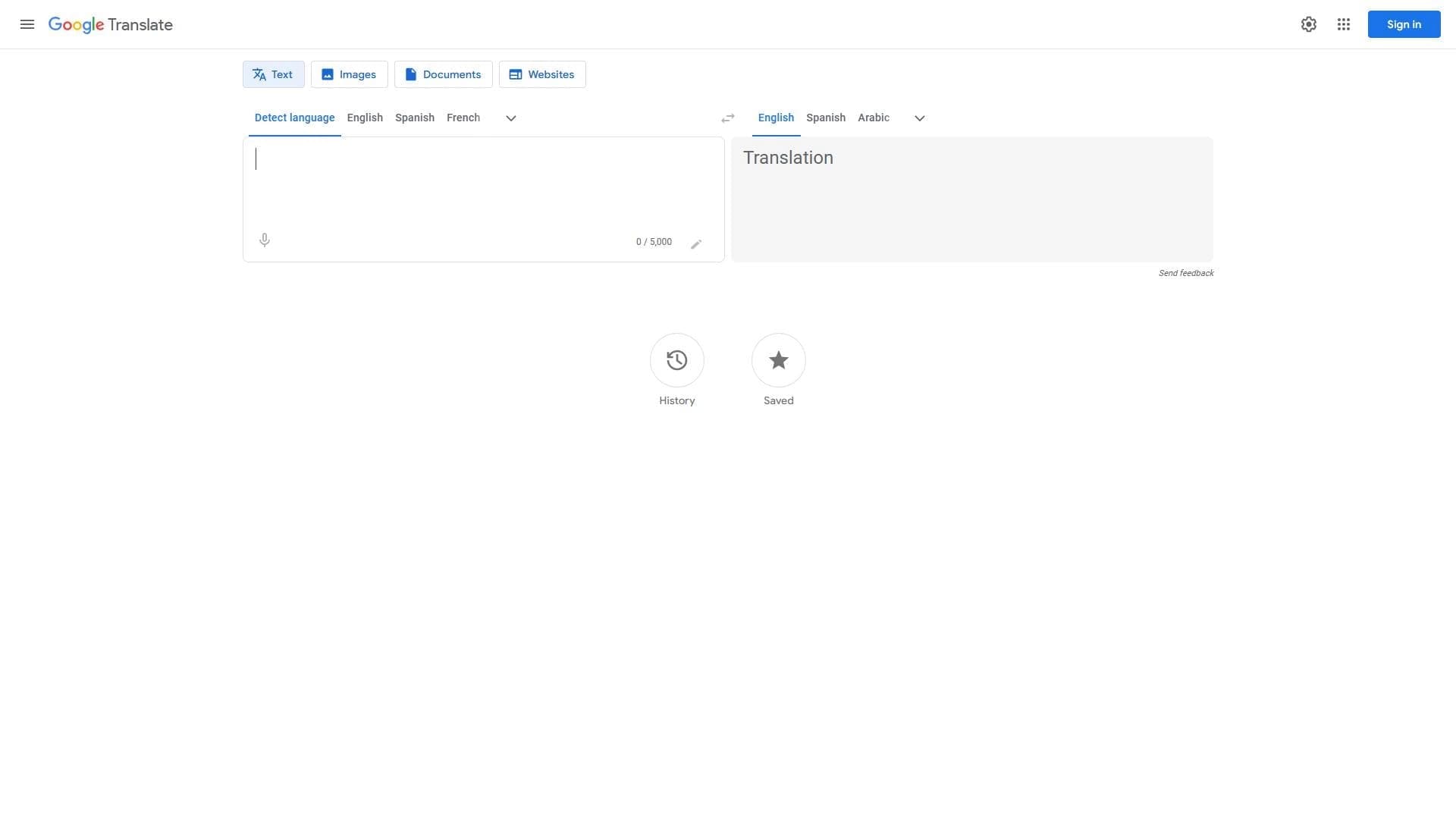
Gemini 3.5 Live Translate is an AI model from Google for real-time speech-to-speech translation, built into the Google Translate app. The tool combines the classic Google Translate for working with text, documents, and web pages, and the new Gemini 3.5 Live Translate model, which provides continuous spoken-language translation while preserving the natural intonation, rhythm, and pace of the speaker's voice. The service supports more than 100 languages for text translation and more than 70 languages for speech-to-speech translation. It is available through the browser, mobile apps on Android and iOS, and through an API for developers (Gemini Live API and Google AI Studio in public preview).
Gemini 3.5 Live Translate characteristics
| Characteristic | Value |
|---|---|
| Type | Online service for automatic translation; AI model for speech-to-speech translation |
| Categories | Text translation, Speech recognition, Image translation, Dubbing and voice-over, API and integrations |
| Developer | |
| Platforms | Browser, mobile apps (Android, iOS), API |
| Number of supported languages | 100+ (text translation), 70+ (speech translation) |
| Free version available | Yes |
| Catalog publication date | June 9, 2026 |
| Developer access | Gemini Live API and Google AI Studio (public preview) |
Who is Gemini 3.5 Live Translate suitable for?
Tourists and travelers
For people traveling abroad, the service lets them translate announcements, signs, menus, and have real-time spoken conversations with locals. The speech-to-speech translation mode works with headphones and through the device speaker, which is convenient while on the go.
Students and teachers
For learning foreign languages, translating study materials, articles, and web pages. Automatic language detection and voice input help practice pronunciation and understand unfamiliar texts.
Businesses and international teams
For translating business correspondence, documents, meetings, and multilingual calls. Thanks to integration with Google services, the tool fits into workflows at companies with distributed teams.
Users working with foreign-language sources
Anyone who regularly reads websites, documents, or messages in foreign languages can quickly get a translation without having to copy text into separate apps.
How to use Gemini 3.5 Live Translate?
Text translation and document translation
Enter or paste text into the appropriate field, select the target language, and the result appears instantly. For documents, upload a file and the service automatically recognizes and translates its contents.
Translation from images
Through the mobile app, you can take a photo of text in a foreign language. The system recognizes the characters and overlays the translation directly on the image.
Speech-to-speech translation mode (Live Translate)
To use real-time voice translation, open the Google Translate app on Android or iOS, select Live Translate mode, and connect headphones. On Android, you can also listen through the speaker if you don't have headphones. The system automatically detects the language and translates live speech with a delay of a few seconds while preserving intonation and pace.
Key features of Gemini 3.5 Live Translate
Translation of texts, documents, and websites
The tool processes arbitrary text, uploaded files, and entire web pages, translating them into the selected language at high speed.
Recognizing and translating text from images
This feature lets you point your smartphone camera at text—whether it's a road sign, menu, or book page—and get a translation in real time.
Voice input and conversation-mode translation
The Gemini 3.5 Live Translate model translates spoken language continuously, supports automatic recognition of more than 70 languages, and preserves the natural sound of the voice. The mode is suitable for personal communication, travel, meetings, lessons, and multilingual calls.
Automatic language detection
Users don't need to specify the source language manually—the system determines it on its own, which speeds up work and reduces errors.
Advantages of Gemini 3.5 Live Translate
Free access
The service is completely free for users. A free version is available that contains ads, but this does not limit translation functionality.
Broad language support
More than 100 languages for text translation and more than 70 languages for speech-to-speech translation make this the largest language base among similar services.
Fast, near-real-time translation
The delay in speech translation is only a few seconds, which allows for a natural conversation without long pauses.
Integration with the Google ecosystem
The service is built into the Chrome browser, available on Android and iOS, and accessible through an API for developers. Offline mode is available for some languages.
Drawbacks of Gemini 3.5 Live Translate
Translation accuracy limitations
Like any automatic translator, the service does not always correctly convey nuances, idioms, and complex grammatical constructions. This can be critical for professional or literary texts.
Dependence on the internet
Most features require a network connection. Offline mode is available only for a limited set of languages.
Gradual rollout of the Live Translate feature
The speech-to-speech translation mode is being rolled out gradually. Its availability depends on the country, app version, device model, and user account type.
What tasks does Gemini 3.5 Live Translate solve?
- Translating texts, documents, and websites into different languages.
- Translating text from images (photos of signs, menus, documents).
- Translating spoken language in conversation mode for personal communication.
- Translation during trips, meetings, lessons, broadcasts, and multilingual calls.
- Detecting the source language of a text.
Gemini 3.5 Live Translate pricing
The tool is distributed under a free model. The basic version of the service is available at no cost and contains ads. No information about paid plans or subscriptions is provided on the service pages.
Terms of use for Gemini 3.5 Live Translate
The developers warn that audio created by Gemini 3.5 models is marked with SynthID technology to identify synthesized content. For private conversations using speech translation, it is recommended to inform participants in advance that the tool is being used.
Availability of Gemini 3.5 Live Translate
The service is available through the browser on any device, as well as through the Google Translate mobile apps on Google Play (Android) and the App Store (iOS). The Gemini 3.5 Live Translate feature (speech-to-speech translation) is available in the Google Translate app, but its availability depends on the country, specific app, device version, and user account. Developers can access the model through the Gemini Live API and Google AI Studio in public preview.
How Gemini 3.5 Live Translate differs from alternatives
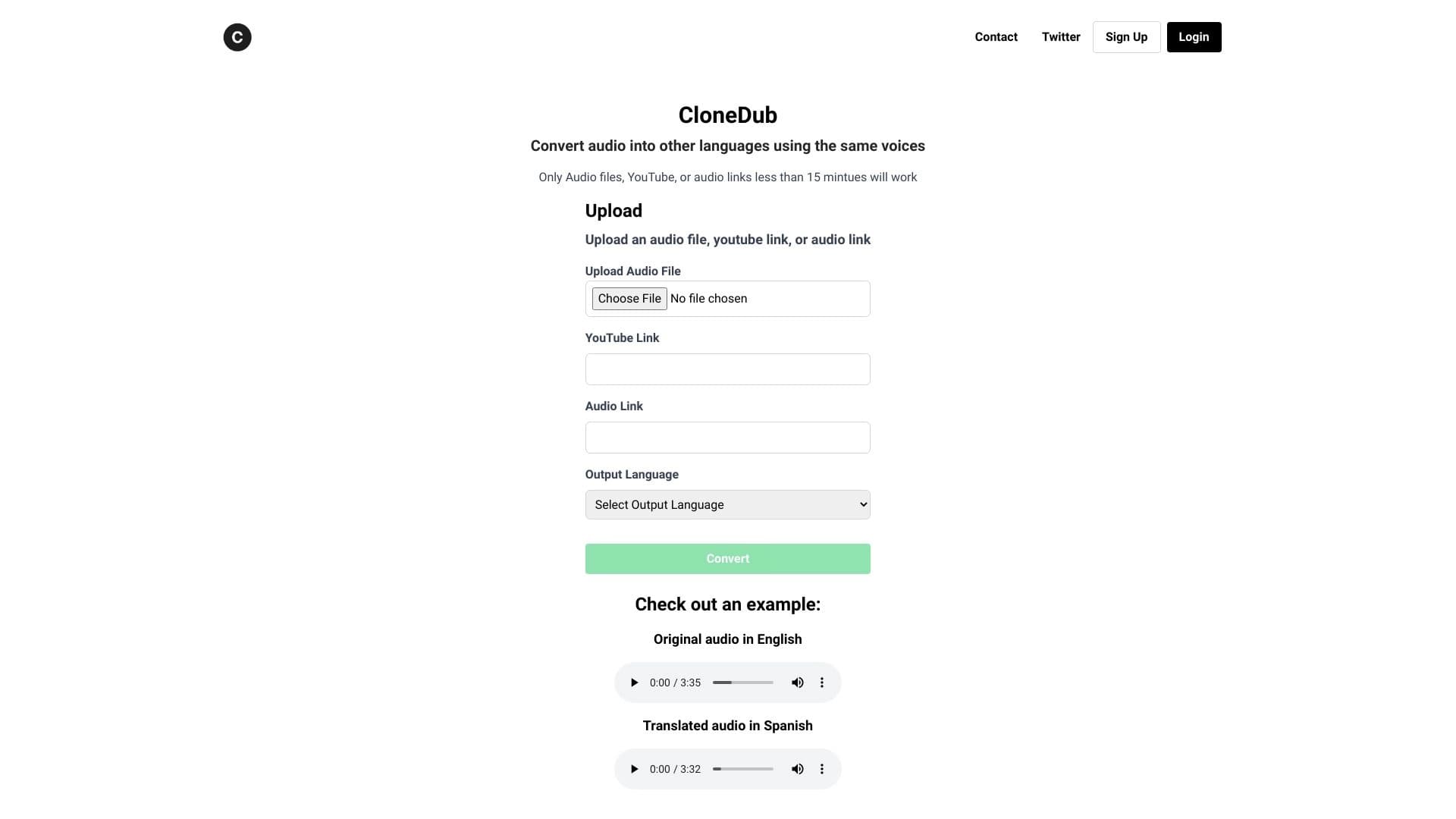
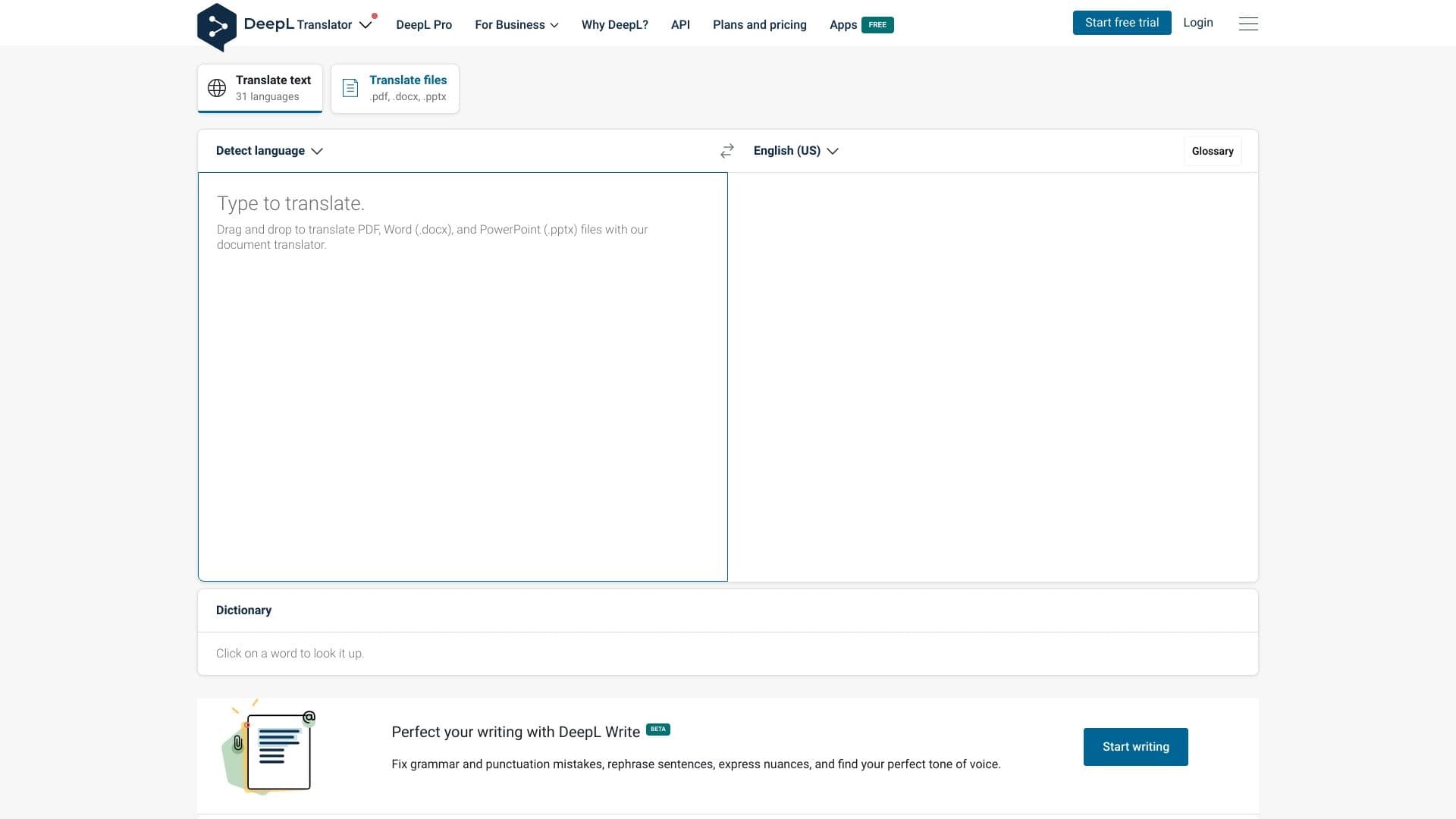
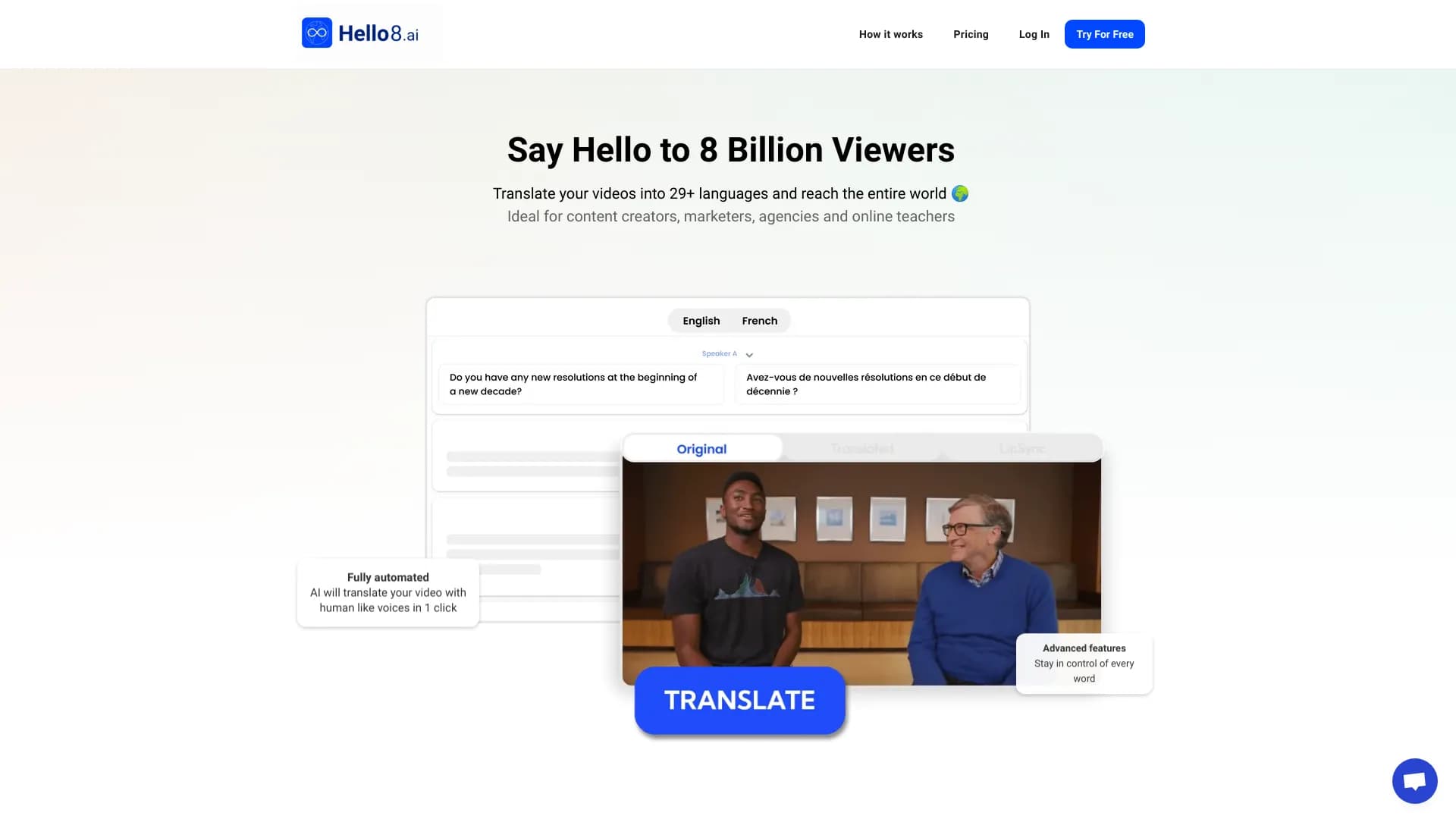
The main difference from competitors—DeepL, Yandex Translate, and Microsoft Translator—is the broadest language support (more than 100 languages for text and more than 70 for speech) and deep integration with the Google ecosystem (Chrome browser, Android, Google Workspace). A unique feature is the Gemini 3.5 Live Translate model, which translates speech continuously while preserving the natural intonation, rhythm, and pace of the speaker's voice—something that currently has no direct equivalent among mainstream translation services.
Conclusion
Gemini 3.5 Live Translate is a free Google technology that combines classic text translation with the latest real-time speech-to-speech translation model. The tool supports more than 100 languages, is available on all major platforms, and suits travel, correspondence, work with foreign-language sources, and study. The main advantages are broad language coverage and seamless integration with Google services, while the main drawbacks are imperfect accuracy with complex phrasing and the gradual regional rollout of the voice feature.
Frequently asked questions
Similar AI tools






See also
Unified API access to more than 500 AI models, including GPT-5 and Claude 4.5, with the ability to save on costs.
Free AI service for forecasting price movements of stocks, cryptocurrencies, and commodities.


Platform for automating client acquisition and personalized email campaigns with data enrichment from over 150 sources.

AI agent for automating customer communications and support.


Aggregator platform that brings together various AI tools and language models with pay-as-you-go pricing.


A platform for creating corporate chatbots based on your own documents without coding.

Cabina AI is a unified platform for working with various generative neural networks, enabling you to create texts, images, and videos.


AI tool for creating SEO-optimized multilingual content.