
Maestra AI
Platform for automatic audio and video transcription into text, subtitle creation, and content translation with support for speech synthesis and integrations.
Overview
Maestra AI
About Maestra AI
Maestra AI is a platform for automatically transcribing audio and video files into text, creating subtitles, and translating content into more than 125 languages. The service also supports speech synthesis, allowing users to generate voiceovers. The platform is designed for teamwork: multiple users can edit projects simultaneously in real time. Maestra AI integrates with popular services such as YouTube, Zoom, and Slack, making it a convenient solution for processing and localizing media files in business, education, and content creation.
Transcription as the core service
The platform’s main task is converting spoken language into written text. Algorithms recognize speech from uploaded audio and video, after which the user can edit the resulting text, add subtitles, or translate the content into other languages.
Speech synthesis support
In addition to transcription, Maestra AI offers a text-to-speech feature. This lets users create voiceovers for video or audio content, which is useful when localizing content for an international audience.
Maestra AI features
| Characteristic | Value |
|---|---|
| Type | Platform for automatic transcription, subtitling, and translation of media files |
| Category | Business, Video, Video translation |
| Tags | Text to text, Audio to text, Video to text |
| Tasks | Create text, Convert speech to text, Create subtitles, Convert video to text |
| Free plan available | Yes (10 minutes of transcription) |
| API available | Yes |
| Popularity | Yes |
| Distribution model | Freemium |
Who is Maestra AI suitable for?
Content creators
Video bloggers, podcasters, and authors of educational courses can use Maestra AI to quickly transcribe recordings, add subtitles, and translate materials into other languages. This helps reach a wider audience without manual effort.
Educational institutions
Schools, universities, and online platforms use the service to transcribe lectures, webinars, and educational videos. Automatic subtitles make content more accessible to students with hearing impairments and language learners.
Business
Companies use Maestra AI to process recordings of meetings, interviews, presentations, and promotional videos. Integration with Zoom and Slack helps automate meeting documentation and sharing results within the team.
How to use Maestra AI?
Uploading files
Users upload audio or video files in supported formats to the platform. The system automatically begins processing and speech recognition.
Editing and refinement
After transcription, the resulting text can be reviewed and edited in the editor interface. Users can make corrections, label speakers, and adjust timestamps as needed.
Exporting results
The final result can be exported in various formats: plain text, subtitles (SRT, VTT, and others), or an audio track with synthesized speech. Direct publishing is also available through integrations with YouTube, Zoom, and Slack.
Key features of Maestra AI
Automatic audio and video transcription
The service converts speech from media files into text with high processing speed. Dozens of recognition languages are supported.
Creating subtitles
Based on the recognized text, Maestra AI generates subtitles with timestamps. Users can customize the appearance of subtitles and export them in the desired format.
Translation into more than 125 languages
The resulting text can be translated into many languages. This is a key feature of the platform that sets it apart from many competitors with more limited language support.
Voiceover generation
The speech synthesis feature lets users generate a voiceover for text. This is useful for video localization — for example, replacing the original audio track with a translated one.
Real-time collaboration
Multiple team members can work on the same project simultaneously: edit text, leave comments, and make changes.
Integration with YouTube, Zoom, and Slack
Connections to popular platforms simplify workflows. For example, users can automatically transcribe Zoom meeting recordings or publish subtitles on YouTube.
Maestra AI advantages
Fast file processing
The platform’s algorithms complete transcription quickly, which is especially important for large volumes of content.
Support for more than 125 languages
A wide language range makes it possible to work with content for nearly any region of the world. This is a strong advantage over services that support only 50–60 languages.
Team collaboration on projects
The ability to edit and discuss projects simultaneously speeds up the release of finished material and reduces the risk of errors.
Integration with popular platforms
Connections with YouTube, Zoom, and Slack fit Maestra AI into existing workflows without the need to switch between different tools.
API for task automation
Developers can integrate Maestra AI features into their own applications and automate transcription, translation, or subtitle generation.
Maestra AI disadvantages
The free plan is limited to 10 minutes of transcription, which may not be enough for regular use. Full work with large volumes of content requires a paid subscription. In addition, like any automatic speech recognition service, Maestra AI may make errors when recognizing recordings with poor audio quality, strong accents, or technical terminology — users will still need to review and correct the text manually.
What tasks does Maestra AI solve?
Creating text from audio and video
The main task is converting spoken language from media files into written form, saving hours of manual work.
Adding subtitles
Automatic subtitle generation makes videos more accessible to viewers, including people with hearing impairments and those watching content without sound.
Translating content into many languages
Translating transcribed text makes it possible to adapt material for an international audience without hiring translators.
Localizing content for the global market
The combination of transcription, translation, and speech synthesis makes it possible to fully localize videos: change the language of subtitles and voiceover so that content is understandable to viewers in different countries.
Maestra AI pricing
Maestra AI operates on a freemium model. The free plan provides 10 minutes of transcription to try the service. Paid plans are available by subscription. More expensive plans include more transcription minutes and an expanded set of features. Exact limits for each plan are listed on the official service website.
Terms of use for Maestra AI
To start using the service, registration on the platform is required. The free plan is available without payment and lets users test basic features. For commercial use and work with large volumes of data, a paid plan should be chosen. Detailed terms of use, including data processing policies and the service level agreement, are available on the Maestra AI website.
Maestra AI availability
The service works as a web platform and is accessible through a browser on any internet-connected device. An API is available for integrating third-party applications. Maestra AI supports integration with YouTube, Zoom, and Slack, expanding its use cases from content publishing to automatic transcription of video calls.
How is Maestra AI different from alternatives?
There are transcription services on the market such as Otter.ai, Trint, and Descript. The key difference of Maestra AI is support for translation into more than 125 languages, while competitors are usually limited to 50–60 languages. Maestra AI also offers a built-in speech synthesis feature (voiceover generation), which Otter.ai and Trint do not have. Descript focuses more on audio editing, while Otter.ai and Trint focus on pure transcription. Maestra AI wins through versatility: it combines transcription, translation, subtitles, speech synthesis, and teamwork in one platform.
Conclusion
Maestra AI is an effective tool for automating transcription, subtitling, and translation of media files. The service suits content creators, educational institutions, and businesses that want to reach audiences in different languages. Thanks to support for more than 125 languages, speech synthesis, integrations with popular platforms, and an API for automation, Maestra AI is recommended for projects where speed and accuracy of audio and video processing matter.
Pricing
Frequently asked questions

See also
Screen recording tool with subsequent AI transcription and summarization of content.

AI platform for working with documents, creating presentations, and generating images.
AI editor for creating, editing, and publishing content with templates and prompts.
A browser extension that embeds ChatGPT GPT-4 into any website for translating texts, summarizing articles, and answering questions.

AI service for automatically turning long videos into short clips for social media.

Cloud platform for creating videos using AI avatars, synthesized speech, and automatic translation of clips into dozens of languages.
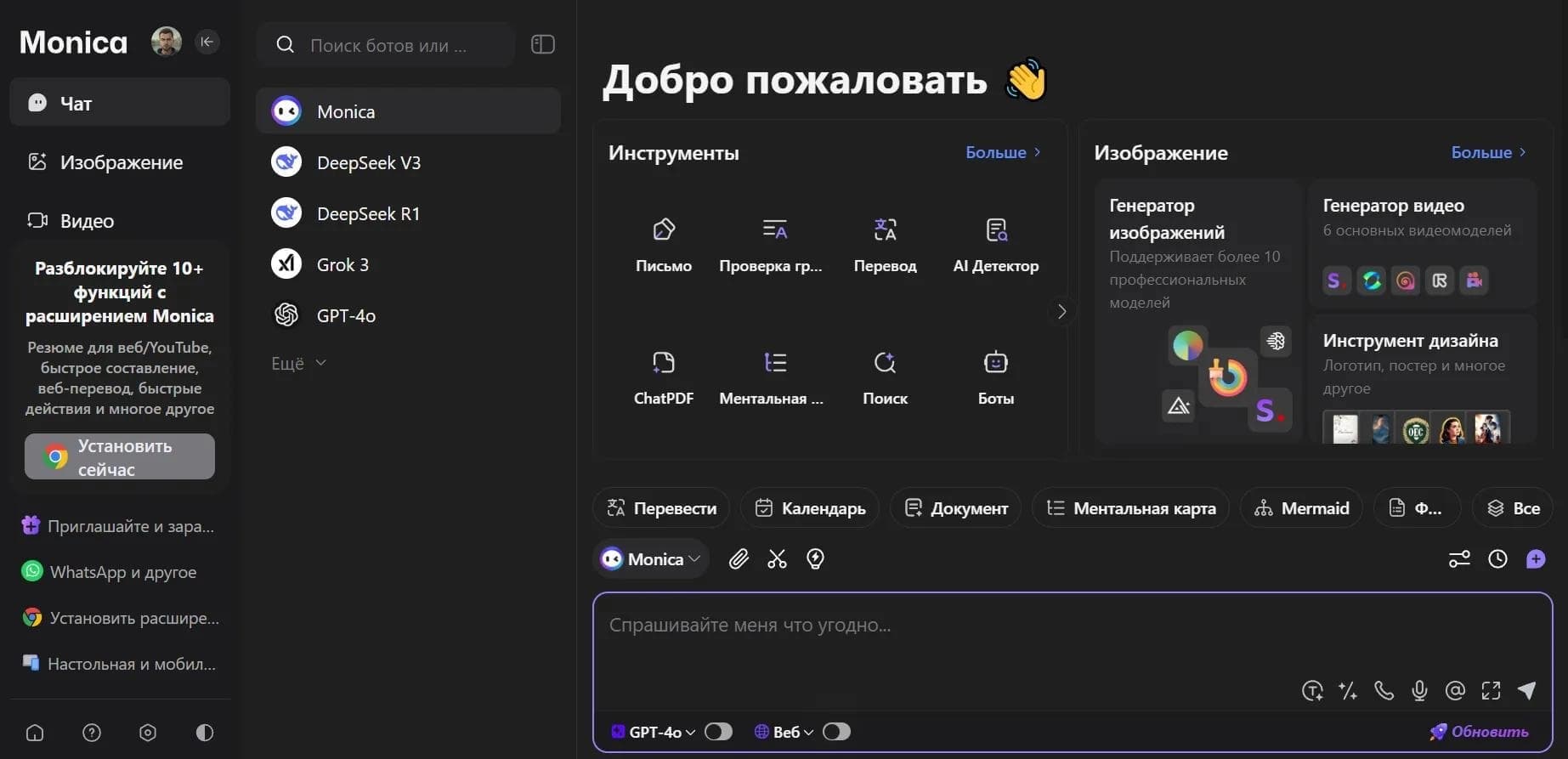

AI assistant in the form of a browser extension, website, and mobile app for chat, search, writing text and code, translation, and file analysis.
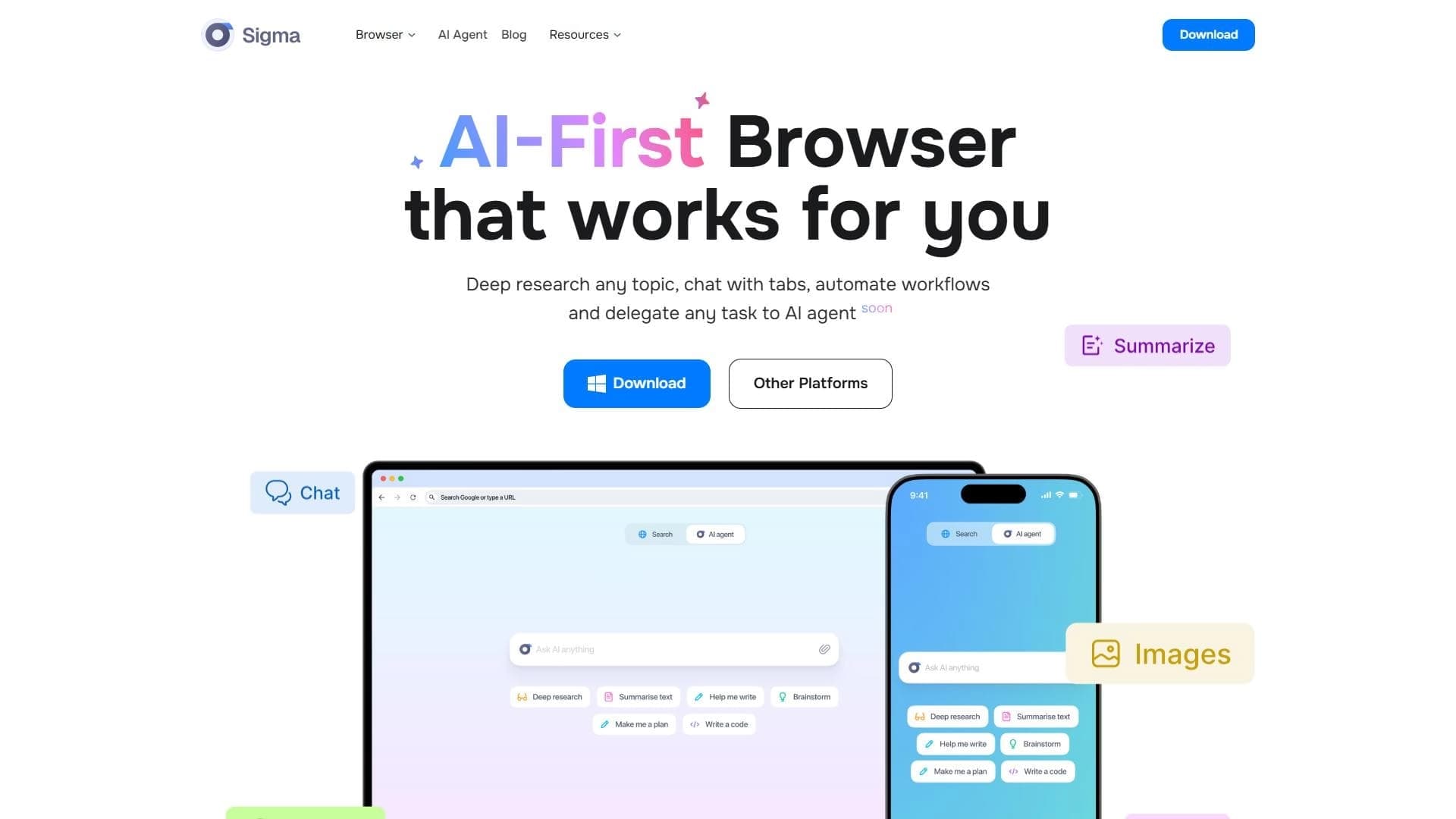

A browser with built-in AI tools for chatting with neural networks, generating texts and images, translating and summarizing pages.