
Lokalise
A platform for continuous localization and translation management of digital products.
Overview
Lokalise
Description of the Lokalise neural network
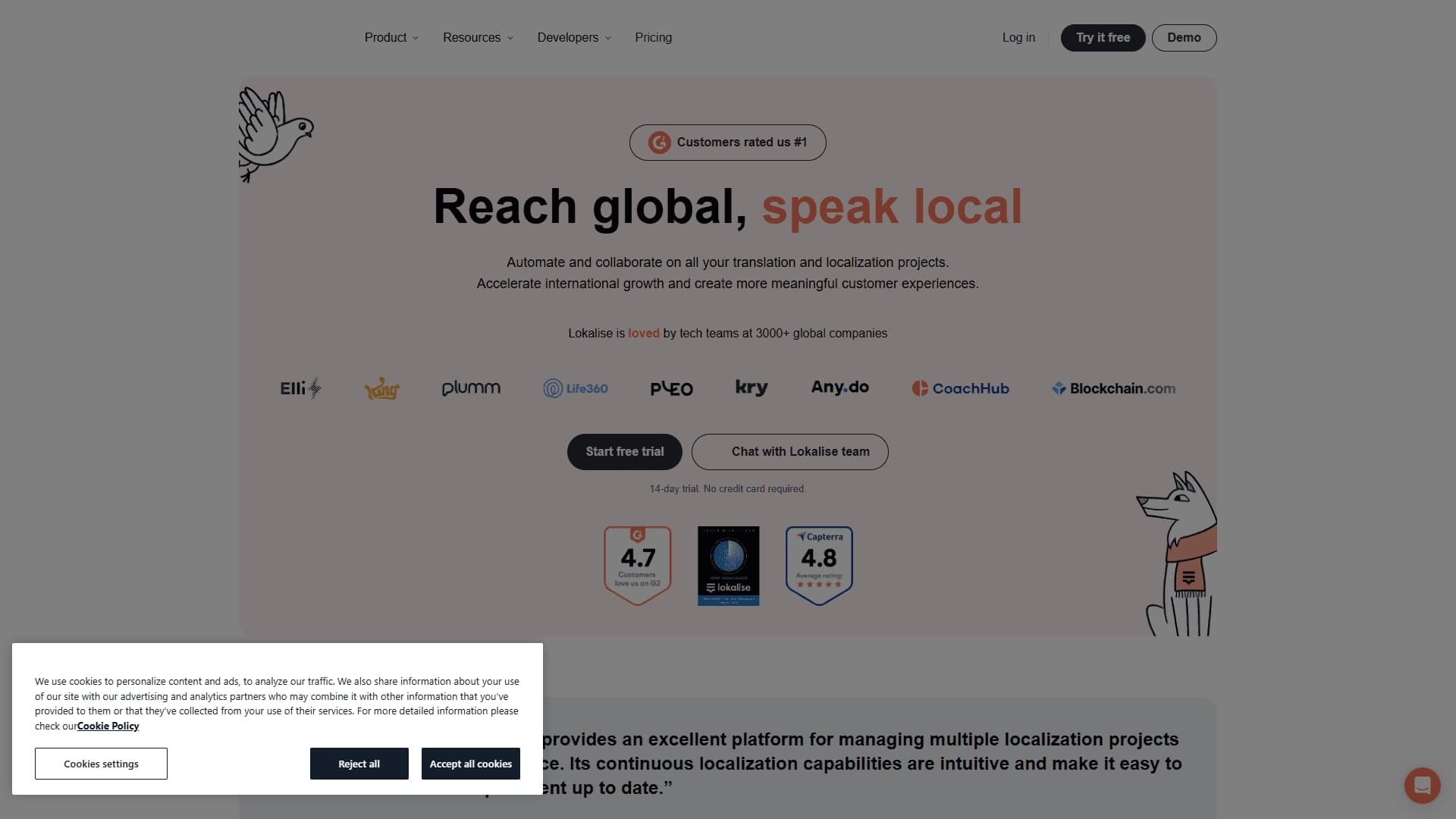
Lokalise is a continuous localization and translation management platform designed for teams working on digital products. The service brings developers, translators, and managers together in a single space for collaborative management of interface strings. Lokalise integrates tightly with development and design tools such as Figma and GitHub, and also supports process automation through API and CLI, making it a convenient solution for projects where translations must be constantly updated within CI/CD.
Architecture and how it works
The platform is built as a web service with integration options via API, SDKs for iOS and Android, and a command-line interface (CLI). All interface strings are stored centrally, which makes it possible to track translation status, manage versions, and automatically update localizations when the product changes. The in-context editor allows translating text directly in the visual interface, speeding up work and reducing the number of errors.
Localization approach
Lokalise uses the concept of continuous localization — translations are updated automatically as source code or content changes. This is especially relevant for SaaS products, mobile applications, and websites that are frequently updated. The platform supports workflow configuration and provides analytics to monitor translation quality and deadlines.
Lokalise characteristics
| Characteristic | Value |
|---|---|
| Type | Continuous localization and translation management platform |
| Category | Text translation |
| Platforms | Web, integrations with Figma, GitHub, GitLab, Bitbucket, Webflow, WordPress, API, SDKs for iOS and Android, CLI |
| Free plan availability | Not specified |
| Distribution model | Freemium |
Who is the Lokalise neural network for?
Development teams
Developers can embed Lokalise into their workflow using integrations with GitHub, GitLab, and Bitbucket, as well as through API and CLI. The platform supports CI/CD for automating string import and export, allowing them to avoid spending time on manually updating translations.
Product managers and designers
Product managers get transparency into localization processes, can track translation statuses, and manage deadlines. Designers work with the in-context editor and Figma integration, which allows them to translate interfaces directly in design mockups.
Translators and translation agencies
Professional translators can work in the same space as developers and managers. Access to built-in translation services and customizable workflows simplifies interaction between project participants.
How to use the Lokalise neural network?
Getting started with the platform
To get started, you need to register on the lokalise.com website. After creating a project, you can upload interface strings manually or set up automatic import through integrations with code repositories. The system allows you to add translators and configure access rights depending on the user's role.
Setting up automation
Through API, CLI, and webhooks, Lokalise connects to existing development processes. You can configure a CI/CD pipeline in which strings are automatically sent for translation on every source code change, and finished translations are returned to the project. Integration with Figma, GitHub, GitLab, Bitbucket, Webflow, and WordPress is configured in a few clicks.
Key features of Lokalise
Centralized storage and version management
All interface strings are stored in one place. The platform tracks translation versions and the status of each string — translated, needs review, or ready for publication. This eliminates confusion and duplicate work.
In-context editor and workflows
The in-context editor allows translating text directly in the product's visual interface. Workflows are configured for specific business processes: you can define review, approval, and publication stages for translations. Analytics helps assess team workload and translation quality.
Integrations and API
Lokalise supports integrations with Figma, GitHub, GitLab, Bitbucket, Webflow, WordPress, and many other tools. The API, SDKs for iOS and Android, webhooks, and CLI allow deep integration of the platform into the development ecosystem. Import/export of strings in various formats is also available.
Advantages of Lokalise
A single space for the entire team
The platform brings developers, product managers, translators, and designers together in one workspace. Each role sees only the functions and data needed for their tasks, which improves collaboration efficiency.
Deep integration into the development process
Lokalise integrates directly into the tools the team already uses — GitHub, GitLab, Figma, and others. Automation through API and CI/CD makes it possible not to interrupt the development cycle and receive up-to-date translations without manual actions.
Scalability
The platform is suitable for both startups and large enterprises thanks to flexible access rights, security features, and the ability to configure workflows for different levels of project complexity.
Disadvantages of Lokalise
The provided sources do not mention any disadvantages of the platform. To get a complete picture, it is recommended to review user feedback and test the service on a trial plan. Like any professional tool, Lokalise may require time to learn and configure integrations, and the cost of full functionality for large teams may be significant.
What tasks does Lokalise solve
Localization of digital products
The platform is designed for translating mobile applications, websites, SaaS products, games, and support chats. It is suitable for projects where translations need to be constantly updated within CI/CD.
Automation of translation processes
Lokalise automates string import and export, CI/CD setup for localization, and synchronization with code repositories and design mockups. This reduces manual work and lowers the risk of errors when transferring translations between systems.
Lokalise pricing
The platform's distribution model is freemium, which implies the availability of a free plan with limited functionality and paid subscriptions with expanded capabilities. Exact figures and details of pricing plans are not specified in the provided sources. For current pricing information, it is recommended to visit the official website lokalise.com.
Lokalise terms of use
Detailed terms of use are not disclosed in the source data. The platform provides flexible access rights and security features, making it suitable for startups and large enterprises. To clarify license agreements and privacy terms, please refer to the official documents on the service's website.
Lokalise availability
Lokalise is available through the website lokalise.com. The platform operates as a web service, supports integrations with Figma, GitHub, GitLab, Bitbucket, Webflow, WordPress, and also provides an API, SDKs for iOS and Android, and CLI. Regional restrictions or the need to use VPN are not mentioned in the sources. The tool category is text translation.
How Lokalise differs from alternatives
Focus on continuous localization
Unlike many traditional translation management tools, Lokalise was designed from the start for continuous localization in a CI/CD environment. The platform automatically synchronizes with code repositories and updates translations with every product change, which is especially important for fast-growing digital products.
Deep integrations with development tools
Lokalise offers not just a set of integrations, but direct embedding into developers' workflows — through GitHub, GitLab, Bitbucket, Figma, Webflow, and WordPress. The API, SDKs, and CLI allow for virtually any automation, which sets the platform apart from competitors that are more translator-oriented than developer-oriented.
Conclusion
Lokalise is a powerful continuous localization platform that brings developers, translators, and managers together in one space. Deep integrations with popular development and design tools, CI/CD support, API, and CLI make it a suitable solution for projects of any scale — from startups to large enterprises. The freemium model lets you start with a free plan, and flexible access rights and customizable workflows provide control over the translation process. For accurate information about pricing and terms of use, it is recommended to visit the official website.
Frequently asked questions
See also
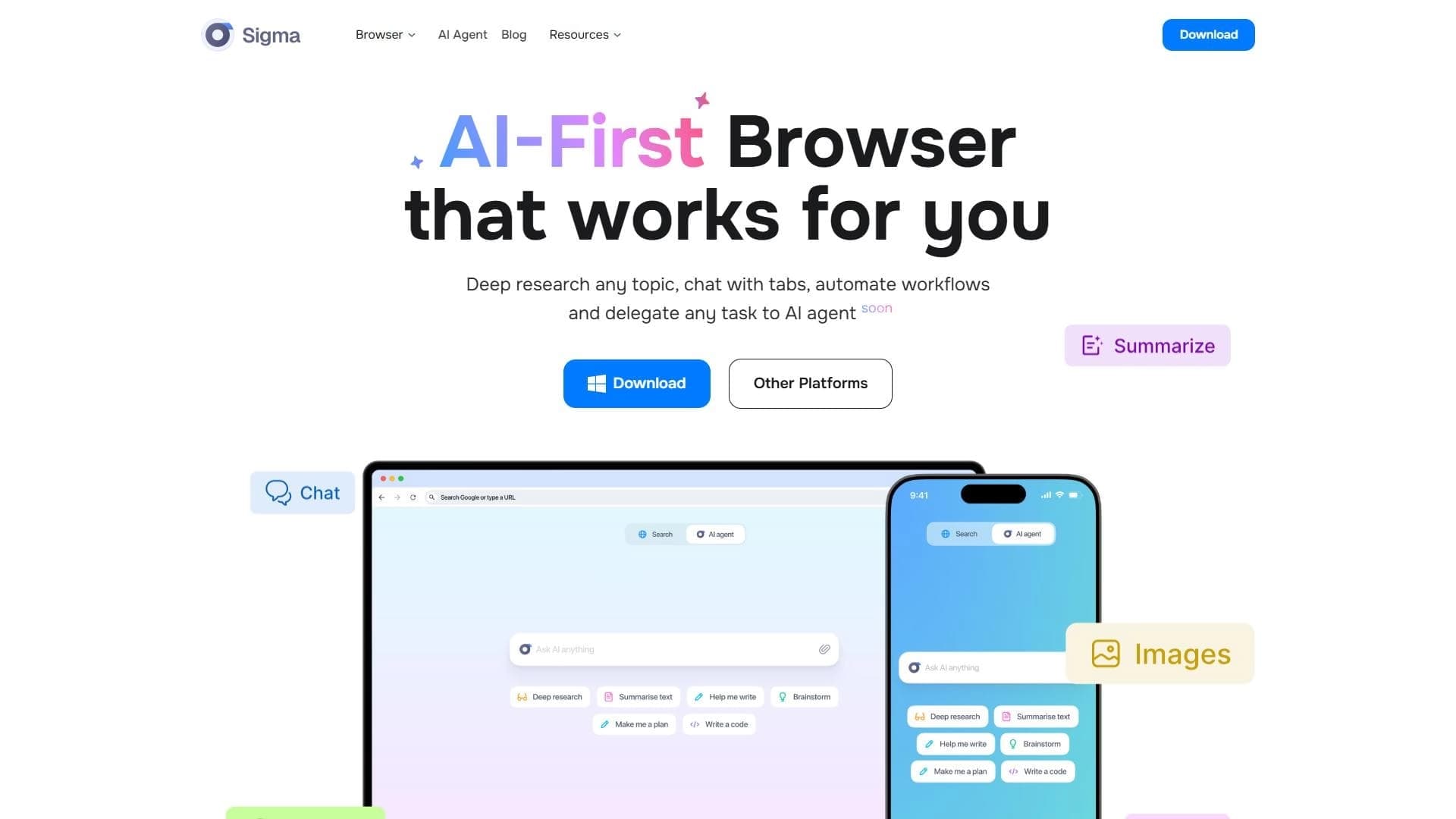

A browser with built-in AI tools for chatting with neural networks, generating texts and images, translating and summarizing pages.
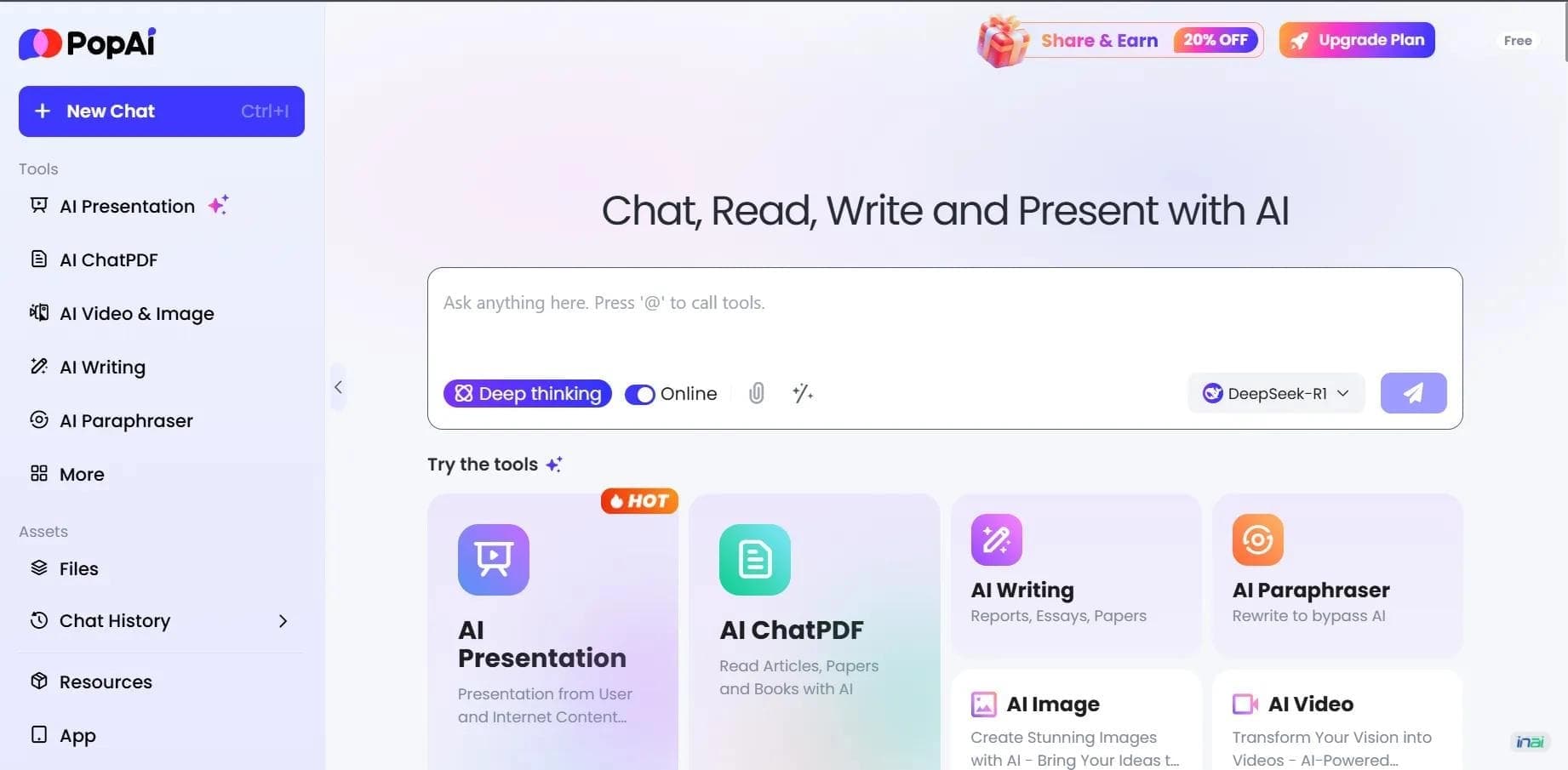

AI platform for working with documents, creating presentations, and generating images.
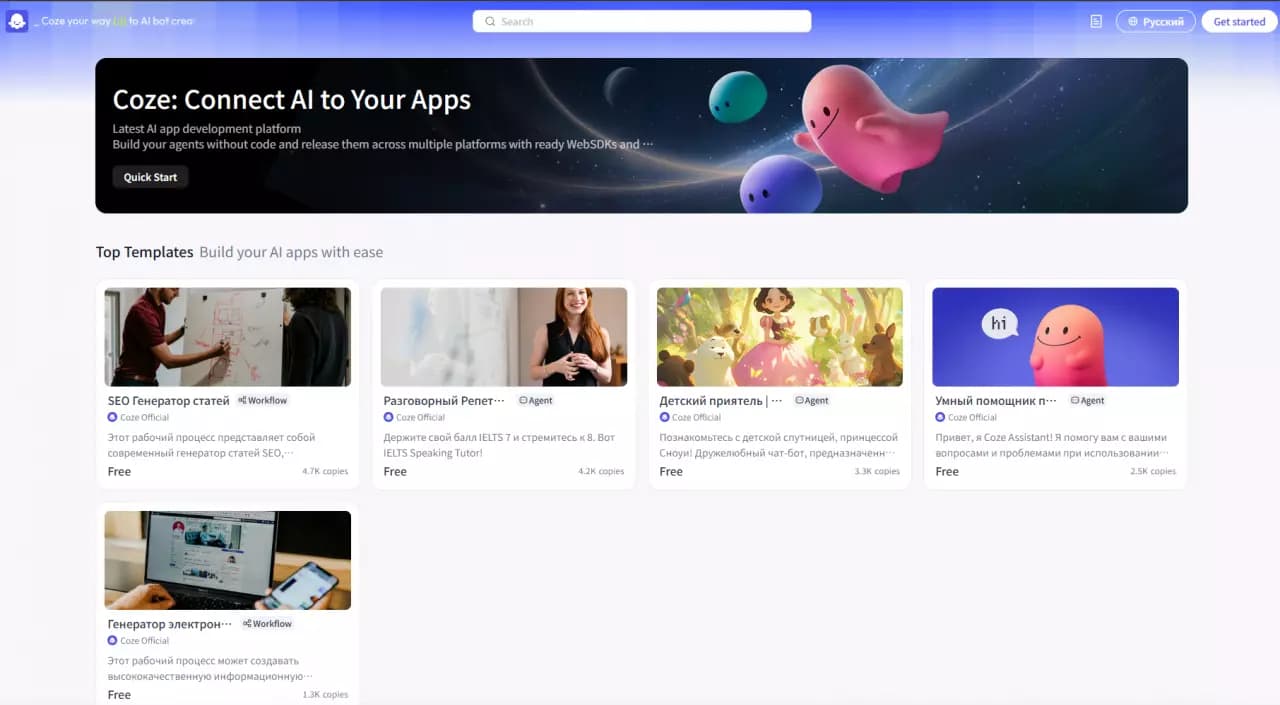

Platform for building AI chatbots with a visual builder that requires no coding skills.

Open-source platform for integrating data from various sources into data warehouses and analytics systems.
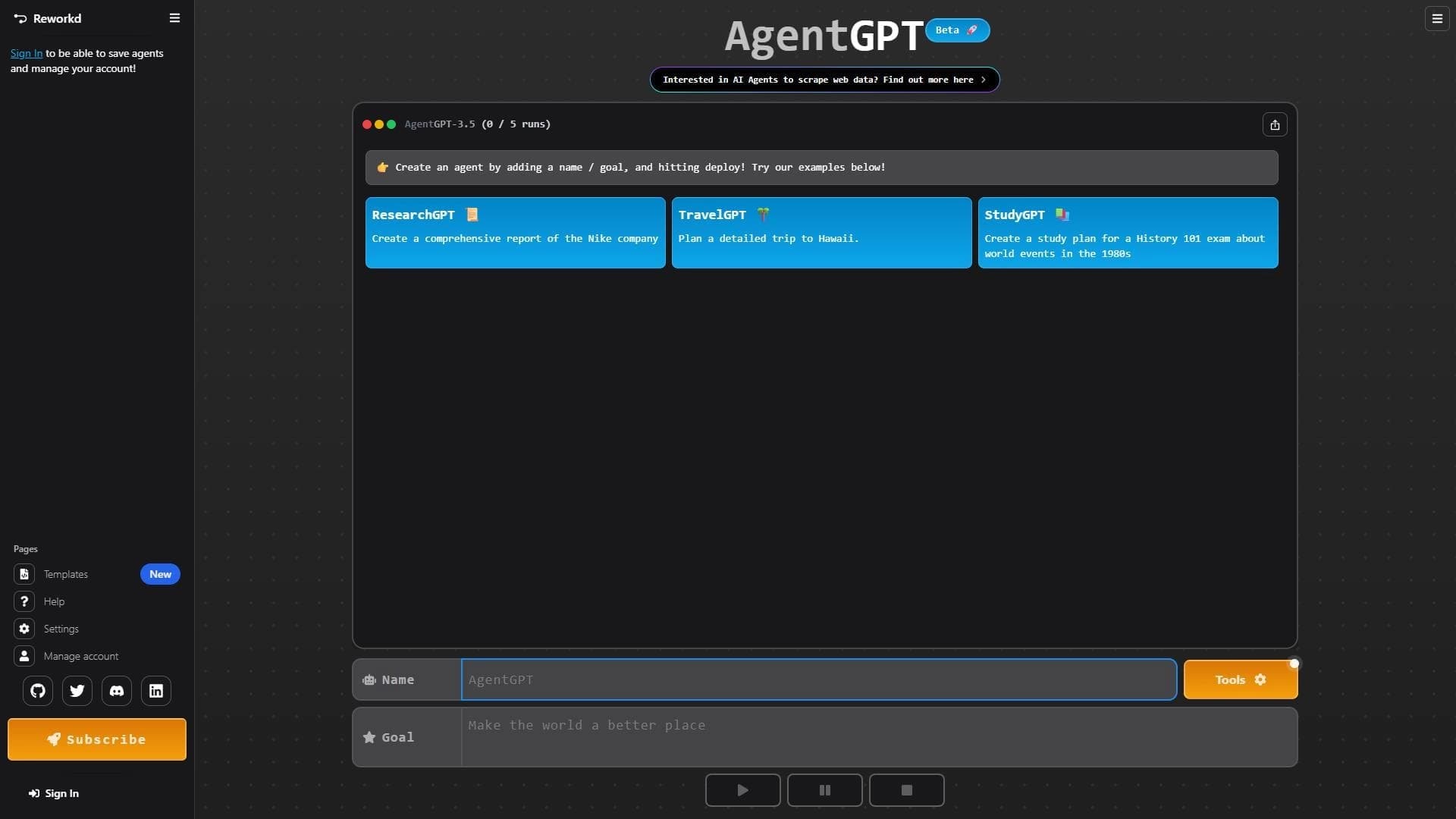

Platform for creating and launching autonomous AI agents that independently complete tasks on the internet.
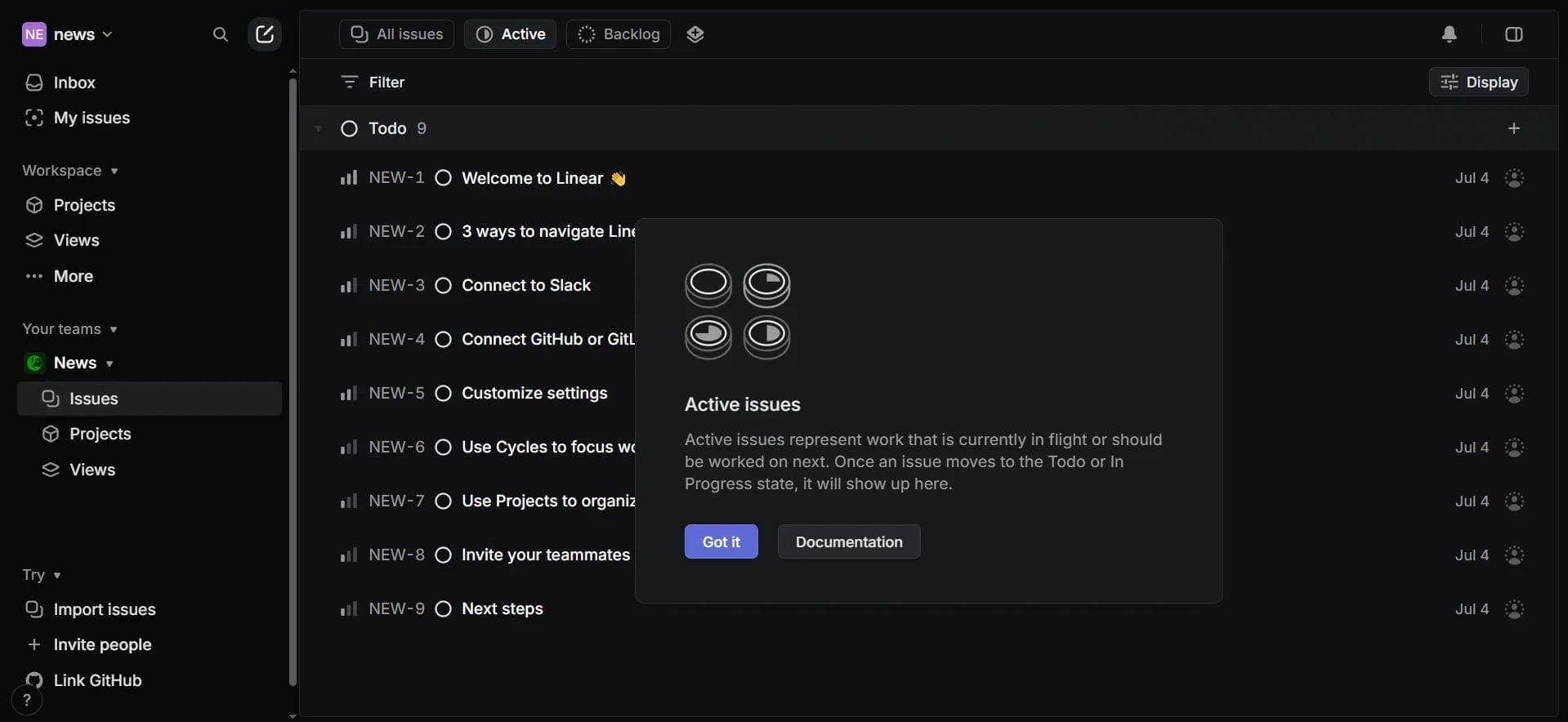

Project management platform with an integrated AI assistant for task automation and data analysis.
AI editor for creating, editing, and publishing content with templates and prompts.

A workflow automation platform that connects thousands of apps without requiring coding.