

InShot
Popular app for video and photo editing with integrated AI features, such as automatic subtitles and sky replacement.
Overview
InShot
Description of InShot AI
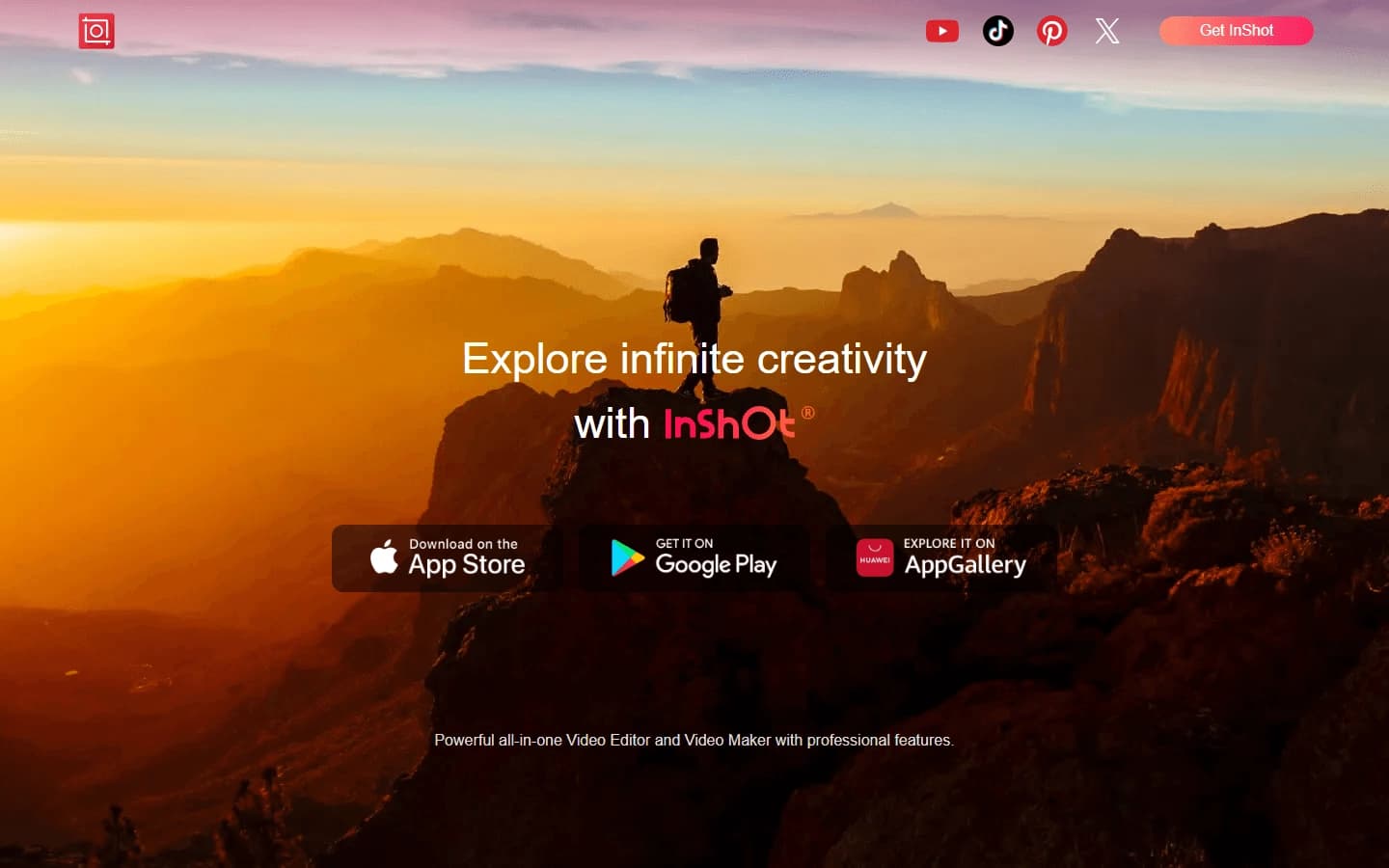
InShot is a popular mobile app and web service for editing videos and images that combines traditional editing tools with integrated AI features. The developers position it as an all-in-one solution for quick content creation, aimed primarily at social media users. Thanks to its built-in neural network algorithms, InShot automates a number of time-consuming tasks: generating subtitles, cutting out objects, replacing skies, and applying 3D effects. The app is available on mobile platforms, and there is also a web version, which, however, may be unavailable in some regions without using a VPN.
Key idea of the service
The main goal of InShot is to lower the entry threshold for video editing for beginners and speed up routine operations for experienced users. Instead of requiring deep knowledge of professional editors, the app offers semi-automatic AI operations that perform complex actions (such as removing the background or synchronizing subtitles) in a few clicks.
Available platforms
InShot was originally developed as a mobile video editor, so major releases and updates come out for iOS and Android. A web version that works through a browser was later launched. However, according to sources, it is the web interface that may require a VPN connection in some regions.
InShot characteristics
| Characteristic | Value |
|---|---|
| Rating (on the source page) | 4.3 / 5.0 |
| Editorial rating (NeuroFolder) | 7.9 out of 10 |
| Platforms | Web, Mobile (iOS, Android) |
| Availability | Mobile apps: available; Web: may require VPN in some regions |
| Category | Video, Automatic subtitles, Universal |
| Target audience | For content managers, for all kinds of activities |
| Transformation types | Video → video, all transformations |
| Distribution model | Freemium |
Who is InShot AI suitable for?
Content managers and SMM specialists
InShot will be especially useful for those who prepare visual content for social media every day. The ability to quickly trim video, add subtitles, change the background, or replace the sky makes it an indispensable tool for maintaining blogs, Instagram accounts, TikTok, and YouTube Shorts. The app supports formats for popular platforms and includes a library of ready-made ideas and tutorials.
Video editing beginners
People who are just starting to learn editing and do not want to spend time on complex professional programs will find InShot's intuitive interface. AI features (automatic subtitles, background replacement) work in semi-automatic mode, which reduces the likelihood of errors at the initial stage.
Anyone creating short vertical videos
Since the app is focused on quick editing, it is ideal for creating stories, clips, and reels. Built-in transitions, effects, filters, and 3D techniques (such as the "giant" effect) make it possible to diversify content without a long learning curve.
How to use InShot AI?
Installation and first launch
To get started with InShot, download the mobile app from the official app store (App Store or Google Play) or open the web version in a browser. The web version may require a VPN in some regions. After installing the app, upload the source video or photo from your device's gallery.
Working with AI features
After uploading a media file, the user goes to the editor, where basic tools (trimming, splicing, adding music) and AI operations are available. To automatically generate subtitles, just press the corresponding button — the neural network recognizes speech and synchronizes the text with the video. Sky replacement is done in a few clicks: the system analyzes the frame, separates the foreground from the background, and offers options for replacing the sky.
Exporting a finished project
After finishing the edit, InShot lets you export the video in one of the formats optimized for social media. You can choose the aspect ratio (vertical, square, horizontal) and resolution, and then save the result to your device or publish it directly to connected accounts.
Key features of InShot
Automatic subtitles in multiple languages
One of the key AI features is automatic subtitle generation. The neural network recognizes the voice in the video, transcribes it into text, and synchronizes the subtitles with the speech. Multiple languages are supported, making the tool useful for creating multilingual content.
Sky replacement and object cutout
InShot can analyze a frame and separate the sky from the rest of the image, allowing you to replace
Frequently asked questions




See also

AI-powered desktop video editor for automatic subtitle generation and basic video editing.

Online video editor with AI tools for creating and editing videos directly in the browser.

A platform that combines several video creation tools in a single chat interface, from script generation to editing and voiceover.

Mobile app for photo and video editing using AI and an extensive library of filters.

AI tool for automatically cutting long videos into short clips for TikTok, Reels, and YouTube Shorts.

Multifunctional AI platform for content creation: generation of texts, images, videos, and presentations.
Screen recording tool with subsequent AI transcription and summarization of content.

A platform for creating talking videos with a teleprompter, AI-generated scripts, subtitles, and avatars.