

Prequel
Aplicativo móvel para edição de fotos e vídeos usando IA e uma extensa biblioteca de filtros.
Visão geral
Prequel
Descrição da Prequel AI
Prequel é um aplicativo móvel para edição de fotos e vídeos que usa tecnologia de inteligência artificial. A principal característica do serviço é uma extensa biblioteca de mais de 800 filtros, efeitos e modelos prontos para edição de conteúdo. Com a Prequel, os usuários podem criar avatares de desenhos animados, aplicar efeitos de filme nostálgico e melhorar a qualidade das imagens e vídeos literalmente em um clique. O aplicativo pode ser baixado gratuitamente no iOS e Android, mas toda a funcionalidade só é desbloqueada após a compra de uma assinatura paga.
Prequel Especificações
| Característica | Valor |
|---|---|
| Tipo | Editor de fotos e vídeos |
| Categorias | Edição de fotos, edição de vídeo, estilização e filtros |
| Plataformas | iOS, Android |
| Linguagens de interface | Russo (apoiado) |
| Disponibilidade de plano livre | Parcialmente livre (com marca d'água) |
| Custo de assinatura | Assinatura paga, facturada semanal ou anualmente |
Para quem é Prequel AL?
Criadores de conteúdo de mídia social
Prequel é um ótimo ajuste para blogueiros, TikTokers e qualquer um que regularmente publica fotos e vídeos no Instagram, TikTok e outras plataformas. A ampla gama de efeitos permite que você rapidamente dê ao seu conteúdo um estilo único e reconhecível sem gastar muito tempo em editores profissionais.
Usuários que amam efeitos nostálgicos
Os fãs de fotografia cinematográfica e estilo retro apreciarão a biblioteca de filtros nostálgicos que imitam filmes fotográficos clássicos. O aplicativo torna fácil alcançar um look vintage sem qualquer conhecimento ou habilidades especiais.
Usuários comuns sem experiência em edição
Graças à edição de um clique e modelos embutidos, Prequel é adequado mesmo para pessoas que nunca trabalharam com editores de fotos. Tudo o que você tem que fazer é escolher um efeito e enviar seu conteúdo.
Como utilizar Prequel AI?
Instalar a aplicação
Primeiro, baixe Prequel da loja oficial de aplicativos — a App Store para dispositivos iOS ou o Google Play para Android. O aplicativo é gratuito para baixar.
Escolher e aplicar um efeito
Após a instalação, abra o aplicativo e escolha um efeito que você gosta no catálogo. Em seguida, carregue uma foto ou vídeo da galeria do seu dispositivo. Aplicar o filtro selecionado e ajustar as configurações de processamento, se necessário (brilho, contraste, saturação, etc.).
Salvando o resultado
Quando sua versão final estiver pronta, salve o conteúdo editado em seu dispositivo. Você pode então publicar a imagem ou vídeo finalizado diretamente para mídias sociais ou usá-lo para fins pessoais.
Principais características da Prequel
Uma biblioteca com mais de 800 filtros e efeitos
A Prequel oferece uma enorme seleção de filtros e efeitos para fotos e vídeos. Os usuários podem escolher um estilo para combinar com qualquer gosto ou humor — de aparências ousadas e na moda para tons clássicos de filme.
Geração avatar de desenhos animados
Um dos principais recursos do aplicativo é criar avatares em um estilo de desenho animado. A IA analisa a foto carregada e a transforma em uma ilustração estilizada.
Efeitos nostálgicos da película
O aplicativo inclui ferramentas para aplicar efeitos que imitam diferentes tipos de filme fotográfico. Isso torna mais fácil dar fotos e vídeos um look vintage.
Melhoria automática da qualidade
O recurso de realce de imagem de um clique corrige automaticamente a exposição, nitidez e equilíbrio de cores, fazendo fotos e vídeos parecerem melhores sem ajustes manuais.
Vantagens da Prequel
Selecção rica dos efeitos
Mais de 800 filtros e modelos embutidos são uma vantagem fundamental do aplicativo. Esta variedade torna fácil encontrar o estilo certo para qualquer tarefa e experimentar com visuais.
Integração das redes sociais
A Prequel funciona sem problemas com plataformas populares, facilitando a publicação de conteúdo finalizado. Fotos e vídeos editados podem ser enviados diretamente para o Instagram, TikTok e outros serviços.
Efeitos regularmente actualizados
Os desenvolvedores constantemente adicionam novos filtros e efeitos à biblioteca, então os usuários sempre têm acesso aos looks de edição mais recentes.
Apoio à língua russa
A interface do aplicativo é totalmente traduzida para o russo, tornando-o conveniente para usuários de língua russa.
Desvantagens da Prequel
Marca d'água na versão gratuita
Ao usar o plano gratuito, uma marca d'água é deixada em imagens e vídeos salvos. É necessária uma assinatura paga para a remover.
Nenhuma versão da área de trabalho ou web
A Prequel está disponível exclusivamente como aplicativo móvel para iOS e Android. Não há nenhum aplicativo oficial da web ou versão desktop, que limita a edição de conteúdo em outros dispositivos.
Assinatura paga necessária para acesso total
Embora o aplicativo seja gratuito para baixar, todos os principais recursos só são desbloqueados após o pagamento de uma assinatura. A funcionalidade livre é significativamente limitada.
Que Tarefas Resolve a Prequela?
Melhorar fotos e vídeos com IA
O aplicativo melhora automaticamente a qualidade da imagem: melhorando a nitidez, reprodução de cores e iluminação. Isso é útil para a fixação de fotos mal tomadas ou dando conteúdo um estilo consistente.
Criando conteúdo único com modelos
Prequel oferece modelos prontos e configurações personalizáveis que permitem criar rapidamente conteúdo estilizado sem profundo conhecimento dos editores de fotos. Isto acelera o processo de preparação dos postos.
Aplicando efeitos estilizados
Os usuários podem aplicar vários efeitos estilizados em fotos e vídeos, incluindo filtros de filmes nostálgicos, avatares de desenhos animados e outros looks criativos que são difíceis de replicar em editores padrão.
Prequel Preços
O aplicativo usa um modelo freemium: características básicas estão disponíveis gratuitamente, mas uma marca d'água é aplicada à saída. Para obter acesso a todos os filtros, efeitos e capacidades sem restrições, você precisa comprar uma assinatura. A assinatura é cobrada semanalmente ou anualmente. Não estão disponíveis compras pontuais de efeitos individuais — pagar a subscrição desbloqueia o conjunto completo de ferramentas.
Prequel Termos de Uso
Para usar o Prequel, você precisa baixar o aplicativo móvel para um dispositivo com iOS ou Android. Após a instalação, os usuários podem experimentar os recursos básicos gratuitamente. Para remover a marca d'água e desbloquear o catálogo completo de efeitos, é necessária uma assinatura paga. O aplicativo solicita acesso à galeria do seu dispositivo para fazer upload de imagens e vídeos.
Disponibilidade de Prequel
O aplicativo está disponível para download nas duas maiores lojas de aplicativos móveis: a App Store (para dispositivos Apple) e o Google Play (para dispositivos Android). A interface suporta totalmente russo. Não existe nenhum aplicativo oficial da web ou versão desktop — todo o trabalho com o serviço é feito exclusivamente através de um dispositivo móvel.
Como a Prequel Difere das Alternativas
Tamanho da biblioteca de efeitos
A principal diferença entre a Prequel e os seus concorrentes (Picsart, Facetune, Remini, Lensa AI, YouCam Perfect) é o seu extenso catálogo de mais de 800 filtros e efeitos. Muitas alternativas oferecem menos predefinições prontas ou especializam-se em tarefas estreitas (por exemplo, apenas aprimoramento de qualidade ou apenas avatares de desenhos animados).
Foco em estilos nostálgicos e modernos
Prequel enfatiza filmes e efeitos retro, o que o diferencia dos editores focados principalmente na correção de cores clássicas. O aplicativo também atualiza regularmente seu catálogo para corresponder às tendências atuais de edição de conteúdo nas redes sociais.
Ecossistema móvel
Ao contrário de algumas alternativas que oferecem versões web ou aplicativos de desktop, Prequel está totalmente ligado à plataforma móvel. Isso torna extremamente conveniente para usuários que apenas editam conteúdo de seu smartphone, mas limita aqueles que estão acostumados a trabalhar em um computador.
Conclusão
Prequel é um aplicativo móvel para edição de fotos e vídeos com inteligência artificial, oferecendo mais de 800 filtros, efeitos e modelos. As principais características incluem criar avatares de desenhos animados, efeitos de filme nostálgico e um clique de melhoria de conteúdo. O aplicativo usa um modelo freemium: a funcionalidade básica é gratuita com uma marca d'água, e o conjunto completo de recursos é desbloqueado através de uma assinatura paga. Prequel suporta russo, está disponível em iOS e Android, mas não tem versão web ou aplicativo desktop. O serviço é útil para criadores de conteúdo de mídia social e qualquer pessoa que queira rapidamente estilizar fotos e vídeos sem habilidades profissionais.
Tarifas
Perguntas mais frequentes
Ferramentas de IA semelhantes
Consulte também

iSamurai é um conjunto de ferramentas de IA para melhorar a recuperação de imagens e vídeos de substituição.

Editor de imagens online com IA que permite editar fotos por descrição de texto diretamente no navegador.

O serviço transforma imagens estáticas em vídeos animados baseados no modelo Google Veo 3.1.


Online Image Editor AI-based preservação do estilo de caráter e processamento de comandos de texto.
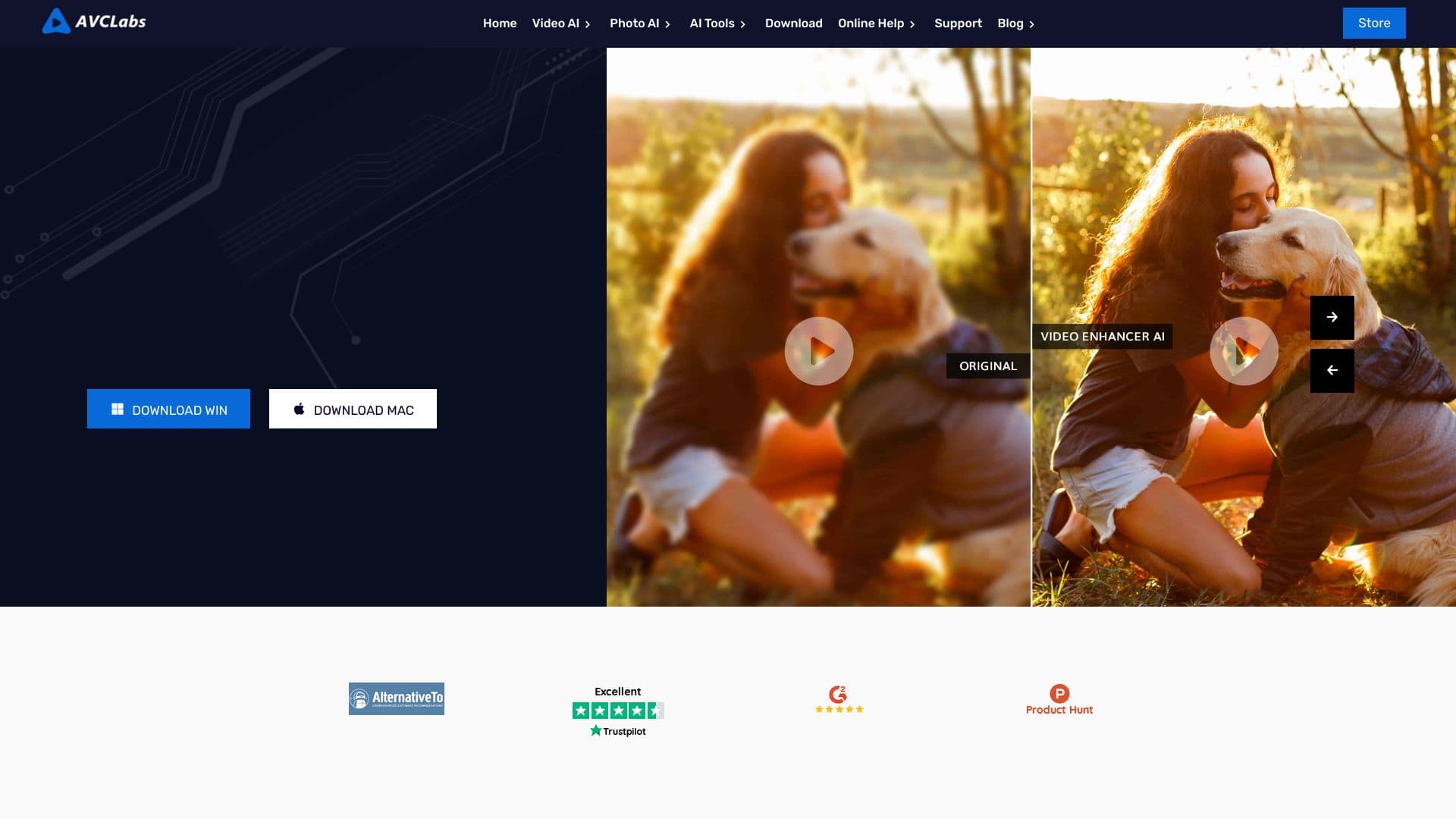

Aplicativo de desktop para Windows que aumenta a resolução de vídeos para 4K/8K e melhora a qualidade de gravações antigas com IA.
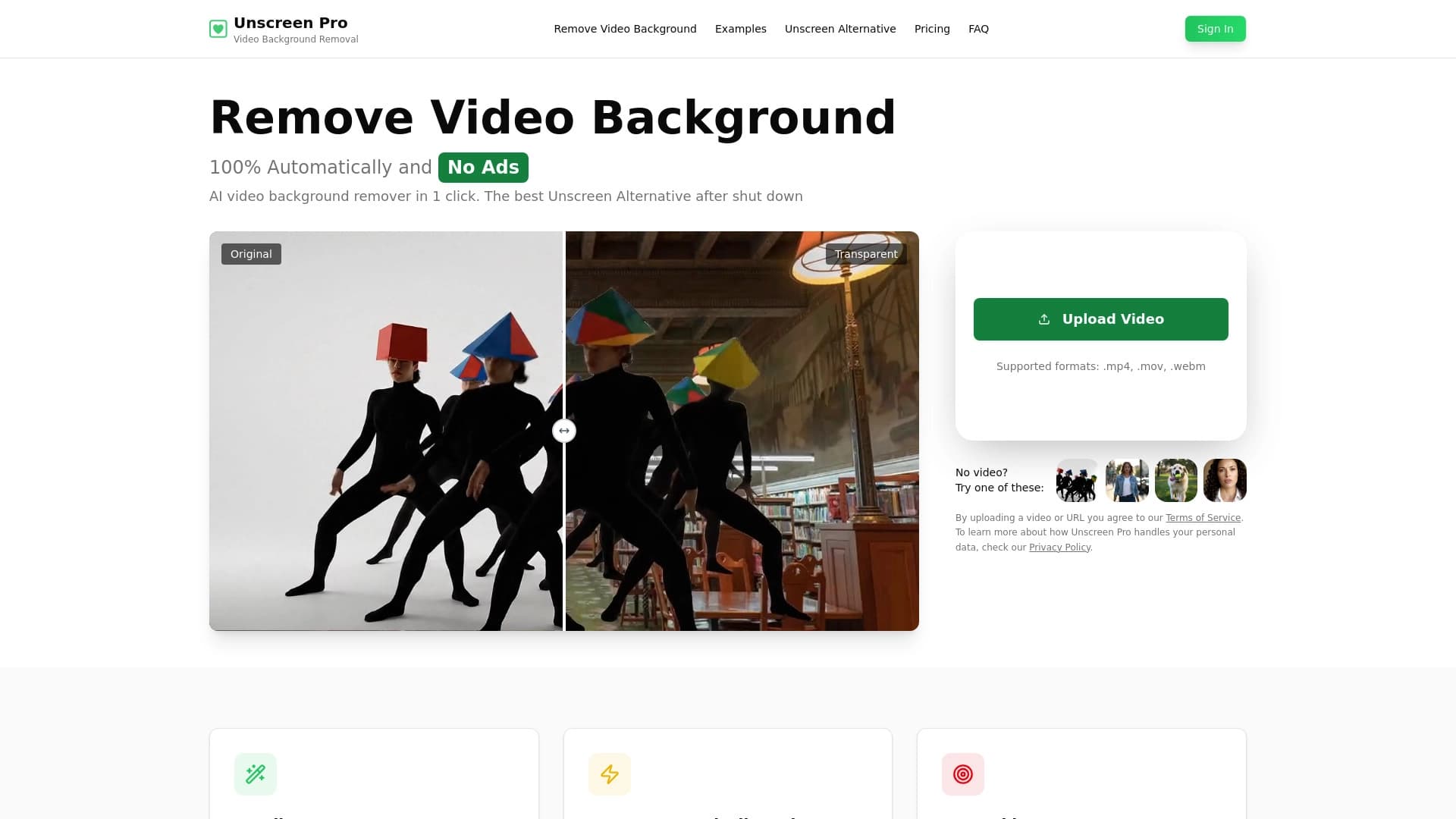

Ferramenta de IA para remoção automática de fundo e objeto em vídeo sem chave de chroma.

Serviço para criar avatares personalizados e sessões de fotos com IA com base em selfies enviadas.

Uma ferramenta para gerar e editar rapidamente imagens 4K, suportando o controle sobre várias imagens de referência e um modo de conversação.