

Framer
Visual website and prototype builder with AI agents for generating design from text descriptions.
Overview
Framer
Description of Framer AI
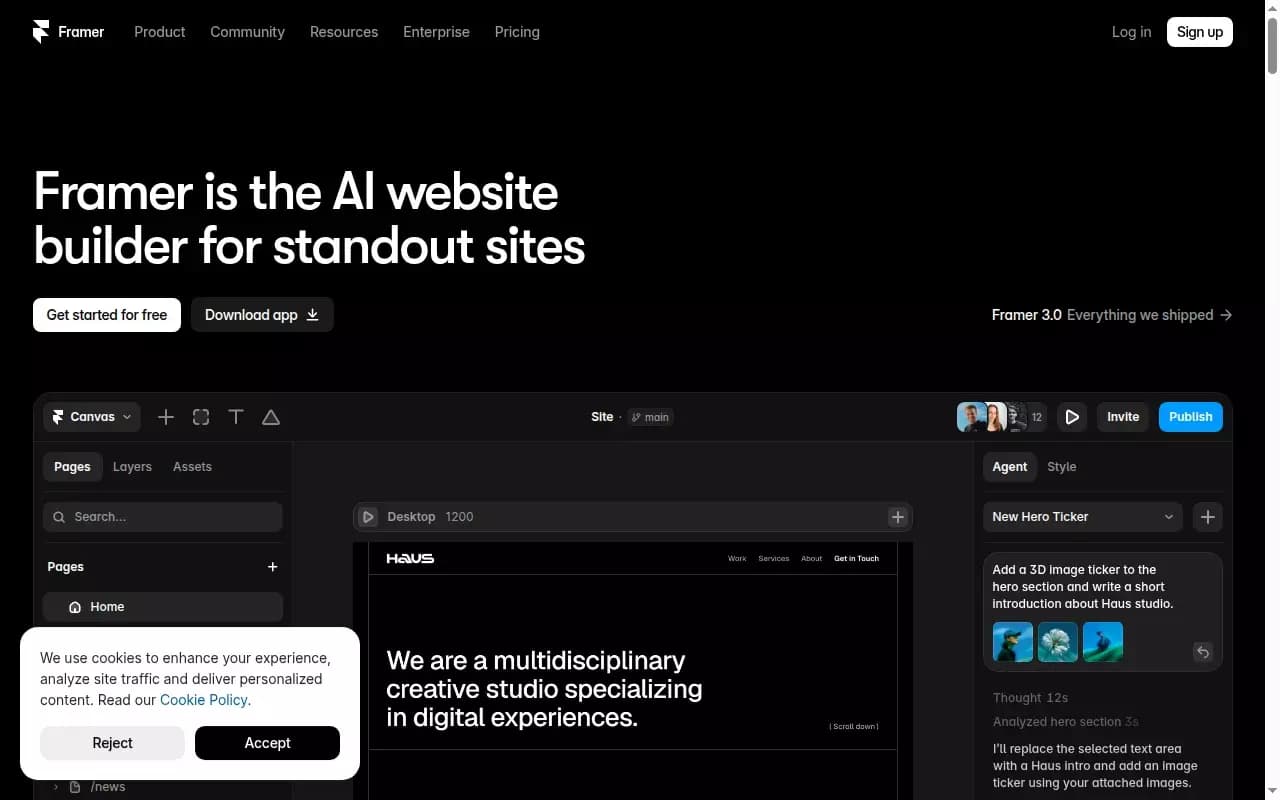
Framer is a visual website and prototype builder with built-in AI agents that lets you create responsive web pages and interactive interfaces from a text description. The tool combines generative design capabilities, a drag-and-drop editor, and ready-made UI components, making website creation accessible without writing code.
The platform offers a full website workflow: from generating a layout from a prompt to publishing on its own hosting. In addition to the visual editor, Framer provides a built-in CMS, SEO tools, localization into 500 languages, A/B testing, and visitor analytics. The tool supports integration with Figma, WordPress, and external services, as well as the ability to generate code for interactive elements.
Framer features
| Feature | Value |
|---|---|
| Type | AI for automatic website and prototype generation |
| Category | Website and interface builders, design assistants and layouts |
| Launch year | 2023 |
| Generation speed | 10–30 seconds |
| Number of processed requests (2025) | 1.2 billion |
| Interface language support | Russian, English |
| Free plan available | Yes (with limitations) |
| Business model | Freemium (free plan available, paid from $5/month) |
| Models used | GPT 5.5, GPT 5.6, Terra Sonnet 4.6 |
| Hosting | Built-in, with 99.99% uptime |
| Integrations | Figma, Sketch, WordPress, terminal, Slack, GitHub PR, Claude Code, Cursor, Codex |
Who is Framer AI for?
Designers and web studios
Framer is suitable for designers who want to quickly turn an idea into a working prototype or a finished website while maintaining control over every interface element. The visual editor with an AI agent lets you refine composition, animations, and styles in real time without writing code.
Startups and entrepreneurs
For startups that need a professional website in a short time, Framer offers generation of landing pages, corporate pages, and portfolios from a text description. Built-in SEO and analytics tools help evaluate website performance from day one.
Developers and product managers
Thanks to integrations with external tools (GitHub PR, terminal, Slack) and code generation capabilities, Framer is useful for developers who want to speed up prototyping. Product managers can use A/B testing and conversion analytics to make decisions.
How to use Framer AI?
Registration and getting started
To start working with Framer, you need to sign up via Google or email. The service works as a web application in the browser — no additional software installation is required. After logging in, the user selects the screen resolution and clicks "Start with AI".
Generating a website from a prompt
The main usage scenario is entering a text description of the desired website. A request is formulated in Russian or English (for example, "landing page for a yoga studio with a booking form"), after which the AI agent generates a fully functional and styled web page in 10–30 seconds.
Refinement and publishing
The generated layout can be edited in the visual editor: adjust colors, fonts, animations, rewrite text blocks, and add interactive elements. For publishing, a free Framer domain (with the service banner) or a custom domain on paid plans is available.
Key features of Framer
Design generation from a text description
Framer creates responsive websites based on the user's text prompt. The AI selects the page structure, color palette, typography, and block layout. If needed, you can ask the AI agent to create several layout variations or add special effects (for example, a 3D ticker in the header).
Visual editor and AI agents
The built-in drag-and-drop editor is similar in functionality to Figma. On the visual canvas, the AI agent generates and refines the design in real time. Dedicated agents handle CMS setup (content synchronization) and writing code for interactive elements — from simple effects to complex interactions.
SEO, analytics, and A/B testing
SEO settings and AI generation of optimized texts are available for each page. Built-in analytics tracks visitors, views, and bounce rate. A/B testing lets you compare page versions and track conversions.
Localization and CMS
The tool supports automatic content translation into 500 languages, simplifying the creation of multilingual websites. The built-in CMS allows managing content without editing code, as well as importing data from WordPress (automatic content migration).
Framer advantages
Speed and no-code
Framer's main advantage is generating a fully styled website in 10 seconds without programming skills or deep web design knowledge. AI agents automatically adapt the page for all devices and select palettes with typography.
Full control and integrations
Despite automation, the user retains control over every element: all changes are displayed on the canvas and available for editing immediately. Framer is open to external tools — integrations with Figma, Sketch, WordPress, as well as terminal, Slack, GitHub PR, Claude Code, Cursor, and Codex are supported.
Built-in hosting and marketplace
The platform provides highly reliable hosting (99.99% uptime) with good Core Web Vitals scores. The marketplace with templates, components, and plugins lets you extend website functionality without additional configuration.
Framer disadvantages
Free version limitations
The free plan comes with significant limitations: publishing is only possible on a Framer subdomain with the service banner, and there is no way to connect a custom domain. Full use requires upgrading to a paid plan.
Platform dependency
On the free plan, users do not get a custom domain without a banner. For a professional website launch, you need to purchase one of the paid plans starting at $5 per month.
What tasks does Framer solve?
Creating and publishing websites without code
Framer solves the problem of quickly creating professional websites without writing code: from landing pages and corporate pages to portfolios. The tool automates the design and layout process, reducing the time from idea to publication.
Real-time design generation and refinement
AI agents on the visual canvas allow generating multiple design variations, refining composition, adding animations and interactive elements — all in real time with the ability to edit immediately.
Content management and analytics
The built-in CMS and import tools (from WordPress) simplify managing website content. Lead analytics and A/B testing let you track visitor behavior, adjust strategy, and increase conversion.
Framer pricing
Framer operates on a freemium model. The free plan provides access to basic features but involves publishing on a Framer subdomain with the service banner and no ability to connect a custom domain.
Paid plans:
- Mini — $5/month, up to 1,000 visitors
- Basic — $15/month, up to 10,000 visitors
- Pro — $25/month, up to 100,000 visitors
As the plan level increases, the visitor limit grows and additional capabilities become available: custom domain, advanced analytics, priority support, and other features.
Terms of use for Framer
Registration via Google or email is required to use the service. Framer operates as a web application in the browser — no software installation on the device is required. All actions are performed online: website generation, editing on the visual canvas, CMS setup, and publishing.
Framer availability
The service is available from any device with an internet connection. The interface and text prompt system support Russian and English, making the tool accessible to Russian-speaking users. No additional software installation is required to work.
How Framer differs from alternatives
AI agents on the visual canvas
Unlike many website builders where generation happens once from a template, Framer offers AI agents working in real time directly on the visual canvas. The user can ask to change the composition, add an effect, or rewrite text — and the agent completes the task instantly, leaving the result available for further editing.
Integration with external AI tools
Framer is not a closed system: it is open to connecting external services and AI tools (Claude Code, Cursor, Codex, terminal, Slack, GitHub PR). This sets it apart from solutions that offer only their own built-in functionality.
Full cycle from generation to hosting
Most alternatives either generate a layout or provide hosting. Framer combines both stages: prompt-based generation, visual editing, built-in CMS, SEO settings, A/B testing, analytics, and hosting with 99.99% uptime — in one tool.
Conclusion
Framer is a website builder with built-in AI agents that accelerates the creation of responsive web interfaces and minimizes the need for programming. The tool offers generation from a text description, a visual editor with real-time design refinement, support for many languages, a built-in CMS, analytics, and hosting. Thanks to the freemium model, users can evaluate the service's capabilities for free, and when scaling is needed, upgrade to paid plans starting at $5 per month. Framer is suitable for designers, startups, studios, and developers who need a professional website while maintaining full control over every element.
Pricing
Frequently asked questions
Similar AI tools


See also
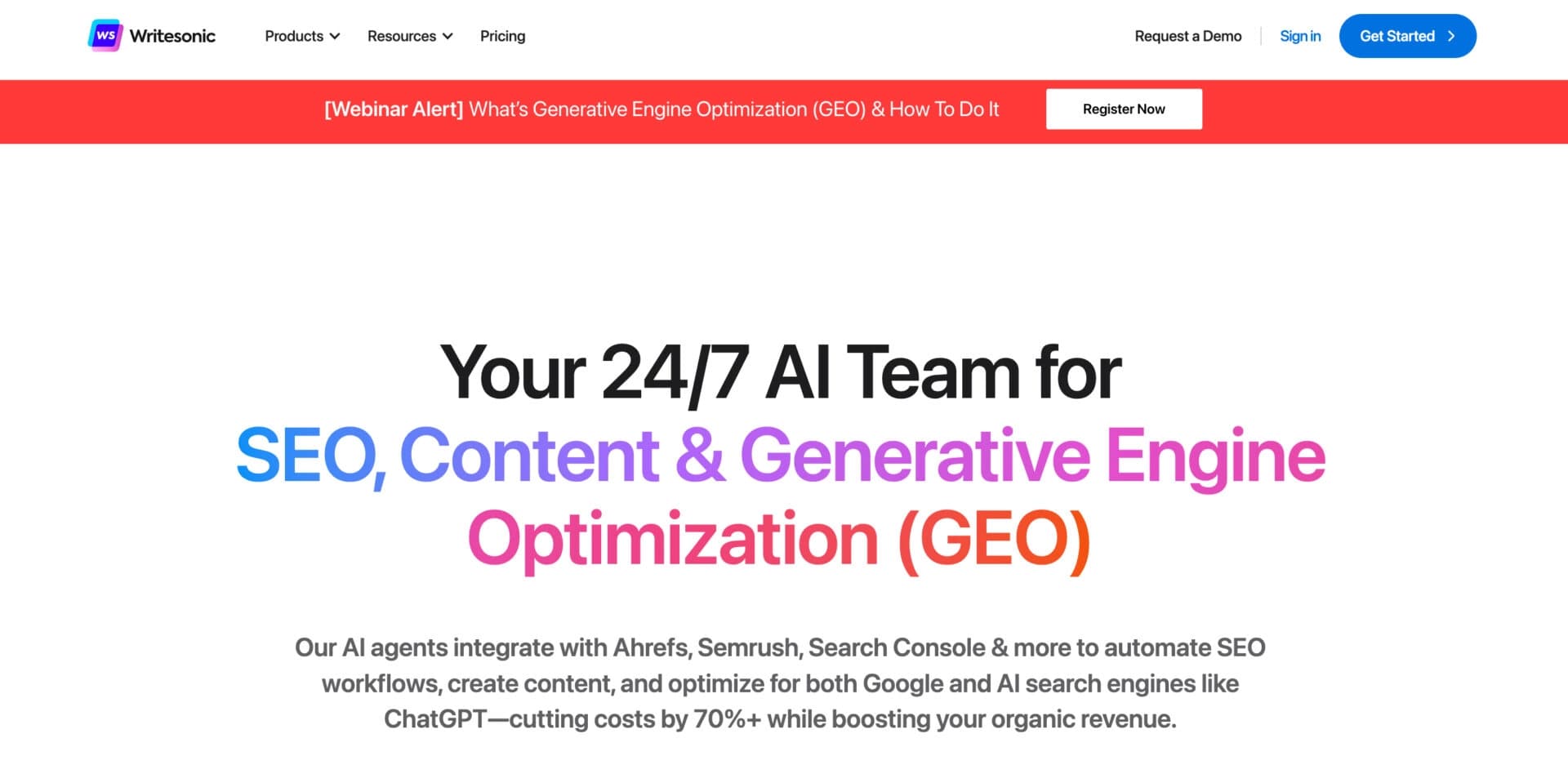

AI-based platform for generating text content: articles, advertisements, social media posts, and product descriptions.


Cloud platform for launching AI applications directly in the browser without installation.
AI editor for creating, editing, and publishing content with templates and prompts.
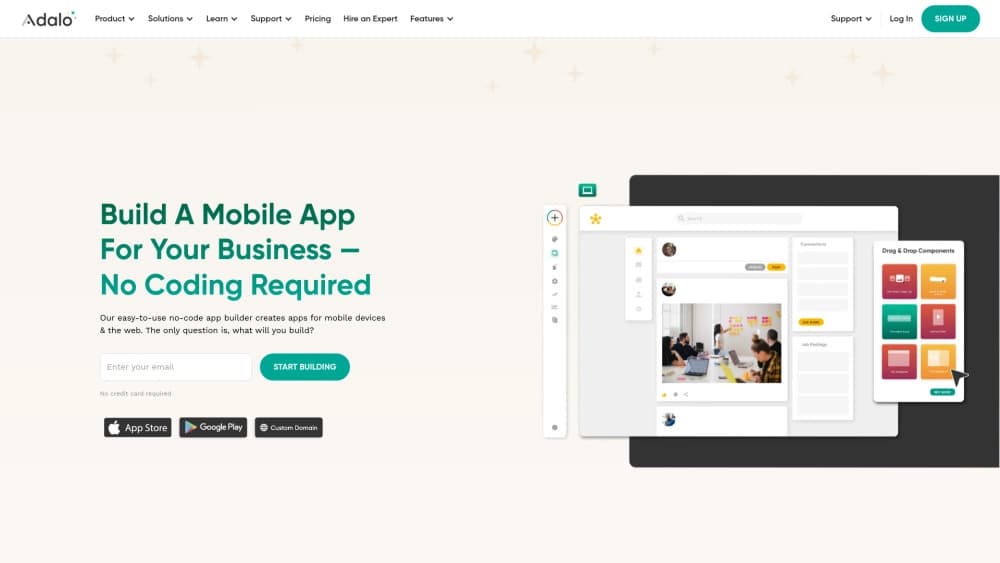
A platform for creating mobile and web applications without writing code, using a visual builder.


AI-based tool for generating and optimizing text content.

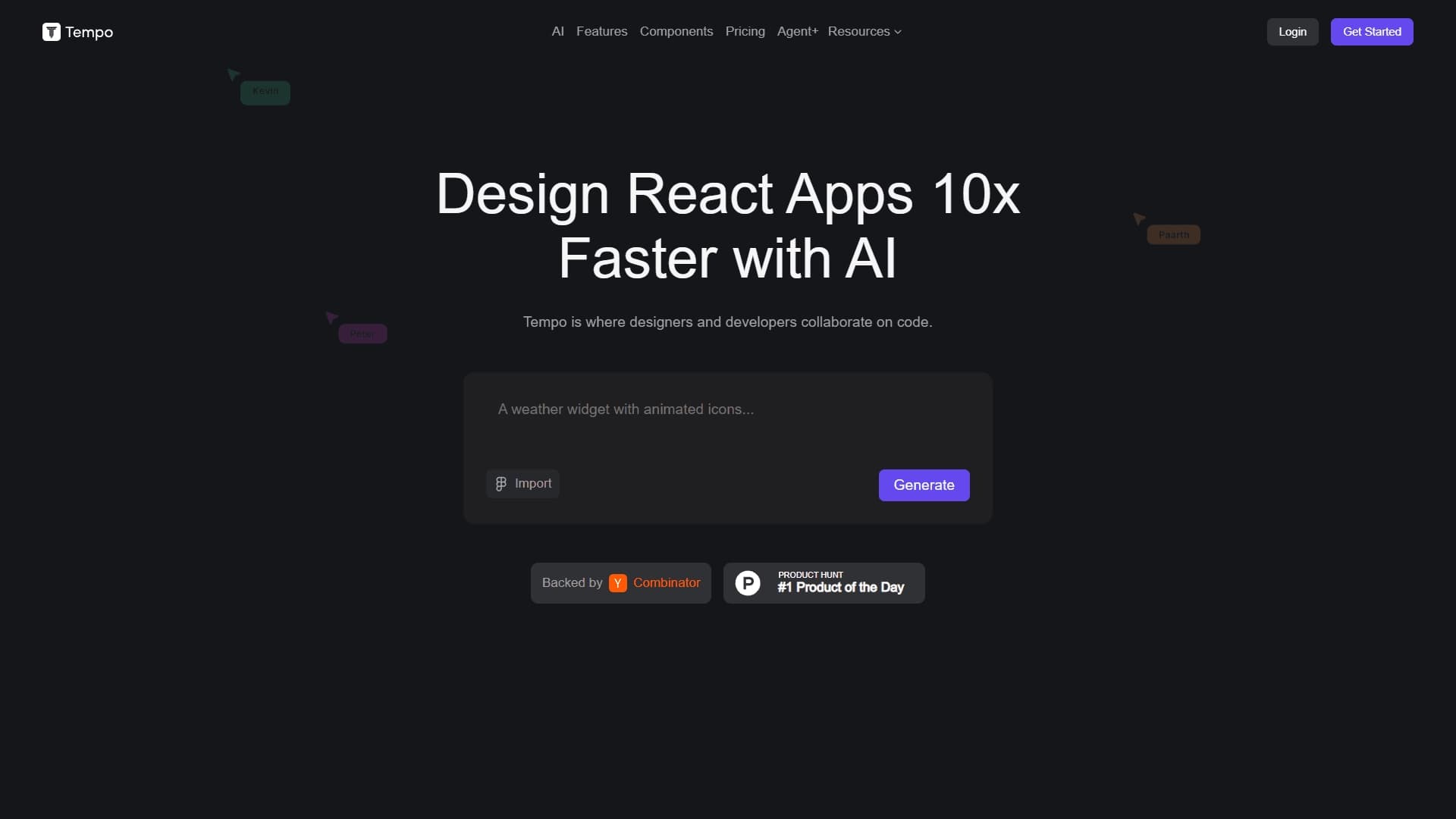
A design canvas built into the code editor, allowing you to create interfaces and write code in one place.

Platform for creating, training, and deploying computer vision models.

A workflow automation platform that connects thousands of apps without requiring coding.