

Comet
Perplexity's Chromium-based browser with an integrated AI assistant that can perform actions on behalf of the user.
Overview
Comet
Description of Comet AI
Comet is a browser from Perplexity built on Chromium, in which artificial intelligence acts not just as an additional feature but as the foundation of the entire interaction. Unlike traditional browsers, Comet can independently perform actions for the user: fill out web forms, book services, work with email, and analyze the context of all open tabs. The browser is available for Windows and macOS, offering both a free version and paid subscriptions with extended automation capabilities. Essentially, it is an attempt to turn the browser from a passive page-viewing tool into an active agent that helps the user get things done.
Comet characteristics
| Characteristic | Value |
|---|---|
| Type | AI browser (agentic browser) |
| Developer | Perplexity |
| Base | Chromium |
| Launch date | July 2025 (for Max subscribers), October 2025 (free access for everyone) |
| Supported OS | Windows 10/11, macOS (including M1/M2) |
| Free tier available | Yes |
| Russian language | Yes |
| Russian interface | Yes |
| VPN required | No |
| Platforms | WEB, PC, Mobile, Browser |
| Distribution model | Freemium |
Who is Comet AI suitable for?
Researchers and analysts
Comet will be useful for those who regularly work with large volumes of information: researchers, analysts, journalists. The ability to analyze the context of all open tabs and quickly synthesize data from different sources significantly speeds up the preparation of reviews, reports, and articles.
Professionals tired of routine
The browser is aimed at people who spend a lot of time on repetitive online tasks: filling out forms, sorting email, booking services, comparing products. Comet takes over these tasks, allowing users to focus on more important work.
Students and tech enthusiasts
Students can use Comet to search and analyze scientific materials, create notes, and plan study tasks. The browser is also of interest to anyone who follows new technologies and wants to try an agentic approach to working on the internet.
How to use Comet AI?
Installation and getting started
To get started, download the installer from the official website perplexity.ai, run it, and go through the installation process. On first launch, the browser will offer to import bookmarks and settings from your current browser — this can be done in a few clicks, making it easy to switch from Chrome or another browser to Chromium.
Basic interaction
Basic interaction with the AI assistant happens through the sidebar. You can also bring up the assistant at any moment with the Alt+A hotkey. To use automation features (working with email, booking), it is recommended to connect Gmail and calendar directly in the browser settings. Search is performed by default through Perplexity Search, which returns not a list of links but structured answers with source citations.
Main features of Comet
Contextual AI assistant
The assistant sees all open tabs and understands the context of the current page. It can give answers and perform actions based on the information the user is currently viewing, without the need to copy data manually.
Browser action automation
Comet can independently fill out forms, click elements on pages, book services, and send messages. When working with Gmail, the assistant can sort emails and respond to simple requests. You can also configure filters in online stores to automatically search for products based on specified parameters.
Smart tab management and voice control
The browser supports intelligent tab management: opening, grouping, and closing duplicates. Voice control understands clarifications in a dialogue, allowing you to refine requests without re-entering them. In addition, there is a built-in open-source ad blocker and support for extensions from the Chrome Web Store.
Video analysis and timestamp search
Comet can analyze YouTube videos, providing search by timestamps. This is convenient when working with long lectures, reviews, or webinars when you need to quickly find a specific fragment.
Comet advantages
Deep automation of routine tasks
Comet's main advantage is its ability to automate repetitive actions: filling out forms, booking, working with email. This significantly saves time when performing typical browser operations.
Understanding the context of all tabs
The AI assistant has access to all open tabs, allowing it to give relevant answers and take actions with a full picture of what the user is doing. No traditional browser offers this level of contextual integration.
Familiar interface and low entry barrier
The browser is built on Chromium, so the interface and hotkeys are familiar to Chrome users. Bookmarks can be imported, and the free basic version lets you evaluate the core capabilities without any financial investment.
Comet disadvantages
Performance and stability
According to test data, Comet is about 15% slower than Chrome (29.3 vs 34.3 in Speedometer). It is currently a beta version, so freezes may occur when working with a large number of tabs and an active AI assistant.
Cost of full functionality
Although the basic version is free, advanced capabilities (background assistant, automatic Gmail processing, access to premium models) are only available with a Max subscription at $200 per month, which is a high price for individual users.
Voice control limitations and setup complexity
Voice control may work unstably with a Russian accent and specific terminology. In addition, according to user reviews, setting up complex monitoring scenarios takes time to learn.
What tasks does Comet solve?
Working with information and content
Comet is suitable for researching competitors and preparing reports, analyzing scientific articles and creating notes, as well as searching and synthesizing information from different sources. The browser helps quickly gather facts, verify dates, and prepare analytical materials.
Automation of everyday tasks
The browser takes over automating email correspondence, comparing products and finding the best prices, planning trips, and booking services. This reduces the burden on the user when performing routine operations.
Workflow organization
Comet handles tab management tasks, grouping them, and closing duplicates. This helps keep the workspace tidy and avoid losing important pages during intensive work.
Comet prices
Free version
The basic version of the browser includes the core AI assistant, standard browser features, and access to Discover, Spaces, and Shopping. This is enough to get acquainted with the product and complete simple tasks.
Comet Plus
The Comet Plus subscription costs $5 per month and provides access to personalized news from CNN, Condé Nast, Fortune, as well as extended search. For Perplexity Pro ($20/month) and Max ($200/month) subscribers, Comet Plus is included for free.
Max subscription
The Perplexity Max subscription at $200 per month includes a background assistant, automatic Gmail processing, access to premium models (o3-pro, Claude Opus 4.1), and early access to new features.
Comet terms of use
Registration on the perplexity.ai platform is required to use the browser. Advanced automation features and access to premium models require a paid subscription. Comet is currently in beta status, so errors and unstable operation are possible. The developer recommends keeping this in mind when using the browser for critical tasks.
Comet availability
Supported platforms
Comet is available for Windows 10/11 and macOS (including devices with M1/M2 processors). Mobile versions for iOS and Android have been announced but are not available at launch. The browser works on PC and can also be used as a web platform.
Language support and regional restrictions
The browser fully supports Russian and has a Russian-language interface. No VPN is required — the service is available without regional restrictions. This makes Comet convenient for Russian-speaking users from any region.
How Comet differs from alternatives
Comet vs Google Chrome
Unlike Google Chrome, where AI features (Gemini) are an additional layer, in Comet artificial intelligence is built directly into the browser core. In addition, some data processing in Comet is performed locally, which improves privacy. Chrome remains faster and more stable, but it does not offer agentic capabilities.
Comet vs Arc Browser
Arc Browser focuses on design, workspace organization, and visual aesthetics, mainly for Mac users. Comet, by contrast, focuses on automation and agentic features. Arc is free, while Comet uses a freemium model — from free access to $200 per month. Arc targets designers and creative professionals; Comet targets researchers and specialists working with large volumes of data.
Conclusion
Comet is a bold experiment from Perplexity that reimagines the browser as an agentic AI assistant. It is well suited for working with large volumes of information and automating routine tasks, but for now it remains a beta version with limited stability and performance. The browser has great potential if the development team solves the security and speed issues. At this point, it is a promising tool for those willing to put up with the shortcomings of an early version in exchange for access to cutting-edge agentic capabilities.
Frequently asked questions



See also
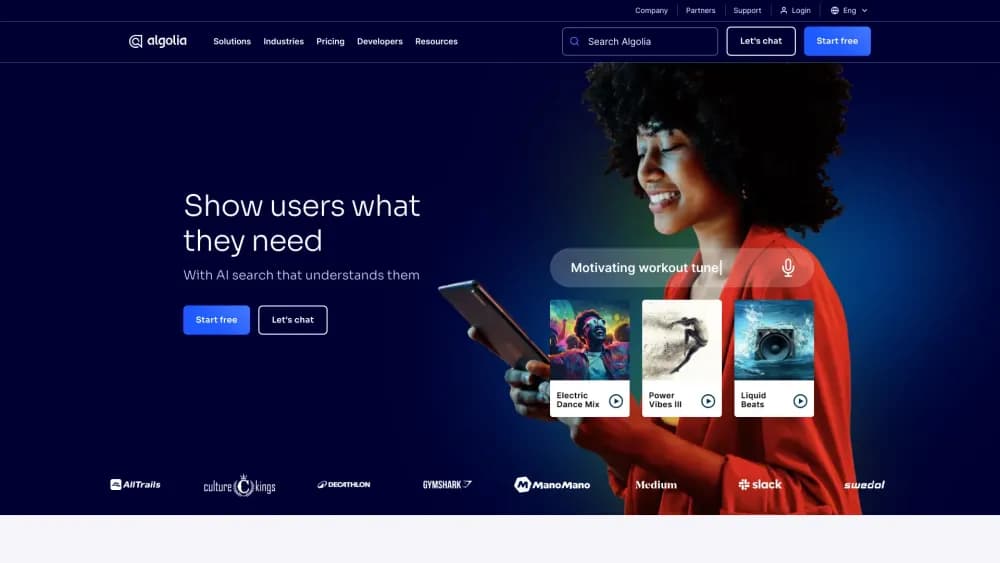
AI-powered smart search platform designed for quickly finding data in web and mobile applications.
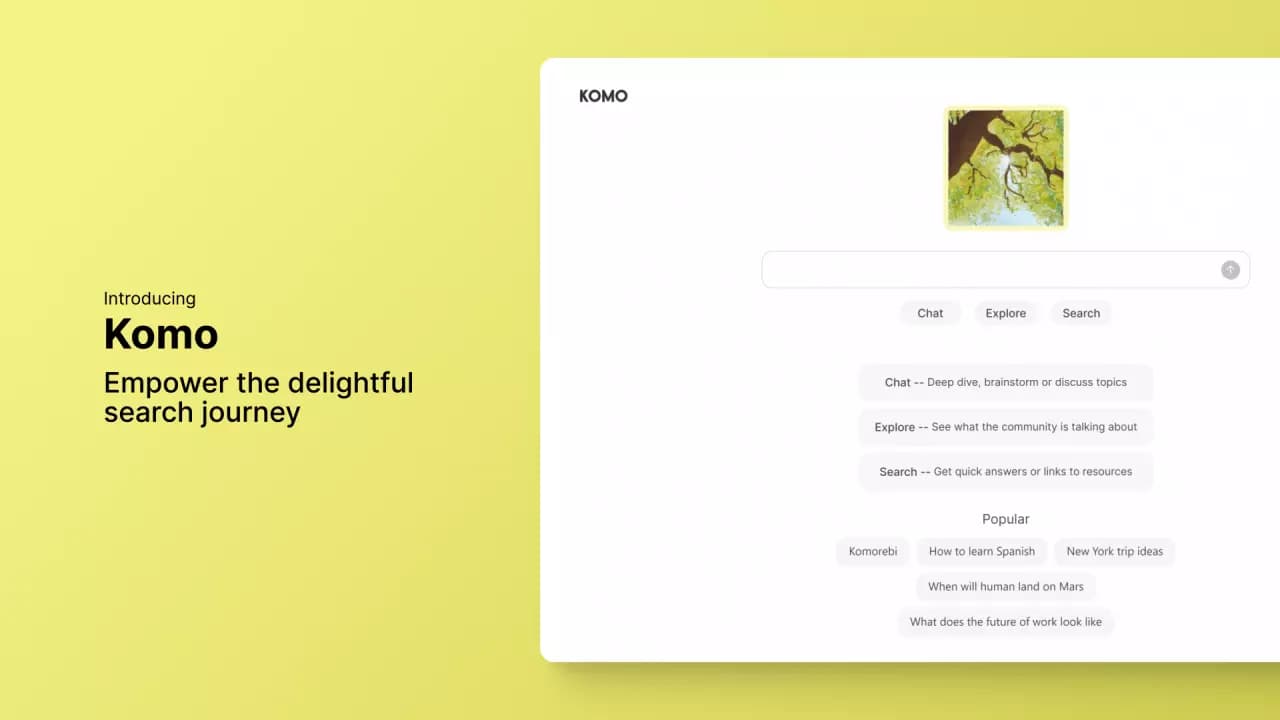
A platform for creating personal AI agents that learn from company documents and terminology and also perform information search functions.
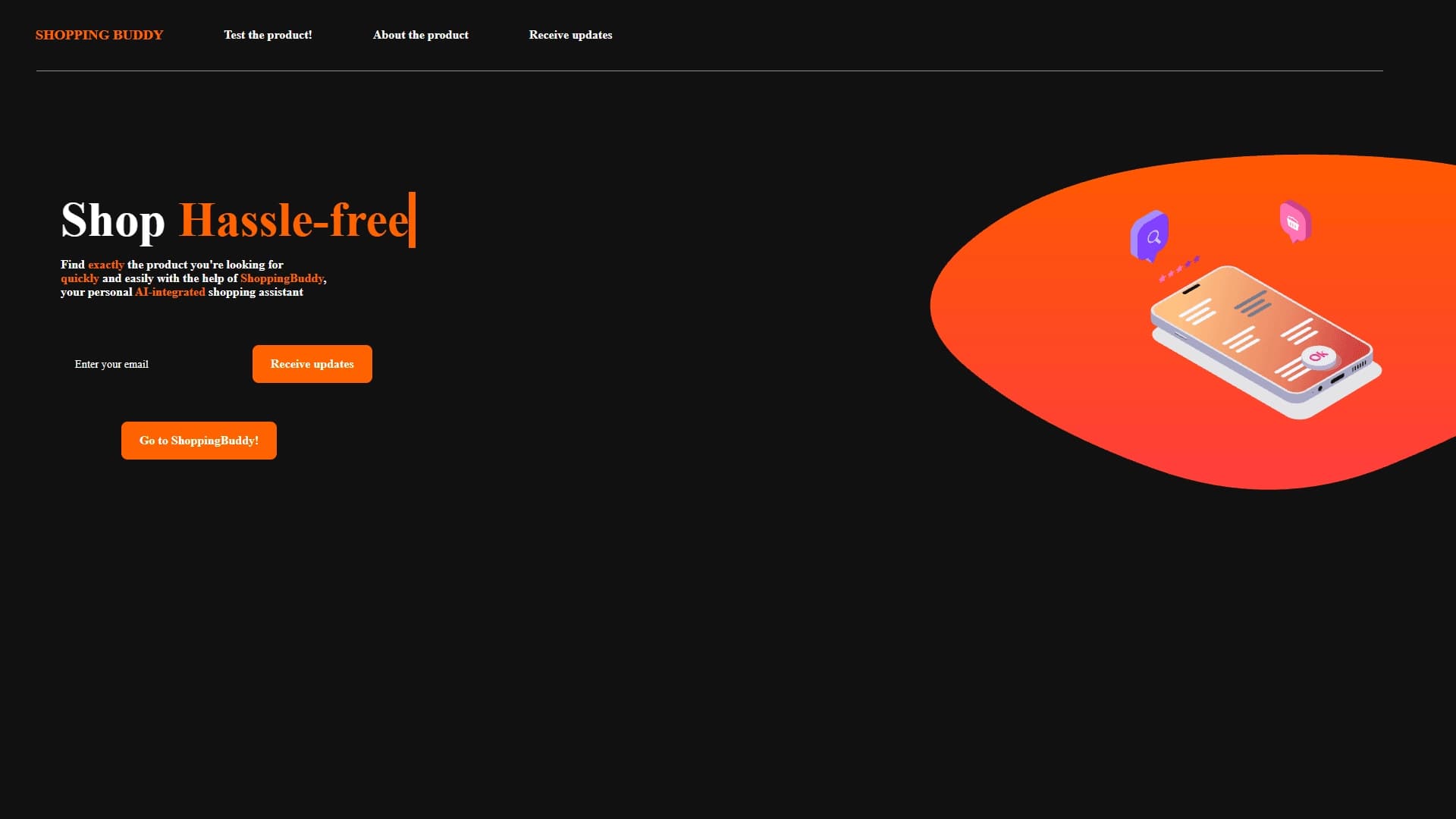

AI assistant for online shopping that matches products based on a description of needs in a conversational mode.
AI-powered scientific search engine for finding and analyzing research papers.

AI search engine for developers that combines generative AI with search algorithms to answer technical queries.

AI platform for finding and vetting suppliers, as well as conducting business research to optimize procurement.

Computational knowledge system that solves problems and analyzes data, providing precise answers instead of links.
AI platform that helps select travel destinations and analyze locations based on user preferences.