

Weights & Biases (W&B)
A platform for tracking, visualizing, and managing machine learning experiments.
Ranked in
Overview
Weights & Biases (W&B)
Description of Weights & Biases (W&B)
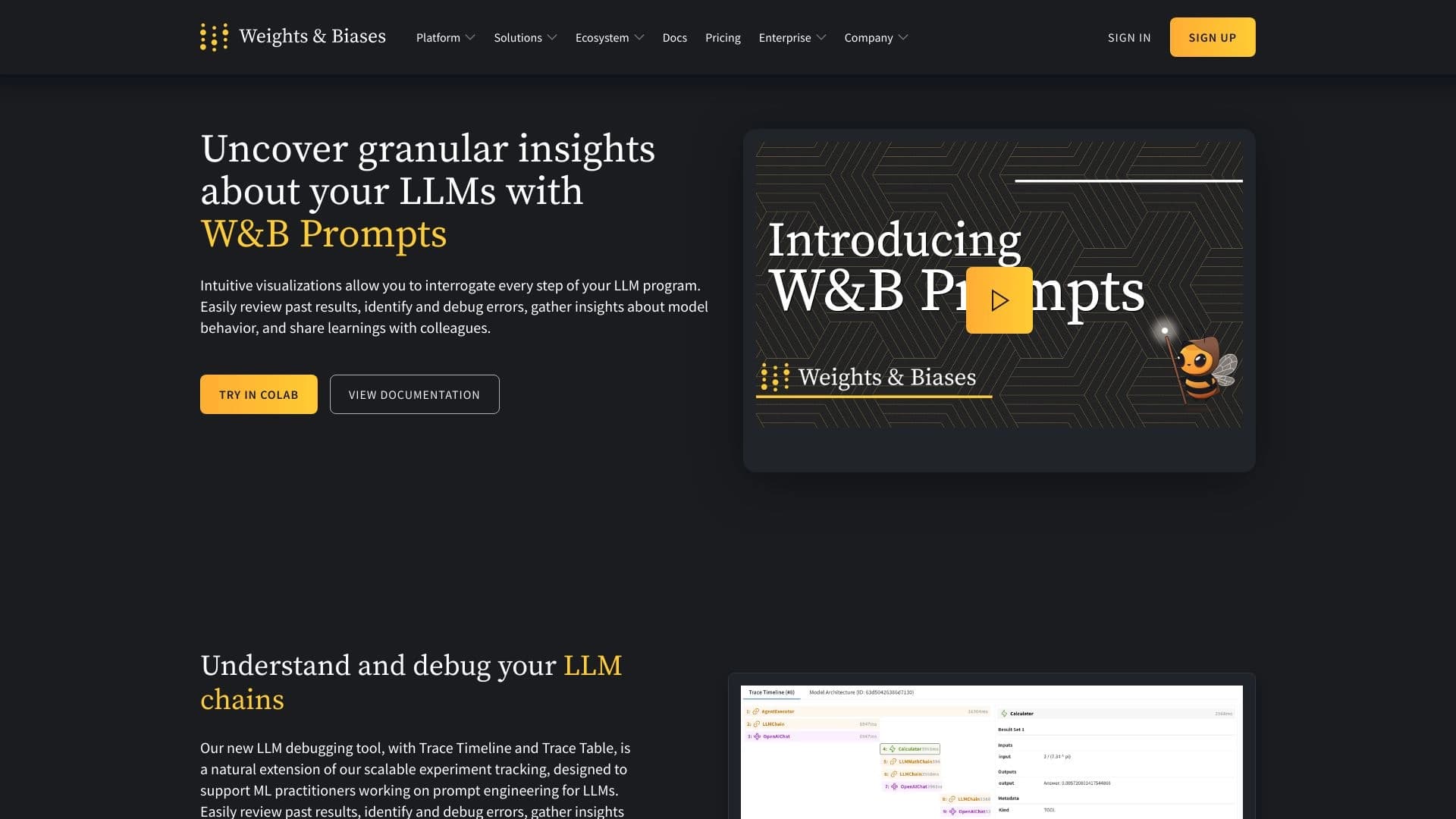
Weights & Biases (W&B) is an AI developer platform designed for tracking, visualizing, and managing machine learning experiments. The tool lets you log metrics, version models, and present training results in a unified dashboard. W&B supports both standard model training and fine-tuning, as well as work with foundation models. The platform helps development teams monitor model performance, collaborate on experiments, and ensure reproducibility of results.
Features of Weights & Biases (W&B)
| Feature | Value |
|---|---|
| Type | AI developer platform |
| Categories | Whiteboard AI, AI API, Bypass AI, AI Website Builder |
| Platforms | Web, Chrome Extensions, Linux, Mac, Windows |
| Pricing model | Freemium |
| Free plan | Yes |
| Pro trial period | 30 days |
| Starting price | $50 per month |
| Credit card required | No |
| Lifetime plan | No |
| Billing frequency | Monthly |
| Date added | July 11, 2024 |
| Interface language | English |
Who is Weights & Biases (W&B) for?
Data scientists and machine learning engineers
The platform is primarily aimed at data scientists and ML engineers who run experiments daily, tune hyperparameters, and need clear metric tracking.
AI researchers and software developers
AI researchers and software developers use W&B to version models, document experiments, and collaborate on projects.
Tech startups and AI teams at large enterprises
Small teams and large organizations building AI products can use the platform for centralized management of the entire model lifecycle, from experimentation to deployment.
How to use Weights & Biases (W&B)?
Signing up and integrating with a project
To get started, register or log in to an existing W&B account. The platform then provides an API that integrates into your machine learning project — simply install the wandb library using a package manager.
Initializing and logging an experiment
In your project script, initialize a W&B run by calling wandb.init(). As the model trains, metrics, hyperparameters, and system configurations are logged — all data is automatically sent to the W&B server.
Visualizing and analyzing results
After or during an experiment, results appear on the W&B dashboard. You can track training charts, compare different runs, and use the insights to repeat experiments while gradually improving model quality.
Key features of Weights & Biases (W&B)
Experiment tracking
The platform automatically records all parameters and metrics for each training run, keeping a complete experiment history. You can return to any run at any time and analyze its results.
Hyperparameter management
W&B provides tools for tuning and comparing hyperparameters. You can launch series of experiments with different parameter combinations and visually compare their effectiveness.
Model versioning and collaborative documentation
The platform supports versioning of trained models and artifacts. Teams can jointly document progress, leave comments on runs, and share results, increasing transparency and reproducibility.
Model visualization and performance analysis
W&B builds interactive charts, dashboards, and reports, making it easy to assess training dynamics and model performance. The performance analysis feature helps identify issues early.
Advantages of Weights & Biases (W&B)
Comprehensive tracking and visualization
The platform combines metric logging, hyperparameter management, visualization, and versioning in a single interface. Developers don't need to use several separate tools.
Collaboration and reproducibility support
W&B lets teams work on the same experiments, share results, and reproduce their colleagues’ runs. This is especially important for research and development in large teams.
Integration with popular ML frameworks
The tool integrates easily with major machine learning frameworks — TensorFlow, PyTorch, Keras, Hugging Face, and others — making it a versatile solution for most projects.
Greater workflow transparency
With all experiment and model data stored centrally, every team member can see the full development picture, and new employees quickly get up to speed.
Disadvantages of Weights & Biases (W&B)
Closed source code
The platform is not open source. This may be a limitation for teams that prefer full control over their tool stack or need to modify the code for specific tasks.
Limited functionality in the free plan
Access to the full feature set, including CI/CD, alerts, unlimited teams, and access control, requires a paid Pro subscription. The free plan includes only basic features — evaluation and tracing of AI applications, experiment tracking, an AI asset registry, and community support.
What tasks does Weights & Biases (W&B) solve?
Model training and tracking
W&B handles training process monitoring: it logs metrics in real time, builds charts, and lets you respond quickly to issues such as overfitting or vanishing gradients.
Hyperparameter tuning
The platform simplifies finding optimal hyperparameters. You can run many experiments in parallel, compare their metrics on a single dashboard, and quickly choose the best configuration.
Performance monitoring and collaborative research
The tool helps track model performance after deployment. In research, W&B is used to document hypotheses, share results with colleagues, and reproduce experiments.
Model deployment and management
The platform supports model deployment and version management through the AI asset registry, simplifying the move from experimentation to production.
Weights & Biases (W&B) pricing
Free plan — $0
Includes evaluation and tracing of AI applications, experiment tracking, AI asset registry, and community support. Suitable for individual use and small projects.
Pro — $50 per month
Adds CI/CD, alerts, unlimited teams, access control, service accounts, and priority support. A 30-day trial period is available.
Enterprise
Includes all Pro features, as well as single tenant, regulatory compliance, secure connection, custom encryption key, SSO, audit logs, and enhanced support. Pricing is discussed individually.
Terms of use for Weights & Biases (W&B)
To use the platform, you need to register or log in to an existing account. The free plan provides limited capabilities — a paid subscription is required for access to the full functionality. No credit card is required during the trial period when signing up for a paid plan. Payment is made monthly; no lifetime plan is available.
Availability of Weights & Biases (W&B)
The platform is available through a web interface, as a Chrome extension, and as desktop applications for Linux, Mac, and Windows. The interface language is English. According to usage analytics, the largest shares of users come from the United States (30.37%), China (14.66%), the United Kingdom (7.28%), Switzerland (6.25%), and Canada (4.97%). The use of VPN is not mentioned in the documentation.
How Weights & Biases (W&B) differs from alternatives
In the ML experiment tracking market, W&B has several direct competitors: Neptune.ai, MLflow, Comet, ClearML, and TensorBoard. The main difference of W&B is its comprehensive approach, combining logging, visualization, versioning, and collaboration in a single platform with a simple API. While TensorBoard is a free solution for visualization only and MLflow is an open-source platform focused on lifecycle management, W&B offers a broader set of out-of-the-box features with an emphasis on teamwork and integration with popular frameworks. However, unlike MLflow and ClearML, W&B is not an open-source product, which may affect teams that prefer open-source solutions.
Conclusion
Weights & Biases is an AI developer platform that centralizes experiment tracking, visualization, and ML model management, improving collaboration and reproducibility. The tool suits both individual specialists and large teams, offering a free plan to get started and paid subscriptions for expanded functionality starting from $50 per month.
Pricing
Frequently asked questions

See also

Multifunctional AI platform for content creation, combining speech synthesis, text generation, avatar creation, and video editing.

A multimedia AI toolkit for editing and enhancing photos, videos, and PDF documents.

Cloud platform for creating videos using AI avatars, synthesized speech, and automatic translation of clips into dozens of languages.

Open-source tool for quickly converting a single image into a 3D model.


Desktop AI assistant for macOS, Windows, and Linux that launches via hotkey above all windows and combines multiple language models in one interface.


AI toolkit for video generation and editing, including avatars, lip-sync, and voice cloning.

Service for creating personalized avatars and photo shoots using AI based on uploaded selfies.


AI platform for fast website creation and small business process management.