

Browse AI
Platform for extracting and monitoring data from websites without the need for programming.
Overview
Browse AI
About Browse AI
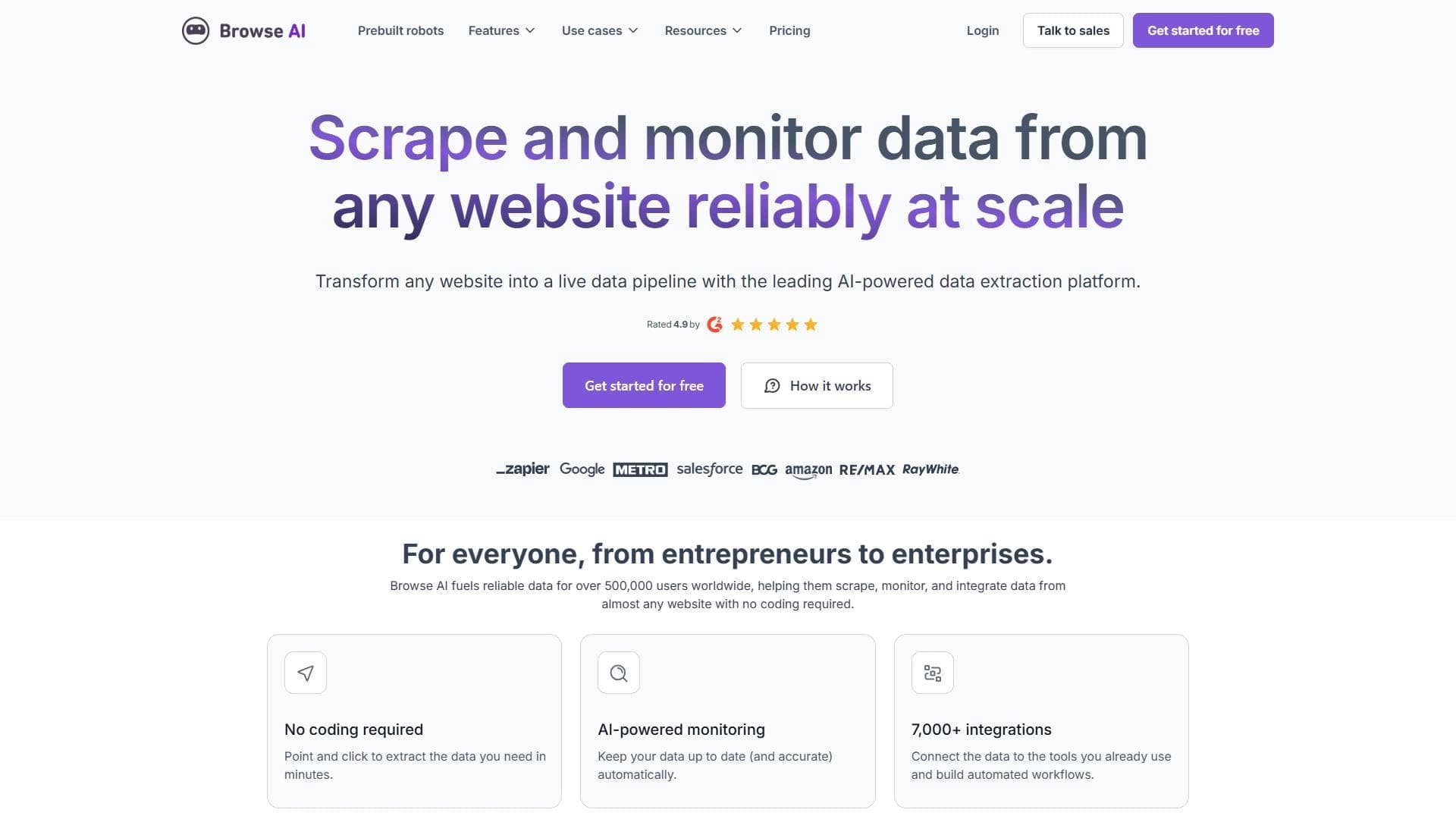
Browse AI is a no-code platform for extracting and monitoring data from websites that requires no programming skills. The service allows you to collect information from any websites, save it as spreadsheets, track changes on pages, and turn any website into a data source via an API.
The platform works like a trainable "robot" that can be set up in just a few minutes. Browse AI can work with websites that require login, handles pagination, scrolling, and file uploads, emulates user actions, and bypasses captchas. Data can be collected on a schedule, and you can receive notifications about changes on target pages. The service is recommended by more than 101,000 users, including companies such as Accenture, HubSpot, and Amazon.
Browse AI Features
| Feature | Value |
|---|---|
| Type | Platform for website scraping and data extraction |
| Rating | 4.4 out of 5 |
| Editorial rating | 8.6 out of 10 |
| Platforms | Web |
| Programming required | No |
| Categories | Automation, Information retrieval, Data extraction, Web scraping and parsing, No-code and Low-code platforms, API and integrations, Universal |
| Concurrent robots | Up to 50,000 robots |
| Integration | More than 7,000 applications via third-party services |
| Distribution model | Freemium |
Who is Browse AI for?
Analysts and researchers
Browse AI will be useful for professionals who regularly need to collect and process data from open sources. The tool automates the search and extraction of information, eliminating routine manual work.
Marketers
For marketers, the service is convenient as a means of monitoring competitors, tracking prices, collecting information about products and ads. The ability to configure robots for specific websites and receive data in a convenient format saves significant time.
Small businesses
Small companies that lack the resources to develop their own parsers or integrations can use Browse AI to automate data collection and monitor changes on pages important to their business.
How to use Browse AI?
Quick onboarding
New users can complete express training in just 5 minutes. The service interface is designed so that even a person without technical knowledge quickly understands the basic principles of operation.
Step-by-step robot setup
Setting up a robot involves several simple steps: selecting a website, specifying elements for data collection, launching the robot, and configuring its schedule. This approach lets you quickly create the robots you need for specific tasks.
Ready-made solutions
Instead of creating robots from scratch, you can use ready-made robots for popular websites, including LinkedIn, Eventbrite, Product Hunt, Indeed, eBay, TikTok, and many others. They allow you to extract job postings, product listings, company information, and event details.
Key features of Browse AI
Automated data collection
The platform's main function is collecting data from websites without programming skills. Browse AI automatically extracts the required information and then uploads it as spreadsheets.
Monitoring and change tracking
The service monitors web pages for changes, and robots can work on a schedule and notify the user of any changes on target sites. User action emulation is also implemented.
Turning websites into APIs
Any website can be turned into a data source via an API. This is especially useful for sites that do not have public APIs.
Scaling and integrations
The platform supports running up to 50,000 robots simultaneously and integrates with more than 7,000 applications through third-party services to deliver data to CRM systems, spreadsheets, email, and other tools.
Advantages of Browse AI
Simplicity and convenience
The main advantage is that there is no need to program. A simple interface and 5-minute express training make the tool accessible to a wide audience.
Scalability
The ability to run up to 50,000 robots simultaneously allows you to handle even large volumes of tasks. The platform works stably during mass robot launches.
Extensive integrations and adaptability
Support for more than 7,000 applications simplifies transferring data to the required systems. In addition, robots automatically adapt to changes in website structure. The latest update also expanded data export capabilities.
Disadvantages of Browse AI
The main drawback is related to changes in the structure of tracked websites: major changes in page markup may require manual adjustment of robot settings.
What problems does Browse AI solve?
Data collection automation
Browse AI solves the problem of automating data collection from websites, saving users from having to manually copy information from pages.
Searching and extracting information
The platform helps find information and extract data from open sources, turning websites into convenient structured data sources.
Change monitoring
The service regularly tracks changes on website pages on a schedule, allowing you to respond quickly to competitor updates, price changes, and other events.
Browse AI Pricing
The platform is distributed under a freemium model, offering a free plan with a basic set of features and paid plans with extended capabilities. The service offers flexible pricing plans, but specific pricing figures are not provided in the given data.
Terms of use of Browse AI
The service requires no programming skills and works on a web platform. To get started, you just need to create an account and complete brief training. The exact terms of the free plan and limits are not disclosed in the provided data.
Availability of Browse AI
Browse AI is available as a web service at www.browse.ai and works through a browser on any platform. Five minutes of express training is enough to start working with the platform.
How is Browse AI different from alternatives?
The main difference between Browse AI and alternative solutions is the combination of ease of use and high scalability. The platform requires no programming, yet allows you to run up to 50,000 robots simultaneously and integrate with more than 7,000 applications. The ability to turn any website into an API and automatically adapt to changes in page structure also sets the service apart from competitors. CyberYozh App, Wordybot, Savvi, Nlogic, and other tools can be considered as alternatives to Browse AI.
Conclusion
Browse AI is a convenient no-code tool for collecting, extracting, and monitoring web data, suitable for analysts, marketers, researchers, and small businesses. Thanks to its simple interface, quick robot setup, mass launch, and broad application integration, the service saves significant time and resources when working with data. The platform's main advantage is the combination of ease of use and scalability.
Frequently asked questions

See also
Free five-day intensive from Kaggle and Google on building AI agents using the vibe coding technique.

A workflow automation platform that connects thousands of apps without requiring coding.
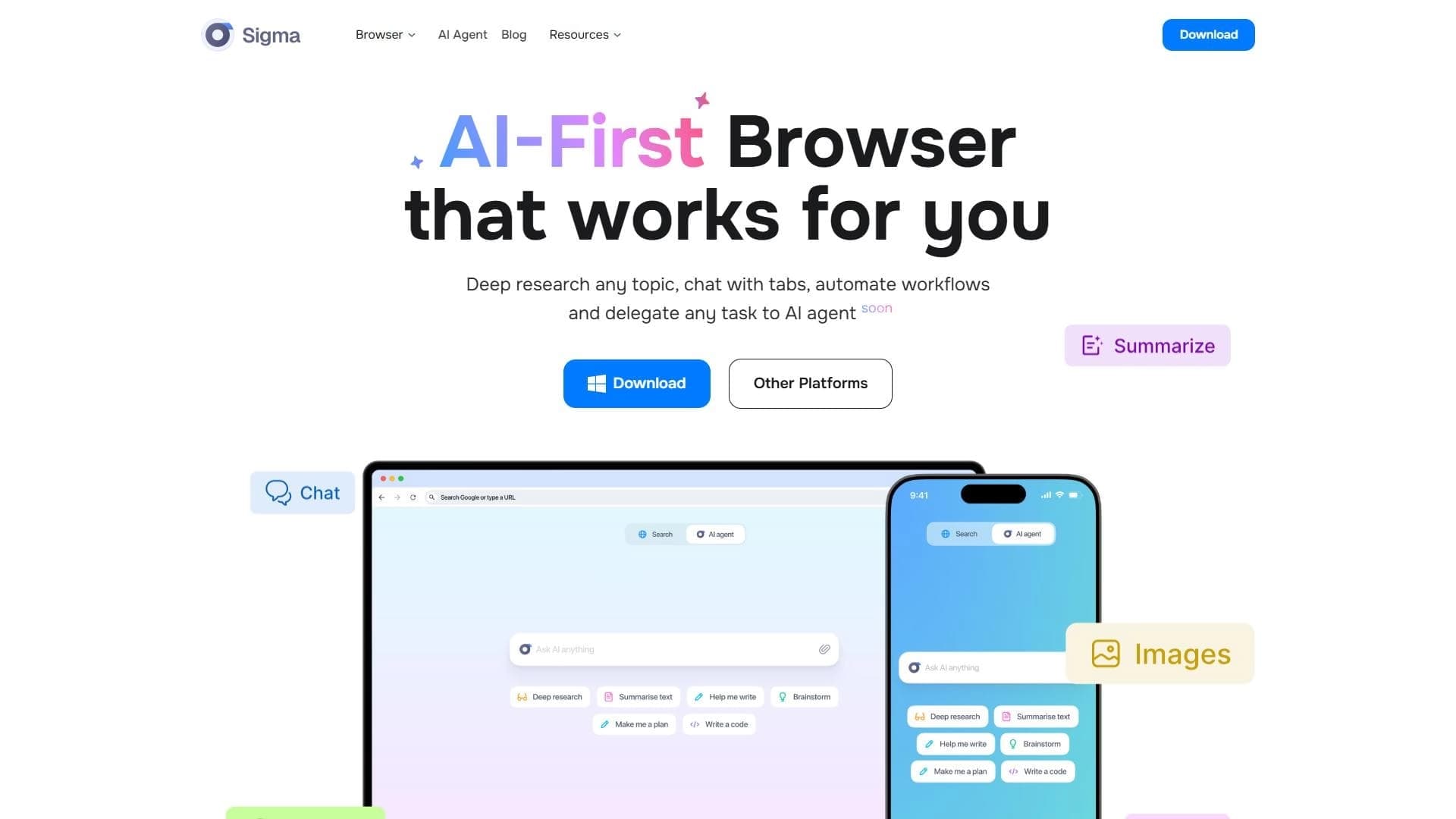

A browser with built-in AI tools for chatting with neural networks, generating texts and images, translating and summarizing pages.

Open-source platform for integrating data from various sources into data warehouses and analytics systems.


Cloud platform for launching AI applications directly in the browser without installation.
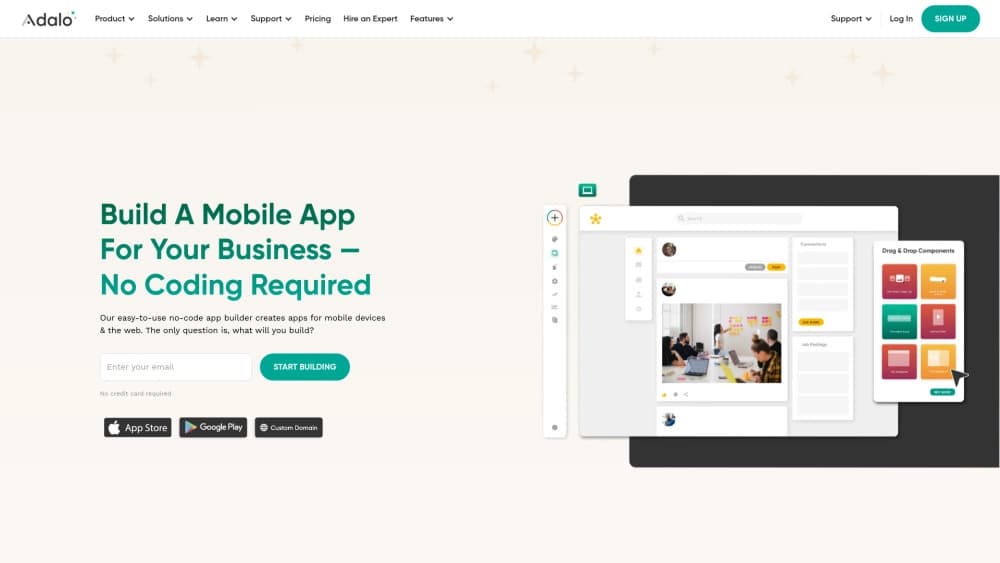
A platform for creating mobile and web applications without writing code, using a visual builder.

Web interface for testing and prototyping based on Google's artificial intelligence models.


A service for detecting texts created by artificial intelligence, with the ability to check for plagiarism and grammar.