
ChatGPT for Facebook - Chrome Extension
Chrome extension that automatically generates comments and replies to Facebook posts using a neural network.
Overview
ChatGPT for Facebook - Chrome Extension Description
ChatGPT for Facebook - Chrome Extension is a tool designed for page owners and community administrators on Facebook. The extension installs in the Chrome browser and handles the task of writing comments and replies under posts. Instead of manually coming up with phrases for each publication and subscriber reaction, users can delegate this work to the neural network.
How does the tool work?
The extension integrates into the Facebook interface. When you create a post or receive comments from your audience, the neural network analyzes the post's text, tone, and style. Based on this analysis, it generates suitable reply options. Essentially, it's a personal assistant that's always ready to suggest an appropriate response, saving time on routine tasks.
Key objective
The main goal is to make audience communication less labor-intensive. The tool is designed to help maintain dialogue with subscribers without requiring the administrator to be constantly present in the feed. The neural network enables faster responses to comments, delivering them in a natural way for users. This is especially useful for those managing multiple communities or working with large amounts of content.
ChatGPT for Facebook - Chrome Extension Features
| Feature | Value |
|---|---|
| Type | Chrome browser extension |
| Categories | Text content generators, Social media assistants, Automated response tools, AI-based response generators, Facebook management tools |
| Developer | Toolify AI |
| Free plan | Yes (basic) |
| Pro plan pricing | Available on the official website |
| Business plan pricing | Available on the official website |
| Monthly visits | 388.9K |
| Availability | Chrome extension, works online |
Who is ChatGPT for Facebook - Chrome Extension suitable for?
Marketers and SMM specialists
For professionals managing brand accounts and commercial communities, response speed to comments is often critical. The tool helps lighten the workload by automating response generation for common questions and reactions. This allows you to focus on content strategy and analytics rather than writing repetitive phrases.
Community owners and administrators
Group and page administrators interact with large numbers of users daily. ChatGPT for Facebook helps maintain connection with the audience even when there's no physical way to reply to everyone manually. The extension keeps the community looking active by generating responses that match the discussion topic.
Anyone who values their time
If you run a personal page or small business profile and want to keep discussions going under posts without spending long hours online, this tool will also be useful. It suits anyone tired of routine and looking to simplify communication while keeping it visible and dynamic.
How to use ChatGPT for Facebook - Chrome Extension
Step 1: Install the extension
To get started, download and install the extension from the Chrome Web Store. Installation is standard and takes no more than a minute.
Step 2: Create a post
After installation, go to Facebook and create a new post. It can be text, a link, an image, or a discussion question. The extension automatically starts working in the background.
Step 3: Generate responses
Once the post is published, the neural network analyzes its content and style. The system generates several comment and reply options you can use to boost engagement. You can choose one of the suggested options or use them as a basis for your own reply. Everything happens online in real time.
Key features of ChatGPT for Facebook - Chrome Extension
AI-generated comments on your behalf
The tool's core function is fully automatic text generation. The neural network comes up with appropriate phrases for publication, saving time on "thinking" and writing. This keeps the dialogue with your audience going without human involvement.
Boosting engagement under posts
The extension helps stimulate discussions and increase engagement. Quick, contextually appropriate responses encourage subscribers to take further action (likes, replies), which positively affects the page's algorithmic metrics.
Advantages of ChatGPT for Facebook - Chrome Extension
Automated comment processing
Response generation takes mere seconds. This eliminates the need to handle every reply manually. The tool selects relevant phrases that match the given context.
More activity in the feed
Fast response times encourage subscribers to engage. When they see meaningful replies arriving quickly, they're more willing to participate in community life. Frequent updates and dialogues increase the page's chances of appearing in other users' feeds.
Time savings
The tool handles the routine part of communication. Instead of writing dozens of similar replies, administrators can spend time creating content, developing strategy, or solving other business tasks.
Drawbacks of ChatGPT for Facebook - Chrome Extension
Template-like responses
In some cases, the neural network may generate overly generic, formulaic phrases. If subscribers notice repeated wording, it can reduce trust and engagement, as responses may look artificial.
Risk of inappropriate replies
AI isn't always able to detect sarcasm, jokes, or specific context. There may be situations where the generated text comes across as strange, inappropriate, or off-topic. Such mistakes require manual review before publishing.
Internet dependency
This is an online tool. Without a stable internet connection, it won't work. With poor connectivity, response generation may lag or stop entirely, making the service useless during those moments.
What tasks does ChatGPT for Facebook - Chrome Extension solve?
Automatic comment generation under posts
The main task is creating texts to maintain dialogue. The tool independently formulates responses that logically fit the post's context.
Maintaining activity and momentum in the feed
The extension helps sustain the feeling of live communication in the community, which is important for building a loyal audience. Consistent activity makes the page more attractive to both new and existing subscribers.
Saving time on repetitive replies
It frees the administrator from manually responding to standard phrases like "Thanks," "Agreed," or "Nice!" The neural network handles these tasks faster, allowing you to focus on more complex issues.
ChatGPT for Facebook - Chrome Extension Pricing
Free plan
The basic plan is available at no cost. It includes access to core comment generation features. This functionality is enough to get familiar with the tool and use it on a small scale.
Pro plan
Pricing is available on the official website. The subscription unlocks additional tools for more advanced response management. This plan is useful for active users who need more than the basic feature set.
Business plan
Pricing is available on the official website. This is the top-tier plan designed for teams and professionals. It includes advanced capabilities for collaborative work and analytics, enabling more efficient communication management in large communities.
Terms of use for ChatGPT for Facebook - Chrome Extension
The extension requires installation in the Chrome browser. The tool doesn't need complex setup, but there are a few important rules to follow.
It's recommended to review generated responses before publishing. Despite the neural network's quality, there's always a chance of errors or inappropriate wording.
It's important to follow Facebook's community rules. Using the tool shouldn't lead to spam. Avoid mass use of automated responses without moderator oversight to stay within community guidelines and protect your page's reputation.
Availability of ChatGPT for Facebook - Chrome Extension
Platform and browsers
The extension is designed exclusively for Google Chrome. Support for other browsers is not currently announced. Users of other browsers will need to consider alternative solutions or use Chrome.
Language and region
The tool is available to a wide international audience. A constant internet connection is required, as all neural network processing happens online. Without a connection, the functionality becomes unavailable.
How ChatGPT for Facebook - Chrome Extension differs from alternatives
There are many AI tools on the market capable of generating text, such as ChatGPT, Jasper AI, or Polymer. However, the key difference of this extension lies in its narrow specialization. Instead of being a universal generator, the tool is built specifically for Facebook.
It doesn't just write text "in a vacuum" — it analyzes a specific post in the feed, tailoring the response to its style and tone. Browser integration lets you use the neural network right inside the social network's interface without switching between tabs and apps.
This makes it more convenient for community administrators than universal services (such as Julius AI, Albert AI, Powerdrill AI), which require manually copying post text and pasting it into another window. Direct integration is the main advantage and defining feature of this tool.
Conclusion
ChatGPT for Facebook is a niche Chrome browser extension that automates comment generation on Facebook. It's useful for marketers and community administrators looking to save time on repetitive replies and keep their audience engaged. The tool offers clear pricing, including a free plan, so you can start using it without any financial commitment. However, it's worth keeping the potential drawbacks in mind: responses can sometimes be template-like or inappropriate, so it's always recommended to review generated texts before publishing, and to follow the social network's own rules.
Frequently asked questions
See also

AI platform for fast resume screening that helps recruiters select suitable candidates.


A platform for chatting with virtual AI characters with image generation during the conversation.


AI service for automatically selecting music to match the mood of videos, images, or text, with legal licenses.
Online platform for creating interactive AI twins based on the user's biography, personality, and personal experience.
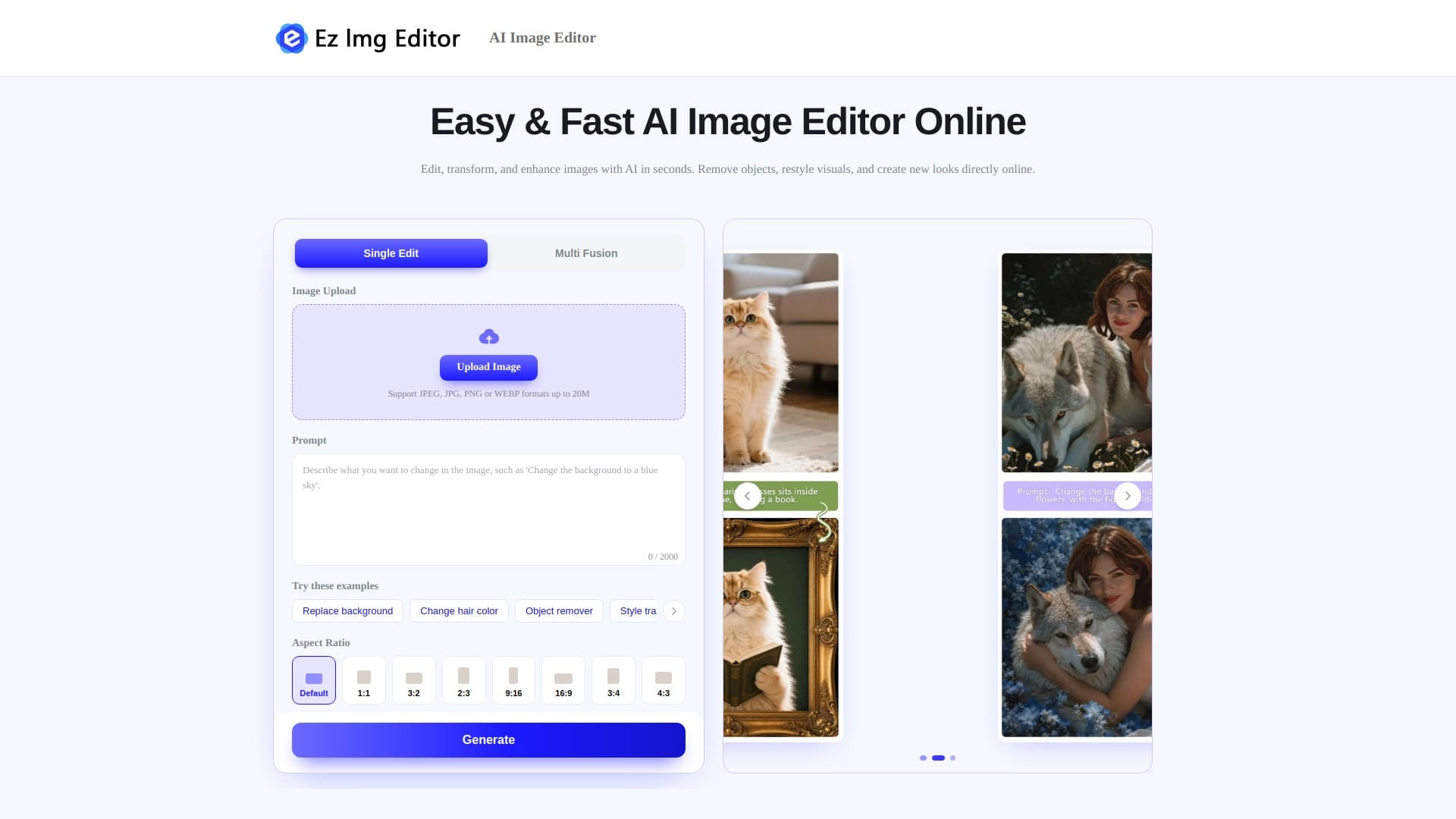

AI-powered online image editor for removing objects, replacing backgrounds, and enhancing photos.


Side AI panel that helps answer questions, work with documents, and generate images.


AI-based platform for creating logos and brand identity.


Desktop AI assistant for macOS, Windows, and Linux that launches via hotkey above all windows and combines multiple language models in one interface.