
Avoid AI Writing
A skill for AI agents that detects and eliminates typical patterns in texts written by neural networks.
Overview
Avoid AI Writing is a specialized skill designed for integration with AI agents such as Claude Code, OpenClaw, and Hermes. Its main task is to find and eliminate typical patterns that give away texts written by neural networks. Instead of offering vague style recommendations, the tool works with specific patterns, replacement words, and error categories, making it a practical assistant for anyone who wants their texts to sound more natural and "human."
Two Modes of Operation
The skill offers the user two modes. The first is full text rewriting with the removal of all AI markers. The second is a detection mode, in which the tool only flags problem areas without making any changes. This is convenient when you need to preserve the original text but understand which fragments require attention. In detection mode, results are sorted by priority, and an assessment is given of which patterns are truly worth fixing and which may be a deliberate authorial choice.
How the Skill Works
At the core of the tool is a database of 109 replacement words distributed across three levels of severity, and 36 pattern categories. These include inflated phrasing, introductory phrases like "Certainly!", constructions like "serves as" instead of "is," synonym loops, false significance, template transitions, redundant lists, and overly uniform paragraph structure. Each pattern is tied to specific "before" and "after" examples, which helps avoid subjective feelings and work with clear criteria.
When the rewriting mode is launched, the skill outputs four blocks: a list of found issues with quotes, a corrected version of the text, a brief description of the changes made, and a re-check for residual patterns. This second pass helps catch patterns that may have survived the first edit.
Avoid AI Writing Features
| Feature | Value |
|---|---|
| Tool Type | Skill for AI agents (agentskills) |
| Compatibility | Claude Code, OpenClaw, Hermes, and other agents compatible with agentskills.io |
| Key Modes | Text rewriting, detection of problem areas |
| Pattern Database | 36 categories with "before" and "after" examples |
| Replacement Words | 109 units distributed across three levels of severity |
| Output Results | List of issues, rewritten text, description of changes, re-check |
| Installation | Cloning the repository, downloading the SKILL.md file, installing via ClawHub |
| Distribution Model | Free |
| Launch Commands | Natural phrases in English and Russian |
Who Is Avoid AI Writing For?
Copywriters and Content Managers
The tool will be useful for those who work with large volumes of text daily. Automatic checking for AI patterns helps quickly find phrases that make text unnatural and replace them with more lively formulations. This is especially relevant if a client requires a "human" style without obvious traces of a neural network.
Developers and AI Agent Enthusiasts
Users who actively work with agents like Claude Code or OpenClaw get a convenient tool for post-processing generated text. The skill is easy to install and configure, and can be integrated as a slash command or installed via ClawHub in one line.
Editors and Educators
For those who check others' texts for the use of neural networks, detection mode helps quickly identify characteristic markers. Pattern prioritization and severity assessment simplify the analysis process and allow providing the author with constructive feedback.
How to Use Avoid AI Writing?
Installing the Skill
Installation is done in one of two ways. The first is cloning the repository into the agent's skills folder. The second is downloading the SKILL.md file and placing it in the appropriate location. In Claude Code, the skill can be set up as a slash command, and in OpenClaw, it is enough to install it via ClawHub in one line.
Launch and Commands
To get started, simply send the agent a natural command, for example: "remove AI patterns from this text," "check for signs of a neural network," or "make this less AI-like." If you only need to detect problem areas without editing, just add the word "detect," "flag only," or "scan" to your request.
Key Functions of Avoid AI Writing
Full Text Rewriting
In this mode, the skill analyzes the text, finds all typical AI patterns, and replaces them with more natural alternatives. The result is four blocks: a list of issues with quotes from the original text, a rewritten version, a description of changes, and a re-check for residual patterns.
Detection Mode and Prioritization
Detection mode does not edit the text but shows found patterns broken down by priority. The tool provides an assessment of which issues are truly critical and which may be a deliberate authorial choice. This helps separate clear errors from debatable spots.
Working with the Pattern and Example Database
The functionality is based on 109 replacement words and 36 pattern categories. Each category contains specific "before" and "after" examples, making the tool's work transparent and understandable. The user always sees which constructions were fixed and why.
Advantages of Avoid AI Writing
Specifics Instead of Abstractions
Instead of general recommendations like "write more simply" or "avoid clichés," the tool operates with precise patterns and replacement words. Every decision is backed by a concrete example, which eliminates subjectivity and makes the check reproducible.
Two-Pass Verification System
The presence of a re-check after rewriting allows identifying residual patterns that may have been missed in the first iteration. This improves the quality of the final result and reduces the likelihood that the text will still contain AI markers.
Flexible Usage Modes
The ability to work in two modes — rewriting and detection — makes the tool versatile. It can be used both for automatic text editing and for analytical work when only identifying problem areas is needed.
Drawbacks of Avoid AI Writing
The tool is designed for integration with AI agents, and its operation directly depends on the capabilities of the specific agent. This means that to use it, you need to install and configure the appropriate environment. It is also worth noting that the tool is oriented toward English-language patterns, and its applicability to Russian-language texts may be limited, since all examples and replacement words in the description are provided in English. Additionally, the results may require a final manual proofread, as automatic replacement does not always account for the semantic context of the entire text.
What Tasks Does Avoid AI Writing Solve?
De-Patterning Texts
The tool solves the main task — removing the typical signs by which readers or reviewers can determine that a text was generated by a neural network. This applies both to obvious markers like introductory phrases "Certainly!" and to more subtle constructions like "serves as" instead of the simple "is."
Quality Control of Generated Content
For AI agent users, the skill helps automate the post-processing of generated texts. Instead of manually cleaning up all typical errors, you can delegate this task to the skill and then quickly review the changes made.
Avoid AI Writing Pricing
The tool is distributed under the free model, meaning it is free of charge. No open data on paid plans or additional subscription features is provided. The user simply needs to download the skill and install it into a compatible AI agent.
Terms of Use for Avoid AI Writing
The skill requires an AI agent compatible with agentskills.io, which includes Claude Code, OpenClaw, Hermes, and similar systems. Installation is done using standard methods: cloning the repository into the agent's skills folder, downloading the SKILL.md file, or installing via ClawHub. The skill is launched with simple natural language commands, including detection mode with keywords like "detect," "flag only," or "scan."
Availability of Avoid AI Writing
The skill is available for free download and installation. It can be used with several popular AI agents, making it accessible to a wide range of users. No separate web interface or cloud version is mentioned in the description — the tool works locally within the agent.
How Avoid AI Writing Differs from Alternatives
Rejection of "Vague Feelings"
The key difference is that the tool does not rely on the subjective feeling of text "unnaturalness." It uses a strict database of 109 replacement words and 36 pattern categories, each containing specific examples. This approach allows for systematic and repeatable checking.
Two-Pass Result Verification
Another difference is the presence of a re-check in rewriting mode. The second pass catches patterns that may have survived the first edit, improving the quality of the final text and reducing the risk of missing problem areas.
Prioritized Detection Mode
Finally, detection mode with priority breakdown and assessment of pattern justification allows for more balanced decisions. Instead of a single list of errors, the user receives a ranked list where critical issues and acceptable stylistic features are highlighted.
Conclusion
Avoid AI Writing is a practical tool for AI agent users who want to improve the quality of generated texts and rid them of typical "neural network" signs. Thanks to its concrete pattern database, two operating modes, and result re-checking, it is suitable for both automatic editing and text analysis. Simple installation, a free distribution model, and compatibility with popular agents make it accessible to a wide range of users — from copywriters to developers.
Frequently asked questions
See also


Online service with artificial intelligence that automatically creates presentations on a given topic.


Side AI panel that helps answer questions, work with documents, and generate images.

AllChat is a universal platform that combines several popular language models in a single interface for communication, image generation, file analysis, and code execution.
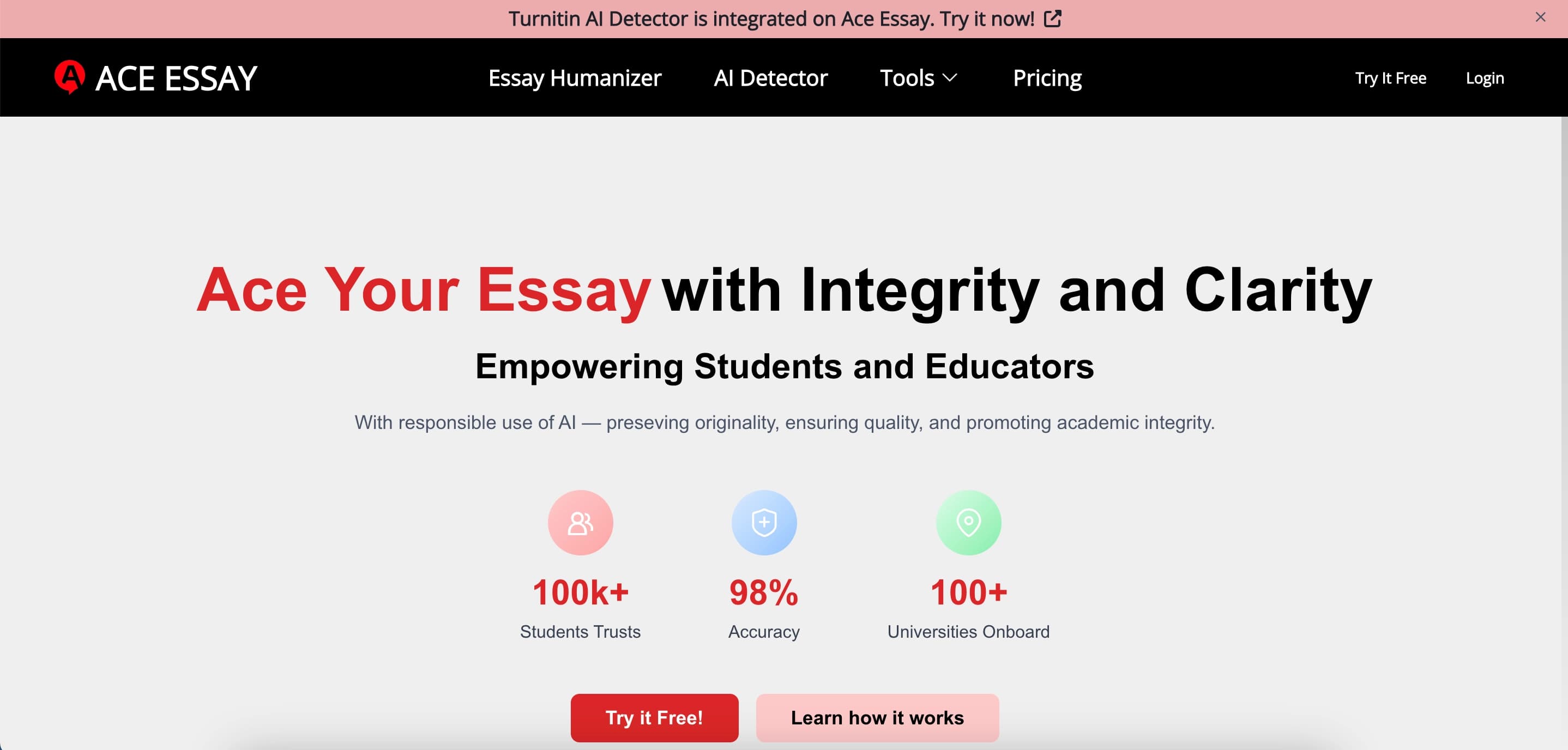

Online service for rewriting texts to make them look human-written and bypass AI detectors.


A multifunctional platform for creating and editing media content using artificial intelligence.


AI-powered online service for automatically creating presentations from text, PDF, audio, video, or URL links.
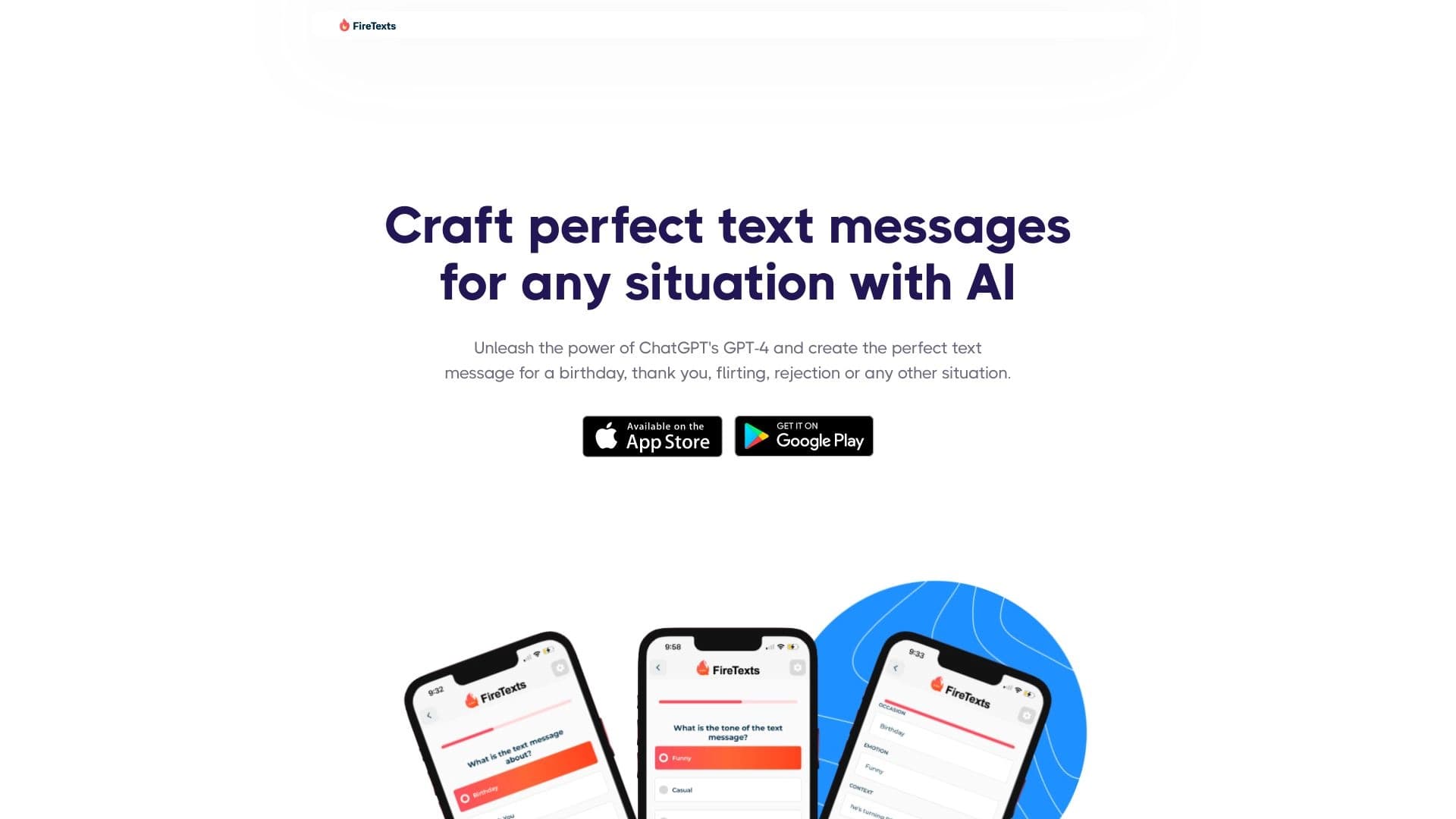

AI-powered mobile app that helps you find the right words for different life situations in your correspondence.

AI assistant that analyzes uploaded study documents, identifies questions, and provides detailed explanations.