

AI PPT Maker
AI-powered online service for automatically creating presentations from text, PDF, audio, video, or URL links.

Overview
AI PPT Maker Neural Network Description
AI PPT Maker is an online service that uses artificial intelligence to automatically create presentations. Instead of manually laying out slides and choosing a design, you can upload source material — whether it's plain text, a PDF document, an audio recording, a video file, or a URL link — and the neural network will independently turn it into a structured presentation.
The service works directly in the browser and supports multiple languages, making it accessible to an international audience. It's powered by language models, including DeepSeek and ChatGPT, which analyze content, break it down into logical blocks, and distribute it across slides. The finished presentation can be edited online, with options to change fonts, colors, and element placement, and then exported to PPTX format for further use in PowerPoint or Google Slides.
AI PPT Maker Features
| Feature | Value |
|---|---|
| Type | Presentation generator |
| Category | Presentation creation tools, text content generators |
| Platforms | Online service (web) |
| Developer | AIPPTMaker Inc. |
| Free plan | Yes (10 presentations per month) |
| Basic plan | Available as a paid subscription |
| Unlimited plan | Available as a paid subscription |
| Monthly visits | 388.9K |
| Supported formats | Text, PDF, Word, audio, video, URL |
| Export | PPTX |
Who Is AI PPT Maker Suitable For?
Students and Educators
AI PPT Maker solves the typical problem of preparing educational materials. For students, the service helps quickly turn essays, reports, and coursework into presentations. Educators can convert their teaching materials, lectures, and study guides into visual slides in minutes, saving time on routine work.
Marketers and Content Managers
For promotion specialists, it's important to respond quickly to market changes and prepare up-to-date materials. With AI PPT Maker, marketers can build presentations for promo campaigns, create infographics from statistical data, and turn articles or reports into presentations for internal meetings or client presentations.
Business Users
Executives, project managers, and analysts often need to prepare a report or proposal within tight deadlines. AI PPT Maker allows you to extract key information from large documents and present it in a structured format, which is especially useful when preparing pitch decks, business plans, and quarterly reports.
How to Use AI PPT Maker
Step 1: Upload Source Material
Start by specifying the topic of your presentation or uploading a file. The service accepts text documents, PDFs, Word files, audio and video, as well as URL links to web pages. The system will analyze the content and prepare a structure for the slides.
Step 2: Configure Settings
After uploading the material, choose a suitable template from the extensive library, which includes thousands of options for business, education, and other fields. Set the number of slides and the design style — from strict business to vibrant creative.
Step 3: Generate and Edit
Click the "Generate" button and wait for the presentation to be ready. After that, you'll be taken to the online editor, where you can review the text, adjust the layout of blocks, and change fonts and colors. Once everything is ready, download the file in PPTX format.
Key Features of AI PPT Maker
Generation from Any Source
The key feature of the service is its ability to work with different types of content. You can upload not only text but also an audio recording of a lecture, video material from YouTube, or a link to a website. The AI transforms the content into logically structured slides, highlighting main ideas and key data.
Template Library and Online Editor
Users have access to thousands of ready-made designs on various topics. After generating slides, you can edit them directly in the browser: change fonts, colors, move elements, and add images. This allows you to adapt a standard template to a corporate style or personal preferences.
Export and Additional Tools
All created presentations can be saved in PPTX format for later opening in PowerPoint. Paid plans offer additional capabilities: converting URLs, YouTube videos, and voice recordings into presentations, as well as removing watermarks from finished slides.
Advantages of AI PPT Maker
Speed of Creation
The main advantage of the service is instant presentation generation. Instead of several hours of manual work, you get a finished result in a couple of seconds. This is especially valuable when preparation time is limited and the presentation needs to be delivered soon.
Versatility of Source Materials
The ability to upload not only text files but also audio, video, and links significantly expands usage scenarios. You can convert a speech recording, an educational video, or an article from a website into a presentation without intermediate content processing steps.
Wide Selection of Designs
Thousands of templates allow you to choose a design for any task — from academic lectures to corporate reports. All designs are customizable: you can change colors, fonts, and slide structure to meet specific requirements.
Disadvantages of AI PPT Maker
Limited Design Customization
Slides often turn out "template-like" — generation relies on the layouts built into the system, and achieving a unique design is difficult. If you need a non-standard visual style, the service's capabilities may not be sufficient.
Errors When Processing Complex Files
When uploading complex formats — especially audio, video, or tables — inaccuracies may occur. The AI may incorrectly recognize speech or misinterpret data structure, which will require manual refinement of the slides.
Internet Dependency
The service works exclusively online, through a browser. A constant internet connection is required to use it, which limits work in places with unstable or no internet access.
What Tasks Does AI PPT Maker Solve
Preparing Presentations in Minutes
The main task of the service is quickly creating professional presentations from any materials. Instead of the lengthy process of structuring information, choosing a design, and laying out slides, you get a finished result almost instantly.
Saving Time in Education
Students and educators spend significant time preparing educational presentations. AI PPT Maker automates this process, allowing you to focus on content rather than design. This speeds up preparation for classes and improves the efficiency of the learning process.
Quick Assembly of Marketing Materials
Marketers often need to quickly prepare slides for promo campaigns, new product presentations, or internal briefs. The service allows you to assemble visually appealing materials based on existing texts and data, without diverting designers from more complex tasks.
AI PPT Maker Pricing
AI PPT Maker operates on a Freemium model. There are three pricing plans:
Free plan — includes 10 presentations per month, basic AI models, and export to PPTX format. Suitable for getting familiar with the service and completing one-off tasks.
Basic plan — available as a paid subscription. Includes 50 presentations, access to advanced AI models, watermark removal, and conversion of URL links, YouTube videos, and voice recordings into presentations.
Unlimited plan — available as a paid subscription. Provides unlimited presentations, access to the premium template library, branding capabilities, and the ability to upload custom templates.
Terms of Use for AI PPT Maker
The main limitation of the free plan is the cap of 10 presentations per month. Once the limit is reached, you must either wait until the next month or switch to a paid plan. Higher-tier plans have their own quotas on the number of presentations and available functionality.
The service does not require mandatory registration for basic features; however, creating an account may be required to save history and access extended capabilities. Paid subscriptions are billed monthly and can be canceled.
Availability of AI PPT Maker
AI PPT Maker is a fully web-based service that works through a browser. A computer or laptop with internet access is required to use it. No mobile apps are announced, but the service may be accessible through a mobile browser.
The service supports multiple languages, making it accessible to users from different countries. Pricing is set in local currency, reflecting its focus on specific regional markets, though the service may operate in other regions as well.
How AI PPT Maker Differs from Alternatives
Working with Non-Standard Formats
Most presentation generators work only with text input. AI PPT Maker stands out by its ability to process audio, video, and URL links, making it a universal tool for converting content from various sources.
Balance of Price and Functionality
The availability of a free plan with 10 presentations allows you to fully evaluate the service's capabilities before purchasing a subscription. The basic plan includes a sufficient set of features for regular use, including watermark removal and work with advanced AI models.
Ease of Use
Unlike some alternatives that require detailed configuration of structure and design, AI PPT Maker automates the process as much as possible. Simply upload a file and press one button — the service does the rest. This makes it accessible to users without design skills or experience working with presentations.
Conclusion
AI PPT Maker is a practical online tool for quickly creating presentations from a variety of source materials. The service will be useful for students, educators, marketers, and business users who need ready-made slides in minimal time. Its main strengths are generation speed, support for multiple formats, and an impressive template library. However, it's worth considering the limitations in design customization and potential errors when processing complex files. For tasks where speed and a decent standard level of design matter, AI PPT Maker is a worthy solution.
Pricing
Frequently asked questions
See also

Extension to browser , which helps create tweets and threads for X (Twitter) using artificial intelligence.


AI assistant for quickly creating and editing texts in various formats.
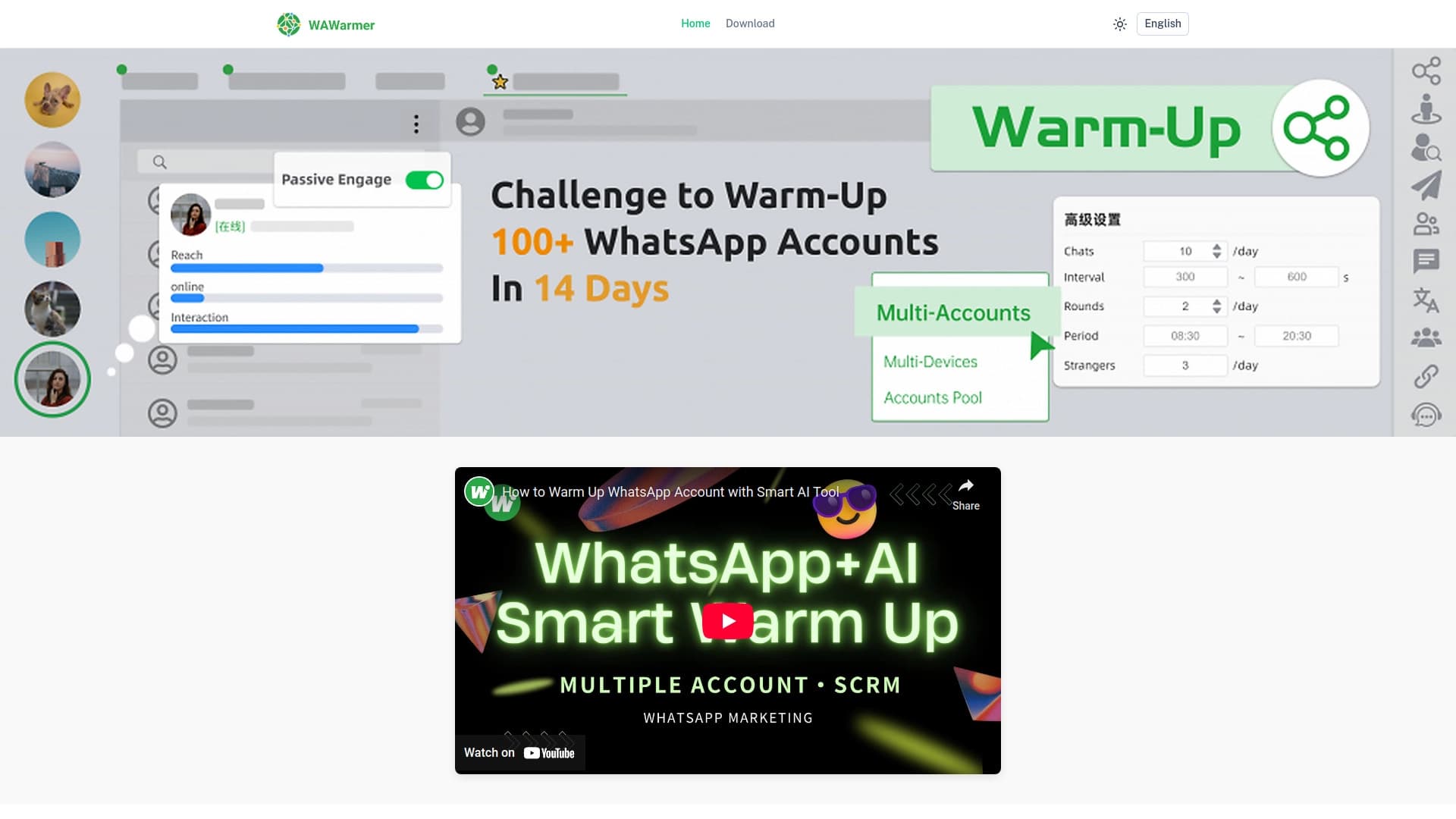
AI tool for Automating the heating of WhatsApp accounts and preventing lockdown.

Electronic platform Commerce with an AI assistant personalized shopping.

Platform for setup A virtual AI companion.


Service for audience analysis based on discussions on Reddit.
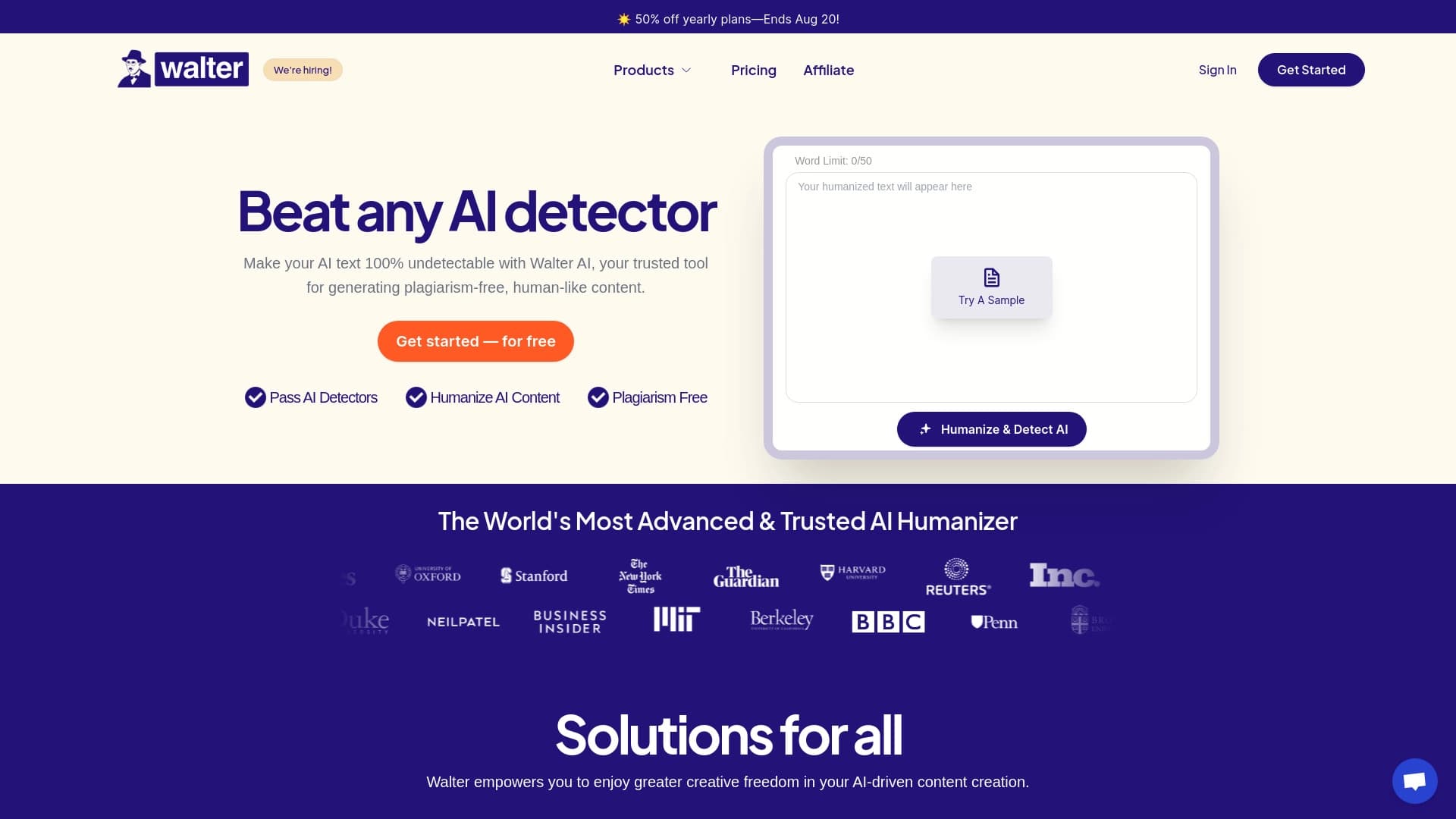

Service transformation texture , generated by AI, in more natural and human wording.


Platform for creating AI bots that automate customer communication and guide them through the sales funnel.