

ChatArt AI
কৃত্রিম বুদ্ধিমত্তা ব্যবহার করে মিডিয়ার বিষয়বস্তু সম্পাদনা এবং সম্পাদনা করার জন্য একটি বহুমুখী প্লাটফর্ম।.

সারসংক্ষেপ
চ্যাটআরট AI একটি বহুমুখী প্লাটফর্ম যা একটি একক ইন্টারফেসে বেশ কিছু মিডিয়া উপাদান উপাদানকে একত্রিত করে। ভিডিও প্রজন্ম, ছবি সম্পাদনা এবং টেক্সট লেখার মধ্যে পার্থক্যের পরিবর্তে ব্যবহারকারীরা একত্রিতভাবে কর্মক্ষেত্র পেতে পারেন। এই সেবাটির পিছনের চিন্তাটি শেষ করার ধারণাকে সংক্ষিপ্ত করার জন্য: আপনি টেক্সটের মধ্যে আপনার ধারণা বর্ণনা করেছেন, এবং নিউরাল নেটওয়ার্ক এটা নিয়ে আসে। দৃশ্যমান অথবা টেক্সট বিন্যাসের ক্ষেত্রে বিন্যাস।
এই টুলটি সৃজনশীল প্রক্রিয়া চালানোর একটি সমাধান। এর সাহায্যে আপনি বিভিন্ন লেখা থেকে ভিডিও তৈরি করতে পারবেন (যেমন, একটি ছবি পরিবর্তন করা হচ্ছে, একটি ছোট সিনেমা ক্লিপ থেকে নেওয়া), যার প্রয়োজন নেই এমন গ্রাফিক্স সম্পাদনা করতে পারেন দক্ষ পেশাদার সম্পাদক, এবং নির্মাণ সহকারী সহ টেক্সট তৈরি করা এবং সংশোধন করা।
বিষয়বস্তুর জন্য ঐক্যবদ্ধ বাস
কি-টি একটি ভিন্ন ধরনের কাজের সাথে যুক্ত। টেক্সট মডিউলে একটি স্ক্রিপ্ট লেখতে পারেন, তারপর এর উপর ভিত্তি করে ছবি তৈরি করতে পারেন আর শেষ পর্যন্ত প্লাটফর্ম ছেড়ে না দিয়ে সবকিছু ভিডিও করে দেয়া হবে। এর ফলে একভ কাজের জন্য এবং মাল্টিমিডিয়া প্রকল্পে নিয়মিত কাজ করার জন্য চ্যাটআরট AI একটি সুবিধাজনক টুল তৈরি করে।
সহযোগিতার উপর ফোকাস
এছাড়াও এই প্ল্যাটফর্মটি যৌথ সৃষ্টিশীলতার জন্য তৈরি করা হয়েছে। একটি একক সার্ভিসের মধ্যে চূড়ান্ত ফলাফলের খসড়া থেকে তৈরি করা প্রকল্প থেকে বিষয়বস্তু তৈরি প্রক্রিয়া পরিচালনা করতে এই কর্মক্ষেত্র সংস্থা দলকে সহযোগিতা করেছে।
আলাপনের নির্ধারণ
| পালেব্যাং | মান |
|---|---|
| ধরন | সমস্ত-ইন-ওয়ান AI প্ল্যাটফর্ম |
| শ্রেণীবিভাগ | ভিডিও প্রজন্ম, ছবির প্রজন্ম |
| প্ল্যাটফর্ম | ওয়েব (চ্যাটার্টপ্রো.com) |
| ইন্টারফেস | উল্লেখ করা হয়নি |
| ডিস্ট্রিবিউশন মডেল | উল্লেখ করা হয়নি |
কে চ্যাটআরট AI?
নির্মাতা ও লেখকবৃন্দ
যারা নিয়মিতভাবে বিষয়বস্তু উৎপাদন করে, তাদের জন্য এই সেবা করা হয় । ব্লগার, ভিডিওগ্রাফ, এবং ডিজাইনাররা হয়তো দ্রুত এই লেখাকে দৃশ্যমান উপাদানে পরিণত করতে পারে অথবা দীর্ঘ মাপের কোন তথ্য ছাড়াই ছবির সংস্করণ তৈরি করতে পারে।
বাজারকারী এবং দল
মার্কেটিং পেশাজীবিরা সামাজিক যোগাযোগ মাধ্যমে প্রচার মাধ্যম এবং কপি লেখার জন্য মঞ্চটি ব্যবহার করতে পারে। সহযোগিতামূলক বৈশিষ্ট্য এবং ঐক্যবদ্ধ কর্মক্ষেত্র, যা ছোট ছোট দলগুলোর জন্য একটি উপযুক্ত উপাদান তৈরি করে।
আলাপনের ডিরেক্টরি?
সার্ভিস ব্যবহার করে একটি নির্দিষ্ট ধাপ-বি গাইড সোর্স ওয়েবসাইটে সরবরাহ করা হয়নি। তবে, এই বৈশিষ্ট্যের উপর ভিত্তি করে সাধারণ কর্মোদ্যোগ একই ধরনের টুলস ব্যবহার করা হয়: ওয়েবসাইটে সাইন ইন করতে স্বাক্ষর করুন (ভিডিও, ছবি, টেক্সট মেসেজ), অথবা একটি টেক্সট ফাইল আপলোড করুন, এবং তারপর ফলাফল সম্পাদনা করুন। সঠিক ইন্টারফেস এবং কর্মক্ষম সুনির্দিষ্ট বিষয়ের জন্য, আপনার আড্ডাঘর.
আলাপনের বিভিন্ন বৈশিষ্ট্য
ভিডিও প্রজন্ম এবং সম্পাদনা
প্ল্যাটফর্মটি আপনাকে দুটি উপায়ে ভিডিও তৈরি করতে দেয়: একটি লেখা বর্ণনা থেকে (টেক্সট-ভিডিও থেকে) এবং একটি ছবি থেকে (ছবি-টু-ভিডিও)। এ ছাড়াও এটি বিদ্যমান ভিডিওগুলোকে আরো প্রসারিত করে, যা আরো দীর্ঘ সময় চিত্র তৈরি করার জন্য উপকারী হতে পারে।
ছবি সম্পাদনা
ব্যবহারকারীরা টেক্সট থেকে ছবি তৈরি করতে পারবেন। বিভিন্ন বৈশিষ্ট্যের মধ্যে রয়েছে ব্যাকগুলো প্রতিস্থাপন করা, একটা ছবিতে নতুন বস্তু যোগ করা এবং মূল ছবির গুণগত মান উন্নত করা । এর ফলে জটিল গ্রাফিক সম্পাদক ছাড়া মৌলিক কাজ পরিচালনা করা সম্ভব।
টেক্সটের জন্য প্রদর্শিত সহায়ক
নির্মাণ সহায়ক সহকারী বিভিন্ন ধারার লেখা তৈরি করতে সাহায্য করে, বিভিন্ন গল্প এবং প্রতিবেদন থেকে। এই সরঞ্জাম দ্বারা উপস্থিত লেখা এবং এর গঠন আরো পড়ুন হতে পারে।
কর্মক্ষেত্রের বিন্যাস বাতিল করুন
উপরে উল্লেখিত সব যন্ত্রগুলো বিচ্ছিন্ন হয়ে পড়া নয় বরং শেয়ার করা ইন্টারফেসের মধ্যে। এটা সহজ সহযোগিতা: একটি দল এমন প্রকল্প পরিচালনা করতে পারে যা টেক্সট, ভিজুয়াল এবং ভিডিও উপাদানকে ছড়িয়ে না দিয়ে একটি স্পেসের পরিবর্তে একটি স্থানে একত্রিত করতে পারে।
আলাপনের ইতিহাস
গতি ও গতি
এর প্রধান সুবিধা হচ্ছে ভিডিও, ছবি, সঙ্গীত এবং টেক্সট মেসেজ। বিভিন্ন প্রোগ্রাম থেকে লেখা সংগ্রহ করার পরিবর্তে, ব্যবহারকারীরা একত্রিত পরিবেশে কাজ করতে পারেন। উৎপাদন শেষ করার চিন্তা থেকে এই যাত্রা দ্রুত হয়।
এন্ট্রির ক্ষেত্রে কম বাধা
এই সেবা সৃজনশীল প্রক্রিয়াকে সাদাসিধে করার উপর মনোযোগ প্রদান করা হয়েছে। ব্যাকগ্রাউন্ড পরিবর্তন বা ছবি গুণগত মানের উন্নতির জন্য জটিল গ্রাফিক সম্পাদকদের ব্যবহার করার কোন প্রয়োজন নেই।
বহুমুখীতা
এই প্ল্যাটফর্মে ব্যক্তি-পুরুষ ও দল উভয়কেই মানায়। একটি স্থানে মাল্টিমিডিয়া প্রকল্পে যৌথ ভাবে কাজ করার ক্ষমতা এটাকে বিভিন্ন ধরনের ব্যবহারের একটি নমনীয় হাতিয়ার করে তোলে।
আলাপনের অভিজ্ঞতা
উৎসের মধ্যে দেয়া তথ্য ভিত্তিক, কোনো সুস্পষ্ট ফলাফলের উপস্থিতি সনাক্ত করা হয়নি সার্ভিস চালু করা হয়েছে. পরোক্ষ ভাবে কমপ্লিটিং পরিকল্পনা এবং বিতরণ মডেল সম্পর্কে স্বচ্ছ তথ্য না থাকা, একই সাথে এই ইন্টারফেসের ক্ষেত্রে পরিষ্কার ভাষা সমর্থন। কিছু ব্যবহারকারীদের জন্য একটি সম্ভাব্য সুপারিশ হলো ওয়েব সংস্করণের উপর নির্ভর করা-কোন ডেস্কটপ বা মোবাইল অ্যাপ্লিকেশনের উপর নির্ভরশীল নয়।
কি কাজ?
খামার দাগ থেকে ভিডিও তৈরি করা হচ্ছে
টেক্সট বর্ণনা এবং ছবি প্রদর্শনের মাধ্যমে সিনেমা ভিত্তিক ক্লিপগুলো প্রদর্শনের প্ল্যাটফর্মটি। ভিডিওর নমুনা তৈরীর জন্য দ্রুত বিষয়টি প্রয়োজনীয় হতে পারে।
দ্রুত গ্রাফিক সম্পাদনা
জটিল গ্রাফিক সম্পাদকদের পরিবর্তে ব্যবহারকারীরা ছবি সম্পাদন এবং তাদের গুণগত মান উন্নত করতে পারেন। পটভূমি অথবা বস্তু পরিবর্তন করা হলে, টেক্সটের বৈশিষ্ট্য সংরক্ষণ করতে ব্যবহৃত হয়।
লেখা এবং পুনরায় লেখা
এই পরিষেবাটির বিষয়বস্তু তৈরি ও পরিষ্কার করার প্রয়োজন রয়েছে: নিবন্ধ, স্ক্রিপ্ট, মার্কেটিং কপি। প্যারাসুট এবং কাঠামো উন্নয়ন একটি খসড়া সংরক্ষণকে সাহায্য করে।
প্রকাশনা
একটি দলের জন্য যৌথ স্থানে সৃজনশীল প্রক্রিয়া সংগঠিত করার লক্ষ্যে চ্যাটআরট AI লক্ষ্য। একটি প্ল্যাটফর্মের মধ্যে সহযোগিতা ও আদান প্রদান করার কাজে অংশগ্রহণকারীদের সহযোগিতামূলক উপাদান বিনিময়ের বিষয়টি সমাধান করা হয়েছে।
আলাপনের থিম
উৎস ওয়েবসাইট একটি বিভাগ উল্লেখ করেছে কি ভাবে গ্রাহকের জন্য টাকা প্রদান করতে হয়, কিন্তু বিশেষ পরিকল্পনা এবং ব্যবহারের খরচ প্রকাশ করা হয় না। দাম এবং সহজলভ্য গ্রাহক পরিকল্পনার উপর তথ্য অনুসন্ধানের জন্য, আপনাকে ডেভেলপারের নিজস্ব ওয়েবসাইটে প্রবেশ করতে হবে।
ব্যবহারযোগ্য আলাপনের শব্দের মাপ
সরবরাহকৃত উৎসের তথ্য সার্ভিসের ব্যবহারের (বিশেষ চুক্তি, বিষয়বস্তু, গোপনীয়তা নীতি) বিষয়ে কোন তথ্য নেই। প্ল্যাটফর্ম শুরু হওয়ার আগে সংশ্লিষ্ট বিভাগগুলো পরিদর্শনের সুপারিশ করা হচ্ছে।
আলাপনের ক্ষেত্র
কমের ওয়েব সাইট থেকে এই সেবাটি পাওয়া যাবে। আইওএস বা অ্যান্ড্রয়েড এর জন্য মোবাইল অ্যাপ সম্পর্কে কোন তথ্য জানা নেই। ব্রাউজার উপলব্ধকারী প্ল্যাটফর্মটি ব্যবহার করা হয়েছে।
[ পাদটীকা]
উৎসের তথ্য প্রতিযোগীদের কাছ থেকে সুনির্দিষ্ট পার্থক্য নির্ধারণ করে না। বর্ণনাটি বনাম সংঘাতের উপর জোর দেয়- ভিডিও প্রজন্ম, ছবি এবং টেক্সট মেসেজের ধারণাটি একটি ইন্টারফেসের কেন্দ্রে অবস্থিত। খুব কম দিকে মনোযোগ প্রদান করা সমাধান নয়, চ্যাটআর্থার চেষ্টা করেছেন একটি নির্দিষ্ট বাসগুলোর মধ্যে যা হয়ত এর প্রধান সুবিধা হতে পারে।
অন্তর্ভুক্ত
চ্যাটআর্আরট AI একটি বহুমুখী প্লাটফর্ম যা বিষয়বস্তুর কাজের জন্য একটি সমন্বিত সমাধান হিসেবে ব্যবহৃত হয়। ভিডিও প্রজন্ম, ছবি প্রসেসিং এবং টেক্সট তৈরি করার মাধ্যমে এই সেবাটি দ্রুত এগিয়ে যাওয়া এবং সৃজনশীল প্রক্রিয়াকে সহজ করা যায়। এই প্ল্যাটফর্মের মূল লক্ষ্য হচ্ছে নির্মাতা এবং দলকে এক ঐক্যবদ্ধ স্থান প্রদান করা, যেখানে তারা দ্রুত প্রচার মাধ্যমের পণ্য শেষ করার চিন্তা থেকে দ্রুত সরে যেতে পারে; তবে সরকারি ওয়েবসাইটে এই বিষয়ে বিস্তারিত তথ্য প্রদান করা প্রয়োজন।
সাধারণ প্রশ্নোত্তর
অতিরিক্ত দেখুন
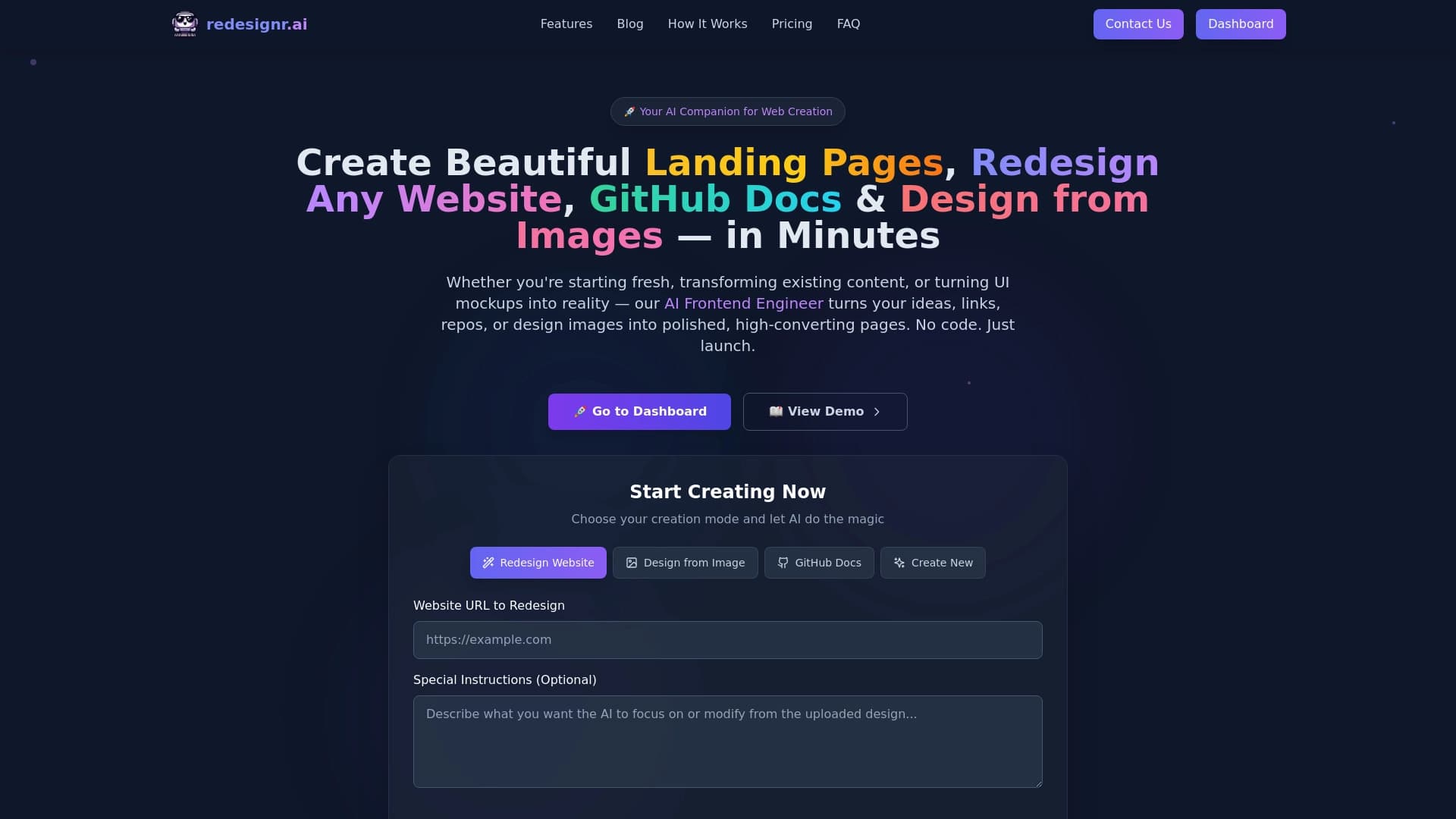

কোড না করে সাইট পরিদর্শনের জন্য AI টুল।.
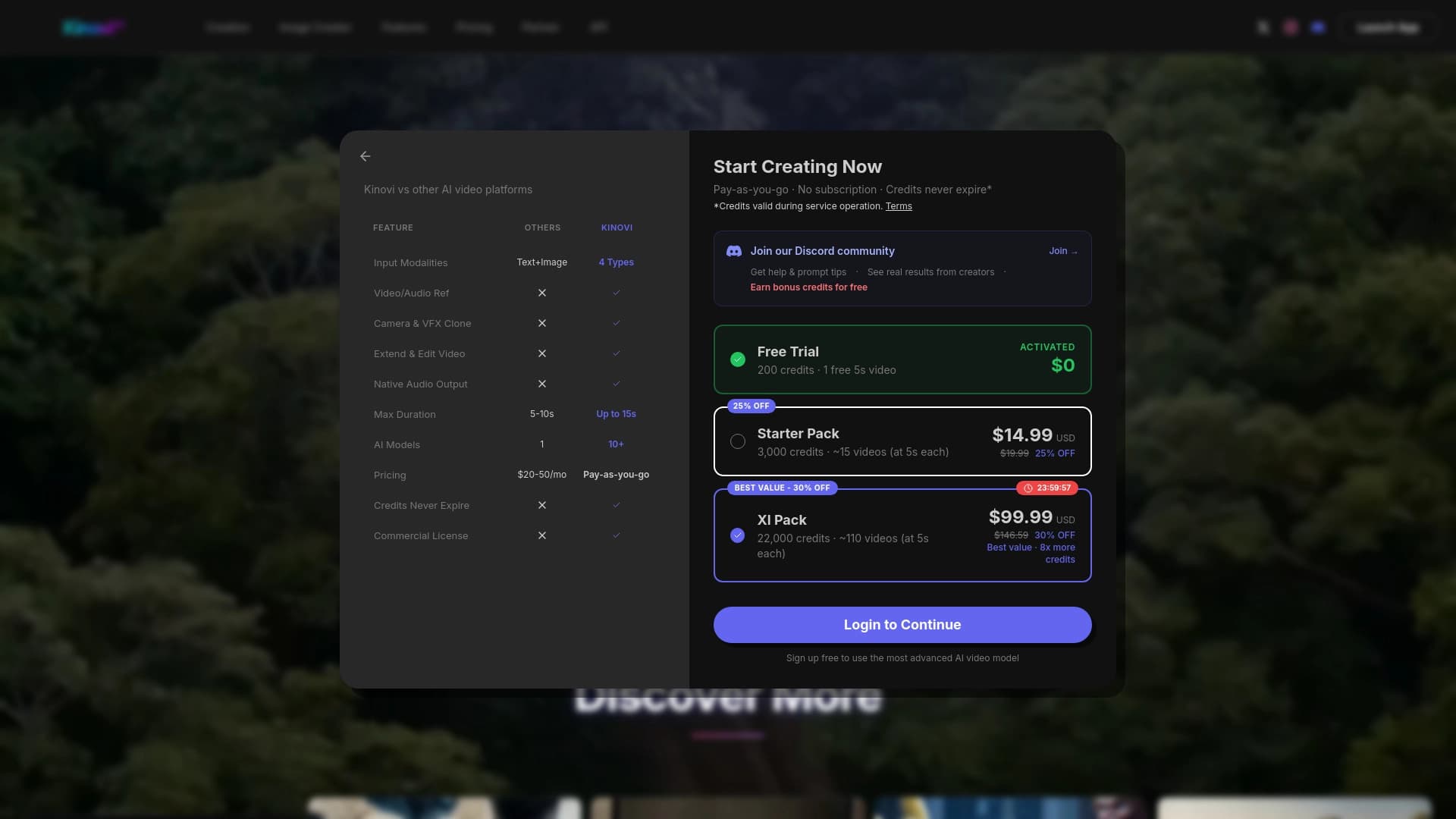
একটি প্রজন্মের প্লাটফর্ম ভিডিও ভিত্তিক AI ছবি, অডিও অথবা ভিডিও রেফারেন্স।.

Corome srome ittok এর বাগদান সম্পর্কে মন্তব্য ও মন্তব্যের জন্য।.
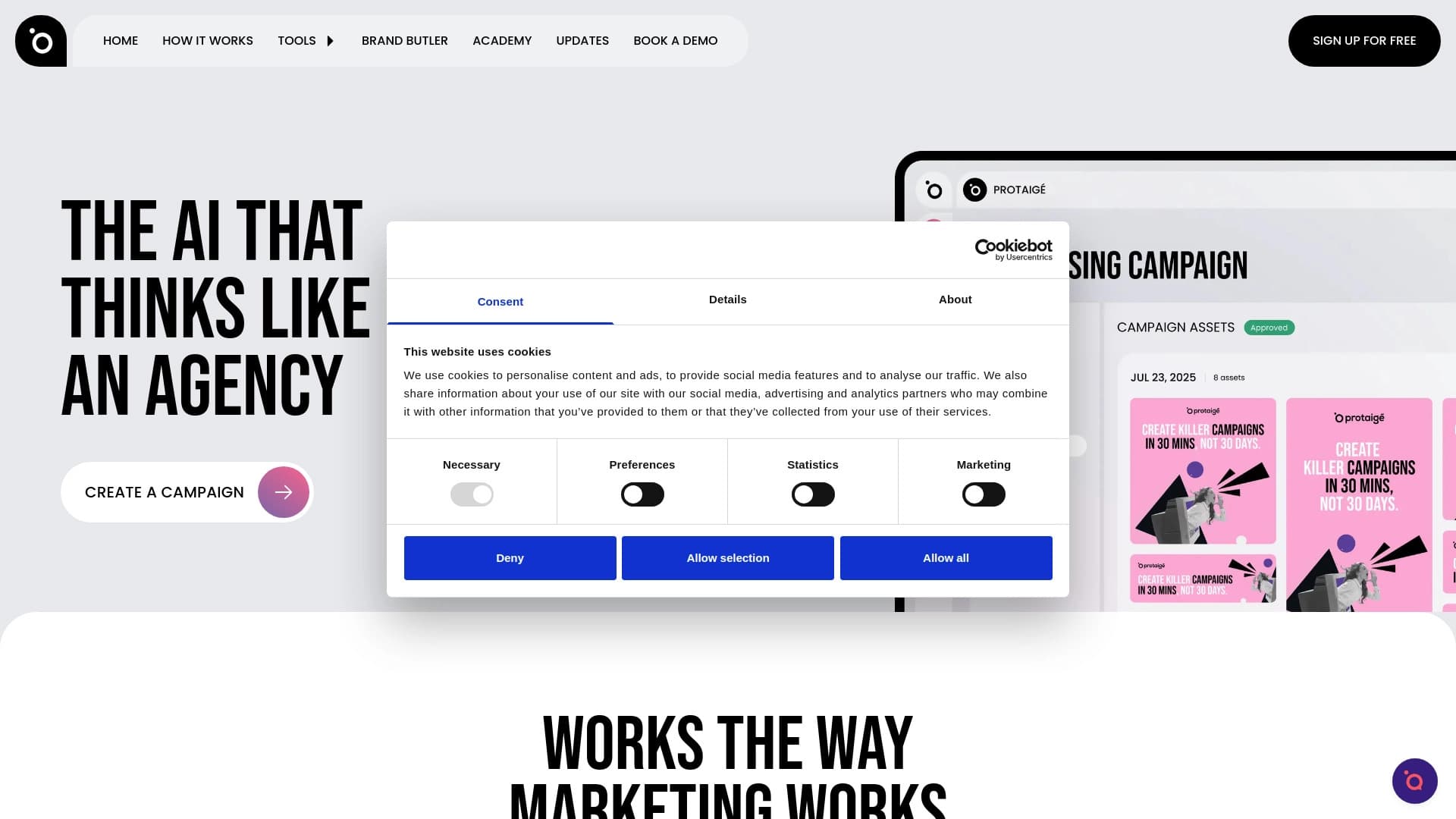
মাল্টি-agent মার্কেটিং স্বয়ংক্রিয়ভাবে তৈরি করা কৌশল থেকে বিজ্ঞাপনী প্রচারণা তৈরি করা হয়েছে।.
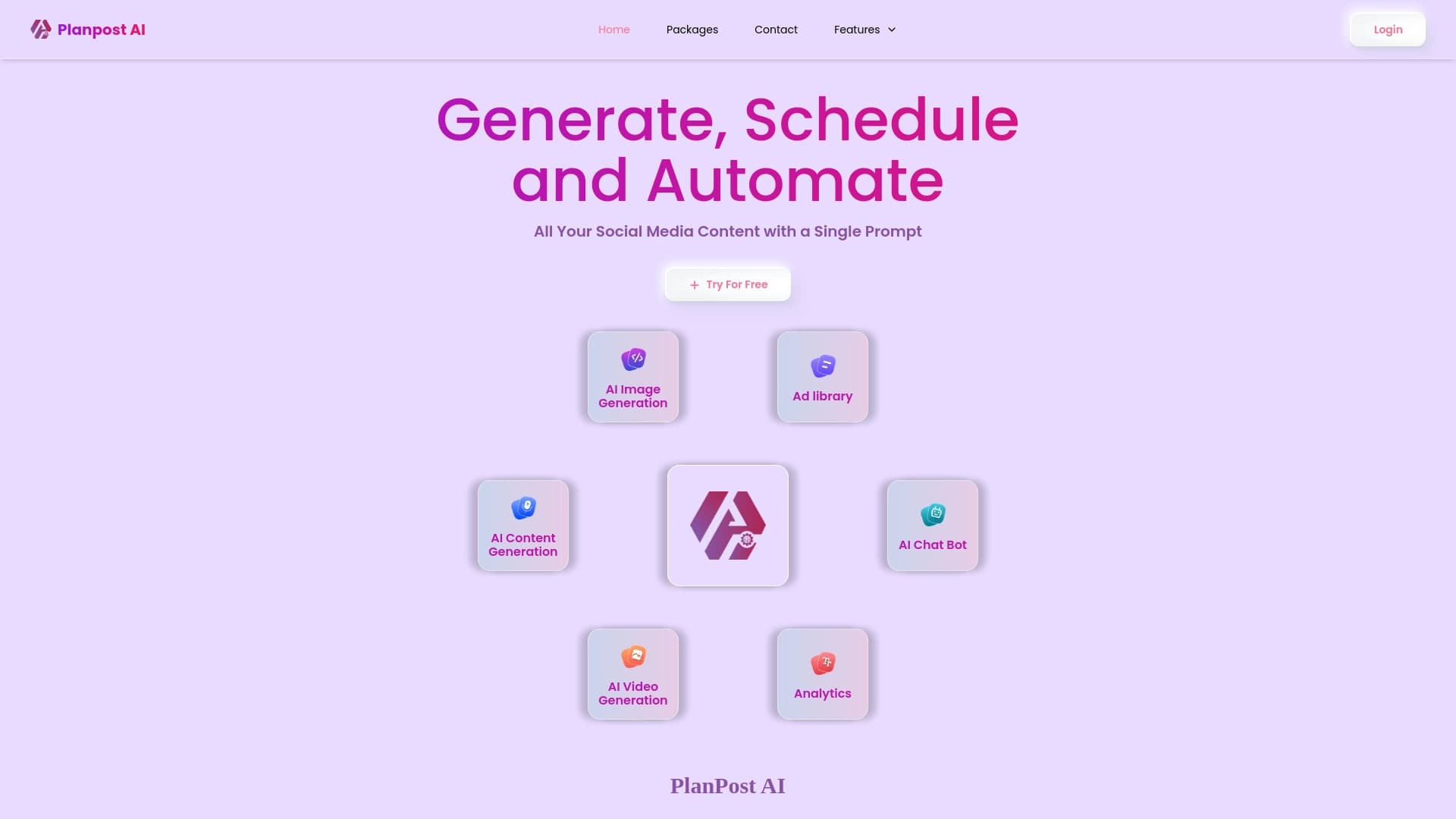
সোশ্যাল মিডিয়ার জন্য ওপেন সোর্সিং এবং সিডিউলিং প্লাটফর্ম।.
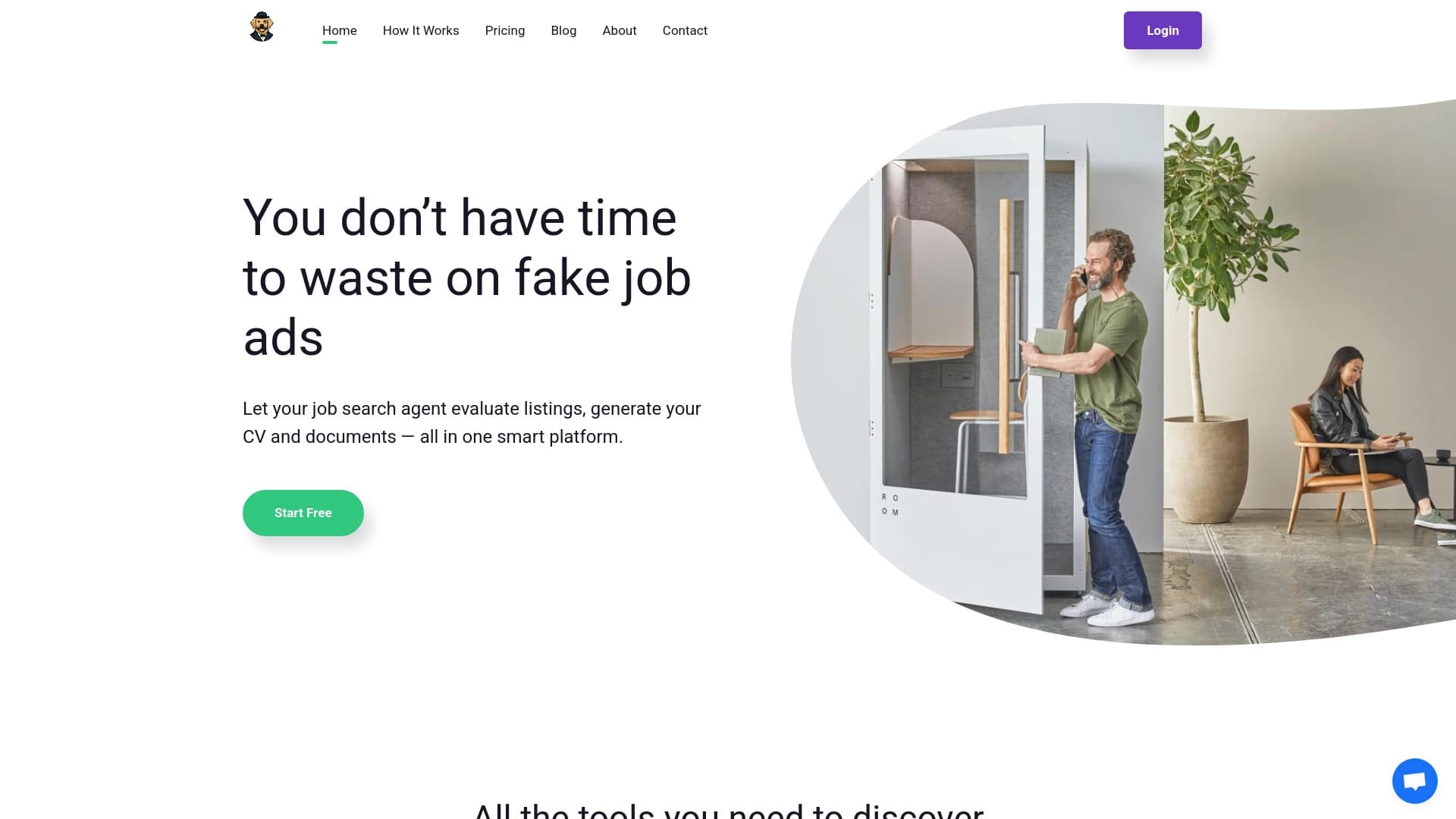
যে সকল চাকুরির জন্য প্রতারণা এবং খাপ খাইয়ে নেওয়া হয় তার জন্য AI সহকারী।.
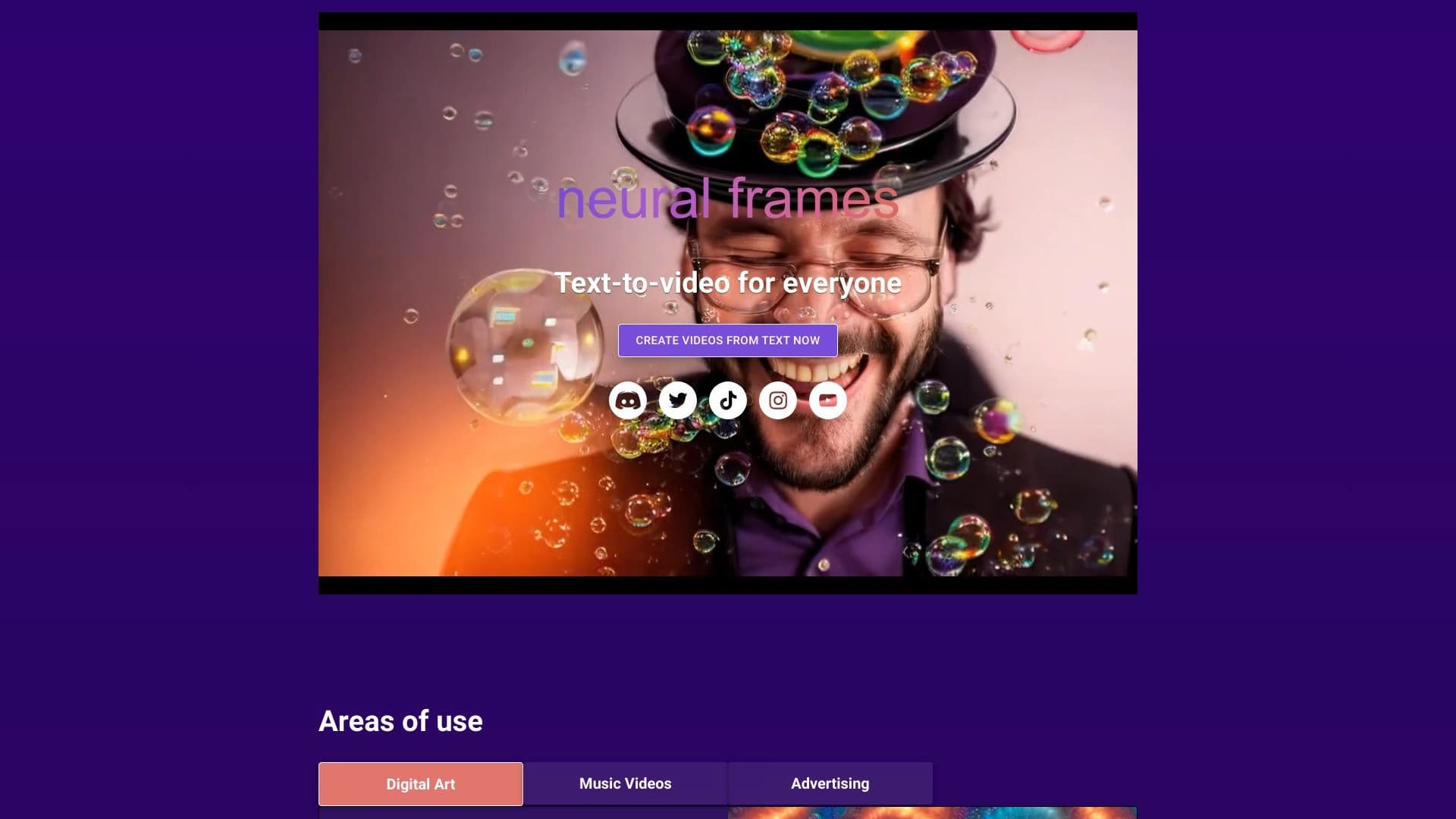
AI ভিডিও জেনারেটর যা সঙ্গীতের সাহায্যে প্রদর্শন করে।.
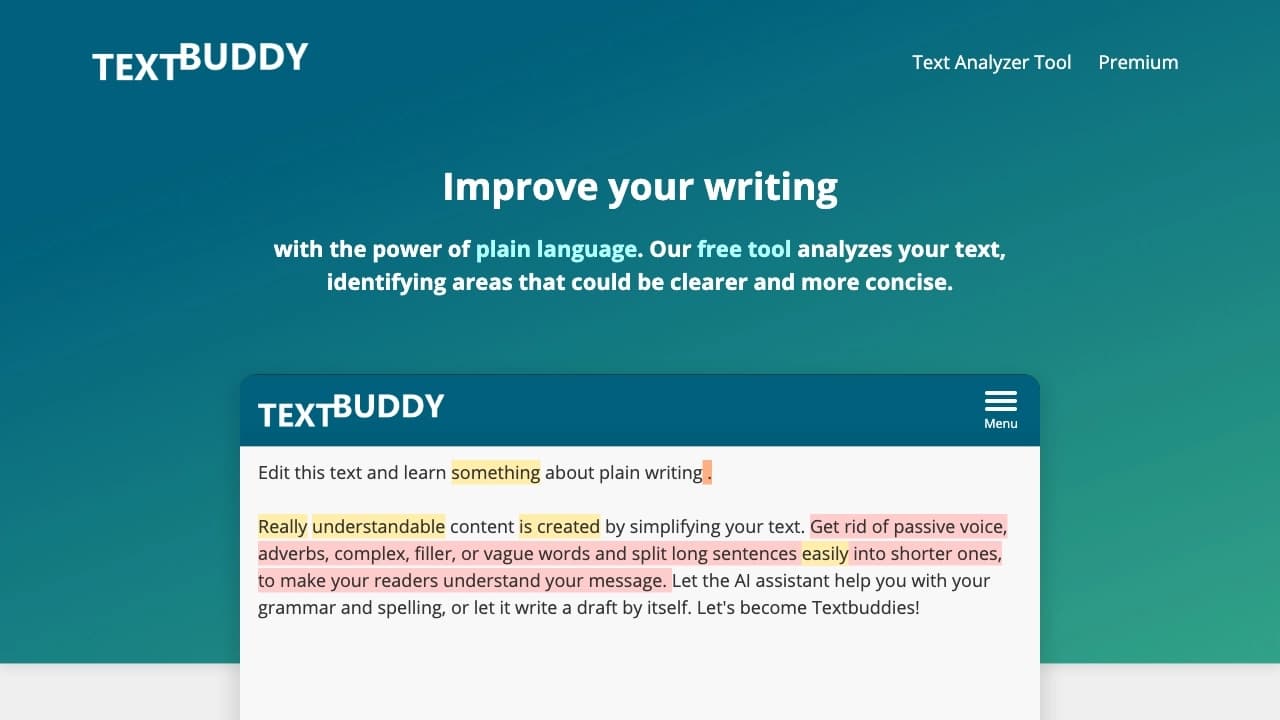

নির্বাচিত অনলাইন সম্পাদক সহজ করে, পুনঃলিখন, এবং এর উন্নতির জন্য, যা জটিল বাক্য, পুনরাবৃত্তি, নিষ্ক্রিয় কণ্ঠস্বর এবং ভুলের বিশ্লেষণ করে থাকে।.