
AIResponse
Chrome extension that generates personalized comment options for LinkedIn posts.
Overview
AIResponse Neural Network Description
AIResponse is a Chrome browser extension designed to automate the process of writing comments on the LinkedIn social network. The tool analyzes post content and generates several personalized response options that the user can choose from, edit, and publish. The main goal of the service is to reduce the time spent on professional communication and help users maintain network activity without having to formulate a response from scratch every time.
The extension works directly in the comment input field, making the process as simple and intuitive as possible. Installation requires no complex setup. Users only need to install the extension, log in to their LinkedIn account, and start using the tool. The service does not collect personal data beyond what is necessary for basic functionality.
AIResponse Features
| Feature | Value |
|---|---|
| Type | Browser extension |
| Category | Writing assistants, text content generators, automated response tools |
| Platforms | Chrome |
| Developer | AIResponse |
| Free plan | Yes |
| Monthly visits | 674.1K |
| Languages and regions | Not specified on the extension page |
Who Is AIResponse Suitable For?
Active LinkedIn Users
The tool will be useful for those who regularly browse their feed and want to respond quickly to posts from colleagues, partners, and thought leaders. Instead of spending time thinking through wording, users get ready-made options in seconds.
Networking-Focused Professionals
AIResponse suits those who actively seek new business contacts and strive to maintain a visible presence in the professional community. Fast response generation allows users to reply to more posts and not miss opportunities for building connections.
Busy Professionals
The extension will be a helper for people whose schedules leave no time for writing detailed comments but still require maintaining professional activity on social networks.
How to Use the AIResponse Neural Network?
Installation and Login Stage
To get started, install the extension from the Chrome Web Store and log in to your LinkedIn account. No additional settings are required.
Comment Generation Process
Open the desired post in your LinkedIn feed, click on the comment input field, and select your preferred response style — for example, formal, friendly, or neutral. Then click the "generate" button, and the extension will offer several text options.
Final Editing and Publishing
The generated comment can be edited before publishing: remove unnecessary parts, add your own thoughts, or change the wording. This allows you to adapt the text to a specific situation and make it more natural.
Key AIResponse Features
Automatic Comment Generation
The extension creates response options for LinkedIn posts by analyzing the publication's context and key topics. This helps quickly form meaningful replies to professional content.
Response Style Selection
Users can set the tone of the comment — from formal to friendly. This feature allows responses to be tailored to a specific author's communication style or audience expectations.
In-Field Operation
The extension integrates directly into the LinkedIn interface, so there is no need to switch to third-party services or open separate tabs for generation.
AIResponse Advantages
Adaptation to Post Context
Responses are generated based on the content of a specific post, which sets the tool apart from simple template placeholders. This helps avoid situations where the same comment is used under different publications.
Time Savings
AIResponse allows users to quickly process many posts in a row. This is especially important for those who maintain daily activity on LinkedIn. Generation speed eliminates the need to think through every formulation independently.
Ease of Use
The extension works immediately after installation and account login. The absence of complex settings and a clear interface make the tool accessible to users of any skill level.
AIResponse Disadvantages
Risk of Template-Like Responses
Despite context adaptation, generated comments can sometimes look too generic or template-like. This may be noticeable to conversation partners and create an impression of a formal approach to communication.
Potentially Unnatural Wording
In some cases, the text may sound "robotic" or overly formal. This requires additional manual editing and reduces the speed that the tool was designed to provide.
Impact on Writing Skills
With regular use of the extension, there is a risk of declining personal comment-writing skills. Gradual reliance on automated formulations can lead to template-like patterns in personal communication as well.
What Problems Does AIResponse Solve?
The tool solves three main problems. First, it quickly generates personalized comments for LinkedIn posts. Second, it saves time when communicating with colleagues and business contacts — responses appear almost instantly. Third, it enables fast creation of replies to maintain professional activity, which is especially important for professionals focused on growing their contact network.
AIResponse Pricing
AIResponse offers three pricing plans. The free plan provides access to basic features for a single user. The starter plan costs $5 per month and includes advanced features aimed at small businesses. The professional plan is priced at $12 per month and unlocks the full functionality, as well as providing priority support.
AIResponse Terms of Use
The service requires installing the extension in the Chrome browser and logging in to a LinkedIn account. The extension does not collect or transmit users' personal data, except for the information necessary for the tool to function correctly. No additional terms or restrictions are specified on the extension page.
AIResponse Availability
AIResponse is available exclusively as a Chrome browser extension. The tool is designed to work on the LinkedIn platform. No other availability information, including a list of countries or language versions, is published on the extension page.
How AIResponse Differs from Alternatives
The main difference between AIResponse and universal AI assistants such as ChatGPT or Jasper AI lies in the tool's narrow specialization. The extension is designed exclusively for LinkedIn and works directly in the comment input field. This simplifies the process and eliminates the need to copy text from third-party applications. Meanwhile, alternatives that are full-fledged content generators can create more creative texts but require more steps to transfer the result to the platform. AIResponse, in turn, wins in speed but may fall short of universal services in the complexity and uniqueness of formulations. It is also worth noting that AIResponse has a free plan that covers the user's basic needs.
Conclusion
AIResponse is a specialized Chrome extension that automates comment creation on LinkedIn. The tool saves time in professional communication, adapts responses to post content, and integrates directly into the social network's interface. However, users should consider the potential template-like nature of formulations and the risk of declining personal writing skills with regular use. The availability of multiple pricing tiers makes the service accessible to users with different needs.
Pricing
Frequently asked questions
See also


AI service for automatically selecting music to match the mood of videos, images, or text, with legal licenses.


Side AI panel that helps answer questions, work with documents, and generate images.


AI-based platform for creating logos and brand identity.
Online platform for creating interactive AI twins based on the user's biography, personality, and personal experience.


AI-powered online service for automatically creating presentations from text, PDF, audio, video, or URL links.

Service for generating videos from text descriptions and images using modern neural networks.
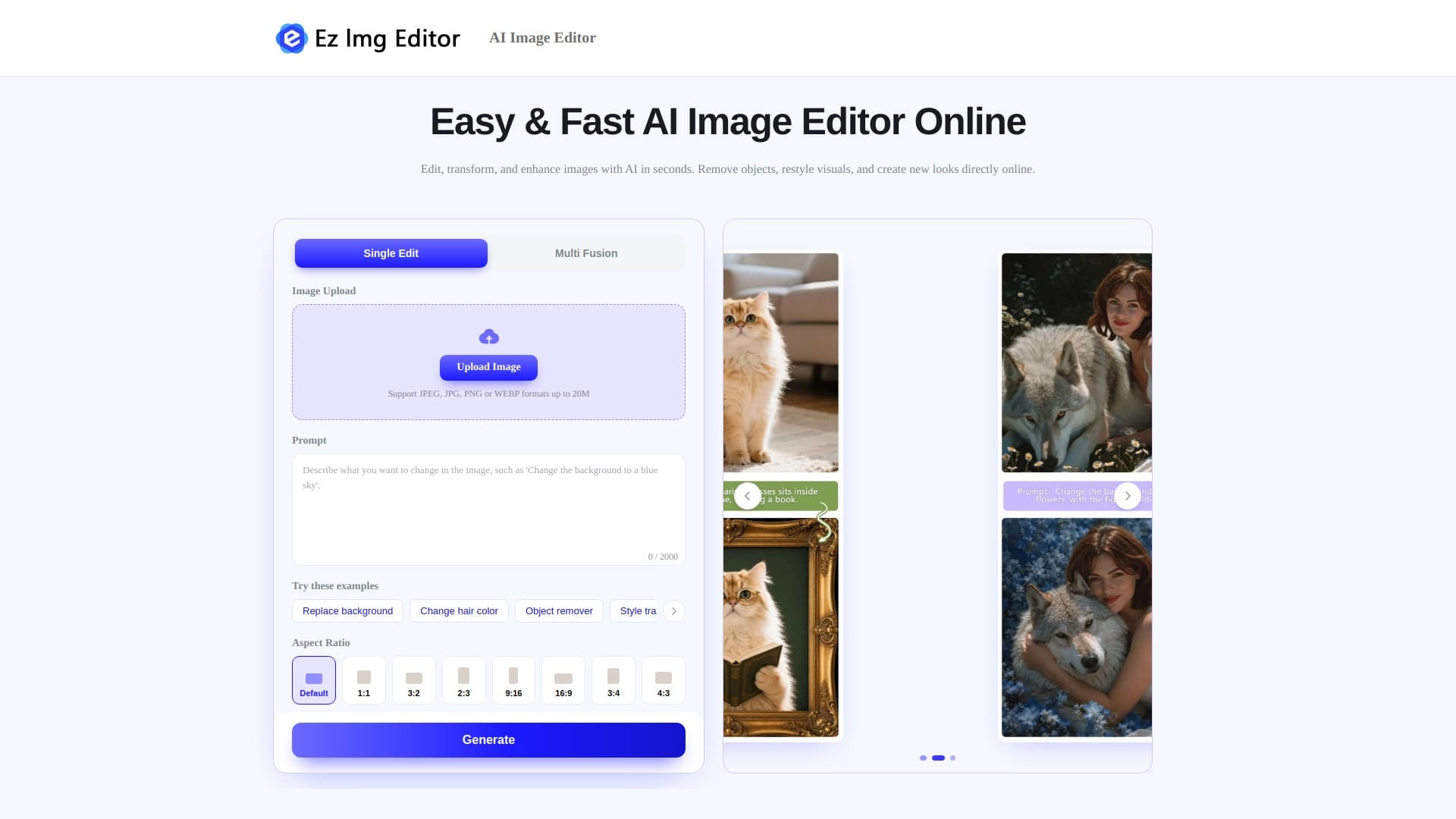

AI-powered online image editor for removing objects, replacing backgrounds, and enhancing photos.


A platform for chatting with virtual AI characters with image generation during the conversation.