
AI Snap&Sort
Mobile app that identifies waste types from a photo and suggests the right recycling bin.

Overview
AI Snap&Sort is a mobile app that uses a neural network to recognize waste types from a photo. Just point your camera at the trash and take a picture, and the system will determine which category it belongs to: recyclable, compostable, or general waste. The main goal of the service is to simplify everyday waste sorting and make it accessible to everyone, regardless of experience level.
The app is designed around the simplest possible scenario: no complex settings, registrations, or manual parameter selection. The user opens the camera, photographs an object, and gets an instant recommendation on which bin to throw it in. The whole process takes a few seconds, and the interface is minimalist so as not to distract from the main task.
The developer is AI Snap&Sort Labs. The solution is distributed free of charge, but paid plans are available for extended functionality. The service's audience already amounts to about 388.9 thousand monthly visits, which speaks to the demand for this kind of approach to waste disposal.
AI Snap&Sort Features
| Feature | Value |
|---|---|
| Type | Mobile app |
| Category | Image recognition tools, image scanning tools |
| Developer | AI Snap&Sort Labs |
| Price | Free (paid plans available: Standard and Premium) |
| Monthly visits | 388.9K |
| Publication date | September 10, 2025 |
| Platform | iOS (App Store) |
Who is AI Snap&Sort for?
For those who have never sorted waste
AI Snap&Sort is designed for people who want to start separate waste collection but don't know how to do it properly. The app requires no special knowledge of ecology, plastic labeling, or recycling rules. Just take a photo — the neural network will determine the category on its own and suggest the right decision.
For families and busy people
A fast pace of life often leaves no time for studying disposal instructions. The app reduces the process to a single action — taking a photo. This is convenient for those who value their time and want to minimize effort in sorting while maintaining environmental responsibility.
For aspiring eco-activists
Even those already familiar with recycling principles sometimes encounter ambiguous cases. AI Snap&Sort acts as a digital assistant that checks questionable options and reduces the likelihood of mistakes when choosing a bin.
How to use AI Snap&Sort?
Step 1: Install the app
To get started, download AI Snap&Sort from the App Store on an iOS device. Installation is standard and requires no additional steps. The free version doesn't require a subscription — you can start using it right away.
Step 2: Take a photo
Open the camera right in the app and photograph the item you need to dispose of. It's important that the object is in focus and well-lit: this directly affects the accuracy of the neural network's recognition.
Step 3: Get a recommendation
After processing the photo, the AI displays the result — which bin the waste corresponds to: recycling, organic, or general waste. The recommendation appears almost instantly, after which you just follow the prompt and throw the trash away correctly.
Key features of AI Snap&Sort
Waste type recognition from a photo
The app's main function is analyzing a photo of trash and determining its type. The neural network is trained to distinguish plastic, food waste, paper, and household waste, covering the main categories of everyday garbage.
Instant disposal guidance
After recognition, the system immediately tells you where to throw the item: in a recycling bin, compost, or regular trash container. This saves the user from having to figure out the nuances of sorting on their own.
Simple interface without unnecessary actions
The interface is reduced to a basic scenario: minimal tabs and no complex settings. The developers bet on intuitiveness so that people of any age and level of digital literacy can use the app.
AI Snap&Sort advantages
Fewer sorting mistakes
The AI independently determines the right bin, reducing the risk of incorrect disposal. The user doesn't need to memorize recycling rules or study labeling — the neural network does it for them.
Time savings
Sorting takes seconds: just one photo is enough. This is significantly faster than looking up information about the proper disposal of each specific item, especially when it comes to everyday waste.
Accessible to everyone
The app requires no special knowledge or experience. The simple interface and process automation make it suitable for any audience, including those who have never done separate waste collection.
AI Snap&Sort drawbacks
Recognition errors on complex objects
The neural network sometimes makes mistakes when processing images of dirty or unusual trash. Rare items that seldom appear in the training data may not be recognized at all.
Dependence on photo quality
Accuracy directly depends on photo quality. Blurry images or poor lighting reduce the correctness of identification. Additionally, on older phone models, the app may experience glitches due to hardware limitations.
No flexible customization
Users cannot add their own sorting rules or adapt categories to local waste disposal requirements in their region. This limits the app's use in areas with specific waste regulations.
What tasks does AI Snap&Sort solve?
Determining the right bin for waste
The app's main task is to tell the user which bin to throw an item into: recycling, compost, or general waste. This removes the main problem for beginners who often don't know where to put certain types of trash.
Simplifying and speeding up waste sorting
The app turns sorting into the fastest possible action. Instead of thinking and searching for information, the user gets a ready answer in a second, which reduces time spent on daily disposal and makes sorting accessible in any conditions.
AI Snap&Sort pricing
Free plan
The app's basic functionality is available at no cost. Users can recognize waste and get disposal recommendations for free, with no limits or hidden charges. No subscription is required to use the core features.
Standard plan
The Standard subscription includes expanded sorting capabilities and access to the history of previous requests. This is convenient for those who use the app regularly and want to track their actions.
Premium plan
The top-tier plan adds priority user support and additional interface settings. The Premium subscription is designed for active users who value fast response times and extended personalization options.
AI Snap&Sort terms of use
To get started, download the app from the App Store on an iOS device. The free version doesn't require a subscription or payment details — all core features are available immediately after installation.
The app works as a mobile service and doesn't require creating an account or providing additional user information. Just install the app and take your first photo to get a recommendation.
AI Snap&Sort availability
AI Snap&Sort is available exclusively as a mobile app for iOS devices. You can download it from the App Store by following the direct link to the app's page. The service is designed for everyday household use and doesn't offer a web version or desktop client.
How AI Snap&Sort differs from alternatives
AI Snap&Sort occupies the niche of narrowly specialized tools for recognizing and sorting waste from photos. Unlike universal image generators (Leonardo.ai, Midjourney, Kandinsky, Flux.1, Nano Banana, Yandex Art), the app solves a specific practical task — determining the waste category and suggesting a disposal method.
While alternatives focus on creating or editing visual content, AI Snap&Sort is aimed at practical help in everyday life. This specialization is what sets it apart: instead of a broad set of creative features, the user gets a simple, purpose-built service for solving one specific problem.
Conclusion
AI Snap&Sort is a simple and accessible mobile app for quick waste sorting from a photo. Thanks to the neural network, it identifies the waste type and suggests the right bin, making separate collection available to everyone. The free basic functionality covers core needs, while paid plans add history, extended settings, and priority support. Despite certain drawbacks such as dependence on photo quality and occasional recognition errors, the app is a convenient tool for everyday eco-friendly practices.
Frequently asked questions
See also

AI keyboard for Apple devices that speeds up typing with corrections, translation, and response generation.


Online editor for removing unwanted objects, text, and defects from photos using a neural network.


A multifunctional AI assistant for generating texts, images, and audio.


An online service that recognizes text on manga and manhwa pages, translates it into different languages, and embeds it back into the image without damaging the original artwork.

Service for creating personalized avatars and photo shoots using AI based on uploaded selfies.

A multimedia AI toolkit for editing and enhancing photos, videos, and PDF documents.

Cloud platform for creating videos using AI avatars, synthesized speech, and automatic translation of clips into dozens of languages.
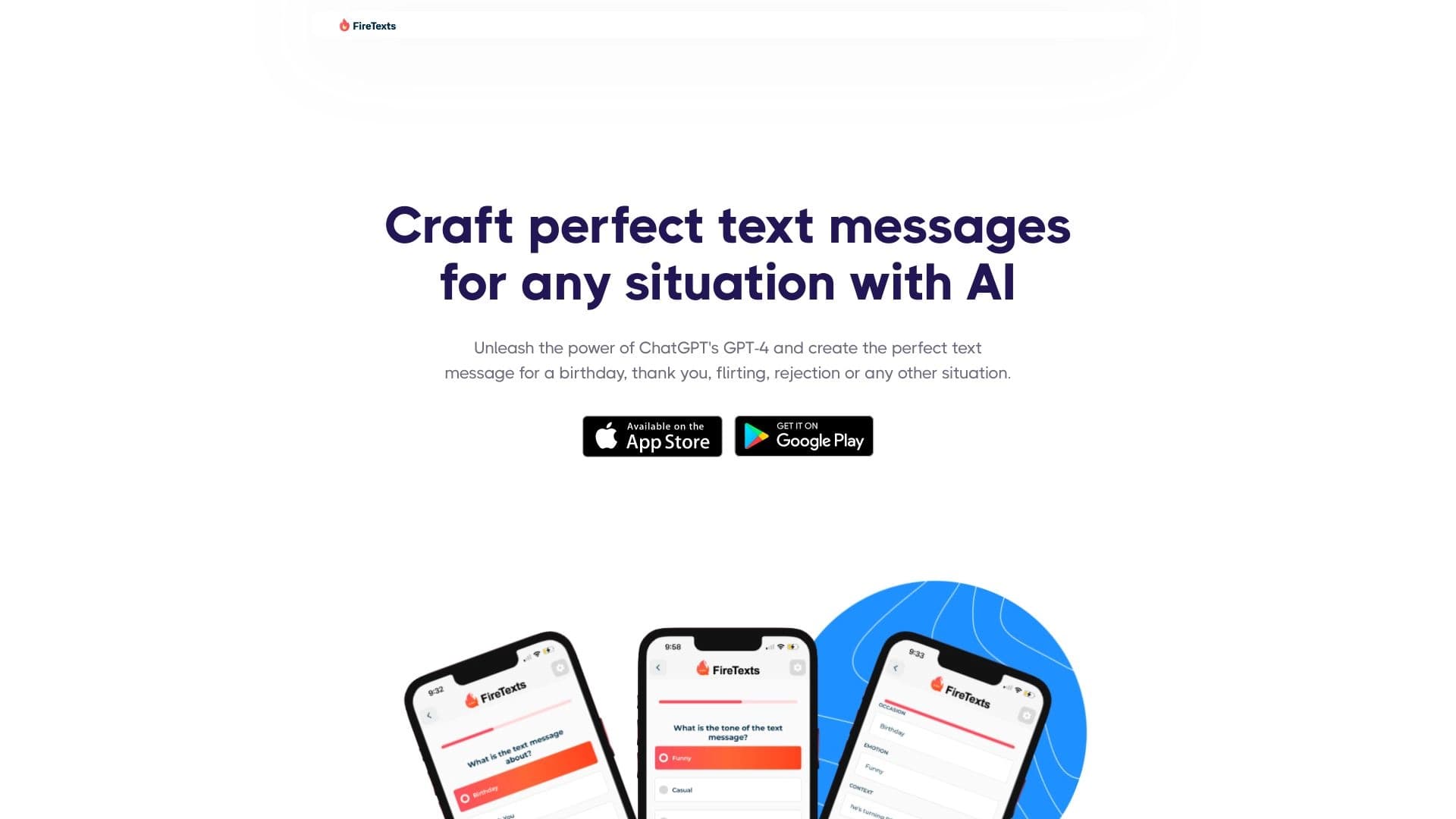

AI-powered mobile app that helps you find the right words for different life situations in your correspondence.