
AI Quiz Generator - Chrome Extension
Chrome extension that automatically creates tests based on the content of any open web page.
Overview
AI Quiz Generator - Chrome Extension Description
AI Quiz Generator is a Google Chrome browser extension that automatically creates quizzes based on the content of any open web page. The tool analyzes the text of the current page and generates questions to test comprehension of the material. To use it, simply open the extension's side panel and start generation — the artificial intelligence will study the page's structure and content on its own, then offer a set of questions on the topic.
The extension is developed by Toolify. The service is positioned in English, making it convenient for educators, students, and anyone practicing self-directed learning. It's suitable for quickly reinforcing knowledge when reading articles, study materials, or technical documentation — no need to search for ready-made quizzes online or create them manually.
AI Quiz Generator - Chrome Extension Features
| Feature | Value |
|---|---|
| Type | Browser extension |
| Category | Quiz creation tools |
| Platform | Chrome |
| Developer | Toolify |
| Free tier | Yes (Basic) |
| Monthly visits | 357.3K |
| Paid tier pricing | $6/mo (Standard), $12/mo (Premium) |
Who is AI Quiz Generator - Chrome Extension suitable for?
Teachers and tutors
The extension allows educators to quickly prepare assessment materials for lessons. Instead of manually creating questions for each topic, simply open the relevant article or study text in the browser and start generation — the quiz is ready in seconds. This is especially useful when preparing lessons across different subjects that require covering a large volume of material.
Students and schoolchildren
For learners, the tool becomes an assistant for self-assessment. After reading a textbook chapter, scientific article, or notes, you can immediately check how well the material has been absorbed. This approach helps identify knowledge gaps without needing to search for ready-made quizzes or ask a teacher for help.
Self-learners
Anyone who enjoys learning independently can use the extension to reinforce new knowledge. Whether you're reading technical documentation, a news article, or a blog on a topic of interest — the tool turns passive reading into an interactive process with comprehension checks.
How to use AI Quiz Generator - Chrome Extension?
Step-by-step guide
Using the extension requires no special skills or lengthy setup. Just follow a few simple steps: install the extension from the Chrome Web Store, open the web page with the material you want to study, launch the extension's side panel, and click the question generation button. The AI instantly analyzes the page content and generates a quiz.
No configuration needed
The tool works immediately after installation — users don't need to specify generation parameters, choose question types, or adjust settings. Everything happens automatically: the neural network identifies the text's key topics and creates questions based on them.
Core features of AI Quiz Generator - Chrome Extension
Automatic quiz generation
The extension's main function is creating quiz questions based on the text of any open web page. The AI scans the material's structure and content, identifies key concepts, and formulates comprehension questions about them.
Works in the browser side panel
All actions happen right in Chrome's side panel — no need to visit third-party sites or open extra tabs for generation. This keeps the process fast and unobtrusive: you read an article and test yourself immediately without leaving the main content.
Supports any website
The extension works on virtually any web page, regardless of topic or content type. Whether it's a news article, scientific publication, blog, or documentation section — the tool analyzes text and forms questions equally effectively.
Advantages of AI Quiz Generator - Chrome Extension
Time savings
Quizzes are created almost instantly — this is the main advantage for teachers and students. Instead of lengthy manual question preparation that can take hours, users get a ready-made quiz in seconds. This is especially valuable for regular knowledge checks or lesson preparation across various topics.
Versatility
The extension works on any website, making it suitable for a wide range of subjects and disciplines. No need to search for specialized resources with ready-made quizzes or adapt material to a specific service — just open the page and start generation.
Increased engagement
Questions are based on material just read, which enhances the learning effect. This approach boosts user engagement: instead of passive reading, people actively test and reinforce what they've learned.
No complex setup
The extension requires no additional settings or configurations. Install, open a page, start generation — get results. This makes the tool accessible even to users without technical expertise.
Drawbacks of AI Quiz Generator - Chrome Extension
Repetitive question formats
Question types are often limited to one or two formats. After several uses, quizzes start to repeat in structure, which can reduce assessment effectiveness with regular use.
Dependence on source text quality
The neural network's output directly depends on the quality of the page's content. If a site contains typos, poorly structured, or low-quality text, the questions may turn out odd or illogical.
Possible errors in tasks
Generated questions aren't always perfect: sometimes they don't match the topic, are overly simple, or contain unclear wording. Manual review of tasks is recommended before using quizzes for educational purposes.
What problems does AI Quiz Generator - Chrome Extension solve?
Quick comprehension checks
The extension lets you instantly verify how well the read text has been understood. This is convenient both for self-assessment and for evaluating how site readers grasp the material.
Assessing learning content retention
Teachers can use the tool for intermediate knowledge checks after students study a specific topic. Generated quizzes help identify weak spots in material comprehension without spending time creating assignments.
Independent knowledge reinforcement
Users can reinforce knowledge without searching for ready-made quizzes online. Just read an article and immediately take a quiz on it — this helps better retain information and verify understanding.
AI Quiz Generator - Chrome Extension Pricing
Basic plan
The free plan provides access to the extension's core features. Suitable for trying out the tool and occasional use.
Standard plan
The paid plan at $6 per month unlocks expanded quiz generation capabilities. Suitable for users who regularly use the tool for work or study.
Premium plan
The top-tier plan at $12 per month offers unlimited access to all features and priority support. Designed for teachers and professionals who use the extension daily.
Terms of use for AI Quiz Generator - Chrome Extension
To get started, you need to install the extension in Google Chrome via the Chrome Web Store. Basic functionality is available for free; however, using paid plans likely requires registration — this isn't explicitly stated on the service page but is implied by the logic of the pricing plans. The extension requires no complex setup and is ready to use immediately after installation.
Availability of AI Quiz Generator - Chrome Extension
The extension is available in the Chrome Web Store and runs on the Google Chrome browser platform. Interface languages and regions are not officially specified. The tool works on virtually any website, so users don't need to find special resources for quiz generation.
How AI Quiz Generator - Chrome Extension differs from alternatives
Narrow specialization
Unlike universal educational platforms like Duolingo or Quizlet AI, which offer a broad range of features for language learning and flashcard creation, AI Quiz Generator focuses on one specific task — generating quizzes from any web page's content. This makes it a simpler, more focused tool.
Works within the browser context
The extension's main differentiator is full browser integration. You don't need to copy text to third-party services, as with StudGPT or Kampus.ai. Just open an article and start generation in the side panel — the page context is preserved automatically, simplifying the knowledge-checking process.
Direct interaction with content
Tools like Photomath solve math problems from photos, while DeepTutor focuses on dialogue-based learning. AI Quiz Generator, in contrast, works directly with the text content you're currently reading, making it more versatile across different subjects and topics.
Conclusion
AI Quiz Generator is a practical Chrome extension for automatically creating quizzes from any web page's content. The tool saves time for teachers and students by eliminating manual question preparation, and works on virtually any website without complex setup. The main limitations are repetitive question formats and output quality depending on the source page's text, so generated quizzes should be reviewed manually. The service offers a free basic plan and paid tiers for expanded use, making it accessible to a wide range of users.
Pricing
Frequently asked questions
See also

Chrome extension that helps you win in the educational game Blooket by suggesting answers and automating actions.


Open neural network for solving complex problems in mathematics, programming, and logic.


Side AI panel that helps answer questions, work with documents, and generate images.

A multimedia AI toolkit for editing and enhancing photos, videos, and PDF documents.

AI assistant that analyzes uploaded study documents, identifies questions, and provides detailed explanations.
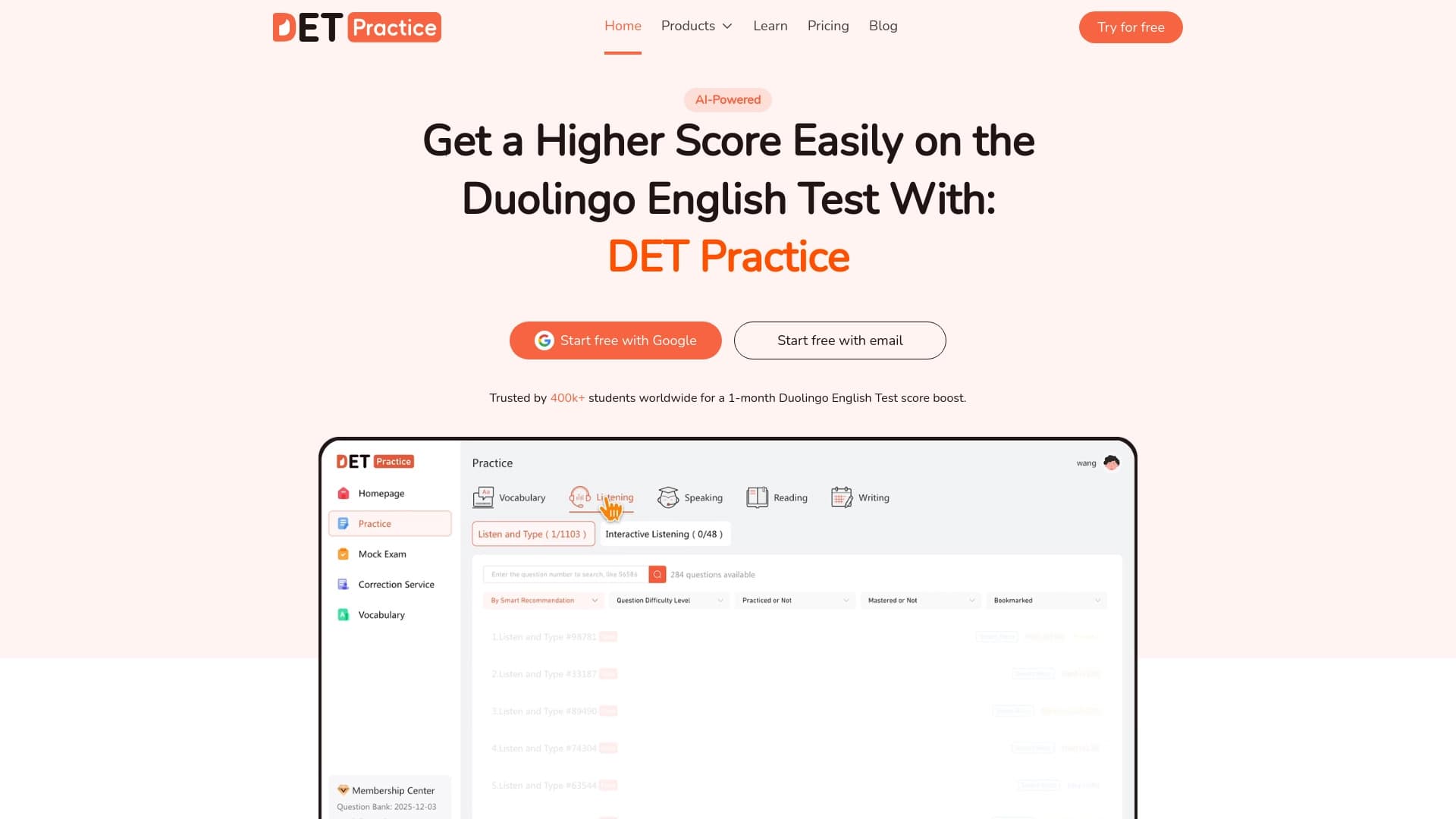
Online platform for preparing for the Duolingo English Test with an extensive question bank and AI-powered answer scoring.
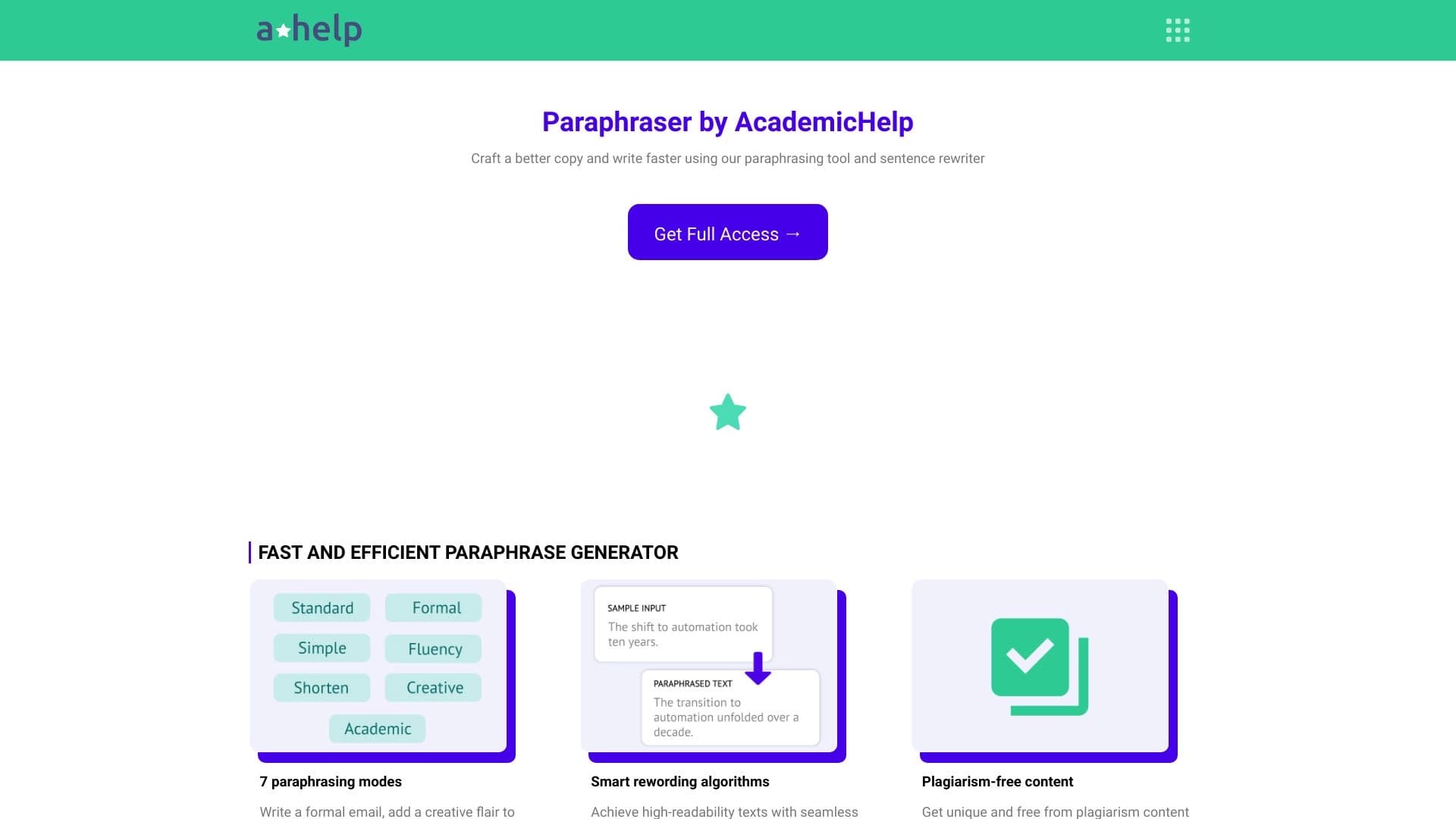

Online service for text paraphrasing with seven modes, helping you create unique content.


AI-powered online service for automatically creating presentations from text, PDF, audio, video, or URL links.