

AcademicHelp Paraphraser
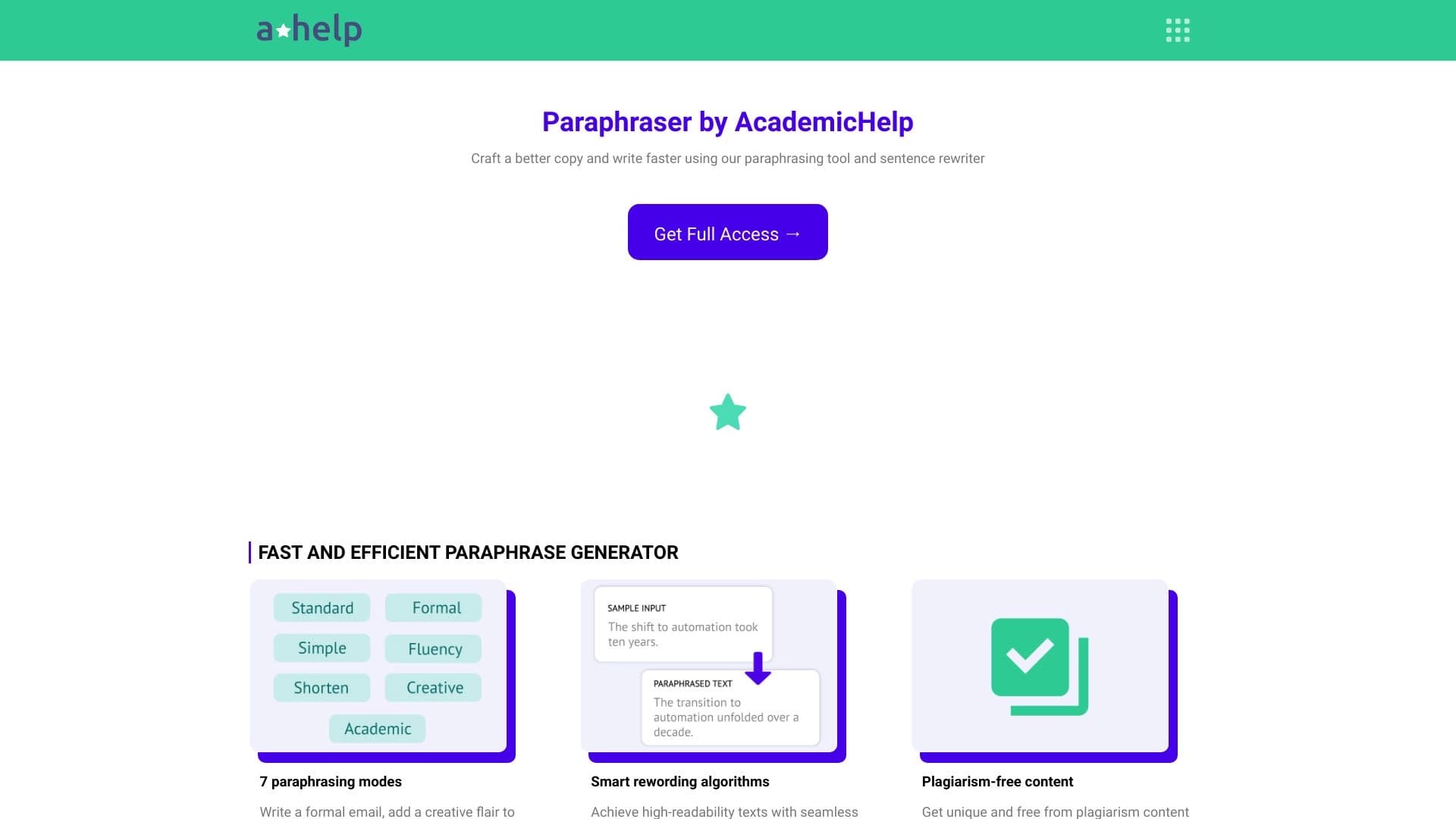
Online service for text paraphrasing with seven modes, helping you create unique content.
Overview
AcademicHelp Paraphraser Overview
AcademicHelp Paraphraser is a web service designed for text paraphrasing. Its key goal is to help students, authors, and anyone working with text rewrite existing material while preserving its exact meaning. Instead of simple synonym replacement, the tool uses deeper algorithms that restructure sentences and text organization, making it unique. The service focuses on combating plagiarism and helps create original work based on the provided source material.
AcademicHelp Paraphraser Features
| Feature | Value |
|---|---|
| Rating | 4.5 out of 5 |
| Editorial Score | 9.1 out of 10 |
| Platform | Web |
| Categories | Rewrite text, Improve text, Universal |
| Target Audience | For students, For all types of activities |
| Distribution Model | Free |
Who Is AcademicHelp Paraphraser For?
Students and Learners
The tool is primarily designed for students. It helps with essays, term papers, and theses by allowing users to paraphrase source materials without the risk of plagiarism accusations. The program preserves the essence of quotes and ideas but changes the form of presentation, which is useful when working with large volumes of literature.
Authors and Copywriters
It suits anyone who writes texts regularly, including bloggers, content managers, and press secretaries. The service speeds up work when you need to quickly rephrase a press release or article to adapt it for different publications or social media channels.
All User Categories
Since the tool is universal, it can be used for everyday tasks: rewriting a complex contract clause in plain language, rephrasing a post, improving a presentation, or polishing an email. There are no activity restrictions — it suits a wide range of users.
How to Use AcademicHelp Paraphraser
Uploading Source Text
To get started, open the web version of the service. In the workspace, paste or type the source text you need to rewrite. No special preparation or registration is required for initial use.
Selecting a Mode and Running
After entering the text, the user selects one of seven available paraphrasing modes depending on the goal. After selection, the processing button is pressed — the system creates a new version of the text while preserving the original meaning.
Saving the Result
The finished text appears in an adjacent window. The user can review it, edit it manually, or rerun the processing with a different mode if the result is unsatisfactory. The final version can be copied or saved.
Key Features of AcademicHelp Paraphraser
Seven Paraphrasing Modes
The service's key feature is its seven different algorithms. This allows adjusting the depth and style of rewriting — from light correction to complete sentence restructuring. The user chooses a mode for a specific task and requirements.
Preserving the Original Message
Despite significant changes to the form and structure of the text, the tool strives to fully preserve the meaning of what was written. This is critical for students and researchers, where distorting information from a source is unacceptable.
Generating Fresh Ideas
During paraphrasing, the program doesn't just swap words around — it can combine phrases and expressions in new ways. This helps look at your own or someone else's idea from a different angle, stimulating new ideas to expand the work.
Creating Plagiarism-Free Content
This feature aims to increase the uniqueness of written work. The finished piece gets a different form of expression, which reduces the percentage of matches with original sources when checked by plagiarism detection systems.
Advantages of AcademicHelp Paraphraser
- Variety of modes. Having seven modes provides flexibility — the user isn't limited to a single paraphrasing scenario.
- Accuracy of meaning. Clear preservation of the original text's essence makes the service a reliable assistant in academic settings.
- Convenient web platform. Any browser is sufficient; no software installation is required.
- Free access. The free distribution model means basic features can be used without financial costs, which is important for students.
Disadvantages of AcademicHelp Paraphraser
- No desktop version. Work is only possible through the web interface — there is no offline access to the tool.
- Need for manual review. As with any automatic rewrite, the algorithm's results should be proofread manually to eliminate stylistic imperfections.
What Tasks Does AcademicHelp Paraphraser Solve
The tool targets two main task groups: rewriting text and improving it.
Rewrite text. This is the service's primary task. It takes an existing passage and creates a new version with a different word order, sentence structure, and vocabulary. This allows presenting someone else's idea as your own for use in your work.
Improve text. The second mode helps make the source material better: eliminating repetitions, making phrasing clearer and more concise, and improving readability. In this case, the meaning is fully preserved, but the text begins to look more polished and professional.
AcademicHelp Paraphraser Pricing
Information about the exact cost of subscriptions or paid plan upgrades is not disclosed in public sources. What is known is that the service's distribution model is marked as free, meaning free access is available. However, detailed pricing tiers and free usage limits are not specified based on the collected data.
Terms of Use for AcademicHelp Paraphraser
The service is provided through a web interface, which means working in a browser with internet access. Exact requirements for registration, text volume limits, or daily usage caps are not specified in the source data. There is also no information about whether a personal account is required to run the processing.
AcademicHelp Paraphraser Availability
AcademicHelp Paraphraser has a web-only version that can be opened in any modern browser on a computer, tablet, or smartphone. No dedicated iOS or Android apps have been released. Apart from technical limitations, the platform is available 24/7.
How AcademicHelp Paraphraser Differs from Alternatives
The main difference between AcademicHelp Paraphraser and many other rewriters is its seven distinct paraphrasing modes. Most competitors typically offer only one or two processing options. This service lets users independently choose the degree of text transformation depending on the end goal, whether it's light correction or deep rewriting.
Other tools exist on the market: QuillBot, known for its browser integration, Writefull Academizer, focused on academic style, Smodin, which supports working with large volumes, and Online GPT, which uses modern language models. However, the combination of factors such as free access, web format, and an emphasis on preserving exact meaning makes AcademicHelp Paraphraser a solid universal solution for students.
Conclusion
AcademicHelp Paraphraser is a practical, free online tool for anyone who needs to rewrite or improve text. Thanks to its seven working modes, it adapts to different needs — from writing student papers to reworking articles. Its main advantage is preserving meaning while creating unique content. The service will become a reliable assistant in academic and everyday activities.
Frequently asked questions
See also

AI assistant that analyzes uploaded study documents, identifies questions, and provides detailed explanations.

iSamurai is a set of AI tools to improve recovery replacement images and videos.
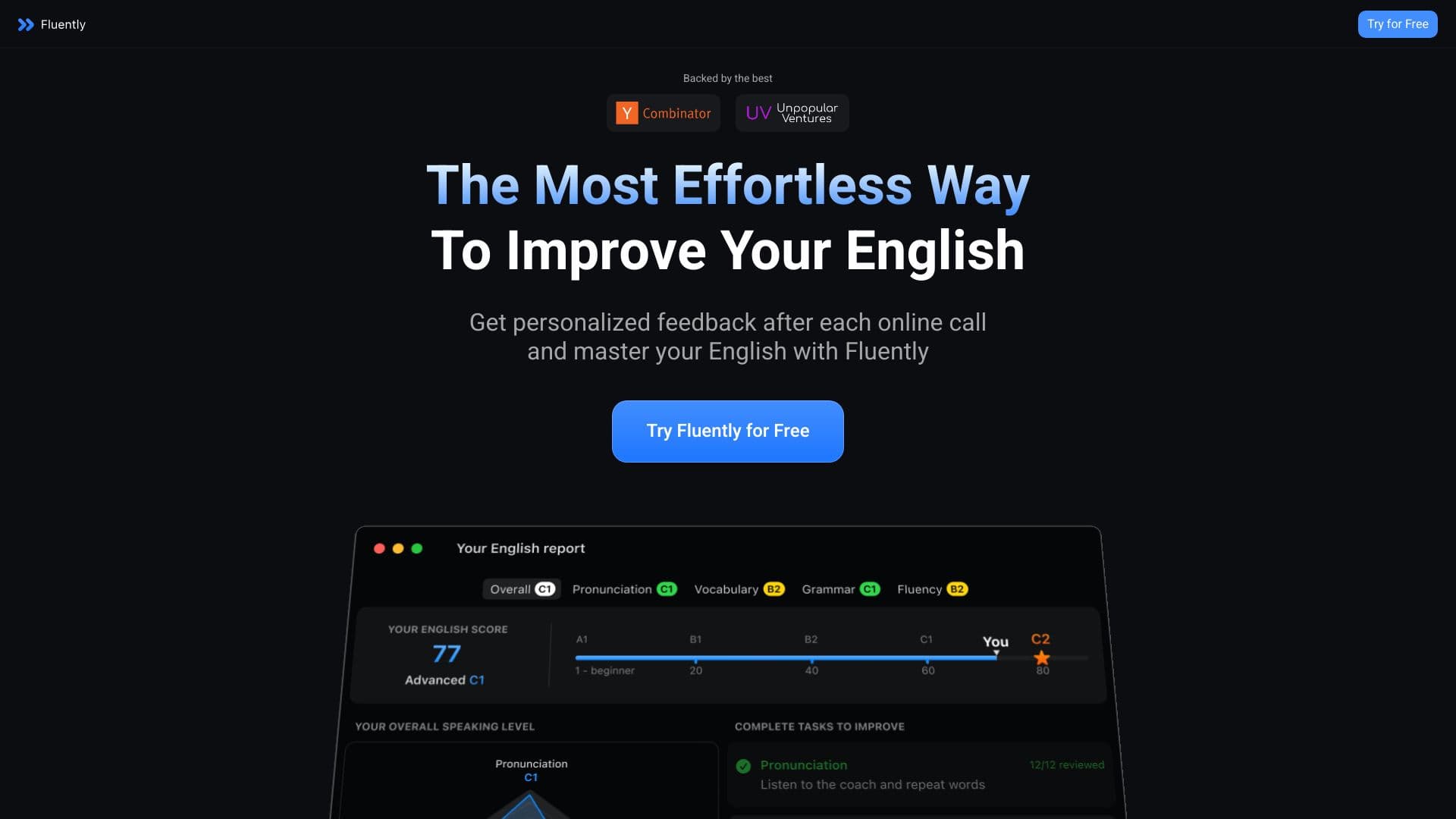

AI speaking coach that provides real-time feedback during calls and everyday conversations.


AI platform for automating video editing, including face replacement, video translation, and avatar creation.
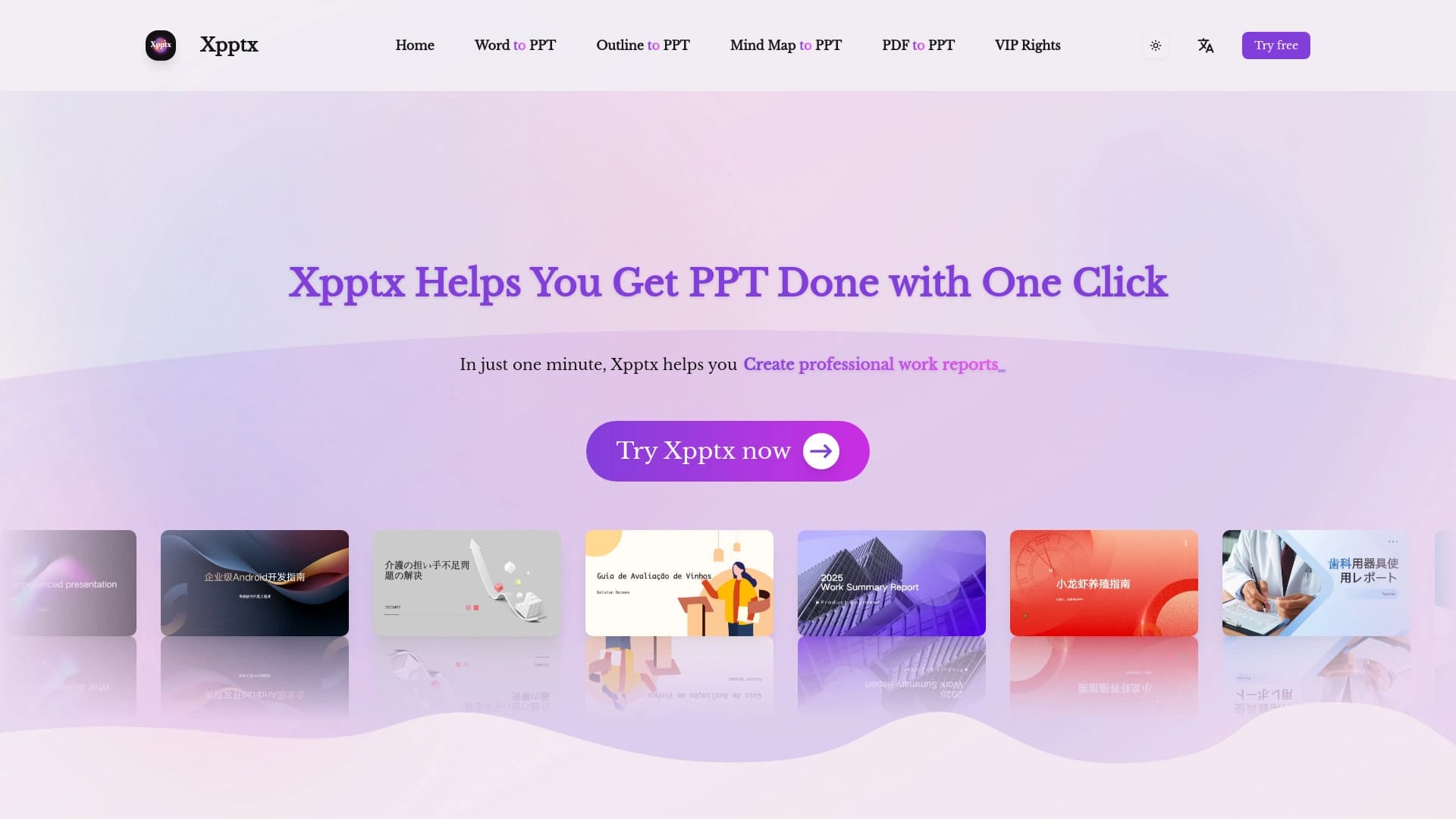

Web service for quick presentations on text description.

Text checking tool AI-generated , plagiarism and improvements content.
An AI-based platform for creating childish electronically books with illustrations and voiceovers.

Catalog of neural networks and online tools for generating images, animations, and videos.