

TinyWow
Free online platform with over 150 AI tools for working with PDFs, images, videos, and text.

Overview
TinyWow
Description of TinyWow AI
TinyWow is a free online platform that brings together more than 150 AI-powered tools for working with PDF files, images, video, and text. The service lets you edit, convert, and create files directly in your browser, with no registration or payment required.
The main idea behind the platform is to make useful features, which are usually paid, available to every user. TinyWow positions itself as a free alternative to familiar premium services, handling everything from converting PDF to Word or Excel to generating text and processing video. Processed files are automatically deleted after 15 minutes, ensuring privacy.
TinyWow characteristics
| Characteristic | Value |
|---|---|
| Type | Platform with multiple tools |
| Category | Graphics, PDF, video, text |
| Platforms | WEB |
| Russian language | No |
| Russian interface | No |
| Free plan | Yes, no subscription required |
| Registration | Not required |
| Distribution model | free |
| Rating | 4.5 out of 5 (user rating), 9.3 out of 10 (editorial rating) |
Who is TinyWow suitable for?
Students
The service helps students quickly convert study materials, work with PDF documents, and generate text content for their studies. Free access and no registration make it possible to use the tools without extra costs or hassle.
Freelancers
For freelancers, TinyWow becomes a versatile work tool: it has everything needed for image processing, document preparation, and creating or improving texts. The absence of a subscription is especially valuable for those who do not want to spend budget on additional services.
Small business owners
For small business owners, the platform is suitable for quickly solving everyday tasks: editing files, creating content, and processing images. A set of hundreds of tools in one place saves time and money compared with purchasing several separate services.
How to use TinyWow?
Getting started
Using TinyWow does not require registration or installing any software. Simply open the platform’s official website in a browser, choose the tool you need from the catalog, and start working — the service is available on the web platform with no need to download apps.
Interface and language
The platform’s interface is simple and easy to understand even for beginners. However, note that the service does not support Russian or a Russian interface, so basic knowledge of English is required.
Data privacy
Uploaded files are processed on the platform’s servers and automatically deleted 15 minutes after use. This ensures that your documents and images are not stored on servers for long, making the service quite safe for working with personal and professional materials.
Main features of TinyWow
Working with PDF
The platform offers a full set of tools for working with PDF files: editing, merging, splitting, compressing, and converting. You can easily convert PDF to Word or Excel and back, as well as perform other operations with documents directly in the browser.
Image processing
The image section includes features such as background removal, cropping, adding watermarks, improving quality, and restoring photos. The platform also provides the ability to create images using artificial intelligence.
Working with video and text
Video tools let you trim and compress videos, convert them to GIF, and extract audio. For text work, the platform offers AI-powered generation of articles and headlines, text rewriting, and improvement of written content.
Advantages of TinyWow
Free of charge
All platform features are available without payment or subscription. This makes premium capabilities, which usually cost money, accessible to every user regardless of budget.
Wide set of tools and simplicity
TinyWow combines hundreds of tools for different types of tasks in one place: PDF, graphics, video, and text. At the same time, the service is easy to use and understandable for beginners, and the interface is not overloaded with unnecessary complexity.
Privacy and no registration
You do not need to create an account to get started — you can begin right away. Files are automatically deleted 15 minutes after processing, ensuring data protection and privacy.
Disadvantages of TinyWow
Like any free service, TinyWow has limitations. In the free version, users may encounter ads and captchas, and file processing speed may be lower than that of paid competitors. The premium version, priced at $5.99 per month, solves these problems: it removes ads and CAPTCHA and speeds up processing.
In addition, the platform does not support the Russian language or a Russian interface, which may be an obstacle for Russian-speaking users.
What tasks does TinyWow solve?
The platform covers a wide range of everyday tasks related to files and content. First of all, this includes editing and converting PDF files — converting to Word or Excel and performing other operations with documents.
The service also handles image processing tasks: background removal, cropping, quality improvement, adding watermarks, and generating new images with AI. For video, basic operations are provided — trimming, compressing, converting to GIF, and extracting audio. Finally, TinyWow helps create and improve text content: generating articles and headlines, rewriting, and improving the quality of written text.
TinyWow pricing
TinyWow is a free service, and no subscription is required to use its tools. The free version includes the full set of tools, but it is accompanied by ads.
For those who want to get rid of ads and captchas, as well as speed up file processing, a premium version is available for $5.99 per month. It does not add new features but makes using the platform more comfortable and faster.
TinyWow terms of use
No registration is required to work with the platform — you can start using the tools right after opening the website. This significantly simplifies getting started and allows you to use the service without creating an account.
To ensure privacy, all uploaded files are automatically deleted 15 minutes after processing. Thus, the platform does not store user data for a long time, making it suitable for working with personal documents.
TinyWow availability
TinyWow is available through a web interface (WEB) and does not require installing additional software. The platform does not support the Russian language or a Russian-language interface.
How TinyWow differs from alternatives
The main difference between TinyWow and its competitors is the combination of being free with a wide range of features. Unlike iLovePDF and SmallPDF, which mainly work with PDF and require a subscription, TinyWow also covers video and images while remaining completely free.
Compared with Canva, which specializes in design and images, TinyWow additionally supports PDF and video. The platform wins by combining free tools with AI features such as content generation, making it a full-fledged alternative to several paid services in one place.
Conclusion
TinyWow is a practical free online solution for file processing and content creation, bringing together more than 150 AI-powered tools. The platform suits students, freelancers, and small business owners who need fast, free tools for working with PDF, images, video, and text. No registration, automatic file deletion, and a full set of features without a subscription make the service a convenient and affordable alternative to paid options.
Frequently asked questions
Similar AI tools


See also
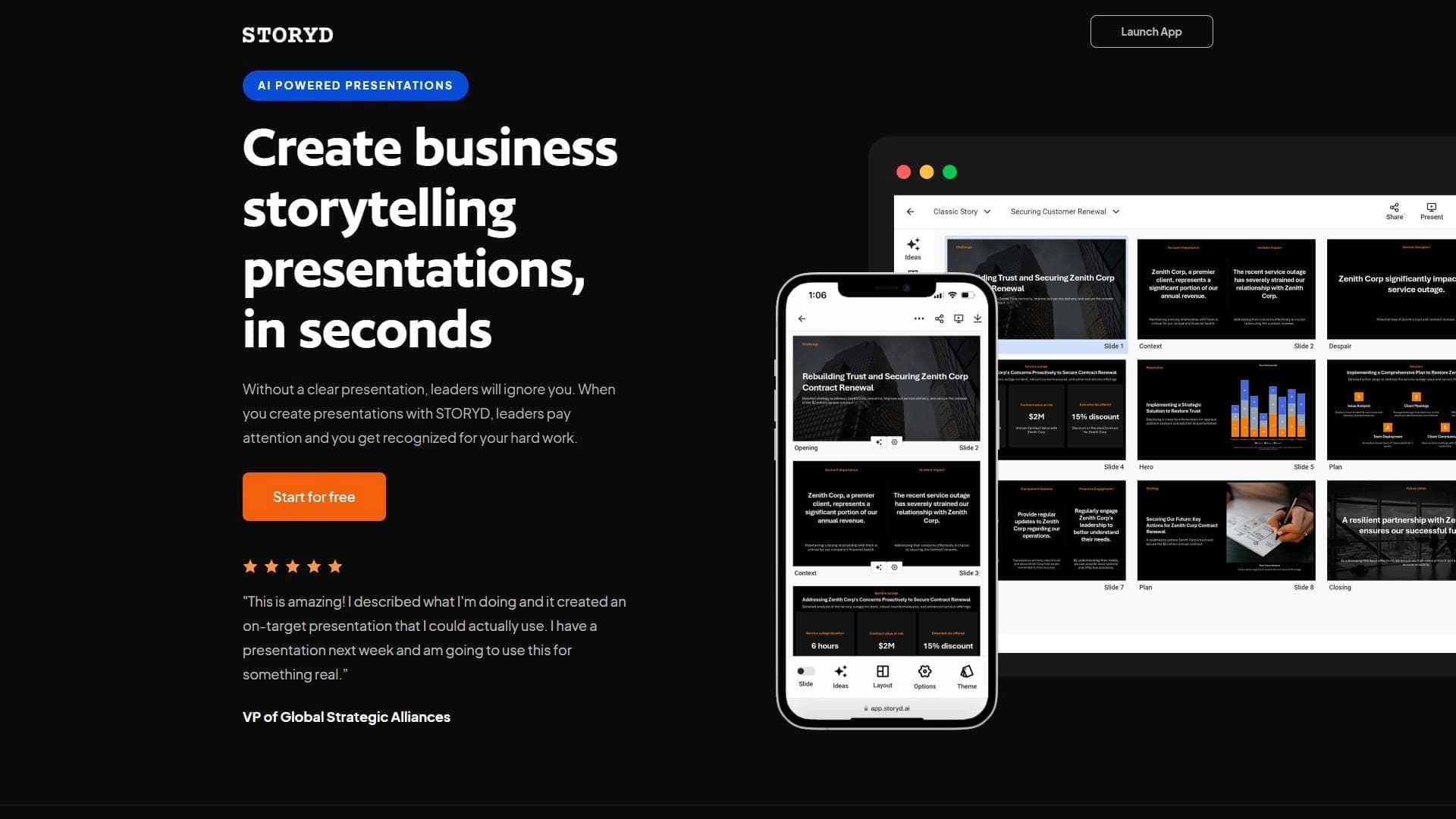

An AI-powered service that turns a brief topic description or bullet points into a structured business presentation in seconds.
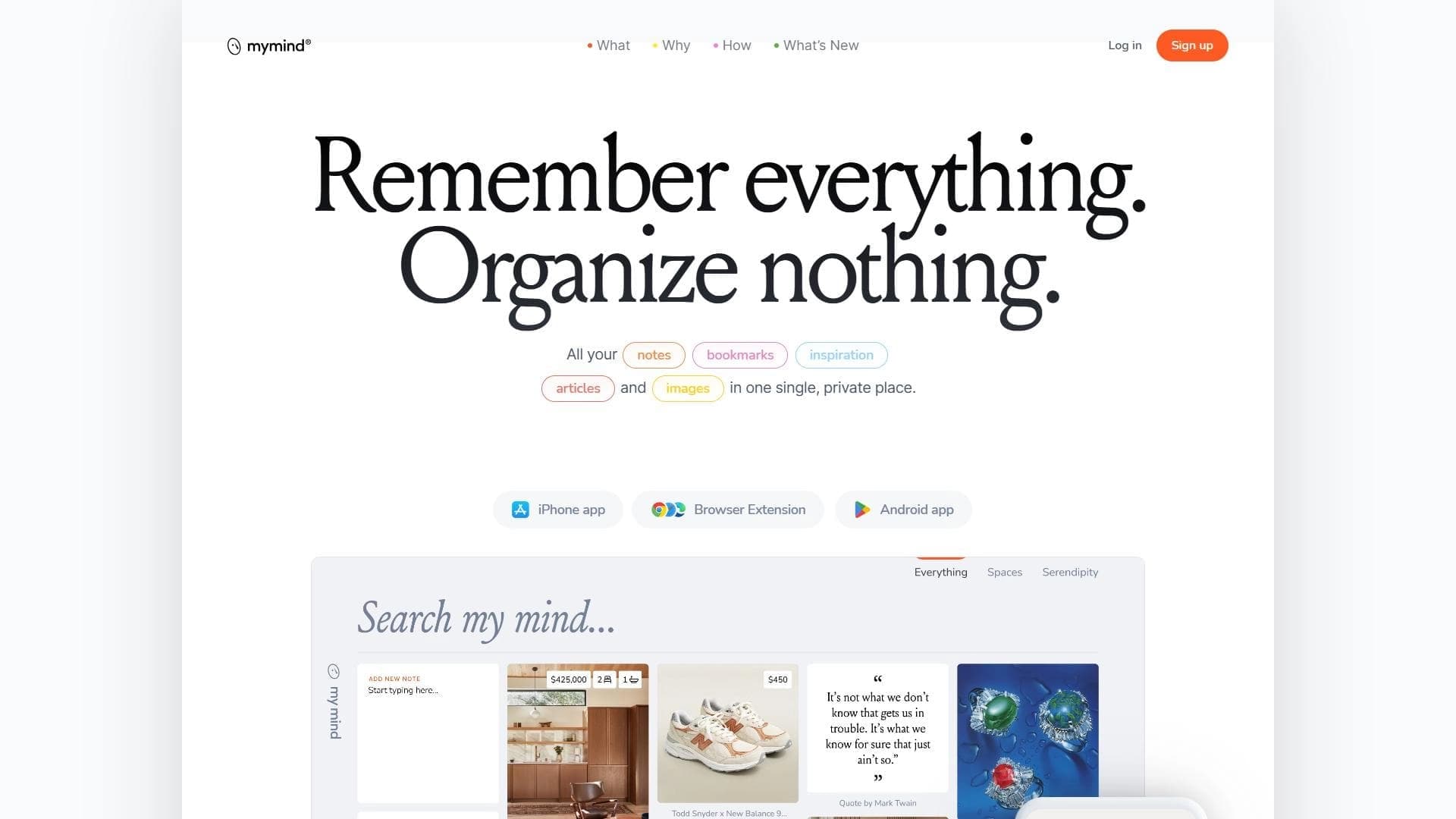

A service for storing and organizing digital information with automatic neural network-based sorting.
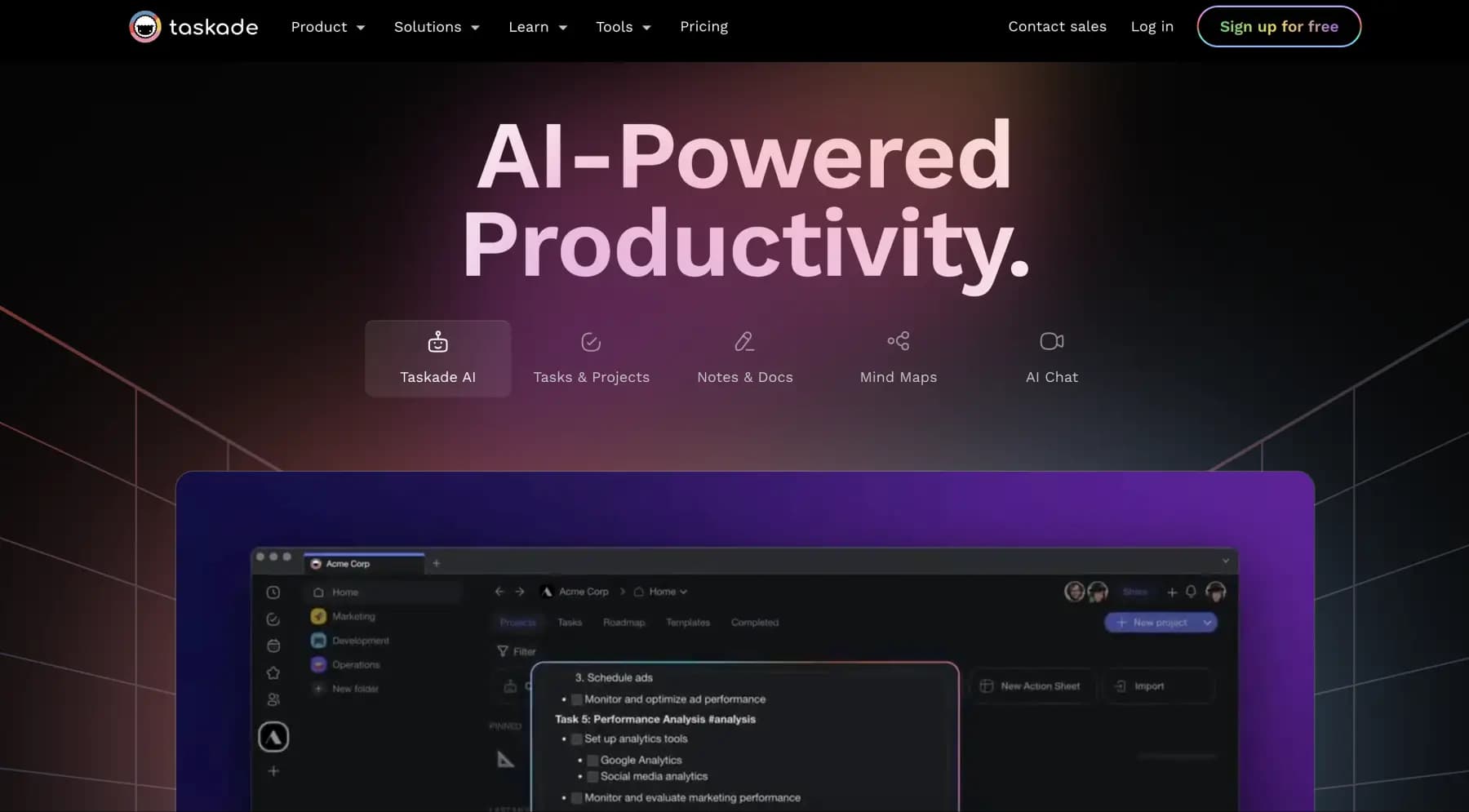
A platform for managing projects and tasks with built-in AI agents and visualization of work in various formats.


AI email assistant that helps quickly draft messages, adapting to the user's style.


A web service that automates job search using artificial intelligence.
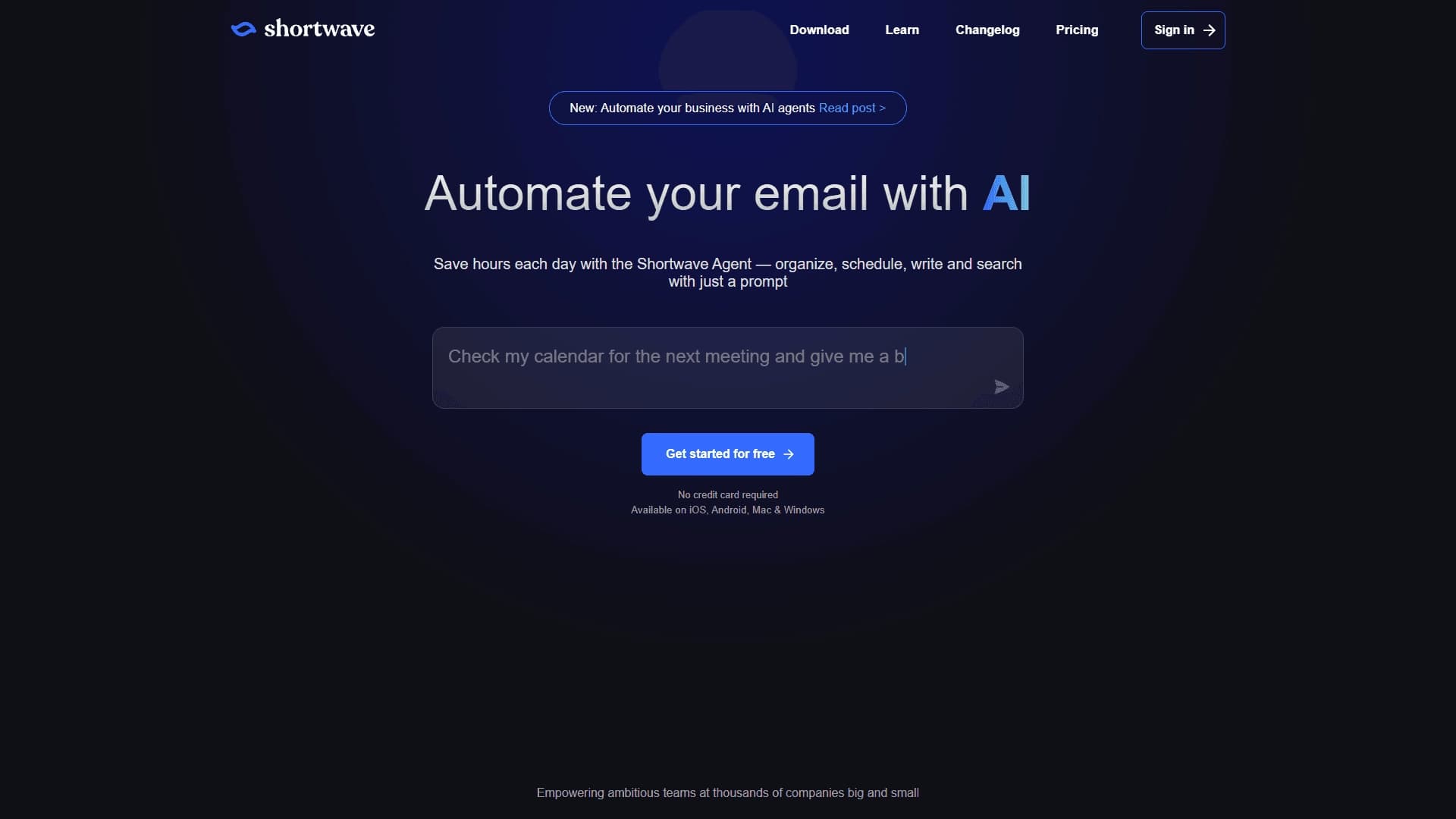

An AI assistant for working with email that automates message sorting and helps quickly compose replies.
A service for automatic meeting scheduling that syncs with your calendar and lets the other person pick a free time slot on their own.
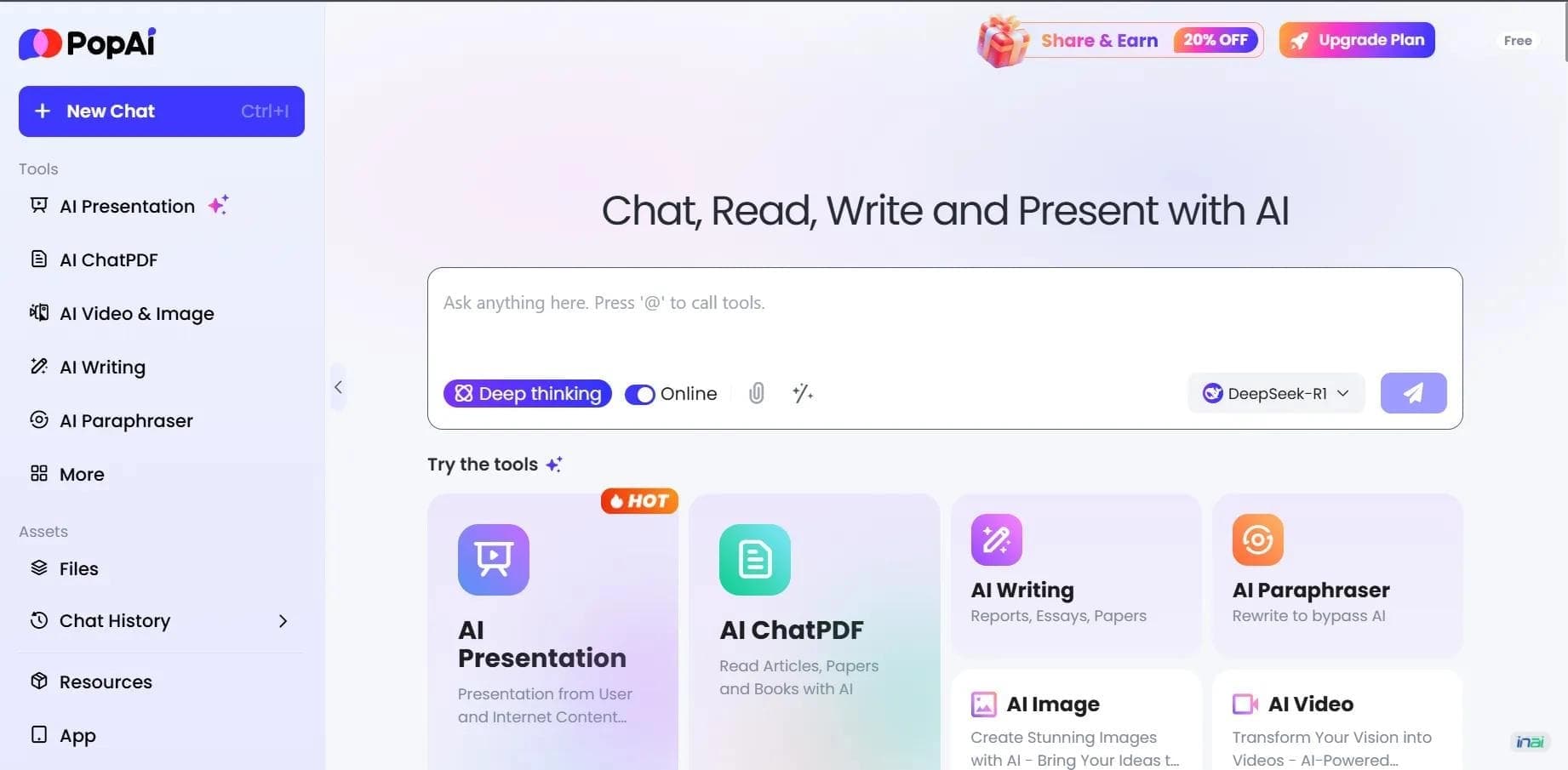

AI platform for working with documents, creating presentations, and generating images.