

Spiritme
Web service for creating videos with digital avatars based on text.
Overview
Spiritme
Description of the Spiritme neural network
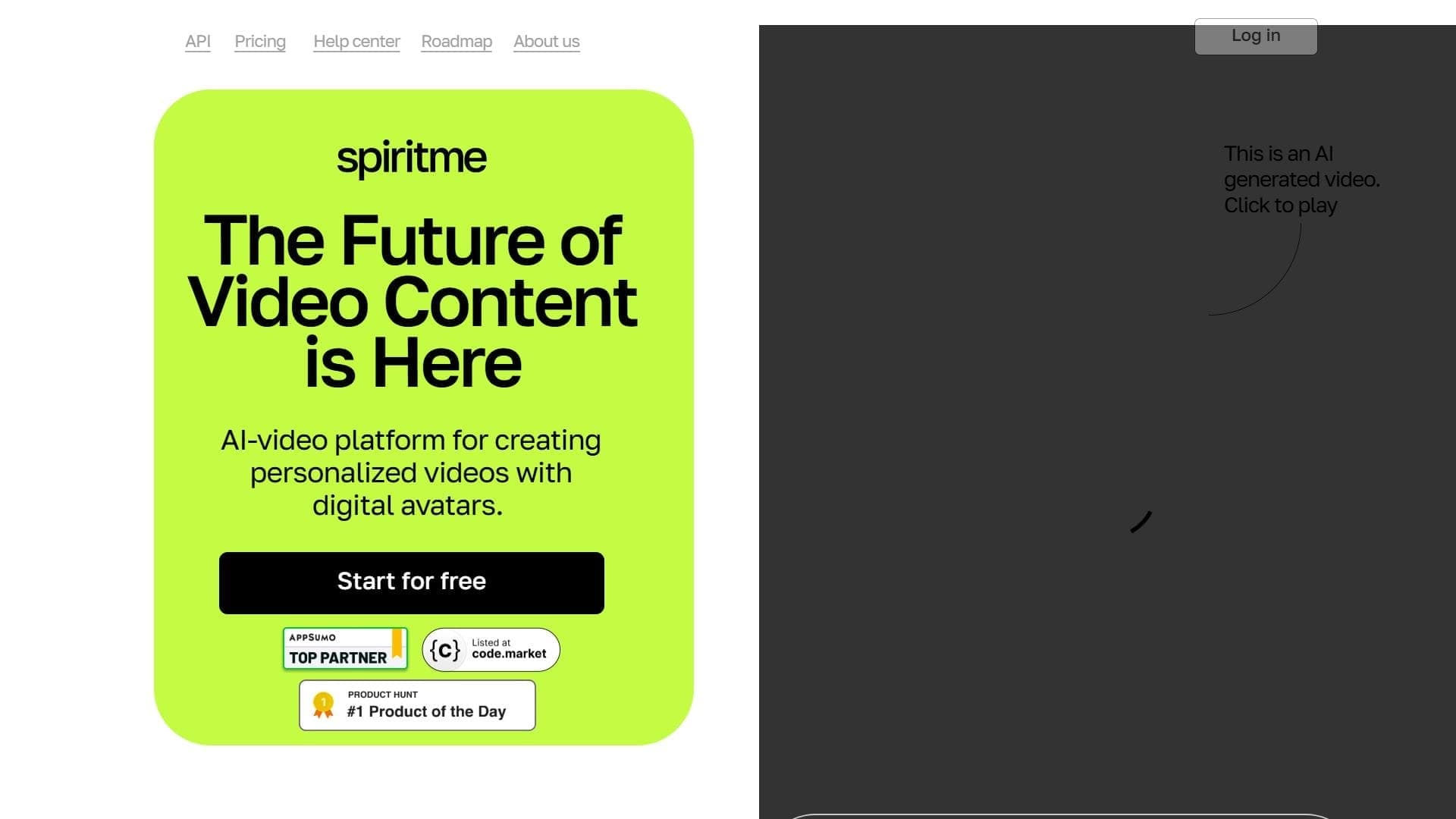
Spiritme is a browser-based service designed for creating videos with digital avatars. Instead of filming with a real person or doing complex editing, the user simply enters text, and the service turns it into a ready-made video where a virtual host reads that text aloud.
The key feature of the service is the ability to choose a ready-made avatar or create your own. To create a unique digital persona, you just need to upload a photo and record a voice sample through a microphone, after which Spiritme clones the user's appearance and voice. Data entered into the service is automatically converted into speech, and lip-sync technology adjusts the virtual character's facial expressions and movements to match it.
Everything works right in the browser, so no additional software installation is required. The system supports more than 120 languages, making it accessible to users from different countries.
Spiritme characteristics
| Characteristic | Value |
|---|---|
| Type | Video generation with avatars from text |
| Category | Video avatars, Text to Video, Voices and voiceover |
| Platform | Online service (works in the browser) |
| Language support | More than 120 languages, 20+ language models |
Who is the Spiritme neural network suitable for?
Business
Companies can use the service to create video presentations and corporate materials. The ability to mass-produce similar videos with digital presenters saves time and resources for the marketing department.
Education
Teachers and course authors can quickly turn text materials into educational videos. The presence of a digital avatar makes lectures more visual and keeps viewers' attention.
Bloggers and content creators
For running social media and video blogs, the service suits those who want to publish videos regularly but do not have the ability or desire to film themselves on camera. All you need is text to get a finished video.
How to use the Spiritme neural network?
Preparing the text
To get started, you only need to prepare text material. No special skills or video editing experience are required — the video is created right in the browser. Short phrases are recommended, as they improve the synchronization of speech and avatar facial expressions.
Choosing or creating an avatar
The user can choose one of the ready-made digital characters or create their own. To get a unique persona, you need to upload your photo and record a voice sample through a microphone — this way Spiritme can clone your appearance and voice.
Video generation
After entering the text and choosing an avatar, the service automatically synthesizes speech, selects facial emotions, and synchronizes lip movements with the spoken words. The finished video can be used in presentations, educational materials, or social media posts.
Key features of Spiritme
- Speech and facial emotion synthesis — the service independently voices the text and gives the avatar facial expressions matching what is being said.
- Avatar customization by photo and voice — the ability to create a personal digital character based on uploaded materials.
- Works in the browser — no need to install or configure additional software.
- Support for 120+ languages and 20+ language models — broad audience coverage worldwide.
- Voice and appearance cloning — recreating the user's unique persona and voice.
- Emotion engine — a special mechanism for generating realistic emotions for digital avatars.
Advantages of Spiritme
- No special skills required — any user can create videos without editing or animation experience.
- Works right in the browser — no need to download or install programs.
- Support for more than 120 languages — the service is available to an international audience.
- Realistic avatar emotions — digital characters look lively thanks to the emotion engine.
Disadvantages of Spiritme
The provided data does not list any obvious disadvantages of the service, so there is no complete picture of its limitations. It is worth keeping in mind that generation quality may depend on the source materials — for example, short phrases provide better synchronization of speech and facial expressions, and cloning voice and appearance requires a high-quality sample recording.
What tasks does Spiritme solve?
Creating video presentations
The service allows you to quickly prepare a presentation video with a digital presenter without filming or lengthy editing.
Creating educational videos
Study materials can be easily converted into video format with an explaining avatar, which is convenient for courses and teaching materials.
Content for social media
Bloggers and marketers can regularly publish videos with a virtual character without recording their own video.
Mass video and presentation creation
The ability to generate similar videos in large quantities makes the service useful for teams that need to produce video series based on a standardized template.
Spiritme pricing
The source data does not specify specific plans or subscription prices for Spiritme. For up-to-date pricing information, it is recommended to check the service's official website, where current plans and payment terms are published.
Spiritme terms of use
Detailed terms of service are not included in the provided data. However, it is known that to create unique avatars, users upload their own photos and voice recordings, so before getting started, it is worth reviewing the service's documentation regarding the processing and storage of personal materials.
Spiritme availability
Spiritme is an online service that works directly in the browser. No additional software installation is required to use it, which makes it accessible on most modern devices with internet access.
How Spiritme differs from alternatives
The main difference of Spiritme is that it works entirely in the browser without installing any programs, which greatly simplifies getting started. The service offers broad language support (more than 120 languages and 20+ language models), opening access to an international audience. In addition, users can not only choose a ready-made avatar but also create an entirely custom one — by cloning their appearance and voice from their own photo and recording. A separate emotion engine adds realism to characters by generating natural facial expressions synchronized with the spoken speech.
Conclusion
Spiritme is a convenient browser-based service for creating videos with digital avatars, suitable for businesses, educational projects, and bloggers. It lets you quickly produce video presentations, educational materials, and social media content without special skills: you just enter text and choose or create an avatar. The ability to clone your own appearance and voice, support for more than 120 languages, and realistic character emotions make the service an interesting solution for those who want to scale video content without filming.
Frequently asked questions
Similar AI tools



See also
AI tool for generating and editing videos based on a text description or source video material.

AI-based web service for creating and processing videos, including face swapping, text-to-video generation, and animation.

Generative neural network from Adobe for creating and editing images, vectors, and videos based on text.
Browser-based AI platform for quickly generating videos and images from text or photos.

AI-powered platform for real-time voice changing and cloning.

AI tool for creating and planning video content for social media.

Generative model that creates interactive video in real time, where the user can influence what happens through text commands.


Platform for recording, editing, and publishing podcasts and video content with built-in AI tools.