
SpeechPulse
Desktop application for Windows and macOS that converts speech to text in any program using Whisper technology.
Overview
SpeechPulse
Description of the SpeechPulse neural network
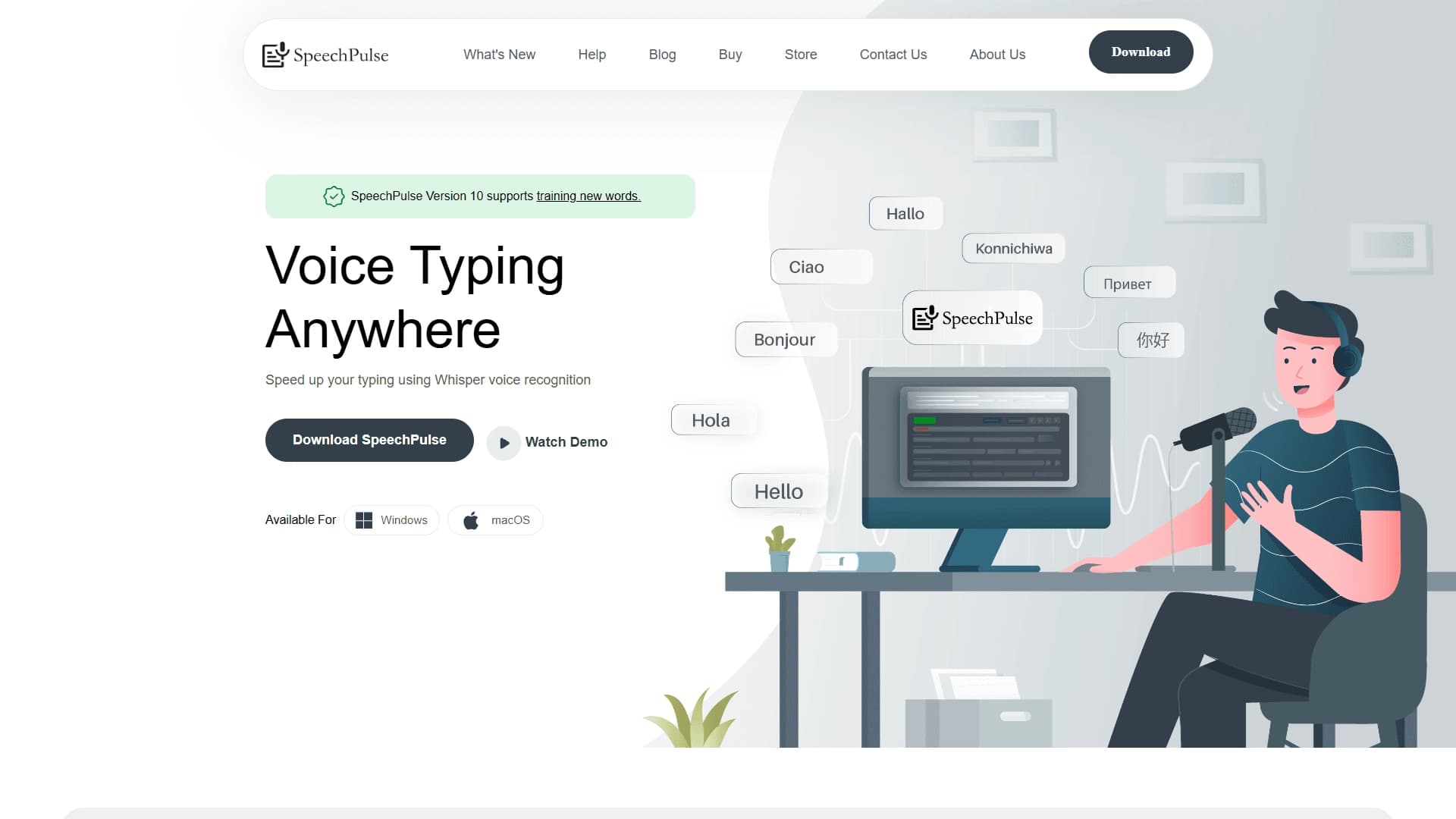
SpeechPulse is a desktop application for voice input and speech recognition powered by Whisper technology from OpenAI. Its main feature is the ability to dictate text in almost any program on your computer: text editors, messengers, and browsers. This makes the tool a universal "voice assistant" for text entry, with the text inserted directly into the active application window.
The tool is aimed at those who want to replace part of their keyboard work with speech, as well as users who need multilingual text work and audio transcription. SpeechPulse installs locally and requires no complex setup before use.
SpeechPulse specifications
| Characteristic | Value |
|---|---|
| Type | Desktop application for voice input and speech recognition |
| Base technology | Whisper |
| Platforms | Windows, macOS |
| Categories | Speech recognition, Audio transcription |
| Website | speechpulse.com |
Who is the SpeechPulse neural network suitable for?
Users who want to speed up text entry
SpeechPulse will be useful for those who want to type texts faster by voice instead of using the keyboard — whether it's emails, notes, documents, or chat messages. The application lets users focus on the content rather than typing speed.
Professionals working with texts
The tool suits specialists who regularly work with multilingual materials and transcripts. The built-in speech translation feature and the ability to customize recognition for professional vocabulary make it convenient for converting audio to text and working with terminology.
How to use the SpeechPulse neural network?
Launching and starting dictation
Using SpeechPulse requires no complicated steps. Just launch the application, select the desired language, and start dictating. Speech is converted to text in real time and is automatically inserted into the active window of the program you're working with.
Working in any application
Since SpeechPulse operates at the system level, you can dictate text in text editors, messengers, and browsers with virtually no restrictions. No special preparation or additional configuration for specific programs is required.
Key features of SpeechPulse
Voice text input
The key feature is real-time speech-to-text conversion with the result inserted into the active window of any application. This allows you to dictate text instead of typing on the keyboard.
Whisper-based recognition
Speech recognition is handled by Whisper technology from OpenAI, which ensures high-quality voice-to-text conversion.
Speech translation and terminology training
The application supports a speech translation feature, which is useful when working with multiple languages. Additionally, users can train SpeechPulse to recognize new words and terms, tuning the program to professional vocabulary.
Cross-platform support
SpeechPulse is available for two major operating systems — Windows and macOS — and installs locally without complex setup.
Advantages of SpeechPulse
Speed and versatility
The main advantage of the tool is a significant acceleration of text entry through voice input. At the same time, SpeechPulse works with virtually any program, making it a universal solution for various scenarios.
Ease of use
The application requires no complex setup — just install it and start dictating. Additionally, training for specific terms is supported, which improves the accuracy of recognizing professional vocabulary.
Disadvantages of SpeechPulse
According to the available data, no obvious disadvantages of the tool have been identified. Note that SpeechPulse is a desktop application, so using it requires installation on a computer running Windows or macOS. Information about possible limitations related to performance, recognition accuracy, or pricing specifics is not disclosed in the source materials.
What tasks does SpeechPulse solve?
Speeding up text entry and transcription
The tool solves the task of speeding up text entry through voice input instead of the keyboard, and also allows creating audio transcripts.
Multilingual work and vocabulary adaptation
SpeechPulse supports multilingual work and speech translation, which is convenient when you need to maintain text materials in multiple languages. The application also solves the task of adapting recognition to the user's professional vocabulary.
SpeechPulse pricing
Information about SpeechPulse pricing is not provided in the source data. Details about the cost, available pricing plans, or the availability of a free version are currently not disclosed, so please refer to the official application website speechpulse.com for clarification.
SpeechPulse terms of use
Detailed terms of use, including license agreements and system requirements, are not described in the source materials. It is only known that SpeechPulse is a locally installed desktop application that requires no complex setup at launch. More detailed information about the license and service terms on the official website is not disclosed in the provided data.
SpeechPulse availability
SpeechPulse is available for installation on Windows and macOS operating systems. This means users of both popular desktop platforms can use the tool for voice input and speech recognition. Data on support for other platforms, such as mobile devices or web versions, is not available in the source materials.
How SpeechPulse differs from alternatives
A distinctive feature of SpeechPulse is that it is built on Whisper technology from OpenAI combined with the versatility of desktop voice input. Unlike some alternatives, SpeechPulse stands out with the ability to learn new words and terms, allowing recognition to be adapted to the user's professional vocabulary. It also features speech translation and the ability to work with virtually any application on Windows and macOS.
Among the tools that perform similar voice input and speech recognition tasks, NeatScribe, Voice Gecko, Willow Voice, Fish Audio, Turbo AI, and Wispr Flow are worth mentioning. However, SpeechPulse stands out thanks to the combination of Whisper technology, custom terminology training, and a speech translation feature in a single local application.
Conclusion
SpeechPulse is a convenient desktop solution for voice input and speech recognition based on Whisper technology, which allows dictating text in virtually any program on Windows and macOS. Thanks to speech translation, professional terminology training, and ease of use, the tool is suitable both for speeding up everyday text entry and for more serious transcription and multilingual work tasks. At the same time, some details — such as cost and licensing terms — remain outside the available data, so you should check the current information on the official website before making a choice.
Frequently asked questions


See also


Free online platform with over 150 AI tools for working with PDFs, images, videos, and text.
AI editor for creating, editing, and publishing content with templates and prompts.
A browser extension that embeds ChatGPT GPT-4 into any website for translating texts, summarizing articles, and answering questions.


A service for storing and organizing digital information with automatic neural network-based sorting.
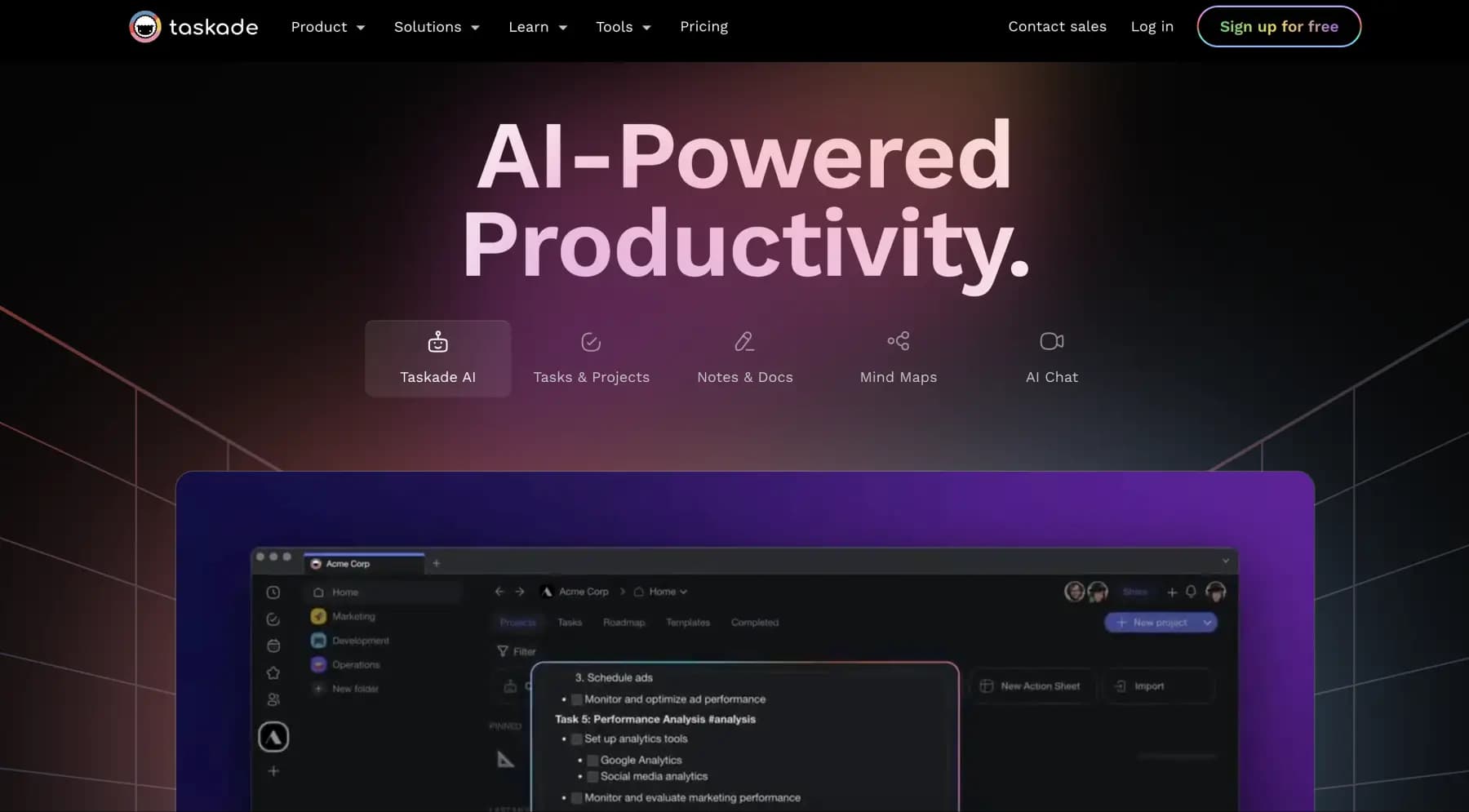
A platform for managing projects and tasks with built-in AI agents and visualization of work in various formats.


AI email assistant that helps quickly draft messages, adapting to the user's style.


A web service that automates job search using artificial intelligence.
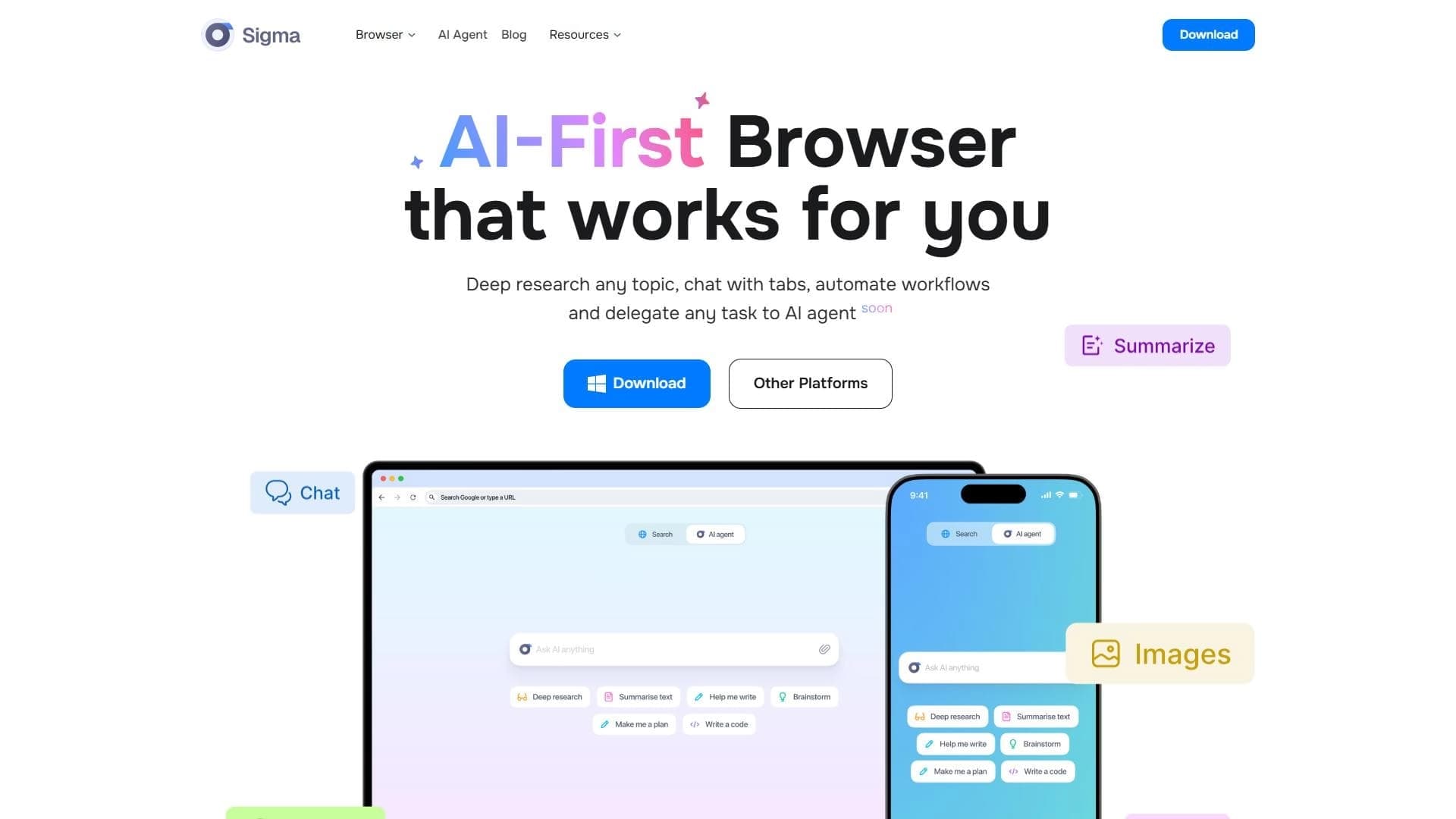

A browser with built-in AI tools for chatting with neural networks, generating texts and images, translating and summarizing pages.