

SheetAI
A Google Sheets extension that adds AI features to spreadsheets for processing data in natural language.
Overview
SheetAI
About SheetAI
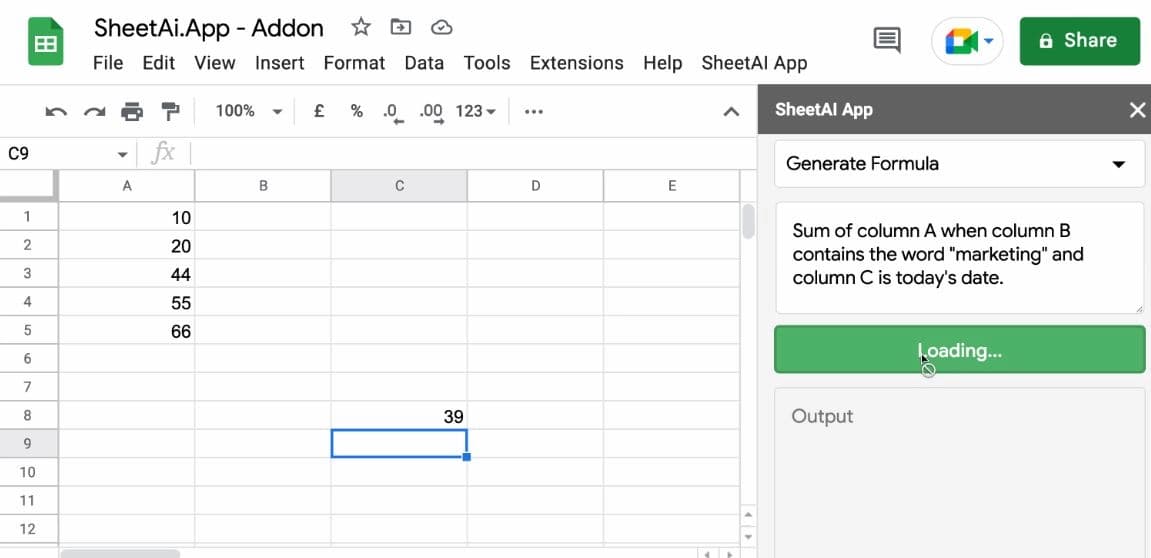
SheetAI is a Google Sheets extension that adds artificial intelligence capabilities to spreadsheets. The tool's main feature is the ability to work with data in natural language: instead of manually writing complex formulas, users express their request in plain words, and the AI generates text, formulas, or data directly in cells.
The service integrates with Google Sheets through the Google Workspace Marketplace and provides special functions (SHEETAI_BRAIN, SHEETAI_LIST, SHEETAI_EXTRACT) that help remember context, create structured content, and extract information. SheetAI can be used either with your own OpenAI API key or by purchasing token packs that do not expire.
Thanks to its intuitive interface, the tool is suitable even for users without programming skills — it simplifies data work by removing the need to process large amounts of information manually.
How it works
SheetAI functions work like regular Google Sheets formulas. Users enter a natural-language command directly into a cell, and the AI performs the required operation — from answering a question to generating entire tables.
What it is used for
The tool is used to automate data work, extract and standardize information, generate structured content, and analyze data within the familiar spreadsheet interface.
Who it is useful for
SheetAI suits a wide range of users — from freelancers and small teams to large enterprises that work with Google Sheets.
SheetAI Features
| Feature | Value |
|---|---|
| Type | Google Sheets add-on |
| Category | Spreadsheets |
| Business model | Freemium |
| Platforms | Google Sheets (via Google Workspace Marketplace), Web |
| Interface languages | Supports all languages |
| Free tier | Yes (Freemium) |
| Technologies | GPT-3, OpenAI |
| Editorial rating | 7.8 out of 10 |
| User rating | 4.4 out of 5 |
Who is SheetAI suitable for?
Google Sheets users
First and foremost, SheetAI is designed for those who regularly work with Google Sheets and want to automate data processing with artificial intelligence. The tool lets users perform complex operations with simple natural-language commands.
Beginners without programming skills
Thanks to its intuitive interface, even users without specialized programming knowledge can master the service. There is no need to write complex formulas — just phrase a request in words.
Professionals and enterprises
SheetAI's high performance and flexibility make it useful across various professional fields — from freelancers to large companies that need to process large amounts of data quickly.
How to use SheetAI?
Installing the add-on
To get started, install the SheetAI add-on from the Google Workspace Marketplace; after that, it becomes available in the Google Sheets extensions menu.
Launch and setup
Open a new spreadsheet, launch SheetAI from the extensions menu, and export the functions to your worksheet. The functions then work like regular Google Sheets formulas.
First steps
You can connect the service either with your own OpenAI API key or through built-in token packs. The learning process is simplified by tutorials available on the developer's website.
Core SheetAI functions
SHEETAI_BRAIN
This function remembers information and uses it for contextual responses. You can "train" the system through text or links so that the AI answers based on the uploaded data.
SHEETAI_LIST
Generates structured content: lists, tables, and organized data. The function understands the context of the request and produces results in the desired format.
SHEETAI_EXTRACT
Automatically fills tables by extracting and standardizing information from data. Useful when working with large volumes of unstructured material.
Additional capabilities
The base SheetAI function answers questions directly in cells in plain language. There is also caching to save tokens on repeated requests, history of used functions, and the ability to create applications based on spreadsheets.
SheetAI advantages
Smart AI-powered spreadsheets
SheetAI turns an ordinary Google Sheets spreadsheet into a "smart" one that can process data in natural language and independently perform complex operations.
Flexible payment options
The service supports using your own OpenAI API key, which enables unlimited requests, as well as buying token packs that do not expire.
Accessible to everyone
The tool supports all languages and is easy to learn, making it accessible to users of different skill levels.
SheetAI drawbacks
The tool involves certain costs: using your own OpenAI API key requires an OpenAI subscription, while the alternative is buying token packs.
What problems does SheetAI solve?
Data automation
SheetAI automates data processing in Google Sheets using natural-language commands, eliminating routine manual work.
Content generation
The tool creates structured content — lists, tables, and organized data — and also provides instant answers to questions directly in the spreadsheet.
Information extraction and analysis
With SHEETAI_EXTRACT and SHEETAI_BRAIN, users can extract and standardize data and get contextual answers based on uploaded information.
Productivity and no-code development
In addition to spreadsheets, SheetAI is used for productivity tasks, building websites, and no-code development based on spreadsheets.
SheetAI pricing
SheetAI operates on a freemium model. When using your own OpenAI API key, an OpenAI subscription from $20 per month is required. Alternatively, you can buy token packs without recurring payments, starting at $29 for 97 million tokens. Purchased tokens do not expire, so they can be used gradually.
Terms of use for SheetAI
To use the service, you need to install the add-on from the Google Workspace Marketplace. If you plan to use your own OpenAI API key, an active OpenAI subscription from $20 per month is required.
SheetAI availability
The service is available as a Google Sheets add-on through the Google Workspace Marketplace and through the web platform. The interface supports all languages.
How SheetAI differs from alternatives
SheetAI stands out from competitors thanks to its tight integration with Google Sheets and the ability to work with formulas in different languages. The tool offers a flexible payment model: users can either use their own OpenAI API key for unlimited requests or buy token packs with no expiration date, which is convenient for those who do not want to set up a recurring subscription.
Another distinctive feature is a set of specialized functions (SHEETAI_BRAIN, SHEETAI_LIST, SHEETAI_EXTRACT) that do more than just generate text — they remember context, create structured content, and extract information automatically. The intuitive interface makes the service accessible to beginners, while flexibility and performance attract professionals.
Conclusion
SheetAI is a practical Google Sheets add-on that brings artificial intelligence functions to spreadsheets and lets users process data in natural language. The freemium model, support for your own OpenAI API key, and token packs with no expiration make the service flexible to use. Thanks to its ease of learning and wide range of functions, the tool suits both beginners and professionals who want to automate data work right in familiar spreadsheets.
Frequently asked questions

See also


Free online platform with over 150 AI tools for working with PDFs, images, videos, and text.


Cloud platform for launching AI applications directly in the browser without installation.

A platform for creating mobile and web applications without writing code, using a visual builder.


A service for storing and organizing digital information with automatic neural network-based sorting.


A design canvas built into the code editor, allowing you to create interfaces and write code in one place.
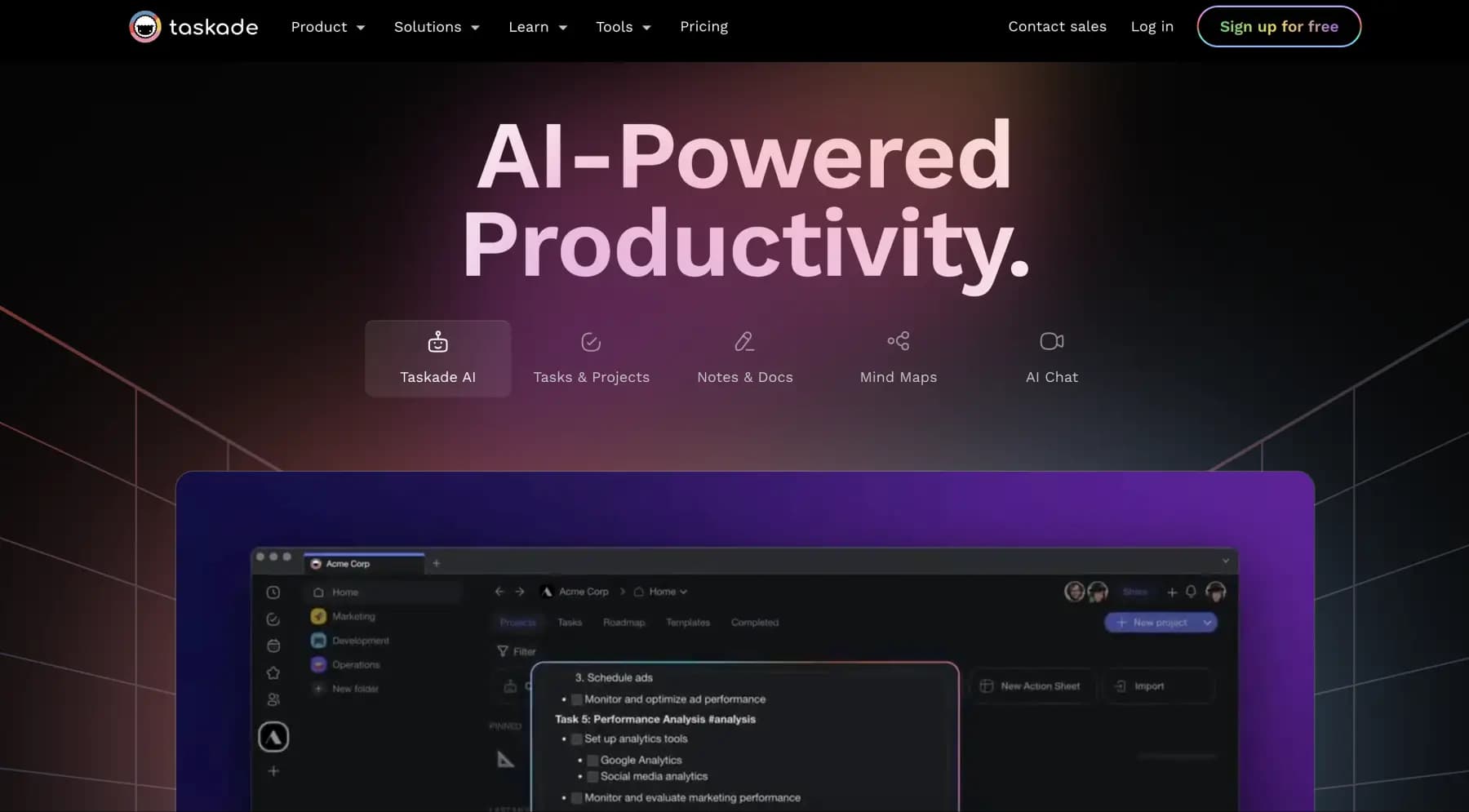
A platform for managing projects and tasks with built-in AI agents and visualization of work in various formats.
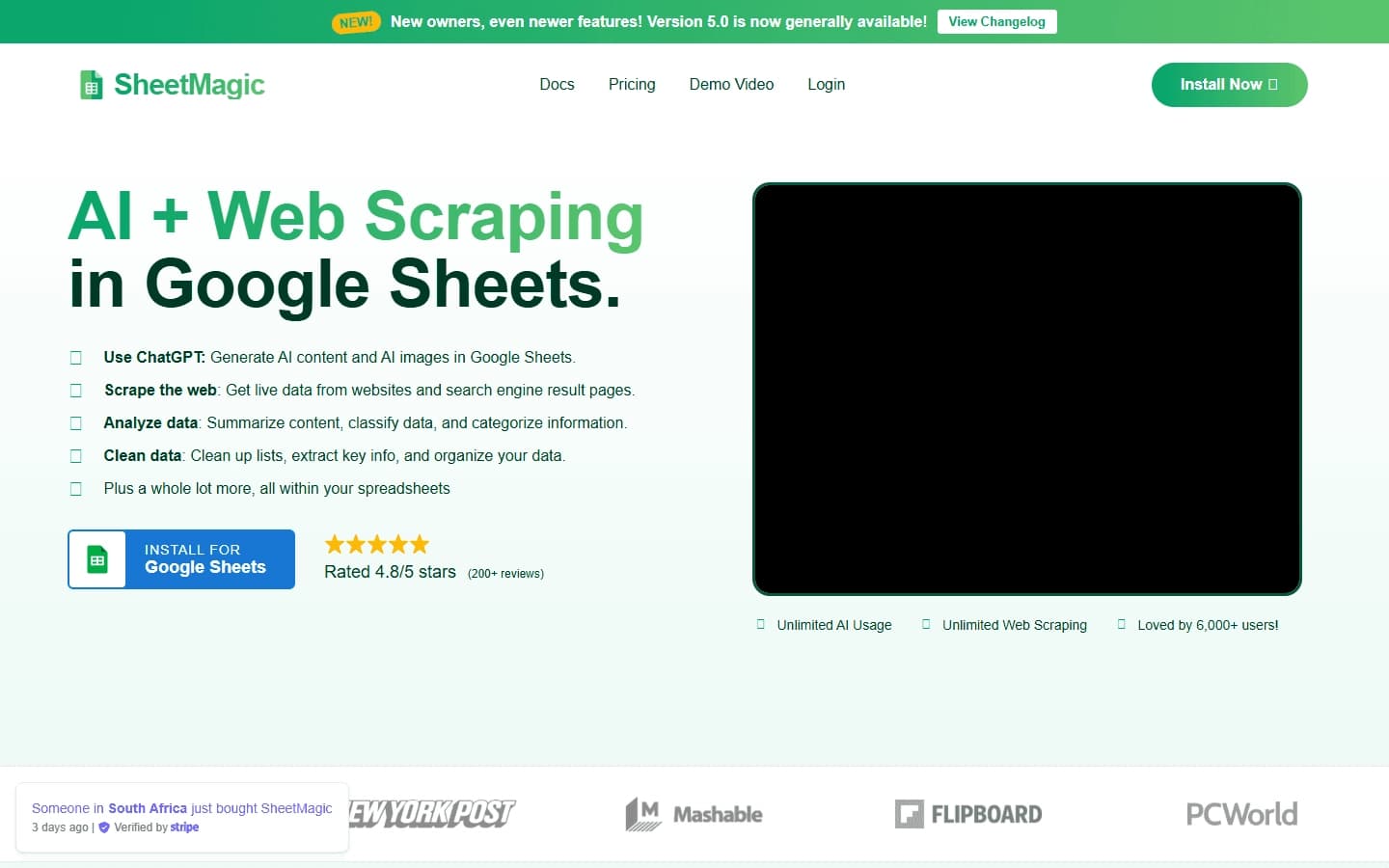

A Google Sheets extension that adds ChatGPT and web scraping capabilities directly into cells.

A workflow automation platform that connects thousands of apps without requiring coding.