

Refraction
AI assistant for developers that automates routine programming tasks.
Overview
Refraction
Description of Refraction
Refraction is an AI assistant for developers that automates routine programming tasks. The tool takes over most of the daily mechanical work: generating code from descriptions, writing tests, creating documentation, refactoring, and finding bugs.
The neural network is designed to work in the developer's familiar environment and integrates into popular editors and IDEs. With support for a large number of programming languages, Refraction covers a wide range of tasks — from writing simple code snippets to converting projects between different languages.
The tool is aimed at both experienced engineers looking to speed up routine processes and beginners who are just starting to learn programming.
Refraction characteristics
| Characteristic | Value |
|---|---|
| Type | AI assistant for programmers |
| Categories | Assistants, Coding, Programming, Development |
| Pricing model | Free / from $8 per month |
| Supported programming languages | 56 languages, including Python, JavaScript, C#, Java, Rust |
| Integrations | VS Code, Sublime Text, JetBrains, Visual Studio, terminal, GitHub Autoreview |
| Suitable for | Developers and teams, as well as those just learning to program |
Who is Refraction suitable for?
Experienced developers
Professional engineers can use Refraction to speed up everyday work: automatic code generation, refactoring existing projects, and finding bugs. The tool helps reduce time spent on routine operations and focus on more complex tasks.
Development teams
For teams, Refraction acts as an assistant that standardizes routine processes: writing tests, documentation, and comments. Integration with version control systems makes it possible to embed checks and automation into the overall workflow.
Beginners and students
For those who are just starting to learn programming, Refraction helps them understand code faster by providing explanations and comments. The ability to convert code between languages and generate examples makes it easier to learn and understand how different languages work.
How to use Refraction?
Installation into the development environment
Refraction integrates with popular development environments, including VS Code, JetBrains, Visual Studio, and Sublime Text. To get started, just install the appropriate extension or plugin in your preferred editor and connect the tool.
Code generation and improvement
In everyday work, the tool is invoked directly inside the editor: the developer can describe a task in natural language and get a ready-made code snippet, ask to generate tests, documentation, or suggest a refactoring of existing code.
Working via the terminal and GitHub
In addition to graphical interfaces, Refraction is available in the terminal, which is convenient for console work, and also supports GitHub Autoreview for automatic code review within development processes.
Key features of Refraction
Code generation and conversion
The tool can create code from a text description or examples, as well as convert existing code between different programming languages. This simplifies moving projects and learning new technologies.
Automating tests and documentation
Refraction automatically generates unit tests for written code, as well as creates documentation, explanations, and comments. This saves developers from one of the most time-consuming routine tasks.
Refactoring and bug detection
The neural network analyzes existing code, suggests improvements and refactoring, and also finds bugs and suggests fixes. Additionally, the tool generates complex elements such as regular expressions and SQL queries.
Advantages of Refraction
- Broad language support — works with 56 programming languages, including popular Python, JavaScript, C#, Java, and Rust.
- Routine automation — generating code, tests, and documentation eliminates monotonous mechanical work.
- Flexible integrations — support for most popular development environments, the terminal, and GitHub Autoreview.
- Accessible to beginners — suitable not only for professionals but also for those who are just learning to program.
- Complex generations — the ability to create regular expressions and SQL queries, which are often challenging.
Disadvantages of Refraction
The available data does not contain detailed information about obvious disadvantages of the tool. It can be noted that the paid pricing model (from $8 per month) may become a limitation for users who only need basic functionality in the free tier. The ultimate effectiveness of the neural network in solving highly specialized and non-standard tasks depends on the specific situation and is not yet described in detail in the source data.
What tasks does Refraction solve?
Accelerating development
Refraction takes over the automation of routine tasks: generating code from descriptions, writing documentation and unit tests. This reduces the time developers spend on secondary operations.
Improving code quality
The tool performs refactoring and improvement of existing code, finds bugs and suggests fixes. Additionally, it can convert code between languages and generate complex elements such as regular expressions and SQL queries.
Supporting learning
Refraction helps in learning programming, allowing beginners to quickly get code examples, explanations, and understand how different languages work, which speeds up mastering development.
Refraction pricing
Free tier
Refraction offers a free usage option that allows you to get familiar with the tool's basic capabilities. The exact set of features available in the free tier is not disclosed in the source data.
Paid subscription
The paid pricing model starts at $8 per month. The specific terms included in the paid tier, as well as available limits, are not described in detail in the source data.
Refraction terms of use
Detailed terms of use for the tool, including licensing rules, limits on the volume of processed code, and privacy policy, are not disclosed in the available data. Based on general information, it can be concluded that the tool is distributed with a free tier and a paid subscription from $8 per month, but the detailed terms remain unknown.
Refraction availability
Language support
Refraction supports 56 programming languages, including widely used ones such as Python, JavaScript, C#, Java, and Rust. This makes the tool a universal solution for most projects.
Integrations with development environments
The neural network is available through VS Code, Sublime Text, JetBrains, and Visual Studio — that is, it covers the main popular editors and IDEs. In addition, work in the terminal is supported, as well as integration with GitHub Autoreview for automatic code review within repositories.
How is Refraction different from alternatives?
The key difference of Refraction is the combination of broad language support (56 languages) and automation of the entire range of routine development tasks: from code and test generation to documentation, refactoring, and bug detection. The tool also performs code conversion between languages and generates complex elements such as regular expressions and SQL queries — this is rarely found in a single solution.
Another feature is its focus on beginners: in addition to professional tasks, Refraction helps with learning programming, which makes it accessible to a wider audience than many narrowly specialized code assistants. Similar solutions in this niche include Antigravity, Base44, Claude Fable 5, and Gemini Omni.
Conclusion
Refraction is a versatile AI assistant for developers that automates key routine programming tasks: code generation and conversion, writing tests and documentation, refactoring, and bug detection. Thanks to support for 56 languages, integration with popular development environments, and an affordable price starting at $8 per month, the tool is suitable for both experienced engineers and those who are just starting their journey in programming.
Frequently asked questions


See also

Open-source AI agent for developers, available in the terminal, IDE, and as a desktop application.

AI-powered code editor that analyzes your entire project and helps you write, rewrite, and optimize code.
AI assistant for programmers, working through your own API key and supporting popular language models.
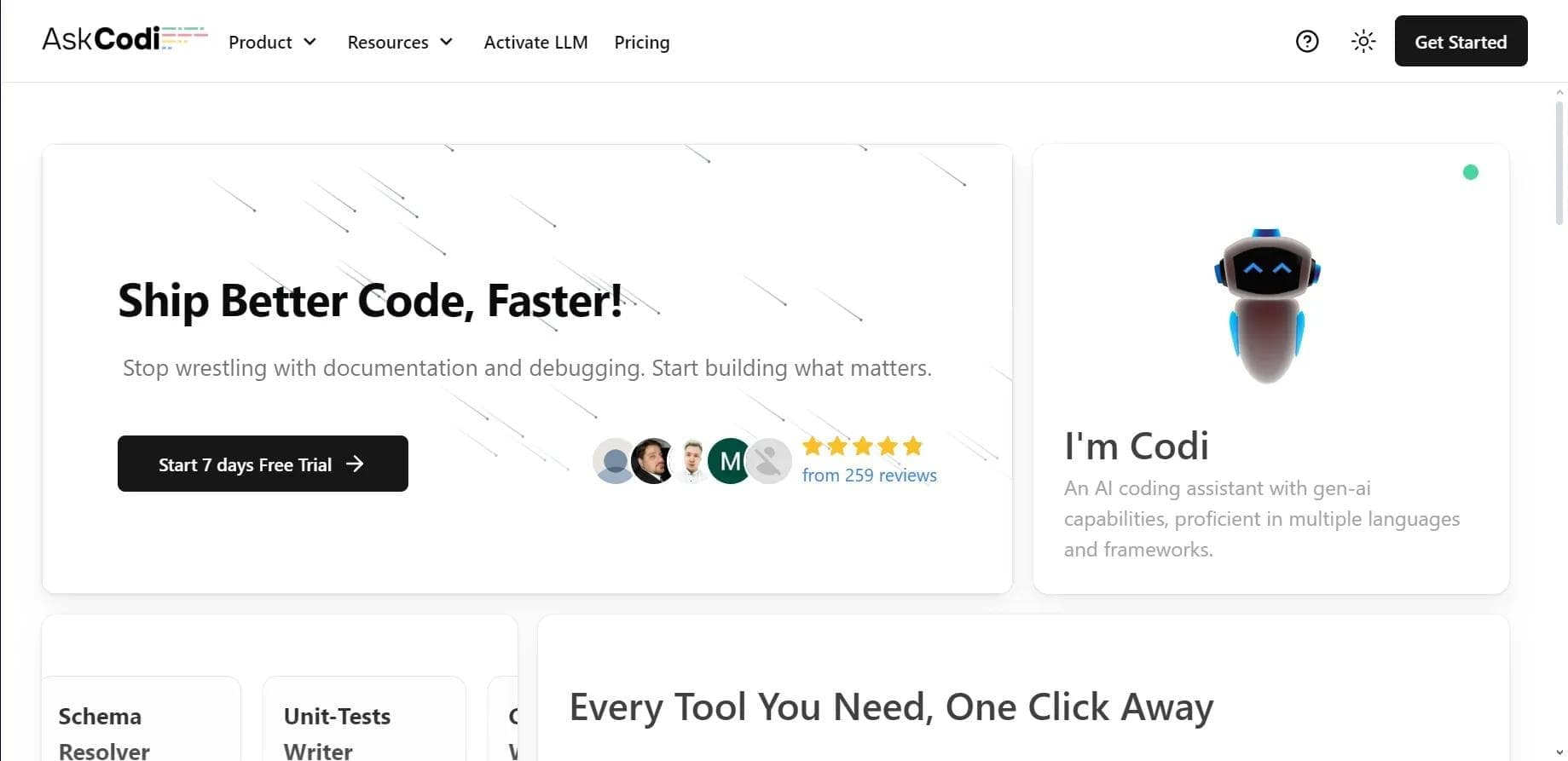

AI assistant for developers that generates, explains, and refactors code, as well as creates documentation and tests from natural language descriptions.
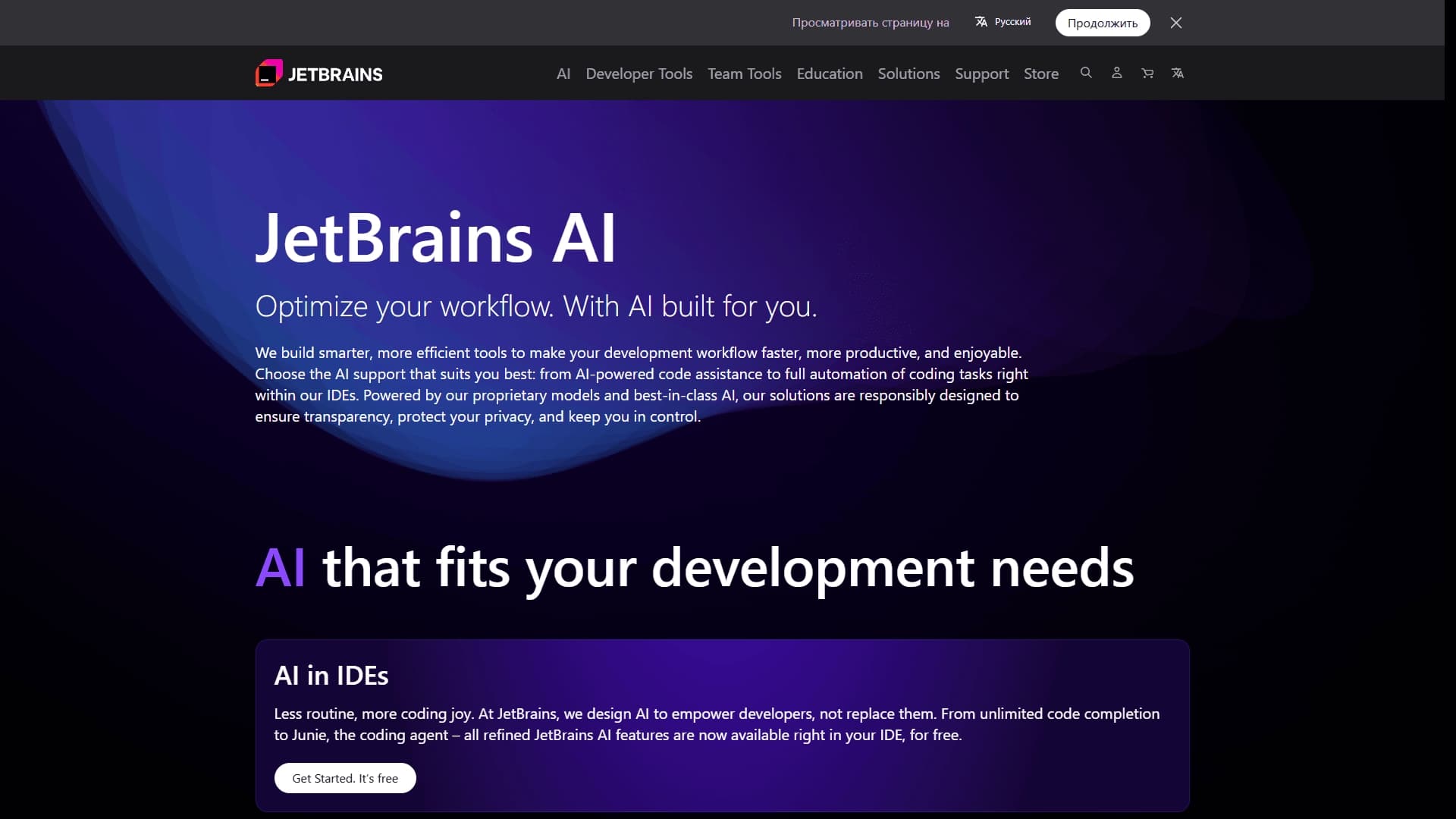
A set of AI tools built into JetBrains IDEs to help with writing, refactoring, and understanding code.
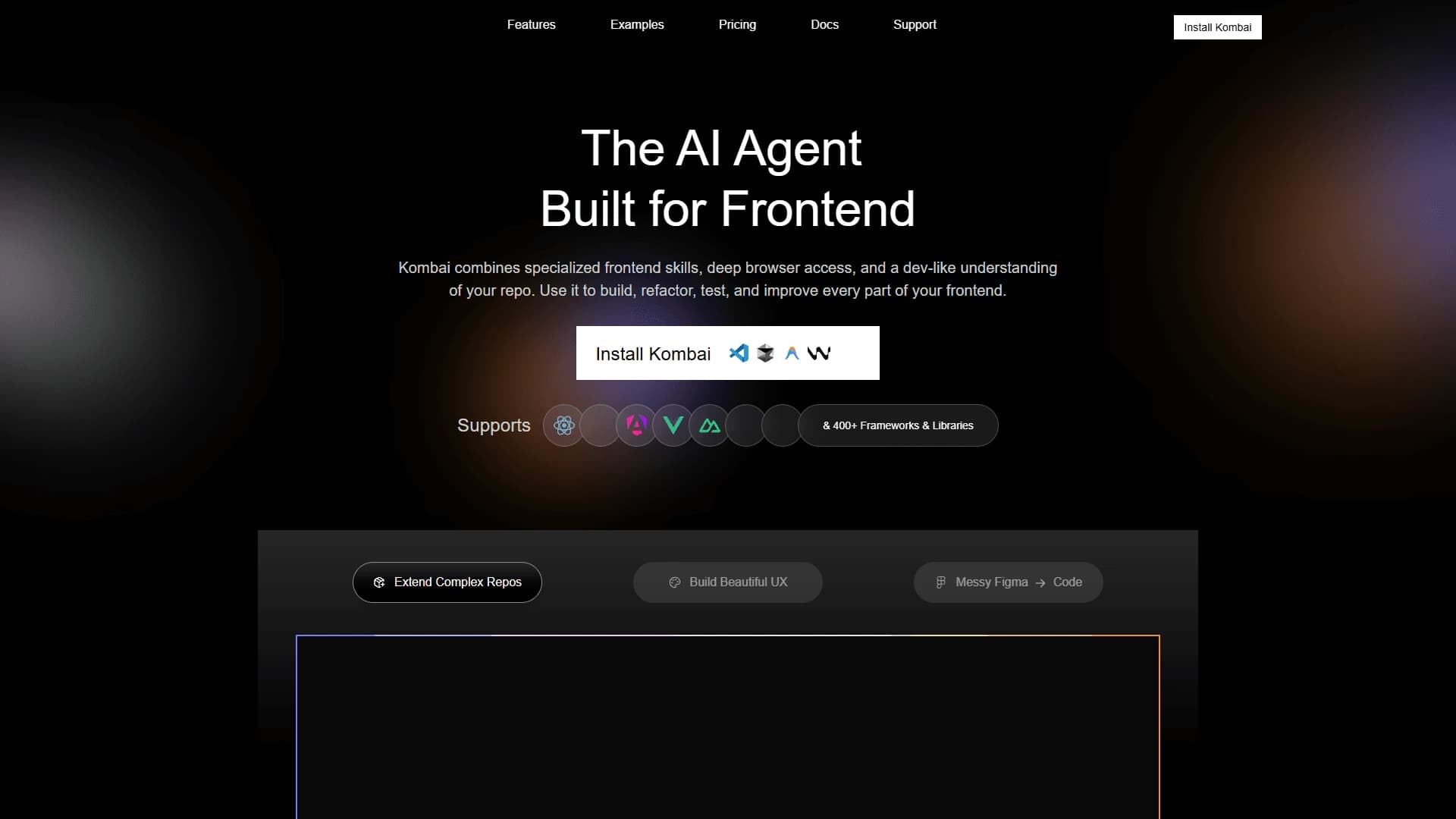
AI tool for automatically converting layouts from Figma into HTML, CSS, and React components, as well as for creating and refactoring interfaces.

Neural network for generating, explaining, and fixing program code in various programming languages.

AI agent for software development assistance, capable of writing, fixing, and reviewing code.