
JetBrains AI
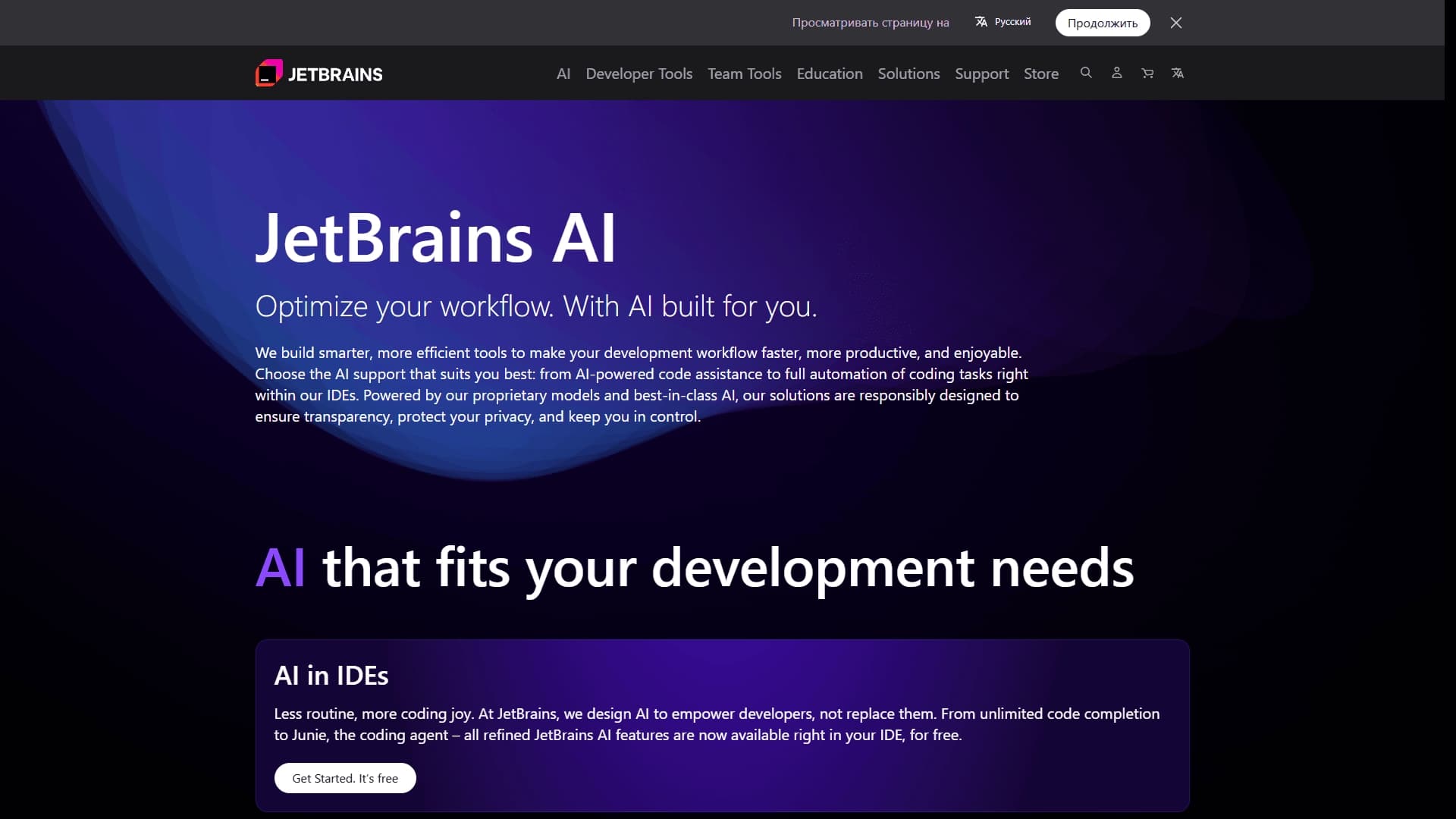
A set of AI tools built into JetBrains IDEs to help with writing, refactoring, and understanding code.
Overview
JetBrains AI
Description of JetBrains AI
JetBrains AI is a set of AI-powered tools built directly into JetBrains IDEs (IntelliJ IDEA, PyCharm, WebStorm, and others). The assistant helps developers at every stage of working with code: from writing and autocompletion to refactoring, debugging, and documentation. A key feature of the service is deep integration into the development environment with awareness of the entire project context, including file structure, dependencies, and the technologies used. JetBrains AI's architecture is designed with a focus on privacy: users decide for themselves which data is sent to the cloud for processing.
JetBrains AI Specifications
| Characteristic | Value |
|---|---|
| Type | AI assistant for code |
| Categories | Code assistants, Code generation, Code refactoring |
| Integration | JetBrains IDEs (IntelliJ IDEA, PyCharm, WebStorm, and others) |
| Distribution model | Freemium |
| Models used | JetBrains proprietary models + external LLMs |
Who is JetBrains AI suitable for?
Developers using JetBrains IDEs
JetBrains AI is primarily aimed at developers who work in any of the JetBrains family of IDEs — IntelliJ IDEA, PyCharm, WebStorm, GoLand, Rider, and others. The tool integrates into an already familiar development environment and does not require switching between windows or additional software.
Programmers of any level
The assistant is useful for both experienced developers — speeding up boilerplate code writing and helping with refactoring — and beginners, thanks to explanations of complex fragments and automatic documentation generation. JetBrains AI requires no special training to get started.
How to use JetBrains AI?
Activation in the IDE
To get started with JetBrains AI, you need to open the service page on the JetBrains website and, most likely, install or activate the corresponding plugin in your IDE (the page does not provide direct step-by-step instructions — only a link to follow). Once activated, the assistant is available right in the code editor.
Working in the project context
All JetBrains AI features work in the context of the open project: the tool analyzes code structure, dependencies, data types, and technologies in use. This allows it to provide more accurate suggestions for autocompletion, generation, and refactoring compared to universal solutions.
Key features of JetBrains AI
Smart code autocompletion
The assistant analyzes the current context and suggests completions for lines, method calls, and entire constructs. Autocompletion takes into account variable types, imports, libraries used, and the project architecture.
Code generation from text descriptions
JetBrains AI can create code snippets based on natural language text requests. This is useful for writing functions, classes, template blocks, and entire modules without manual input.
Code refactoring and analysis
The tool helps automate refactoring: it suggests improvements, variable renaming, extracting repeated blocks into separate functions, and simplifying complex constructs. JetBrains AI also explains unclear parts of code and finds potential errors.
Automation of routine tasks
Besides writing code, the assistant can generate tests, documentation, comments, and usage examples. This reduces time spent on formal but necessary parts of development.
Benefits of JetBrains AI
Full integration with JetBrains IDEs
The assistant is built directly into the development environment — no need to leave the editor, switch between windows, or use separate web interfaces. This speeds up work and makes using AI tools a natural part of the development process.
Combination of proprietary and external models
JetBrains AI combines the company's proprietary models with the best third-party LLMs. This hybrid approach achieves high accuracy and flexibility across different tasks — from simple autocompletion to complex code analysis.
Security and privacy
The service is designed with privacy requirements in mind. The user has full control over which data is sent to the cloud for processing. Transparent data processing settings help organizations comply with internal security policies and legal requirements.
Drawbacks of JetBrains AI
Dependence on JetBrains IDEs
The tool works exclusively within the JetBrains environment. Developers using other editors (VS Code, Sublime Text, Vim, etc.) cannot use JetBrains AI. This limits the audience to users of the JetBrains ecosystem.
Incomplete pricing information
At the time of data collection, the service page lacks detailed information about pricing and the terms of the freemium model. Users may find it difficult to assess which features are available for free and what requires payment before visiting the site and registering.
What tasks does JetBrains AI solve?
Faster code writing
Autocompletion and code generation from text descriptions reduce the time spent writing template constructs, typical functions, and entire modules. The developer can focus on logic rather than routine typing.
Improving code quality and readability
Automated refactoring, improvement suggestions, and error detection help keep code clean and working. The tool identifies potential problems at early stages, before deployment and testing.
Automating documentation and testing
JetBrains AI takes on the creation of tests, comments, documentation, and usage examples. This is especially valuable in large projects where formal requirements for test coverage and documentation are high, and developer time is limited.
Explaining and analyzing existing code
The assistant helps you quickly understand unfamiliar or complex code — it explains what a particular fragment does, which dependencies are involved, and how the program's behavior will change when modified.
JetBrains AI Pricing
At the time of writing, JetBrains AI is distributed under the freemium model. Specific figures, plans, and conditions of free access are not provided on the service page. For up-to-date pricing information, you need to visit the JetBrains website.
JetBrains AI Terms of Use
The terms of use include a transparent data processing policy: the user controls what data is sent to the cloud for processing by AI models. The service is designed to meet the security requirements of organizations. Detailed licensing terms and user agreements are available on the official JetBrains website.
JetBrains AI Availability
JetBrains AI is available in JetBrains IDEs (IntelliJ IDEA, PyCharm, WebStorm, GoLand, Rider, and others). The service page does not specify restrictions on regions or interface languages. Presumably, the tool is available in all countries where JetBrains products are officially offered.
How JetBrains AI differs from alternatives
Deep contextual integration
Unlike universal AI assistants (for example, solutions based on the Claude API or third-party tools such as Kodik, CatDoes), JetBrains AI works inside the IDE and takes into account the full project context: file structure, data types, imports, dependencies, and technologies in use. This produces more accurate and relevant suggestions.
Focus on privacy and data control
JetBrains AI differs from many alternatives (such as Base44, Rezonant, Wron) with its transparent data processing policy: the user decides what information can be sent to the cloud. This is especially important for organizations with strict security requirements.
Integration into the existing workflow
Because the tool is built directly into JetBrains IDEs, it does not require learning new interfaces, installing additional widgets, or switching between applications. Alternatives not tied to a specific development environment often lack this level of integration.
Conclusion
JetBrains AI is a built-in AI assistant for developers working in the JetBrains environment. It combines proprietary and external AI models to help with writing, analyzing, refactoring, and documenting code. The tool's key advantages are deep IDE integration, awareness of project context, and a focus on security with user control over transmitted data. The main limitation is its tie to the JetBrains ecosystem, which makes it unsuitable for users of other editors. JetBrains AI is a good choice for developers who already work in IntelliJ IDEA, PyCharm, WebStorm and want to boost productivity with AI without changing their familiar toolkit.
Frequently asked questions
See also

Open-source AI agent for developers, available in the terminal, IDE, and as a desktop application.

AI-powered code editor that analyzes your entire project and helps you write, rewrite, and optimize code.

AI assistant for programmers, working through your own API key and supporting popular language models.
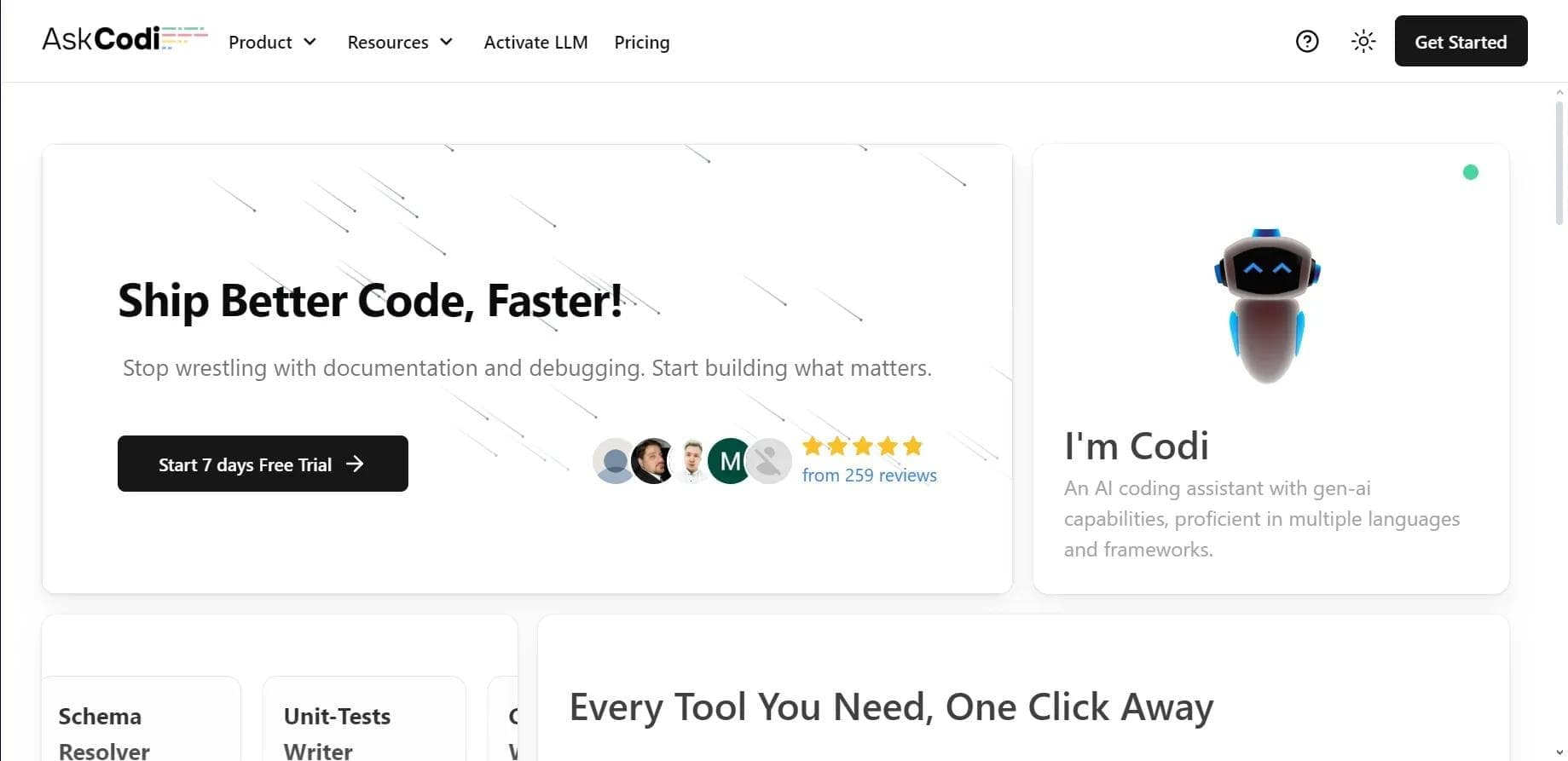

AI assistant for developers that generates, explains, and refactors code, as well as creates documentation and tests from natural language descriptions.
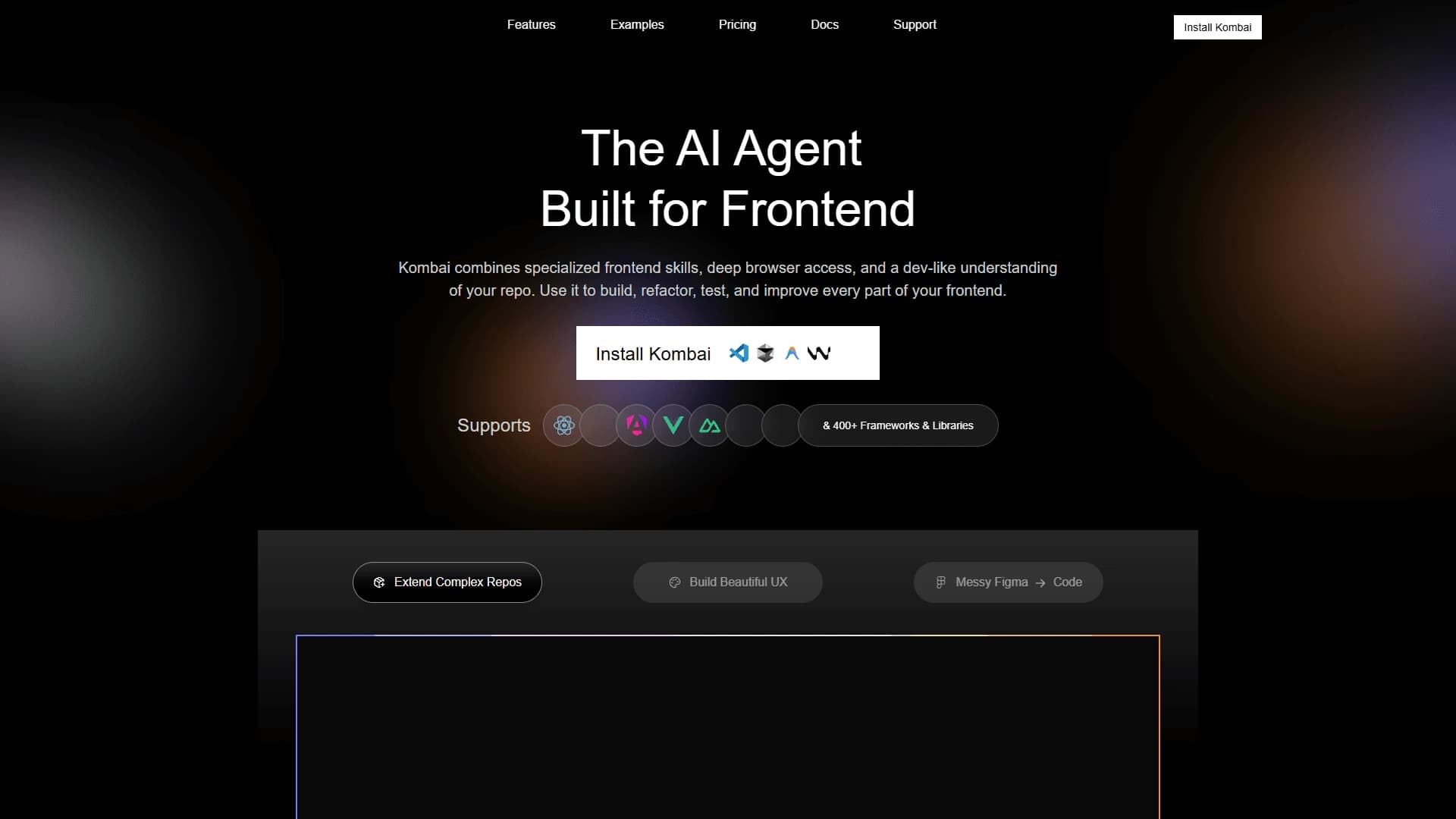
AI tool for automatically converting layouts from Figma into HTML, CSS, and React components, as well as for creating and refactoring interfaces.
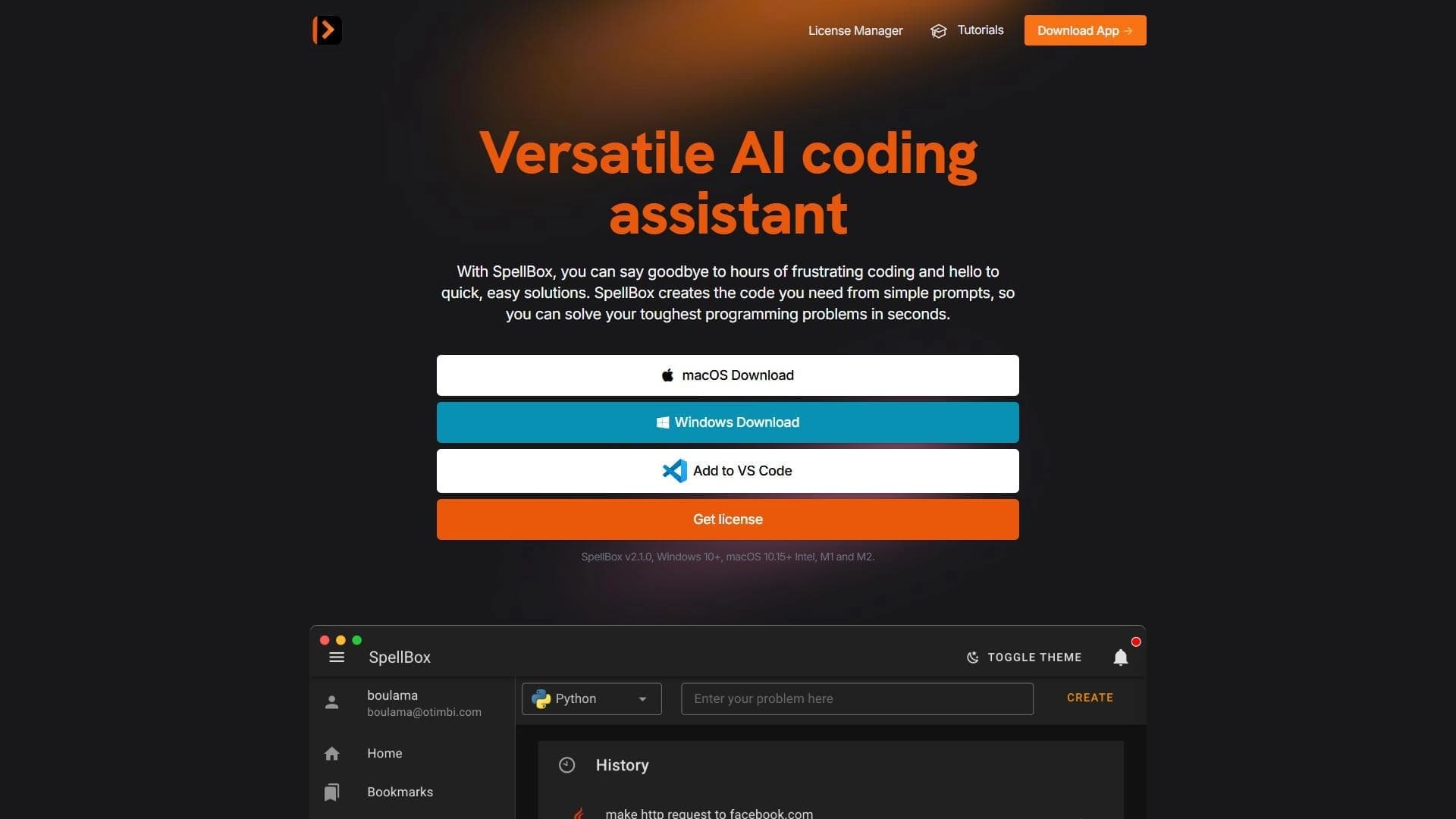

Neural network for generating, explaining, and fixing program code in various programming languages.

AI assistant for developers that automates routine programming tasks.

AI agent for software development assistance, capable of writing, fixing, and reviewing code.