
Google Antigravity
Экспериментальная среда разработки от Google на базе модели Gemini 3 Pro, где ИИ-агенты самостоятельно пишут, тестируют и проверяют код.
Место в рейтингах
Обзор
Google Antigravity
Описание нейросети Google Antigravity
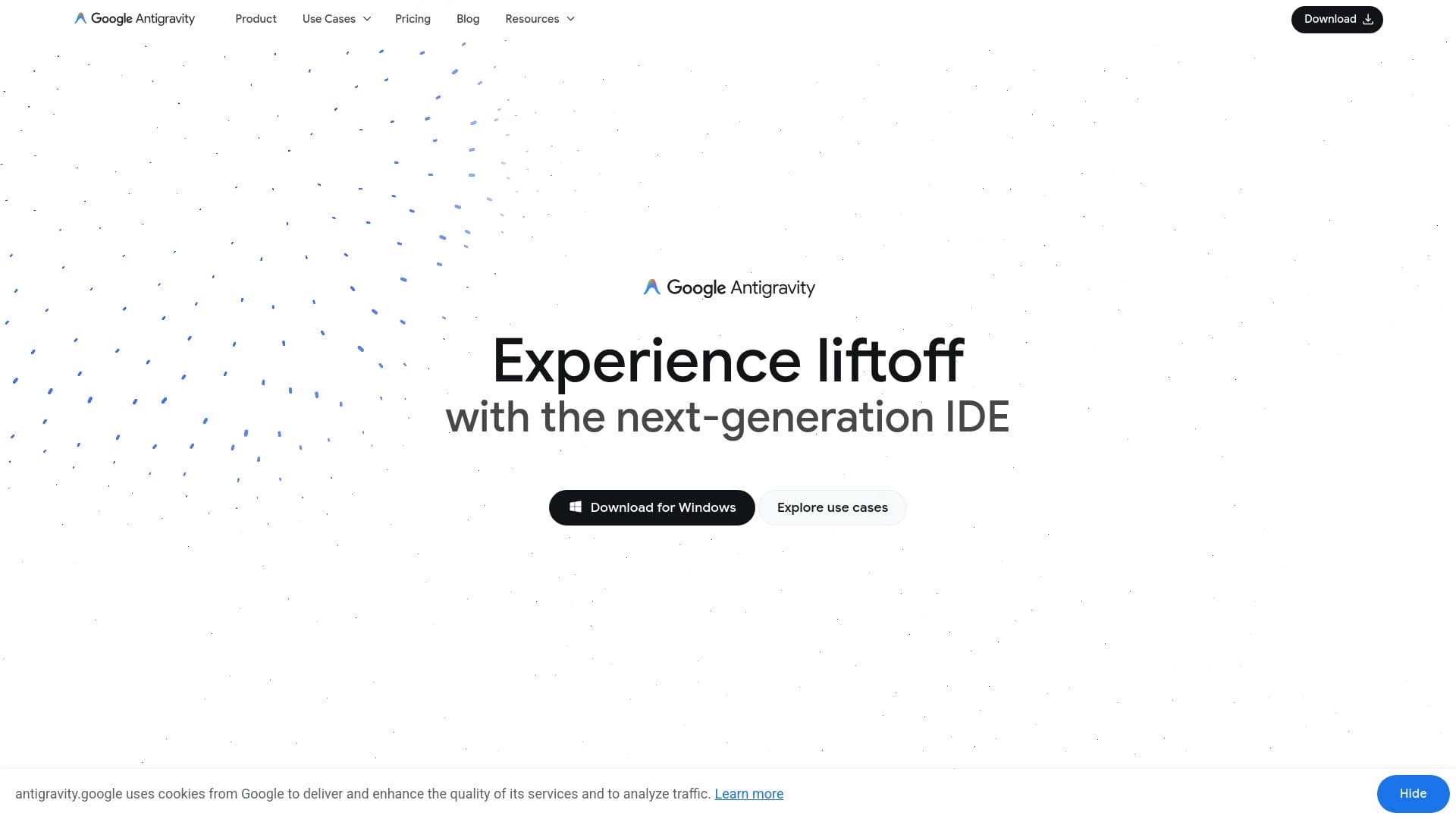
Google Antigravity — это экспериментальная среда разработки от Google, построенная вокруг агентного подхода к программированию. В основе инструмента лежит модель Gemini 3 Pro, хотя поддерживаются и другие модели. Ключевое отличие Antigravity от обычных IDE в том, что ИИ-агенты здесь не просто дополняют код, а выступают полноценными партнёрами: они сами пишут код, запускают его, тестируют и проверяют результат.
Разработчик формулирует задачи на естественном языке, а агенты работают сразу в нескольких средах — в редакторе кода, терминале и веб-браузере. При этом они могут выполнять задачи параллельно в разных рабочих пространствах. Все действия агентов фиксируются в виде артефактов: планов, скриншотов, отчётов, записей браузера и результатов тестов, что делает процесс разработки прозрачным и документированным.
По сути, Antigravity объединяет несколько компонентов в единую экосистему: IDE, командную строку (CLI), окружение Antigravity 2.0 для управления несколькими агентами и SDK. Инструмент доступен как бесплатная публичная превью-версия для Windows, macOS и Linux.
Характеристики Google Antigravity
| Характеристика | Значение |
|---|---|
| Тип | Среда разработки (IDE) с ИИ-агентами |
| Разработчик | |
| Основная модель ИИ | Gemini 3 Pro |
| Поддерживаемые модели | Gemini 3 Pro, Claude Sonnet 4.5, GPT-OSS |
| Категория | Разработка, генерация кода, AI-ассистенты |
| Платформы | Windows, macOS, Linux, Web |
| Форматы | IDE, CLI, MCP, SDK |
| Модель распространения | Free (бесплатное публичное превью) |
| Нужен VPN | Нет |
| Русский язык | Да |
| Русский интерфейс | Нет |
Для кого подходит нейросеть Google Antigravity?
Разработчики, работающие с ИИ-агентами
Antigravity в первую очередь рассчитан на разработчиков, которые хотят использовать ИИ-агентов в качестве полноценных партнёров для написания, тестирования и проверки кода, а не просто как автодополнение или подсказчика.
Фронтенд-команды и технические лиды
Режим Browser-in-the-loop делает инструмент особенно полезным для фронтенд-разработчиков: агент может работать с браузером для проверки интерфейсов и возвращать визуальные артефакты. Это также интересно техническим лидам, которым нужен агент рядом с кодом, терминалом и браузером.
Разработчики, ищущие автономность и эксперименты
Подойдёт тем, кто ежедневно работает с кодом и хочет делегировать агенту рутинные действия, а также прототипирует и экспериментирует с новыми подходами к разработке.
Как использовать нейросеть Google Antigravity?
Установка и первые шаги
Antigravity можно скачать для Windows, macOS или Linux. Для полноценного использования рекомендуется зарегистрироваться на сайте. Некоторые пользователи отмечали, что для запуска может потребоваться настройка API-ключа, и здесь иногда возникают трудности.
Освоение на небольшом проекте
Начинать стоит с небольшого проекта: откройте его в среде, оставьте ручные подтверждения команд включёнными и попросите агента сначала построить план без внесения изменений. Это позволит понять логику работы агента и проверить его предложения до того, как он начнёт менять файлы.
Постепенное усложнение задач
После знакомства с инструментом дайте агенту небольшую задачу вместе с тестом и проверьте полученные артефакты. Так вы убедитесь, что агент справляется с реальной работой, и поймёте, как контролировать результат через планы, отчёты и скриншоты.
Основные функции Google Antigravity
Многослойные агенты и параллельная работа
Несколько ИИ-агентов могут работать одновременно в разных рабочих пространствах. Управление ими ведётся через Manager View, что позволяет вести несколько рабочих веток без ручного переключения между помощниками. Окружение Antigravity 2.0 выступает командным центром для нескольких локальных агентов с группировкой разговоров в проекты и фоновыми задачами.
Browser-in-the-loop
Агент может работать с веб-браузером для проверки фронтенда, запускать тесты интерфейсов и возвращать визуальные артефакты — скриншоты и записи браузера. Это позволяет автоматически тестировать интерфейсы без дополнительных инструментов.
Артефакты и обратная связь
Каждое действие агента документируется в виде артефактов: планов задач, отчётов, скриншотов, записей браузера и результатов тестов. Пользователь может оставлять комментарии к артефактам, как в Google Docs, что даёт возможность влиять на процесс разработки.
Инструменты экосистемы
Сюда входят Antigravity IDE с автодополнением и командами на естественном языке, Antigravity CLI на Go для асинхронных сценариев (рефакторинг, исследование) в фоне, а также поддержка динамических субагентов, Skills, MCP и JSON Hooks. Агенты также запоминают фрагменты кода и паттерны задач, обучаясь на работе с проектом.
Преимущества Google Antigravity
Реальная автономность агентов
Агенты могут самостоятельно выполнять задачи — писать, тестировать и проверять код, а не только подсказывать или дописывать фрагменты. Это заметно ускоряет разработку, особенно за счёт автоматического тестирования интерфейсов через браузер.
Прозрачность и документирование
Каждый шаг агента фиксируется в виде артефактов, что даёт повышенную прозрачность процесса. Разработчик может видеть, что именно сделал агент, и оставлять комментарии к его работе. Это также помогает документировать процесс разработки.
Единая экосистема инструментов
Связка IDE, CLI, Antigravity 2.0 и SDK снижает разрыв между локальной работой и фоновыми агентскими задачами. Поддержка Projects, Skills, MCP и Hooks позволяет закрепить правила команды, если их заранее описать. Дополнительно предлагается бесплатный ранний доступ.
Недостатки Google Antigravity
Статус превью и технические ограничения
Инструмент находится в стадии публичной превью-версии, поэтому возможны ошибки, падения агентов и ограничения по квотам. У некоторых пользователей возникали проблемы с настройкой API-ключей или лимитами.
Риски для версионности
Авто-генерация может изменять файлы проекта, поэтому требуется внимательное управление версионностью. Настоятельно рекомендуется использовать Git, чтобы не потерять контроль над изменениями.
Переход с Gemini CLI
Antigravity приходит на смену Gemini CLI, но полного паритета Google не обещала. Переход может ломать привычные расширения и сценарии. Кроме того, тарифные лимиты и AI-кредиты требуют отдельной проверки перед длинными агентскими задачами.
Какие задачи решает Google Antigravity
Работа с кодом и тестами
Инструмент позволяет поручать агенту задачи по написанию, редактированию и рефакторингу кода, а также обновление и запуск тестов. Можно поручить исправление UI-дефекта, разобрать несколько модулей или подготовить миграцию.
Проверки и аудит
Antigravity подходит для запуска проверок проекта и выполнения рутинного аудита кода. Агент анализирует контекст, предлагает изменения и помогает навигировать по большим кодовым базам, быстро находя нужные участки.
Параллельная работа и фоновые сценарии
Среда поддерживает несколько рабочих веток без ручного переключения между помощниками, а CLI позволяет запускать асинхронные сценарии (например, исследование или рефакторинг) в фоне. Это полезно для планирования, документирования процесса разработки и параллельного решения комплексных задач несколькими агентами.
Цены Google Antigravity
Antigravity доступен как бесплатная публичная превью-версия. Также существует бесплатный индивидуальный план за $0 в месяц.
Платные варианты включают планы Google AI Pro и Google AI Ultra, цена которых зависит от подписки на соответствующий сервис Google. Для корпоративных клиентов предусмотрен отдельный Organization plan, доступный через Google Cloud для клиентов Gemini Enterprise Agent Platform. Тарифные лимиты и AI-кредиты рекомендуется проверять отдельно в зависимости от выбранного плана.
Условия использования Google Antigravity
Для полноценного использования требуется регистрация на сайте. Бесплатный план имеет базовые недельные лимиты, а в превью-версии действуют квоты и возможны ограничения.
Для корпоративного использования нужен отдельный пилот через Google Cloud с проверкой лимитов, логирования и правил работы с исходным кодом. При длительных агентских задачах стоит заранее проверить тарифные лимиты и расход AI-кредитов.
Доступность Google Antigravity
Инструмент доступен для Windows, macOS и Linux, а также в виде IDE, CLI и MCP. VPN не требуется. Официальный сайт — antigravity.google, интерфейс на английском языке.
Русский язык поддерживается в работе с инструментом, однако русскоязычного интерфейса нет.
Чем отличается Google Antigravity от аналогов
Главное отличие Antigravity от классических ИИ-ассистентов для кода — в агентном подходе. Если большинство инструментов лишь дописывают код или подсказывают изменения, то Antigravity даёт агентам реальную автономность: они сами пишут, тестируют и проверяют код, работая в редакторе, терминале и браузере одновременно. Дополнительно предлагается параллельная работа нескольких агентов в разных рабочих пространствах.
Отличие также в прозрачности процесса: действия агентов документируются в виде артефактов, к которым можно оставлять комментарии, — такой механизм редко встречается у аналогов. По сути, Antigravity комбинирует функции классической IDE, автономной агентской платформы и инструмента для автоматического тестирования интерфейсов. Среди упоминаемых в источниках близких решений — Google AI Studio и Google Opal, а также такие инструменты, как Amma, Base44, Luma и Refraction.
Заключение
Google Antigravity — это экспериментальная среда разработки нового поколения от Google, построенная вокруг автономных ИИ-агентов, которые могут самостоятельно писать, тестировать и проверять код. Инструмент объединяет IDE, CLI, окружение Antigravity 2.0 и SDK в единую экосистему, поддерживает параллельную работу агентов и предлагает прозрачный процесс благодаря документированию действий в виде артефактов. Несмотря на статус превью с рядом технических ограничений, квотами и необходимостью внимательного управления версионностью, Antigravity доступен бесплатно и уже сегодня интересен разработчикам и командам, которые хотят делегировать агентам часть задач и экспериментировать с агентным подходом к разработке.
Тарифы
Часто задаваемые вопросы


Смотрите также


ИИ-помощник для работы с электронной почтой, интегрирующийся с Gmail и Outlook.
Мультимодальный голосовой ассистент Яндекса на базе нейросети YandexGPT, который отвечает на вопросы, генерирует тексты и изображения, анализирует файлы и управляет умным домом.


Онлайн-редактор изображений с функциями на базе ИИ для обработки фото, дизайна и генерации контента.


Averi — платформа для маркетинга, которая объединяет планирование кампаний, создание контента и аналитику в одном интерфейсе.


Настольный AI-ассистент для macOS, Windows и Linux, который запускается по хоткею поверх всех окон и объединяет несколько языковых моделей в одном интерфейсе.

Платформа для генерации изображений, видео и аудио с помощью искусственного интеллекта по текстовым описаниям.

Онлайн-сервис для создания реалистичного клона голоса по короткой аудиозаписи и озвучивания текста.

Терминальный ИИ-агент для программирования, который динамически подстраивается под задачи разработчика.