
Recast Studio
AI tool for automatically turning podcasts and long videos into short clips for social media, as well as generating accompanying content.
Overview
Recast Studio
Description of Recast Studio
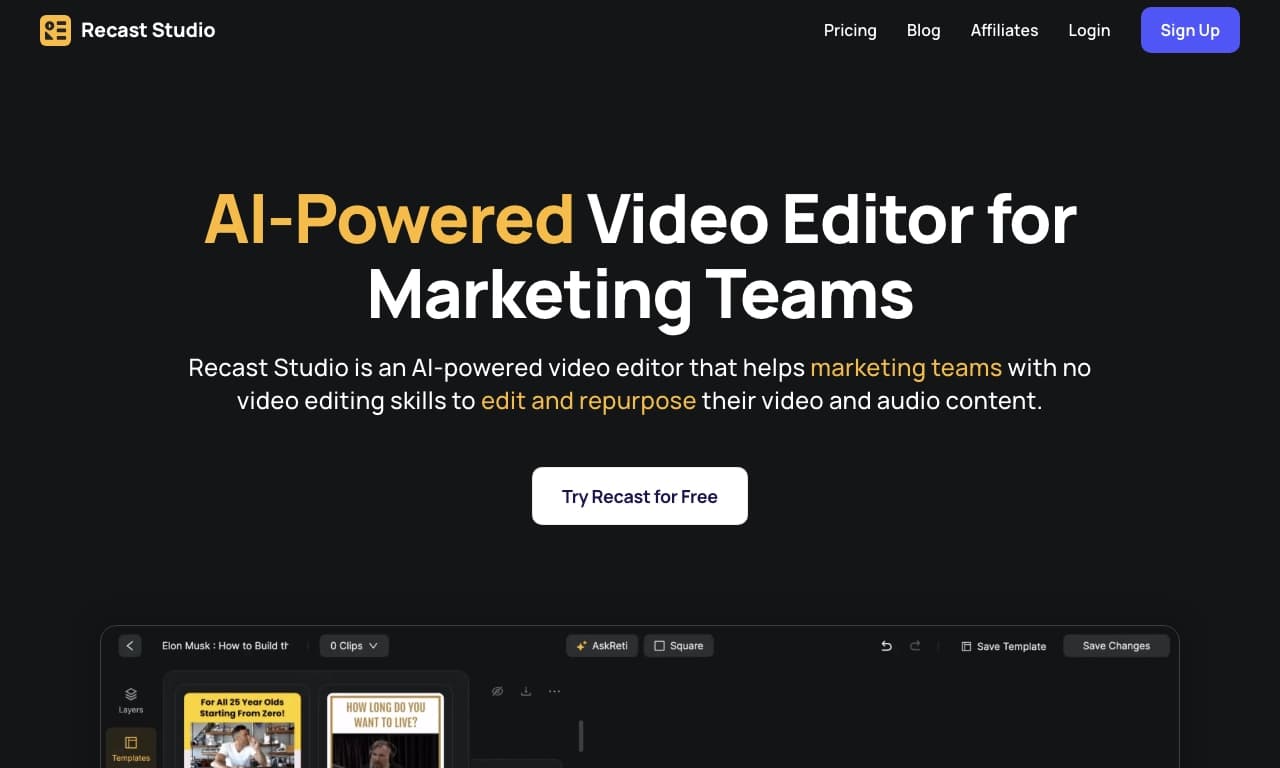
Recast Studio is an AI tool that helps content creators repurpose podcasts and long videos into short vertical clips ready for publication on social media. The service automatically finds the most interesting and engaging fragments in the source material and turns them into ready-to-publish videos.
In addition to editing, the platform generates accompanying text materials: show notes for episodes, detailed blog posts, and other content for promotion. By automating routine operations, the tool lets you turn one long episode into a whole series of short videos and supporting materials without requiring video editing skills. The service is available online through the recast.studio web platform.
Recast Studio Features
| Characteristic | Value |
|---|---|
| Type | AI content tool, AI-based online video editor |
| Categories | Video, Social Media, Podcasts, Blogging, Editing and Post-Production |
| Platforms | Web (recast.studio website) |
| Distribution model | Freemium |
| Editorial rating | 8.6 out of 10 |
| User rating | 4.8 out of 5 |
| Date verified | 06.10.2024 |
Who is Recast Studio for?
Bloggers and content creators
The tool is primarily aimed at bloggers and anyone who regularly creates content for various purposes. Recast Studio helps repurpose existing podcasts and videos into new formats, saving time on manual editing and adapting materials.
Marketing teams
The service is also designed for marketing teams: the interface and presets are tailored for marketers who need to quickly get finished materials for promotion. The tool makes it possible to scale content marketing without hiring a video production team or having editing experience.
Podcasters
The platform is especially useful for podcasters who want to reach a wider audience with short clips and text materials. From a single episode, you can get a series of social media videos, show notes, and blog posts without doing the work manually.
How to use Recast Studio
Uploading source material
To get started, upload audio or video material to the service, for example a podcast recording or a long video. The platform works online through a web browser, so no additional software installation is required.
Automatic processing
After the content is uploaded, the AI independently analyzes the material, finds the most interesting and engaging fragments, and turns them into short clips. The user does not need to manually select timestamps or edit videos — the service does this automatically.
Generating text materials
At the same time, the tool creates show notes for episodes, blog posts, and other visual and text content for promotion. The finished materials can be used right away for publication on social media and other platforms.
Key Features of Recast Studio
Converting video into short clips
The service automatically finds engaging fragments in podcasts and long videos and turns them into short vertical clips ready for social media. This is the core function of the tool and the foundation of how it works.
Generating text content
The platform creates show notes, turns a podcast into a detailed blog post, and generates social media messages. Text materials are produced automatically based on audio and video content.
Creating visual content for promotion
In addition to clips and texts, the service helps create visual materials for promoting podcasts. Marketers get clear presets and AI prompts that simplify preparation of promotional assets.
Benefits of Recast Studio
Time savings
The tool lets you quickly repurpose long content into finished clips and text materials without editing experience. One long episode can yield a whole series of videos and supporting materials, which significantly speeds up work.
Increased engagement
By adapting content for different platforms and automatically selecting the most interesting fragments, the service helps increase audience engagement across channels. Each clip and post is designed to hold viewers’ attention.
Routine automation
Routine video editing and text writing tasks are automated, so there is no need to hire a video production team or do this work manually. The interface is designed for marketers and requires no special skills.
What tasks does Recast Studio solve?
Turning content into marketing assets
The tool solves the main problem for content creators: quickly turning video and audio materials into finished marketing assets. From long podcasts and videos, the service creates short social media clips that can be published immediately.
Creating text materials for promotion
The platform generates show notes, blog posts, and other text materials needed to promote podcasts. This frees authors from the time-consuming work of writing supporting texts by hand.
Scaling content marketing
Recast Studio lets you scale content marketing without a video production team. A single episode can produce a series of videos and materials, which is especially important for teams that need to regularly fill multiple promotion channels.
Recast Studio Pricing
Freemium model
Advertisement
The tool is distributed on a freemium model, meaning there is both a free plan with basic features and paid plans with expanded functionality. Exact plans, the cost of paid subscriptions, and the scope of features available on the free plan are not disclosed in public sources.
Recommendations before purchasing
Since details of the pricing plans are not provided in available materials, it is recommended to check current prices and terms on the official recast.studio website before choosing a subscription, so you can select a plan that fits your tasks and workload.
Recast Studio Terms of Use
The service is provided online through a web platform, allowing you to use it from any browser without installing additional software. No video editing skills are required — all core operations are performed automatically based on the uploaded content.
Detailed terms of use, including upload limits, rights to created content, and restrictions of the free plan, are not described in detail in public sources. Users are advised to review the official terms of service on the website before starting full-scale use.
How Recast Studio Differs from Alternatives
The main difference between Recast Studio and similar tools is its integrated approach to content repurposing. Instead of solving only one task (for example, only editing clips or only transcribing), the service simultaneously creates short vertical videos, show notes, blog posts, and visual content for promotion. This makes it possible to get a complete set of ready-made materials from a single episode.
Unlike many narrowly specialized solutions, the platform is focused not only on technical editing but also on marketing scenarios: presets and prompts are designed for marketers, and the interface simplifies turning content into ready-made promotional assets. At the same time, the service requires no editing skills and does not involve hiring a video production team, which sets it apart from many tools that require manual refinement of results.
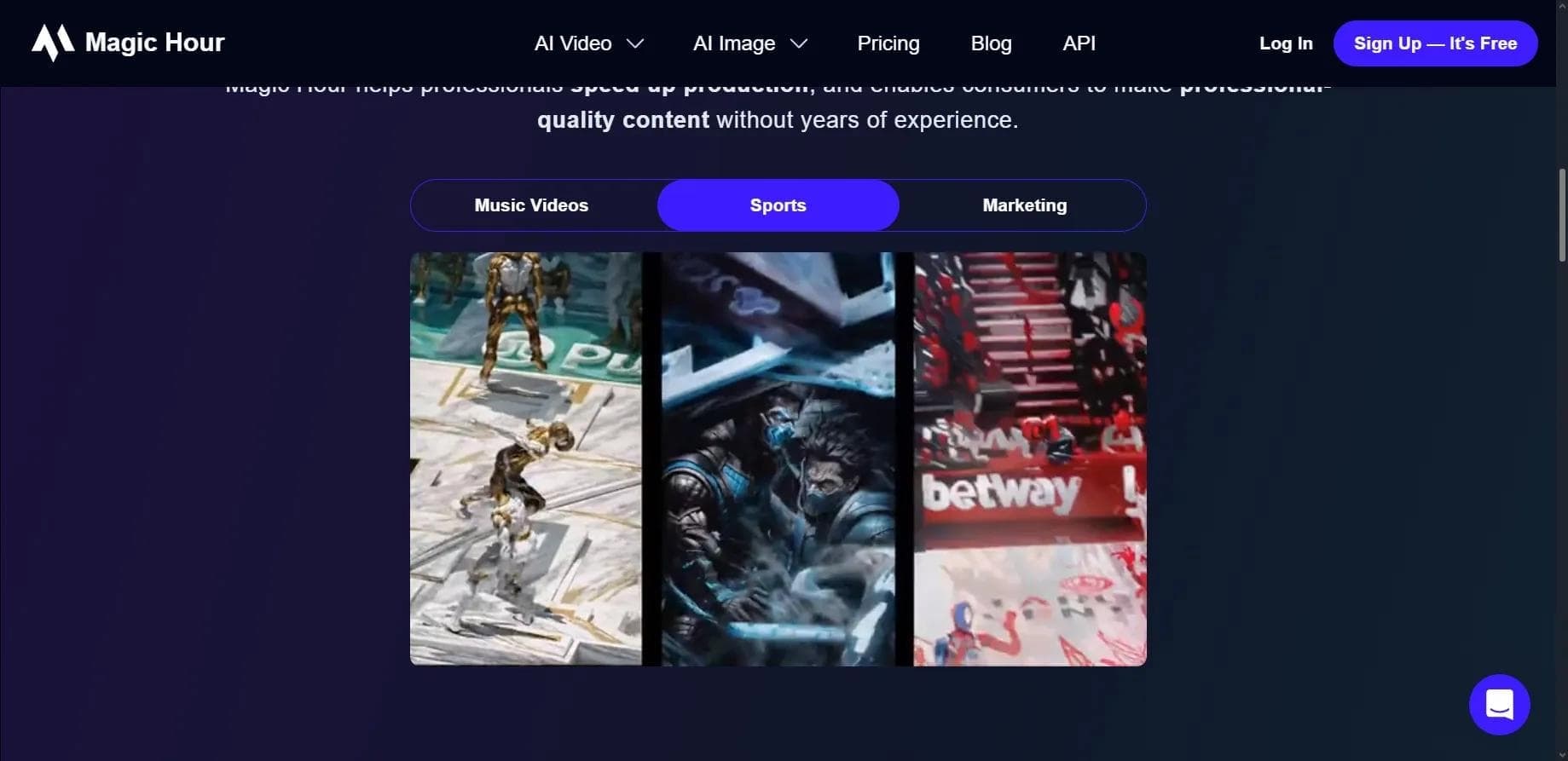
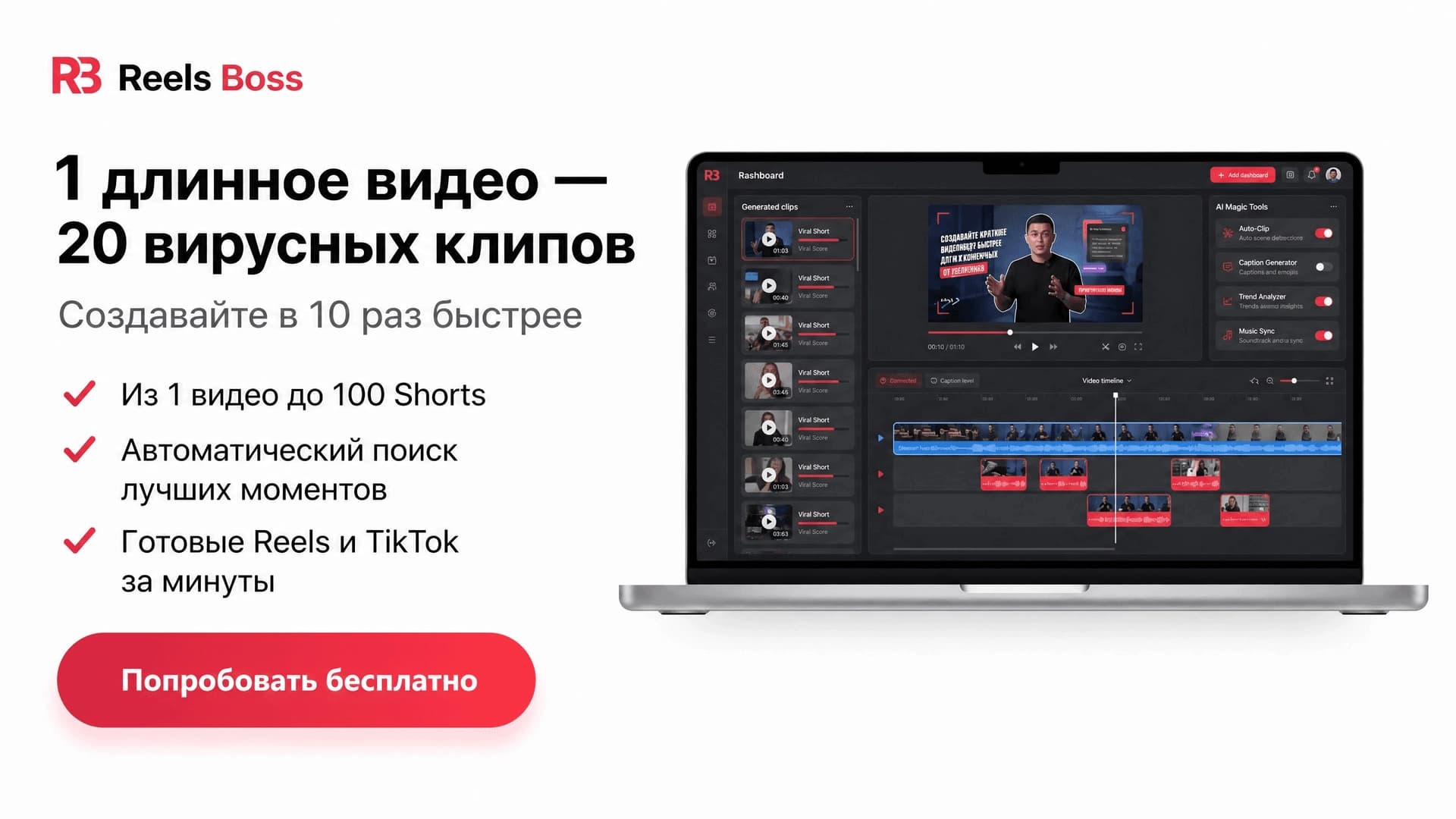
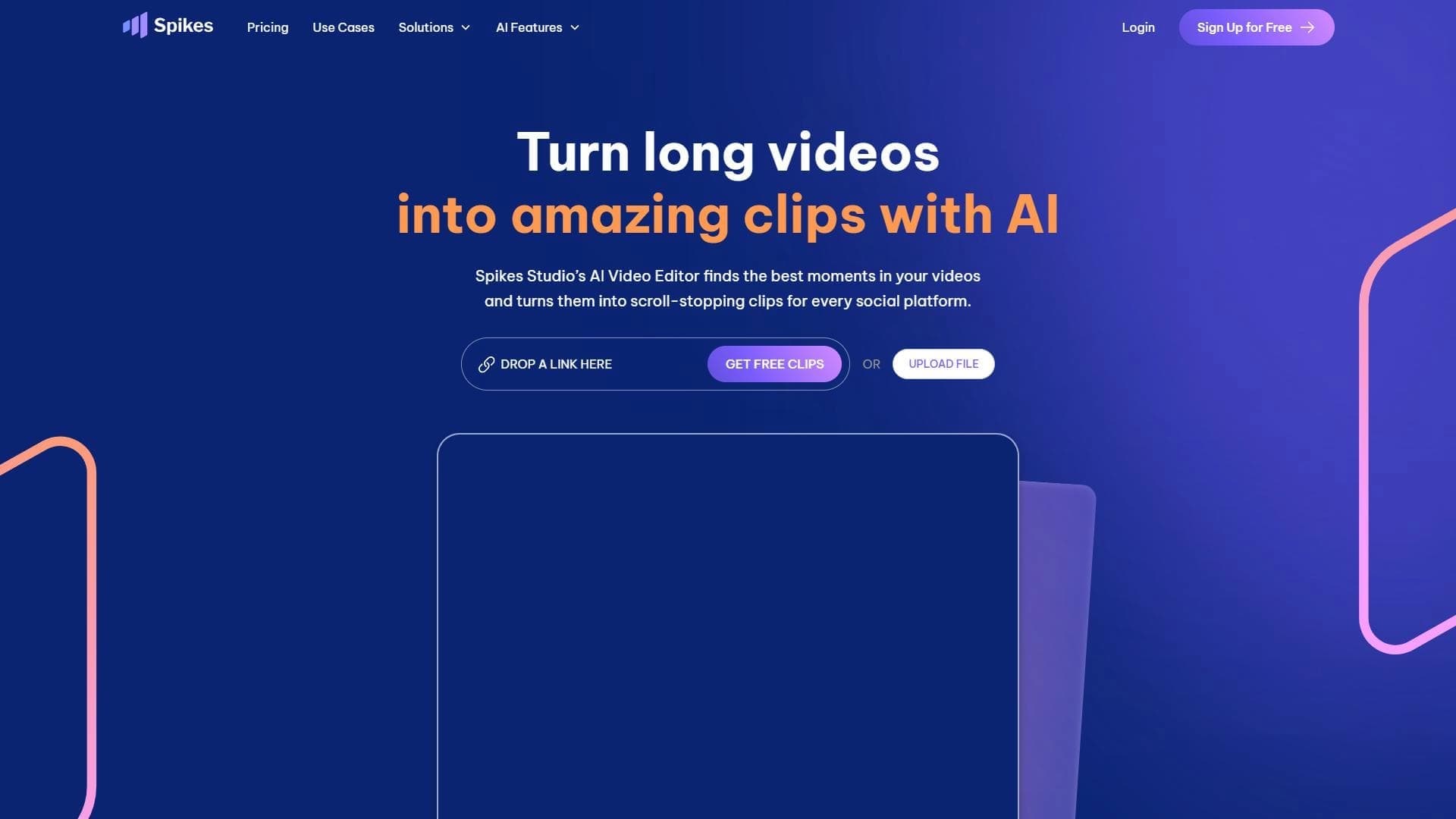
It is worth noting that there are other similar services on the market, such as Lazylines AI, Joineo, Magic Hour, Spikes Studio, Submagic, and Reels Boss, among others; however, the specific technical and pricing differences between them are not compared in detail in available materials.
Conclusion
Recast Studio is a practical AI tool that helps bloggers, podcasters, and marketing teams quickly repurpose long videos and podcasts into short clips for social media, as well as create show notes, blog posts, and other content for promotion. The service saves time on routine work, boosts audience engagement, and lets you scale content marketing without editing experience. Details of the pricing plans should be checked on the official website.
Advertisement
Advertisement
Frequently asked questions
Similar AI tools



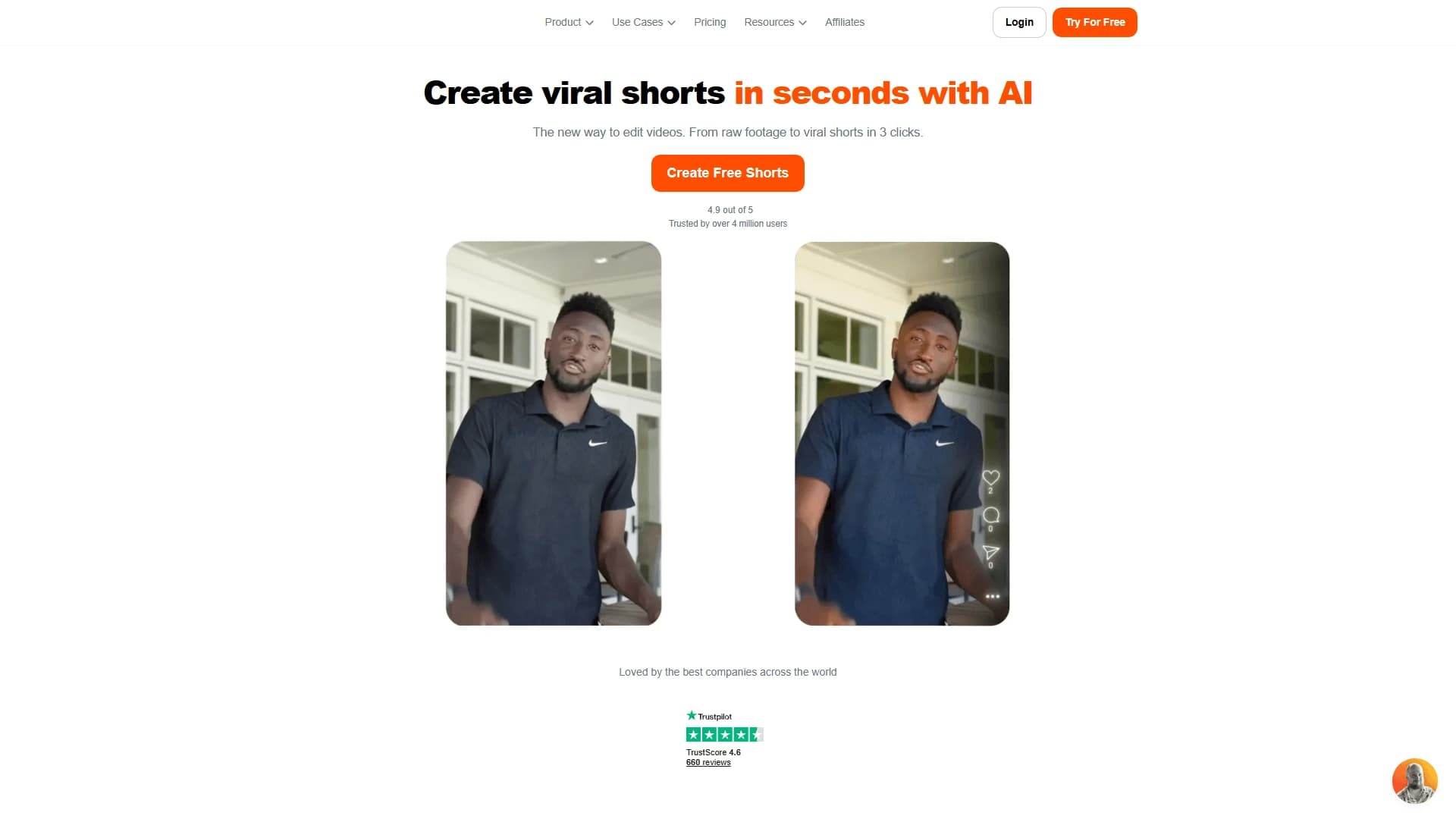

See also

A platform for creating talking videos with a teleprompter, AI-generated scripts, subtitles, and avatars.
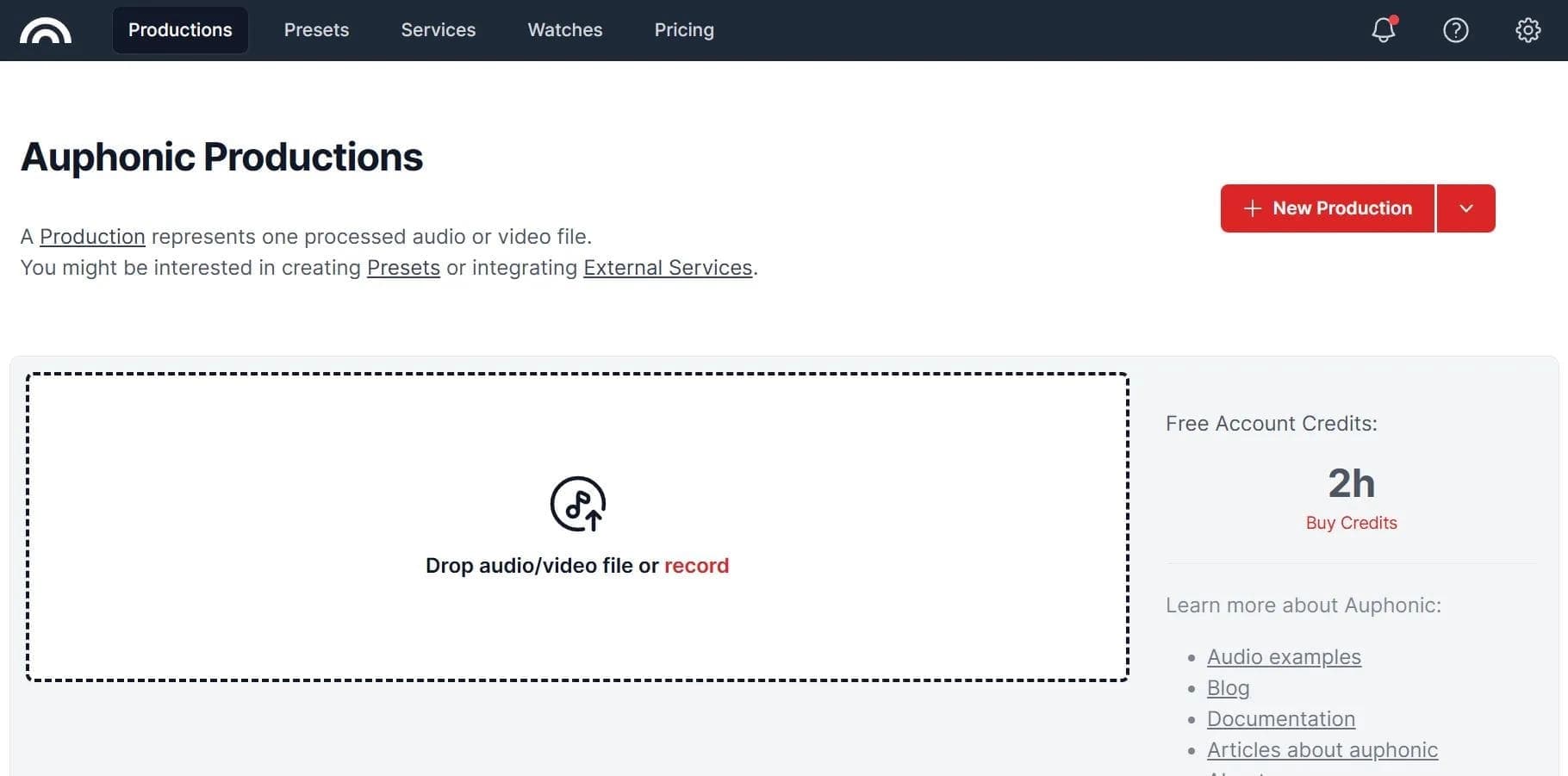

Cloud service for automatic audio post-processing that normalizes volume and removes noise and pauses.
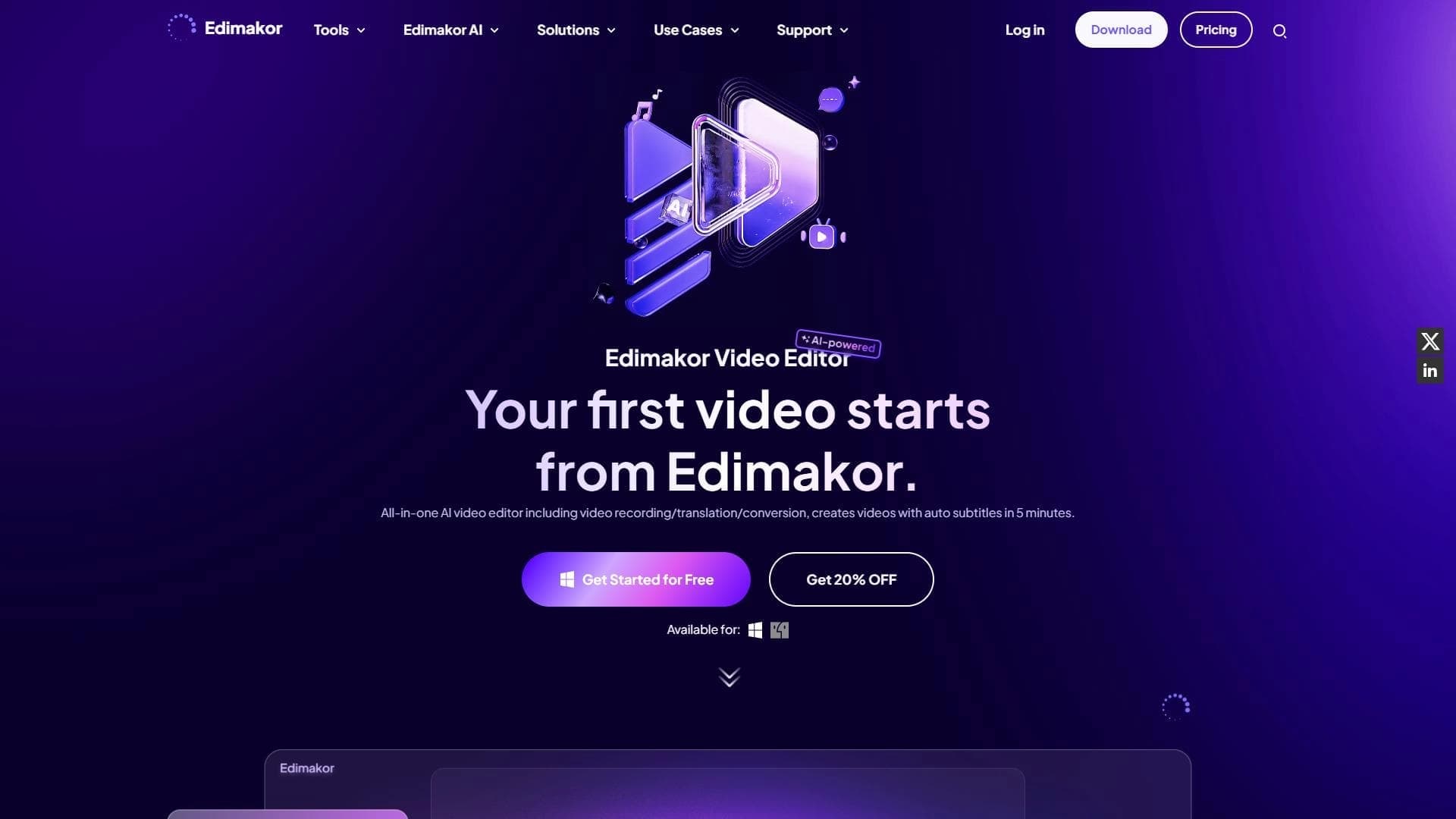

AI-powered desktop video editor for automatic subtitle generation and basic video editing.

Online video editor with AI tools for creating and editing videos directly in the browser.

A platform that combines several video creation tools in a single chat interface, from script generation to editing and voiceover.

Mobile app for photo and video editing using AI and an extensive library of filters.
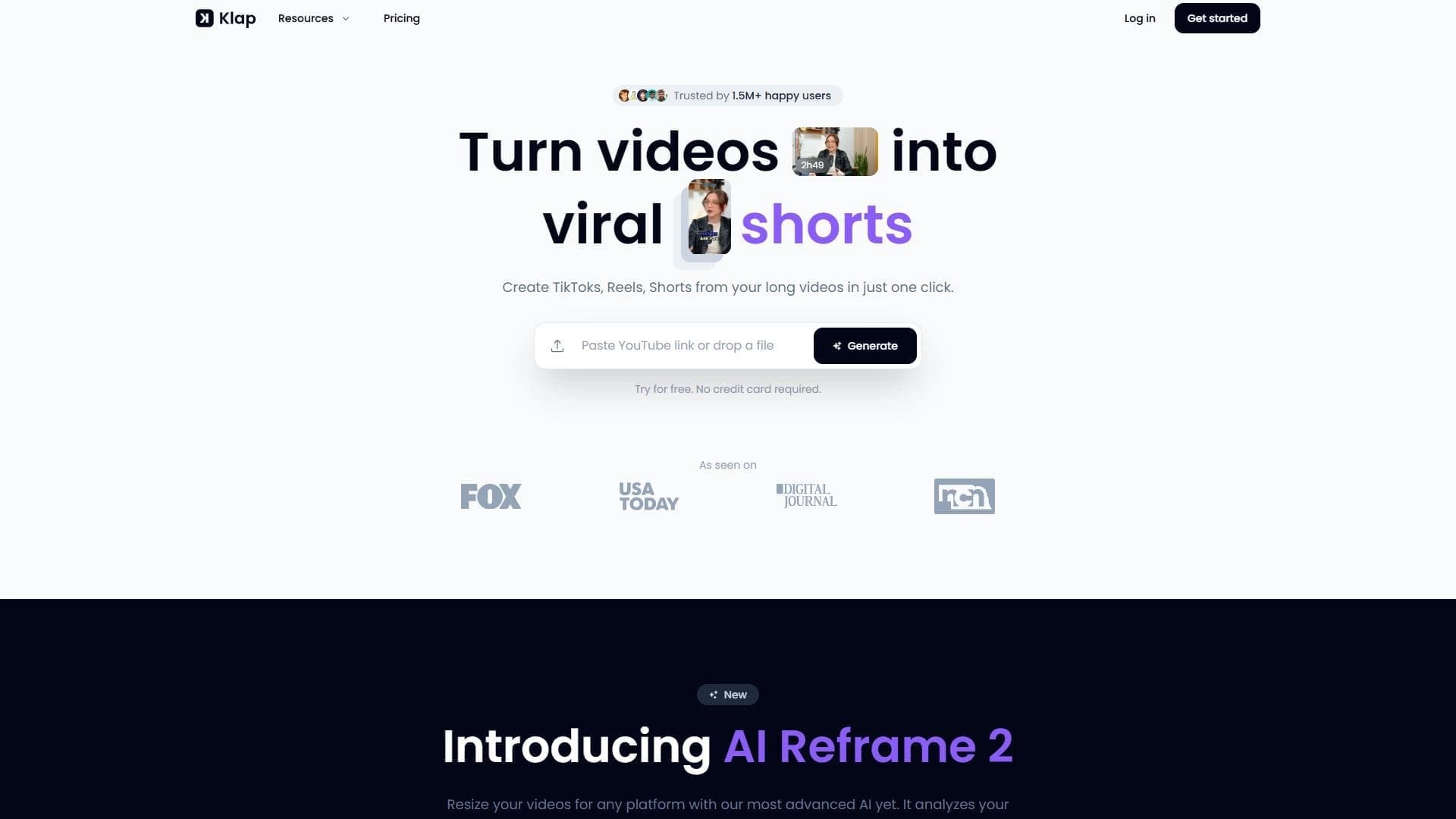

AI tool for automatically cutting long videos into short clips for TikTok, Reels, and YouTube Shorts.

Neural network for automatic cleaning of audio recordings from filler words, noises, and pauses.