

Cleanvoice AI
ऑडियो रिकॉर्डिंग्स को भराव शब्दों, शोर और रुकावटों से स्वचालित रूप से साफ करने के लिए न्यूरल नेटवर्क।
रैंकिंग में स्थान
अवलोकन
Cleanvoice AI
Cleanvoice AI तंत्रिका नेटवर्क का विवरण
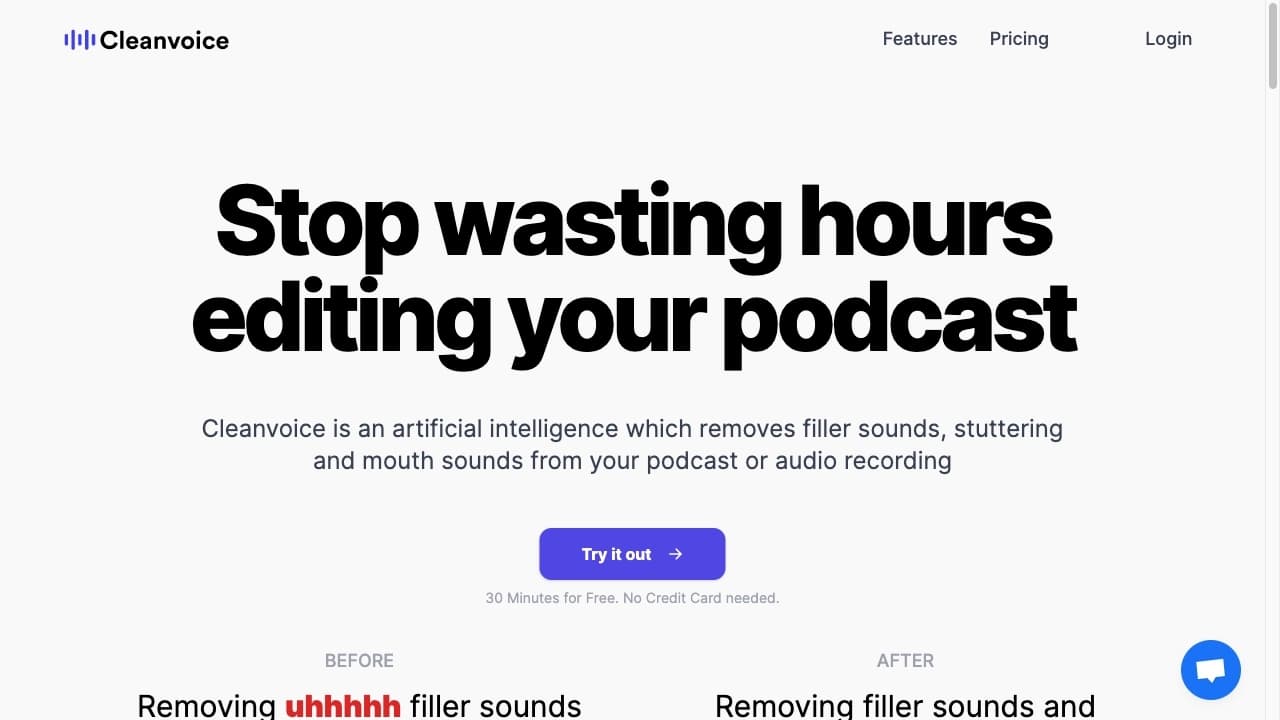
Cleanvoice AI एक तंत्रिका नेटवर्क है जिसे स्वचालित प्रसंस्करण और ऑडियो रिकॉर्डिंग की सफाई के लिए डिज़ाइन किया गया है। यह मुख्य रूप से पॉडकास्ट रचनाकारों, साक्षात्कारकर्ताओं और वीडियो निर्माताओं के उद्देश्य से है जिन्हें लंबे मैनुअल संपादन के बिना साफ ध्वनि की आवश्यकता होती है।
क्या सेवा कर सकते हैं?
तंत्रिका नेटवर्क स्वचालित रूप से भराव शब्दों ("um", "uh", और अन्य अवरोधों) का पता लगाता है और उसे हटा देता है, मुंह की आवाज़ जैसे कि होंठ smacks और क्लिक्स, साथ ही साँस लेने, पृष्ठभूमि शोर, और लंबे ठहराव। यह रचनाकारों को हाथ से हर अवांछित खंड को काटने के थकाऊ काम से बचाता है।
कौन उपकरण है?
सेवा उन लोगों के लिए डिज़ाइन की गई है जो संवादात्मक सामग्री के साथ काम करते हैं: पॉडकास्टर, साक्षात्कारकर्ता, शैक्षिक सामग्री के लेखक और वीडियो निर्माता। उपकरण को किसी विशेष ऑडियो कौशल की आवश्यकता नहीं होती है - उपयोगकर्ता केवल एक फ़ाइल अपलोड करते हैं, और तंत्रिका नेटवर्क बाकी है।
अतिरिक्त क्षमताओं
सफाई के अलावा, क्लीनवॉइस एआई कई भाषाओं का समर्थन करता है और अन्य ऑडियो संपादक में आगे मैनुअल परिष्करण के लिए एक समयरेखा निर्यात करने की अनुमति देता है। यह लोकप्रिय ध्वनि संपादन कार्यक्रमों के साथ एकीकरण भी प्रदान करता है।
Cleanvoice AI विनिर्देशों
| विशेषता | मूल्य |
|---|---|
| प्रकार | ऑडियो प्रोसेसिंग के लिए तंत्रिका नेटवर्क |
| श्रेणियाँ | पॉडकास्ट, ऑडियो प्रोसेसिंग, शोर में कमी, ऑडियो संपादन, ऑडियो एन्हांसमेंट |
| प्लेटफार्म | वेब |
| वितरण मॉडल | फ्रीमियम (फ्री 30 मिनट का परीक्षण उपलब्ध) |
| मूल्य निर्धारण मॉडल | जैसा कि आप प्रति घंटे $1-2 से जाते हैं, $11 प्रति माह से सदस्यता, प्रो $30+ से |
| समर्थित भाषाओं | कई भाषाओं (गुणवत्ता विशिष्ट भाषा पर निर्भर करती है) |
| संपादक की रेटिंग | 10 में से 7.9 |
| उपयोगकर्ता रेटिंग | 4.4 |
कौन के लिए उपयुक्त Cleanvoice AI है?
Cleanvoice AI का उद्देश्य शुरुआती से पेशेवरों तक वॉयस कंटेंट के साथ काम करने वाले लोगों की एक विस्तृत श्रृंखला है।
पॉडकास्ट निर्माता
यह सेवा का मुख्य दर्शक है। पॉडकास्टर अक्सर लंबी बातचीत रिकॉर्ड करते हैं जिसमें अनिवार्य रूप से ठहराव, भराव शब्द और बाहरी ध्वनियां होती हैं। Cleanvoice AI मैन्युअल संपादन के घंटों के बिना इस तरह की रिकॉर्डिंग को जल्दी से बांधने में मदद करता है।
साक्षात्कारकर्ता और वीडियो निर्माता
जो लोग साक्षात्कार करते हैं या संवादात्मक वीडियो को गोली मारते हैं, उन्हें अतिरिक्त ध्वनियों और भाषण hiccup से भी निपटना पड़ता है। सेवा एक रिकॉर्डिंग की गति को गति देती है जो सामग्री से श्रोताओं और दर्शकों को विचलित करती है।
शैक्षिक सामग्री और शुरुआती के लेखक
जो लोग ट्यूटोरियल रिकॉर्ड करते हैं या केवल कोई रिकॉर्डिंग अनुभव मूल्य नहीं रखते हैं, वे जल्दी से साफ ध्वनि प्राप्त करने की क्षमता रखते हैं। उपकरण प्रविष्टि बाधा को कम करता है: जटिल ऑडियो संपादकों को बाहर निकालने की कोई आवश्यकता नहीं है - बस एक फ़ाइल अपलोड करें और संसाधित परिणाम प्राप्त करें।
Cleanvoice AI का उपयोग कैसे करें?
सेवा के साथ काम करना एक सरल सिद्धांत का पालन करता है और किसी विशेष संपादन कौशल की आवश्यकता नहीं होती है।
चरण 1: एक ऑडियो फ़ाइल अपलोड करें
उपयोगकर्ता सेवा वेबसाइट पर एक ऑडियो रिकॉर्डिंग अपलोड करता है। यह एक समाप्त पॉडकास्ट फ़ाइल, एक साक्षात्कार या किसी अन्य संवादात्मक सामग्री हो सकता है।
चरण 2: स्वचालित विश्लेषण और प्रसंस्करण
अपलोड करने के बाद, तंत्रिका नेटवर्क स्वतंत्र रूप से रिकॉर्डिंग का विश्लेषण करता है: यह भराव शब्द, अनावश्यक ठहराव, क्लिक, साँस लेने और अन्य बाहरी ध्वनियों का पता लगाता है, फिर स्वचालित रूप से उन्हें हटा देता है। सभी ठीक काम उपयोगकर्ता की भागीदारी के बिना होता है।
चरण 3: परिणाम डाउनलोड करें या इसे परिष्कृत करें
एक बार प्रसंस्करण पूरा होने के बाद, आप तैयार फ़ाइल डाउनलोड कर सकते हैं। यदि बेहतर ट्यूनिंग की आवश्यकता है, तो आप समयरेखा निर्यात कर सकते हैं और तंत्रिका नेटवर्क द्वारा किए गए सफाई को बनाए रखते हुए तीसरे पक्ष के ऑडियो संपादक में संपादन जारी रख सकते हैं।
Cleanvoice AI की प्रमुख विशेषताएं
भराव शब्दों और अतिरिक्त अवरोधों को हटाने
सेवा का मुख्य कार्य स्वचालित रूप से भराव शब्द जैसे "उम्" और "उह" का पता लगाने और हटाने वाला है। यह भाषण स्पष्टता में काफी सुधार करता है और रिकॉर्डिंग को अधिक पेशेवर बनाता है।
बाहरी ध्वनियों की सफाई करना
तंत्रिका नेटवर्क मुंह की आवाज़ को हटा देता है जैसे कि लिप स्मैक और क्लिक, साथ ही साँस लेने और पृष्ठभूमि शोर। इन कलाकृतियों को लगभग हमेशा संवादात्मक रिकॉर्डिंग में प्रस्तुत किया जाता है और आमतौर पर मैनुअल हटाने की आवश्यकता होती है।
प्यूज़ और चुप्पी को कम करना
सेवा मौन के लंबे हिस्सों का पता लगाती है और स्वचालित रूप से उन्हें छोटा करती है, जिससे रिकॉर्डिंग अधिक गतिशील और जीवंत होती है। यह विशेष रूप से पॉडकास्ट और साक्षात्कार के लिए उपयोगी है, जहां बोलने वाले मोड़ के बीच ठहराव पर खींच सकता है।
समयरेखा निर्यात और एकीकरण
Cleanvoice AI आपको किसी अन्य संपादक में परिष्करण के लिए समयरेखा निर्यात करने की अनुमति देता है। यह लोकप्रिय ऑडियो संपादकों के साथ एकीकरण भी प्रदान करता है, जो उपयोगकर्ताओं को अंतिम परिणाम पर अतिरिक्त नियंत्रण प्रदान करता है।
Cleanvoice AI के लाभ
महत्वपूर्ण समय बचत
स्वचालित भाषण क्लीनअप उन घंटों के बजाय मिनट लेता है जो ऑडियो संपादक में मैनुअल प्रोसेसिंग की आवश्यकता होगी। लंबे पॉडकास्ट और साक्षात्कार के लिए, बचत विशेष रूप से ध्यान देने योग्य है।
उपयोग में आसानी
सेवा को कोई संपादन कौशल की आवश्यकता नहीं है। यह शुरुआती के लिए प्रवेश बाधा को कम करता है: उपयोगकर्ता एक फ़ाइल अपलोड करते हैं और जटिल संपादन उपकरण सीखने के बिना साफ ध्वनि प्राप्त करते हैं।
विशेष रूप से "मानव" भाषण त्रुटियों को हटा देता है
सरल शोर reducer के विपरीत, क्लीनवॉइस एआई लाइव भाषण की विशेषताओं को खत्म करने पर केंद्रित है: भराव शब्द, हेसेशन, मुंह की आवाज़। यह श्रोताओं के लिए सामग्री को अधिक आरामदायक बनाता है और संवादात्मक रिकॉर्डिंग की गुणवत्ता में सुधार करता है।
परिष्करण स्पर्श के लिए लचीलापन
समयरेखा निर्यात करने और मैन्युअल रूप से किसी अन्य संपादक में ऑडियो को परिष्कृत करने की क्षमता उपयोगकर्ताओं को अंतिम समायोजन करने की स्वतंत्रता देती है जब अधिक नाजुक ध्वनि कार्य की आवश्यकता होती है।
बहुभाषी समर्थन
उपकरण कई भाषाओं के साथ काम करता है, विभिन्न देशों के निर्माताओं के लिए अपनी उपयोगिता का विस्तार करता है। एक मुफ्त 30 मिनट के परीक्षण के साथ सेवा का परीक्षण करने की क्षमता भी एक प्लस है।
Cleanvoice AI के नुकसान
जटिल भाषण के साथ सीमाएं
तंत्रिका नेटवर्क हमेशा मुश्किल मामलों को सही ढंग से संभाल नहीं पाता है: भावनात्मक भाषण, वक्ताओं के बीच रुकावट, असामान्य उच्चारण। ऐसे मामलों में, परिणाम को अतिरिक्त समीक्षा और मैनुअल सुधार की आवश्यकता होती है।
रिकॉर्डिंग भाषा पर निर्भरता
भाषा के आधार पर गुणवत्ता उल्लेखनीय रूप से बदल सकती है। सेवा आम भाषाओं के साथ सबसे अच्छा काम करती है, जबकि सटीकता कम व्यापक रूप से इस्तेमाल की जाने वाली भाषाओं के लिए कम हो सकती है।
भुगतान का उपयोग मॉडल
सेवा में लगभग कोई पूर्ण मुक्त स्तर नहीं है। पूर्ण उपयोग के लिए भुगतान की आवश्यकता है, हालांकि 30 मिनट का परीक्षण परीक्षण के लिए उपलब्ध है सुविधाएँ
पूर्ण संपादन की जगह नहीं है
Cleanvoice AI बुनियादी भाषण सफाई के लिए उपयुक्त है लेकिन पूर्ण ध्वनि उत्पादन को प्रतिस्थापित नहीं करता है। यह रिकॉर्डिंग में सुधार करता है लेकिन पूरी तरह से कम गुणवत्ता वाले स्रोत सामग्री को बहाल नहीं करता है - अंतिम गुणवत्ता मूल फ़ाइल पर निर्भर करती है।
क्या कार्य करता है Cleanvoice AI हल?
पॉडकास्ट संपादन को गति देना
सेवा स्वचालित रूप से "ums", pauses और बाहरी ध्वनियों को हटा देती है, जो पॉडकास्ट तैयारी को काफी तेज करती है। इस प्रक्रिया को सामान्य रूप से मैनुअल कार्य के घंटों की आवश्यकता होती है।
प्रसंस्करण साक्षात्कार और संवादात्मक वीडियो
साक्षात्कार और संवादात्मक वीडियो के लिए, टूल हेसिटेशन और बाहरी ध्वनि को हटाकर रिकॉर्डिंग की गति को गति देता है। यह बातचीत को अधिक गतिशील और सुखद बनाता है।
शैक्षिक सामग्री की सफाई
ऑनलाइन पाठ्यक्रमों और व्याख्यानों में, स्वच्छ और बुद्धिमान ध्वनि महत्वपूर्ण है। क्लीनवॉइस एआई सामग्री के पदार्थ से श्रोताओं को विचलित करके भाषण स्पष्टता में सुधार करने में मदद करता है।
बिना अनुभव के ऑडियो को जल्दी से tidying
उन लोगों के लिए जो पहली बार अपनी आवाज़ रिकॉर्ड करते हैं और संपादन कौशल की कमी करते हैं, सेवा जटिल ऑडियो संपादकों को सीखने के बिना एक गुणवत्ता परिणाम प्राप्त करना संभव बनाती है।
Cleanvoice AI मूल्य निर्धारण
नि: शुल्क परीक्षण संस्करण
सेवा एक नि: शुल्क 30 मिनट का परीक्षण प्रदान करती है जो आपको किसी भी कीमत पर टूल की क्षमताओं का मूल्यांकन करने देता है। भुगतान करने से पहले अपनी खुद की सामग्री पर सफाई की गुणवत्ता की जांच करना एक सुविधाजनक तरीका है।
मूल्य निर्धारण योजना
योजनाओं की विस्तृत शर्तों को सार्वजनिक स्रोतों में पूरी तरह से खुलासा नहीं किया जाता है। यह ज्ञात है कि सेवा कई मूल्य निर्धारण मॉडलों का उपयोग करती है: आप जाने के रूप में भुगतान करते हैं (आमतौर पर संसाधित ऑडियो के $ 1 से 2 प्रति घंटे), एक सदस्यता (एक शामिल प्रसंस्करण भत्ता के साथ प्रति माह $ 11 से), और एक प्रो योजना ($ 30+ से, जिसका उद्देश्य बड़ी मात्रा और प्राथमिकता प्रसंस्करण के लिए है)।
Cleanvoice AI उपयोग की शर्तें
सेवा का उपयोग करने के लिए पंजीकरण की आवश्यकता होती है, क्योंकि एक मुफ्त परीक्षण संस्करण की पेशकश की जाती है। सेवा का पूर्ण उपयोग लगभग पूरी तरह से भुगतान किया जाता है - इसमें कोई मुफ्त मोड नहीं है जो सभी सुविधाओं तक असीमित पहुंच प्रदान करता है।
Cleanvoice AI उपलब्धता
सेवा एक वेब प्लेटफॉर्म पर चलती है, जिससे आपको इंटरनेट एक्सेस के साथ किसी भी डिवाइस से इसका उपयोग करने की अनुमति मिलती है।
सेवा की गुणवत्ता सीधे रिकॉर्डिंग भाषा पर निर्भर करती है- टूल सामान्य भाषाओं को सबसे अच्छा संभालती है, जबकि सफाई की गुणवत्ता कम व्यापक रूप से इस्तेमाल की जाने वाली भाषाओं के लिए कम हो सकती है।
कैसे Cleanvoice AI विकल्प से अलग है
बातचीत भाषण पर ध्यान केंद्रित करें
Cleanvoice AI और कई समान सेवाओं के बीच मुख्य अंतर संवादात्मक सामग्री पर इसका ध्यान केंद्रित है। उपकरण का उद्देश्य सिर्फ शोर को दबाने पर नहीं बल्कि विशिष्ट "मानव" भाषण कलाकृतियों को हटाने के उद्देश्य से है: भराव शब्द, मुंह की आवाज़, उत्तेजना। यह विशेष रूप से पॉडकास्टर और साक्षात्कारकर्ताओं के लिए सुविधाजनक बनाता है।
सरलता और स्वचालन
Cleanvoice AI अपने कम प्रवेश सीमा के लिए बाहर खड़ा है। उपयोगकर्ता को संपादन की बारीकियों को समझने की आवश्यकता नहीं है - बस एक फ़ाइल अपलोड करें। उसी समय, टाइमलाइन निर्यात करने की क्षमता उन उपकरणों से सेवा को अलग करती है जो उपयोगकर्ताओं को आगे नियंत्रण देने के बिना पूरी तरह से "अंधे" काम करते हैं।
मूल्य और लचीलेपन का एक संयोजन
Pay-as-you-go मॉडल कभी-कभी उपयोगकर्ताओं के लिए आकर्षक है जिसके लिए एक पूर्ण सदस्यता लागत प्रभावी नहीं है। ऑडियो संपादक एकीकरण के साथ संयुक्त, यह लचीलापन प्रदान करता है जो प्रतिस्पर्धी सेवाएं हमेशा प्रदान नहीं करती हैं।
निष्कर्ष
Cleanvoice AI स्वचालित ऑडियो क्लीनअप के लिए एक सुविधाजनक तंत्रिका नेटवर्क है जो tedious मैनुअल संपादन से पॉडकास्ट, साक्षात्कार और वीडियो रचनाकारों को बचाता है। यह भराव शब्द, मुंह की आवाज़, साँस लेने, पृष्ठभूमि शोर और लंबे ठहराव को हटा सकता है, कई भाषाओं का समर्थन करता है और ऑडियो अनुभव की आवश्यकता के बिना, समयरेखा को आगे रिफाइनमेंट के लिए निर्यात करने की अनुमति देता है। सेवा में 30 मिनट का मुफ्त परीक्षण है और लोकप्रिय ऑडियो संपादकों के साथ एकीकरण प्रदान करता है। उसी समय, इसमें सीमाएं हैं: लगभग कोई मुफ्त मोड नहीं है, गुणवत्ता भाषा और स्रोत फ़ाइल पर निर्भर करती है, और जटिल भाषण को मैनुअल समीक्षा की आवश्यकता हो सकती है। कुल मिलाकर, Cleanvoice AI संवादात्मक सामग्री के तेज, उच्च गुणवत्ता वाले सफाई के लिए एक अच्छा समाधान है, विशेष रूप से उन लोगों के लिए जो अपने समय को महत्व देते हैं और ध्वनि इंजीनियरिंग की जटिलताओं में गोता नहीं चाहते हैं।
अक्सर पूछे जाने वाले प्रश्न
यह भी देखें

आवाज संश्लेषण और क्लोनिंग के लिए एआई मंच जो पाठ को यथार्थवादी भाषण में परिवर्तित करता है।.

मल्टीमीडिया AI टूल्स का सेट, जो फोटो, वीडियो और PDF दस्तावेज़ों को संपादित और बेहतर बनाने के लिए है।
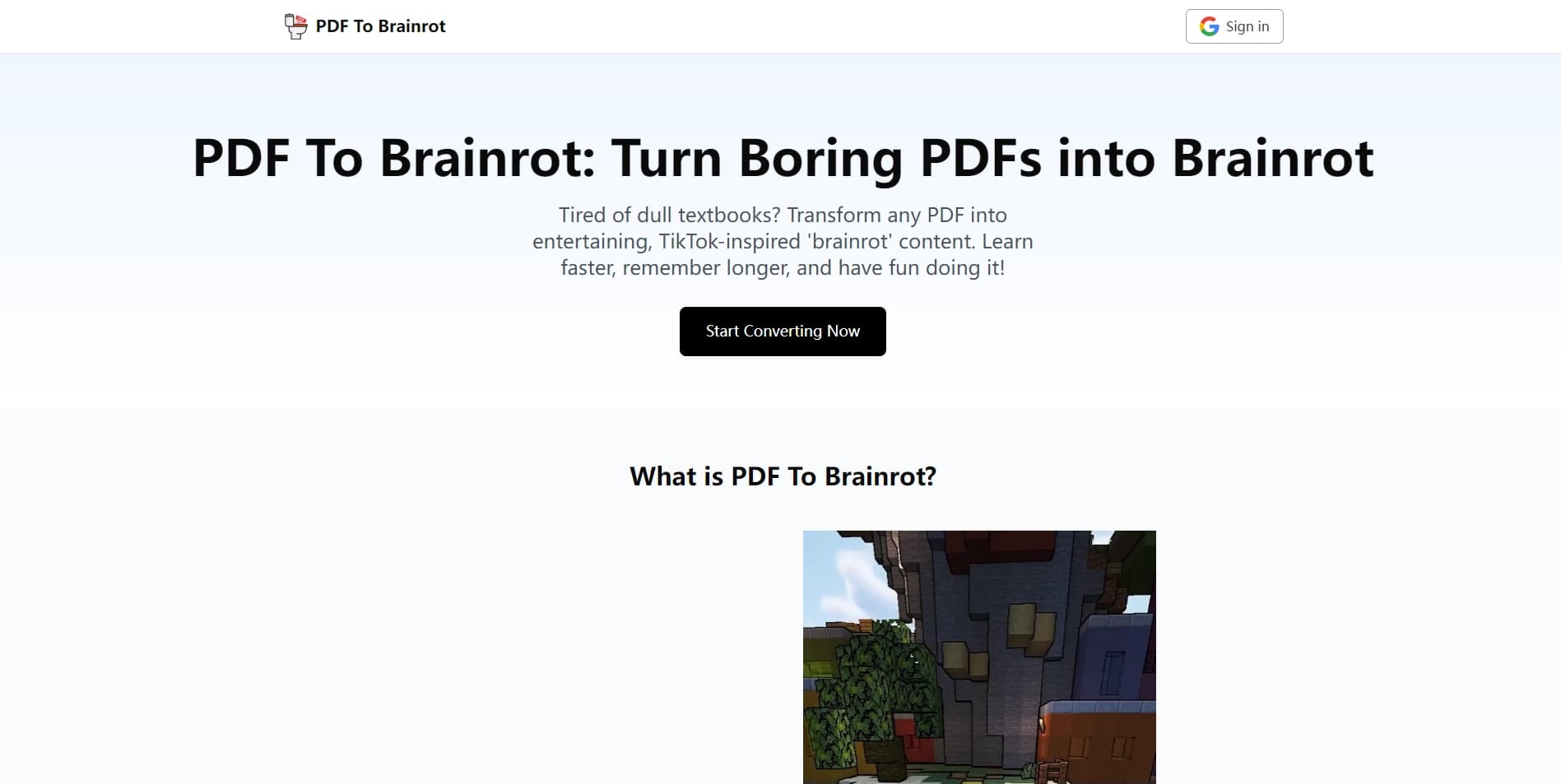
PDF फ़ाइलों को छोटे, गतिशील वीडियो में बदलता है ताकि सामग्री को जल्दी से समझा जा सके।
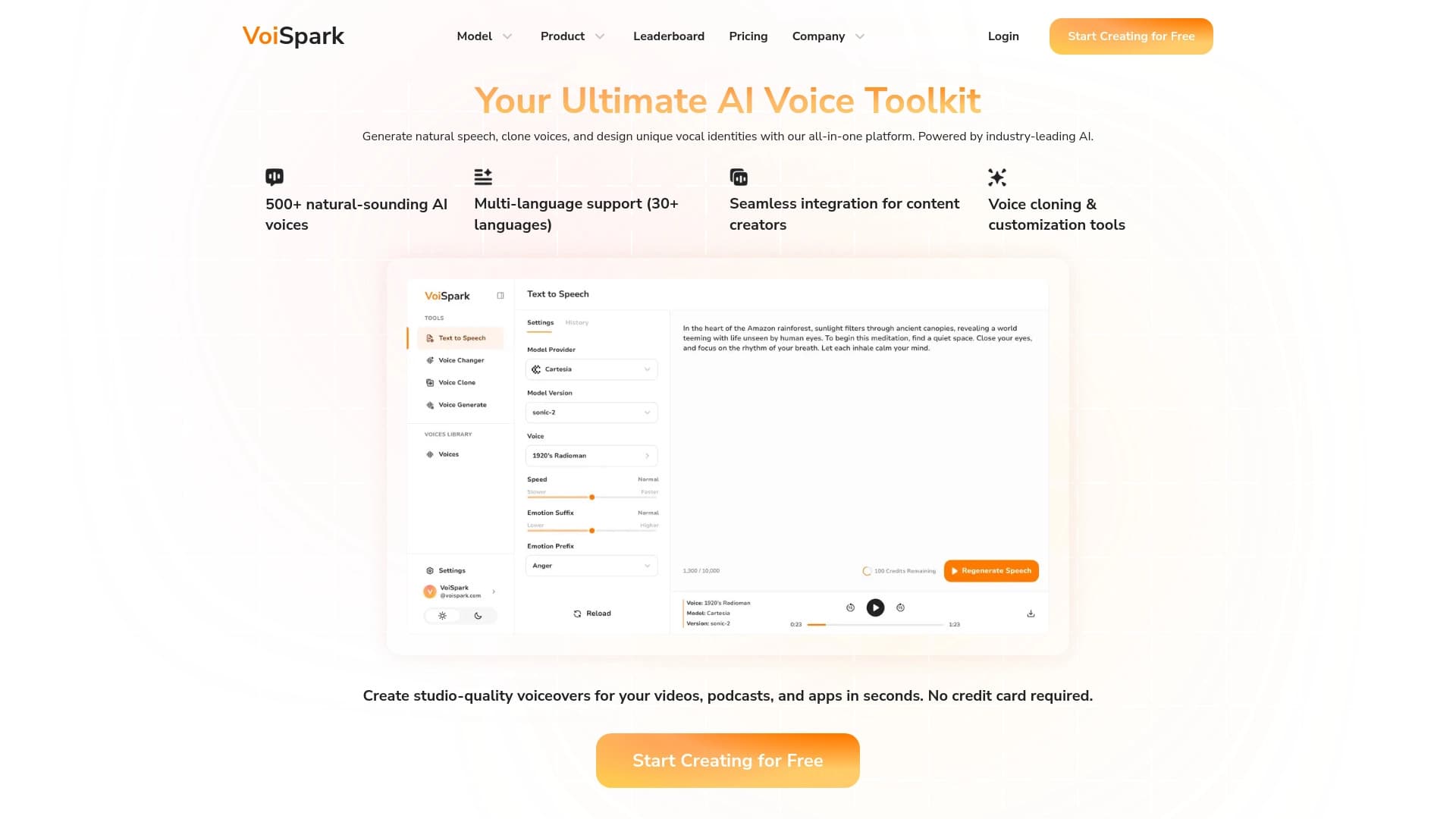
ऑनलाइन उपकरण AI आधारित पीढ़ी क्लोनिंग और आवाज संशोधन।.
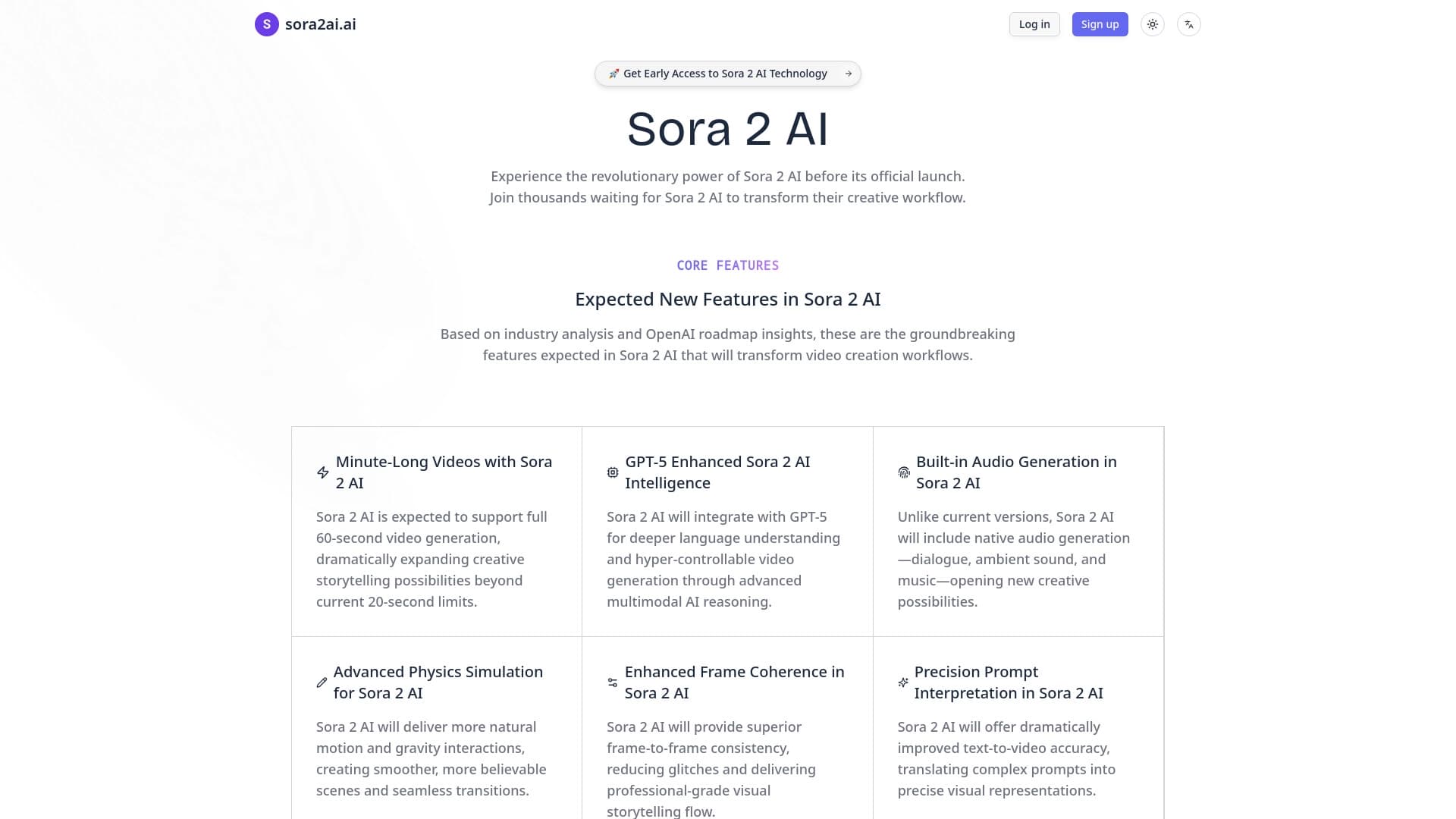

पाठ और चित्र से सिंक्रनाइज़ ध्वनि और 4K समर्थन पर वीडियो उत्पन्न करने के लिए सेवा।.


Bleepify स्वचालित रूप से वीडियो और ऑडियो में अपशब्दों को ढूंढकर उन्हें बीप कर देता है।
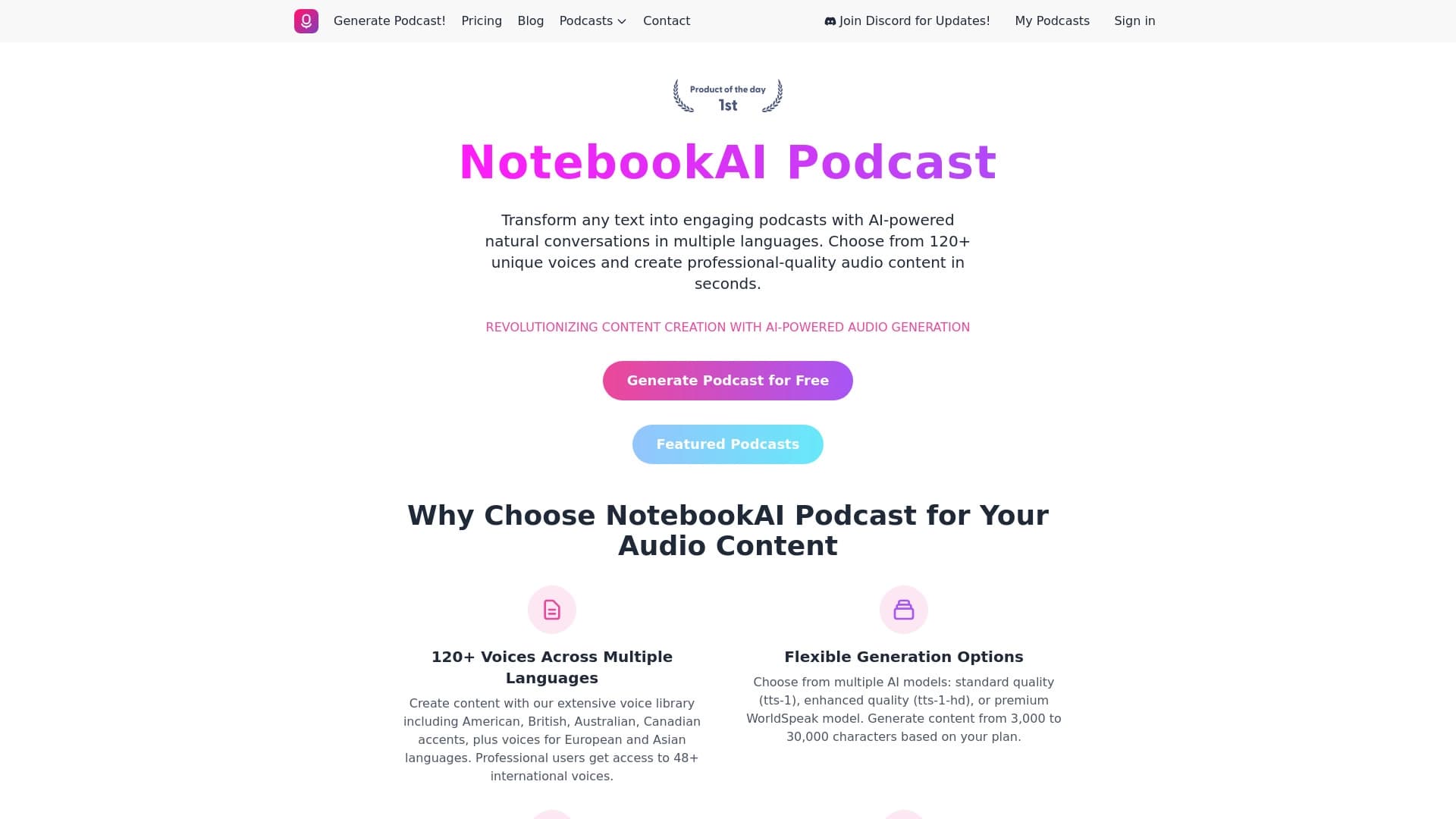

टेक्स्ट को विभिन्न भाषाओं में स्वाभाविक रूप से सुनाई देने वाली आवाज़ों के साथ पॉडकास्ट में बदलने की सेवा।
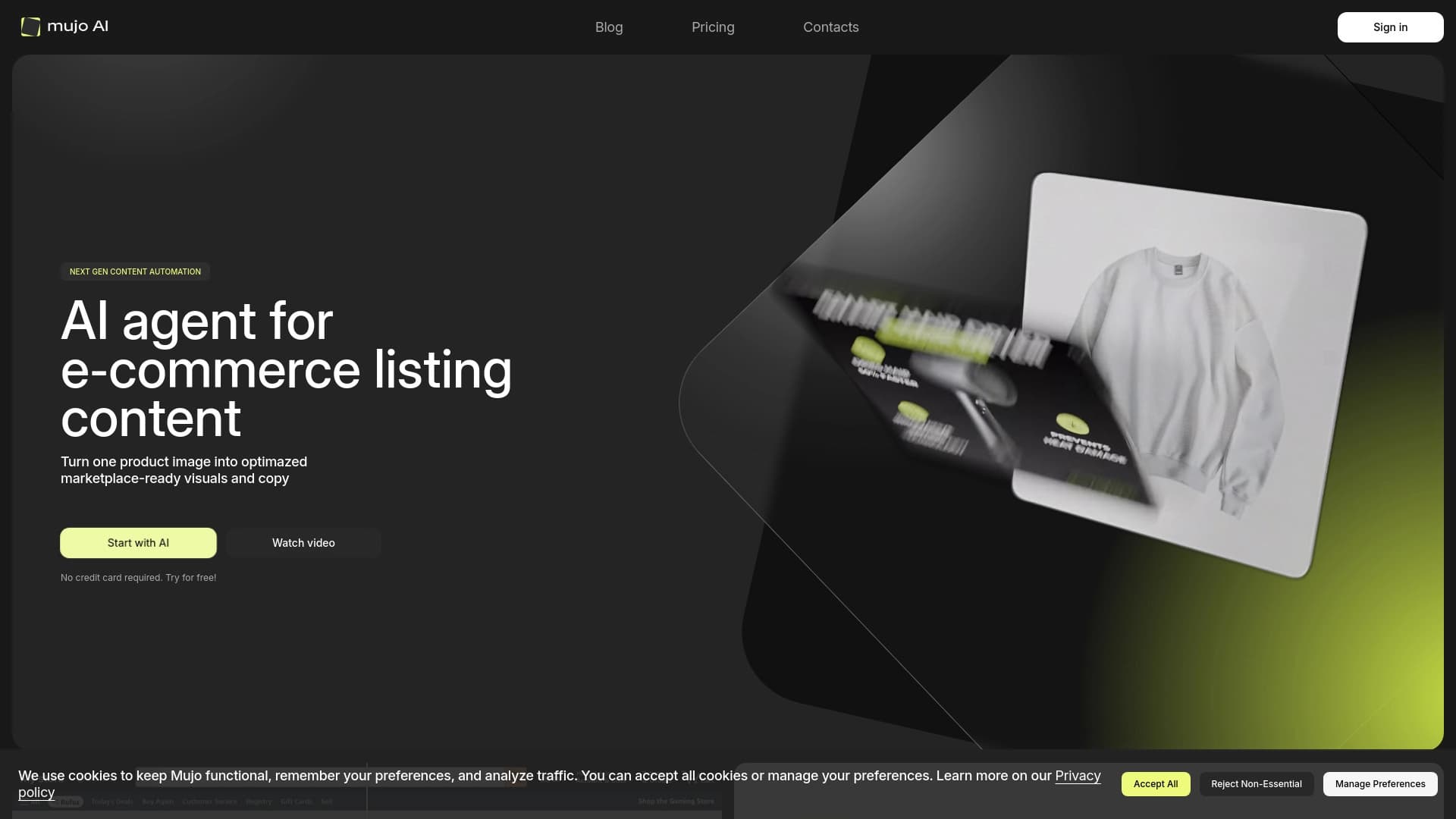

उत्पाद कार्ड के लिए सामग्री निर्माण को स्वचालित करता है, ऑनलाइन स्टोर और मार्केटप्लेस के लिए।