

Phind
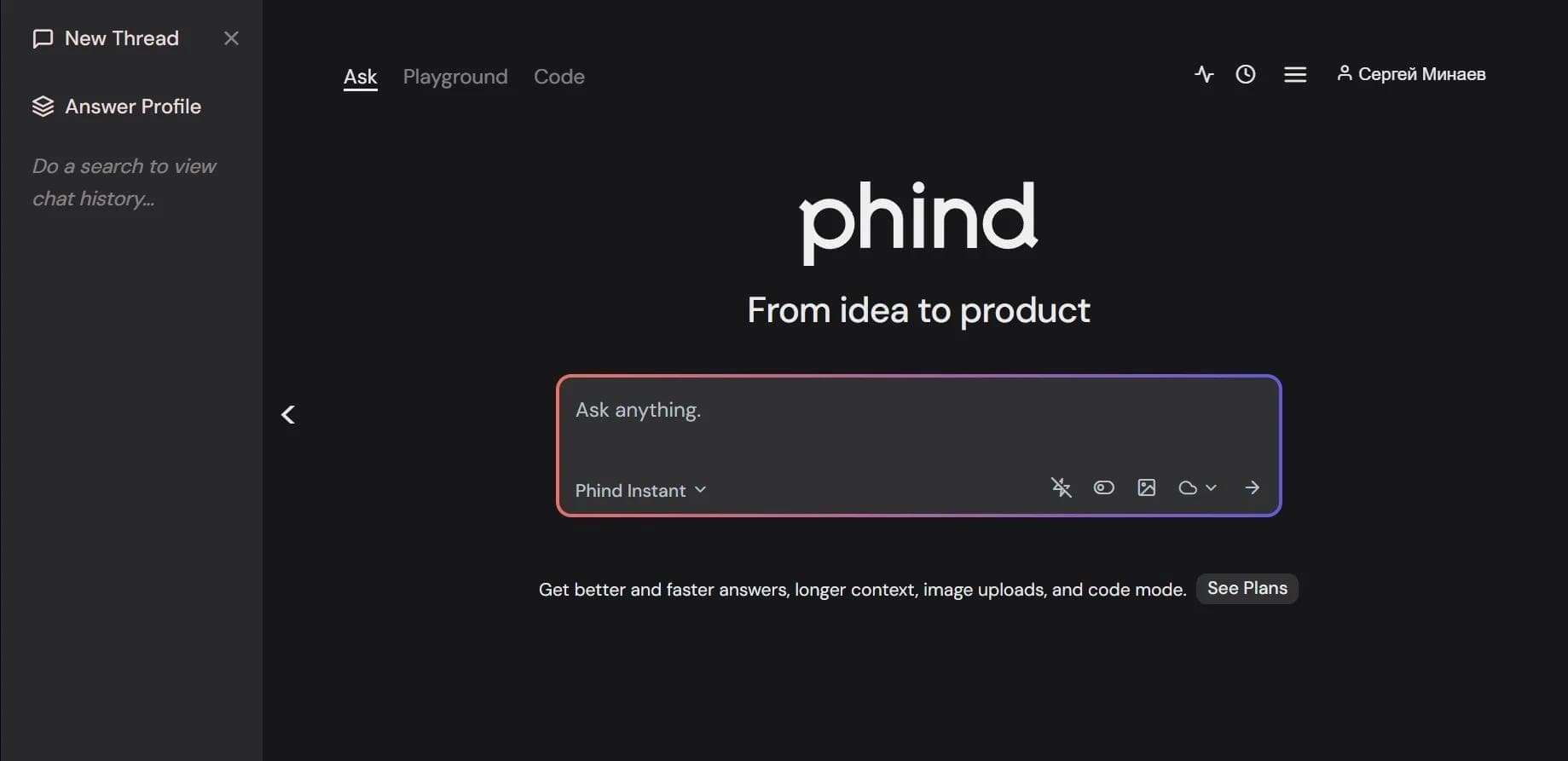
AI search engine for developers that combines generative AI with search algorithms to answer technical queries.
Overview
Phind
Description of the Phind AI
Phind is a search engine built specifically for developers and technical professionals. The tool combines the capabilities of generative artificial intelligence with classic search algorithms, allowing it to provide detailed answers to technical queries, suggest code examples, and provide step-by-step instructions.
Unlike ordinary search engines, Phind can access technical sources — documentation, forums, and knowledge bases — and adapt information to the user's specific query. The service supports several language models and can also generate and run code directly in the browser, making it a convenient tool for quickly solving tasks without switching between applications.
Phind characteristics
| Characteristic | Value |
|---|---|
| Type | AI search engine and code assistant |
| Categories | Code assistants, Code generation, Search and analysis |
| Target audience | Programmers, engineers, technical enthusiasts |
| Supported models | Phind-70B, GPT-4o, Claude AI |
| Response speed | Up to 15 seconds |
| Accuracy | Up to 75% correct answers on the first attempt |
| Free tier | Yes (basic model Phind Instant) |
| Pro tier | $20 per month |
| Business tier | $40 per month |
| Extension | For Visual Studio Code |
| Website | www.phind.com |
| Distribution model | Freemium |
Who is the Phind AI suitable for?
Programmers and engineers
Phind is aimed primarily at developers of all levels. Programmers can quickly find solutions to complex technical problems, understand code errors, and get ready-made implementation examples without a lengthy search across numerous sources.
Technical enthusiasts and specialists
The tool will be useful to anyone who regularly deals with technical questions: engineers, analysts, and technical enthusiasts. Thanks to its narrow specialization in technical data, the service delivers relevant information without unnecessary noise, saving time when studying documentation and learning new technologies.
How to use the Phind AI?
Web version
Phind works through a convenient web interface in the browser — to get started, simply open the website and enter a technical query. The service understands and processes queries in Russian, making it accessible to Russian-speaking users.
Visual Studio Code extension
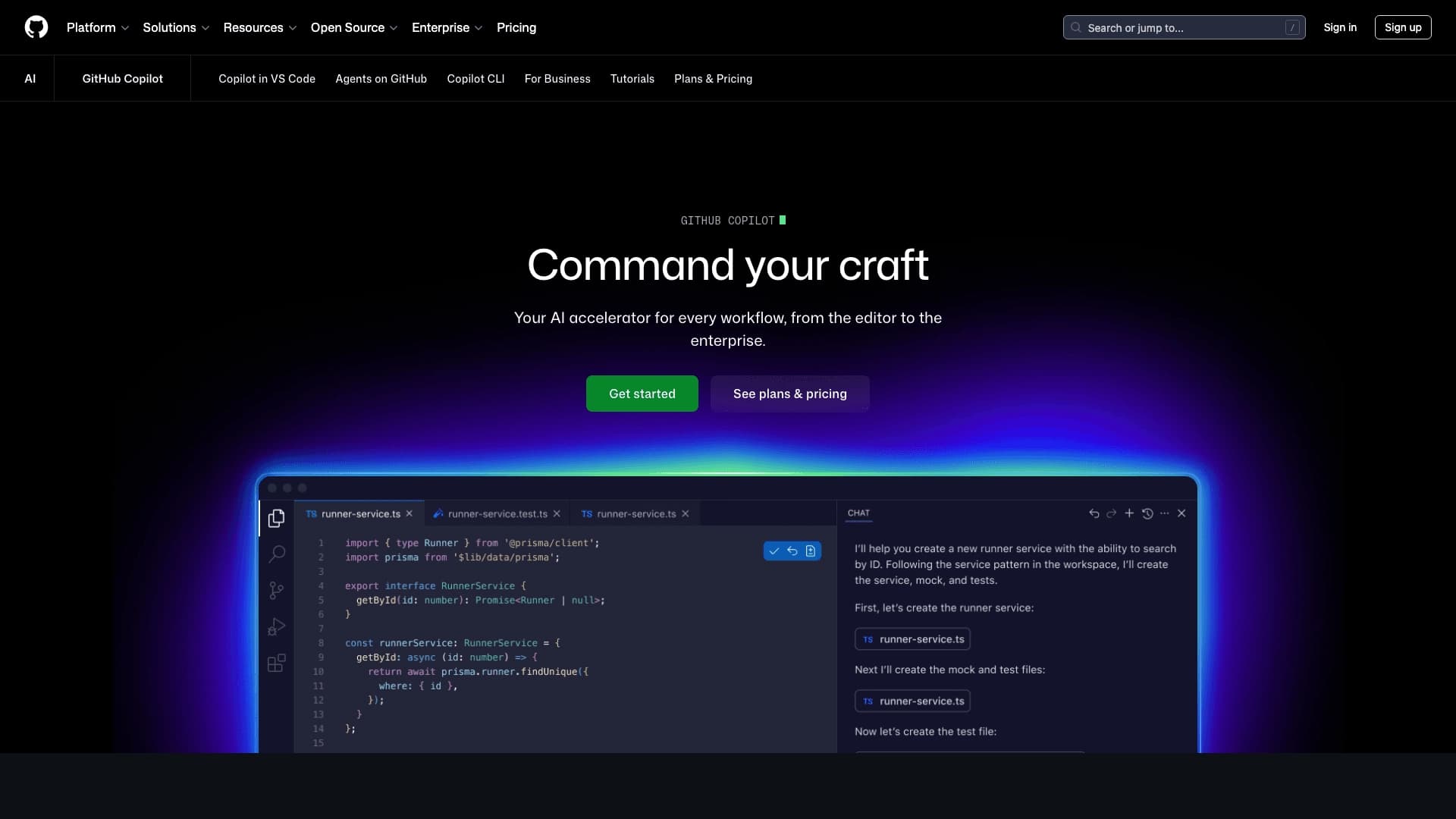
For those who work directly in a development environment, the Phind extension for Visual Studio Code is available. It lets you get help and code examples without leaving the editor, speeding up your workflow.
Key features of Phind
Search across technical sources
Phind processes queries by focusing on technical sources: documentation, forums, and knowledge bases. This approach makes it possible to get accurate, up-to-date answers tailored to the user's specific task.
Code generation and execution
The tool can generate, test, and run code right in the browser. The user can immediately check whether the proposed solution works without spending time setting up an environment.
Support for multiple AI models
Phind provides access to several artificial intelligence models — Phind-70B, GPT-4o, and Claude AI. Choosing a model lets the user strike the right balance between speed, accuracy, and response style for their tasks.
Language support
The service supports popular programming languages and understands queries in Russian, expanding the tool's audience.
Phind advantages
High search speed
Phind delivers fast search for technical information: a response is generated in an average of up to 15 seconds. This saves a significant amount of time compared to going through dozens of pages of regular search results.
Answer accuracy
Up to 75% of answers are correct on the first attempt. This accuracy is achieved thanks to a narrow focus on technical data and access to trusted sources.
No irrelevant information
Unlike universal search engines, Phind focuses exclusively on technical topics and does not return irrelevant content, which is especially valuable when solving complex professional-level tasks.
Phind disadvantages
Like any tool, Phind has limitations. First of all, the service is focused specifically on technical topics, so it is poorly suited for general (non-technical) queries. In addition, advanced features and access to the most powerful models are only available on paid plans, while the free version is limited to the basic Phind Instant model. It is also worth keeping in mind that answer accuracy is not guaranteed 100% — some results may require verification and refinement.
What tasks does Phind solve
Finding solutions for complex technical problems
Phind helps find answers to the questions developers face in their daily work: from fixing errors to implementing unfamiliar algorithms.
Studying documentation
The service simplifies working with documentation, allowing you to quickly find the right sections, examples, and explanations without manually going through lengthy texts.
Code generation and testing
The tool can generate code for a specific task and immediately test it in the browser, speeding up the development and validation cycle.
Getting step-by-step guides
Phind can create step-by-step instructions for completing tasks, which is useful when learning new technologies and tools.
Phind pricing
Phind operates on a freemium model and offers several pricing plans. Free access includes the basic Phind Instant model and is suitable for getting acquainted with the service and solving simple tasks. The Pro plan costs $20 per month and unlocks Phind-70B and other powerful models, improving the quality and depth of responses. For corporate users, there is a business plan at $40 per month with advanced features tailored to the needs of organizations.
Phind terms of use
Phind provides basic functionality for free, allowing anyone to evaluate the service's capabilities without any investment. To gain access to more powerful models and expanded functionality, a paid subscription is required. Detailed terms of use, including access scope and limitations for each plan, are listed on the service's official website.
Phind availability
Phind works through a web version in the browser, so any device with internet access is enough to use it — no additional software installation is required. The service understands and processes queries in Russian. For developers working in Visual Studio Code, a special extension is available that integrates Phind's capabilities directly into the development environment.
How Phind differs from alternatives
Narrow specialization in technology
The main difference between Phind and universal search engines or general AI assistants is its narrow focus on technical topics. The tool draws on documentation, forums, and knowledge bases, cutting out irrelevant information and delivering exactly what the developer needs.
Ability to run code in the browser
Many alternatives only offer code examples, whereas Phind lets you generate, test, and run code directly in the browser. This makes solution verification instant, with no need to set up a local environment.
Support for multiple AI models
Unlike services tied to a single model, Phind offers a choice between Phind-70B, GPT-4o, and Claude AI. This allows users to flexibly adapt the tool to their specific tasks and preferences.
Speed and accuracy
High response speed (up to 15 seconds) and accuracy of up to 75% correct answers on the first attempt make Phind an effective tool for daily work, noticeably reducing the time spent searching for technical solutions compared to classic approaches.
Conclusion
Phind is a convenient and accurate tool for finding technical information, combining high response speed, quality code generation, and support for several specialized AI models. Thanks to its narrow focus on developers, Russian language support, a free tier, and an extension for Visual Studio Code, the service is suitable both for professionals solving complex tasks and for those who are just starting to learn programming and need fast, verified answers.
Frequently asked questions
Similar AI tools




See also

AI-powered smart search platform designed for quickly finding data in web and mobile applications.

A platform for creating personal AI agents that learn from company documents and terminology and also perform information search functions.


AI assistant for online shopping that matches products based on a description of needs in a conversational mode.

AI-powered scientific search engine for finding and analyzing research papers.

AI platform for finding and vetting suppliers, as well as conducting business research to optimize procurement.

Computational knowledge system that solves problems and analyzes data, providing precise answers instead of links.


Multifunctional AI platform with a search engine, a browser with local AI models, and the autonomous Claw agent for task automation.
AI platform that helps select travel destinations and analyze locations based on user preferences.