

IFTTT
Service for automating actions between various apps and devices using the “if event A happens, then perform action B” principle.
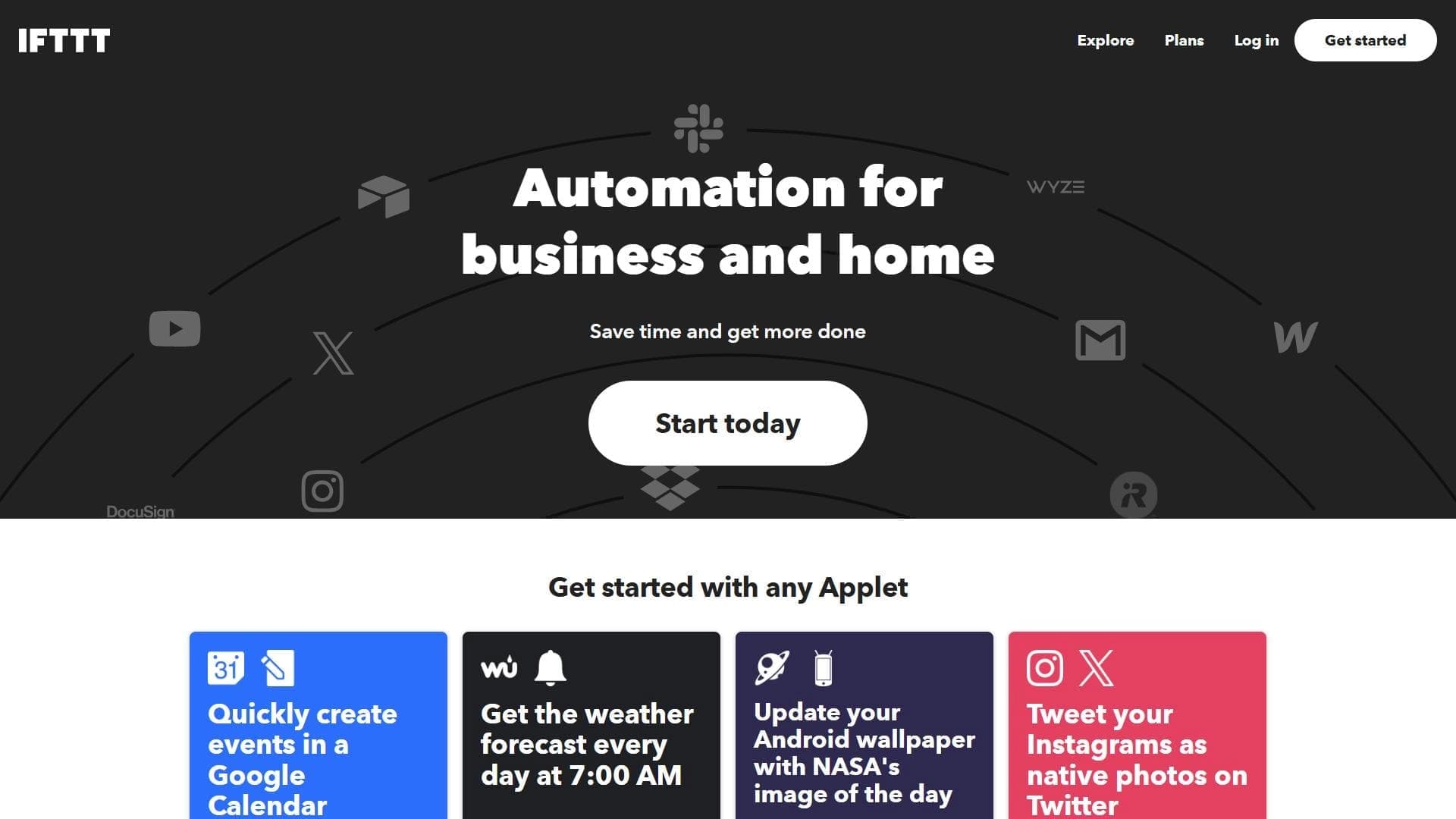
Overview
IFTTT
Description of IFTTT neural network
IFTTT is a platform for automating actions between various applications, services, and devices. It works on a simple principle: "if event A happens, then perform action B." For example, you can set up automatic saving of email attachments to cloud storage or control smart home devices without manual intervention.
The platform supports hundreds of services, and no programming skills are required to create automation scenarios—everything is configured through a visual interface. IFTTT suits both personal tasks and business processes, helping you get rid of routine repetitive operations.
IFTTT characteristics
| Characteristic | Value |
|---|---|
| Type | Automation platform |
| Category | API and integrations, No-code and Low-code platforms |
| Supported services | More than 900 services (Google Calendar, Instagram, Spotify, etc.) |
| Free plan availability | Yes, but limited in functionality |
| Technical features | Web platform, cloud scenario storage, API for developers |
Who is the IFTTT neural network suitable for?
For beginners without programming experience
IFTTT was designed with users who have no development skills in mind. The visual interface and "if—then" logic allow you to quickly understand the platform and start creating your own automation scenarios.
For business and personal use
The platform suits both automating everyday personal tasks (notifications, reminders, data synchronization) and optimizing workflows in small companies and startups where you need to connect various online services without writing code.
How to use the IFTTT neural network?
Creating applets via the visual interface
The user creates chains of automatic commands—"applets"—through a simple visual interface. To do this, you need to select a trigger service (the source of the event) and an action service (what should happen in response), then configure the execution conditions.
Setting up triggers and conditions
For each applet, you can specify specific triggers (for example, "new email with attachment") and actions ("save attachment to Google Drive"). All settings are done without writing program code, using step-by-step forms and dropdown lists.
Main IFTTT functions
Creating applets
The platform's basic functionality is creating chains of automatic commands. The user combines triggers and actions within a single scenario, which then runs automatically when the specified conditions occur.
Integration with more than 900 services
IFTTT supports a wide range of popular services: Google Calendar, Instagram, Spotify, email clients, cloud storage, smart home devices, and many others. This allows you to connect applications that are not originally integrated with each other.
Visual interface without programming
The entire automation setup process happens through an intuitive interface. The user does not need to write code or understand APIs—just follow the system's prompts.
API for developers
For those who need deeper customization, IFTTT provides an API that allows you to create your own integrations and extend the platform's functionality.
Cloud scenario storage
All created applets are stored in the cloud and run on IFTTT servers. The user does not need to maintain their own hardware or keep devices constantly on.
IFTTT advantages
No programming skills required
The platform's main advantage is the ability to automate complex scenarios without a single line of code. This makes IFTTT accessible to the widest range of users.
Simple interface, suitable for beginners
The visual applet builder is built on the principle of step-by-step wizards, allowing even those who have never worked with automation systems to get up to speed quickly.
Saves time on repetitive tasks
Automating routine operations—from saving attachments to posting on social media—frees up time for more important matters.
Supports a huge number of services
More than 900 integrations cover most popular web services and devices, providing ample possibilities for combinations.
IFTTT disadvantages
Limitations of the free plan
The free version of IFTTT is significantly limited in functionality—users have access to fewer applets and services compared to paid plans.
Not suitable for deep customization
For complex enterprise scenarios with many conditions and branched logic, IFTTT's capabilities may not be enough. The platform is designed for relatively simple "if—then" chains.
Not suitable for working with internal corporate systems
IFTTT is focused on public web services and cloud applications. Integration with internal corporate systems running on a local network is difficult.
Complex scenarios require understanding trigger logic
Although basic applets are easy to create, building multi-step scenarios with multiple conditions still requires the user to understand how triggers and conditions work.
What tasks does IFTTT solve?
Automation of social media and email
The platform allows you to set up automatic publishing of content to social networks, email forwarding, saving attachments, and other operations with email and social media.
Setting up event notifications and reminders
You can create scenarios that send notifications about the weather, new publications, calendar changes, or any other events tracked by connected services.
Unifying the work of smart home devices
IFTTT connects various smart home devices (light bulbs, thermostats, sensors, locks) into a single system, allowing you to configure automatic reactions—for example, turning on lights when a door opens or turning off outlets on a schedule.
IFTTT pricing
IFTTT operates on a freemium model. There is a free plan, but it is limited in features and the number of available applets. The detailed cost of paid plans is not specified on the page—for up-to-date pricing information, you need to refer to the service's official website.
IFTTT terms of use
Using the platform requires access to a web interface. Registration is not explicitly described, but, as with any online service, creating applets and managing scenarios will require an account. The exact terms of use and privacy policy are specified on the service's official website.
IFTTT availability
IFTTT is a web platform accessed through a browser. No additional software installation on your computer is required—all scenarios run on IFTTT servers.
How is IFTTT different from alternatives
The main difference between IFTTT and other automation platforms is that it does not require programming skills. All scenarios are configured through a simple visual interface, making the service accessible to beginners. At the same time, IFTTT supports a huge number of services (more than 900), allowing you to connect a wide variety of applications and devices without writing code.
Conclusion
IFTTT is a simple and accessible platform for automating between services without the need to program. It suits both personal use and business, allowing you to connect hundreds of applications and devices through a visual applet builder. However, the free plan is limited in functionality, and for complex enterprise scenarios, IFTTT's capabilities may not be enough. Overall, it is a good tool for quickly automating routine tasks with a minimal entry barrier.
Pricing
Frequently asked questions
See also

Open-source platform for integrating data from various sources into data warehouses and analytics systems.


Cloud platform for launching AI applications directly in the browser without installation.
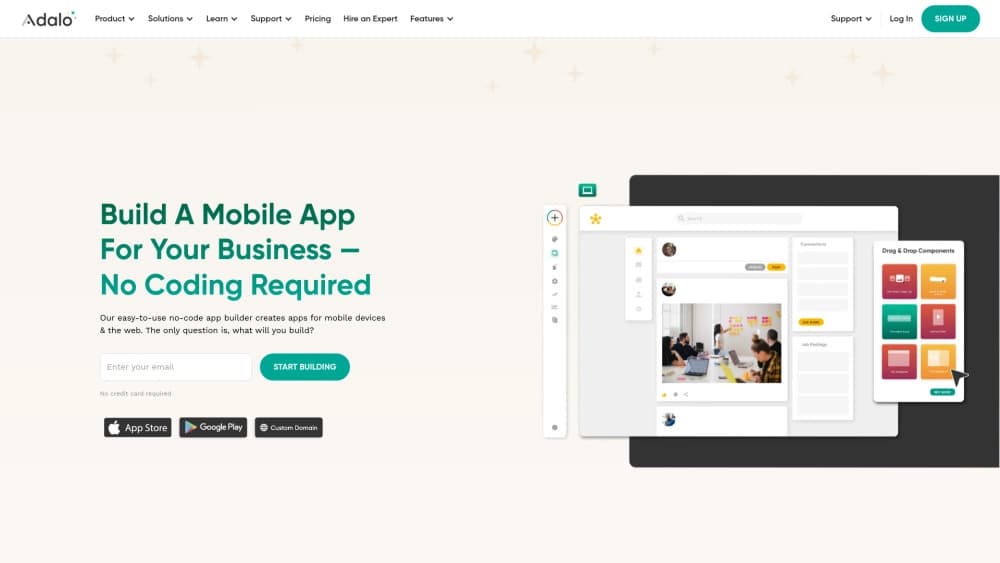
A platform for creating mobile and web applications without writing code, using a visual builder.

Web interface for testing and prototyping based on Google's artificial intelligence models.
Enterprise language model platform focused on privacy and on-premise deployment.

A design canvas built into the code editor, allowing you to create interfaces and write code in one place.
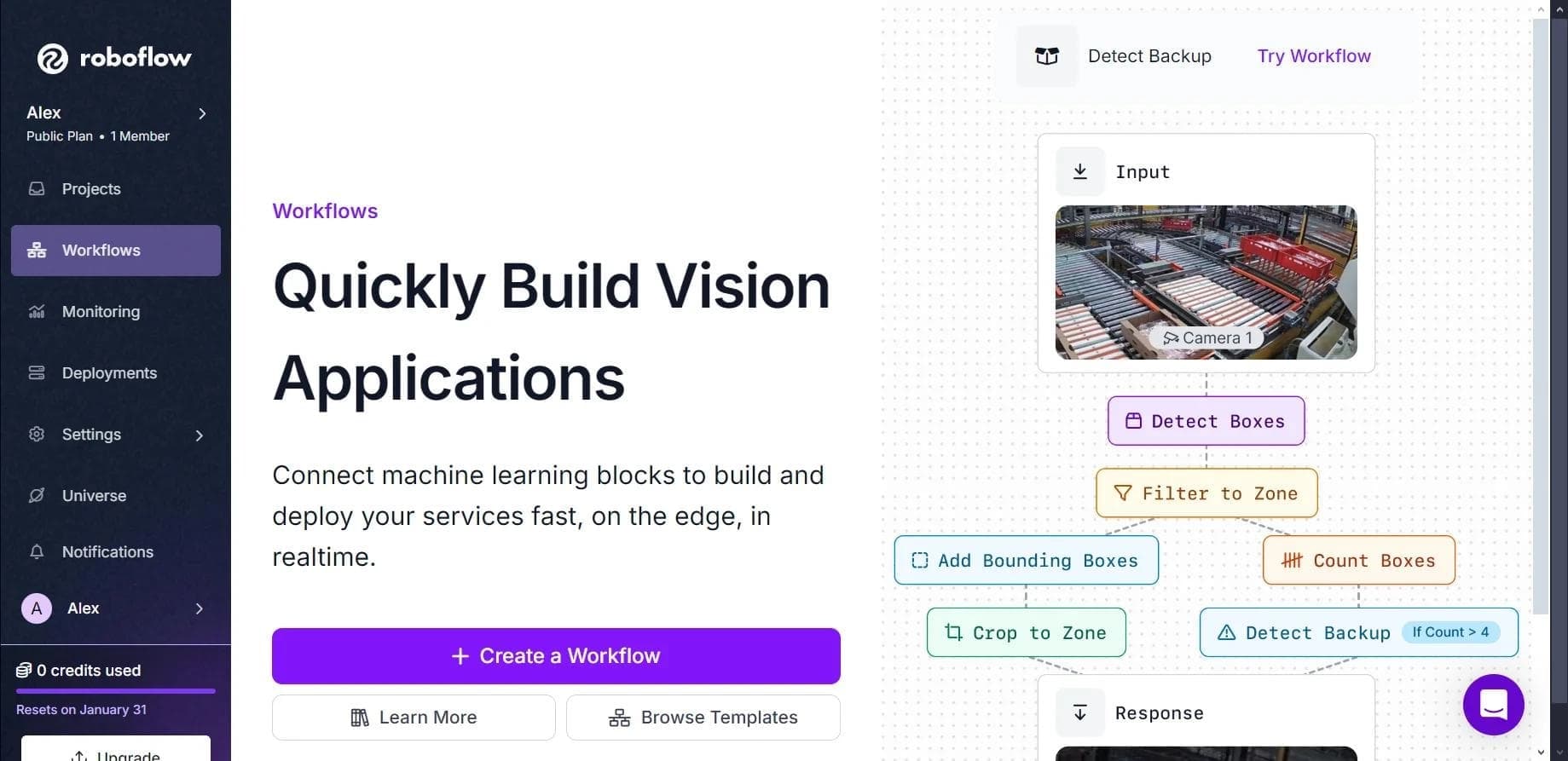

Platform for creating, training, and deploying computer vision models.

A workflow automation platform that connects thousands of apps without requiring coding.