

Cursor AI
AI-powered code editor that analyzes your entire project and helps you write, rewrite, and optimize code.
Overview
Cursor AI
About Cursor AI
Cursor AI is a development environment in which artificial intelligence is built directly into the programmer's workflow. Unlike conventional code autocompletion tools, Cursor AI analyzes the structure of the entire project as a whole, taking into account dependencies and the logic of relationships between files. The tool can not only suggest code snippets, but also rewrite code on its own, perform refactoring and optimization right in the editor. In essence, it is a full-fledged IDE (integrated development environment) with a built-in AI assistant that understands the context of the entire application.
Cursor AI characteristics
| Characteristic | Value |
|---|---|
| Type | AI code editor |
| Categories | Tools for code explanation, data mining, AI development, programming assistance, AI-based application generators |
| Platform | Website (standalone editor) |
| Free plan | Yes (limited number of AI requests) |
| Distribution model | Freemium |
Who is Cursor AI suitable for?
Experienced developers with large codebases
Cursor AI is primarily aimed at programmers who work on large projects containing many files and complex logic. The tool helps you quickly navigate code, understand relationships between modules, and make changes without manually searching through all affected locations.
Developers doing refactoring
For those who regularly rework outdated or suboptimal code, Cursor AI lets you describe tasks in words and get ready-made solutions in code. This significantly reduces the time spent rewriting and optimizing.
Teams working on complex projects
Thanks to whole-project analysis, Cursor AI suits team projects with a complex structure. The tool helps you understand someone else's code faster and maintain consistent development quality.
How to use Cursor AI
Installing it as a standalone editor
Cursor AI is not a plugin or extension for an existing IDE. It is installed as a standalone editor application that completely replaces your usual development environment. After installation, the developer moves their project into it and continues working inside Cursor AI.
Working with text commands and code selection
Inside the editor, you can ask questions about the project, formulate tasks in natural language, and get changes applied directly to files. For targeted work, just select a piece of code and ask the AI to rewrite, improve, or explain it. All edits are applied instantly rather than remaining as suggestions.
Main features of Cursor AI
Rewriting and editing code directly in files
Cursor AI lets you modify code directly in project files with changes applied instantly. Instead of only getting a suggestion that you need to copy manually, the developer sees a ready-made solution integrated into the right place.
Whole-project analysis
The tool takes into account the structure of the entire project, including dependencies between files, call logic, data types, and context. This allows the AI to propose changes that align with the application's architecture, not just with the contents of a single file.
Handling tasks through text commands
The developer can describe a task in plain words, and Cursor AI will generate ready-made code that meets the requirements. This simplifies implementing features with complex logic and reduces routine operations.
Advantages of Cursor AI
Working with code at the project level
Cursor AI understands the overall logic of the application, not just individual lines. This makes it possible to make changes that correctly interact with the rest of the codebase and reduces the risk of breaking parts of the system that seem unrelated at first glance.
Editing code directly
Unlike many AI assistants that only offer options, Cursor AI applies changes to files immediately. The developer sees the result and can either accept it or roll it back. This speeds up the workflow and gives more control.
Accelerating complex tasks, especially refactoring
Refactoring, writing new functions, and optimizing existing code become significantly faster thanks to the ability to describe a task in words. The tool handles routine work while the developer retains quality control.
Disadvantages of Cursor AI
Takes time to get used to a new way of working
Since Cursor AI is a separate editor rather than a familiar add-on, developers need time to adapt to the new interface and the way of interacting with code. Not everyone finds it easy to switch.
Limited number of AI requests
The free plan has a strict limit on the number of AI requests. For active daily development, this may not be enough, which pushes users to switch to paid plans.
Results are not always perfect
Generated code requires review. The AI may propose a solution that works but is not optimal in terms of performance or security. The developer needs to check every change.
Less suitable for beginners
The tool assumes the user has programming experience. Beginners may find it difficult to assess the quality of AI-generated
Pricing
Frequently asked questions
Similar AI tools










See also

Open-source AI agent for developers, available in the terminal, IDE, and as a desktop application.
AI assistant for programmers, working through your own API key and supporting popular language models.
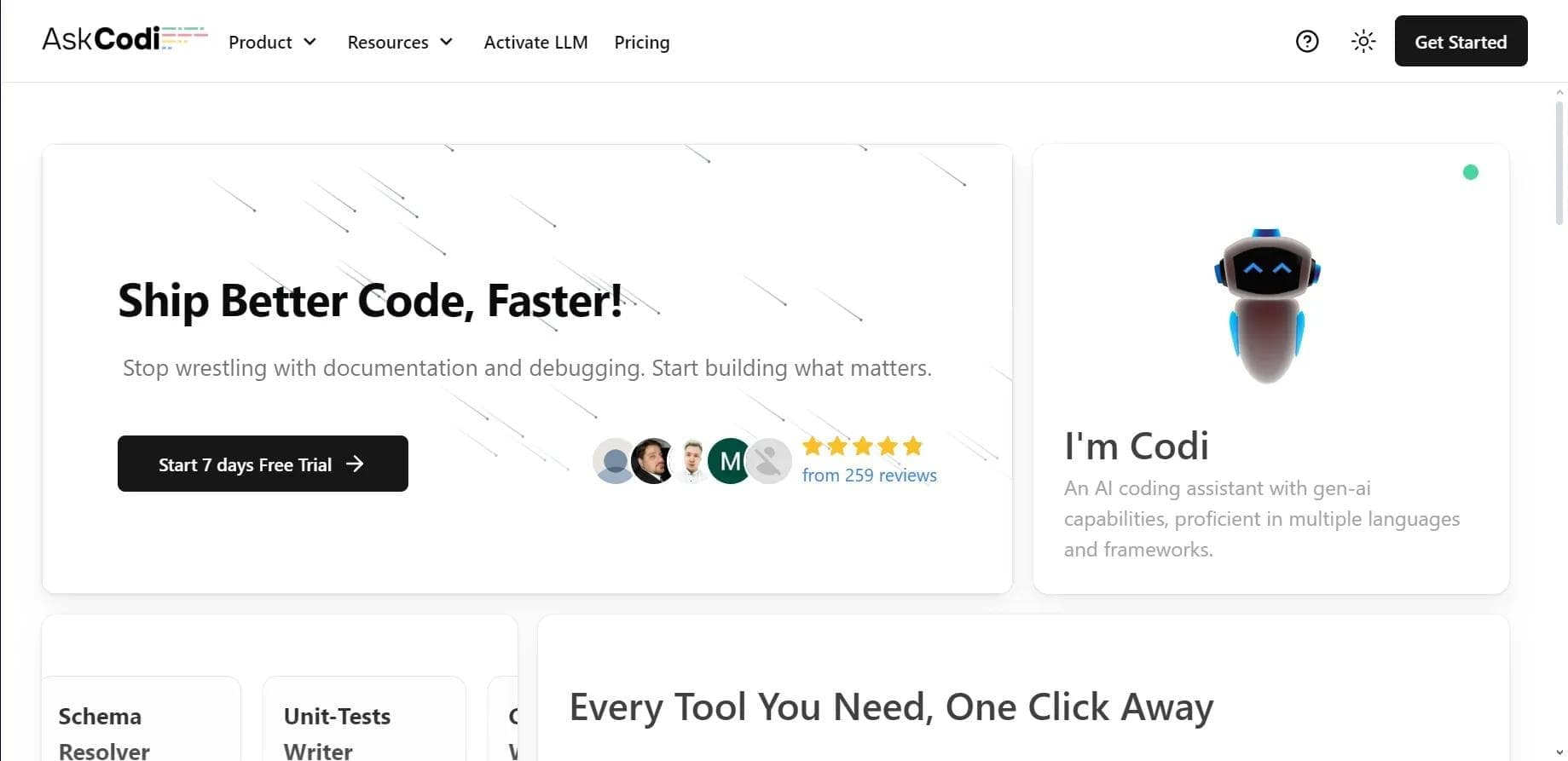

AI assistant for developers that generates, explains, and refactors code, as well as creates documentation and tests from natural language descriptions.
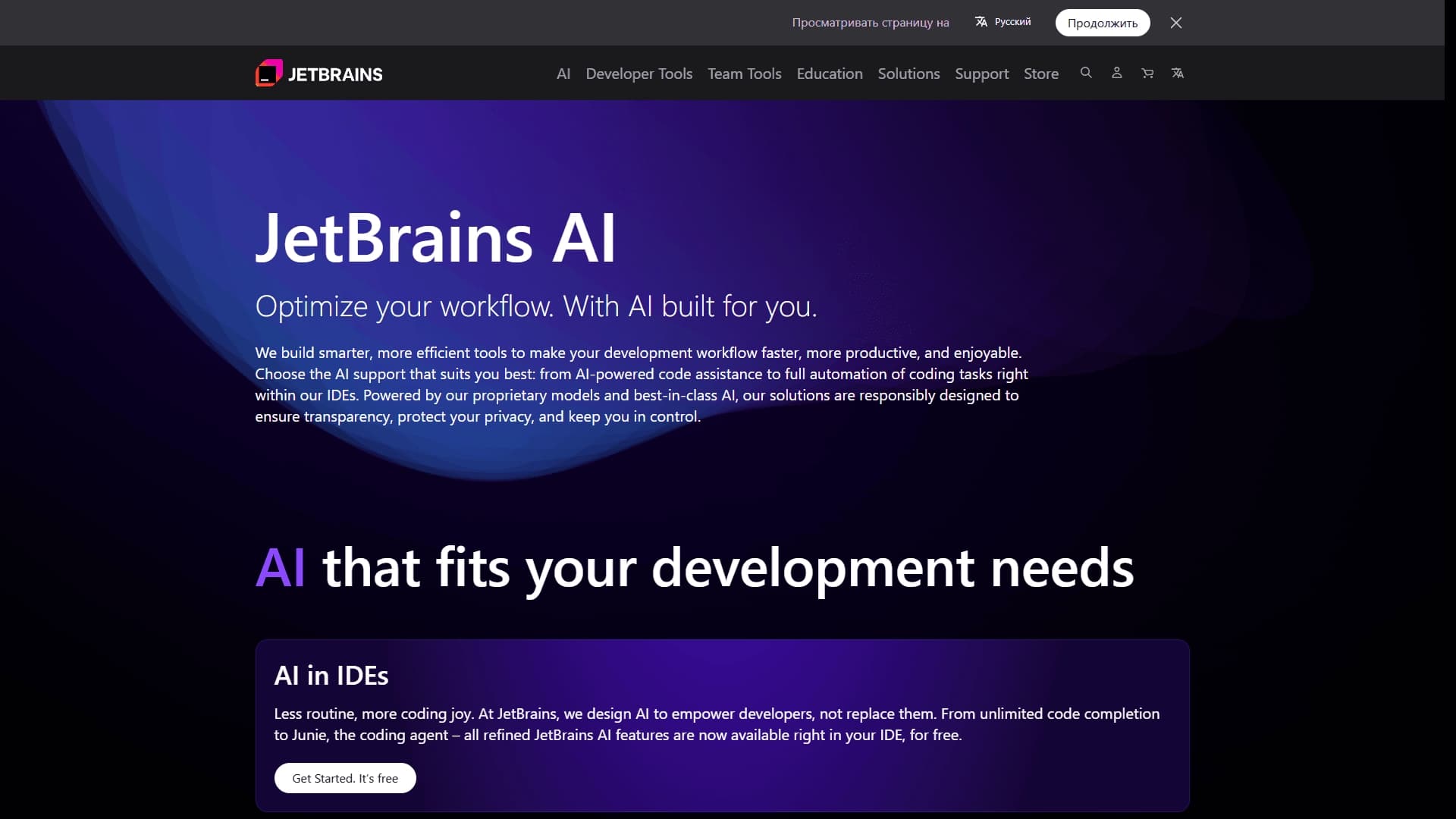
A set of AI tools built into JetBrains IDEs to help with writing, refactoring, and understanding code.
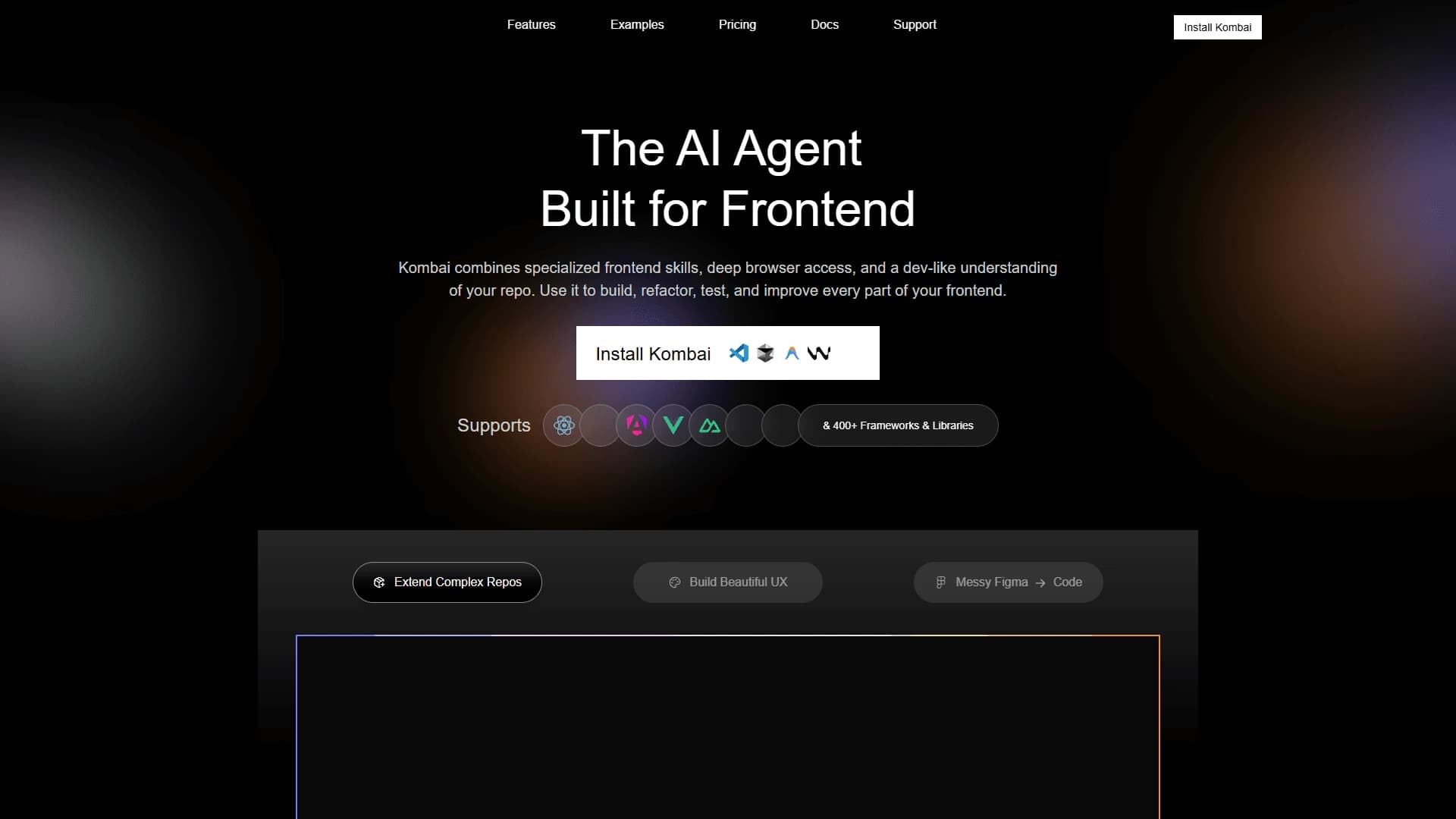
AI tool for automatically converting layouts from Figma into HTML, CSS, and React components, as well as for creating and refactoring interfaces.
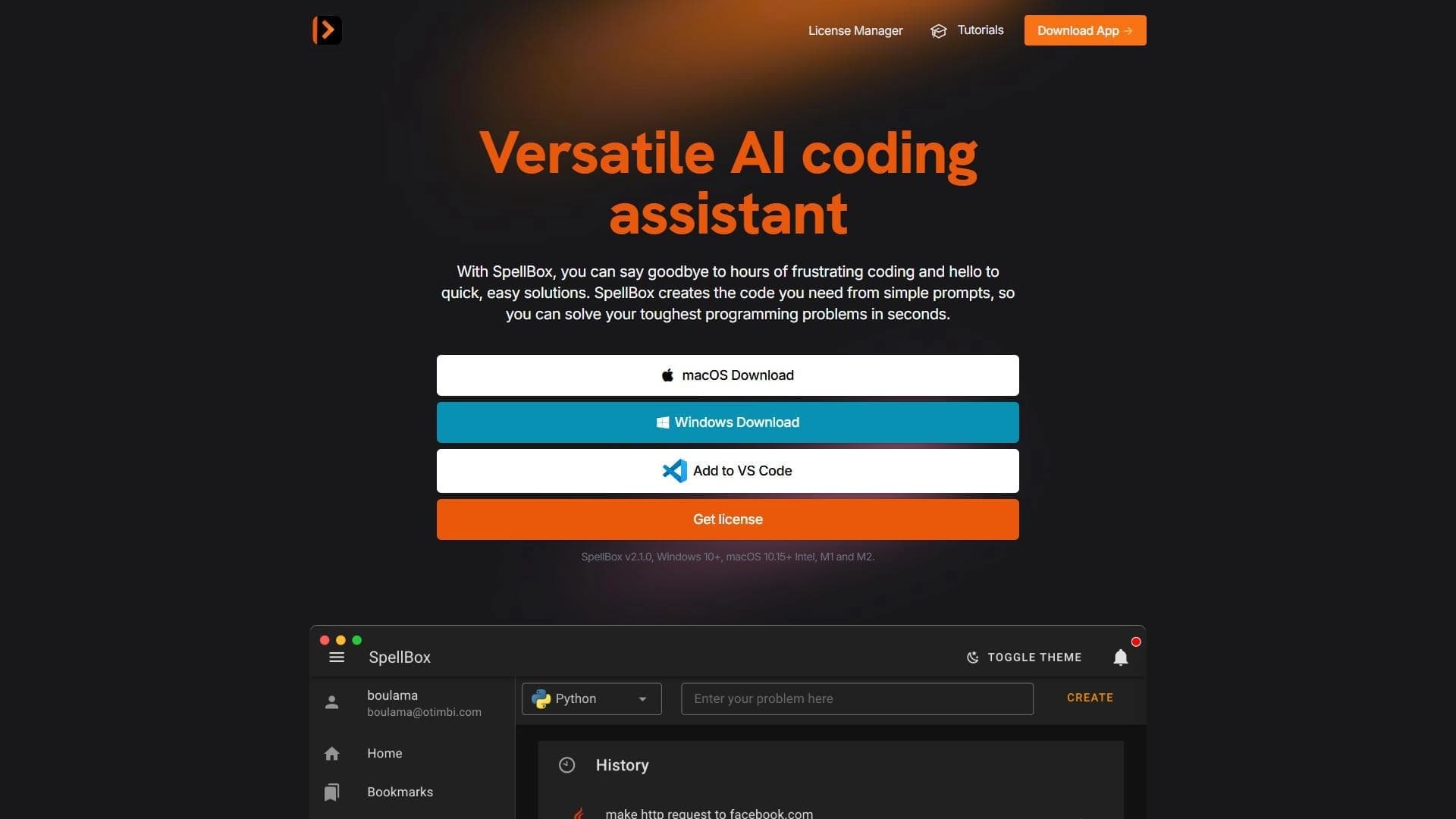

Neural network for generating, explaining, and fixing program code in various programming languages.

AI assistant for developers that automates routine programming tasks.

AI agent for software development assistance, capable of writing, fixing, and reviewing code.