

Cursor
Code editor with built-in AI to speed up writing, editing, and debugging programs.
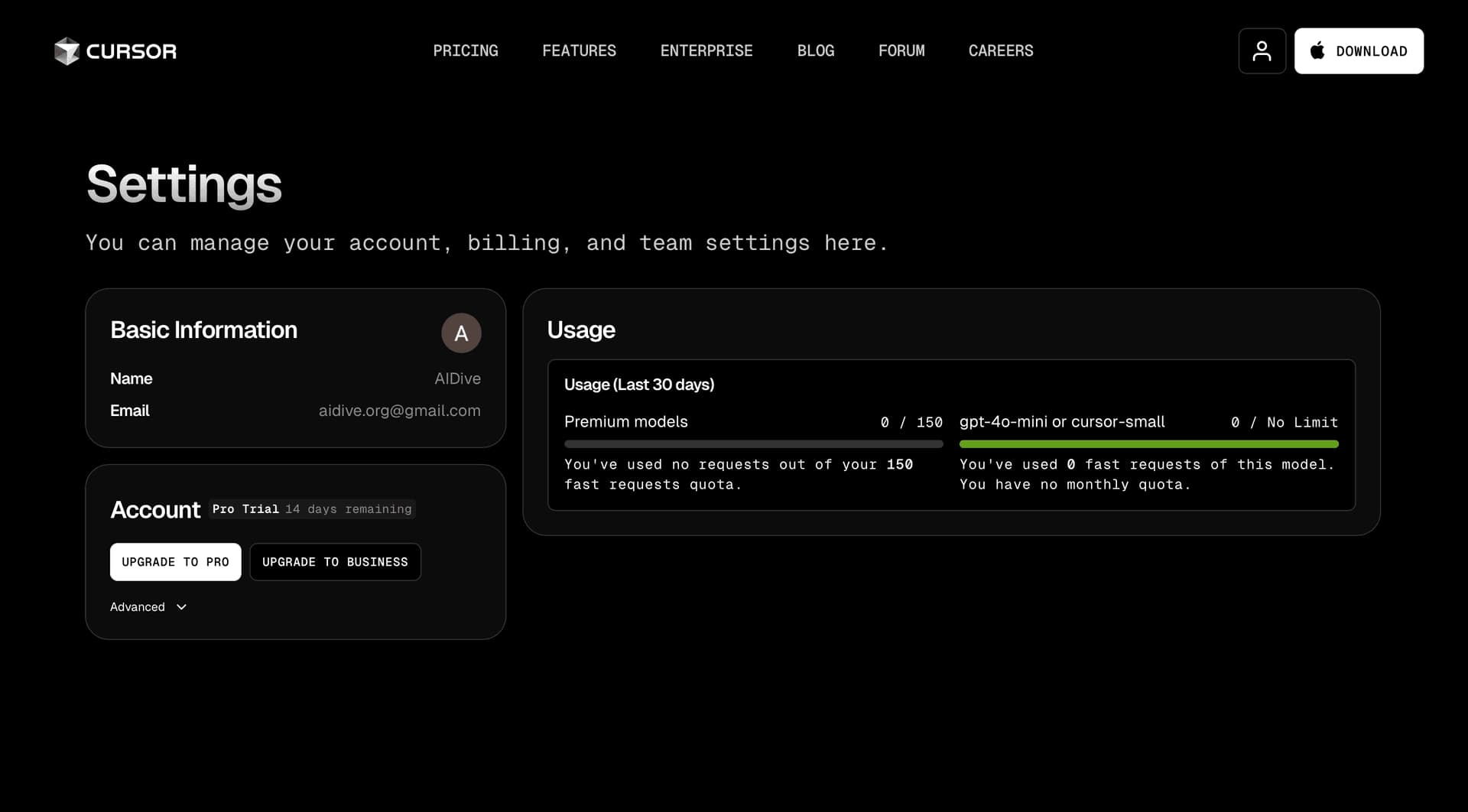
Overview
Cursor
About Cursor
Cursor is a modern AI code editor that combines the functionality of a traditional development environment with artificial intelligence capabilities. It is designed to speed up writing, editing, and debugging code. Unlike conventional IDEs, Cursor uses built-in language models (including GPT-4) to provide contextual suggestions, automatically fix errors, and generate code from text prompts.
The editor analyzes the entire project codebase, allowing it to give relevant recommendations based on the code you have already written. Cursor supports multiple programming languages, including Python, JavaScript, and TypeScript, and is available in a free version with limited functionality, as well as paid plans with expanded features.
Cursor characteristics
| Characteristic | Value |
|---|---|
| Type | AI code editor |
| Categories | Code assistants, Code generation, Code refactoring, AI assistants, Productivity |
| Platforms | Windows, macOS, Linux, Web |
| Programming languages | Python, JavaScript, TypeScript, and others |
| Pricing model | Freemium (free plan + paid subscriptions) |
| Free plan | Yes (Hobby with limited functionality) |
| Free Pro trial | Two weeks |
| Paid plan starting price | Starts at a monthly rate |
| Date added to the catalog site | June 4, 2024 |
| Certification | SOC 2 |
Who is Cursor for?
Software developers
Cursor’s primary target audience is professional developers who want to speed up their coding process and reduce errors. The tool is especially useful for those working on large projects with an extensive codebase, because the AI analyzes the entire project and provides contextual recommendations.
Data scientists and technical specialists
Data analytics specialists can use Cursor to write Python scripts, work with libraries and frameworks, and get help with data processing. The AI assistant quickly generates boilerplate code and fixes syntax errors, saving time on routine tasks.
Students learning programming
Beginners get access to an intelligent assistant that explains code, fixes errors, and suggests optimal solutions. Cursor helps them learn language syntax faster and understand the logic behind writing programs.
Technical leads and team leads
Development team managers can use Cursor to speed up code review, quickly prototype, and monitor code quality. The tool helps identify potential issues early in the development process.
How to use Cursor?
Installation and setup
To get started, download and install Cursor from the official website. The program is available for Windows, macOS, and Linux. After installation, launch the app, sign in or create an account, and configure integration with your chosen development environment. Cursor supports importing extensions, themes, and keyboard shortcuts, so you can keep your usual workflow.
Main working scenarios
Once a project is open, you can work in several ways. To write or edit code, use Ctrl + K — this opens the AI assistant. Highlight the code you want to change and describe the changes in natural language. Review the AI’s suggestions and accept the ones you need. For additional help, use the built-in chat.
Working with the AI agent
Agent mode lets the AI perform tasks more autonomously, from fixing errors to creating new features under user supervision. Cursor can also generate terminal commands: the AI automatically creates console commands, reducing the chance of errors from manual input.
Key Cursor features
AI-assisted code writing
The Cursor Tab feature predicts the developer’s next actions and suggests lines or entire blocks of code. This is especially useful for repetitive tasks such as setting up functions or processing data. Autocomplete takes into account the current project context and coding style.
Agent Mode
In this mode, the AI becomes an active participant in the development process. It can independently perform tasks under user supervision, such as fixing errors, adding new functionality, and refactoring code. The user can review and adjust the AI’s actions at any time.
Contextual understanding of the codebase
The AI analyzes the entire project, including all files and dependencies. This allows it to provide recommendations that account for the specifics of your codebase. This feature is useful for large projects where it is important to understand relationships between modules.
Code generation from text descriptions
Using Ctrl + K, you can quickly edit existing code or generate new code by describing a task in natural language. The AI creates code examples, function fragments, or entire modules based on your request.
Cursor advantages
Faster development
Cursor significantly reduces the time spent writing code through AI-assisted autocomplete and fragment generation. Developers spend less time on routine operations and can focus on architectural decisions.
Improved code quality
The tool helps identify potential errors early and improves code structure and readability. The AI suggests optimizations and library usage, supporting the creation of more reliable software.
Security and privacy
Cursor is SOC 2 certified, confirming compliance with security standards. An optional Privacy Mode provides additional data protection. Code is not shared with third parties without user consent.
Integration with existing tools
The editor supports importing extensions, themes, and keyboard shortcuts from popular development environments. This lets developers keep their familiar workflow and avoid spending time adapting to a new interface.
Cursor limitations
Like any tool, Cursor has certain limitations. The free Hobby plan offers limited functionality, which may not be enough for heavy use in commercial projects. Full access to the AI agent, unlimited completions, and maximum context windows require a paid subscription. In addition, like all AI tools, Cursor can make mistakes on complex or non-standard tasks, so AI recommendations still need to be reviewed by a developer.
What tasks does Cursor solve?
Faster code writing and optimization
The tool automatically generates code fragments from natural-language descriptions, helps with autocomplete, and suggests optimized solutions. This speeds up the development of new features and modules.
Debugging and fixing errors
Cursor identifies syntax and logic errors and suggests ways to fix them. The AI agent can perform debugging independently under user supervision, reducing the time spent finding and resolving issues.
Codebase analysis and refactoring
The tool analyzes the entire project, identifies potentially problematic areas, and proposes improvements. Refactoring becomes faster and less risky thanks to contextual AI recommendations.
Learning and skill development
Students and early-career developers can use Cursor to learn new languages and frameworks. The AI explains code, provides documentation for functions and libraries, and helps users adopt best programming practices faster.
Cursor pricing
Cursor works on a freemium model and offers several pricing plans:
- Hobby (free): a plan with limited functionality that includes a two-week Pro trial. No credit card is required for registration.
- Pro: a monthly subscription. Includes expanded limits, unlimited completions, background agents, Bug Bot, and maximum context windows.
- Ultra: provides 20x usage limits for OpenAI, Claude, and Gemini models.
- Teams: includes Privacy Mode, an admin panel, and SSO.
- Enterprise: custom pricing for enterprise clients.
Cursor terms of use
To use Cursor, download and install the program from the official website, create an account, and sign in. The tool is available in a limited free plan and paid subscriptions. An optional Privacy Mode helps ensure confidentiality. Cursor is SOC 2 certified, confirming compliance with data security standards.
Cursor availability
Cursor is available for download and installation on Windows, macOS, Linux, and Web. The tool supports many programming languages, including Python, JavaScript, and TypeScript. According to analytics data, the largest numbers of Cursor users are in the United States (about 20%), China (14%), India (10%), Brazil (3%), and Germany (2.5%). Account registration is required for both free and paid versions.
How Cursor differs from alternatives
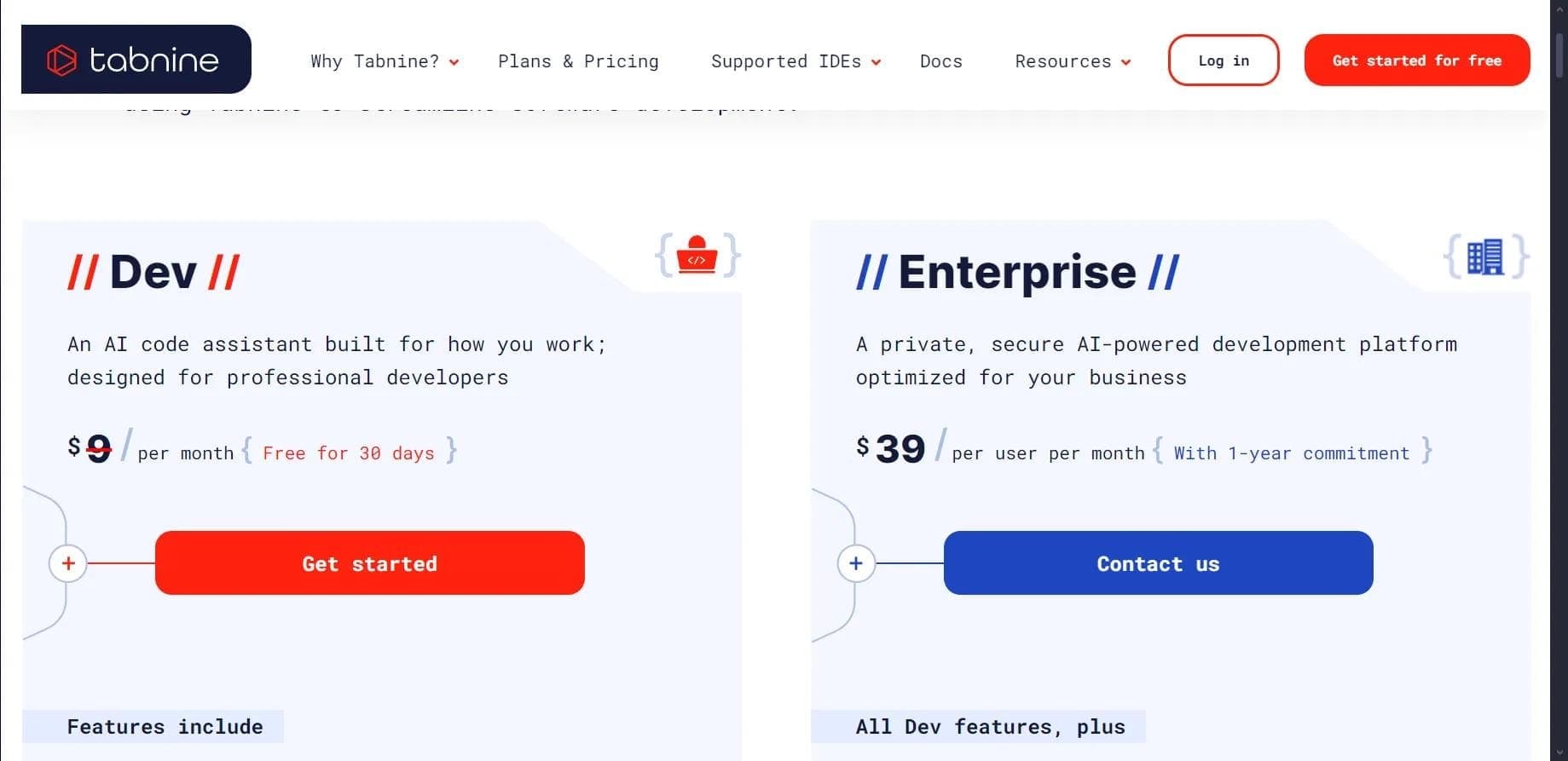
Cursor differs from other AI coding assistants (such as GitHub Copilot, Replit, Codeium, Tabnine, and Amazon CodeWhisperer) in several ways. First, Cursor is a full code editor, not just an extension for an existing IDE. It uses a combination of specialized and advanced AI models to provide intelligent, fast coding help.
Second, Cursor offers a unique Agent Mode in which the AI can autonomously perform tasks under user supervision. Its ability to understand the whole codebase enables more accurate recommendations than tools that analyze only the current file.
Third, Cursor supports importing extensions, themes, and keyboard shortcuts, giving developers a familiar experience when switching from other development environments. SOC 2 certification and an optional Privacy Mode make the tool attractive for organizations with high data security requirements.
Conclusion
Cursor is an AI code editor that combines traditional development environment features with artificial intelligence capabilities. The tool accelerates writing, editing, and debugging of programs, supports many programming languages, and is available on major platforms. With contextual autocomplete, Agent Mode, and full-codebase analysis, Cursor helps developers at any level — from students to professionals — improve productivity and code quality. It offers a free plan with limited functionality and several paid subscriptions, making it accessible to a wide range of users.
Pricing
Frequently asked questions
Similar AI tools









See also
A sales automation platform that combines customer prospecting, deal management, and AI-powered forecasting.
AI editor for creating, editing, and publishing content with templates and prompts.

Financial platform with an AI assistant for managing accounting, taxes, and budgets.

Platform for interview preparation with AI mock interviews and real-time support.
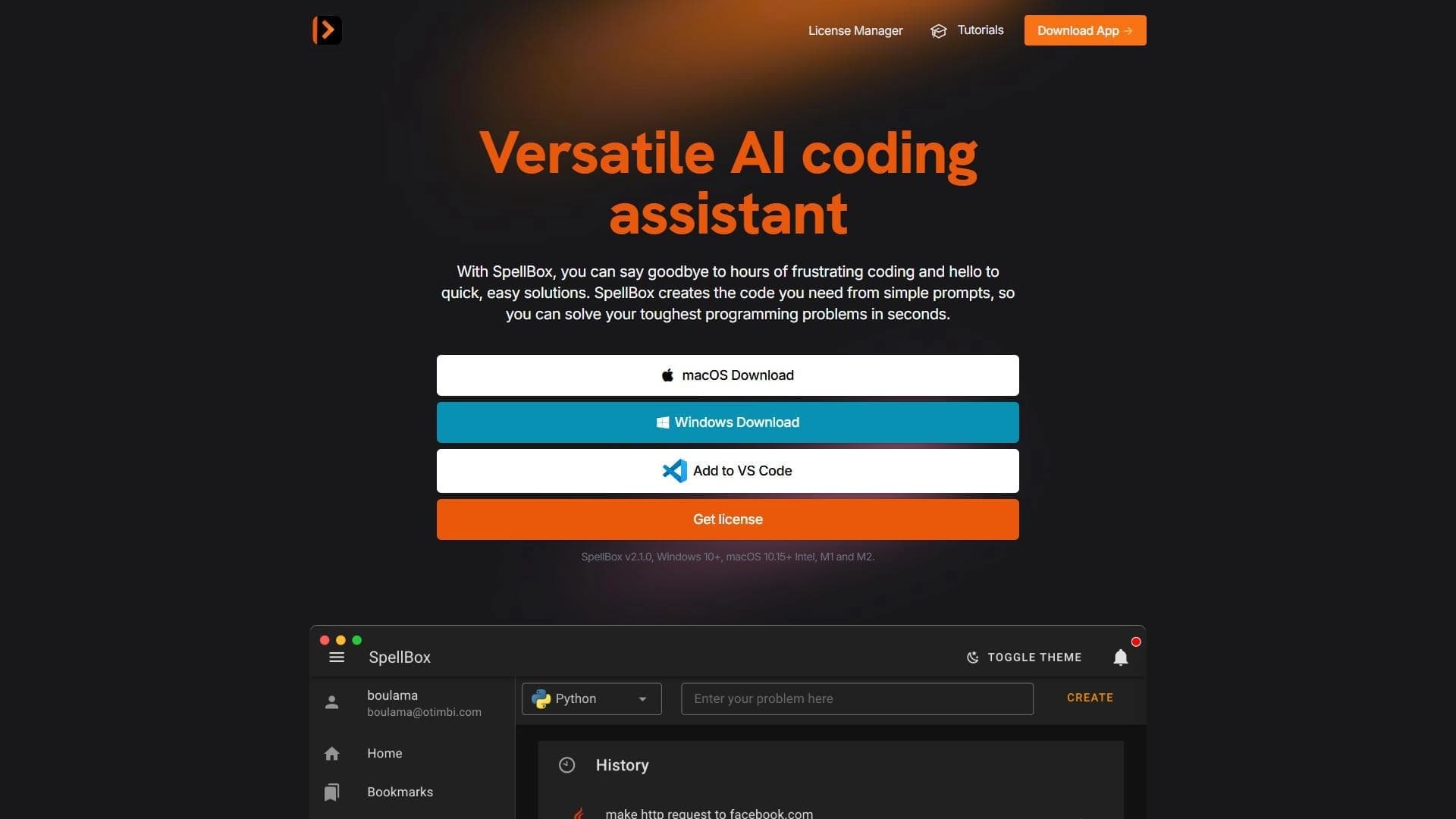

Neural network for generating, explaining, and fixing program code in various programming languages.
Enterprise language model platform focused on privacy and on-premise deployment.


AI assistant for creating short summaries of videos, PDF documents, and web pages.


Free online platform with over 150 AI tools for working with PDFs, images, videos, and text.